
Buena Depth Cue
-
Compatibility After Effects Please check exact version compatibility under the "COMPATIBILITY" tab below
 Adding to cart...
 Have you noticed that adding the appearance of another dimension to your compositing projects feels like you’ve stepped into another dimension when it comes to the laws of physics? Taking 2D compositing projects into simulated 3D depth can be a hassle as you're often trying to apply logic to processes that have no similarity to your life...on Earth. Buena Depth Cue is a collection of plugins that are designed to handle a variety of factors surrounding common sense manipulation of the critical half-dimension.
Buena Depth Cue v2 provides After Effects artists with an innovative workflow for creating visual depth in their projects. Using composition-based effects, such as Rack Focus, Falloff Lighting or Atmosphere, digital media artists can mimic Z depth in a unique way that cannot be replicated using After Effects depth of field.
Buena Depth Cue V2 includes 6 powerful plug-ins for creating depth.
Atmosphere
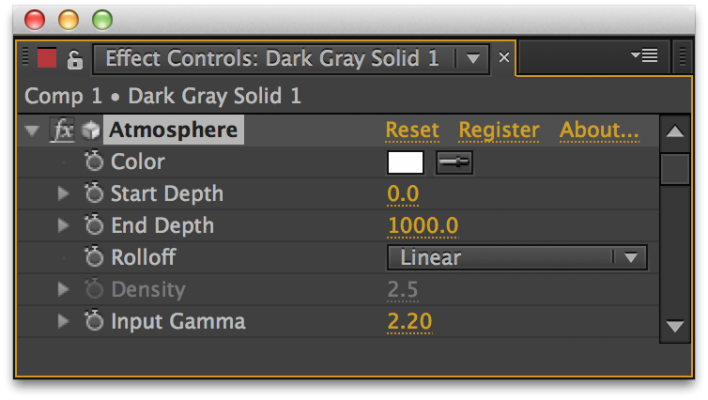
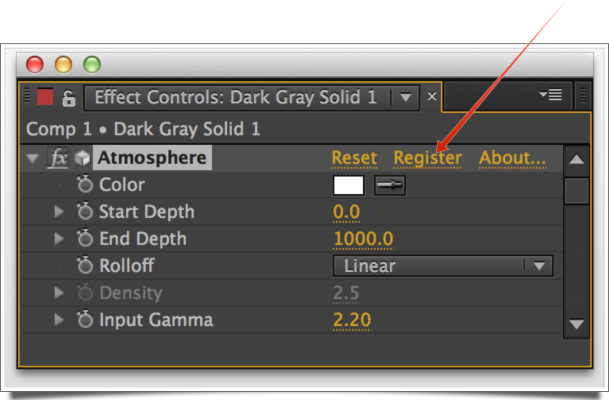
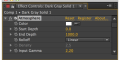
The Atmosphere plugin for After Effects simulates atmospheric conditions such as haze and fog in your composition. Atmosphere allows you to set the depth which the atmosphere is visible in your scene, so that you may make layers further away from the camera appear to be more deeply immersed in the Atmosphere then layers closer to the camera (or the other way around). This also applies to parts of layers: If part of a layer is near the camera and part of it is far away, the pixels near the camera will appear less immersed in the haze/fog than the pixels far away from the camera. You can simulate very realistic or very unrealistic types of atmospheric effects.
Camera Mapper
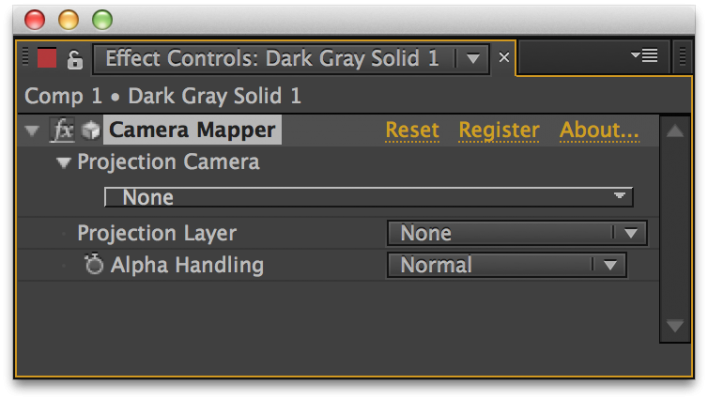
The Camera Mapper plugin allows you to simulate a 3D scene from 2D footage. It enables you to isolate one or several objects in your footage, project these objects on a separate layer and pull that layer out of the background, creating the visual illusion of the object floating in front of the original footage. Camera mapping is a key part of compositing applications such as Nuke, and while you could do this natively in After Effects, it would be only at the expense of some complicated work around that cost time and lack important capabilities.
When applied, you can move a camera around the scene with objects from the scene at varying depths and angles.
Depth
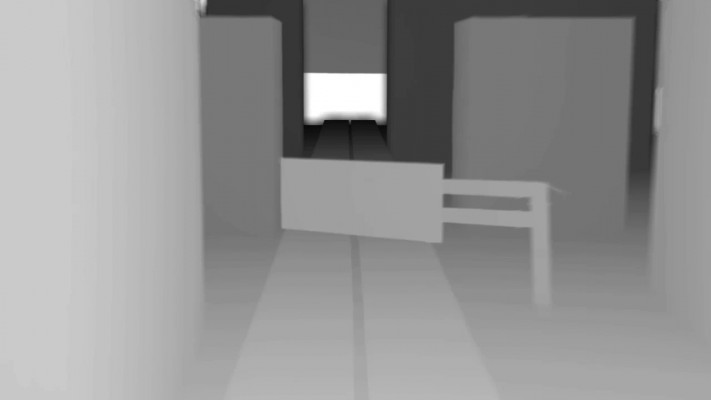
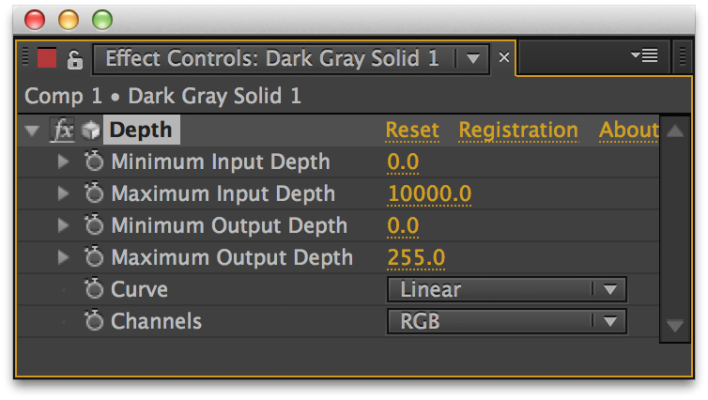
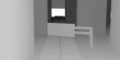
The Depth plugin creates gray scale depth maps from your footage. You can also ‘precomposite depth’ allowing for more manipulation with your 3D camera.
Falloff Lighting
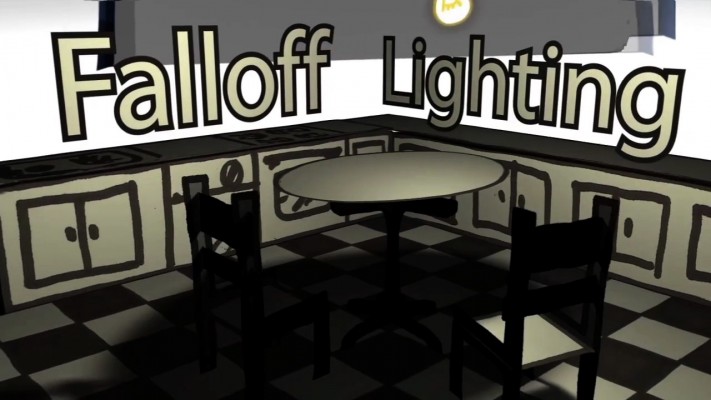
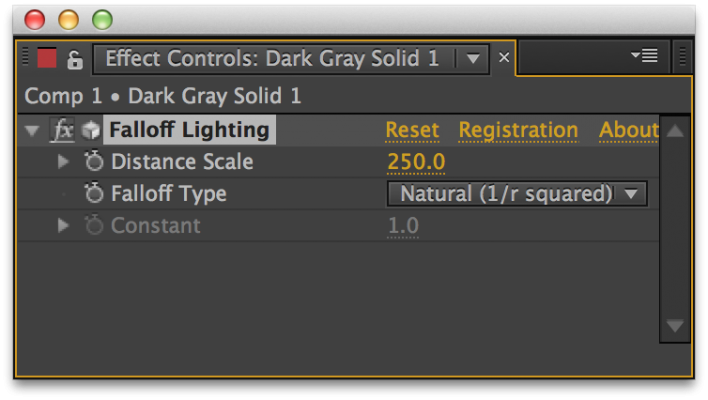
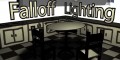
The Falloff Lighting plugin for After Effects provides a lighting system that mimics the way objects appear dimmer the further away they are from the lights illuminating them. With After Effects’ built- in lights, it doesn’t matter how far away a layer is from a light, it is still illuminated the same amount by that light.
Flipside
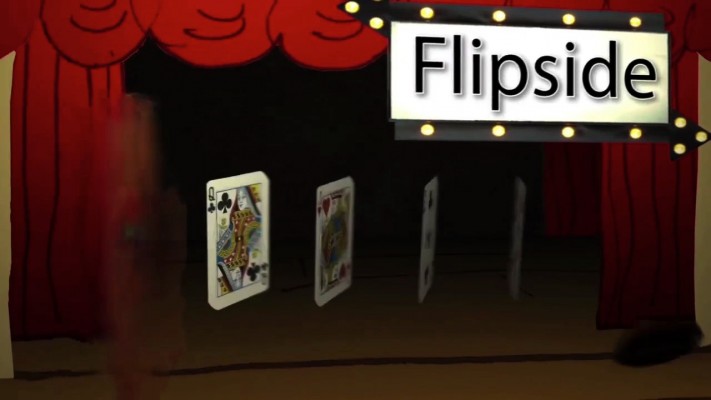
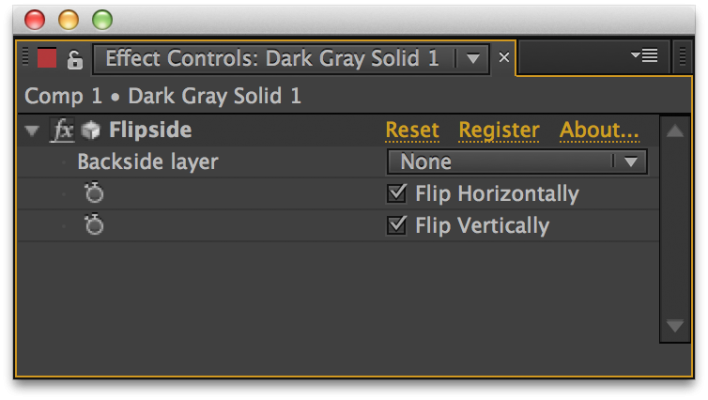
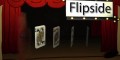
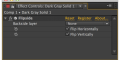
The Flipside plug-in does one simple thing: it maps one layer onto the back side of another layer. This allows you to flip the front layer over to reveal the back layer. It does this without creating any gap between the 2 layers, and without the occlusion problems that sometimes show up when trying to put 2 layers very close together in a composition.
You can choose the orientation of the back layer, as well, allowing it to have the correct orientation whether it’s flipped horizontally, vertically, or both. The orientation parameters are keyframable, too, which allows you to change the orientation of the back layer when it’s not showing, for smooth transitions that fool the eye. In addition, the 2 layers don’t need to be the same size or even have the same pixel aspect ratio. You can have a tiny layer flip over to reveal a huge layer. Or you can use DV footage on one side, and anamorphic footage on the other. It just works.
You can even choose not to have a back layer, so that when the layer is turned around, it simply disappears. .
Rack Focus
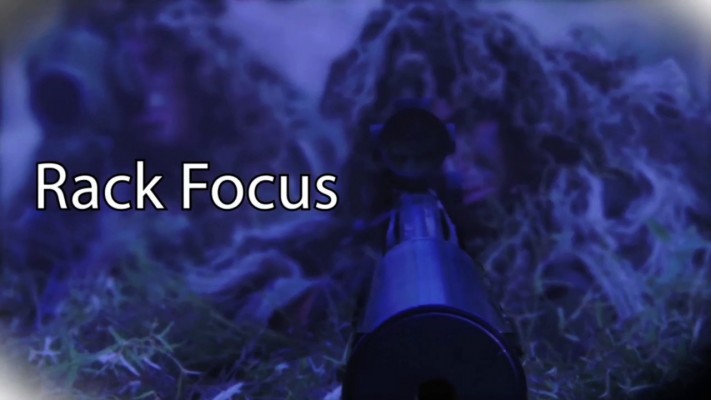
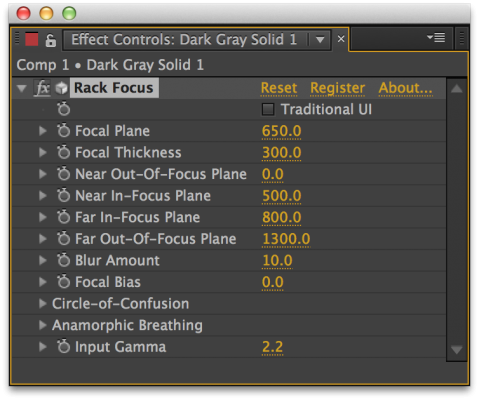
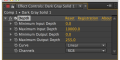
The Rack Focus plugin allows you to simulate depth of field effects. When applied, layers (or parts of layers) that are near or far from the camera are blurred, while layers (or pixels) in the mid ground are in focus. This allows you to create nice focus pulls and other related effects.
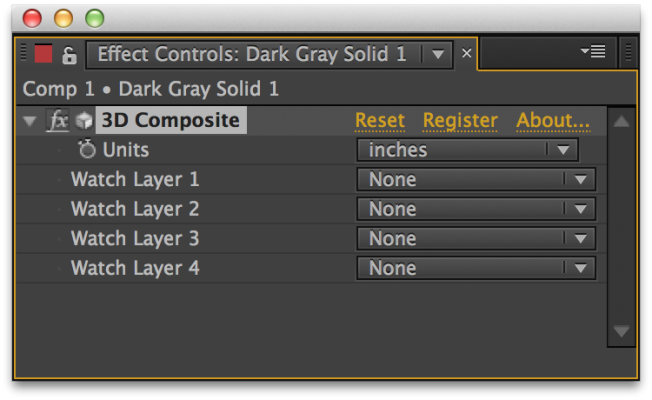
Upgrade Notice: If you own a previous version of Buena Depth Cue you can upgrade to this version at a 70% discount. If you own a previous version of Atmosphere, Falloff Lighting, Camera Mapper, Depth or Flipside you can upgrade at a 50% discount. To upgrade add this product to your shopping cart and enter your previous serial number in the Discount Codes field (click here for visual reference).


| After Effects | 2023, 2022, 2021, 2020, CC 2019, CC 2018, CC 2017, CC 2015.3, CC 2015, CC 2014, CC, CS6 |
|---|
2.5.8 (Current version) - Nov 23, 2021
2.5.7c - Nov 15, 2021
2.5.7b - Mar 15, 2021
2.5.7 - Jun 2, 2020
2.5.6 - Dec 4, 2019
2.5.5 - Jun 21, 2019
2.5.4 - Nov 30, 2018
- Floating License Support.
2.5.3 - Apr 16, 2018
2.5.2b - Oct 27, 2017
2.5.2 - Mar 17, 2017
2.5.1d - Jan 3, 2017
2.5.1c - Jun 23, 2016
2.5.1b - Dec 4, 2015
2.5.1a - Jun 22, 2014
-

- Compatibility After Effects
TinkerType
Break up animations, and have full control. All in just one text layer.Add to Cart -

- Compatibility After Effects
BAO Mask 3D Warper
Mask based 3D modeling and precise 2D warping. Also great for character animation!Add to Cart -

- Compatibility After Effects
HandyCam
Add to CartTired of wrestling with the default AE camera? HandyCam simplifies every aspect of animated cameras in AE.
-

- Compatibility After Effects
BAO Mask Avenger 2
Add to CartControl mask vertices (and tangents) individually using a native plugin in After Effects!
-

- Compatibility After Effects
- Compatibility Cinema 4d
CINEWARE proxy
Streamline your live 3D pipeline between Cinema 4D and After Effects CC. Quickly toggle between the live pipeline and rendered proxy files.Add to Cart -

- Compatibility After Effects
Boxcam 2
Add to CartBoxcam is the 2D camera solution that allows users to easily showcase their scene similar to a traditional 3D camera