
Pixel Cloud
-
Compatibility After Effects Please check exact version compatibility under the "COMPATIBILITY" tab below
 Adding to cart...
 THIS PRODUCT HAS BEEN DISCONTINUED
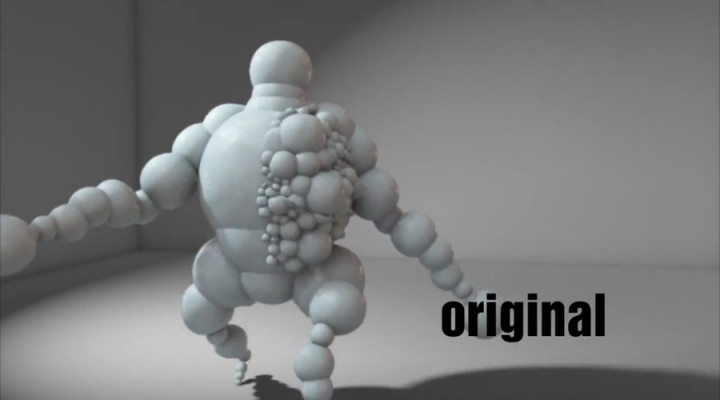
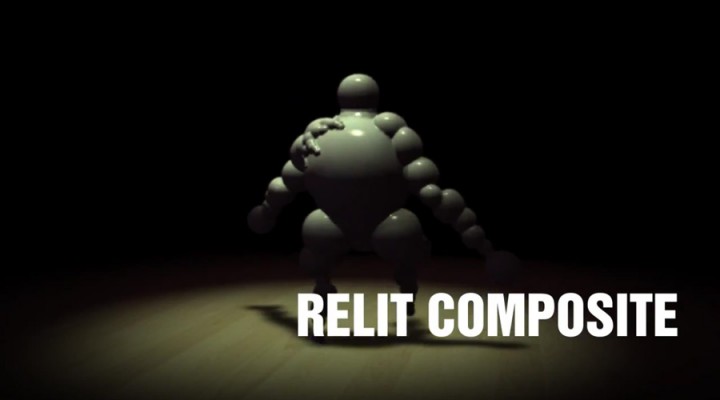
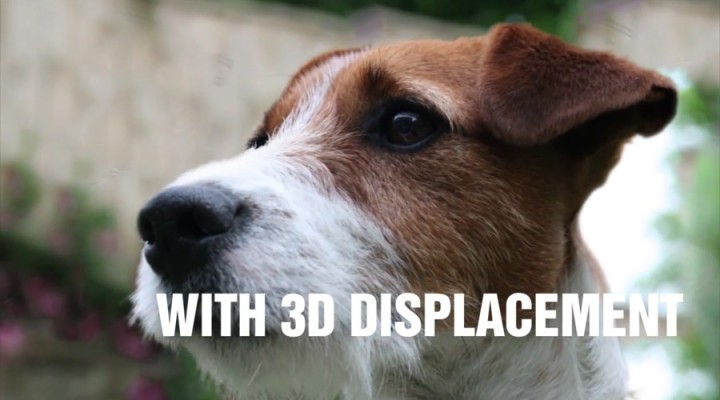
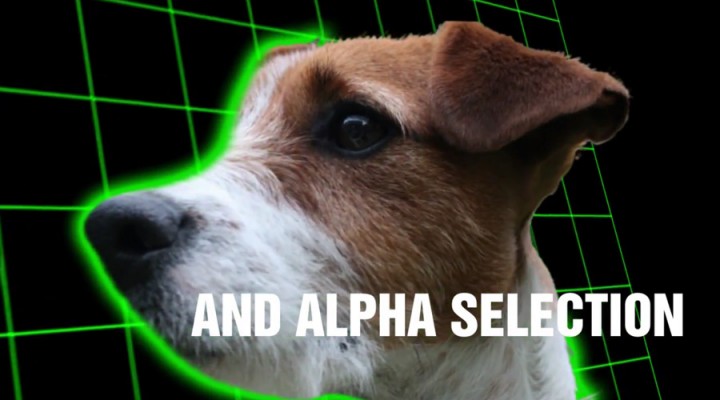
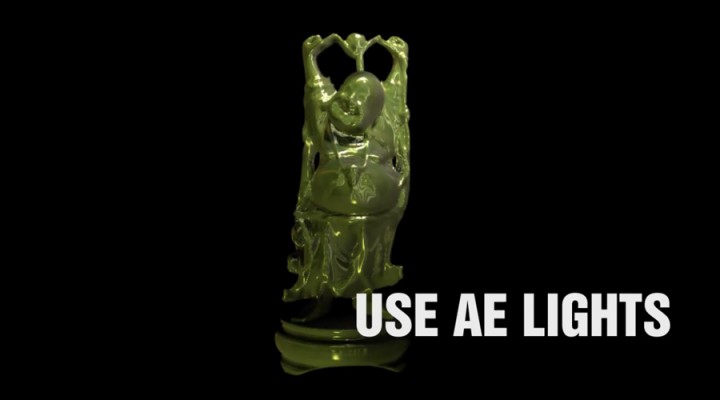
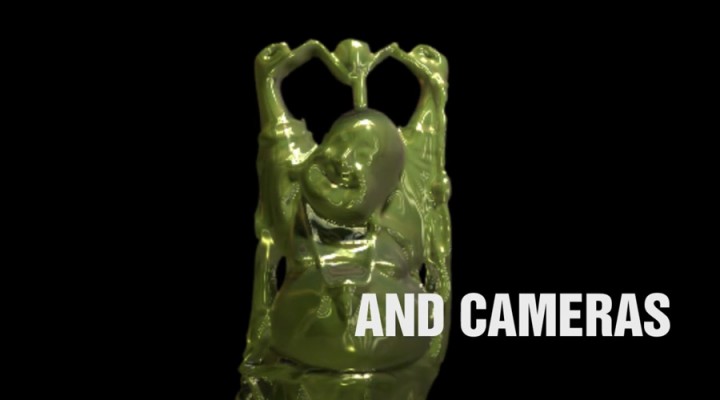
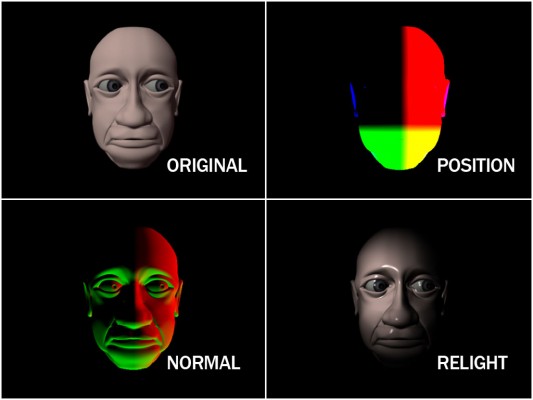
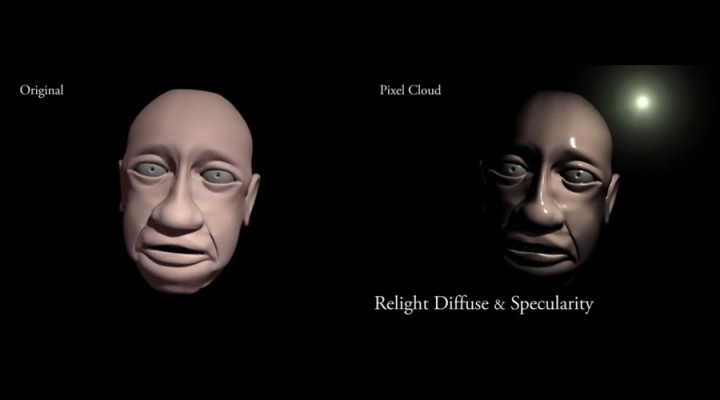
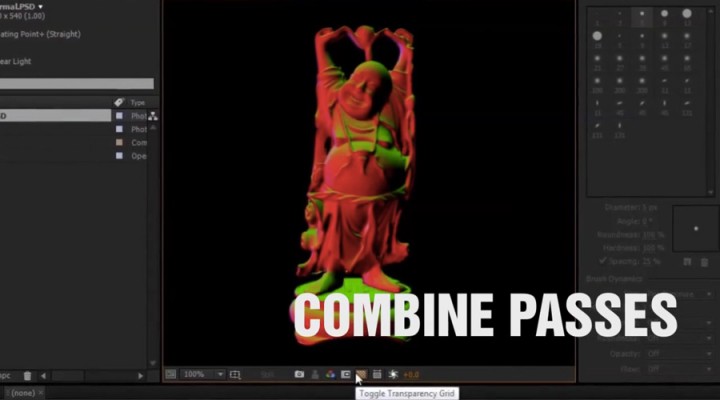
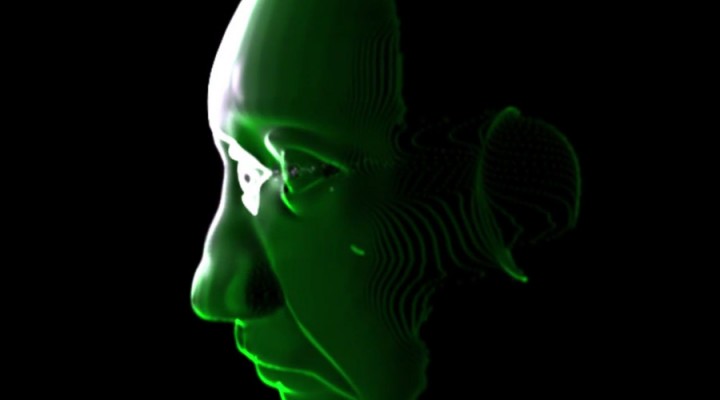
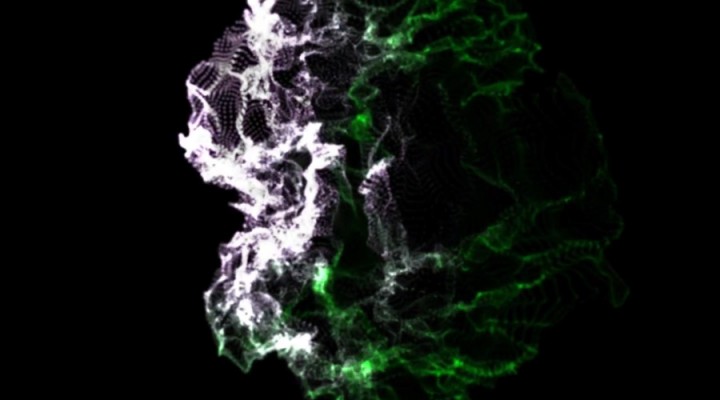
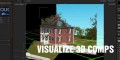
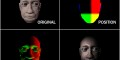
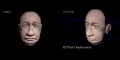
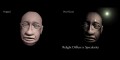
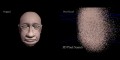
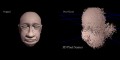
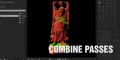
The Pixel Cloud plugin for After Effects is a powerful compositing tool that allows you to relight a 3D generated image, make 3D aware selections or displace the pixels in 3D space. Combine the use of a Position Pass and a Normal Pass with the power of After Effects' 3D lights and cameras and change the lighting of your composited 3D graphics.
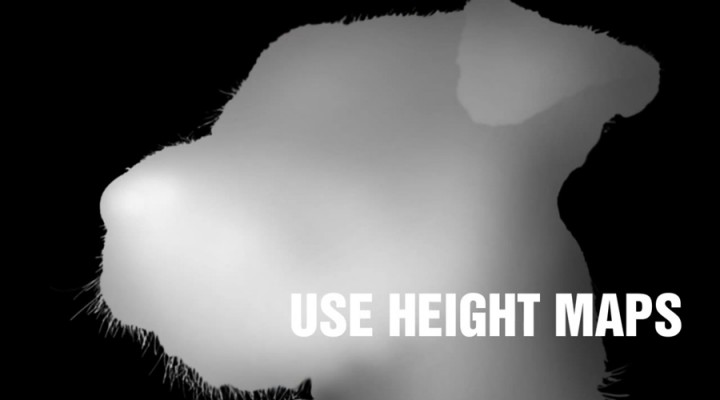
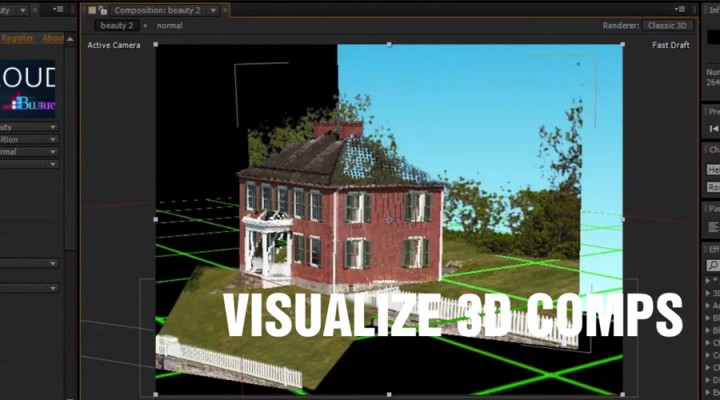
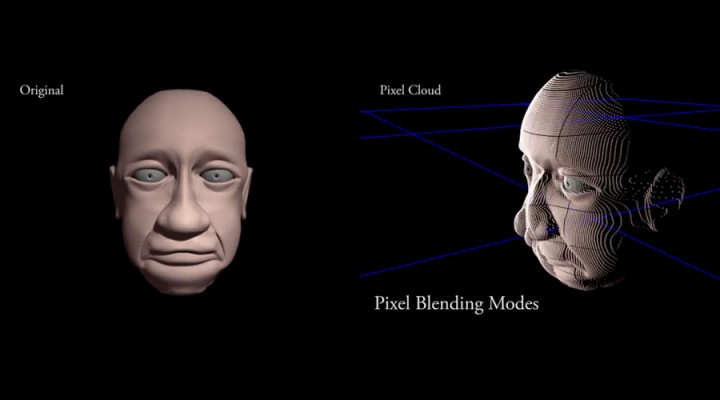
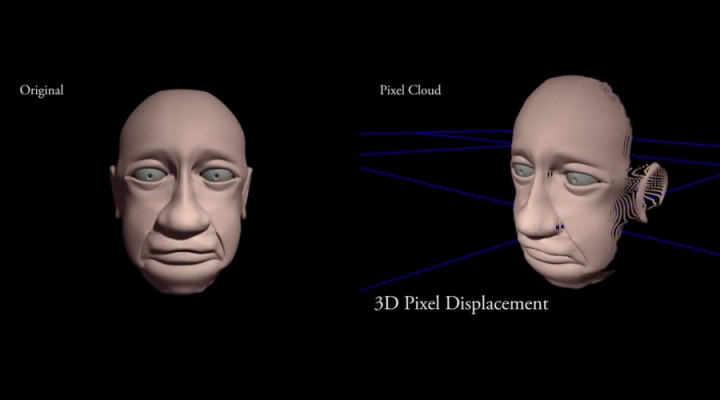
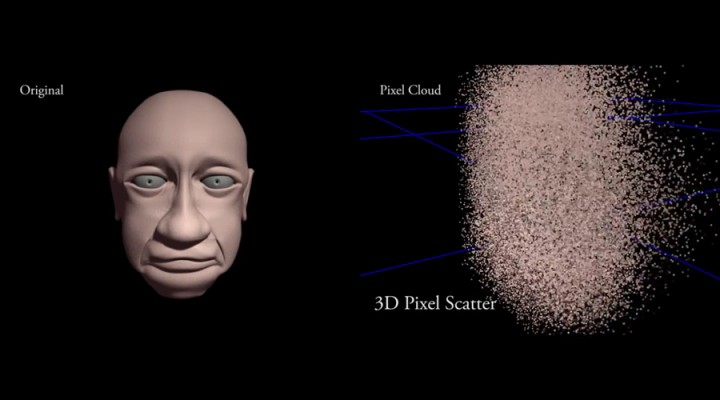
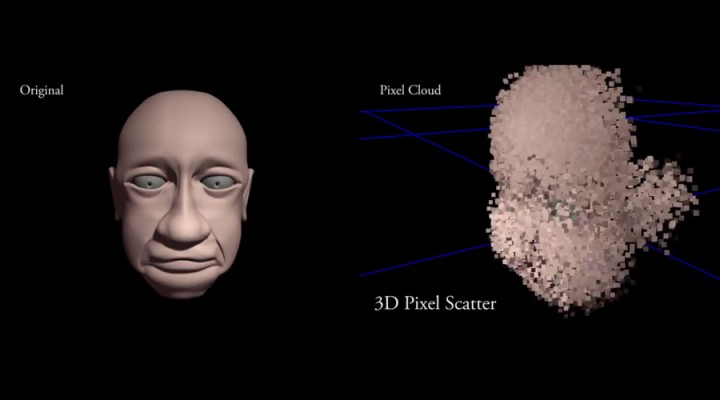
This native plugin for After Effects can use the coordinate information from a Position Pass or depth map to generate a Pixel Cloud in 3D space. This Pixel Cloud can be viewed from all angles using AE's own cameras. With a Normal Pass, the Pixel Cloud can be relit using After Effects' own lights or using an image as an Image Based Light. There are a number of uses from 3D compositing to motion graphics!
Features
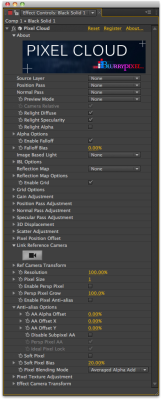
- Relighting with 32-bit passes
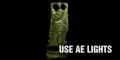
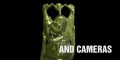
- Use AE Lights and Cameras
- Support for falloff lighting in CS5.5 and CS6
- Diffuse
- Specularity
- Image Based Lighting
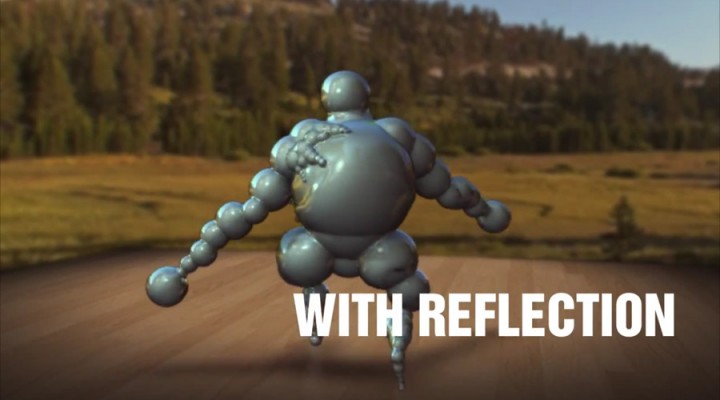
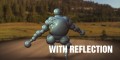
- Reflection
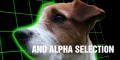
- Alpha Lights for matte generation
- Support for falloff in CS5.5 and above
- Pixel Cloud generation with 8bpc to 32bpc
- 3D Displacement
- Pixel Texturing
- Lo-res Preview modes
- Multiprocessor compatible
Generating the position pass can be done in various 3D software packages. In Cinema 4D you may use the PointPosition C4D plugin. For Maya, you may use the Point World output of a samplerInfo node connected to a surface shader and render an EXR using mental ray and the 32-bit framebuffer. There are also a variety of tutorials available. For 3DS Max, you may add the XYZ Generator shader to the surface slot of a mental ray material. Set its Coordinate System to 3 and render to an EXR using the floating point framebuffer.
Tutorials
Relight tutorial
Depth Map displacement tutorial
Export PPass from C4D to use in Pixel Cloud
Alpha Lights in Pixel Cloud
Animating a Photo










| After Effects | 2021, 2020 |
|---|
1.7 (Current version) - Jun 14, 2015
CC 2015 compatible
1.6b - Mar 28, 2015
1.6 - Mar 28, 2015
1.5 - Jul 4, 2014
- 1.4b - Dec 2013
- Additional presets converted to be compatible with CS5.5 and above
- 1.4 - Sept 2013
- Added Adaptive Preview to speed up UI interactions
- Fixed Position Pass Render Mode
- Added Pixel Cloud presets for Maya, C4D, and Depth Matte
- Added 3D Sampler Preset
- Fixed Windows Installer for Multi-language
- New Mac OS X Installer
- Various optimizations and bug fixes
- Removing support for AE versions CS4, CS5.
- 1.2 - Installer updated for After Effects CC - July 2013
- 1.0 - Initial release - July 2012
-
- Compatibility After Effects
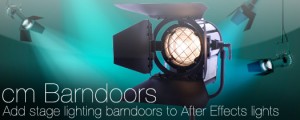
cm_Barndoors
Add barndoors to After Effects lights for controlled theatrical lighting.Add to Cart -

- Compatibility After Effects
LightMan
LightMan helps you create and position lights in After Effects' 3D space by allowing you to look through them.Add to Cart$14.99 -

-

- Compatibility After Effects
Face 3D
Add to CartBring your photos to life! A powerful 3D portrait and photo animation tool that is incredibly easy to use, fast and powered by AI. It turns photos into real 3D models that can be fully animated!
-
- Compatibility Davinci Resolve
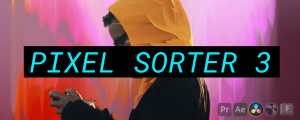
Pixel Sorter for Resolve
Add to CartPixel Sorter was the first tool to bring the pixel sorting glitch effect available for motion designers and video editors within After Effects and Premiere Pro. Experimenting with Pixel Sorting just became so much easier! Since its launch, AEPS had a huge success in Broadcast TV, Live performances, VJs, Music Videos, Video Games, Photography and even Apparel! Version 3 brings a lot of new useful features.
Pixel Sorter is also available for After Effects & Premiere Pro and Nuke as a separate license.
-

- Compatibility After Effects
Pencil Park Bundle
Add to CartGet Reach: AEsstential Kit + Volume n' Tricks 2 + Tweaks together, and save 33%.
A unique workflow improvement offering with a huge discount.
-

- Compatibility After Effects
Bake Parented Transform
This script will take a parented layer and convert its motion into keyframes of an unparented layer suitable for exporting or similar use.Add to Cart$14.99 -

- Compatibility After Effects
Duplicate with Connections
Make a copy of a layer and link all its properties to the original using expressions.Add to Cart$7.99 -

- Compatibility After Effects
Camera Instancer
Camera Instancer will create a camera that instances the active camera from another composition. You can then cut and paste this camera into any other composition. The modifications that you make to the active camera in the first composition will be duplicated in the second composition. Even if you change the active camera! New: Now works with Advanced 3D and C4DAdd to Cart$9.99 -

- Compatibility After Effects
Recursive Scale Comp
Scale a composition and any nested compositions while maintaining the best available image quality.Add to Cart$7.99