
Isotype - Animated Typeface
-
Compatibility After Effects Please check exact version compatibility under the "COMPATIBILITY" tab below
 Adding to cart...
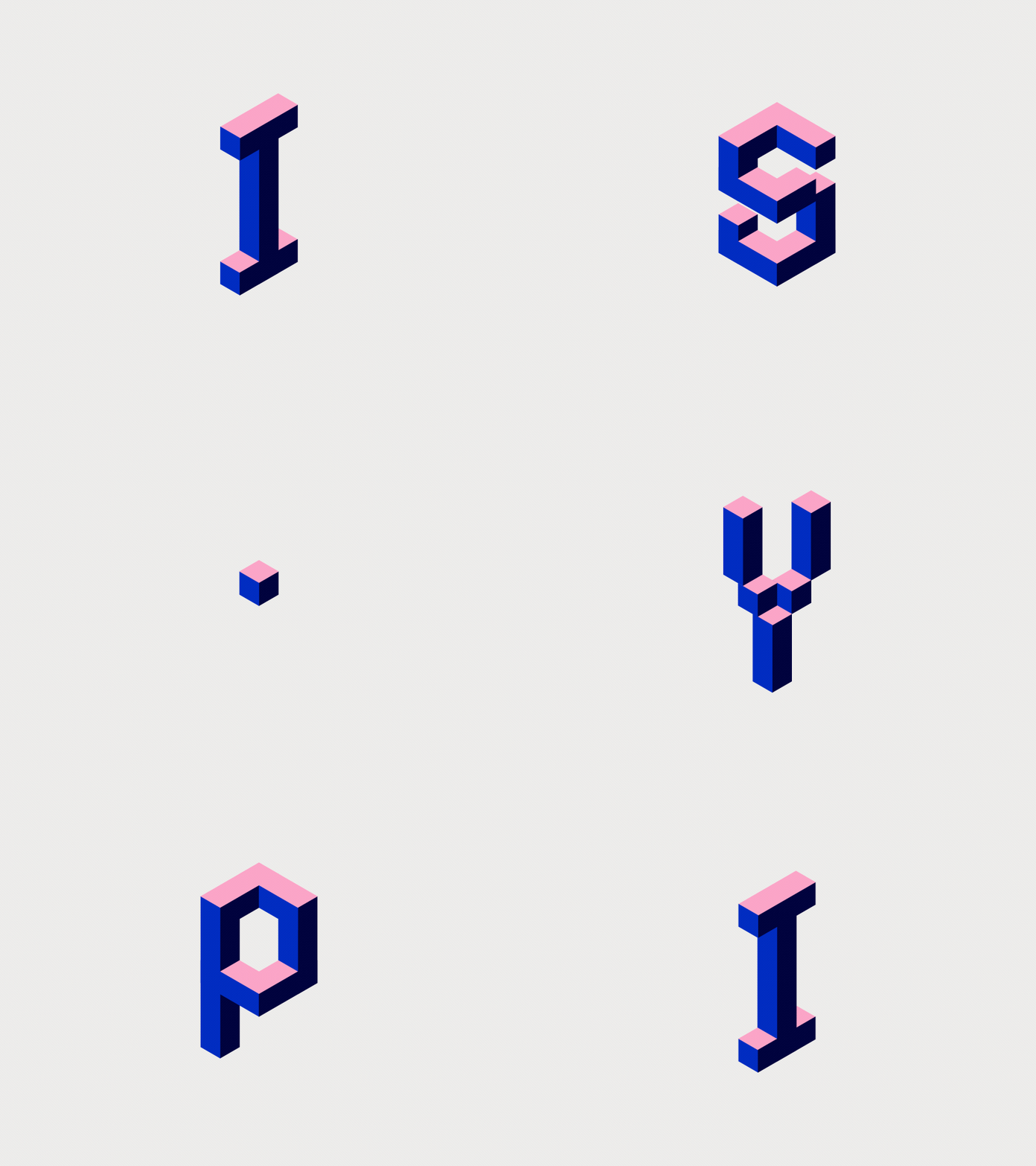
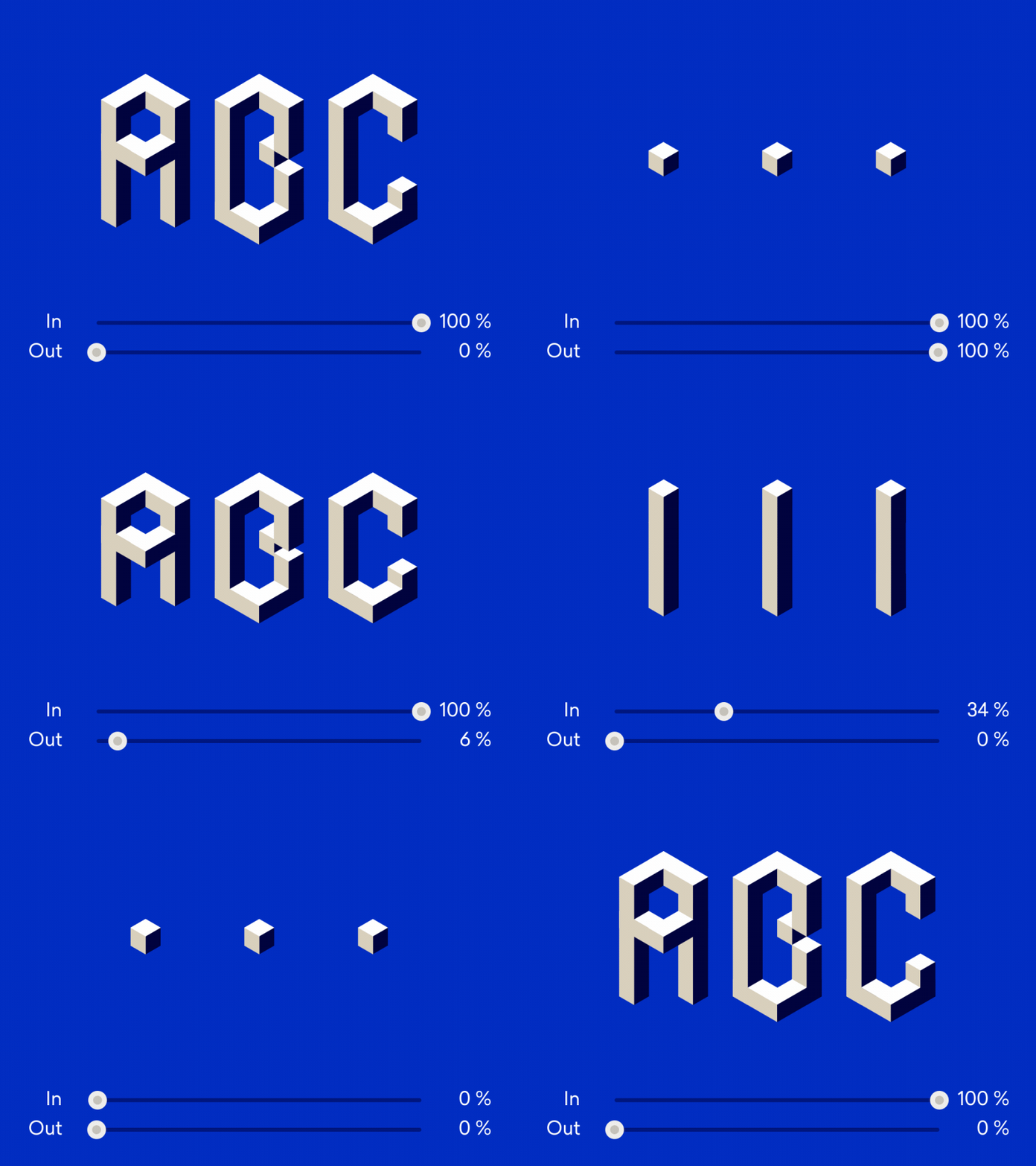
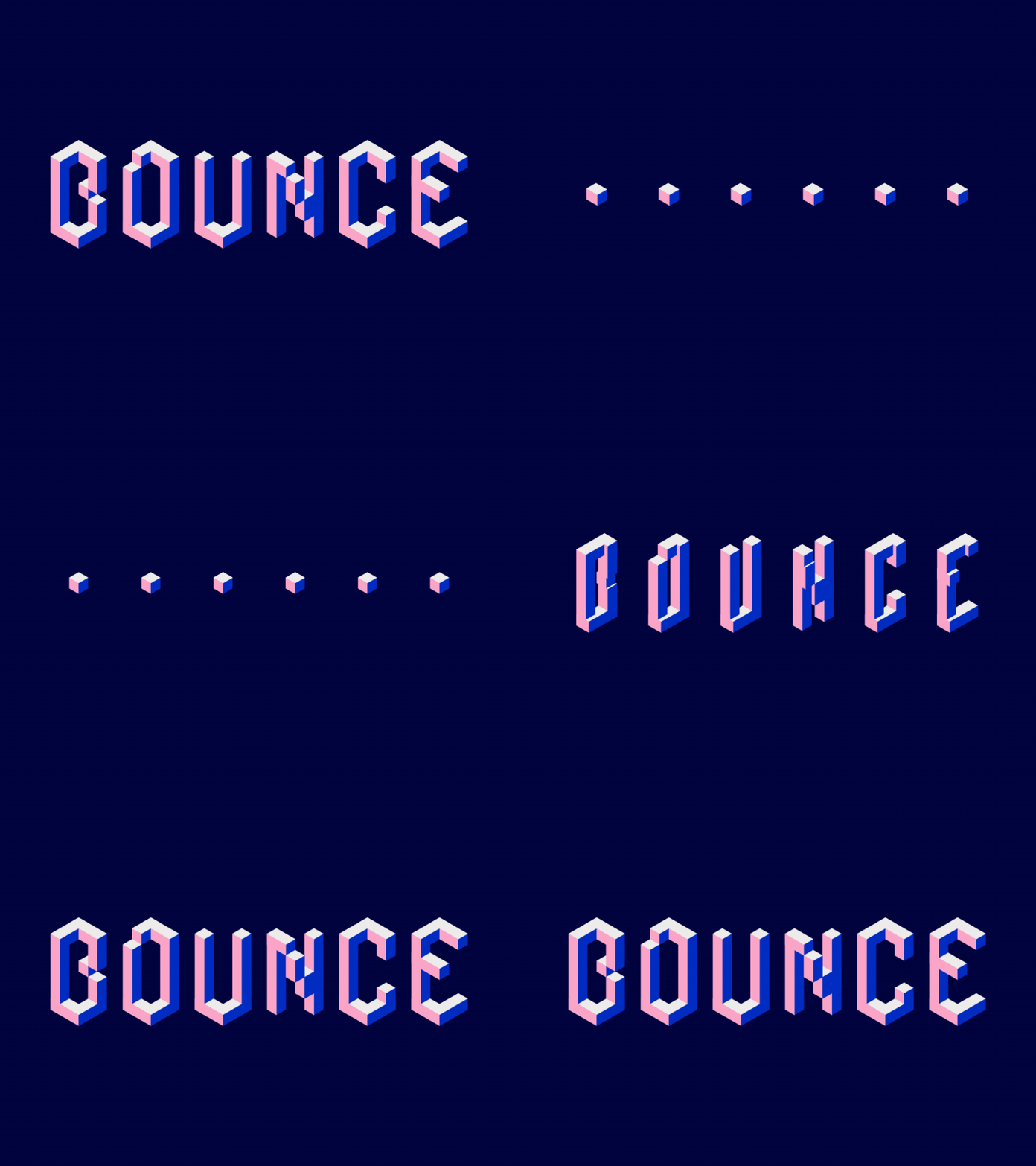
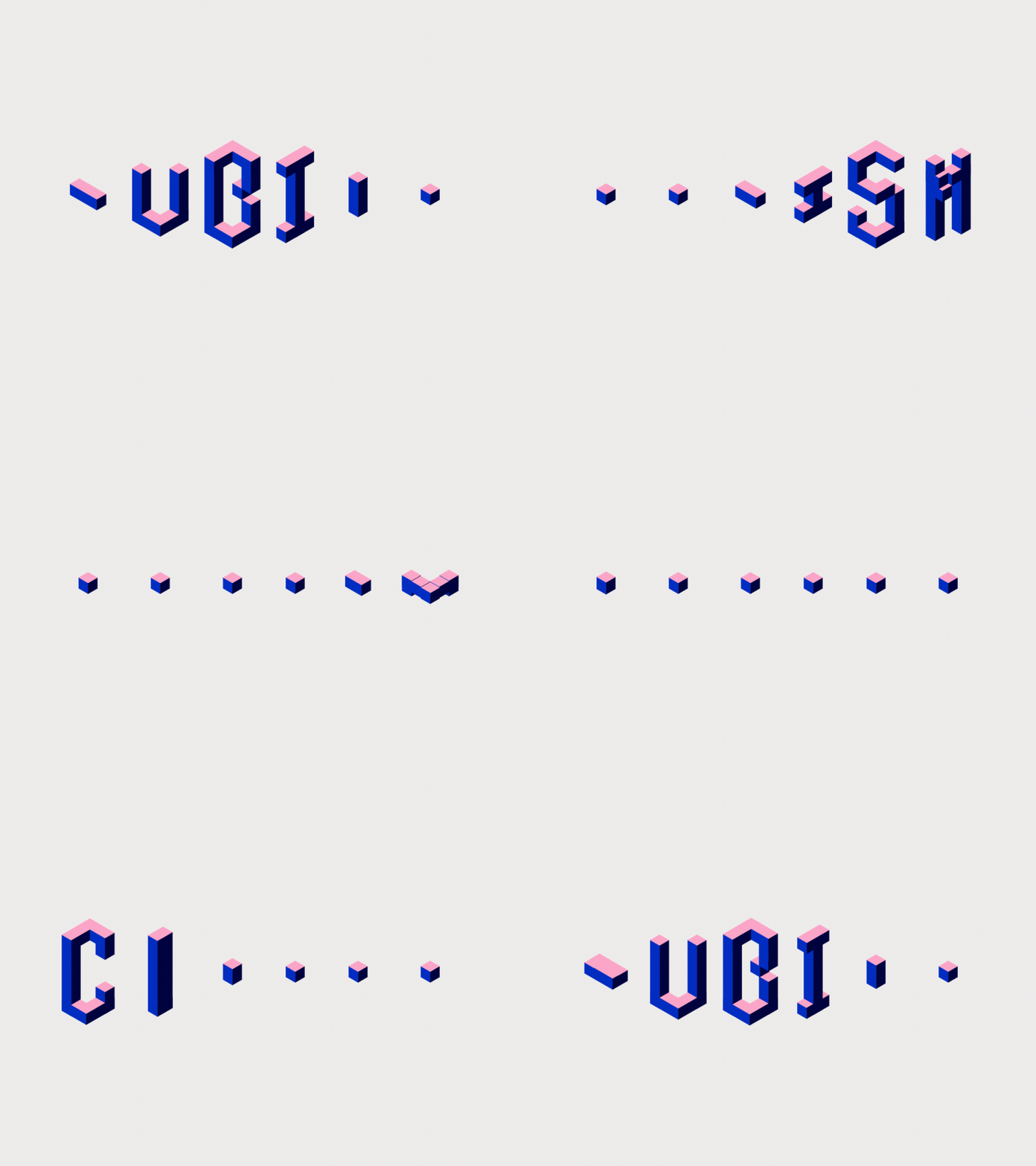
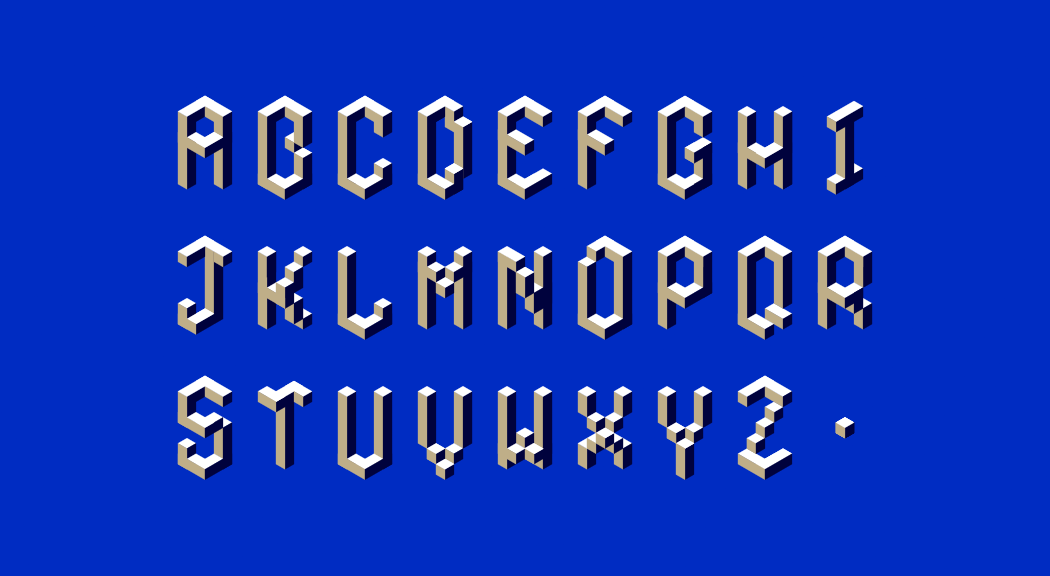
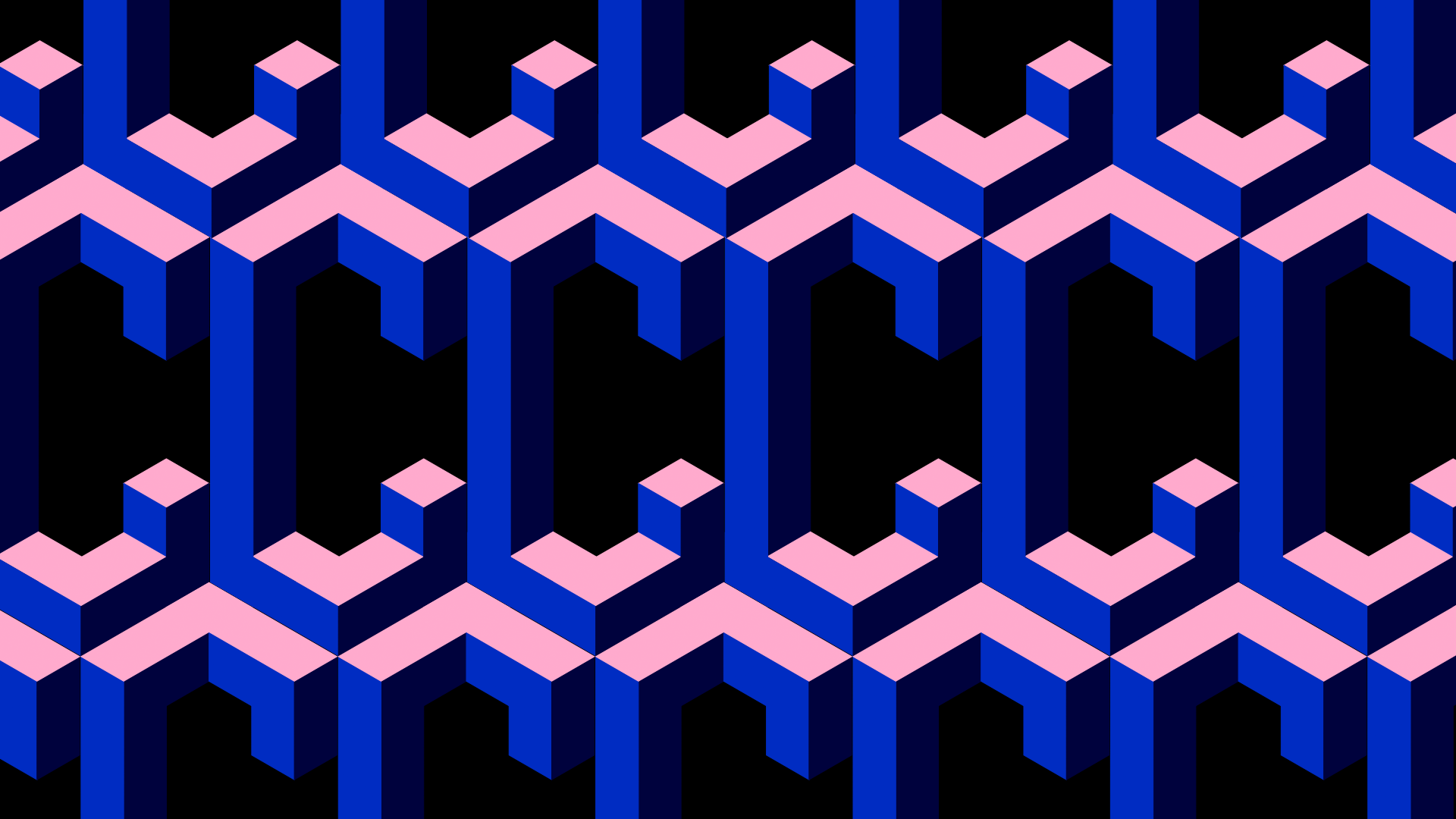
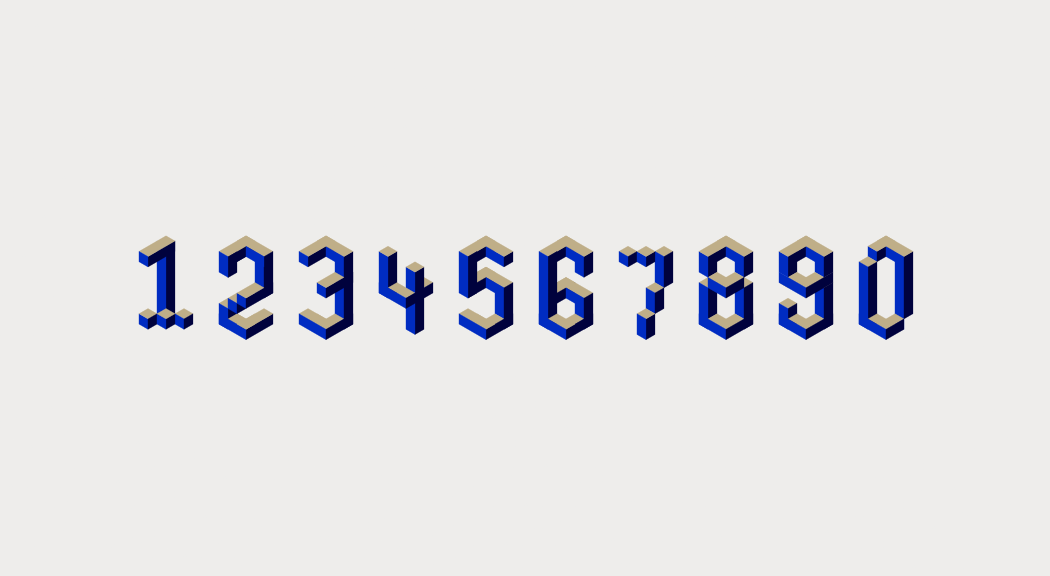
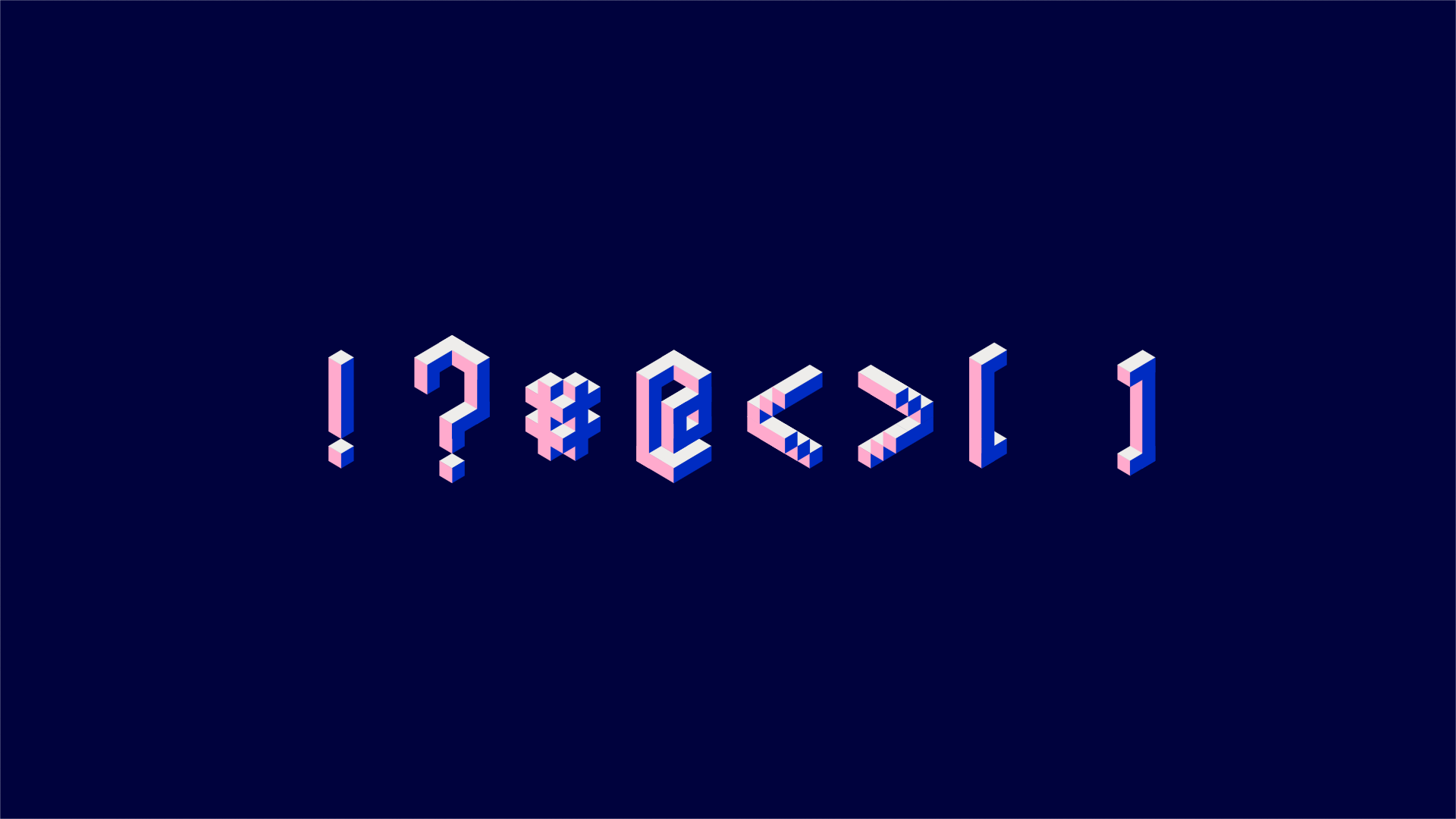
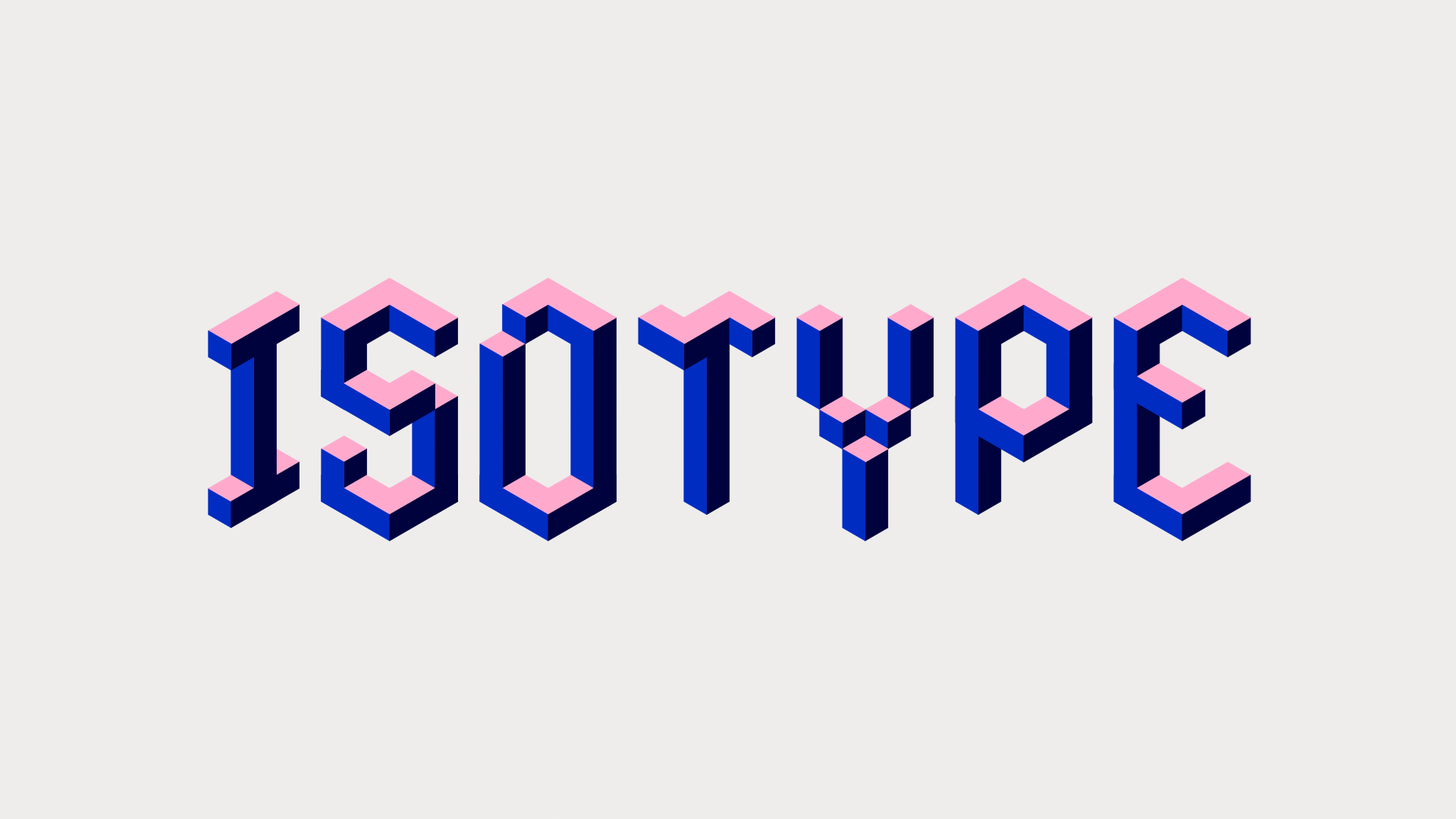
Isotype is a faux 3D isometric typeface. Hence the name. Isotype has different in and out animations that are controlled by two separate 0 – 100% sliders. This makes the speed and easing of fully controllable with keyframes, curves or expressions.
Design & animation: Ryan Locke
Customizable Features
• 3 colors
• In animation (0 – 100% slider)
• Out animation (0 – 100% slider)
• hide cube state (checkbox)
Optimize Your Workflow
Isotype is fully prepped to work with Font Manager and Animography controller. Use Font Manager to simply type with Isotype, and set things like size, tracking, line spacing, text alignment and time offset. Font Manager will automatically create a controller to customize Isotype's settings.
Or use the free tool Animography Controller to simply drag characters to your comp, and parent the controller settings with the click of a button.
Includes JSX Version
JSX typefaces are a fantastic new light-weight format for animated typefaces that seamlessly integrate with Font Manager. The Animography JSX typefaces are built with compCode. Click on the green TRY button above to try a free trial version of the JSX typeface.
Requires Font Manager to use which also has a free trial available.
Easy To Follow Tutorials
Click on the VIDEOS-tab above or one of the links below to quickly learn the basics of working with animated typefaces.
• Getting Started
• Installing and using JSX typefaces
Take It To The Next Level
Or, if you're ready to take things up a notch, watch these intermediate tutorials.
• Stacking Type will explain how to layer your type for some special effects.
• Watch Layer Mattes to learn how to use layer mattes with animated typefaces to add texture or create some interesting distortion effects.
| After Effects | 2024, 2023, 2022, 2021, 2020 |
|---|
1.8 (Current version) - May 22, 2019
- Adjusted comp length for special characters
- Several bug fixes
1.6 - Feb 7, 2019
1.5 - Nov 13, 2017
1.4 - Sep 19, 2017
- Added pseudo effects
1.2 - May 30, 2017
- Updated folder structure, naming, label colors, comment fields
1.0 - Apr 3, 2015
-
- Compatibility After Effects
Font Previewer
Add to CartManage,preview and apply fonts in After Effects. Windows & Mac OS X versions
$34.99 As low as: $28.01 -
- Compatibility After Effects
Font Previewer Lite
Add to CartPreview fonts in After Effects with this native AE plug-in.
$14.99 -
- Compatibility After Effects
Animography Controller
Add to CartAnimography Controller is a free tool that will help you to control your characters from one layer.
-
- Compatibility After Effects
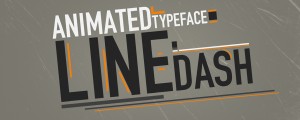
Line Dash Animated Typeface
Lines and trail lines follow each characters bends and lines until it overshoots the symbol. Customize the trail line width and colors to match your own scene. 55 font characters are included.Add to Cart -
- Compatibility After Effects
Relativity
Arrange layers horizontally and vertically in rows, columns, grids, and circles, based on their relationship to other layers and the composition.Add to Cart -
- Compatibility After Effects
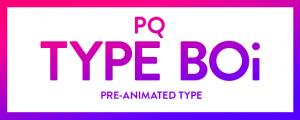
PQ Type Boi
Add to CartWork smarterer not harderer. PQ Type Boi is over 120 pre-animated type arrangements that'll allow you to get things done faster than ever. Browse through animated thumbnails in the handy UI Panel inside of After Effects & click to generate a comp with a control layer so you can customize parameters like color, line width, animation delay etc. without twirling through any layers. So easy. AE CC2018+
-
- Compatibility After Effects
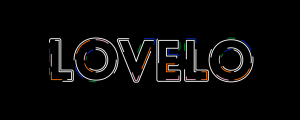
Lovelo - Animated Typeface
Add to CartLovelo is an animated sans serif typeface with flow. The design is bold with clean and geometric features. The animated version of Lovelo has 6 individually customizable strokes along the outlines. With 64 customizable parameters you can achieve an infinite amount of eye catching styles.Order 4 or more Animography Animated Typefaces and save 25%
$40.00 -
- Compatibility After Effects
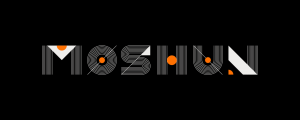
Moshun - Animated Typeface
Add to CartMoshun is a display typeface with a strong contrast between solid shapes and fine lines paired with elegant animations.
Order 4 or more Animography Typefaces and save 25%.From: $16.00
-

- Compatibility After Effects
Mobilo Regular Typeface
Add to CartMobilo Regular is the companion typeface to Mobilo Bold Animated which is a project by Animography to explore the balance between randomness and a systematic approach in type-design and animation. Order 4 or more Animography Animated Typefaces and save 25%
From: $11.00
-

- Compatibility After Effects
Ink - Animated Typeface
Add to CartInk is a rounded sans serif typeface with liquid style cell animation. It's uppercase only with limited punctuation. The clean design and vibrant animations make it a suitable choice for a wide variety of projects. Order 4 or more Animography Animated Typefaces and save 25%
$30.00 -
- Compatibility After Effects
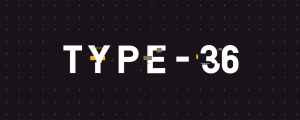
Type-36 - Animated Typeface
Add to CartType-36 is a clean, capsule-like and geometric typeface. The animations are applied to the ExtraBold weight and are a highly customizable glitch style reveal. Control color, distortion and secondary elements to tailor Type-36 to your project.
Order 4 or more Animography Typefaces and save 25%From: $38.00
-
- Compatibility After Effects
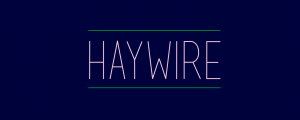
Haywire - Animated Typeface
Add to CartHaywire is an easy-going monoline animated typeface with simple but vibrant animations. The design is partly based on a grid, and partly eyeballed. Order 4 or more Animography Animated Typefaces and save 25%
$30.00