
Carousel XPress
-
Compatibility After Effects Please check exact version compatibility under the "COMPATIBILITY" tab below
 Adding to cart...
Easy, fast and flexible
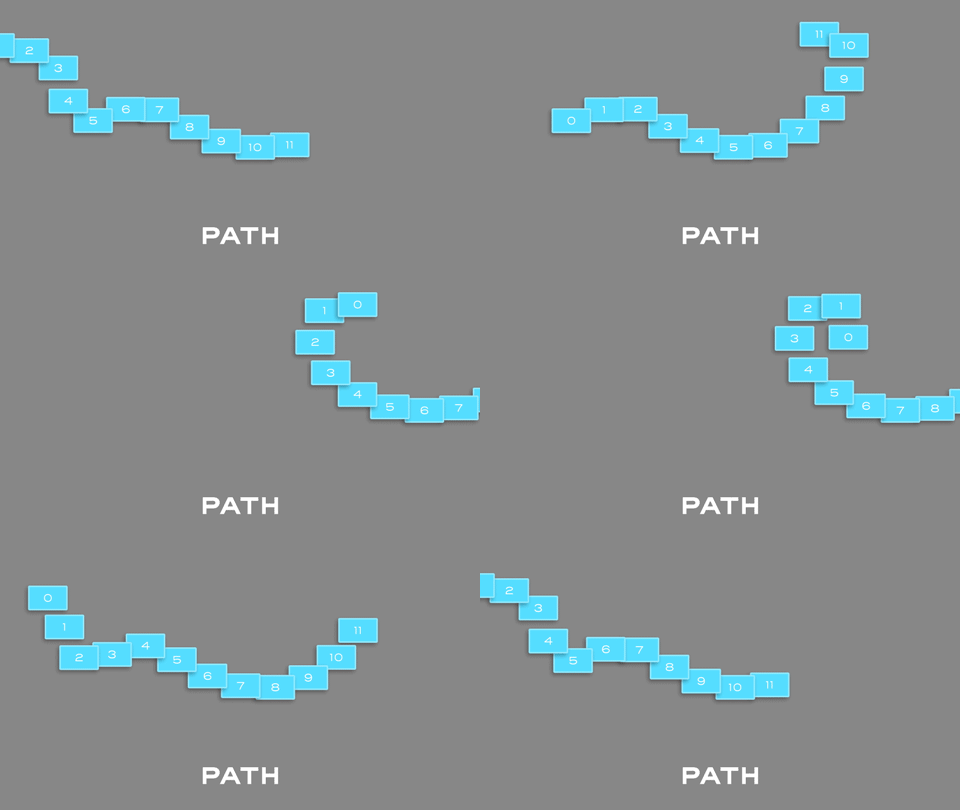
Carousel XPress is a script for After Effects that allows you to build a working Carousel with one click. Use it for product presentation, looping backgrounds, lettering and other crazy effects. It is meant to be flexible, so you can be creative. In this first version, there are 5 types of Carousel: Linear, Circular 2D, Circular 3D, Exponential and Path.
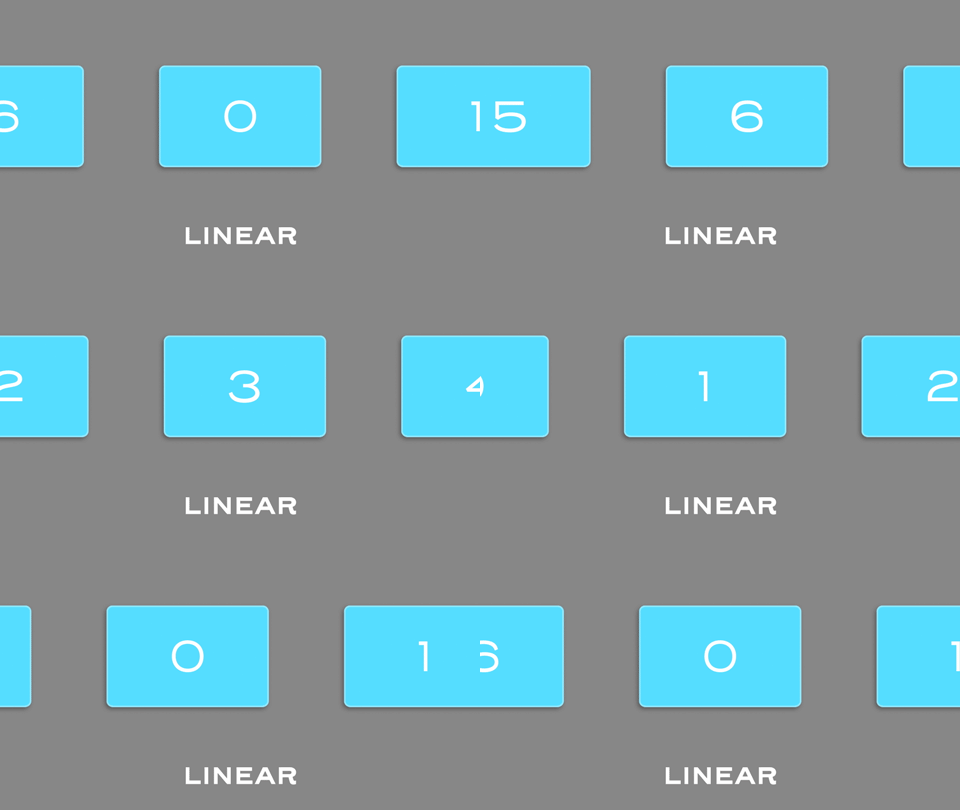
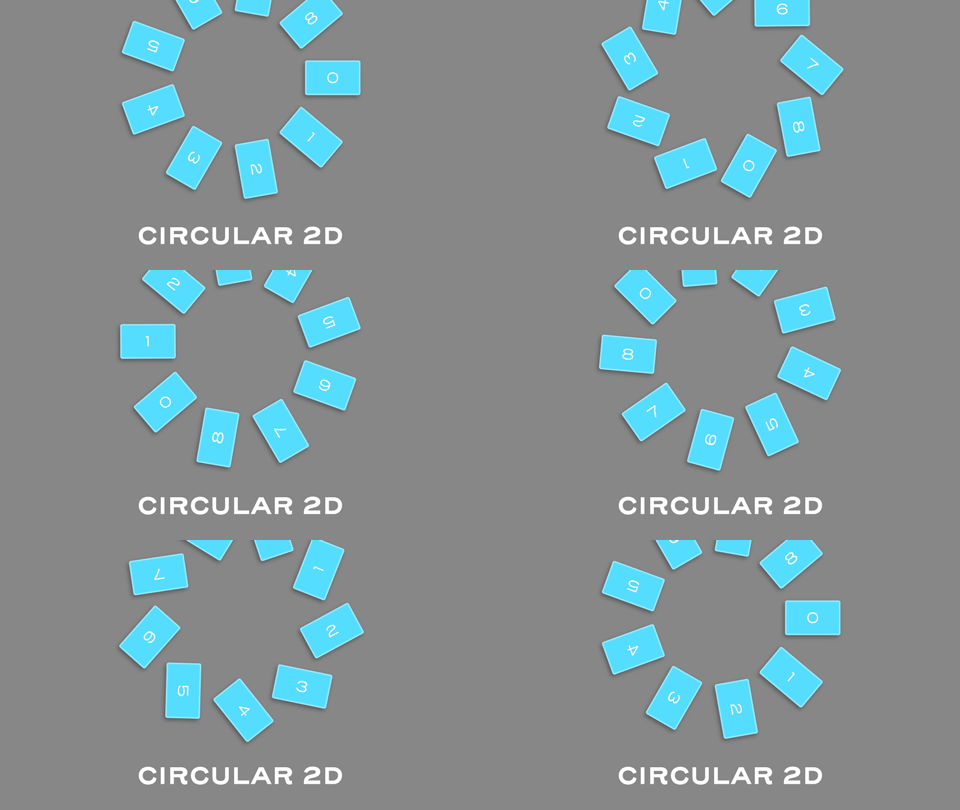
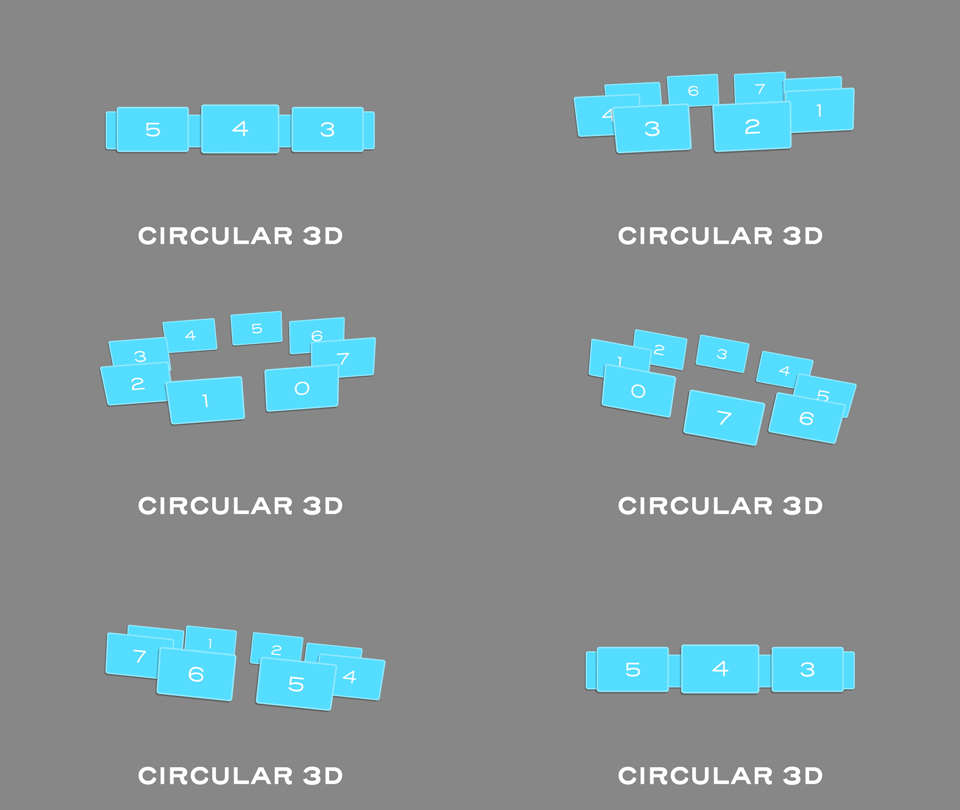
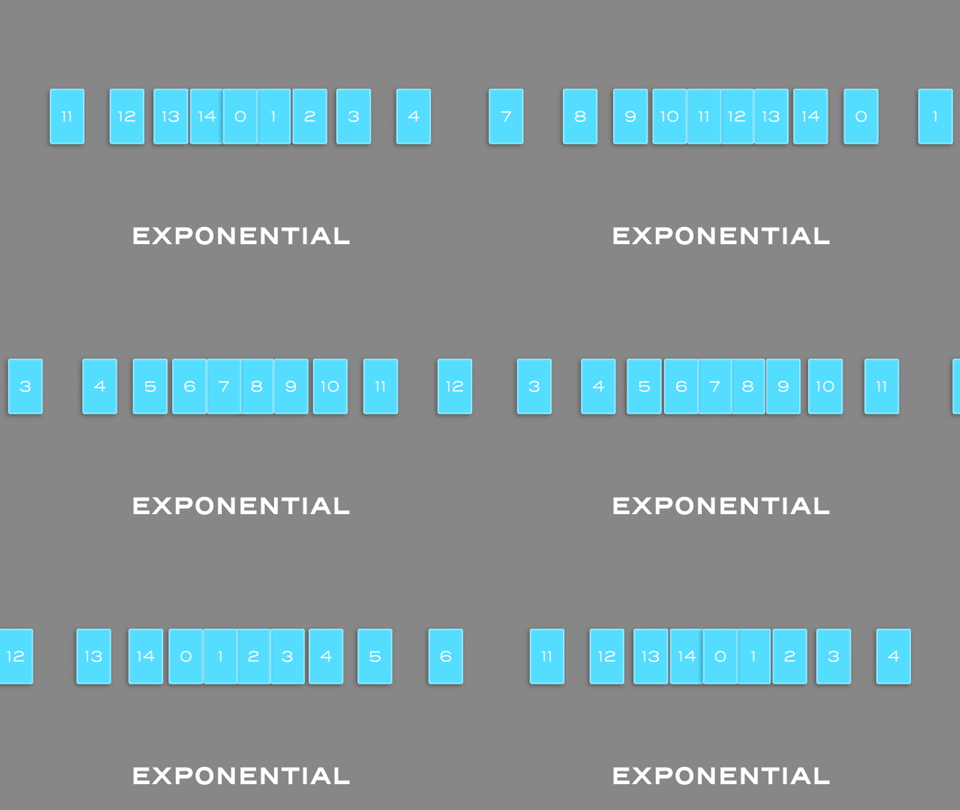
One-click
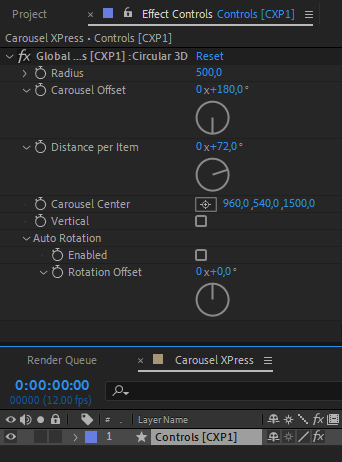
Drag your material onto the composition, select the layers and choose a type of Carousel. THAT'S IT! All layers are now part of a rig that's controlled by a Control Layer with many parameters. Change and animate these parameters to have your things going. Also, there's a local parameter in every layer of the rig, that you can use to fine tune the layer position.
Flexibility
Once you have created a carousel, some properties like position and rotation may have been filled with expressions. If you want more control over each item, like an animation IN or OUT the screen, you can create the carousel over Nulls. For that, just hold SHIFT before clicking the desired carousel. The expressions will be applied to nulls, and each item will be parented accordingly.
Other feature, is that the UI is responsive, so it can fit easily in your workspace.
Trial
A trial version is available and you don't need to download any other files in case you buy the license. Just paste the license code and you'll be ready to go. There are some limitations in this version:
• 7 days license • 3 types of carousel are disabled • Total items in a carousel limited to 5 layers • Some utilities have been disabled •
Watch the promo video for more info, examples and try it now!
Follow Tilles Motion and @tilles.motioncode for more expressions, scripts, presets and coding for AE.
| After Effects | 2024, 2023, 2022, 2021, 2020, CC 2019, CC 2018, CC 2017, CC 2015.3, CC 2015, CC 2014, CC, CS6 |
|---|
1.0.3 (Current version) - Aug 22, 2022
• Fixed error in alert to open After Effects preferences to allow scripts to access network
1.0.2 - Dec 1, 2021
1.0.1 - Nov 18, 2021
1.0 - Nov 6, 2021
-

- Compatibility After Effects
BAO Bones
Add to CartThe easiest way to rig and animate in After Effects! Setup and animate with IK in as little as 3 clicks.
-

- Compatibility After Effects
Slides & Grids
Add to CartNEW: v1.2 with 11 New Features! Create dynamic grids and slideshow animations easily with a lot of flexibility.
It also offers 3 Powerful Tools for creating and managing grids, creating or updating precomps, and bulk editing of compositions for your projects or templates. -

- Compatibility After Effects
GuidesUp!
Add to CartCreate a magnetic 3D isometric Map in 1 click, set up Golden Ratio Guides, 16:9 Guides, Hex Map...And above all, manage items, anchors and guides like never before!
-

- Compatibility After Effects
KeyFast
Add to CartYour Motion Design Copilot!
Auto eased keyframes, 1-click animations, and more.
Try it free! -

- Compatibility After Effects
BAO Distortion Bundle
Add to CartGet all of BAO's distortion plugins and save 25%. Use BAO Boa to distort layers along mask paths, BAO Layer Sculptor to warp and sculpt layers with extreme precision and BAO Joint to connect and distort a layer between 2 different parents.
-

- Compatibility After Effects
HandyCam
Add to CartTired of wrestling with the default AE camera? HandyCam simplifies every aspect of animated cameras in AE.