
Fast Renamer
-
Compatibility After Effects Please check exact version compatibility under the "COMPATIBILITY" tab below
-
Compatibility Photoshop Please check exact version compatibility under the "COMPATIBILITY" tab below
-
Compatibility Illustrator Please check exact version compatibility under the "COMPATIBILITY" tab below
 Adding to cart...
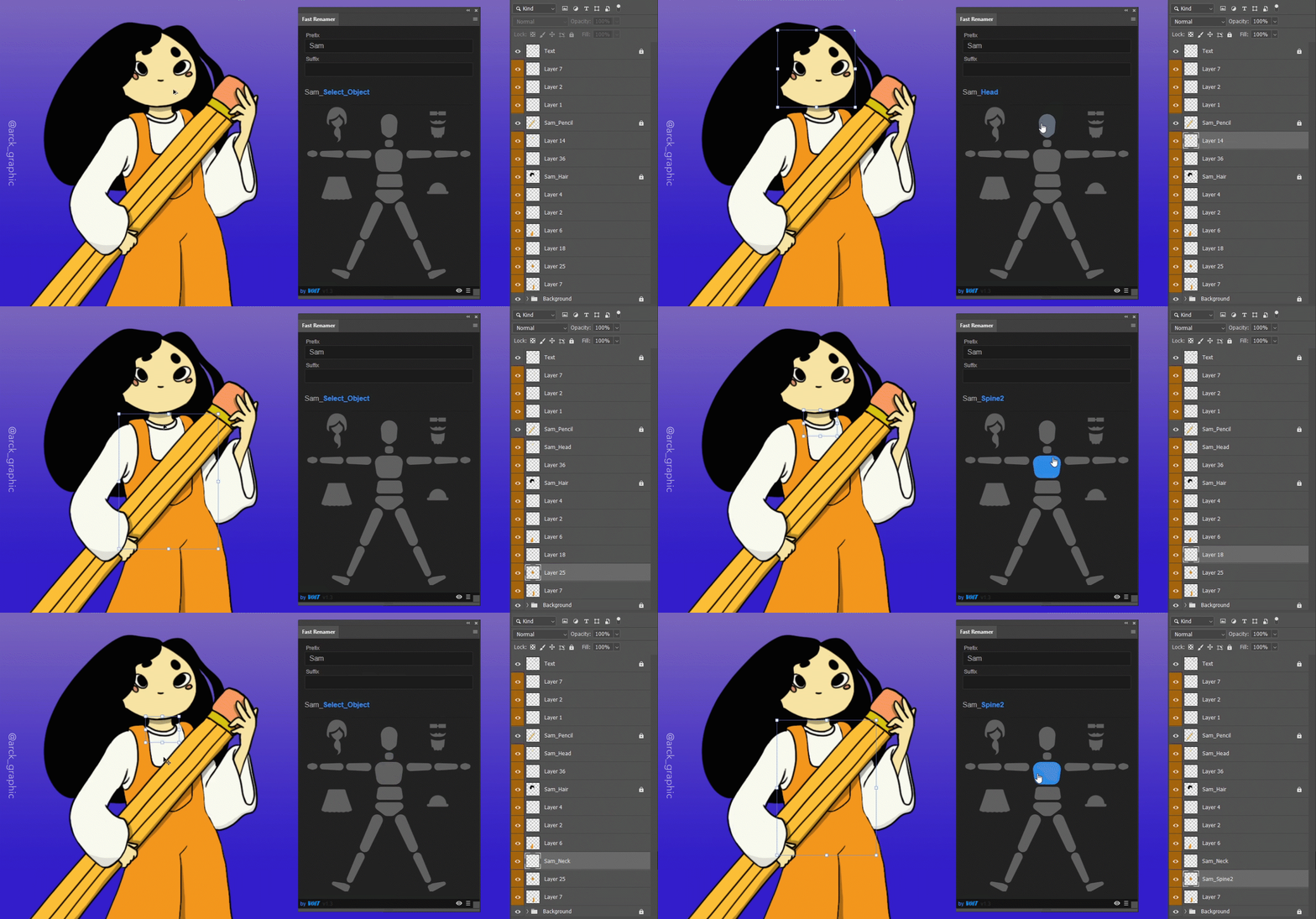
Choose a prefix or suffix if you need them.
Select your layer, then just click on the name you want to associate to it with the application's buttons.
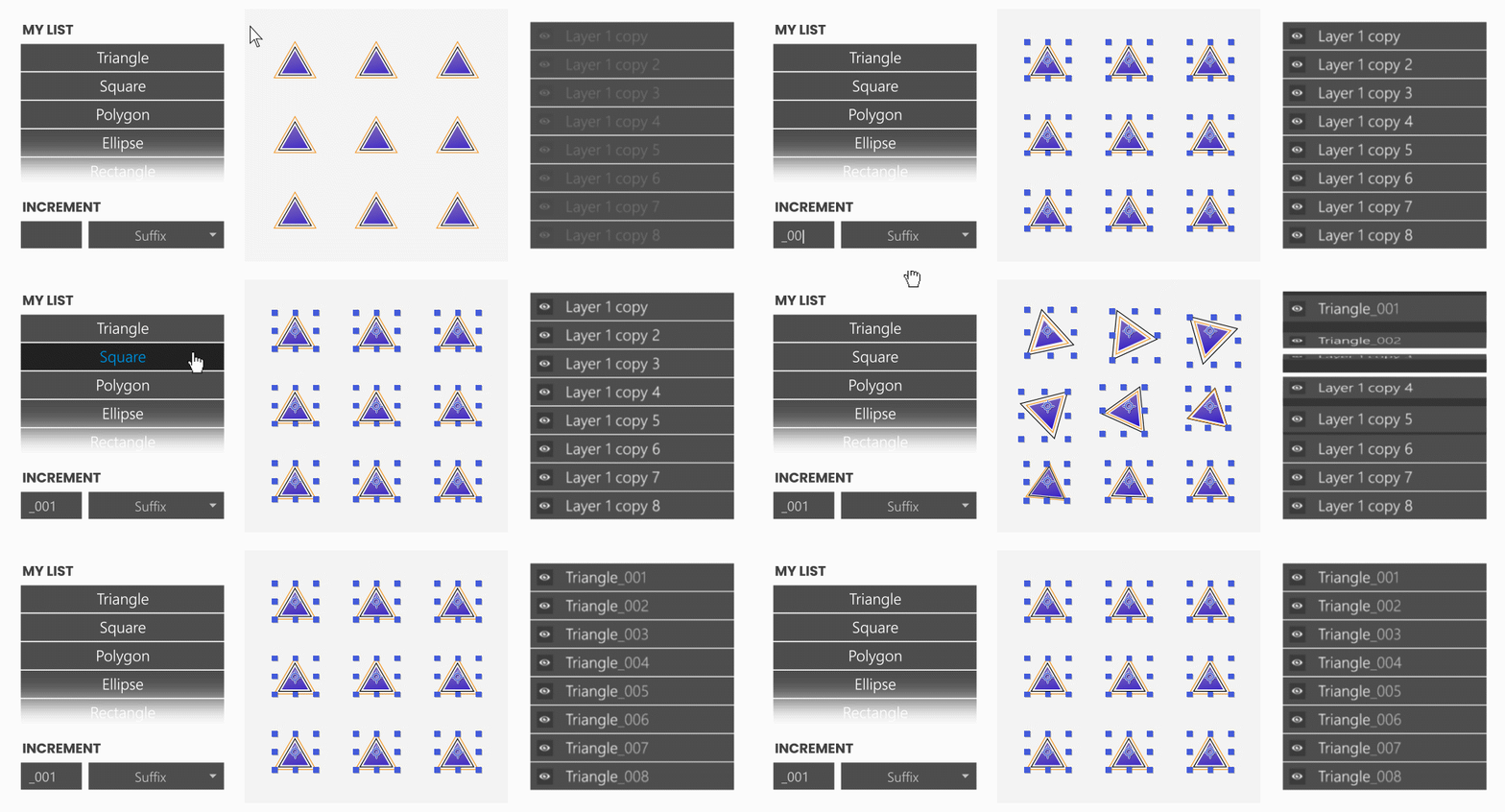
Increment
You can choose to increment renamed layers and customize your increment.
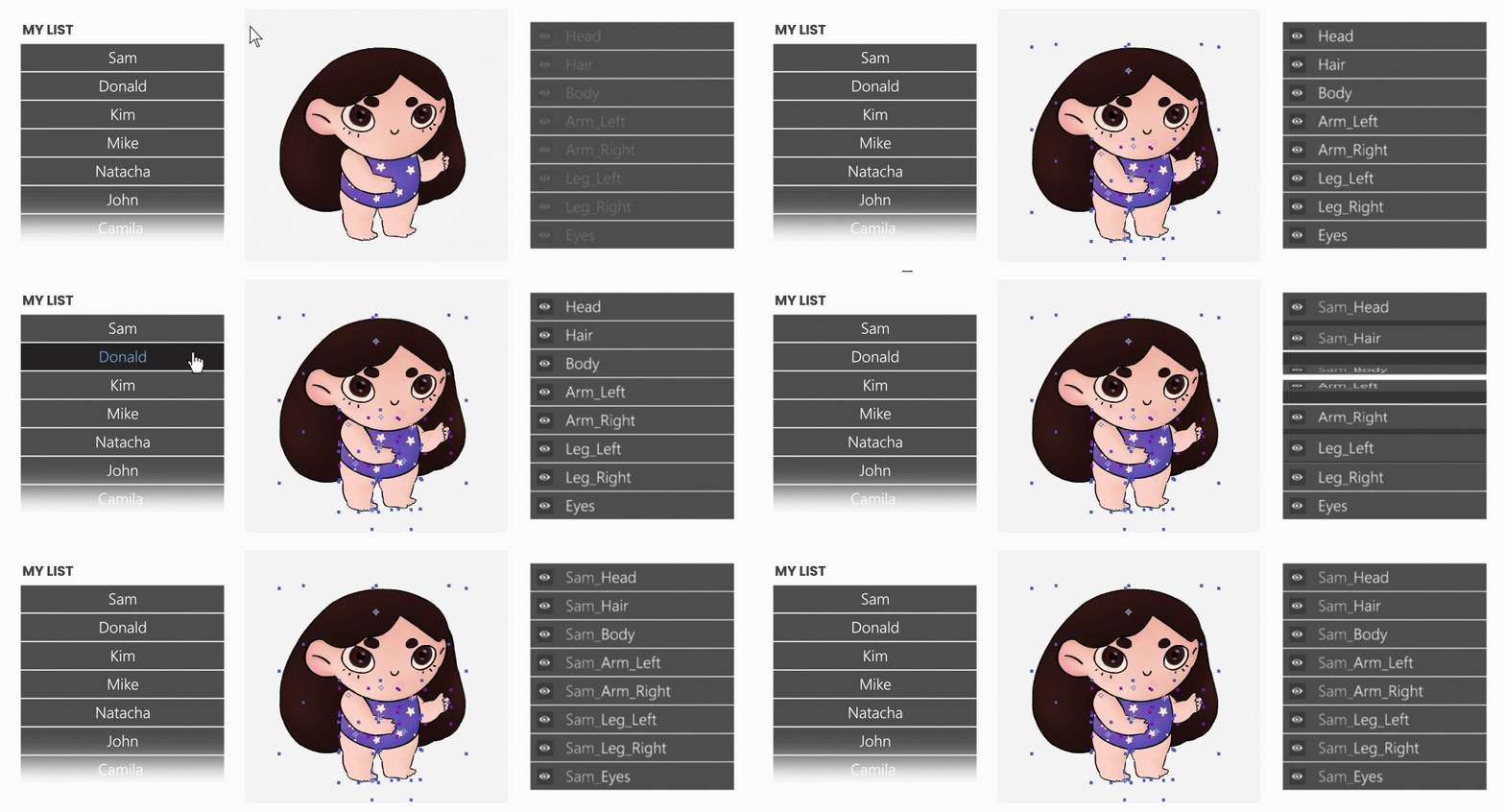
Add to current layer name
You can rename a layer while keeping its current content..
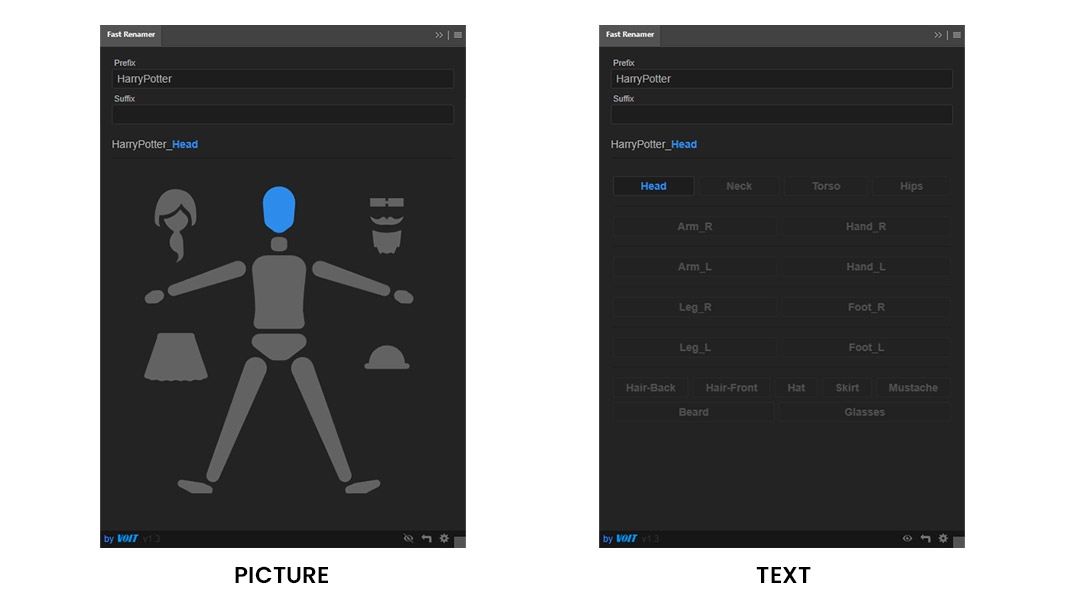
Picture OR Text list
Default lists can be used either in picture or in text list.
Lists
We have 5 default lists but you can create your own !
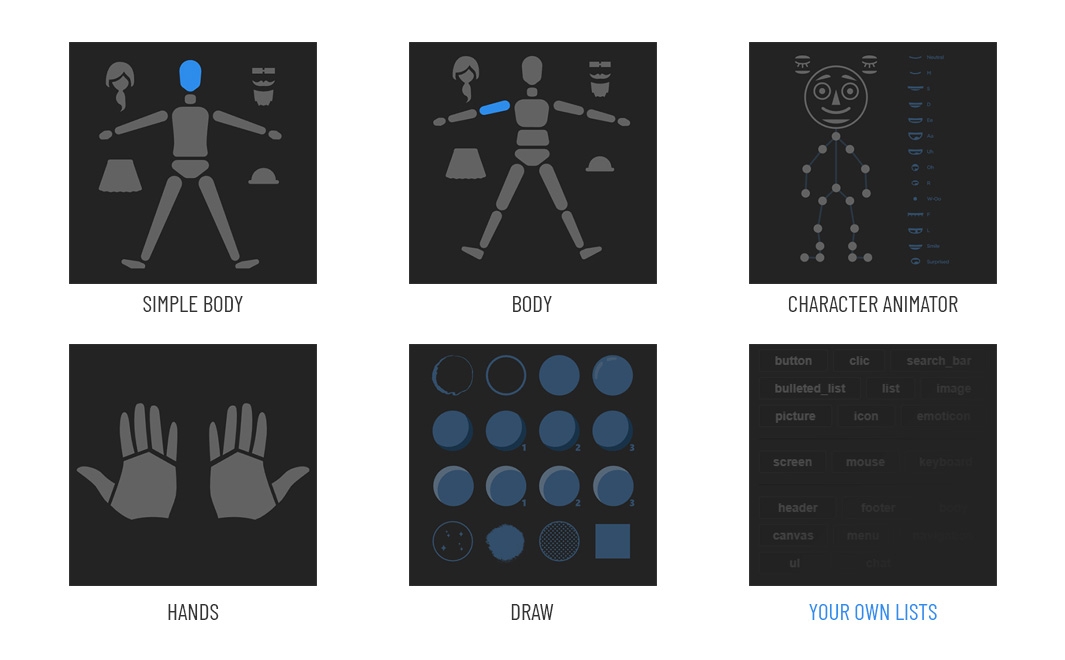
Share your list
You can share your list with your team.
You can find your lists in this folder :
~Documents/VoltAnimation/FastRenamer

Road map (next update)
- Review UI/UX
- Add customizable picture list
- Add customizable illustrator sublayers increment
- Improvement of the parameter recording system
| After Effects | 2024, 2023, 2022, 2021, 2020, CC 2019, CC 2018 |
|---|---|
| Illustrator | 2024, 2023, 2022, 2021, 2020, CC 2019, CC 2018 |
| Photoshop | 2024, 2023, 2022, 2021, 2020, CC 2019, CC 2018 |
1.5 (Current version) - May 17, 2021
1.4 - Feb 11, 2021
- iteration customization
- keep the name
New languages:
- Chinese
- Italian
1.3 - Jan 25, 2021
- Multilingual
- Prefix and suffix customization
New lists :
- Simple Body
- Body
- Hands
- Character Animator
- Draw
Custom list creation interface
1.3 - Jan 25, 2021
- Multilingual
- Prefix and suffix customization
New lists :
- Simple Body
- Body
- Hands
- Character Animator
- Draw
Custom list creation interface
1.3 - Jan 21, 2021
- Multilingual
- Prefix and suffix customization
New lists :
- Simple Body
- Body
- Hands
- Character Animator
- Draw
Custom list creation interface
-

- Compatibility After Effects
LoopMaster
Add to CartMake seamless loops! Loop keyframes, items, wiggle, spin and orbit. Perfect for GIF's, NFT's, Lottie Animations and Social media posts.
-

- Compatibility After Effects
Dupli-Kit
Duplicate layers using a pattern in After Effects with many options:Add to Cartcontrollable duplication, randomize properties, anchor point management, layers coloring, layers arrangement, and more.
-
- Compatibility After Effects
LayerMonkey
Add to CartCreates and animates unique layouts in seconds. Think TypeMonkey for layers!
-

- Compatibility After Effects
BatchProcessor
Batch process the selected project items. For instance, it can be used to resize and apply the same preset to a collection of movies or comps.Add to Cart -
- Compatibility After Effects
rd: Slicer
Displays a palette with controls for slicing the selected layer into a grid. Slicing works best with non-rotated layers. If a parent null layer is created, it will be anchored at the layer's current anchor point.Add to Cart#devforacause
This script is part of the rd: scripts collection. Please consider making a donation to a charity important to you. Thanks.$0.00 -

- Compatibility After Effects
Good Parents
Control parenting with keyframes. Finally. Now with 3D layers support!Add to Cart