
Lightroom Classic Shortcut Icons
-
Compatibility Photoshop Please check exact version compatibility under the "COMPATIBILITY" tab below
 Adding to cart...
WHAT’S INCLUDED:
● 600+ Shortcut Icons on color background (350 pixels square)
● 600+ Labelled Shortcut Icons on color background (350 pixels square)
● 600+ Shortcut Icons Black on transparent background (350 pixels square)
● 600+ Labelled Shortcut Icons Black on transparent background (350 pixels square)
● 600+ Shortcut Icons White on transparent background (350 pixels square)
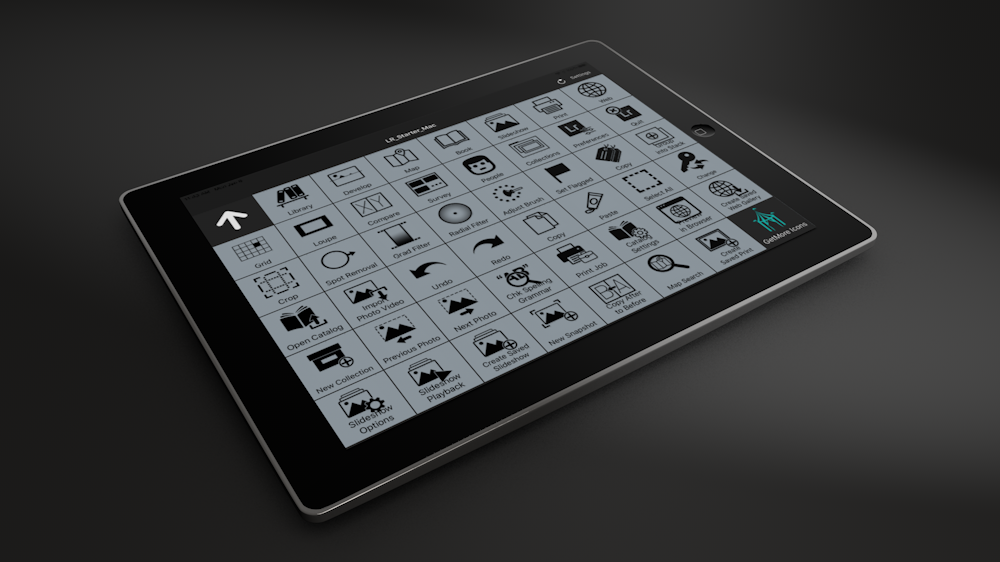
● 28 page Stream Deck Regular Profile with 359 pre-programmed buttons (Mac/ Win) (Some menu items are repeated}
● 28 page Stream Deck XL Profile with 591 pre-programmed buttons (Mac/ Win) (Main menu items are repeated}
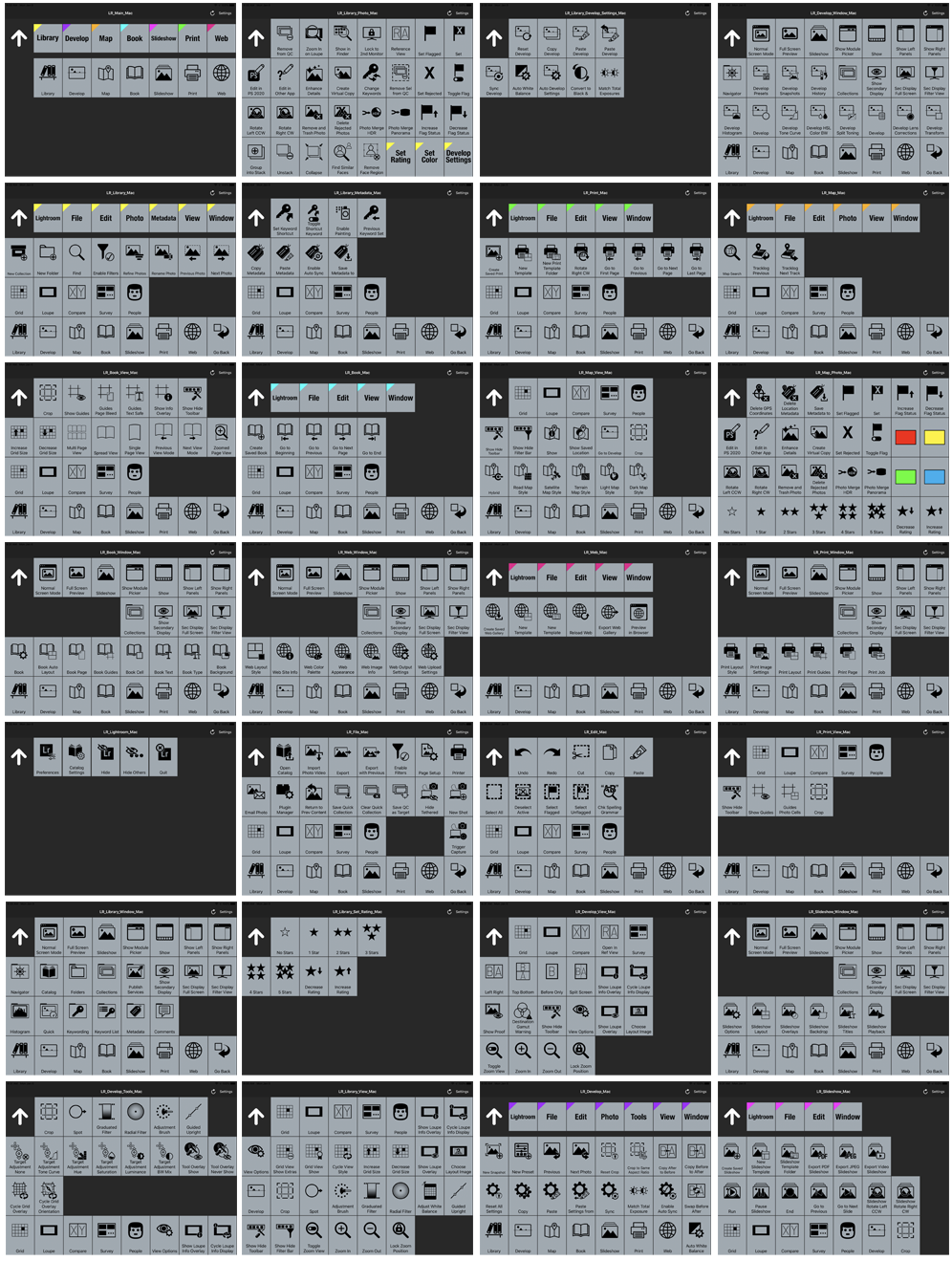
● 28 page Touch Portal Profile with 613 pre-programmed buttons (Mac/ Win) (Main menu items are repeated)
● 42 page pdf manual
*Profiles not tested on non-english keyboards - some keys may need to be manually changed
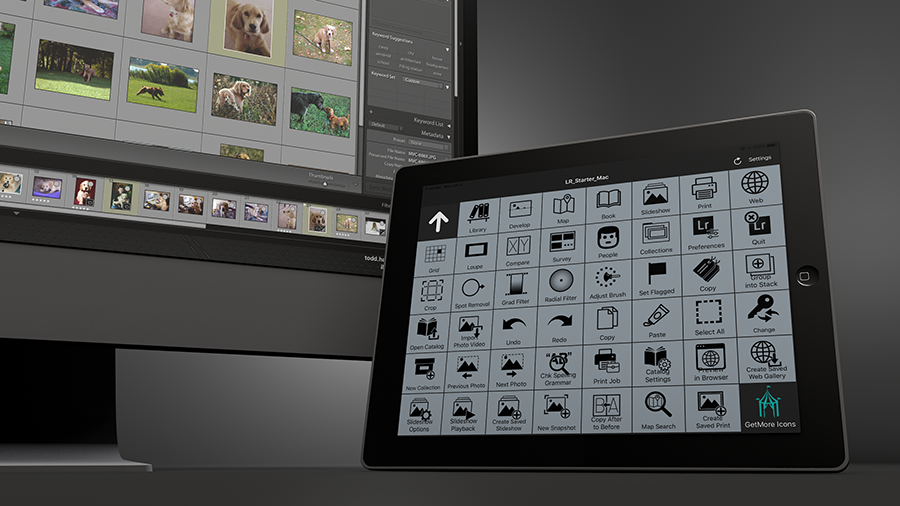
If you use Lightroom Classic, and you use a device such as Stream Deck or Touch Portal software, then you know how quickly they can speed up your workflow. This collection of icons made specifically for Lightroom Classic CC gets you up and running right away with over 600 icons featuring almost every command, tool and function within the application.
The icons come in three sets: One full color set with different menu commands represented by different colors and two additional identical sets that are black on transparency and white on transparency. Newly added, fully labelled icons.
As a bonus, we’ve also included a Stream Deck regular profile (with 359 shortcuts and commands across 28 pages), a Stream Deck XL profile (with 591 shortcuts and commands across 28 pages) as well as a 28 page Touch Portal profile (with 613 pre-programmed key commands) to get you up and running. (Some menus and commands repeated across some pages for workflow efficiency)
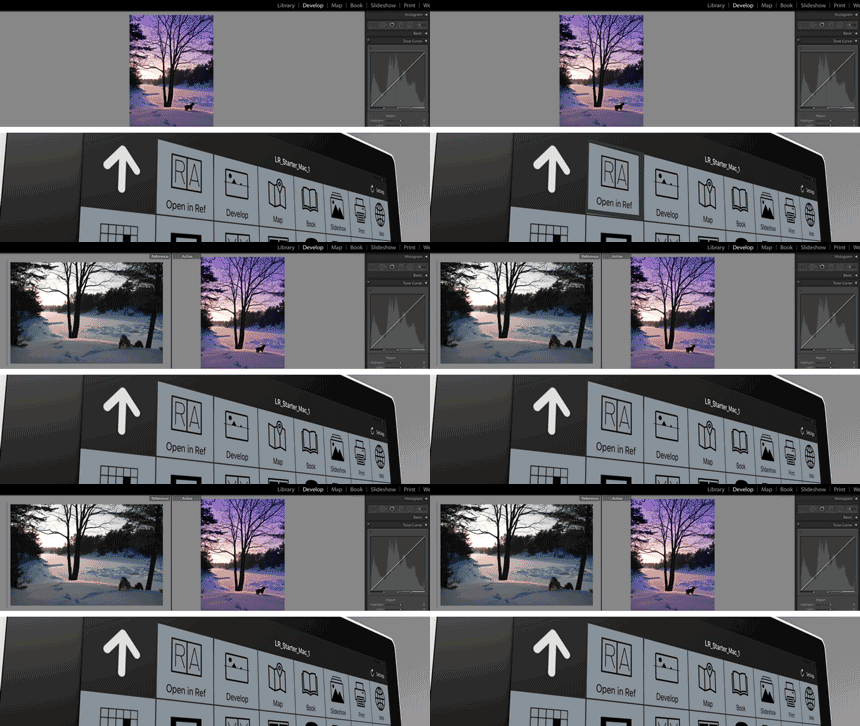
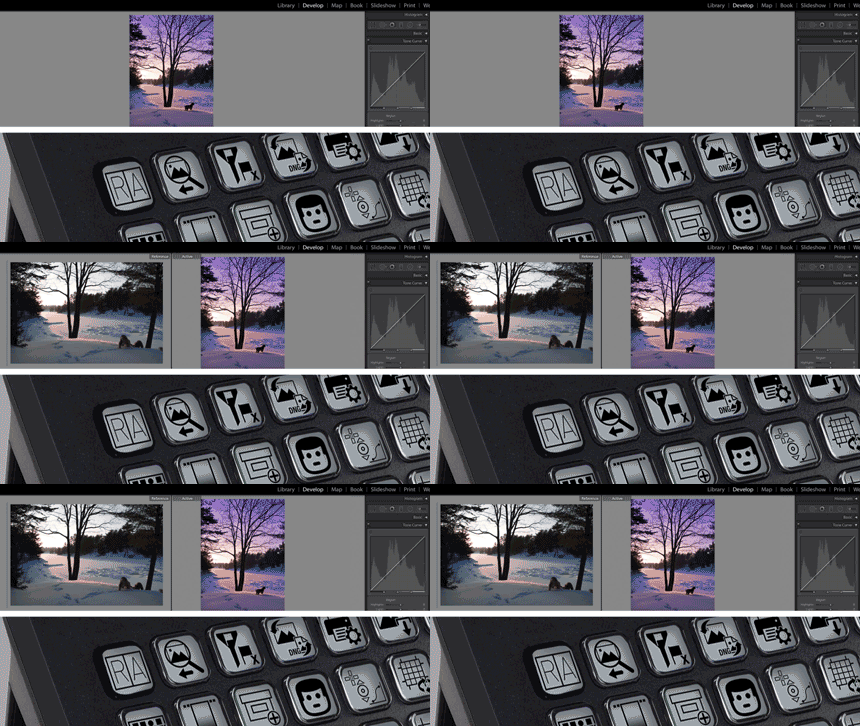
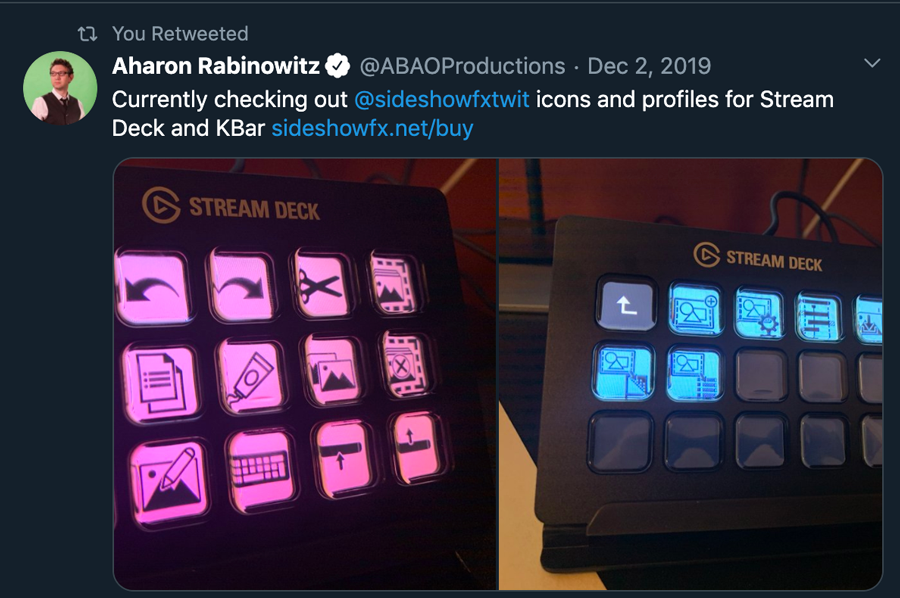
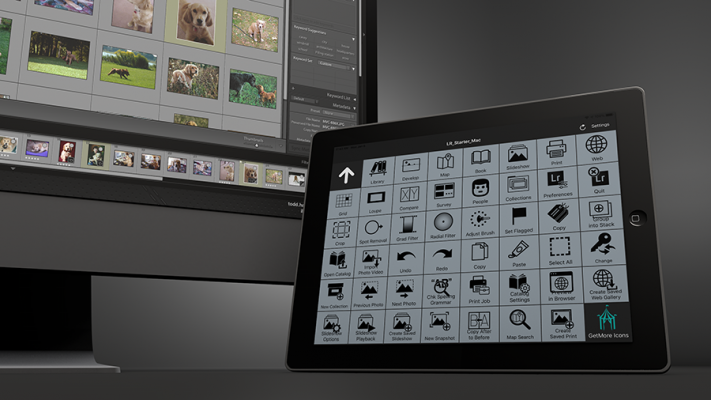
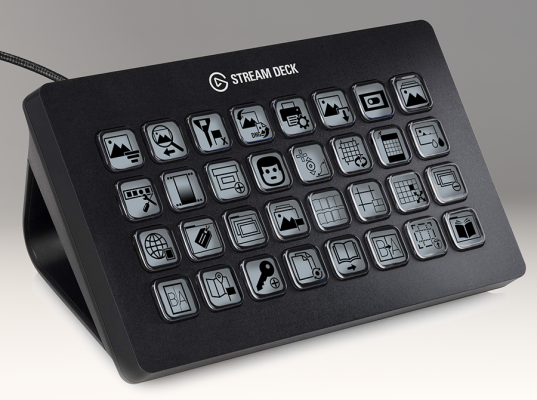
Switching to Reference View by pressing a programmed button on your Touch Portal software (left) or on your Stream Deck device (right)
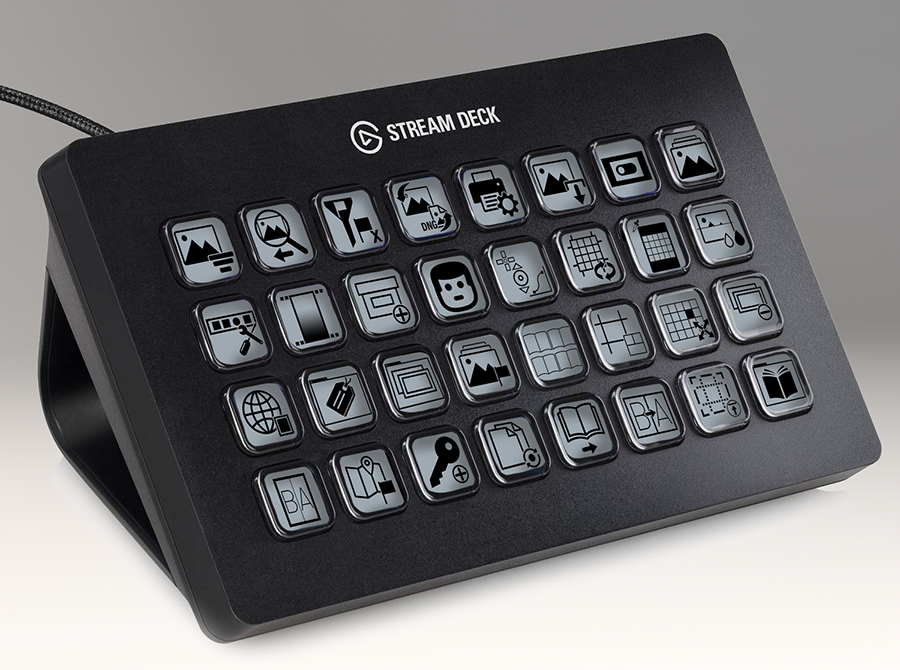
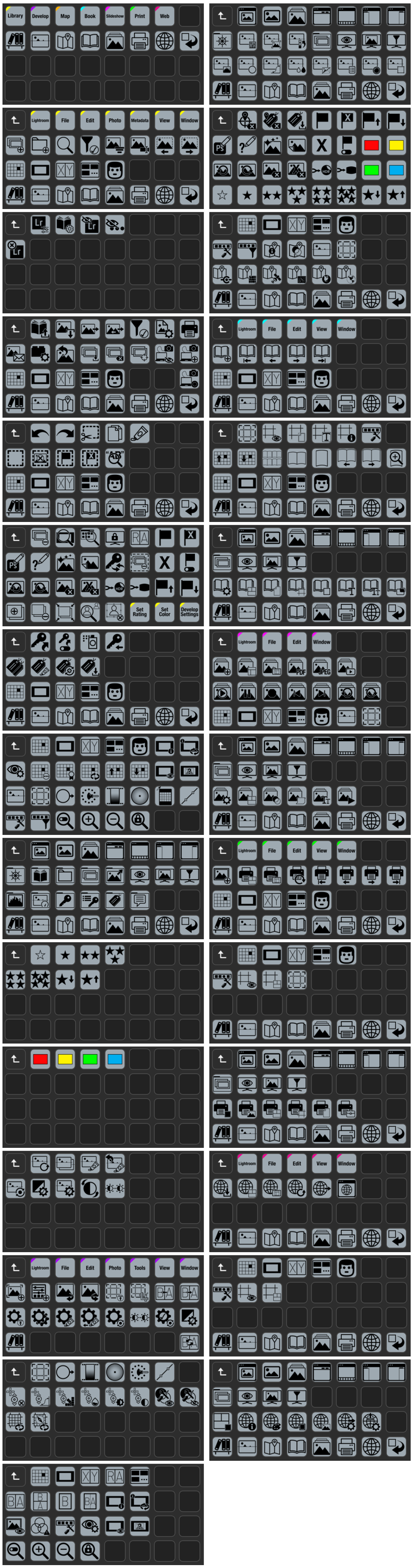
Below showing the Stream Deck XL Profile pages featuring 591 pre-programmed buttons.
Regular Stream Deck (15 key) profile with 359 buttons also included (Some menu items are repeated)
Included is a Touch Portal profile with 180 shortcuts and commands across 12 pages to get you up and running. (Some menu items are repeated)
*Note:The profiles provided are built with english keyboard shortcuts only. You may have to modify some commands if you need to use a non-english keyboard for the profiles.
 |
 |
|
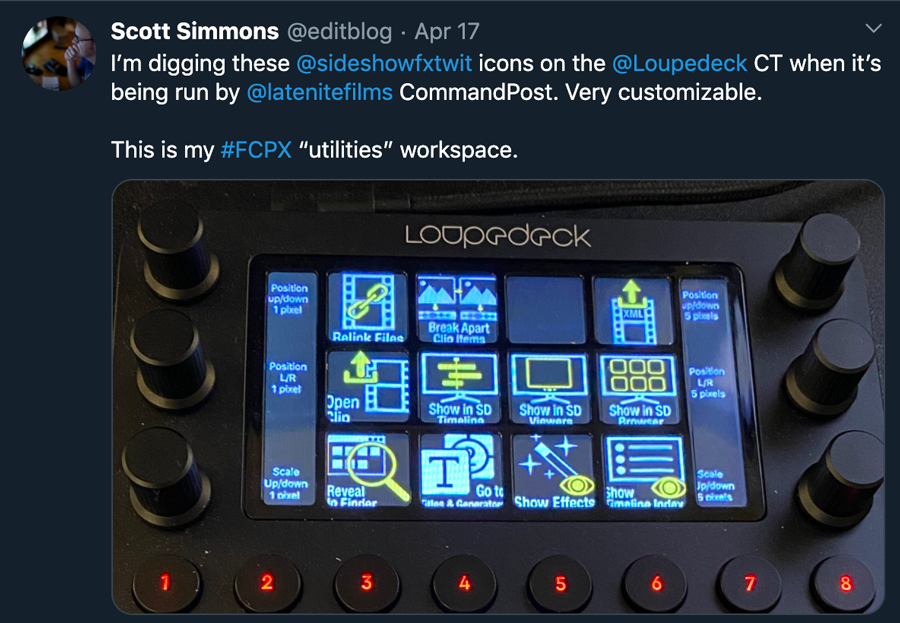
| Aharon Rabinowitz | Scott Simmons Video Editor, Writer and Managing Editor Pro Video Coalition scottsimmons.tv provideocoalition.com |
|
 |
||
| Ty Gultekin Co-founder Touch Portal touch-portal.com |
|
More products available at www.sideshowfx.net/buy
Don’t own a Stream Deck yet? Visit www.elgato.com/en/gaming/stream-deck
Want to get Touch Portal? https://www.touch-portal.com/
The video below will give you an idea of how these icon packs and profiles can improve your workflow. The video details the use of the After Effects set with Touch Portal but the prinicipals apply to all of our packs and to the use with Stream Deck Devices.

| Photoshop | 2020, CC 2019, CC 2018, CC 2017, CC 2015.5, CC 2015, CC 2014, CC, CS6, CS5.5, CS5, CS4 |
|---|
2.0 (Current version) - May 29, 2020
Created fully labelled Stream Deck XL and fully labelled Regular Stream Deck profiles
1.1 - Feb 26, 2020
1.0 - Jan 10, 2020
-

- Compatibility After Effects
- Compatibility Premiere
Animated Illustrations bundle for Animation Composer
Add to CartThis product has been discontinued. You can now purchase all Mister Horse products through a single subscription plan. -
- Compatibility Illustrator
Icon Mason
Add to CartOpen, import, and create IconJar icon archives directly in Adobe Illustrator.
-

- Compatibility After Effects
- Compatibility Photoshop
- Compatibility Illustrator
Icon Library
Add to CartOver 27,000 icons total from popular open source libraries, now available in After Effects, Illustrator, and Photoshop as native shape layers.
-
- Compatibility After Effects
PQ Mo•Bits
Add to CartPQ Mo•Bits is a big fat library of obvious everyday icons that a motion designer needs to keep handy. They're all pre-animated and customizable. Just search or browse the dockable inside After Effects and pop them into your project, use the controllers to tweak lots of parameters and BOOM: Massive time save.
-

- Compatibility After Effects
- Compatibility Premiere
Colorful Style Pack for Animation Composer
Add to CartThis product has been discontinued. You can now purchase all Mister Horse products through a single subscription plan. -
- Compatibility After Effects
Shape Transitions for Animation Composer
Add to CartThis product has been discontinued. You can now purchase all Mister Horse products through a single subscription plan.