
Speed Lines
-
Compatibility After Effects Please check exact version compatibility under the "COMPATIBILITY" tab below
 Adding to cart...
 The fastest way to attach strokes to your animations.
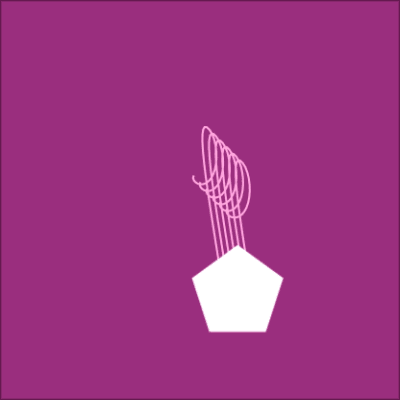
Speed Lines will create shape layer paths that follow your object along it's motion path, even if it's parented or using expressions. You have complete control over the stroke amount and styling. Plus, everything can be updated after the script has been run.

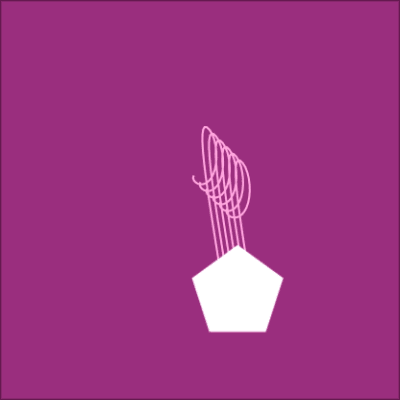
Link as many Shape Layer paths to your moving object in just 1 click! Seriously, it’s this simple: select your animated layer, then click "Create Speed Lines". Literally less than 5 seconds.
Now you can focus on more important things, like actually animating.
With Speed Lines, you can:
-
Attach strokes to your animated object, even when using other scripts & expressions.
-
Control the styling of the strokes, however you like.
-
Easily update settings, even after the script has run.
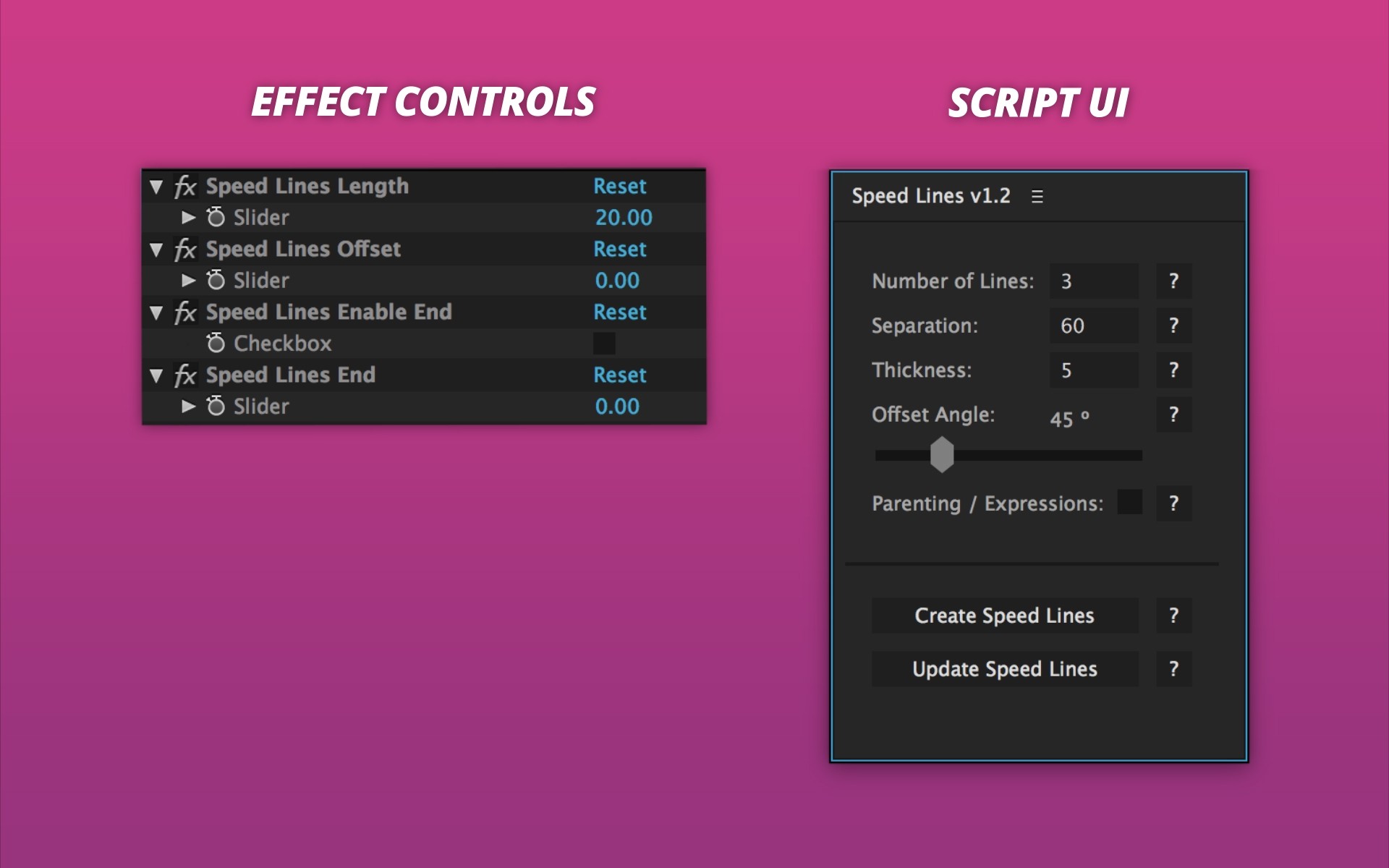
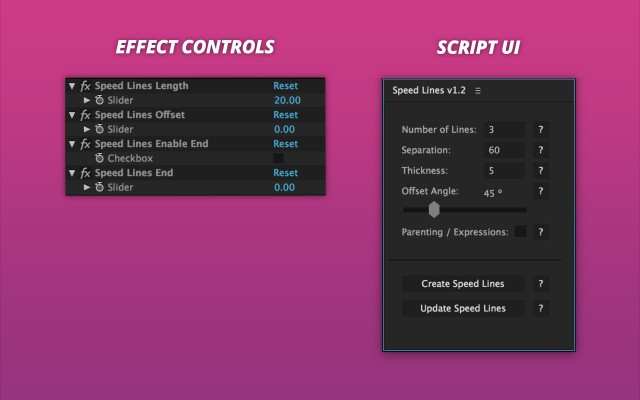
Effect Controls
These effects will be available on the Shape Layer:
-
Speed Lines Length: How long the strokes extend from the starting point.
-
Speed Lines Offset: How far the lines are separated from the starting point.
-
Speed Lines Enable End: Locks the end point of the strokes.
-
Speed Lines End: Moves the end point when ‘Speed Lines Enable End’ is checked.
Script UI Panel
-
Create Speed Lines: Applies current settings to Shape Layer.
-
Update Speed Lines: Use this button to update Speed Lines after the script has been run.
-
Number of Lines: Changes the number of strokes behind the animated object.
-
Separation: Changes the distance between individual strokes.
-
Thickness: Changes the size of the strokes.
-
Parenting / Expressions: Script will analyze each frame to account for expressions and parented objects.
-
Offset Angle: Changes the degree at which the strokes are separated from.




| After Effects | 2020, CC 2019, CC 2018, CC 2017, CC 2015.3, CC 2015, CC 2014, CC, CS6, CS5.5 |
|---|
1.5.4 (Current version) - Aug 18, 2022
1.5.3 - Feb 19, 2021
1.5.2 - Dec 12, 2019
1.5.1 - Nov 11, 2019
1.5 - Sep 9, 2019
1.4 - Feb 7, 2019
1.3 - Nov 1, 2018
1.2 - May 16, 2015
1.0.1 - May 10, 2015
1.0 - May 6, 2015
-
- Compatibility After Effects
BAO Boa
Add to CartBoa is a plugin for After Effects built to distort layers along mask paths.
-
- Compatibility After Effects
BAO Mask 3D Warper
Mask based 3D modeling and precise 2D warping. Also great for character animation!Add to Cart -
- Compatibility After Effects
BAO Mask Avenger 2
Add to CartControl mask vertices (and tangents) individually using a native plugin in After Effects!
-

- Compatibility After Effects
Broadcast Bundle for Squash & Stretch Pro
This bundle includes 130 behaviors and more than 200 sound effects for Squash & Stretch Pro, all with a subtle, elegant style.Add to Cart -
- Compatibility After Effects
Cartoon Bundle for Squash & Stretch Pro
Add to CartThis bundle extends Squash & Stretch Pro with various behaviors and sounds to give your animations an organic and fun cartoon style.
-

- Compatibility After Effects
HandyCam
Add to CartTired of wrestling with the default AE camera? HandyCam simplifies every aspect of animated cameras in AE.