
Plexus 3
-
Compatibility After Effects Please check exact version compatibility under the "COMPATIBILITY" tab below
 Adding to cart...
Plexus is a plug-in designed to bring generative art closer to a non-linear program like After Effects. It lets you create, manipulate and visualize data in a procedural manner. Not only you can render the particles, but also create all sorts of interesting relationships between them based on various parameters using lines and triangles. The workflow for Plexus is very modular allowing you to create truly infinite set of configurations and parameters.
Upgrade and license options
Purchased Older Version? Click here for Upgrade Pricing
Floating licenses are available for purchase separately by selecting them from the "License Type" pulldown above the price. Please note that Floating Licenses only work in conjunction with the Floating License Server.
Render Only licenses are available for purchase separately here.
What’s new in Plexus 3?
Motion Blur
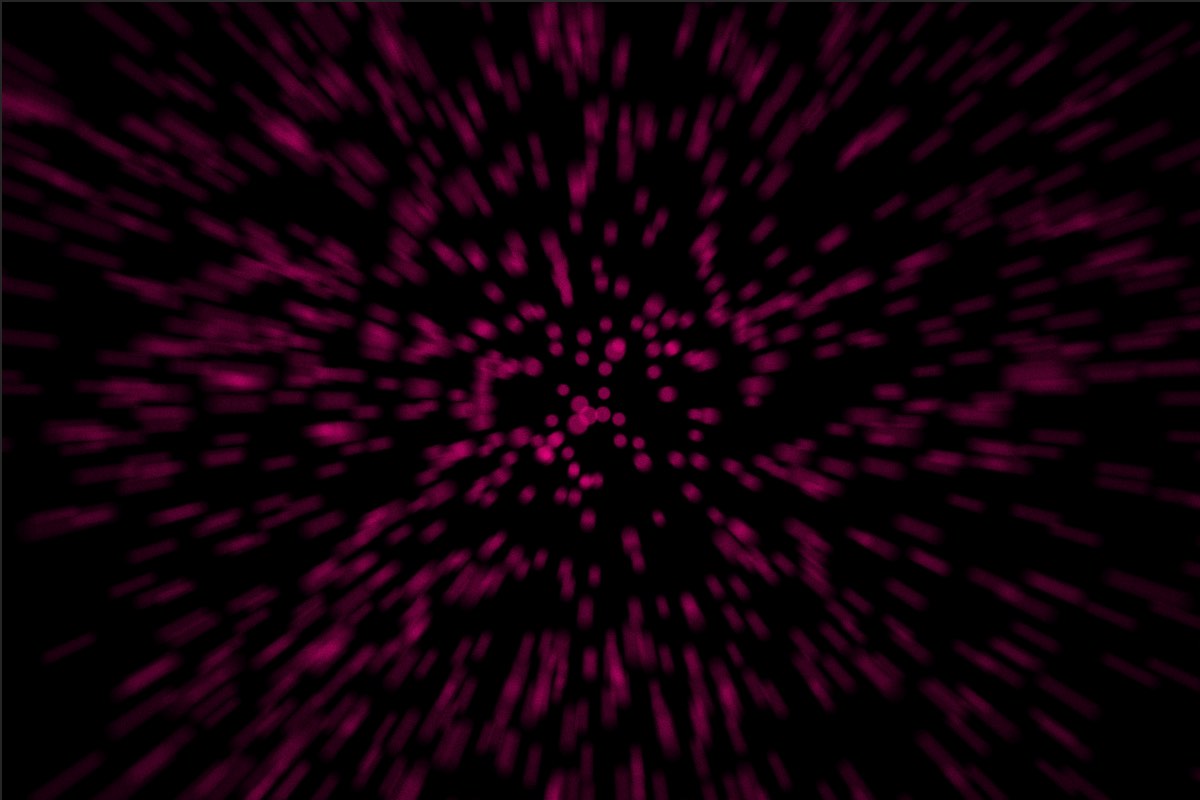
Finally. Now along with Depth of Field, you can add Motion Blur to create cinematic animations. You can use either comp settings or custom camera shutter values.
Sound Effector
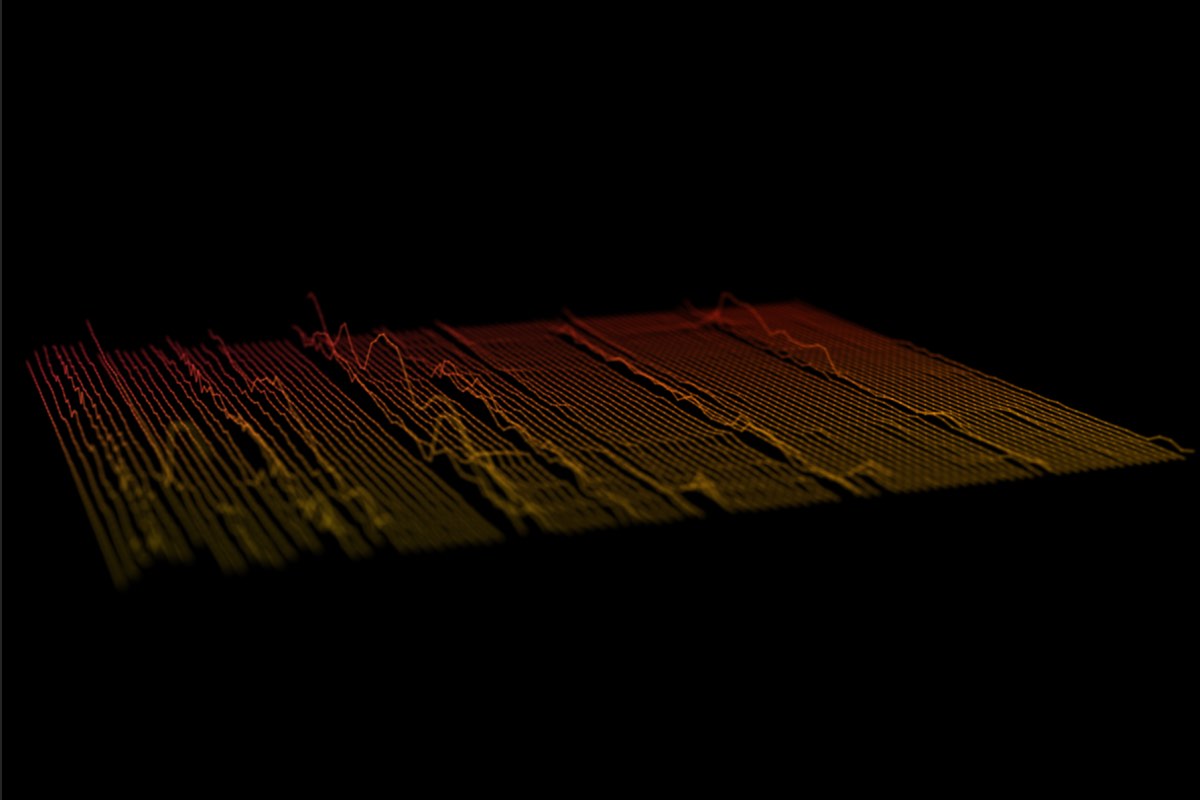
A new Sound Effector Object let’s you sample a waveform from a sound layer in AE and apply it to vertex position or scale or color. You can also Echo the sampled waveform so that the sound is sampled over time.
Seamless Beams
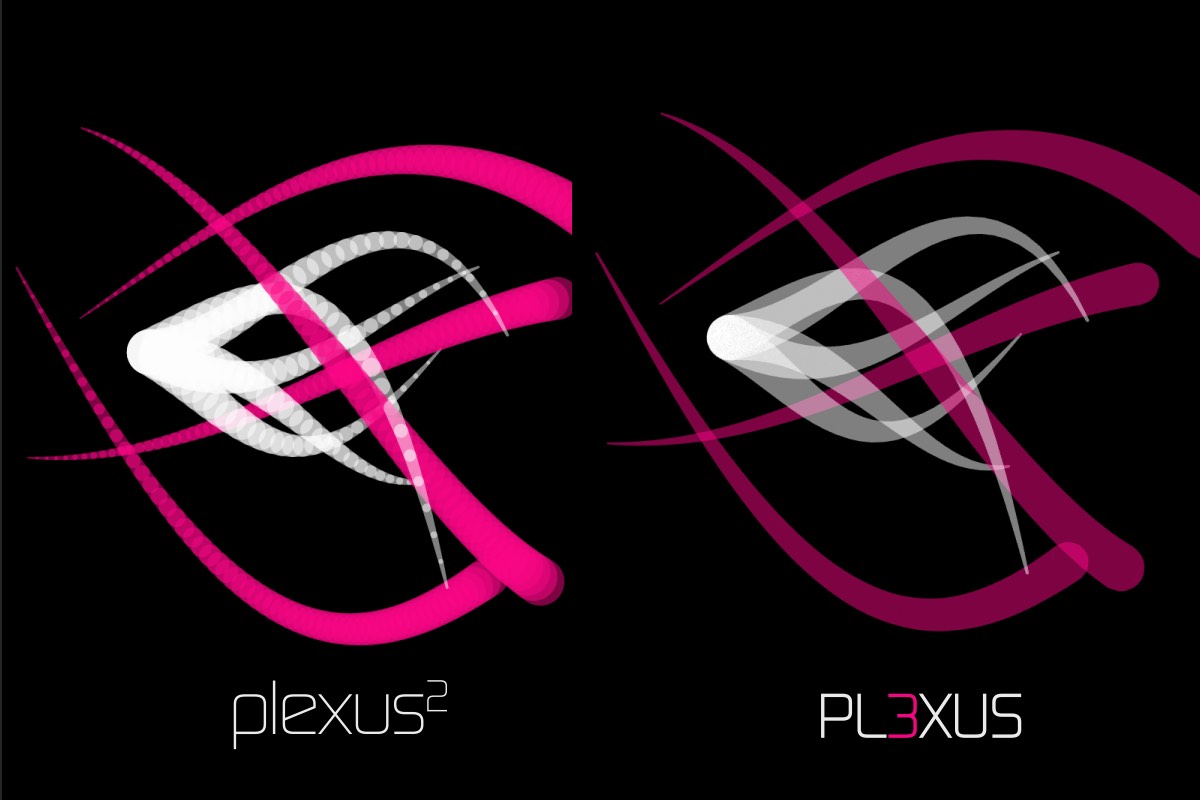
Render sweeping volumetric beams with seamless rendering. Beams no longer show any ‘overlapping joints’. Not only it improves rendering performance, but also renders much more accurate colors.
Improved OBJ Import
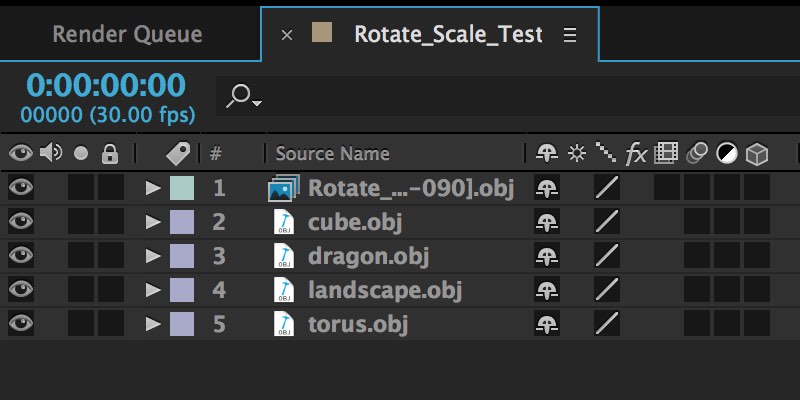
You can now import OBJ files and file sequences using AE’s default file importer, which helps you organize footage better and collect project files. OBJ Object now also imports normals and texture co-ordinates along with vertex positions and facets.
Nested Compositions
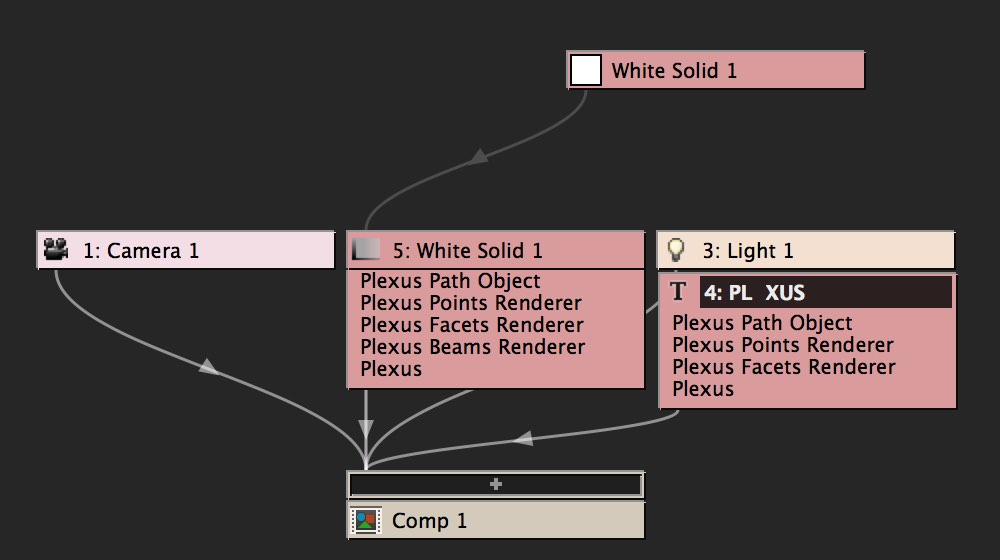
Collapse Transforms for a nested composition, and Plexus behaves like a native AE composition. It reacts to Camera and lights of the native composition. It allows you to pre-comp Plexus layers and still have the flexibility to animate Camera movements.
Depth Map Culling
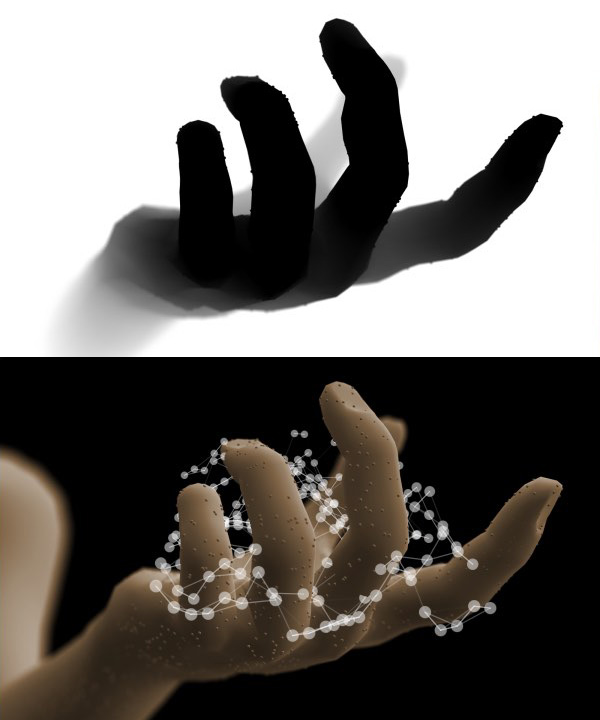
You can use a Depth Map exported by a 3D program or Buena Depth Cue to occlude pixels directly. It helps composite Plexus in 3D scenes with ease.
Null Object Performance
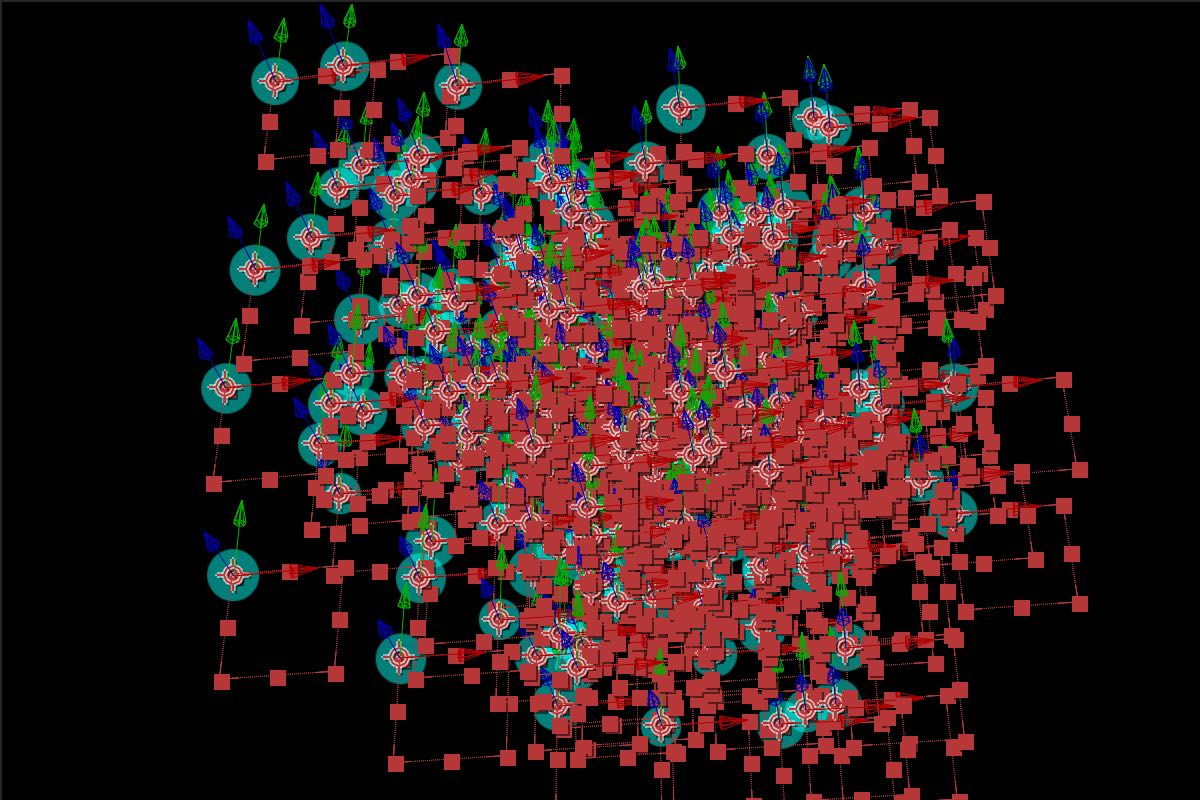
Null Objects have similar performance to point lights if you’re running the latest version of After Effects. No need to convert Nulls exported from 3D applications to point lights anymore.
Path Object Improvements
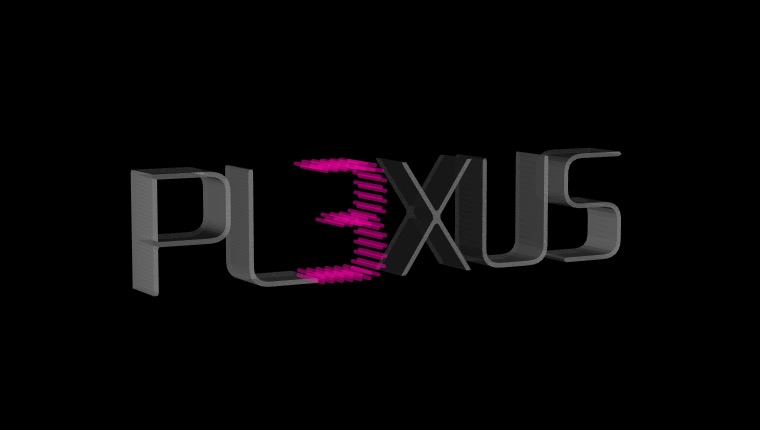
Path Object is improved with scaling controls for replication and tessellation for closed paths. Now there is yet another way to create 3D text in After Effects, but make it a little more interesting.
Custom Visibility Settings
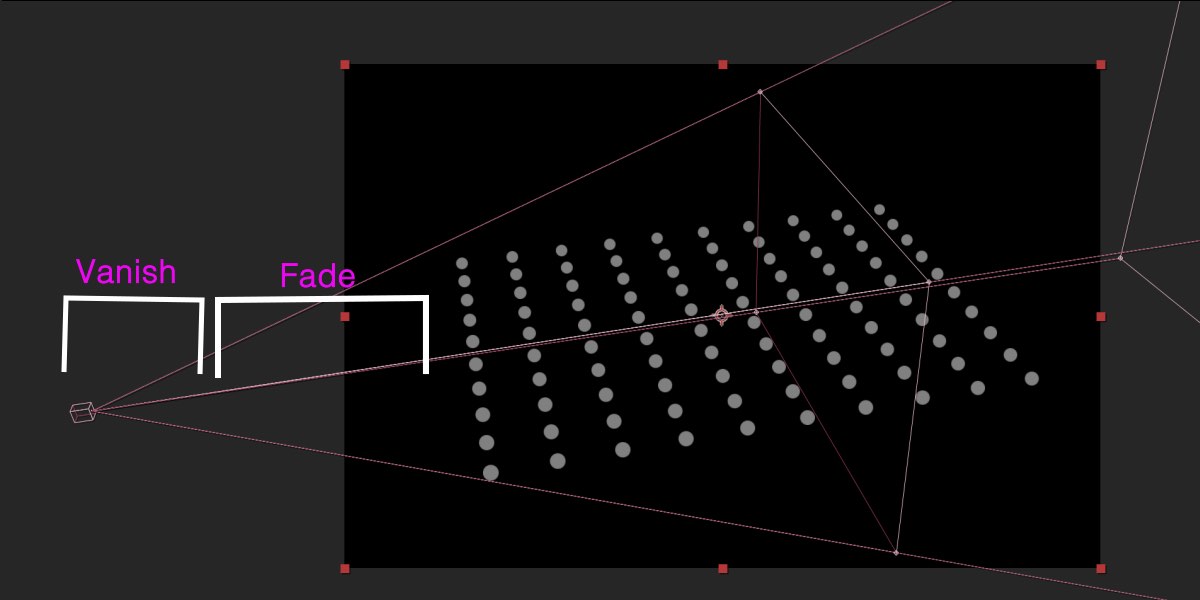
You can gradually fade or vanish points, lines or polys when they get close to the camera or far away from the camera. You can also custom hide polygons that face towards or away from the camera.
Unified Rendering
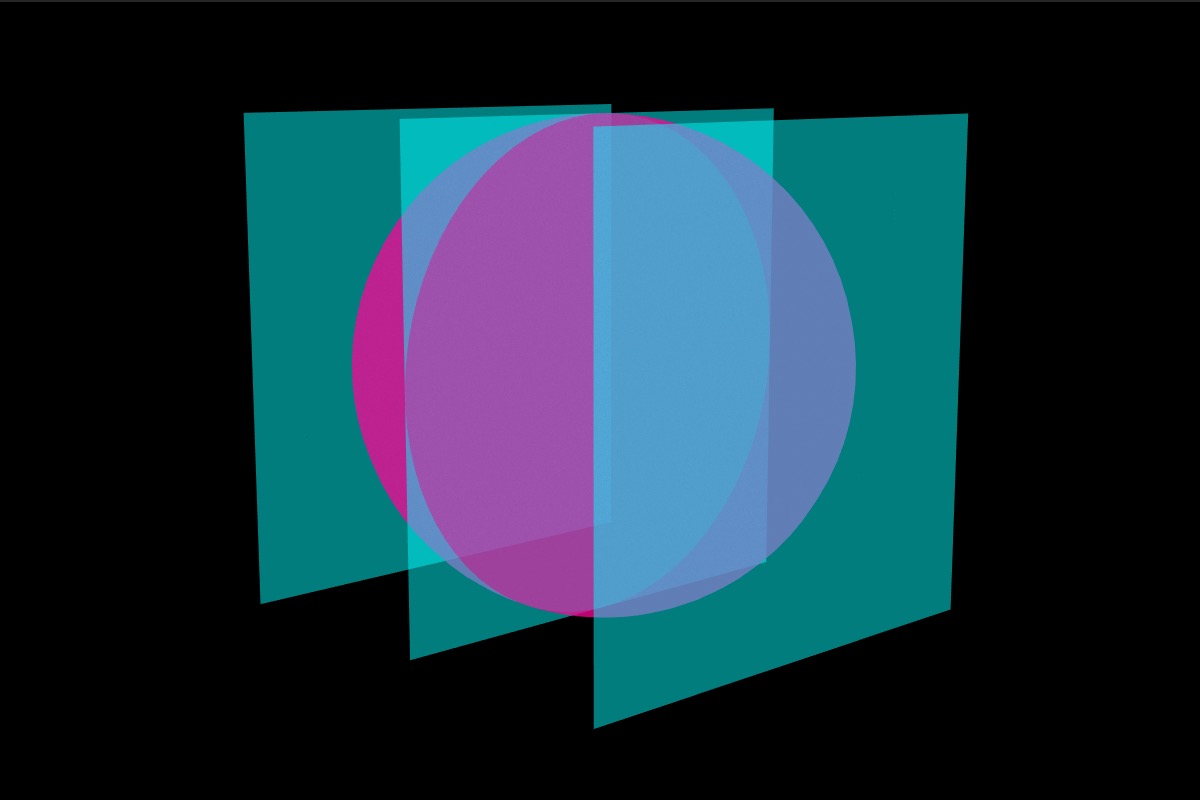
Unified rendering allows all objects to have a common 3D space. It allows points, lines & polys created by multiple objects to intersect with one another in z-space.
Loop Noise
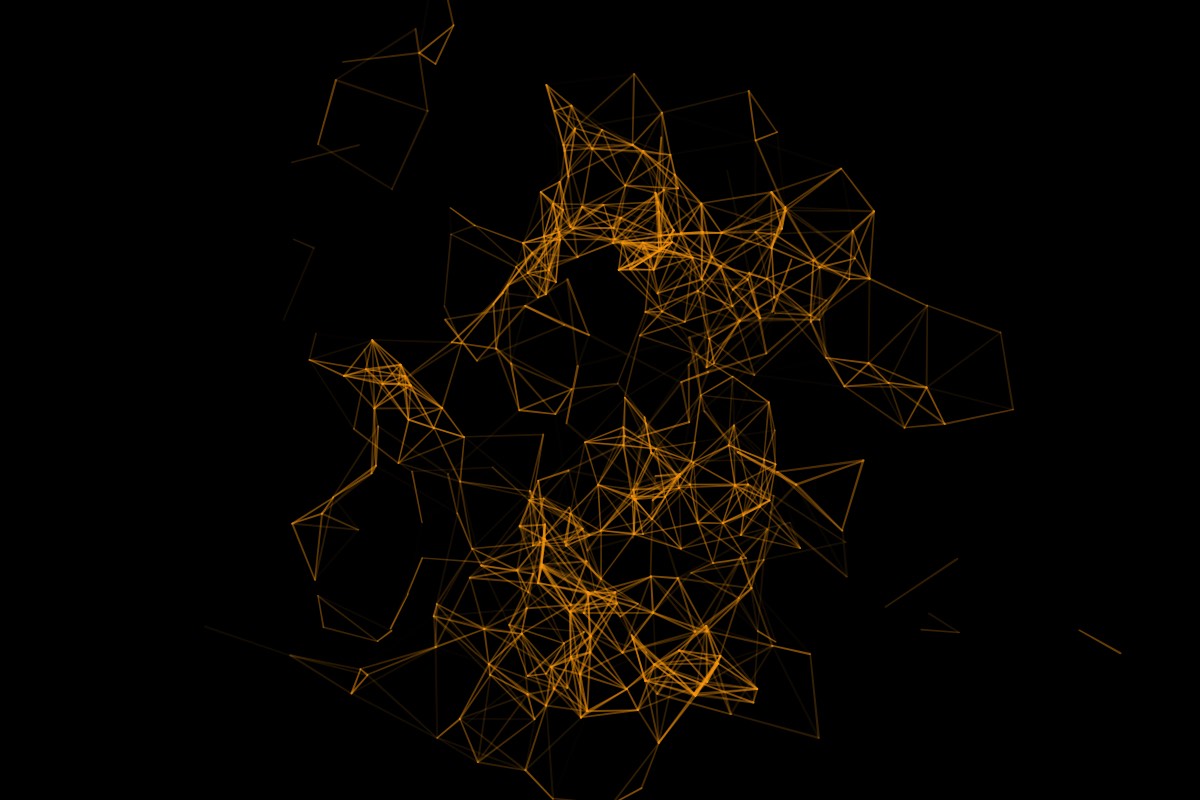
You can seamlessly loop noise values for animations. You can cycle through noise evolution and it works for position, scale & color values.
Main Features
These are some of the main features of Plexus. For a more detailed overview of all the features, make sure to check out the VIDEOS tab above and also the Documentation.
Lines
Create Lines and Other interactions and control their properties based on the position and distance between the particles.
Triangulation
Triangulate and create new surfaces on the fly with in-built triangulation modes. You can also control the triangulation by various parameters like distance between the particles etc.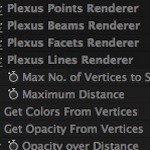
Modular Workflow
Plexus has a modular workflow which consists for various objects. You can have infinite number of objects and different combinations which gives you complete control and flexibility.
Text Layer Integration
Plexus integrates seamlessly with the text layers in After Effects. It automatically creates particles based on the outlines of the text layers and you can create various text based transitions with ease.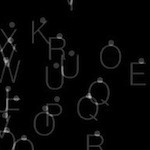
Sprites
Render custom sprites based on the particle data and also randomize them. You can also render multiple custom sprites per particle which is very helpful for Infographics.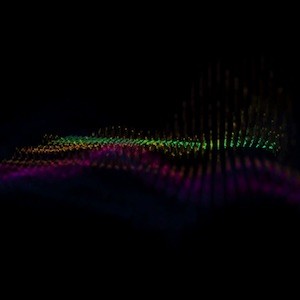
Sound Effector
Sample a waveform from a sound layer in AE and apply it to vertex position or scale or color. You can also Echo the sampled waveform so that the sound is sampled over time.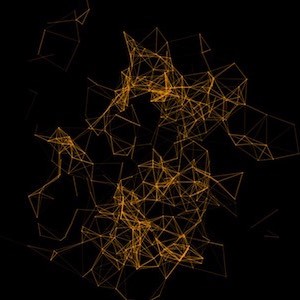
Noise/Field Effectors
Use Lights to create and control various force fields using Noise and Spherical Effectors. You can seamlessly loop noise values for animations. You can cycle through noise evolution and it works for position, scale & color values
3D Splines
Finally! Now you can create 3D Splines and stroke them with ease natively with in After Effects. Not only that, you can replicate them in 3D space.
SVG Sequence Export
Export entire Composition or the current Work area to an SVG Sequence. You can choose the right frame to print later or use them all in sequence to play an animated sequence.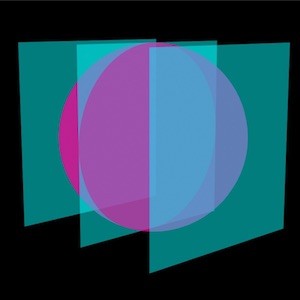
Unified Rendering
Unified rendering allows all objects to have a common 3D space. It allows points, lines & polys created by multiple objects to intersect with one another in z-space.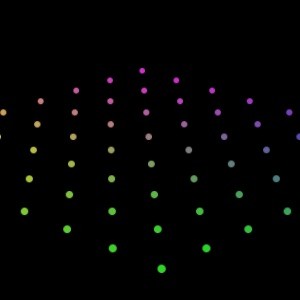
Color Maps
Use Color Maps to affect the position, color or scale of points.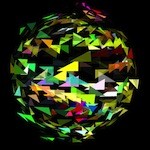
Facets & Facet Effectors
Generate Facets between the particles and control their properties using Facet Effectors.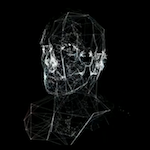
OBJ Sequences
Import vertices and facets from OBJ files and OBJ file sequences created in your favorite 3D modeling application. Plexus ships with a OBJ Sequence Exporter for Cinema4D at no cost.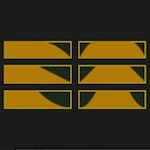
Graph UI Parameters
Graph based parameters let you control various properties like color, opacity and thickness based on user drawn graphs. You can also choose preset graph flows if necessary.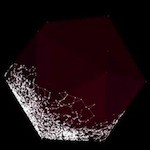
Containers
You can contain all the particles in a container which can be either spherical, cubical or a custom OBJ object. Containers help restrict the movement of the particles.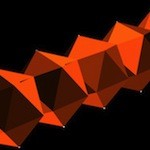
Instances
Create multiple instances and also nest those instances into another instance object and create multiple instances of that object. Crazy right? Its recursion for the crazy minded.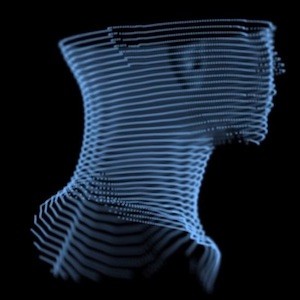
Slicer Object
The Slicer Object let’s you ‘slice’ through a mesh and create interesting visualizations. It works best with OBJ meshes and can be used very well along with the instance object.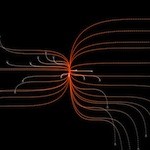
3D Seamless Beams
Beam lines from particles of one object to another or in between various particles of the same object. You can control various properties of the beams using graph based parameters.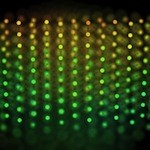
Camera/Depth of Field
Plexus interacts natively with AE's Camera and produces HQ OpenGL accelerated Depth of Field effects.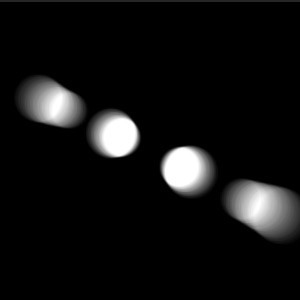
Motion Blur
Create cinematic animations using Motion Blur. You can choose to use AE's comp settings or manually override shutter values to create really dramatic motion blur.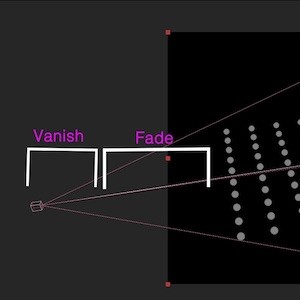
Visibility Settings
You can gradually fade or vanish points, lines or polys when they get close to the camera or far away from the camera. You can also custom hide polygons that face towards or away from the camera.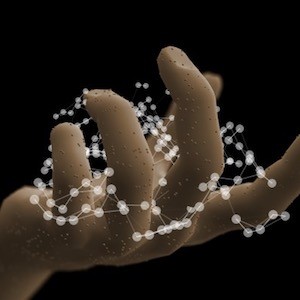
Depth Map Culling
You can use a Depth Map exported by a 3D program or Buena Depth Cue to occlude pixels directly. It helps composite Plexus in 3D scenes with ease.
Upgrade notice: You can upgrade to Plexus 3 from Plexus 2 for $99.99. To get the upgrade pricing simply login to the same account as your original purchase. If you're a Plexus v1 user, you can upgrade directly to Plexus 3 for $149.99. If you have any questions or need any assistance upgrading please open a support request.
| After Effects | 2024, 2023, 2022, 2021, 2020, CC 2019, CC 2018, CC 2017, CC 2015.3, CC 2015, CC 2014, CC, CS6 |
|---|
3.2.6 (Current version) - Jun 8, 2022
- Minor bugfixes.
3.2.5 - May 3, 2022
- Resolved MFR render issues on Nvidia GPUs.
- Minor bugfixes.
3.2.4 - Dec 23, 2021
- Minor bugfixes.
3.2.3 - Dec 2, 2021
3.2.2 - Nov 24, 2021
- Floating License Compatibility Update
3.2.1 - Nov 3, 2021
3.2.0 - Oct 26, 2021
- Updated Installers.
3.1.14b - Mar 15, 2021
3.1.14 - Aug 31, 2020
3.1.13 - Jun 2, 2020
3.1.12 - May 13, 2020
3.1.11d - Jan 22, 2020
3.1.11c - Nov 6, 2019
3.1.11 - Sep 10, 2019
3.1.10 - Jun 21, 2019
3.1.9 - Jan 7, 2019
3.1.8 - Dec 3, 2018
- Minor sprite rendering fixes for macOS.
3.1.7 - Oct 22, 2018
- Fixed an issue with vertex scale not set properly in some groups.
- Minor rendering enhancements.
3.1.6 - Sep 14, 2018
3.1.5 - Jul 4, 2018
- Fixed minor panel issues.
3.1.4 - May 22, 2018
3.1.3 - Jan 8, 2018
3.1.2b - Oct 18, 2017
3.1.2 - Jul 10, 2017
- Improved Plexus 2 project upgrades.
3.1.1 - Jun 7, 2017
3.1.0 - Apr 17, 2017
3.0.15 - Apr 4, 2017
- Fixed headless rendering issues on render farms.
3.0.14 - Mar 2, 2017
- Improved OBJ support.
- Minor bug fixes.
3.0.13 - Nov 28, 2016
3.0.12a - Nov 1, 2016
3.0.12 - Oct 10, 2016
3.0.11 - Sep 6, 2016
- Fixed Sprite Rendering issue with downsampling.
- Stability improvements.
3.0.10 - Jul 22, 2016
- Rendering and stability improvements.
3.0.9 - Jul 25, 2016
- Fixed Render Glitches when applied to non-square pixel aspect ratio comps.
- Fixed a crash when using Sprites on Windows.
- Fixed Render issues on Mac OS X 10.9.
- Overall stability improvements.
3.0.8 - Jul 21, 2016
3.0.7 - Jun 17, 2016
- Object based UI
- Motion Blur
- Sound Effector
- Slicer Object
- Seamless Beams
- Depth Map Culling
- Improved OBJ Import
- Nested Compositions
- Null Object Performance
- Path Object Improvements
- Custom Visibility Settings
- Unified Rendering
- Loop Noise
-

- Compatibility After Effects
Plexus 3 Render Only
Add to CartPlexus 3 Render Only License. This license can only be used on headless render machines using the command line renderer and you must own at least 1 full license of Plexus 3 in order to purchase them. You can purchase a normal full Plexus 3 license here.
$50.00 -
- Compatibility After Effects
Crossphere Bokeh Render Only
Add to CartCrossphere Bokeh Render Only License. This license can only be used on headless render machines using the command line renderer and you must own at least 1 full license of Crossphere Bokeh in order to purchase them. You can purchase a normal full Crossphere Bokeh license here.
-

- Compatibility After Effects
- Compatibility Cinema 4d
Paint & Stick 2 Render Only
Add to CartPaint & Stick 2 Render Only License. This license can only be used on headless render machines using the command line renderer and you must own at least 1 full license of Paint & Stick 2 in order to purchase them. You can purchase a normal full Paint & Stick 2 license here.
-
- Compatibility After Effects
OBJ Vertex Export
Export wavefront OBJ vertex point clouds from After Effects layer positions.Add to Cart -
- Compatibility After Effects
MonkeyCam Pro
Add to CartA wild procedural camera with 1-click set up & marker-based motion effects. Works with 3D layers or other Monkey Tools!
-

- Compatibility After Effects
LoadUP!
Add to CartDesigned to create loading or progress bars, fast and easy. It is ideal for artists who create HUDs, UI elements, infographics, charts, TV/News graphics etc.
-
- Compatibility After Effects
Data Glitch 2 Render Only
Add to CartData Glitch 2 Render Only License. This license can only be used on headless render machines using the command line renderer and you must own at least 1 full license of Data Glitch 2 in order to purchase them. You can purchase a normal full Data Glitch 2 license here.
$20.00 -

- Compatibility After Effects
Fast Bokeh Pro Render Only
Add to CartFast Bokeh Pro Only License. This license can only be used on headless render machines using the command line renderer and you must own at least 1 full license of Fast Bokeh Pro in order to purchase them. You can purchase a normal full Fast Bokeh Pro license here.
$12.50 -
- Compatibility After Effects
- Compatibility Premiere
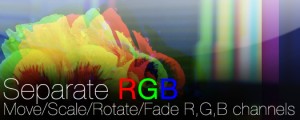
Separate RGB
Add to CartMove, rotate, scale, blur, blend, fade and distort the RGB channels independently.
$39.99 As low as: $31.99 -
- Compatibility After Effects
Separate RGB Render Only
Add to CartSeparate RGB Render Only License. This license can only be used on headless render machines using the command line renderer and you must own at least 1 full license of Separate RGB in order to purchase them. You can purchase a normal full Separate RGB license here.
$9.99 -
- Compatibility After Effects
- Compatibility Premiere
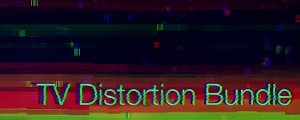
TV Distortion Bundle
Add to CartNew lower price! All the Rowbyte distortion plugins: Data Glitch, Bad TV, TVPixel, Dot Pixels and Separate RGB in a single bundle and save $110 (52%) off the normal price. These plugins help you to create Analog Distortion, Digital Image & Satellite Distortion, Digital Pixel Simulation and Chromatic Aberration with ease.
$99.00 -
- Compatibility After Effects
- Compatibility Premiere
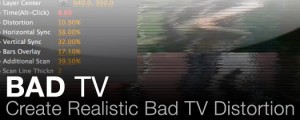
Bad TV
Add to CartAn After Effects and Premiere Pro native plugin designed to create Realistic Bad TV Distortion.
$39.99 As low as: $31.99