
Data Glitch 2
-
Compatibility After Effects Please check exact version compatibility under the "COMPATIBILITY" tab below
-
Compatibility Premiere Please check exact version compatibility under the "COMPATIBILITY" tab below
 Adding to cart...
Simulate Realistic Digital Image Glitches with Ease!
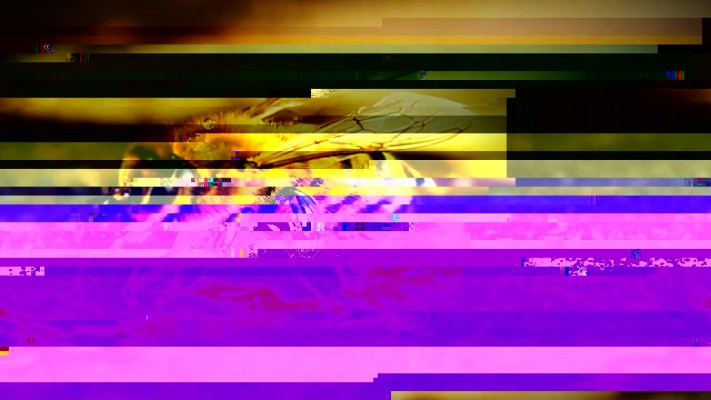
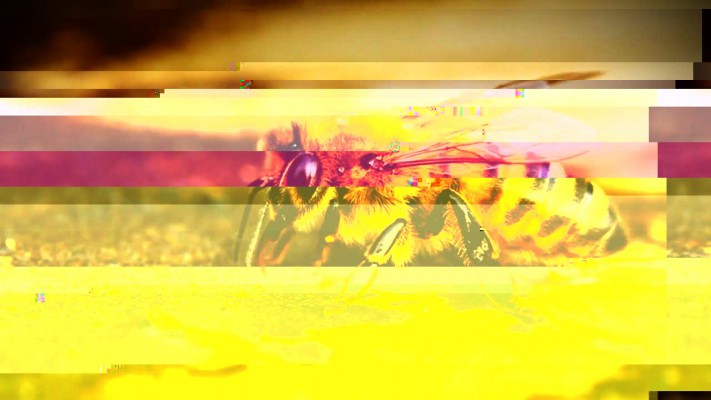
Data Glitch is a native After Effects plugin that creates awesome realistic digital image glitches with total ease. Something you would see during a satellite transmission or a cable broadcast or from a damaged disk. Bad TV plugin is great for analog TV look, but this is 2010 and you hardly see anything that's analog anymore. This plugin simulates a realistic digital glitch effect.
In real-life most of the glitches occur due to problems in encoding/decoding and sometimes data corruption. This plugin does exactly that. It encodes the data, glitches the data and then decodes it similar to the real life situation.
Features
- New in version 2
- Support for YUV and RGB color spaces
- Image compression control with optional image map
- 4 different glitches: Scan, Block, Offset and Rect
- Individual control of each glitch with per channel control
- Per channel random seed control
- Alpha support for glitch, great for use on type and logos
- Support for After Effects and Premiere Pro
- Create Awesome Transitions with Ease.
- Compression Artifacts on the Fly
- Create Audio reactive animations with expressions.
- Control over the Glitch pattern.
- Image Type and Strip Type Glitches with quality settings.
- Compatible with both Mac and Windows.
Upgrade and license options
Floating licenses are available for purchase separately by selecting them from the "License Type" pulldown above the price. Please note that Floating Licenses only work in conjunction with the Floating License Server.
Render Only licenses are available for purchase separately here.
Upgrade notice: If you own Data Glitch 1 you can upgrade for $29.99. To get the upgrade pricing you will need an account with the same email as your original purchase. User accounts are a new feature of our new site so you will need to create a new account if you haven't already but make sure to use the same email address as your previous purchase to get the upgrade discounts. If you already have an account on the new site then simply log in. Contact us if you have any questions.


| After Effects | 2024, 2023, 2022, 2021, 2020, CC 2019, CC 2018, CC 2017, CC 2015.3, CC 2015, CC 2014, CC, CS6 |
|---|---|
| Premiere | 2020, CC 2019, CC 2018, CC 2017, CC 2015.3, CC 2015, CC 2014, CC, CS6 |
2.7.3 (Current version) - Mar 29, 2024
2.7.2 - Dec 23, 2021
2.7.1 - Aug 5, 2021
- Apple Silicon support for Premiere.
2.6.0 - Jun 8, 2021
- Linking version to TV Distortion Bundle version
2.0.11b - Mar 15, 2021
2.0.11b - Mar 15, 2021
2.0.11 - Jun 2, 2020
2.0.10b - Nov 5, 2019
2.0.10 - Sep 21, 2019
2.0.9 - Jun 21, 2019
2.0.8 - Dec 3, 2018
2.0.7b - Oct 22, 2018
2.0.7a - Oct 23, 2017
2.0.7 - May 2, 2017
2.0.6 - Mar 17, 2017
2.0.4b - Jan 3, 2017
2.0.4a - Jun 23, 2016
2.0.4 - Jun 16, 2015
2.0.3a - Jun 22, 2014
2.0.3 - Jun 17, 2014
- 2.0.2d - Added CC compatible installer - June 2013
- 2.0.2 - Fixed Pixel Aspect Ratio and General Stability Issues + CS6 Compat. - April 2012
- 2.0.1 - Fixed Strip Glitch issue - March 2012
- 2.0 - March 2012
- Support for YUV and RGB color spaces
- Image compression control with optional image map
- 4 different glitches: Scan, Block, Offset and Rect
- Individual control of each glitch with per channel control
- Per channel random seed control
- Alpha support for glitch, great for use on type and logos
- Support for After Effects and Premiere Pro
- 1.1.1 Fixed registration issue with OS X Lion - July 2011
- 1.1 Bugfix that might be seen on the new core i7 processors (windows only) - Oct 2010
- 1.0 Initial Release - July 2010
-
- Compatibility After Effects
- Compatibility Premiere
ft-Color and Channel Bundle
Add to CartA suite of tools to manipulate colors and channels for several tasks: ft-Brightness Check, ft-Clamp, ft-Color Gray and ft-CombineRGA
-

- Compatibility After Effects
- Compatibility Premiere
Block Swap
Add to CartRandomly shuffles image blocks with the ability to filter out certain areas or include frames from other times.
Great for randomly recomposing scenes, clean-looking noise effects, blocky glitches, or transitions. -
- Compatibility After Effects
- Compatibility Premiere
Easify 2
NEW!Add to Cart
Animation Curve with Bézier Handles!First-ever animation easing extension in Premiere Pro!
-
- Compatibility Premiere
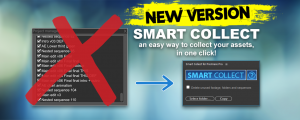
Smart Collect for Premiere Pro
Add to CartIn one-click, automatically collect and relink all the assets used in the selected timeline and relative nested timelines.
-
- Compatibility Premiere
Swift Slides
Add to CartSwift Slides lets you create simple fast slideshows that fit to your selected audio in Premiere Pro!
-
-
- Compatibility After Effects
- Compatibility Premiere
Aura Render Only
Add to CartAura Render Only License. This license can only be used on headless render machines using the command line renderer and you must own at least 1 full license of Aura in order to purchase them. You can purchase a normal full Aura license here.
$25.00 -
- Compatibility After Effects
- Compatibility Premiere
Bad TV
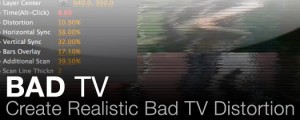
Add to CartAn After Effects and Premiere Pro native plugin designed to create Realistic Bad TV Distortion.
$39.99 As low as: $31.99 -
- Compatibility After Effects
Buena Depth Cue
Add to CartControl the Worlds Between 2D and 3D - Includes the World Renowned Camera Mapper. Buena Depth Cue is a collection of plugins that are designed to handle a variety of factors surrounding common sense manipulation of the critical half-dimension.
$99.99 -
- Compatibility After Effects
Plexus 3
Add to CartNow with Multi-Frame Rendering (MFR) Support! Rowbyte Plexus is a next-gen particle engine for After Effects that lets you create, manipulate and visualize data in a procedural manner. Not only you can render the particles, but also create all sorts of interesting relationships between them based on various parameters.
$249.99 As low as: $199.99 -
- Compatibility After Effects
- Compatibility Premiere
TV Distortion Bundle
Add to CartNew lower price! All the Rowbyte distortion plugins: Data Glitch, Bad TV, TVPixel, Dot Pixels and Separate RGB in a single bundle and save $110 (52%) off the normal price. These plugins help you to create Analog Distortion, Digital Image & Satellite Distortion, Digital Pixel Simulation and Chromatic Aberration with ease.
$99.00 -
- Compatibility After Effects
- Compatibility Premiere
Dot Pixels
Add to CartA native plugin for After Effects and Premiere Pro to pixelate your image into circles and rings.
$39.99 As low as: $31.99