
Dot Pixels
-
Compatibility After Effects Please check exact version compatibility under the "COMPATIBILITY" tab below
-
Compatibility Premiere Please check exact version compatibility under the "COMPATIBILITY" tab below
 Adding to cart...
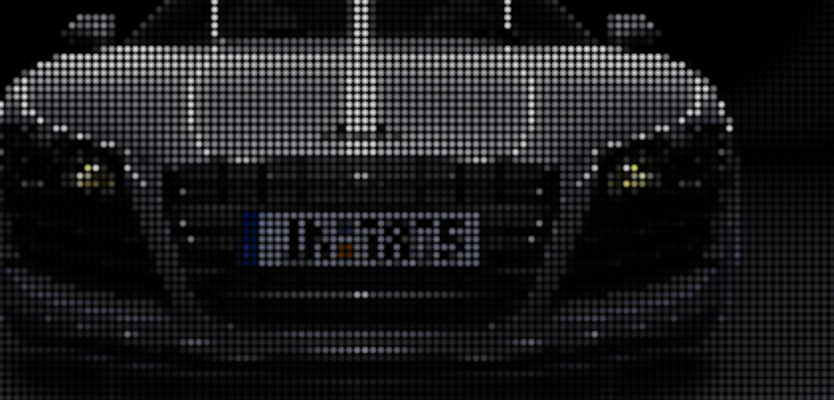
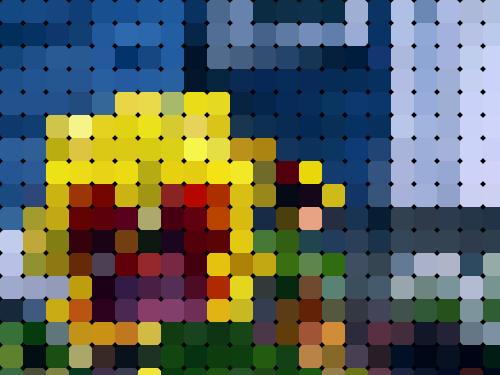
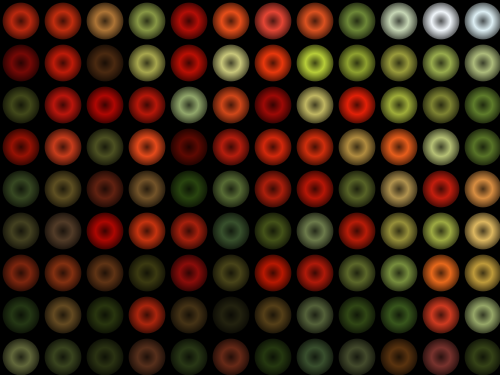
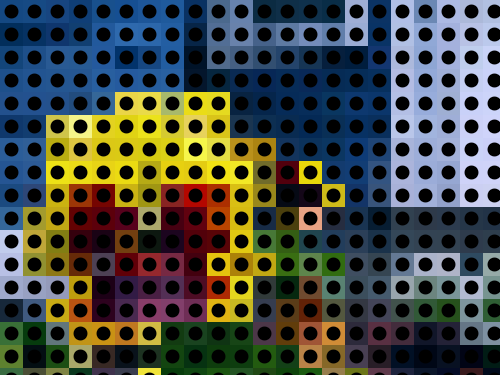
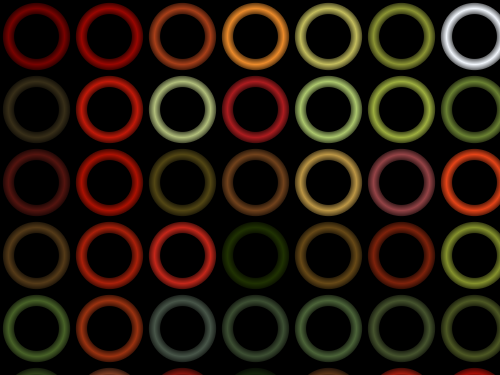
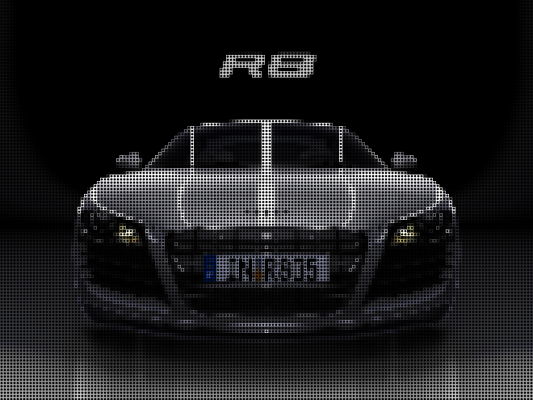
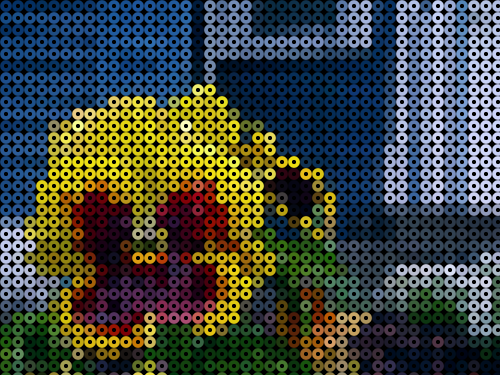
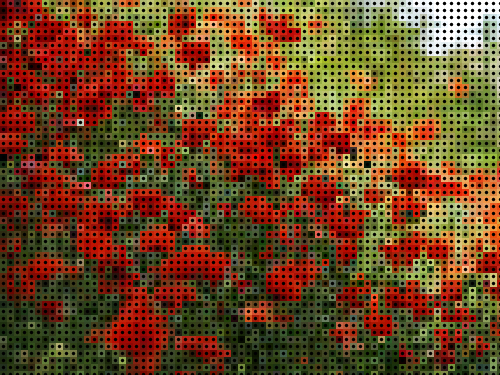
Use this plugin to pixelate your image into circles and rings. Highly useful to create LED screen effect or a porous surface effect. Can also be used to create new abstract, artistic version of images and footage. It has optional shading that helps you to simulate spherical and torus objects. Check out the sample images below to understand its capabilities.
Features
- Pixelates into circles and rings.
- Shading option to simulate spherical and torus objects.
- 32bit Floating Point Support (AE only).
- Compatible with After Effects & Premiere Pro.
Parameters:
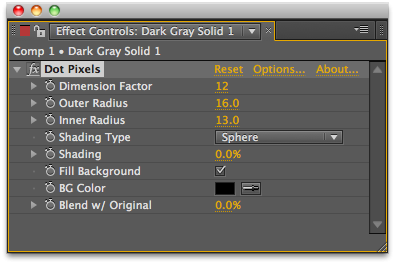
- Dimension Factor: The dimension factor to pixelate the image and also the size of each pixel block after pixelation. Increase this parameter to increase the size of each block/circle/ring generated by the filter.
- Outer Roundness: The Outer roundness of each pixel block. Increase this parameter to decrease the size of each circle.
- Inner Radius: Control the radius if the inner circle in a ring. Increase this parameter to make the ring thinner.
- Shading Type: Type of shading to be applied to pixel blocks. Spherical shading is generally applied to circles and Ring shading is applied to get shaded rings.
- Shading: Amount of shading to be applied for each circle/ring. By default no shading is applied.
- Fill Background: Checkbox to fill background with a color or not. By default, the background is transparent.
- BG Color: The Background color to apply, if 'Fill Background' is checked.
License options
Floating licenses are available for purchase separately by selecting them from the "License Type" pulldown above the price. Please note that Floating Licenses only work in conjunction with the Floating License Server.
Render Only licenses are available for purchase separately here.








| After Effects | 2024, 2023, 2022, 2021, 2020, CC 2019, CC 2018, CC 2017, CC 2015.3, CC 2015, CC 2014, CC, CS6 |
|---|---|
| Premiere | 2020, CC 2019, CC 2018, CC 2017, CC 2015.3, CC 2015, CC 2014, CC, CS6 |
2.7.3 (Current version) - Mar 29, 2024
2.7.2 - Dec 23, 2021
2.7.1 - Aug 5, 2021
- Apple Silicon support for Premiere.
2.6.0 - Jun 8, 2021
- Linking version to TV Distortion Bundle version
2.5.6b - Mar 15, 2021
2.5.6 - Jun 2, 2020
2.5.5b - Nov 5, 2019
2.5.5 - Sep 21, 2019
2.5.4 - Jun 21, 2019
2.5.3 - Dec 3, 2018
2.5.2b - Oct 22, 2018
2.5.2a - Oct 23, 2017
2.5.2 - Mar 16, 2017
2.5.1b - Jan 3, 2017
2.5.1a - Jun 23, 2016
2.5.1 - Jun 16, 2015
2.5f - Jun 22, 2014
- 2.5e - Fixed Windows installer - Aug 2013
- 2.5d - Added CC compatible installer - June 2013
- 2.5 - Converted to native plugin and added Premiere Pro support - Dec 2011
- 2.1 - Source Alpha Channel Bug Fix - Nov 2011
- 1.0 Initial release - Oct 2010
-
- Compatibility After Effects
- Compatibility Premiere
- Compatibility Nuke
- Compatibility Davinci Resolve
Transition Master 2 Pro
Add to CartNative Transition Plugin for DaVinci Resolve, Adobe Premiere Pro and After Effects. Create, export and sell your own transitions or choose from a large transition presets library. It has never been that easy to create stunning native drag and drop transitions this quickly.
New in Transition Master 2: Image Driven Transitions
-
- Compatibility Premiere
Permanent Markers for Premiere Pro
The Adobe Premiere Pro extension that lets you export multiple still frames from a sequence at once. Batch image exports with different file type options, resolutions, and custom naming.Add to Cart -

- Compatibility After Effects
YY_HexTex
YY_HexTex generates tiled hexagon textures, with extra options such as rotation, edge thickness, etc. Everything can be animated right in the comp, without need to deal with messy nested precomps.Add to Cart$29.99 -

- Compatibility After Effects
- Compatibility Premiere
ft-Lens Distortion Bundle
Add to CartControl over lens distortion and vignetting on your footage. Can also be used for artistic and creative image processing.
-

- Compatibility After Effects
- Compatibility Premiere
AI Color Match
Add to CartProfessional color correction and grading is now accessible for all. Easily color match different shots in Premiere and After Effects.
-
- Compatibility After Effects
- Compatibility Premiere
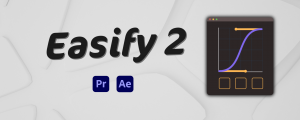
Easify 2
NEW!Add to Cart
Animation Curve with Bézier Handles!First-ever animation easing extension in Premiere Pro!
-

- Compatibility After Effects
- Compatibility Premiere
TV Distortion Bundle Render Only
Add to CartTV Distortion Bundle Render Only License. This license can only be used on headless render machines using the command line renderer and you must own at least 1 full license of at least one TV Distortion Bundle plugin in order to purchase them. You can purchase a normal full TV Distortion Bundle license here.
$25.00 -
- Compatibility After Effects
Data Glitch 2 Render Only
Add to CartData Glitch 2 Render Only License. This license can only be used on headless render machines using the command line renderer and you must own at least 1 full license of Data Glitch 2 in order to purchase them. You can purchase a normal full Data Glitch 2 license here.
$20.00 -

- Compatibility After Effects
Stipple
Add to CartImage Stippling in After Effects. Create temporally coherent Image Stippling patterns driven by footage using a physics simulation. It's a lot of fun!
$99.99 -

- Compatibility After Effects
Buena Depth Cue Render Only
Add to CartBuena Depth Cue Only License. This license can only be used on headless render machines using the command line renderer and you must own at least 1 full license of Buena Depth Cue in order to purchase them. You can purchase a normal full Buena Depth Cue license here.
$25.00 -
- Compatibility After Effects
- Compatibility Premiere
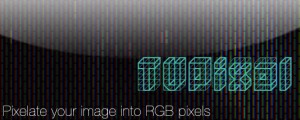
TVPixel
TVPixel is a plugin for After Effects and Premiere Pro that pixelates your image into R,G,B Pixels like a real TV/LCD Screen.Add to Cart$39.99 As low as: $31.99 -

- Compatibility After Effects
Separate RGB Render Only
Add to CartSeparate RGB Render Only License. This license can only be used on headless render machines using the command line renderer and you must own at least 1 full license of Separate RGB in order to purchase them. You can purchase a normal full Separate RGB license here.
$9.99