
LoadUP!
-
Compatibility After Effects Please check exact version compatibility under the "COMPATIBILITY" tab below
 Adding to cart...
Description
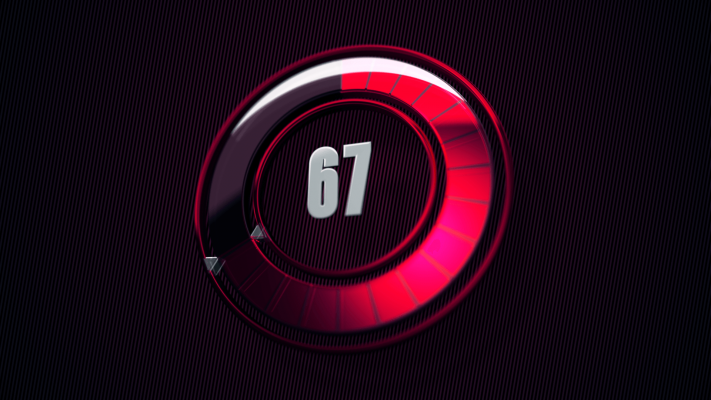
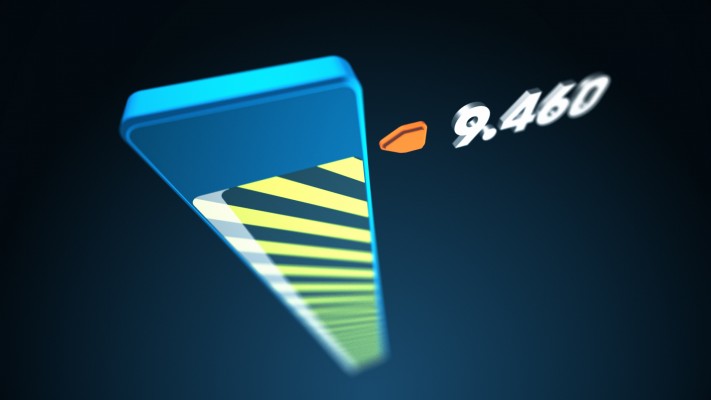
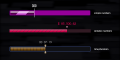
Designed to create any type of loading or progress bar, fast and easy. No more aligning, masking and fiddling around with expressions to create a simple bar. LoadUP! creates all the necessary shape and text layers, inserts key expressions and adds convenient effect controls for easy customization.
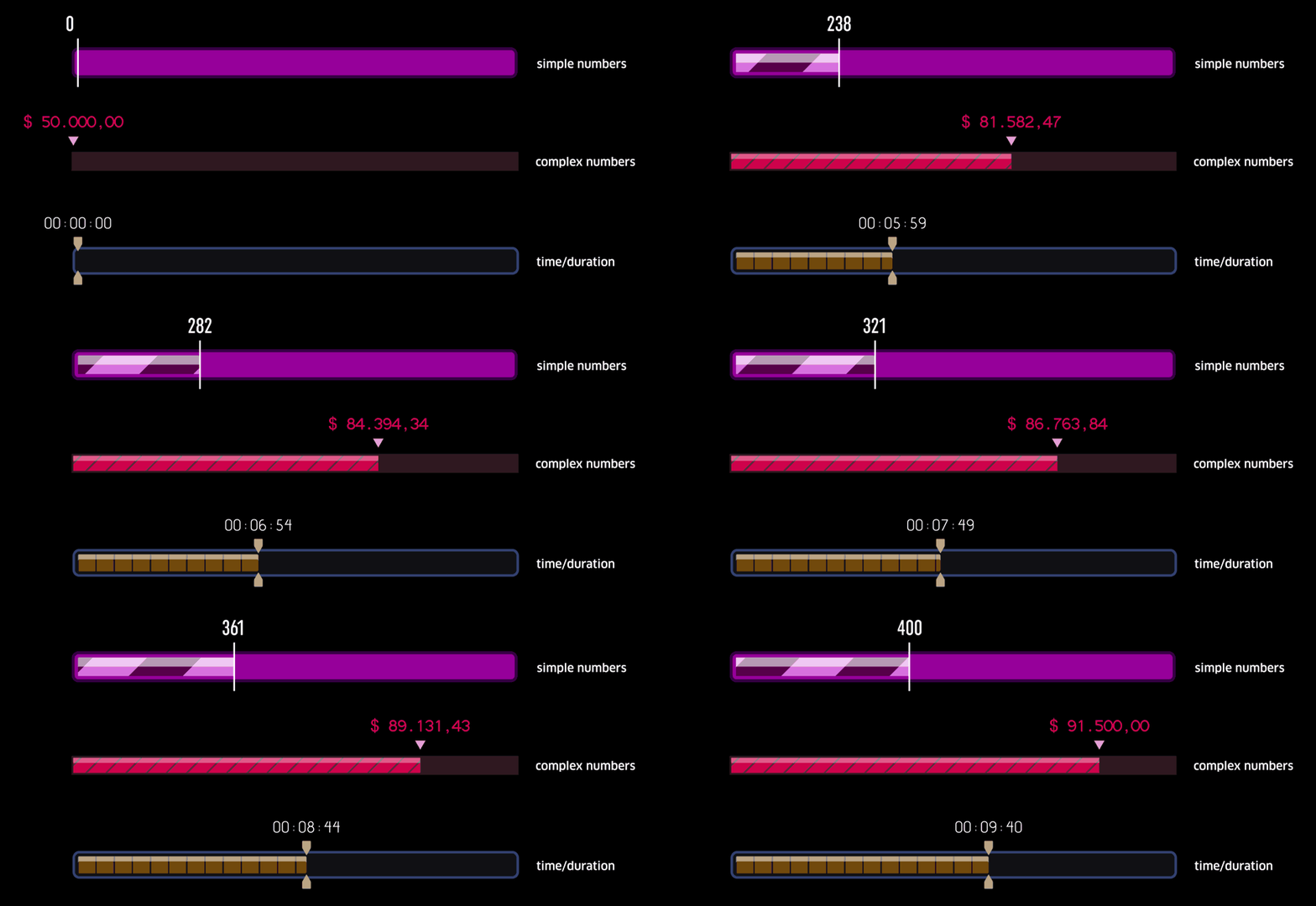
With LoadUP! you can create any loading bar along with a text layer, pointer(s) and a ton of effect controls to customize it to your liking.
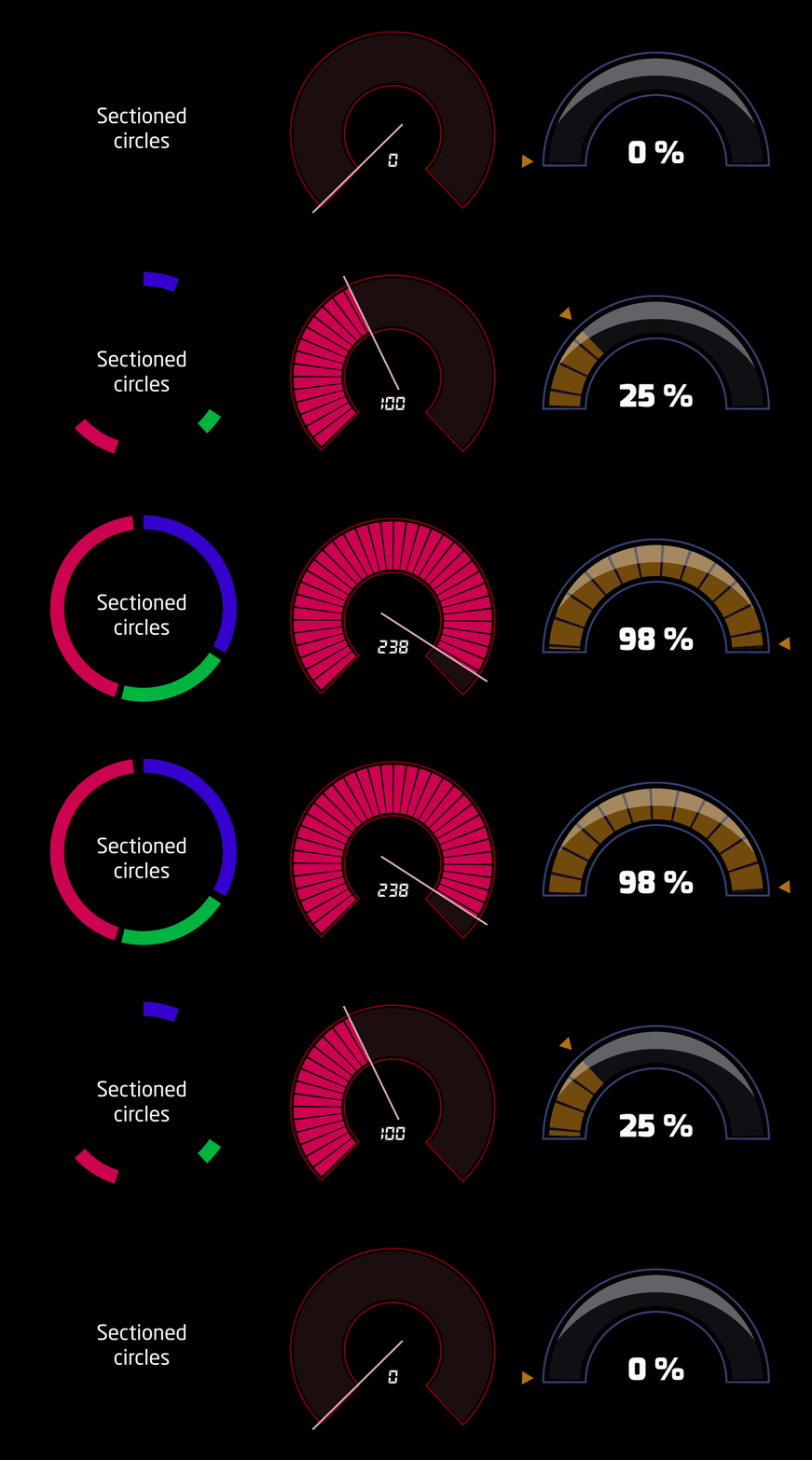
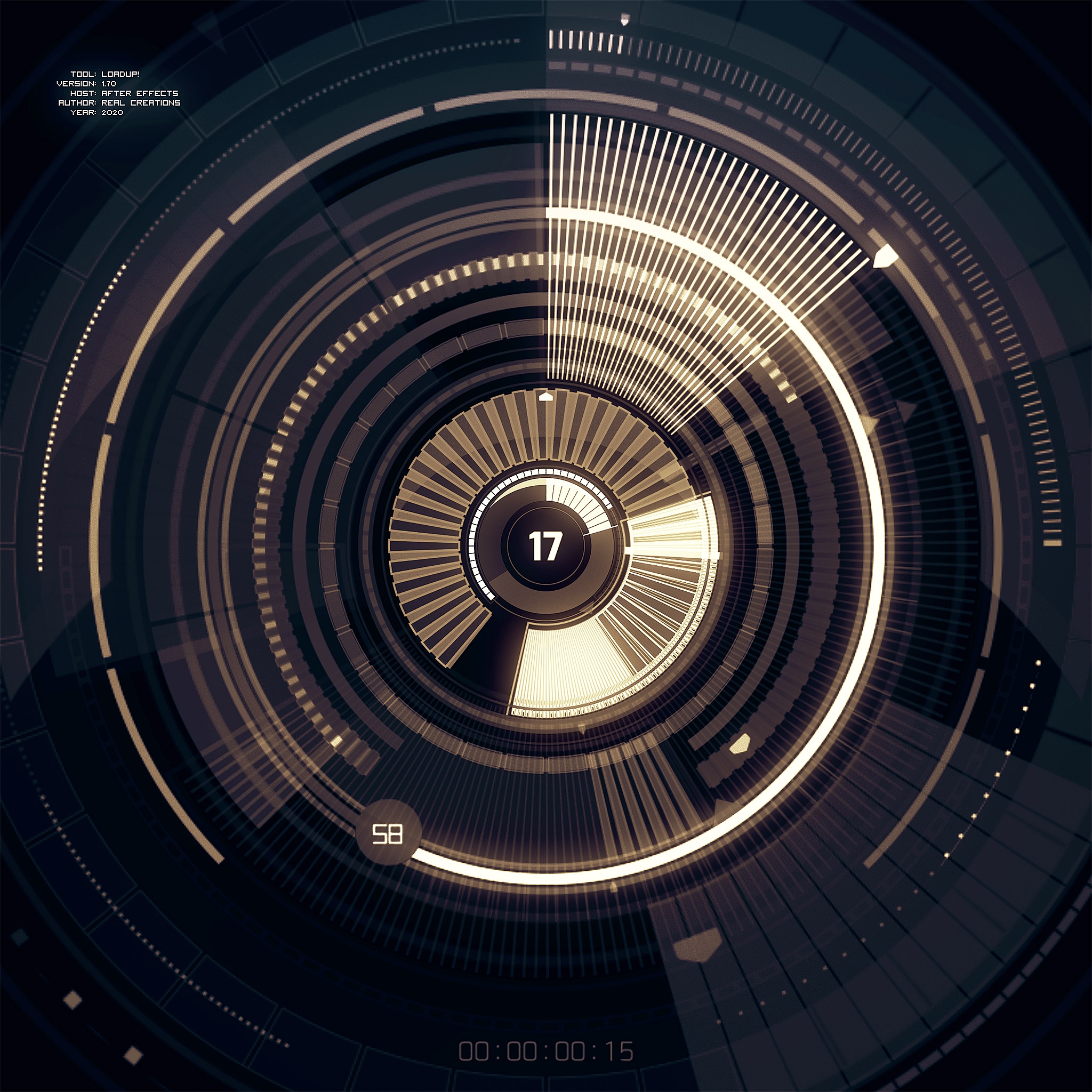
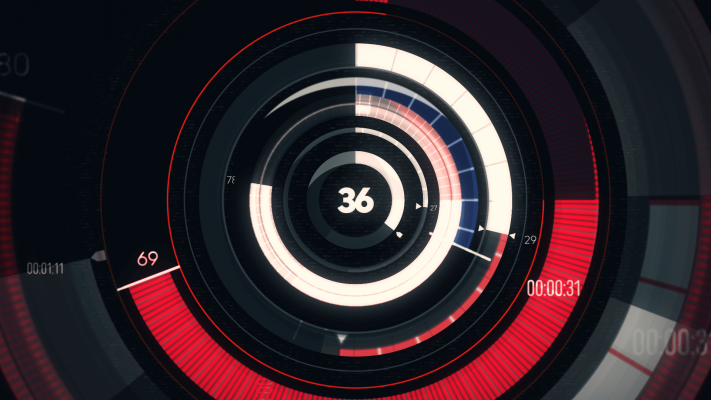
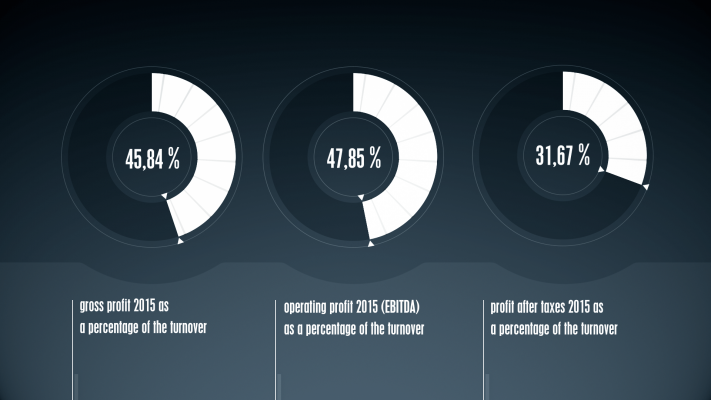
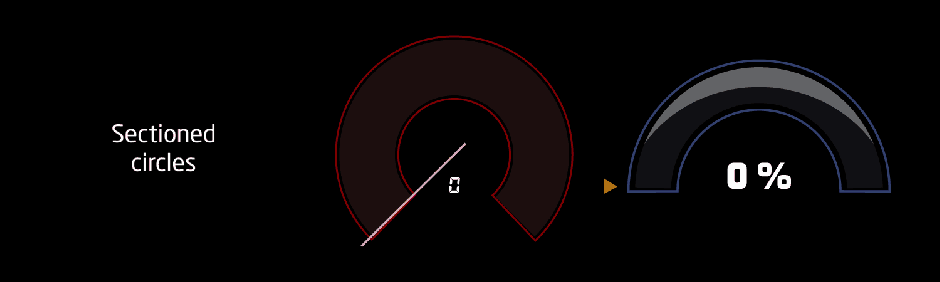
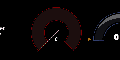
Examples of sectioned circular bars.
The first example was created by creating three sectioned bars and combining them to create one full circle bar.
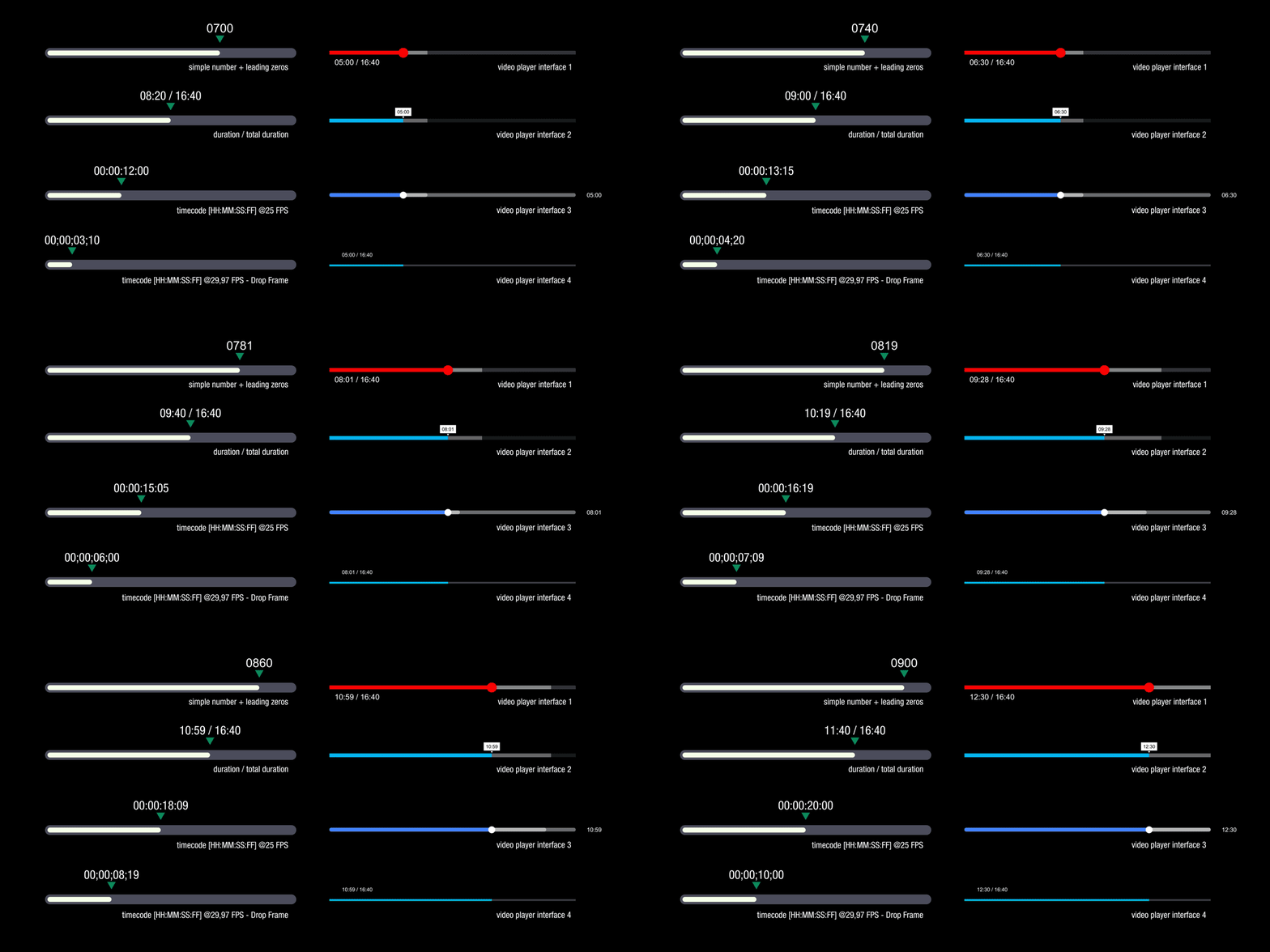
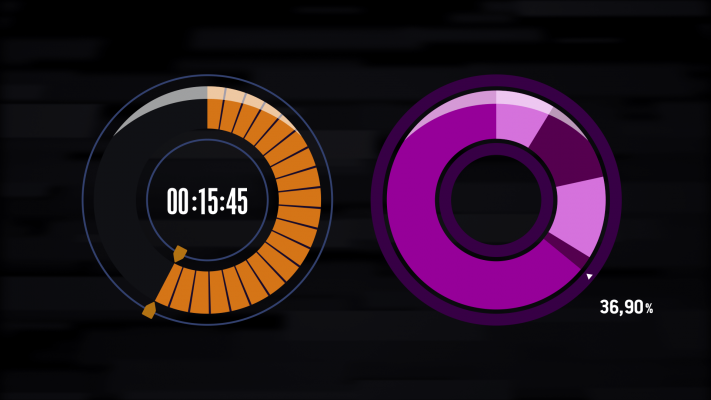
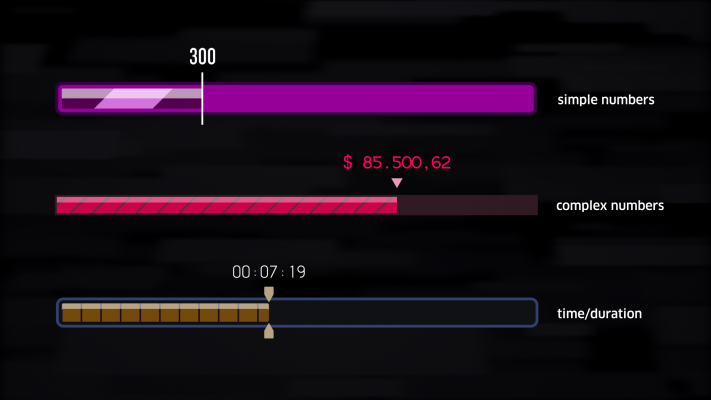
Four examples of the 13 different numbering modes + four examples of video-player interfaces created with LoadUP!
User interface - Basic options
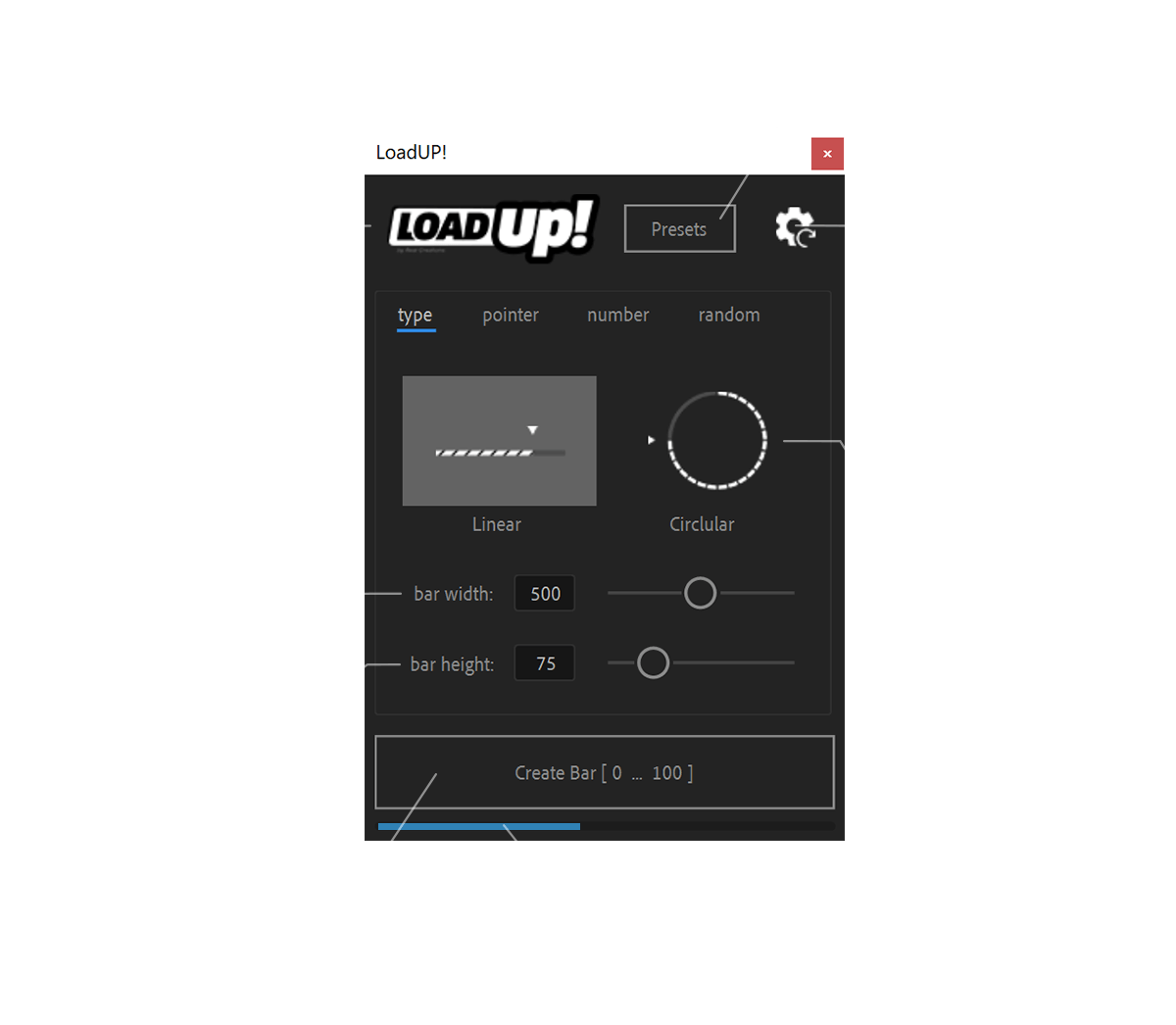
LoadUP! can be run as a dockable panel (will be visible and run from the "Window" menu in After Effects) or in "window" mode" (visible and run from the File → Scripts menu).
The mode depends on which folder you install the script in.
Great care has been taken to make sure that most properties controlled by LoadUP! expressions is unlocked and editable.
The text layer(s) that the script creates is completely independent. This means you can edit, move, scale, rotate, etc. the layer in relation to the bar. You can even delete the text layer you want without affecting the functionality of the script.
LoadUP! is compatible and has been successfully tested on After Effects CS6 through After Effects 2023, on both Windows and macOS (+Catalina) platforms.
If you encounter any bugs please open a support request describing the problem as detailed as possible including screenshots.
User interface - Presets
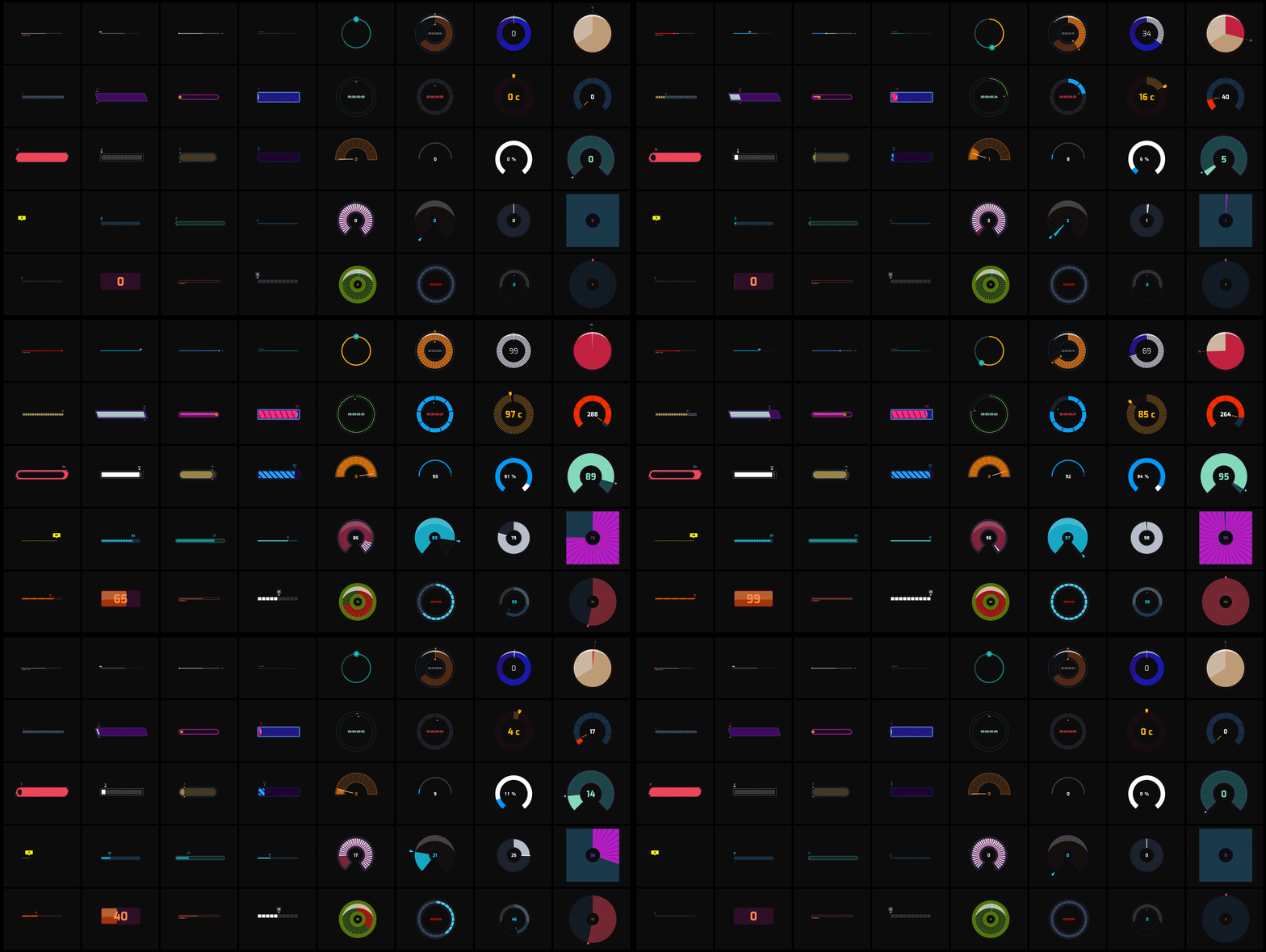
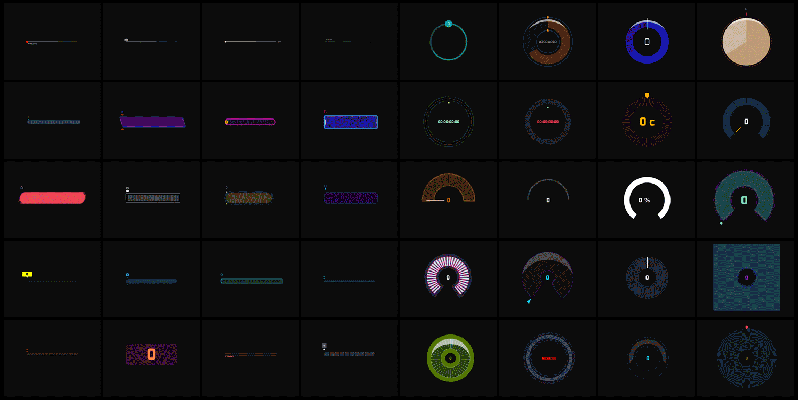
LoadUP! comes with 40 linear and circular presets ready for you to experiment with.
User interface - Powerful numbering options
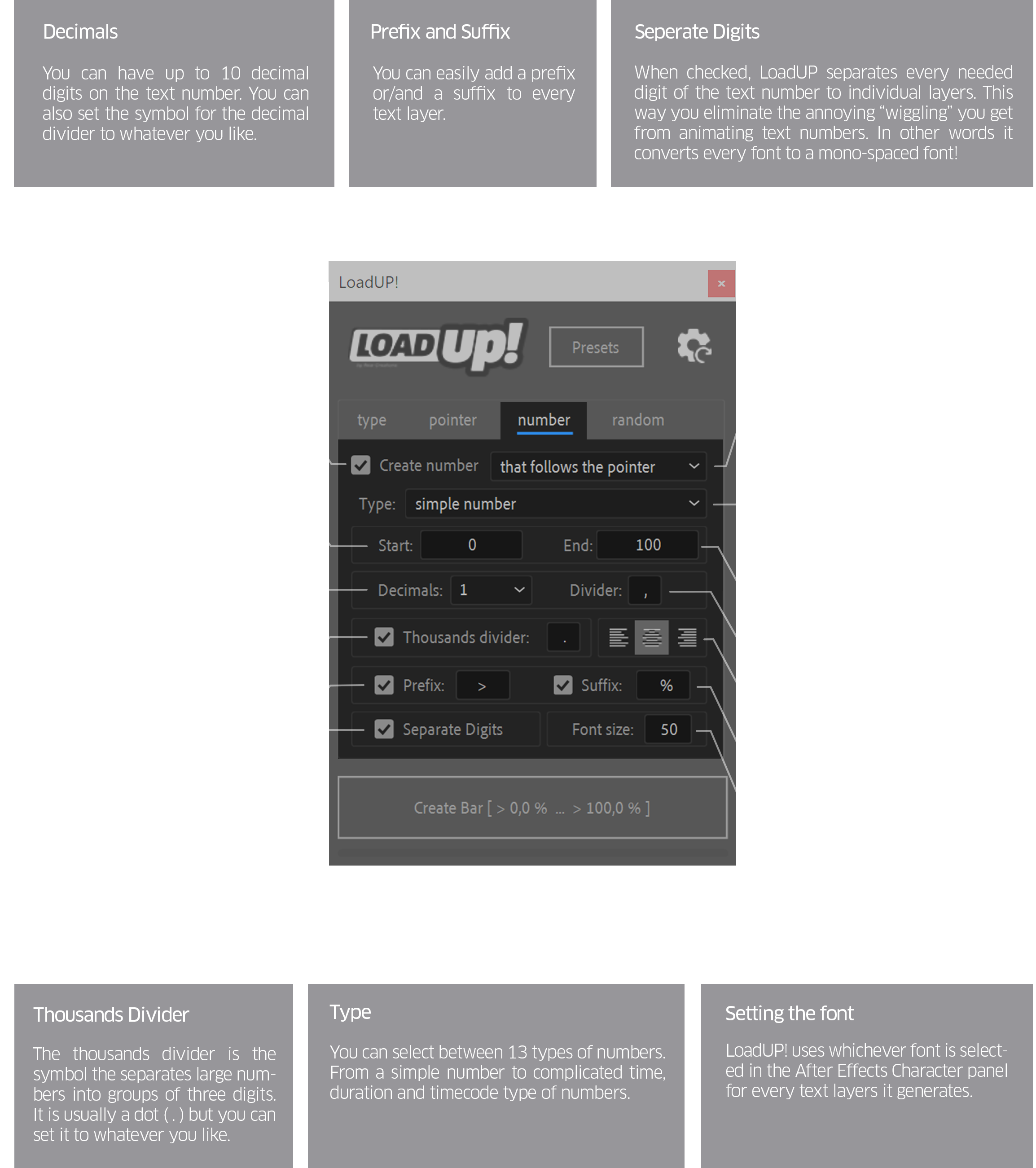
Smooth counting
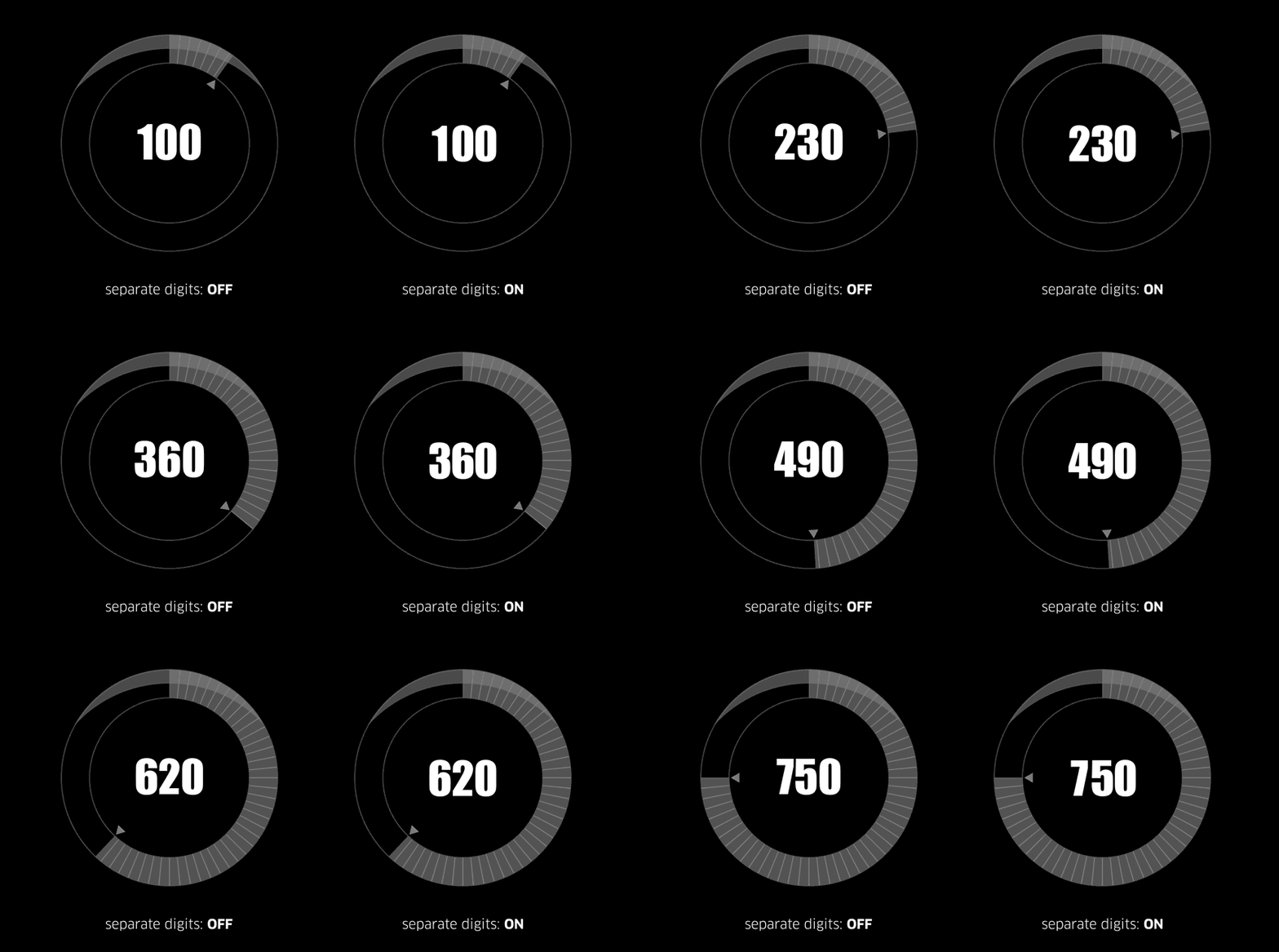
LoadUP! has a unique feature that prevents the annoying character wiggling you get when animating (counting up or down) a text layer. When "separate digits" is checked, LoadUP! puts every necessary digit to a different layer and animates all of them just like being a single layer. This way you can use whatever font you prefer, without worrying about character widths, mono-spaced fonts etc.
Features
- keyboard controlled interface - every numeric text box in the interface can be precisely controlled with the keyboard arrow keys ↑↓
- grouped undos - you can undo the whole bar creation process with a single click
- uniform label color - each bar with its corresponding text layer(s), has the same label color - every new bar that you create has a different label color
- multiple bars in one composition - you can create as many bars as you like inside a single composition. Each bar has a unique name
- dockable panel or window mode - the script can be run as a dockable panel or a floating window. The mode depends in which folder you install the script
- integrated help and tool tips - every control in the user interface has a tool tip. Clicking on the easyRuler logo, brings a window with help tips
- user guide - along with the script, there is a 13 page user guide (PDF)
- language independent - the script works in every international version of After Effects, no matter the language is installed on
Effect Controls
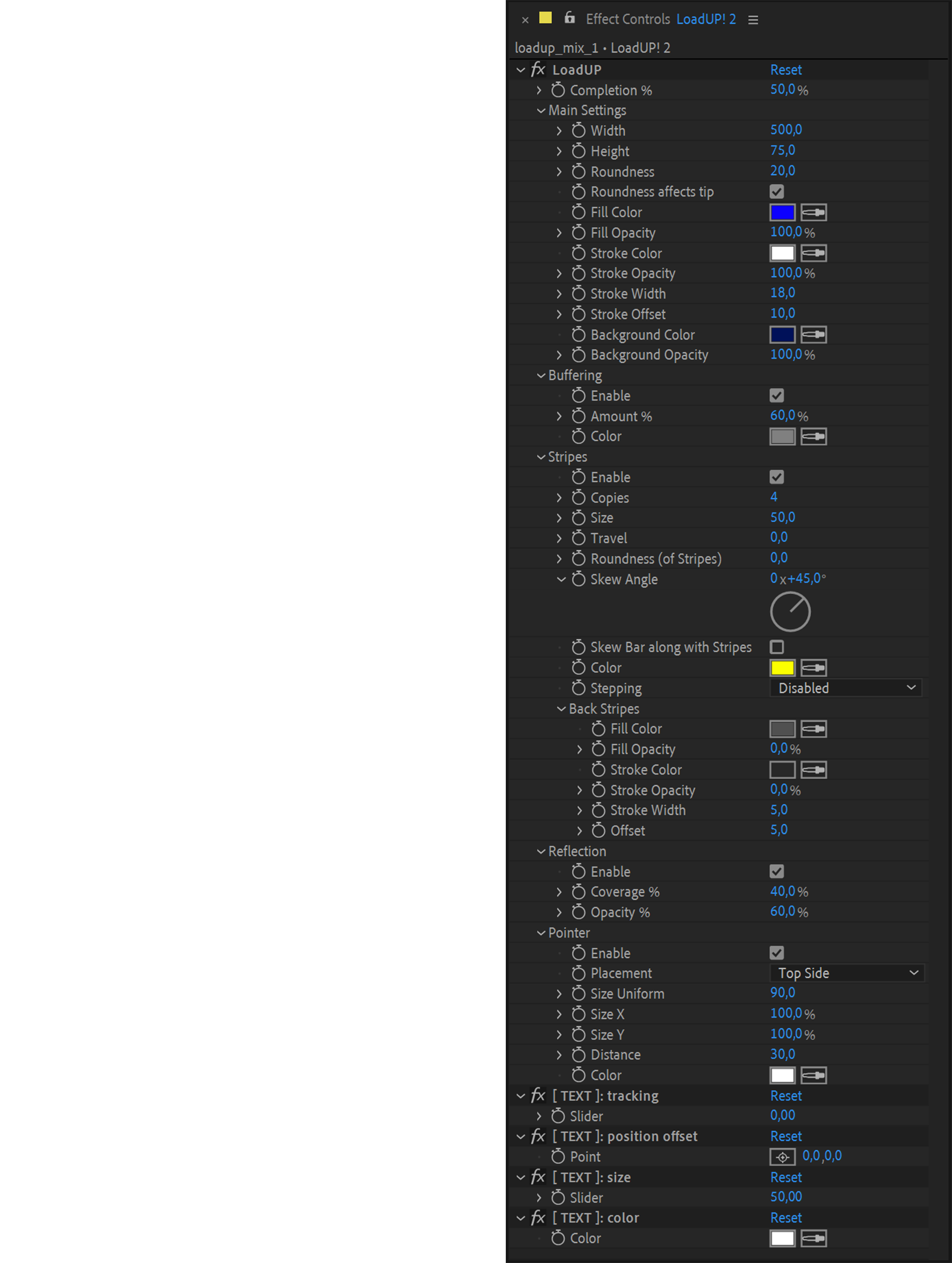
This is an example of some of the effects controls that you will find in the effect panel of the shape layer that LoadUP! creates. Only the effect controls that are needed are added to the effects control panel.
For example, if you select not to generate a text number then the:
- [ TEXT ]: tracking
- [ TEXT ]: position offset
- [ TEXT ]: size
- [ TEXT ]: color
effect controls will not be added as they are redundant.
If you like this tool, please visit:
www.realcreations.gr









| After Effects | 2024, 2023, 2022, 2021, 2020, CC 2019, CC 2018, CC 2017, CC 2015.3, CC 2015, CC 2014, CC, CS6 |
|---|
1.71 (Current version) - Aug 26, 2020
1.70 - Aug 22, 2020
- optimized: limit the "Font Size" number input in the Script UI panel, to the maximum allowed by After Effects (1296 points)
- optimized: Pointer width and height can now be changed independently in the effects control panel
- optimized: licensing optimizations for Korean Windows Systems
- optimized: when the "Circle Section %" is used, the stripes are now proportionally distanced
- optimized: code concerning "stripes" (copies/travel/gap) has been improved and is now more accurate
- added: "Fill Opacity", "Background Opacity", "Roundness affects tip", "Stripes Roundness" effect control
- added: Stripes Background feature (with Fill, Stroke, Stroke Width & Stroke Color effect controls)
- added: you can now skew the whole Linear Bar
- added: Stepping option. This option makes LoadUP! bars fill-up in equal increments
- added: 40 (!) new presets with new preset selection interface
- added: "Randomize All" & "Randomize Only Colors" buttons in the UI
- fixed: text layer position is now connected with the pointer distance value in circular bars (it now works exactly like the linear bar does)
- fixed: the "timecode or frame count of Current Comp" number type, now calculates also the very last frame of the comp
- fixed: several issues with the roundness of shapes (especially at the very start/end of the bar) have been fixed
- fixed: progress bar now works properly
- fixed: several fixes for CS6 users
- removed: "Pointer placement" options from the Script UI panel. Pointer placement can now be changed on-the-fly from the effect controls panel
1.66 - Nov 24, 2019
- added: support for MacOS Catalina
1.65 - Jan 5, 2019
optimized: more robust text size and tracking calculations when "separate digits" is enabled
fixed: a bug that prevented negative numbers with decimals to be rendered properly
fixed: a few UI bugs
fixed: a bug in the [ Apply ] colors button, which prevented new colors to be applied in circular bars
changed: the "Set Font" checkbox and text field has been removed. LoadUP! will now use whichever font is selected in the After Effects Character Panel
1.61 - Aug 17, 2018
1.60 - Aug 2, 2018
added: one additional numbering mode: "timecode or frame count of current Comp". This mode shows the current timecode -[HH:MM:SS:FF] or frame count- of the composition that the bar is created in. The 'Completion %' is automatically connected to the current time indicator.
optimised: improved box frame positioning code + additional effect controls
1.51 - Feb 26, 2018
1.5 - Jan 9, 2018
added: new option for putting numbers inside a box frame
added: new option for buffering. Every bar has an extra buffering bar (like on-line video player interfaces)
added: 8 one-click presets (4 of which are interfaces from well-known video sharing sites)
added: nine (9) additional numbering modes
simple number + leading zero
HH:MM / TT:TT
HH:MM:SS:FF @ 24 fps
HH:MM:SS:FF @ 25 fps
HH:MM:SS:FF @ 29,97 fps (drop frame mode)
HH:MM:SS:FF @ 30 fps
HH:MM:SS:FF @ 50 fps
HH:MM:SS:FF @ 59,94 fps (drop frame mode)
HH:MM:SS:FF @ 60 fps
optimised: renamed "Reflection Amount" to "Reflection Coverage %" which is now relative to the bar height.
optimised: impoved text positioning code
optimised: custom effect controls have been implemended for a more clean a compact look
1.02 - Dec 12, 2017
1.01 - Feb 16, 2017
1.0 - Nov 9, 2016
-
- Compatibility After Effects
CircusMonkey
Add to CartCreate kinetic type with the greatest of ease. A new way of working with text in 3D space unleashes amazing possibilities
-
- Compatibility After Effects
Masks to Cropped Layers II
Add to CartMasks to Cropped Layers II is a utility that helps to animate vector graphics, as well as improving the performance of vfx compositing. It works on layers that have multiple masks, for example when artwork is pasted from Illustrator, or when areas are tracked in Mocha. Each mask is copied to a new solid (for animation) or used to create a pre-comp. Each new layer is cropped to the size of the mask, providing flexibility for animation while dramatically improving performance.
-

- Compatibility After Effects
Express Table
Add to CartNow with improved Table Template functionality and free Table Templates. Generate animated tables from csv data in After Effects with Express Table
-

- Compatibility Premiere
SubMachine
Add to CartThe Engaging, and Customisable Subtitling Solution for Adobe Premiere Pro.
Available as a perpetual license or subscription. This is a perpetual license.
-
- Compatibility After Effects
Graph Master Free
Graph Master Free is the easiest way to create bar graphs in After EffectsAdd to Cart -
- Compatibility After Effects
- Compatibility Premiere
Subtitle Pro
Add to CartCreate Professional Subtitles Directly in After Effects and Premiere Pro
-

- Compatibility After Effects
keyboardFX
Add to CartkeyboardFX is a tool for Adobe After Effects designed to generate fully customizable keyboards together with user-defined typing animations.
$29.99 -

- Compatibility After Effects
quadrateFX
Add to CartGenerate random patterns of vector tiled rectangles in After Effects, simulating the data visualization method also known as treemapping.
$29.99 -
- Compatibility After Effects
circuitFX
Add to CartcircuitFX is a tool for After Effects designed to create graphical circuit boards. The circuit pattern is generated randomly with every button press. Apart from the circuit lines and circles, circuitFX also creates, chips, resistors, and capacitors. It has the ability to put all of the needed parts in a single shape layer or create separate shape layers for each part of the board. Its ideal for technology or sci-fi related projects, animated backgrounds, HUDs, etc.
$29.99 -

- Compatibility After Effects
mazeFX
Add to CartMaze algorithm is now much faster with cleaner path results. Create random vector mazes (labyrinths) in After Effects. mazeFX can also generate a unique solution with effect controls to fully control the appearance of the maze. Finally, it can use masks to control each maze's shape and place all of the needed parts in a single shape layer or create separate shape layers for each part of the maze.
$29.99 -

- Compatibility After Effects
easyRulers 2
Add to CartApple Silicon Ready + 6 New Features! Designed to create any type of graphical measuring ruler, fast and easy. It is ideal for artists who create gauges, scopes, speedometers, graphical equalizers, HUDs, UI elements, historical timelines, instrumentation layouts, infographics, audio interfaces etc.
$39.99