
easyRulers 2
-
Compatibility After Effects Please check exact version compatibility under the "COMPATIBILITY" tab below
 Adding to cart...
 |
|
|
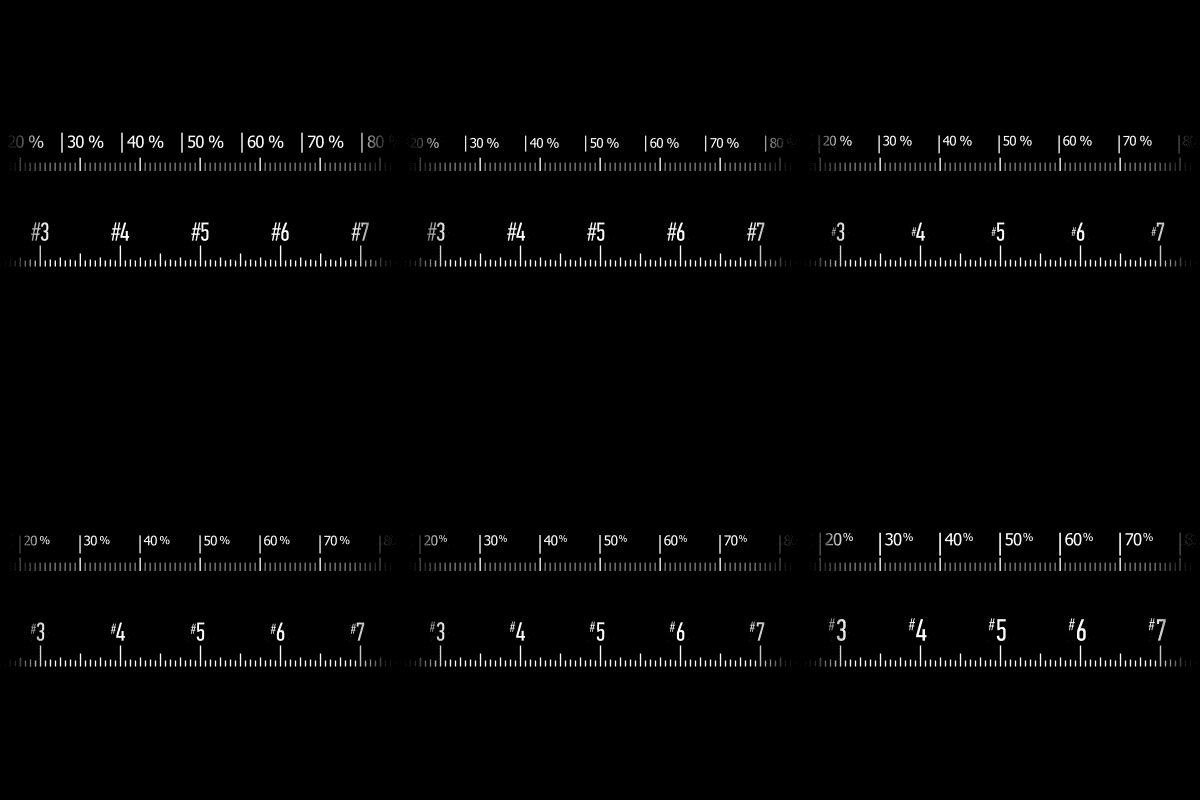
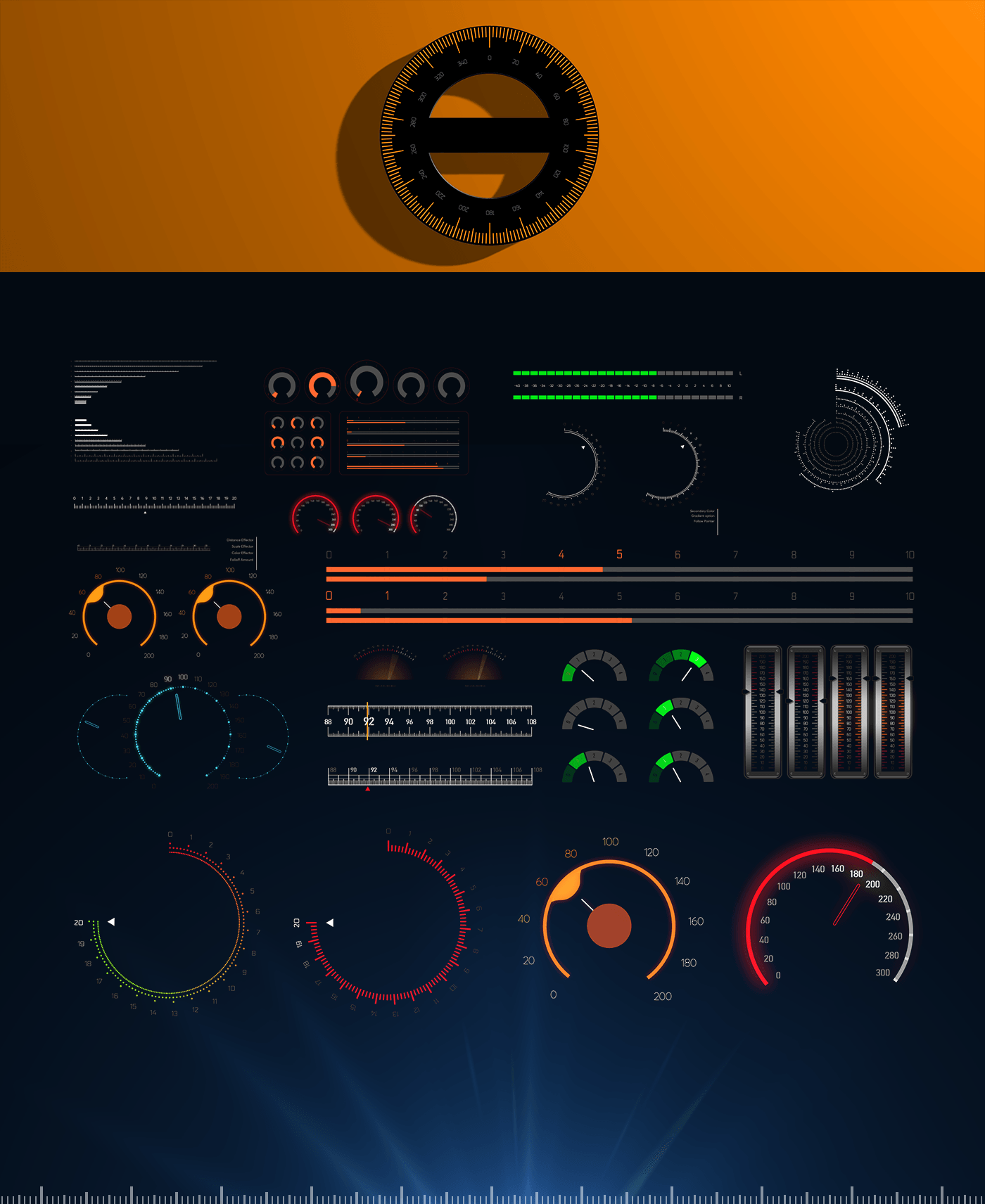
easyRulers 2 is an Adobe After Effects hybrid tool (script + plugin) designed to create any type of graphical measuring ruler, fast and easy. It is ideal for artists who create gauges, scopes, speedometers, graphical equalizers, HUDs, UI elements, historical timelines, instrumentation layouts, infographics, audio interfaces, digital vehicle dashboards. |
 |
|
No more aligning and fiddling around with dozens of layers. easyRulers 2 creates all the necessary shape and text layers, perfectly aligns them and adds convenient effect controls for easy customization. |
 |
 |
 |
 |
 |
|
Multithreading + Apple Silicon support |
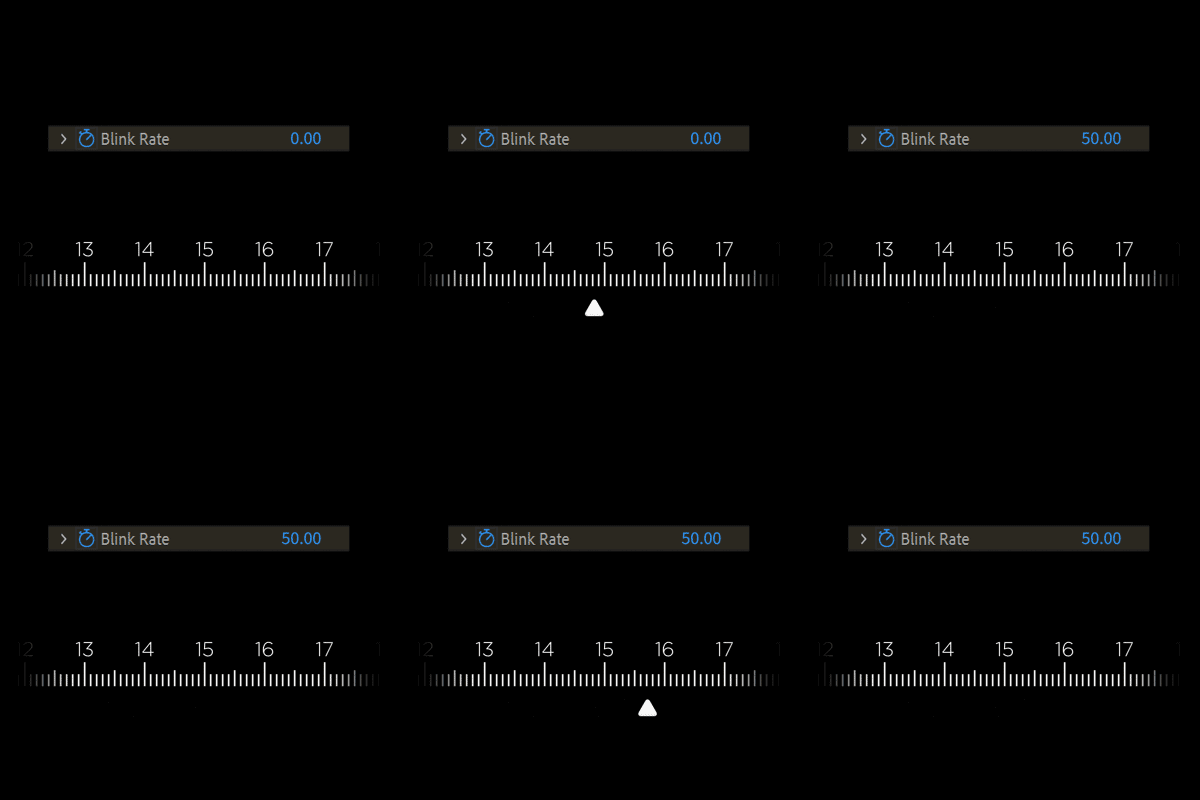
Pointer Blink function |
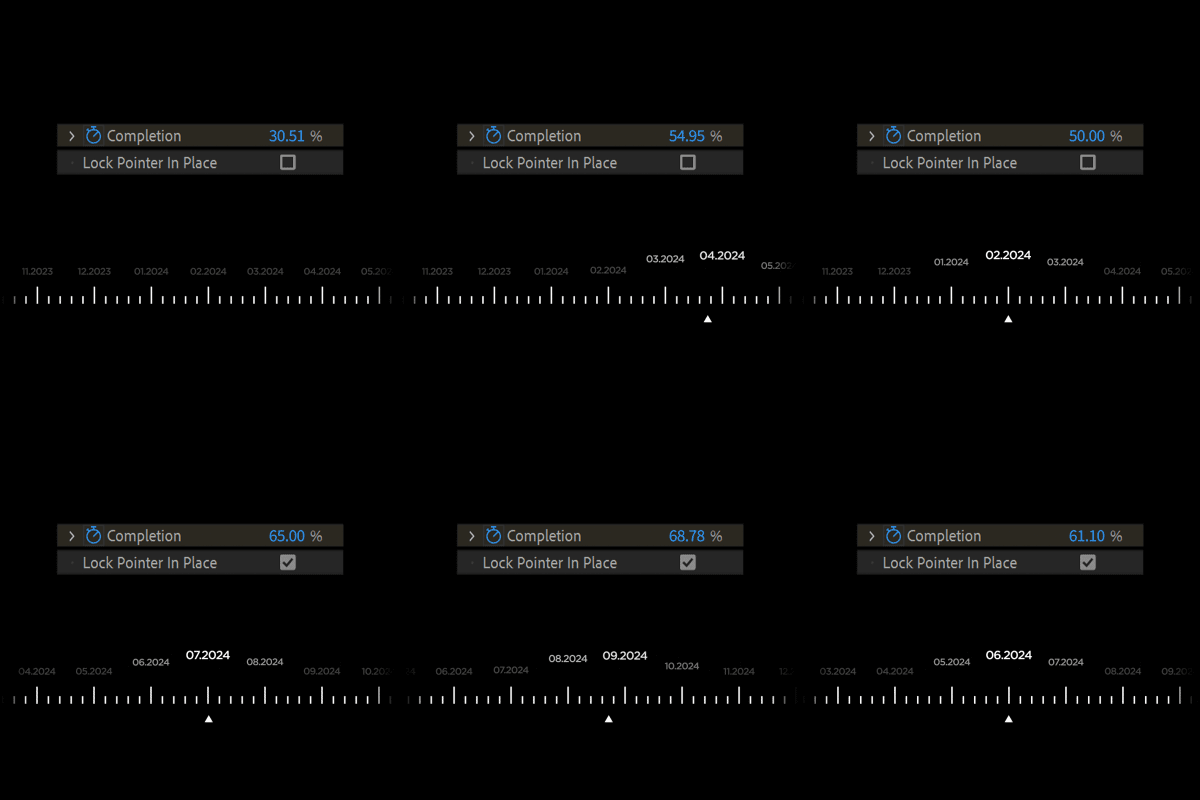
Pointer Lock function |
 |
 |
 |
|
Separate control of prefix/suffix |
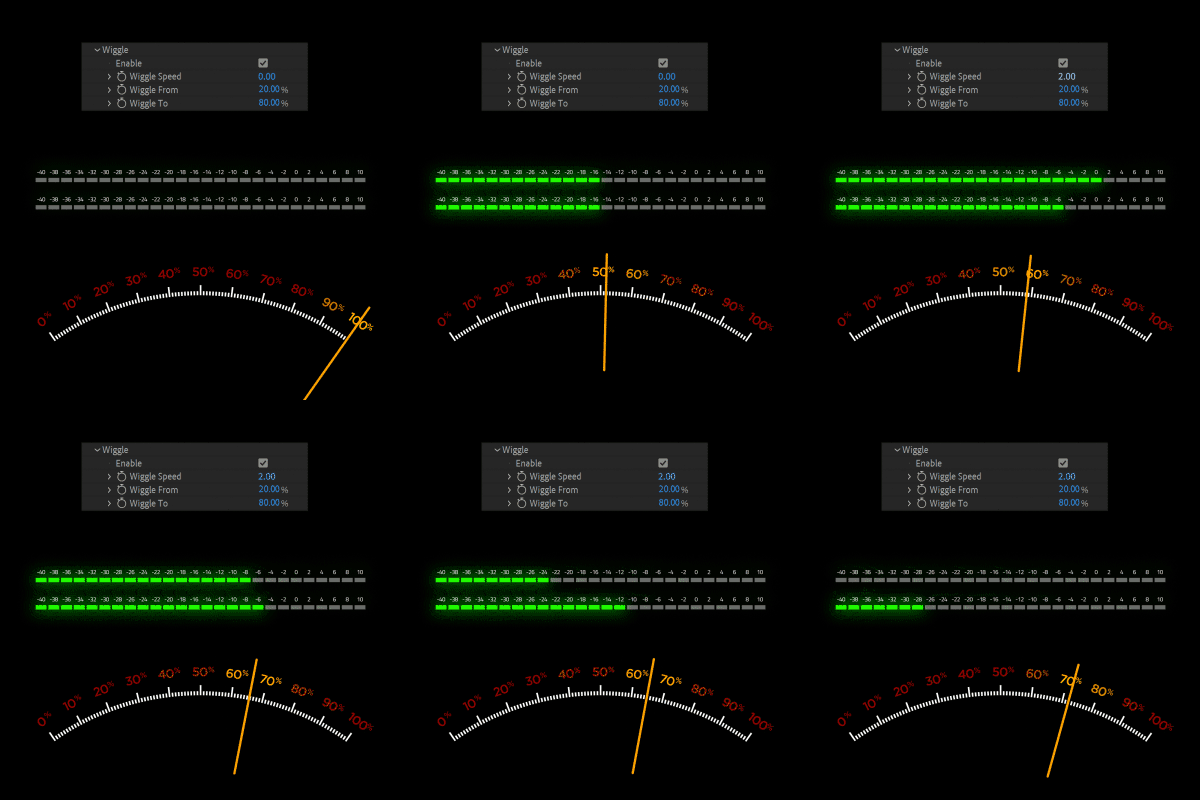
Wiggle function |
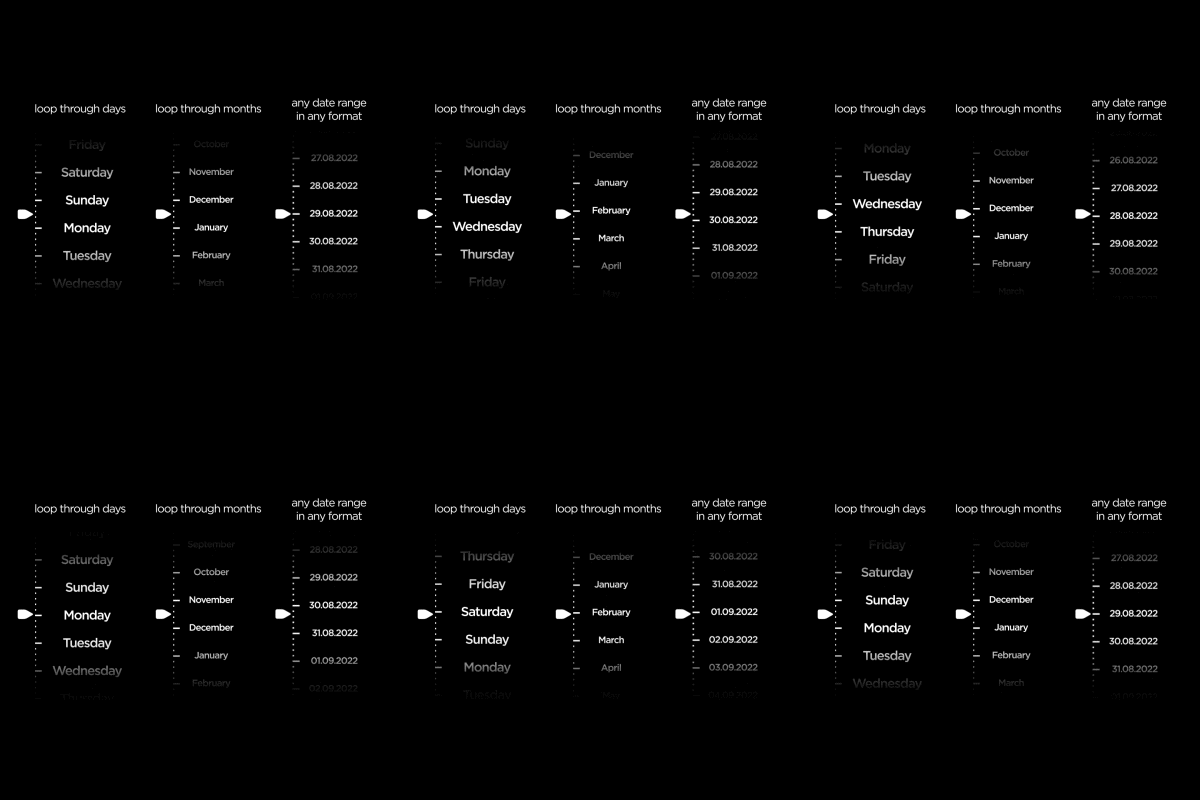
Powerful Date function |
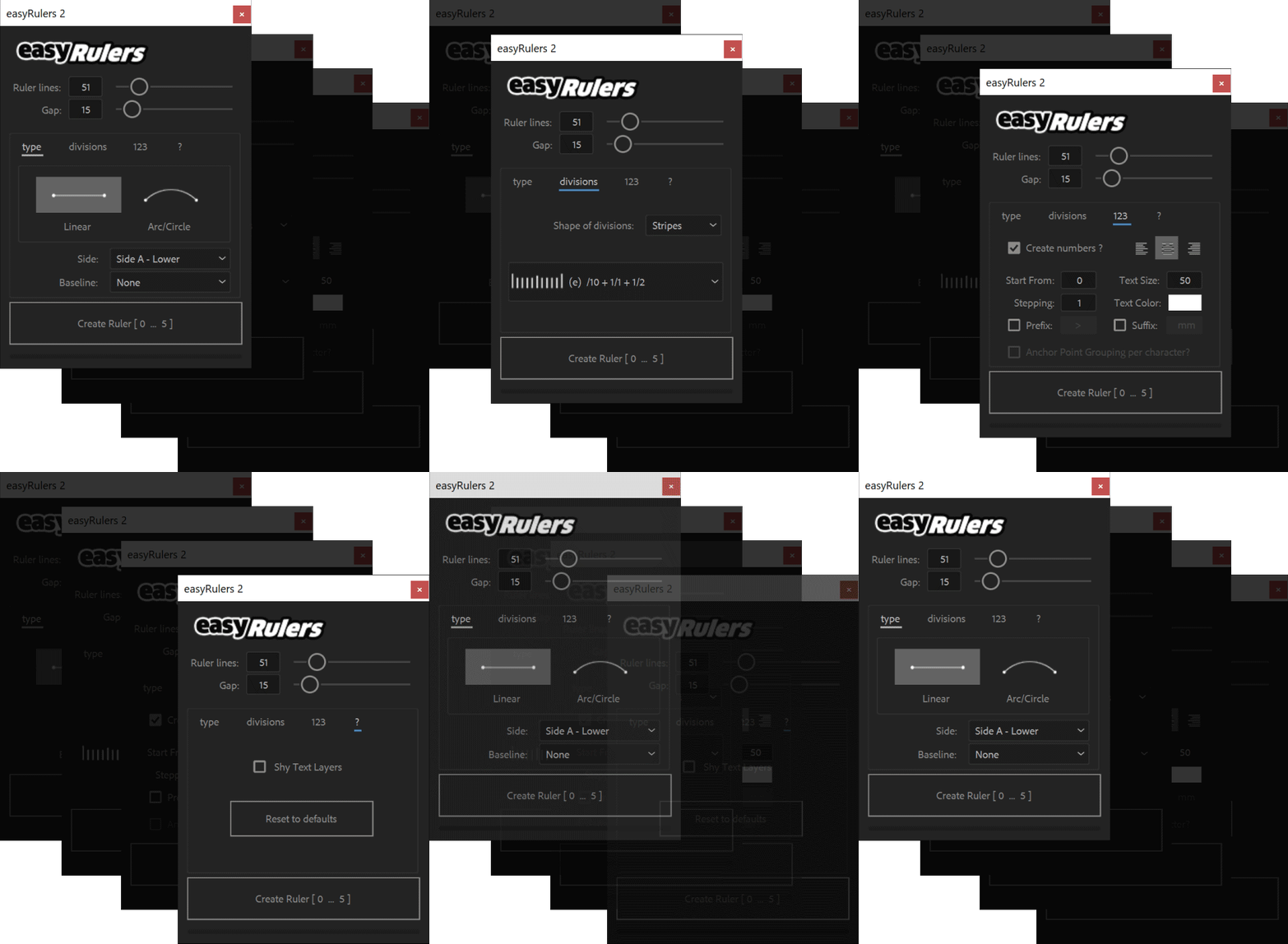 easyRulers 2 gives you full control over the creation of text numbering. You can adjust the starting point, the stepping, the size, alignment and color of the text layers. You can also easily add prefixes or suffixes (or both) to each text layer. The "Create Ruler" button, shows (and is updated every time you change a setting) the range of numbers that is going to be created.easyRulers 2 is compatible with the following versions of After Effects on both Windows and macOs systems (with Intel or Apple Silicon): 
|
|
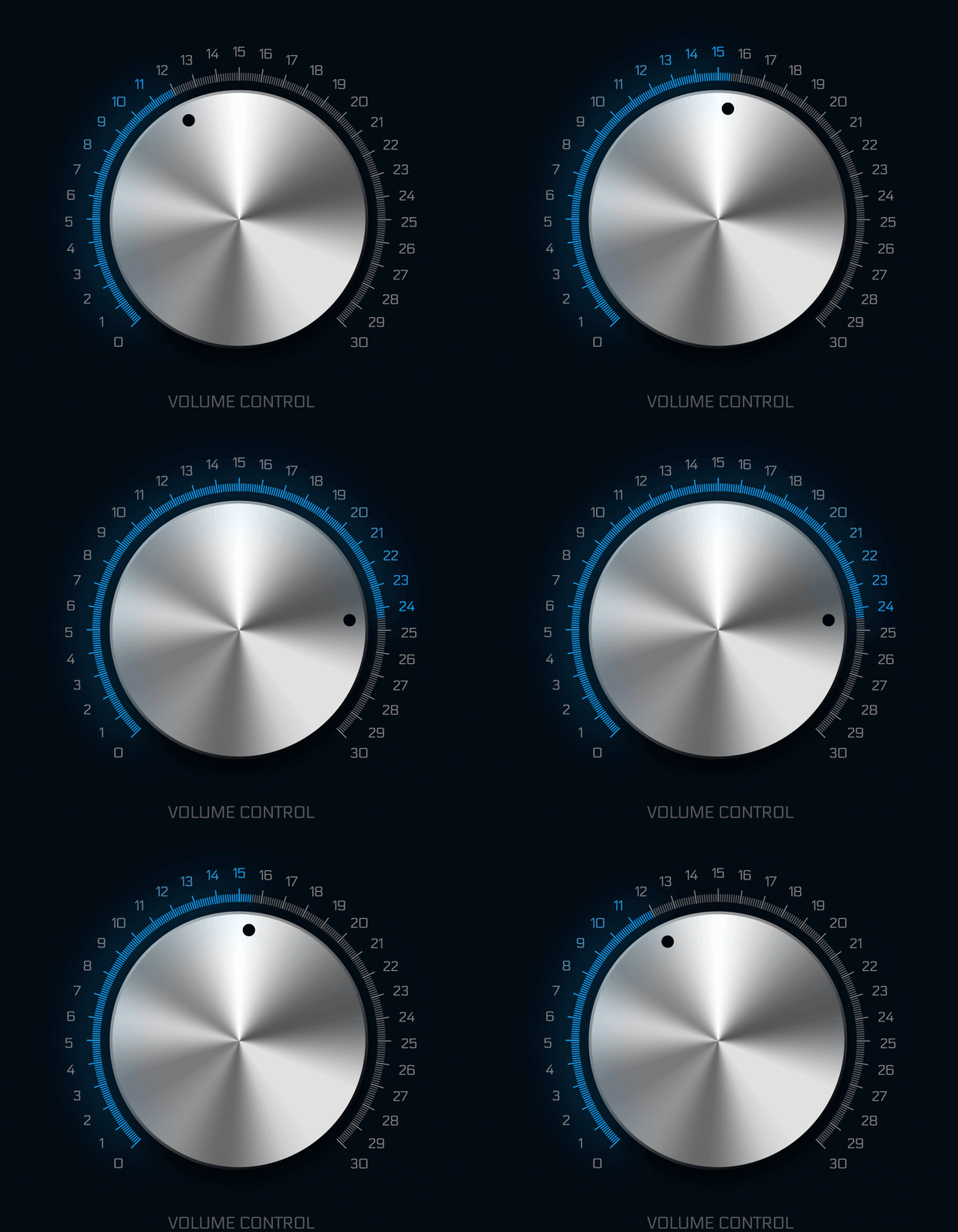
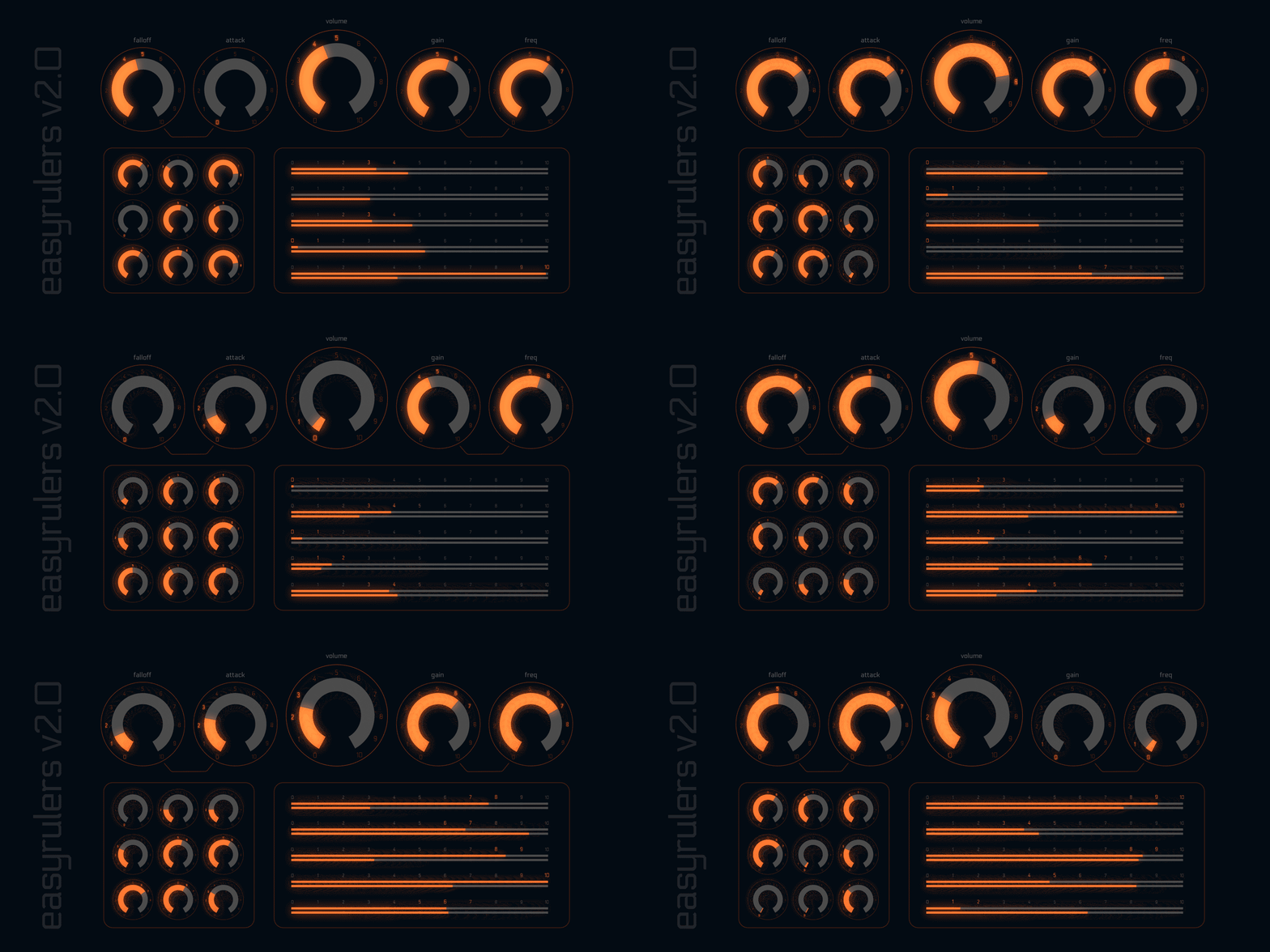
easyRulers 2 is ideal for designing user interfaces, with circular dials, linear sliders and gauges |
 |
|
easyRulers 2 can control the distance, scale, color and opacity of the text layers in relation to the position of the pointer. The range and type of the falloff can also be easily adjusted. |
 |
|
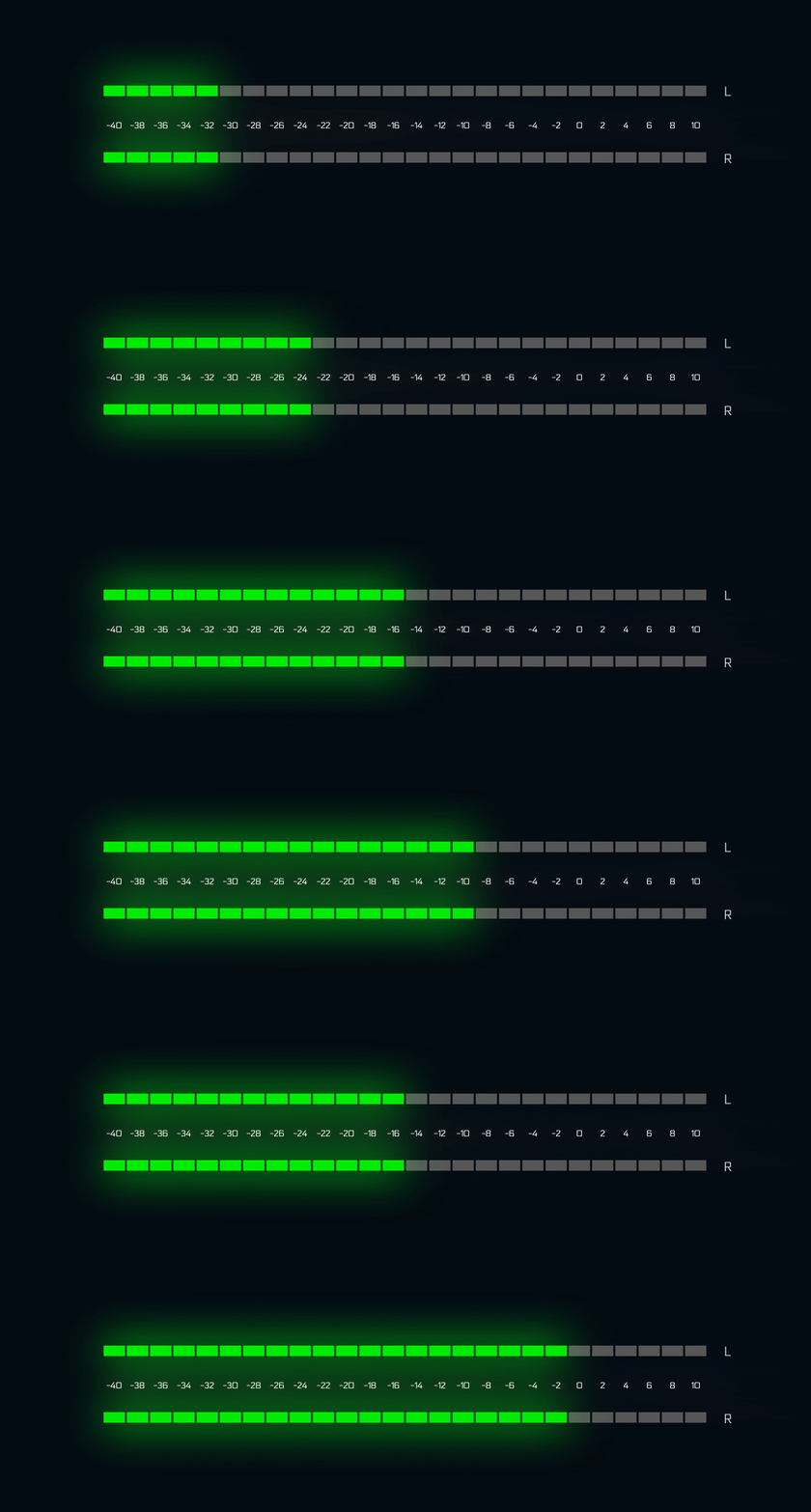
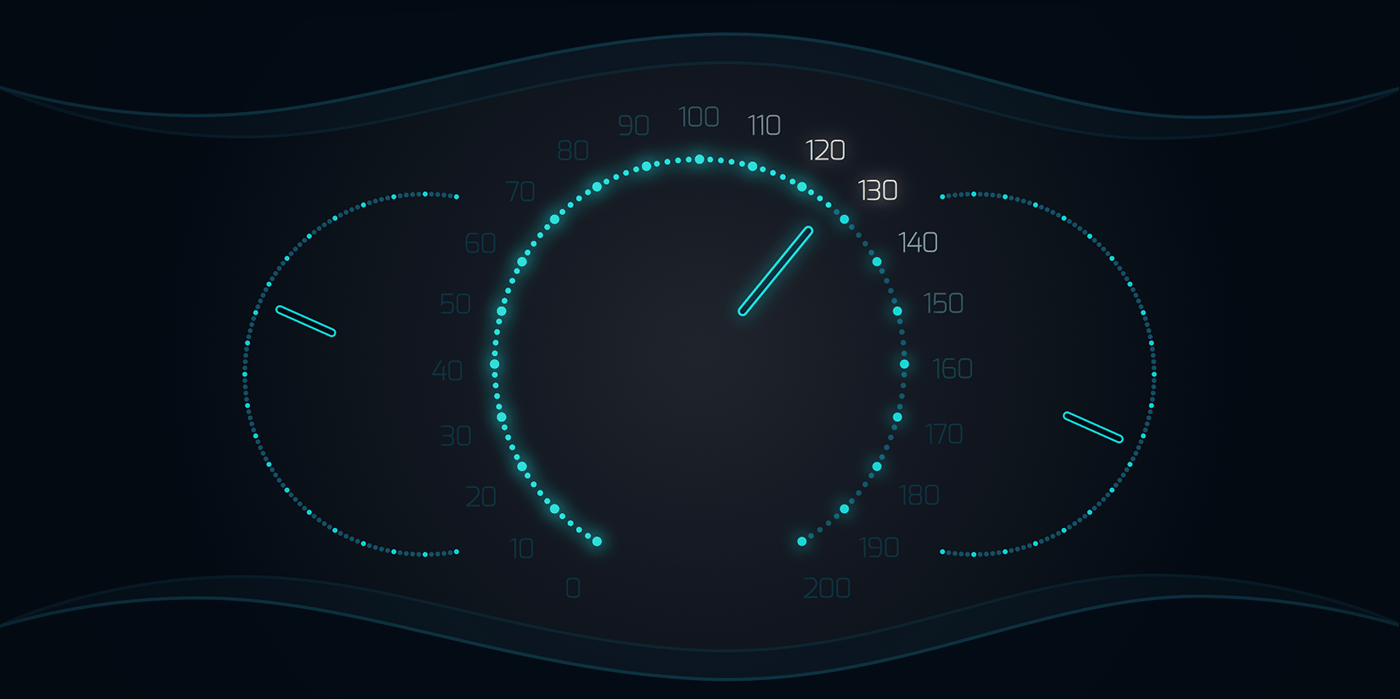
easyRulers 2 is perfect for designing digital vehicle dashboards and audio interfaces. |
 |
|
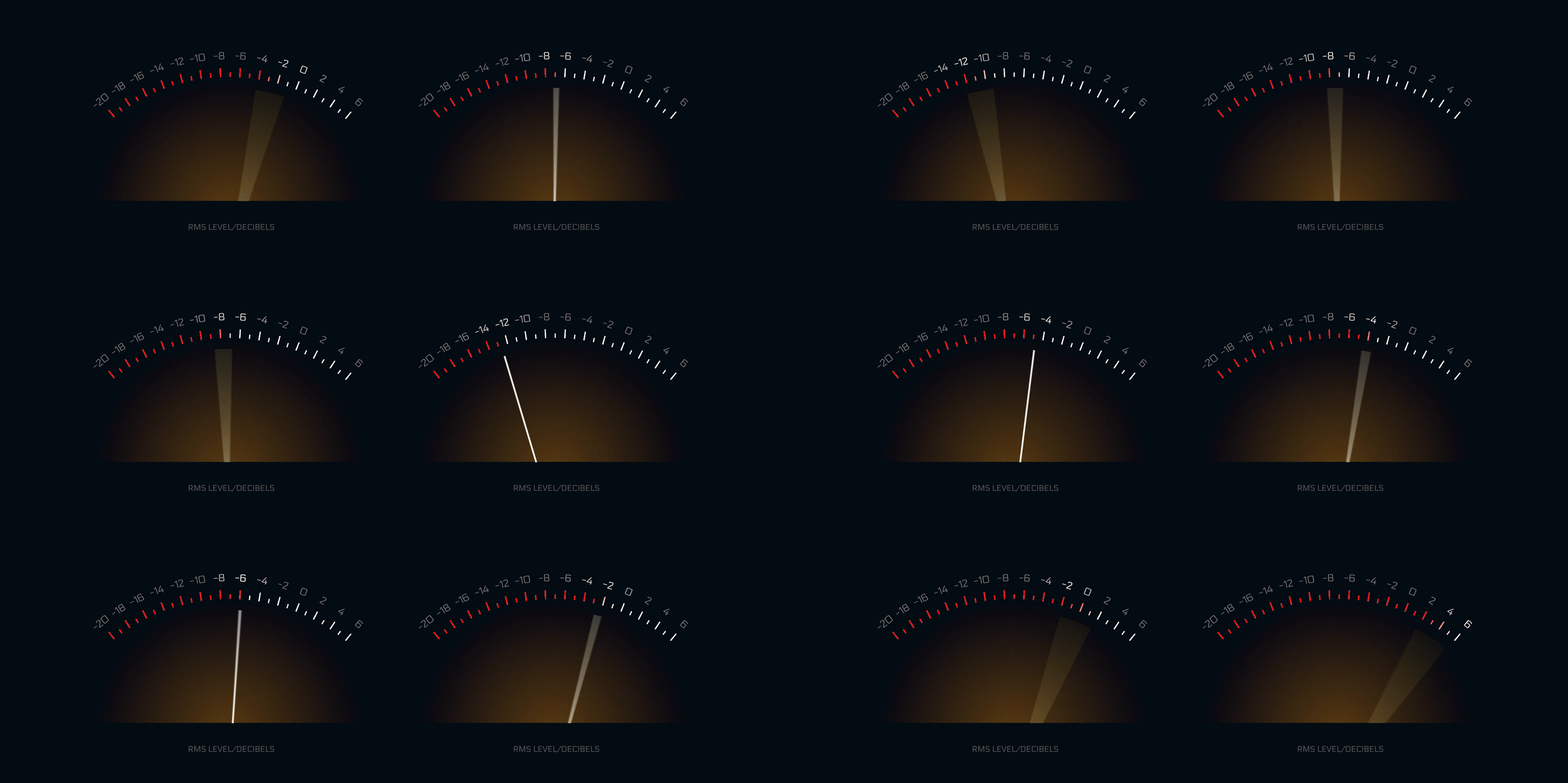
Below are a few examples created with easyRulers 2. |
 |
Upgrade Notice
|
| After Effects | 2024, 2023, 2022, 2021, 2020, CC 2019, CC 2018, CC 2017, CC 2015.3, CC 2015, CC 2014, CC, CS6 |
|---|
2.20 (Current version) - Aug 24, 2022
optimised: multithreaded-flag added for AE2022
optimised: better handling of mistyped digits/characters on input fields
optimised: improved support and better error messaging for online activation
fixed: the grouping of text layers for better scaling
fixed: a handful of bugs + strong optimization of the whole code overall
added: checkbox for "Locking the pointer in place"
added: date function to create dates with the following formats: 31/12/2022, 31-12-2022, 31.12.2022, 12/31/2022, 12-31-2022, 12.31.2022, 12/2022, 12-2022, 12.2022
added: you can also loop through weekdays [Monday...Sunday] & [Mon...Sun], months [January...December] & [Jan...Dec]
added: pointer blink function
added: completion % Wiggle options with Speed, From, To, and Seed controls
added: separate size, position offset and tracking for the prefix + suffix of the text layers. You can now individually adjust the size, position and tracking of the suffix or prefix
2.02 - Jul 15, 2020
fixed: a licensing issue on some Korean Windows systems
2.01 - May 10, 2020
2.0 - May 1, 2020
optimized: easyRulers2 is now a hybrid tool which uses both a script and a .AEX plug-in for the best user experience.
optimized: version checking. easyRulers is able to check the version of the installed plug-in and inform the user of any mismatches between script and plug-in. easyRulers also checks if the easyRulers.aex is present and properly installed and informs the user accordingly.
optimized: improved behavior of the text distance. The size of the texts remains the same no matter the distance value.
optimized: option to set the Anchor Grouping to Character - this setting will affect texts with many digits on circular rulers. When Anchor Grouping is set to "Character", the text layers "curve" around the ruler.
optimized: effect controls are more compact, dynamic and better grouped with many added options.
optimized: the easyRulers2 plug-in is set to work in 8, 16 and 32 bit depth colors (this is just a switch so you don't get the yellow exclamation mark in the effects control panel)
optimized: the auto-gap calculation is now handled from the .aex/.plugin part of the tool and its value is free from expressions.
optimized: easyRulers2 is compatible with CS6, CC2014, CC2015, CC2015.3 CC2017, CC2018, CC2019, 2020 on Windows and macOs (+catalina)
changed: replaced Fill effects of the Text layers with Fill Color Text animators.
changed: easyRulers2 interface occupies significantly less screen real estate (~20% smaller UI) + a few UI fixes for AE CS6 and MAC.
changed: Pointer options have been removed from the Script UI. Instead the pointer settings are now embedded in the effect controls and are dynamic and can be changed on-the-fly.
changed: Line colors options have been removed from the Script UI. Instead Line colors are now dynamic and can be changed, randomized or reset on-the-fly from the effect controls.
changed: the "Add expressions & effect controls" checkbox has been removed.
added: Pointer Text Effectors! - the pointer can now affect the position/scale/color/opacity of the nearest texts with adjustable range and six types of falloffs (Linear, Sawtooth, Reverse Sawtooth, easeInQuint, easeOutQuad, easeInOutQuad)
added: Secondary Color! - you can now set a secondary color which will cover an adjustable percentage of the ruler. Think the "red part" of a speedometer :) It can also follow the pointer. Additionally there is a Start and End color to create a simple gradient.
added: Pointer "Fill Opacity" effect control.
added: Pointer "Stroke Color" effect control.
added: Pointer "Stroke Opacity" effect control.
added: Pointer "Stroke Width" effect control.
added: Pointer "Roundness" effect control.
added: you can now control the Size X and Size Y independently for the Line shaped Pointer.
added: Text Opacity effect control.
added: a "shy text layers" option in the settings tab.
-
- Compatibility After Effects
Automatic Whiteboard
Add to CartAutomatic Whiteboard converts After Effects text layers and masks into write-on animations, automatically! Just type in some text, or draw some masks, and then click a button. Instant whiteboard-style animation, with or without a hand to draw it on.
-

- Compatibility After Effects
Bezier Node
Add to CartBezier Node simplifies the process of animating bezier curves and other lines, from completely straight to 1000% curvy.
-
- Compatibility After Effects
NodeKit
Add to CartNodeKit is a complete system designed to create, layout, connect & animate node-based charts, info graphics and diagrams. Very simple, flexible and intuitive.
-
- Compatibility Davinci Resolve
Compositioneer DCTL
Add to Cart"Golden Ratio" price (95% Off!) until July 26! Rulers, Guides, Custom Letterbox for DaVinci Resolve. Export as overlays with alpha to use in professional video production and post-production scenarios.
-

- Compatibility After Effects
PQ FUI Toys 3
Add to CartPre-animated, sometimes looping, customizable Fake User Interface assets, as editable After Effects comps. Just search, browse and generate editable AE comps using the new Script UI panel, then customize parameters to make it your own.
Script UI Panel, brought to you by CompCode
Free Upgrade for all PQ FUI Toys 2 customers!
-

- Compatibility After Effects
mamoworldJSON
Add to CartLink texts, colors and data from your Ae project to a JSON file.
-

- Compatibility After Effects
LoadUP!
Add to CartDesigned to create loading or progress bars, fast and easy. It is ideal for artists who create HUDs, UI elements, infographics, charts, TV/News graphics etc.
$29.99 -
- Compatibility After Effects
mazeFX
Add to CartMaze algorithm is now much faster with cleaner path results. Create random vector mazes (labyrinths) in After Effects. mazeFX can also generate a unique solution with effect controls to fully control the appearance of the maze. Finally, it can use masks to control each maze's shape and place all of the needed parts in a single shape layer or create separate shape layers for each part of the maze.
$29.99 -

- Compatibility After Effects
quadrateFX
Add to CartGenerate random patterns of vector tiled rectangles in After Effects, simulating the data visualization method also known as treemapping.
$29.99 -

- Compatibility After Effects
keyboardFX
Add to CartkeyboardFX is a tool for Adobe After Effects designed to generate fully customizable keyboards together with user-defined typing animations.
$29.99 -

- Compatibility After Effects
circuitFX
Add to CartcircuitFX is a tool for After Effects designed to create graphical circuit boards. The circuit pattern is generated randomly with every button press. Apart from the circuit lines and circles, circuitFX also creates, chips, resistors, and capacitors. It has the ability to put all of the needed parts in a single shape layer or create separate shape layers for each part of the board. Its ideal for technology or sci-fi related projects, animated backgrounds, HUDs, etc.
$29.99