
AutoCircularMotion
-
Compatibility After Effects Please check exact version compatibility under the "COMPATIBILITY" tab below
 Adding to cart...
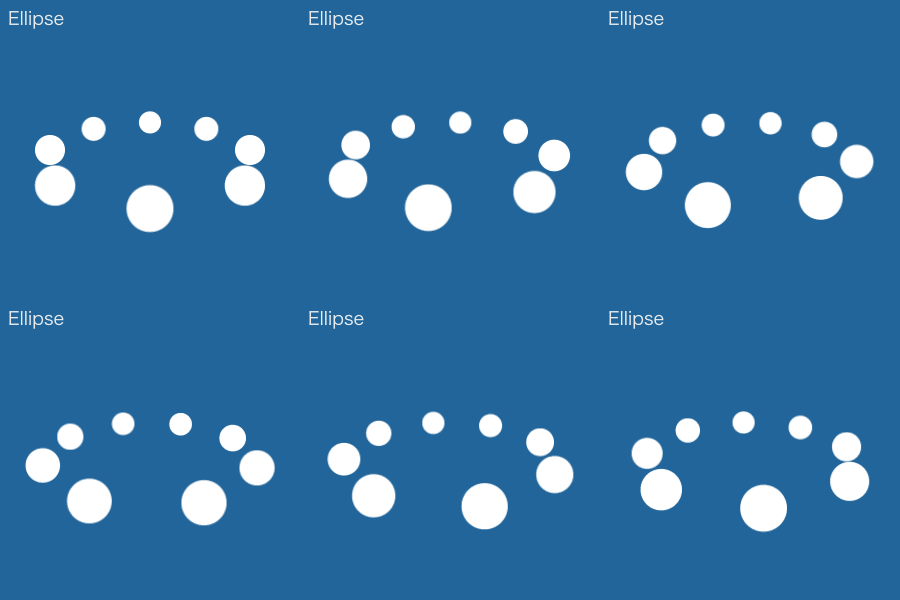
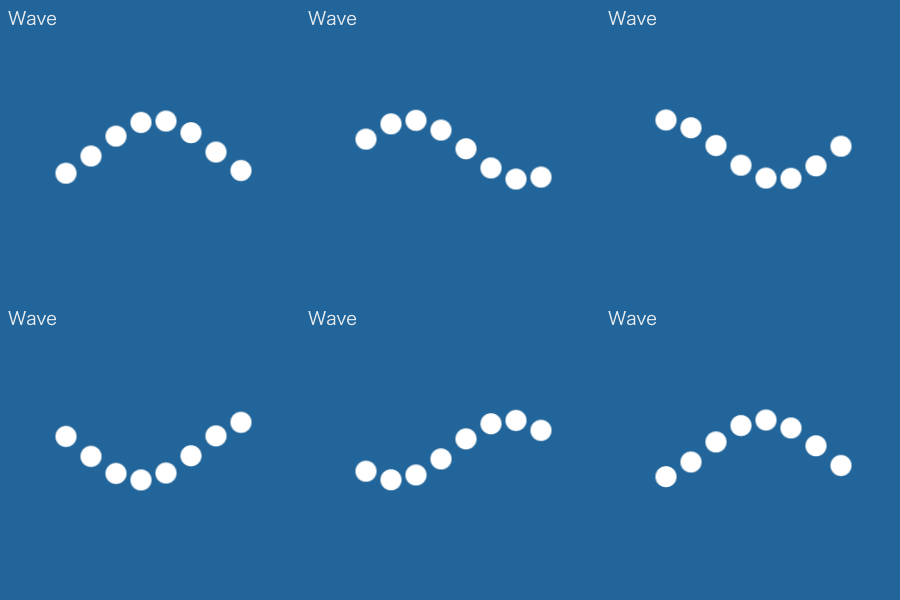
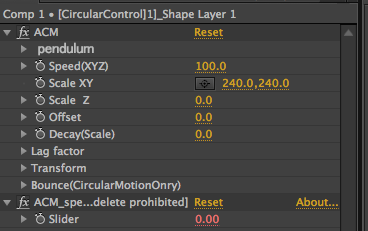
AutoCircularMotion allows you to easily express circular motions.
Not to mention linking multiple layers and arranging their movements, you can also set up other motions, such as swinging and bouncing.
Having control over Z axis allows you to express the shallowness or depth of movements as well.
 |
 |
 |
How to set up
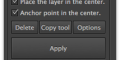
1. Select one or multiple layers. Click [ Apply ].
2. Adjust using ''ACM control'', which will be automatically created.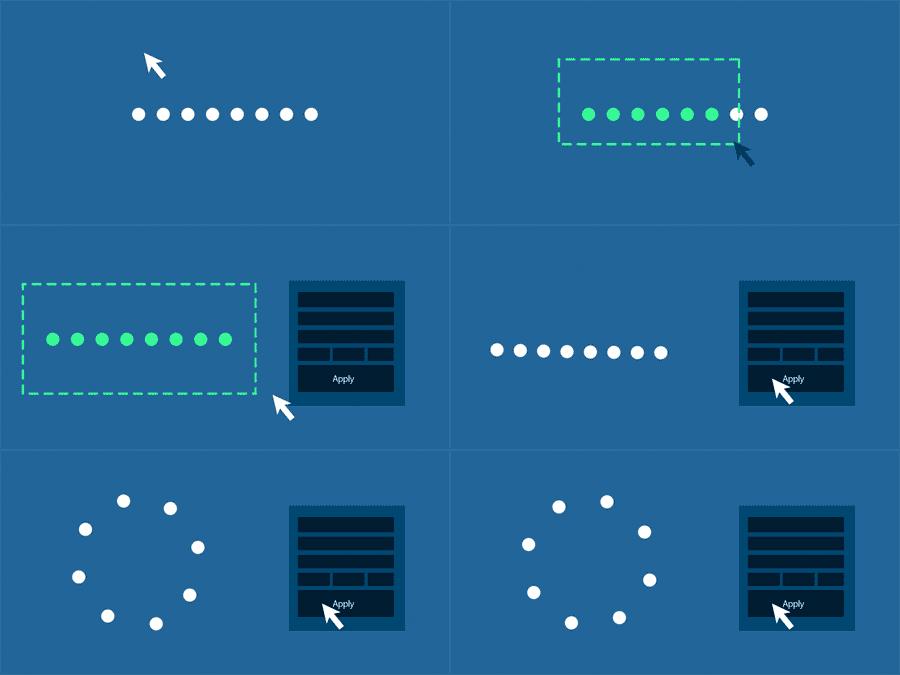
Applying to a shape group
Select a single shape layer which includes a shape group.
Then click [Apply] to use this shape group to different layers.
Applying to [ Trapcode Particular ]
Click [ Apply ] after selecting a single layer which [ Trapcode Particular ] has been applied to.
This allows you to apply ACM to [ Trapcode Particular ].
You cannot use light or null layers, which ※ACM has been applied to, as an emitter.
Please follow the instruction above to use them.。
AutoCircularMotionとは
AutoCircularMotion(以下ACM)は円運動を簡単に表現することができるスクリプトです。
複数のレイヤーをリンクさせて動きを付けられるのはもちろんのこと、
振り子運動や、バウンド等の円運動以外の動きも設定することができます。
また、Z軸も制御できるため、奥行きのある動きが表現可能です。
|
|
|
セットアップ方法
1.単一レイヤーもしくは複数のレイヤーを選択して「Apply」ボタンを押す。
2.自動で生成される「ACM制御」で調整を行う。
シェイプグループに適用する場合
シェイプグループを含む、単一のシェイプレイヤーを選択して「Apply」ボタンを押すと、
シェイプグループをレイヤーに分解して適用することができます。
「Trapcode Particular」に適用する場合
「Trapcode Particular」を適用した単一のレイヤーを選択して「Apply」ボタンを押すと、
「Trapcode Particular」にACMを適用することができます。
※ACMを適用したライトレイヤーや、ヌルレイヤーをエミッターとして使用することはできません。
| After Effects | 2024, 2023, 2022, 2021, 2020, CC 2019, CC 2018, CC 2017, CC 2015.3, CC 2015, CC 2014, CC, CS6 |
|---|
1.06 (Current version) - Nov 27, 2022
1.05 - Aug 9, 2022
- Update license framework to v4.1.0
1.04 - Jul 8, 2020
1.03 - Jan 21, 2020
Press the "?" button on the lower left to display.
1.02 - Oct 22, 2019
1.01 - Aug 15, 2017
1.0 - Apr 18, 2016
-
- Compatibility Premiere
Textyle Premiere
Add to CartAnimate text with an easy to use interface that includes many presets and styles in Premiere Pro
-

- Compatibility Premiere
Text Presets for Premiere Pro
Add to CartThis product has been discontinued. You can now purchase all Mister Horse products through a single subscription plan. -

- Compatibility After Effects
Morganite - Animated Typeface
Add to CartMorganite is a practical compressed typeface with great legibility. With a sleek urban style often found in movie posters and high-end fashion, it's great for branding, posters, titles, and headlines. Its compressed design helps you fit more text into limited spaces.
Order 4 or more Animography Typefaces and save 25%. -

- Compatibility After Effects
CopyMask2Layer 2
When you copy a mask from one layer to another, it often changes its position. With CopyMask2Layer, you can copy masks while keeping their position perfectly – even if the layers are moving and the mask path is keyframed.Add to Cart$9.99 As low as: $7.98 -
- Compatibility After Effects
Path Duplicator
Path Duplicator duplicates your layer along a path.Add to Cart -

-
- Compatibility After Effects
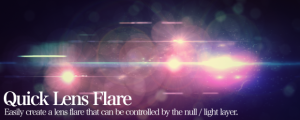
Quick Lens Flare
Easily create a lens flare that can be controlled by the null / light layer and have a foreground occlusionAdd to Cart$9.99 -

- Compatibility After Effects
AutoSway
Add to CartAutoSway lets you easily make your layers sway!
$39.99