
Credits Roller
-
Compatibility After Effects Please check exact version compatibility under the "COMPATIBILITY" tab below
 Adding to cart...
Create credit rolls and pages in 3 clicks with full RTL support
Features:
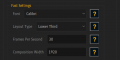
Lower-Third, Scroll or Fullpage layouts.
Import from CSV (Excel of Google Sheets) or JSON
Left, Title Above, Center or Center Between Alignments (and RTL versions)
Additional Centering.
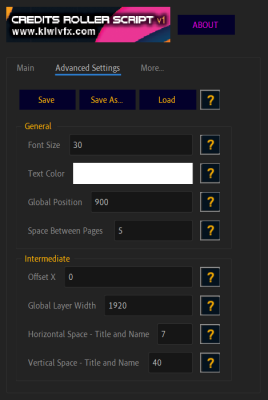
Wide variety of control over layout, columns, values.
Save/ Save as and load Settings.
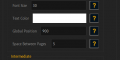
Font's Loader.
No title Feature.
Duration Support
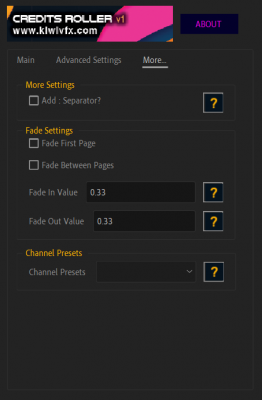
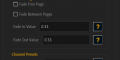
Fade Settings.
Full RTL support.
Title's Header Support.
Hotkeys
How to use
Create/ Edit Starter templates of .CSV / .TSV and .JSON Format.
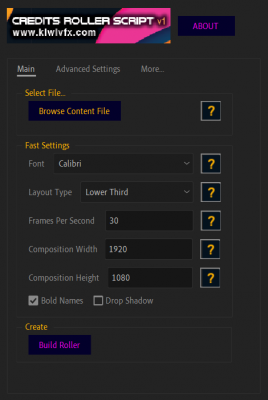
Load file from UI.
Tweak settings (or use saved or save default).
Hit Build - will generate a roller based on your file.
3 Layouts

4 Alignments(With RTL Support)

Rich Styling
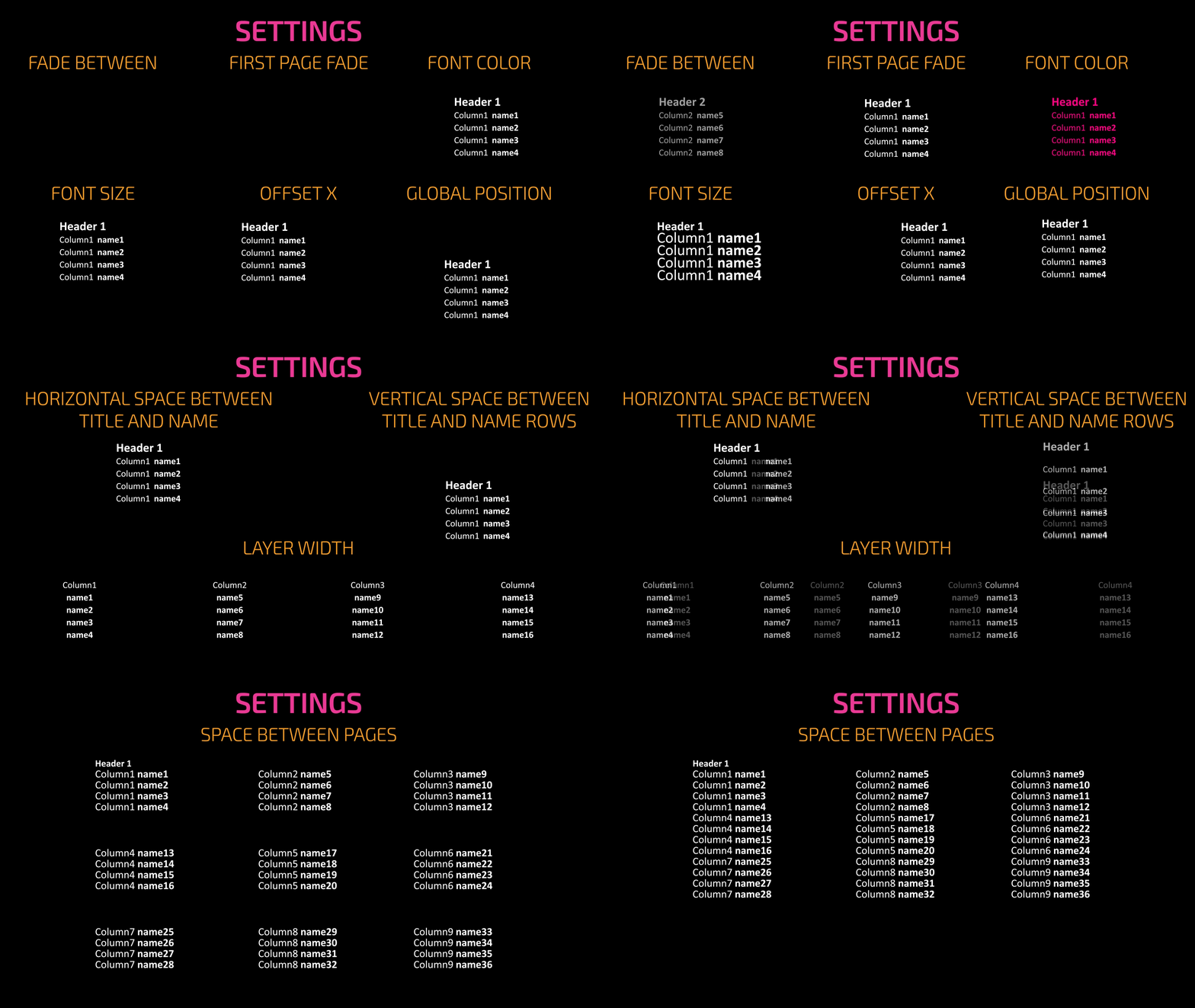
Building Roller

Try it for free!
(Limited to 3 pages)
| After Effects | 2023, 2022, 2021, 2020, CC 2019, CC 2018, CC 2017, CC 2015.3, CC 2015, CC 2014, CC, CS6, CS5.5, CS5, CS4, CS3 |
|---|
1.2.3 (Current version) - May 22, 2023
► Added more organization in RTL Versions Support
1.2.2 - Apr 15, 2023
► Added: Enter / Space / Esc close tooltips dialog
1.2.1 - Oct 8, 2022
► Fixed: Preset doesn't load
► Added Changed settings confirmation box
► Fixed Loading Files
► Clicking X near preset name removes default preset and restores to factory defaults
► Removed restore defaults button
► Added Remove Default preset confirmation Box
► Updated Documentation
► Added Hotkeys for "Build" (Space), "Import" (i), "Main"/"Advanced"/"More..." tabs (a/s/d)
► Fixed Button's Text for Mac
1.0.8 - Apr 16, 2022
► Updated Tutorial Link
1.0.7 - Apr 14, 2022
► Fixed Fade in Tooltips.
► Added : Separator option for "ltr" / "title-above-ltr" / "rtl" / "title-above-rtl" - (By Default is off.)
► Updated Docs.
► RTL Fixes.
1.0.6 - Apr 14, 2022
► Fixed Dockable UI
1.0.5 - Apr 13, 2022
► Fixed RTL Support for all AE Versions
1.0.4 - Apr 13, 2022
► Fixed Help UI popup on Start.
► Changed About to HelpUi.
► Fixed Tabs.
► Fixed "Type" and "Text Engine" AE preferences check.
► Removed Alert on "Select file".
► Moved "Reset Default Settings" Button to "More..." tab.
► "Reset Default Settings" Button Appears after Settings being saved instead of on startup.
► Updated Docs.
► Fixed Force Motion Blur Effect.
► Removed SuppressDialogs.
► Added "Force Motion Blur" Effect
► Added "Force Motion Blur" Effect Value
1.0 - Apr 2, 2022
► Added Fonts Loader
► Added .CSV and .TSV files support(Google Sheets and Excel)
► No-title Feature: columns connecting on fullpage and Align with first title(Needs testing)
► Added Remove default preset button @ 'ABOUT'
► Auto load Default saved Preset
► Added report Bug Button(Needs testing on mac)
► Added New Tooltips
► Bug Fixes from older versions
1.0 - Apr 2, 2022
► Added Fonts Loader
► Added .CSV and .TSV files support(Google Sheets and Excel)
► No-title Feature: columns connecting on fullpage and Align with first title(Needs testing)
► Added Remove default preset button @ 'ABOUT'
► Auto load Default saved Preset
► Added report Bug Button(Needs testing on mac)
► Added New Tooltips
► Bug Fixes from older versions
1.0 - Apr 5, 2022
► Added Fonts Loader
► Added .CSV and .TSV files support(Google Sheets and Excel)
► No-title Feature: columns connecting on fullpage and Align with first title(Needs testing)
► Added Remove default preset button @ 'ABOUT'
► Auto load Default saved Preset
► Added report Bug Button(Needs testing on mac)
► Added New Tooltips
► Bug Fixes from older versions
1.0 - Mar 31, 2022
► Added Fonts Loader
► Added .CSV and .TSV files support(Google Sheets and Excel)
► No-title Feature: columns connecting on fullpage and Align with first title(Needs testing)
► Added Remove default preset button @ 'ABOUT'
► Auto load Default saved Preset
► Added report Bug Button(Needs testing on mac)
► Added New Tooltips
► Bug Fixes from older versions
1.0 - Mar 31, 2022
► Added Fonts Loader
► Added .CSV and .TSV files support(Google Sheets and Excel)
► No-title Feature: columns connecting on fullpage and Align with first title(Needs testing)
► Added Remove default preset button @ 'ABOUT'
► Auto load Default saved Preset
► Added report Bug Button(Needs testing on mac)
► Added New Tooltips
► Bug Fixes from older versions
-

- Compatibility After Effects
BAO Boa
Add to CartBoa is a plugin for After Effects built to distort layers along mask paths.
-

- Compatibility After Effects
Displacer Pro
Add to CartThe humble AE displacement map with more features + juiced up on the GPU. And it's free.
-

- Compatibility After Effects
- Compatibility Premiere
Version Raptor
Add to CartNext Level Versioning for Premiere Pro and After Effects
-
- Compatibility After Effects
- Compatibility Premiere
- Compatibility Media Encoder
Pixel Sorter 3 for After Effects and Premiere Pro
Add to CartPixel Sorter was the first tool to bring the pixel sorting glitch effect available for motion designers and video editors within After Effects and Premiere Pro. Experimenting with Pixel Sorting just became so much easier! Since its launch, AEPS had a huge success in Broadcast TV, Live performances, VJs, Music Videos, Video Games, Photography and even Apparel! Version 3 brings a lot of new useful features.
Pixel Sorter is also available for Nuke and DaVinci Resolve as a separate license. PROMO: Get a 30% discount on the regular price on Nuke and Resolve licenses when you already have Pixel Sorter for AE/Premiere
-

- Compatibility Audition
BeatEdit for Audition
Add to CartBeatEdit detects the beats in your music and generates markers for them in Adobe Audition. This means you can easily match the tempo of two songs, edit your music, and seamlessly loop tracks – all with a few clicks.
-

- Compatibility After Effects
Renamer2
Add to CartRenamer2 revolutionizes composition management by automating the composition renaming process, significantly enhancing efficiency.