
Divide & Corner
-
Compatibility After Effects Please check exact version compatibility under the "COMPATIBILITY" tab below
 Adding to cart...
What is Divide & Corner
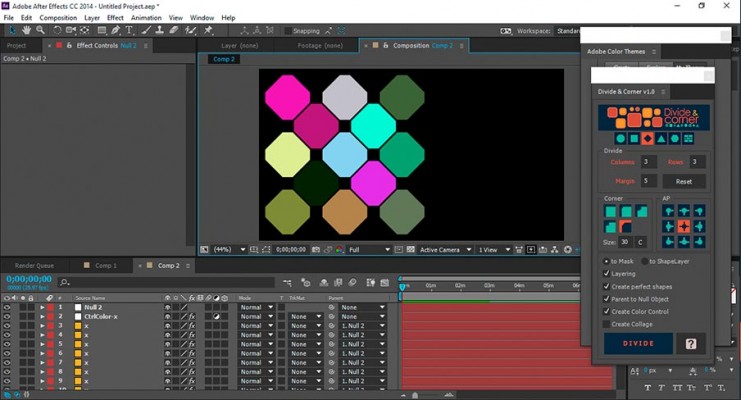
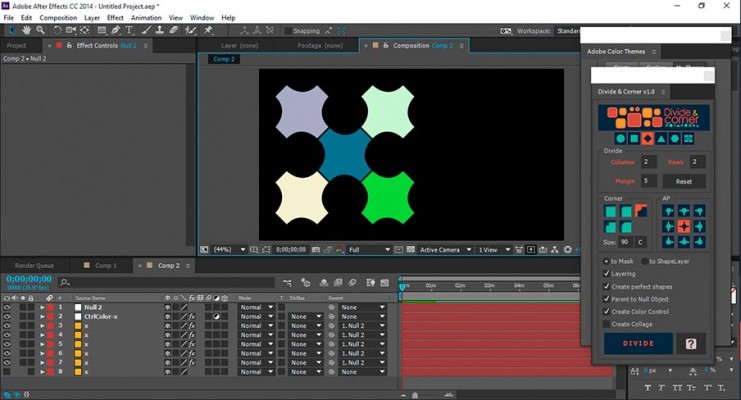
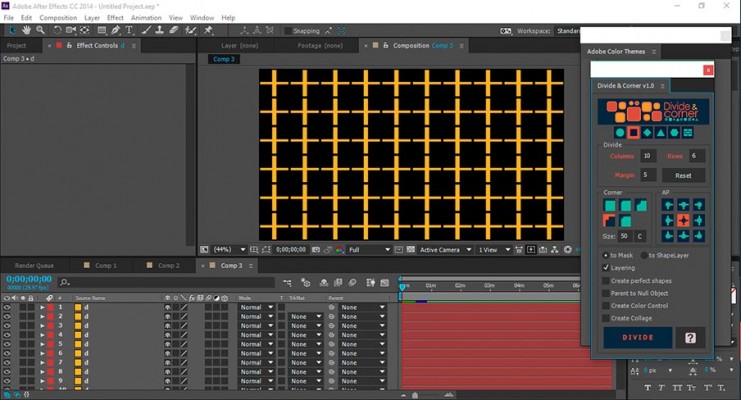
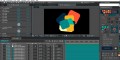
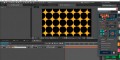
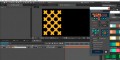
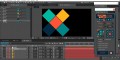
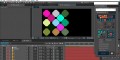
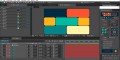
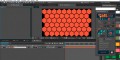
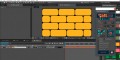
Divide & Corner divides a layer (compositions, pre-compositions, solids) using masks on the same layer or divided into several layers with the option of making them shape layers.
Features
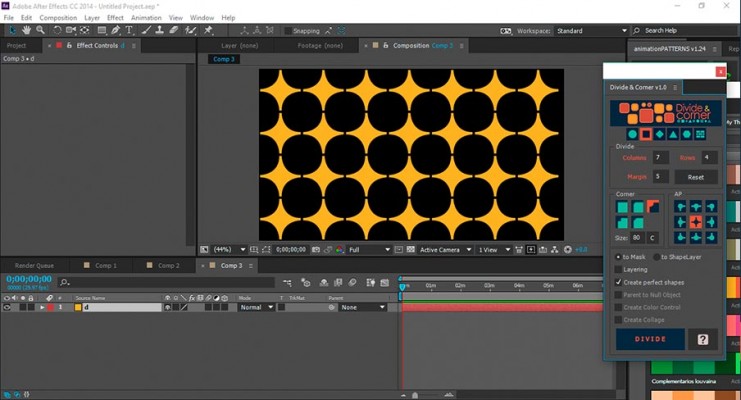
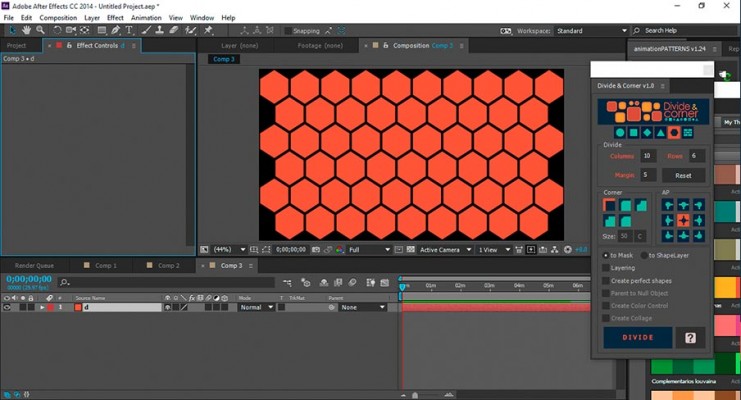
Six shape types
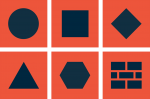
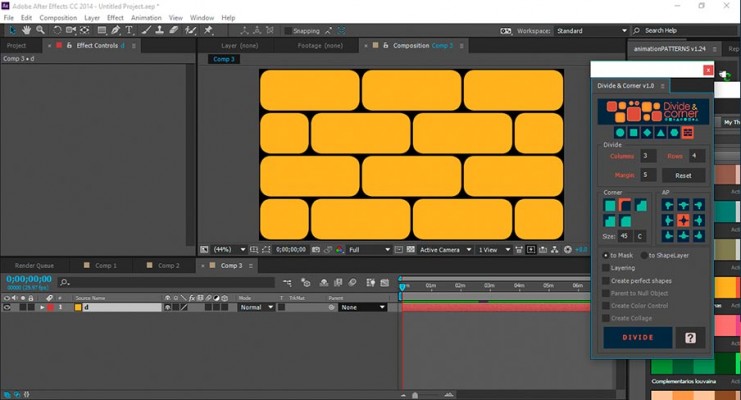
Five corner types

Position of the Anchor Point
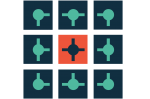
Divide as Mask or as Shape Layer
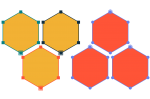
Create prefect shapes

Parent Null Object
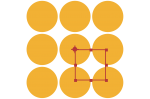
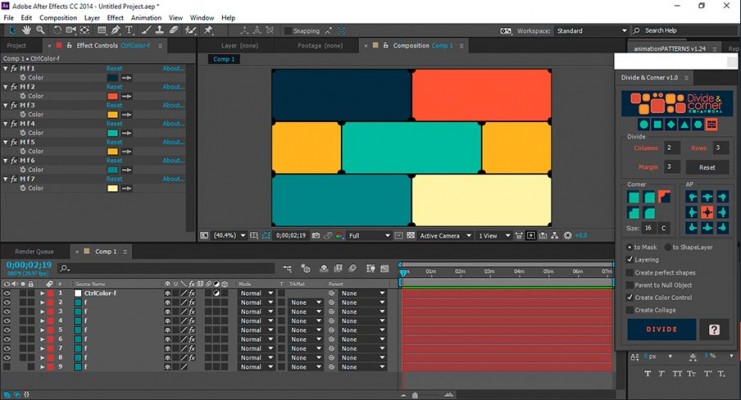
Create Color Control
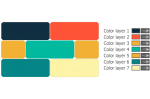
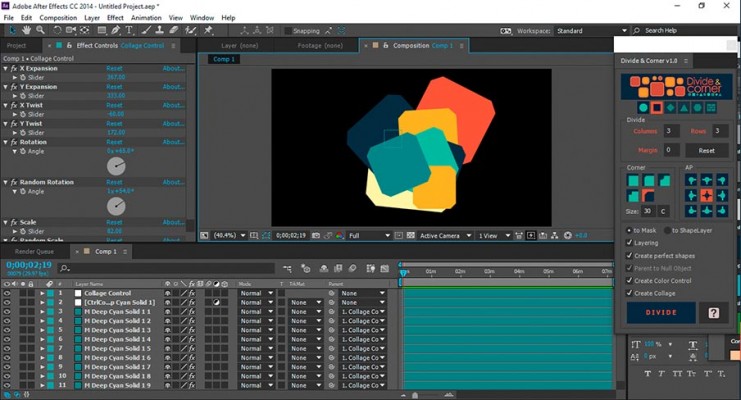
Customizable collage option

Quick Start
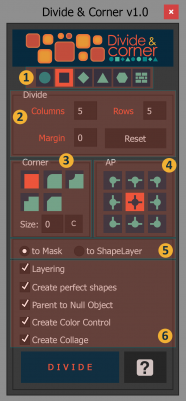
- Select the shape type from the icons on the top row.
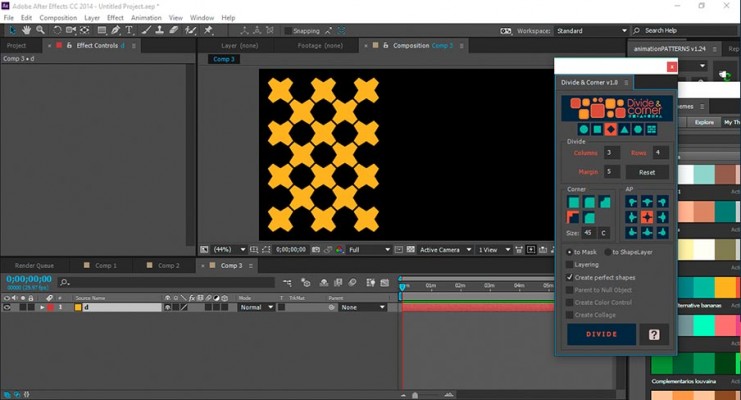
- Select the number of columns, rows and margins to divide into.
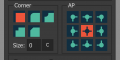
- Select a corner type.
- Select the position of the Anchor Point ("AP").
- Choose whether you want to divide into a Mask ("to Mask") or into shape layers ("to ShapeLayer").
- Options:
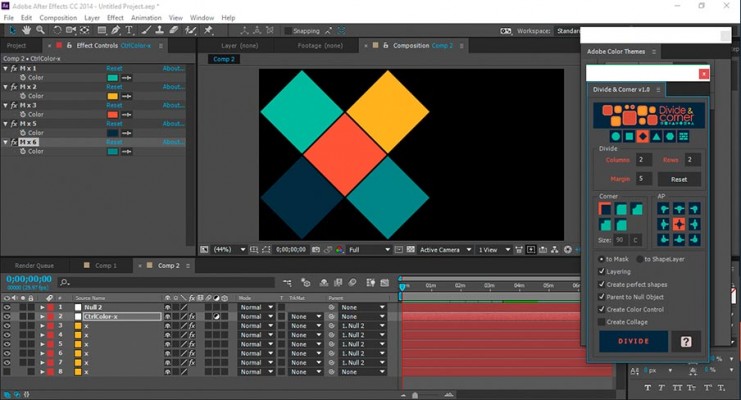
- "Layering" Divides the selected layer into different layers. Leaving this option unchecked will keep all cuts in the same layer.
- "Create perfect shapes" Will create the most perfect shapes possible based on the options set. For example if you select a circle shape (from the top row), by default if the layer is not the same height and width, and the number of rows and columns is not equal, the circles will be very long or very stretched, Choosing this option will create perfect circles. This applies to all shapes.
The following options only apply if "Layering" is enabled:
-
"Parent to Null object" Creates a Null that all the divided layers are parented to.
-
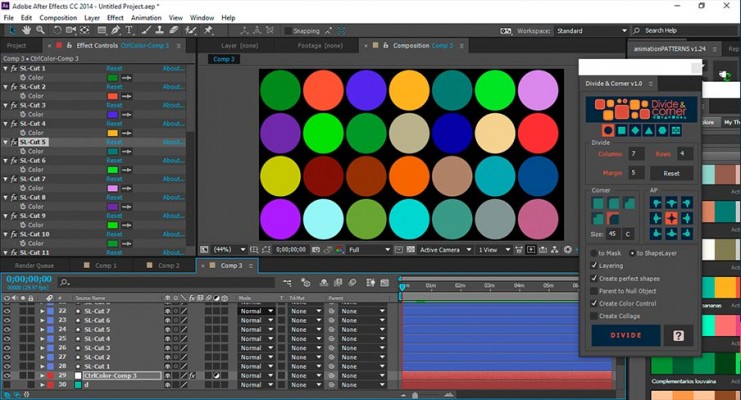
"Create Color Control" A Fill effect is added to each divided layer and connected via expressions to an Adjustment Layer where the colors can be easily controlled for all the layers.
-
"Create Collage" Creates a collage effect connected to a null layer where the collage options can be dynamically modified.
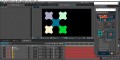
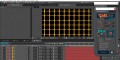
| After Effects | 2024, 2023, 2022, 2021, 2020, CC 2019, CC 2018, CC 2017, CC 2015.3, CC 2015 |
|---|
1.1.2 (Current version) - Feb 15, 2022
"Updated license framework"
1.1.1 - Mar 12, 2020
1.1 - Feb 21, 2020
"Sharper icons"
1.0.2 - Dec 28, 2017
1.0.1 - Aug 1, 2015
1.0 - Aug 6, 2015
-
- Compatibility After Effects
Head to Line
Add to CartAdd a variety of animated arrowheads to your lines with just one click! -
- Compatibility After Effects
Transformer 2
Add to CartPowerful footage transformation and animation tool for After Effects
$29.99 -
- Compatibility After Effects
Slice It 3D
Add to CartSlice layers in 3D using 2D masks into slices with simulated 3D depth. Includes 6 awesome slicing styles
-
- Compatibility After Effects
Origami
Origami is the procedural mesh generation and animation tool for After Effects. Create stunning effects like unfold and organic growth in a few clicks!Add to Cart -
- Compatibility After Effects
Masks to Cropped Layers II
Add to CartMasks to Cropped Layers II is a utility that helps to animate vector graphics, as well as improving the performance of vfx compositing. It works on layers that have multiple masks, for example when artwork is pasted from Illustrator, or when areas are tracked in Mocha. Each mask is copied to a new solid (for animation) or used to create a pre-comp. Each new layer is cropped to the size of the mask, providing flexibility for animation while dramatically improving performance.
-

- Compatibility After Effects
easyShape FX
Add to CartA simple yet useful tool for After Effects that allows you to apply cool effects to your selected shape layer with the click of a button