
Slice It 3D
-
Compatibility After Effects Please check exact version compatibility under the "COMPATIBILITY" tab below
 Adding to cart...
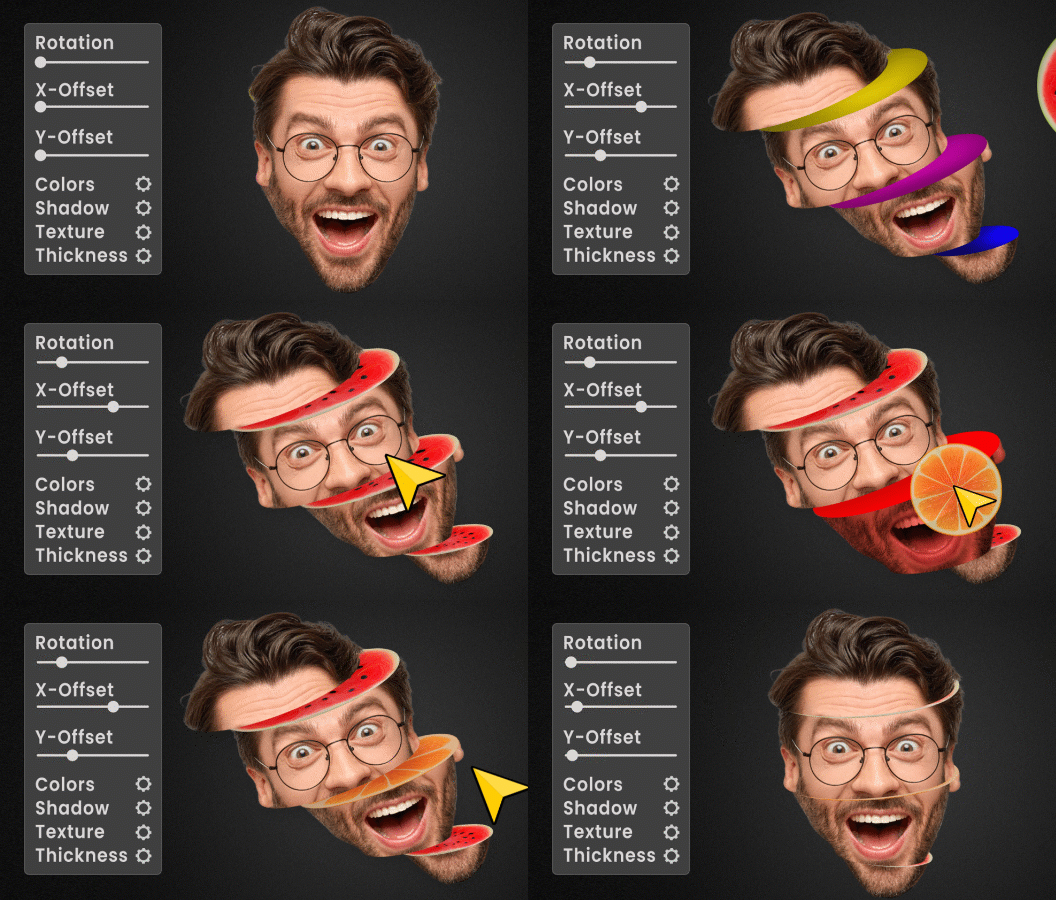
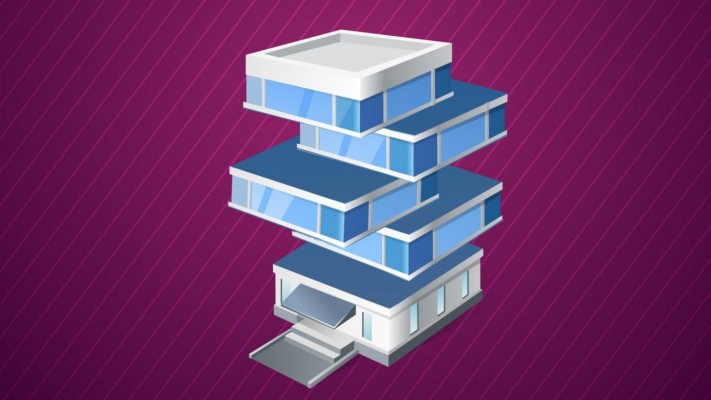
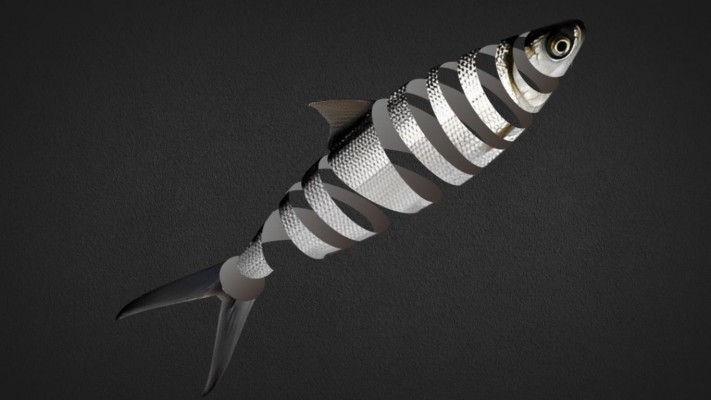
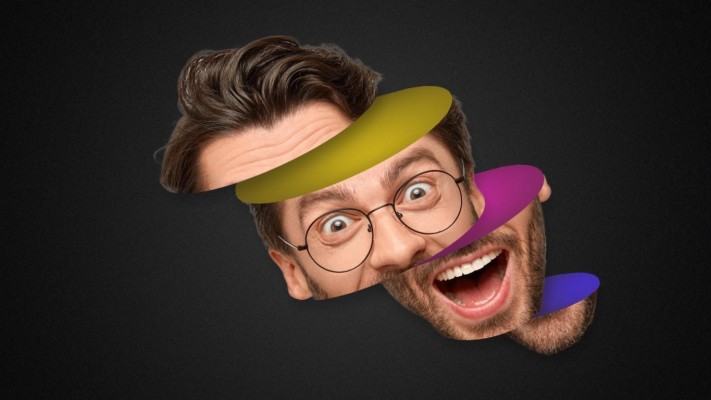
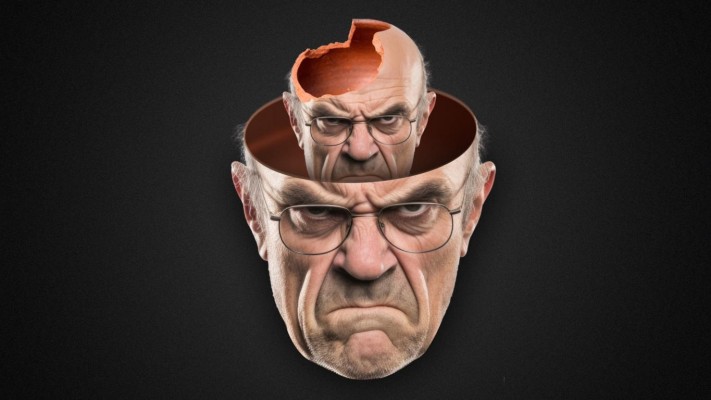
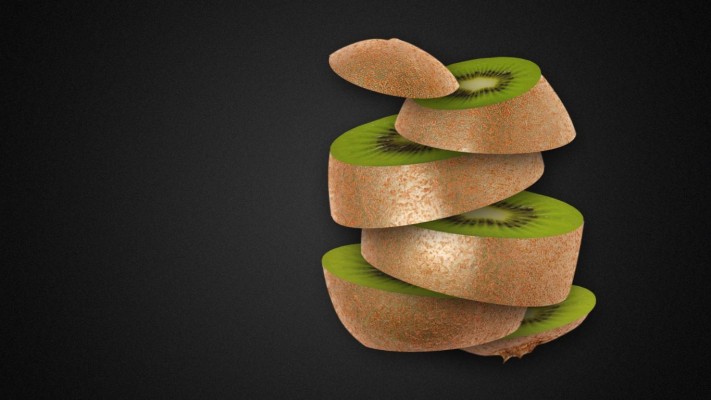
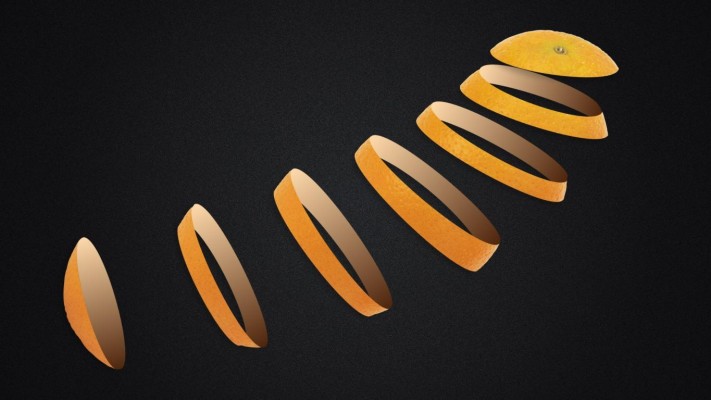
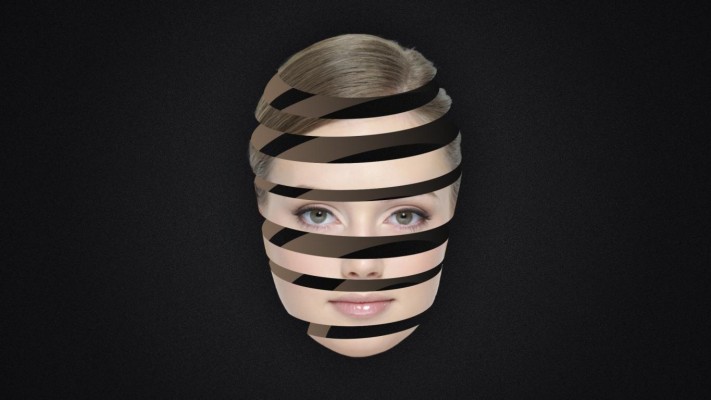
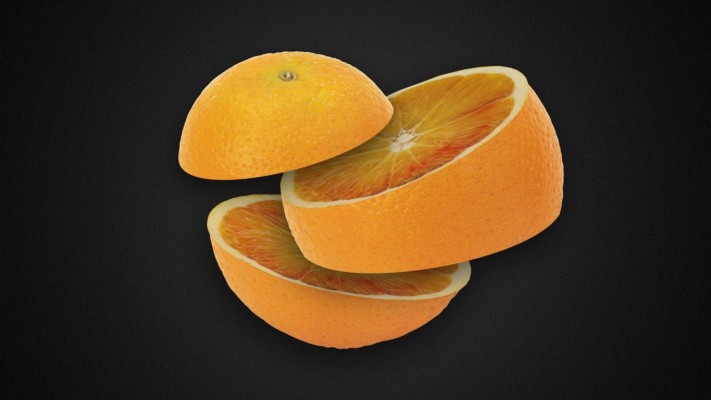
 Slice layers in 3D using 2D masks
- Sliced parts have simulated 3D depth
- Includes 6 fantastic 3D slicing styles
- Select footage for the surface of the slices.
- Simplified controls for customizing: color, shadow, transform, light, and more.
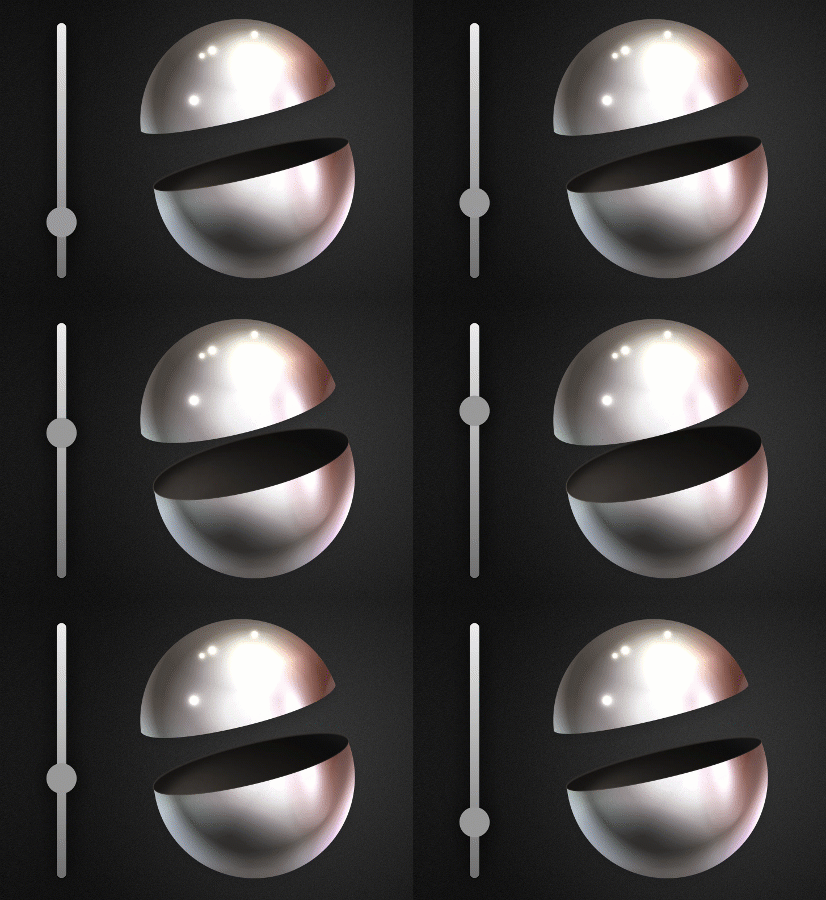
- Easily adjust the thickness of the slices.
- Automatic thickness synchronization for all slices.
- Keyframe the thickness of slices.
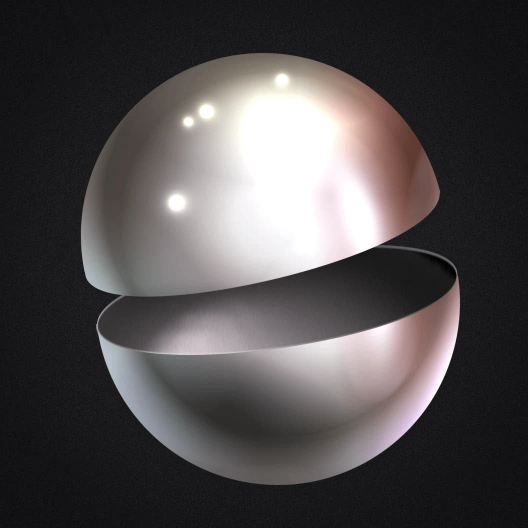
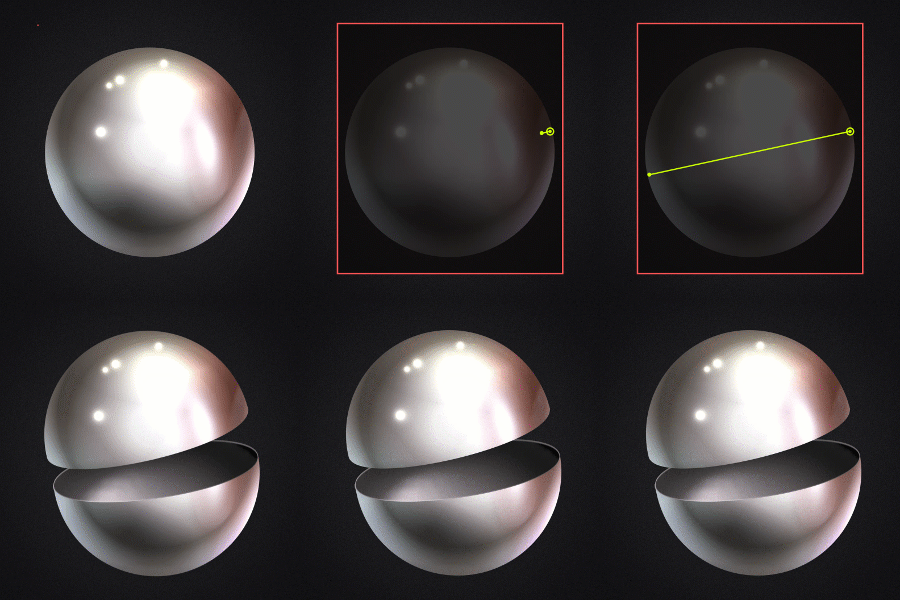
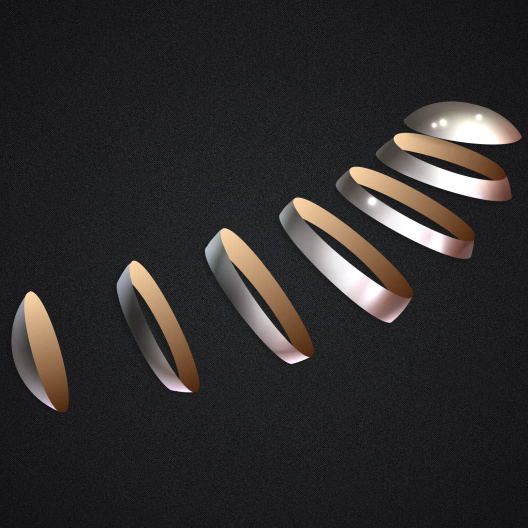
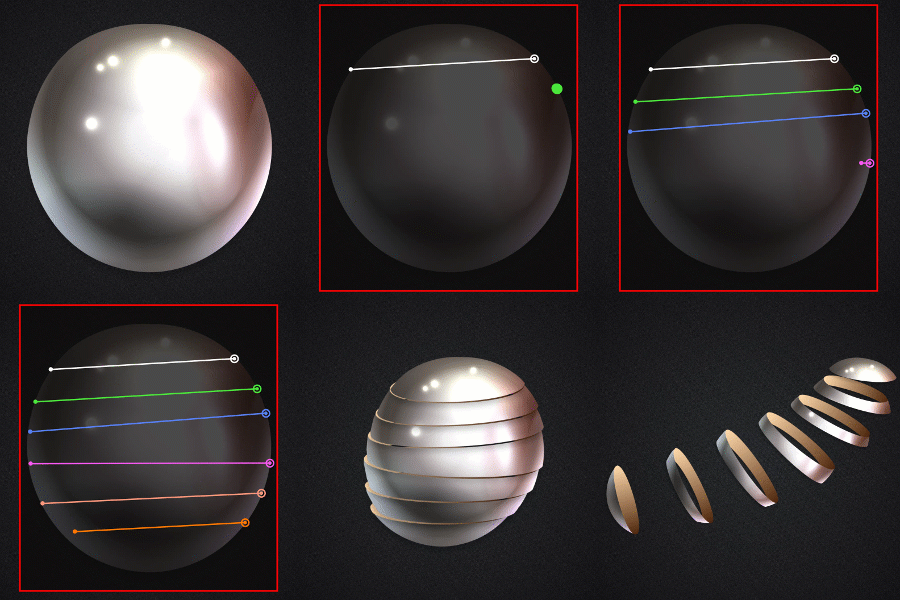

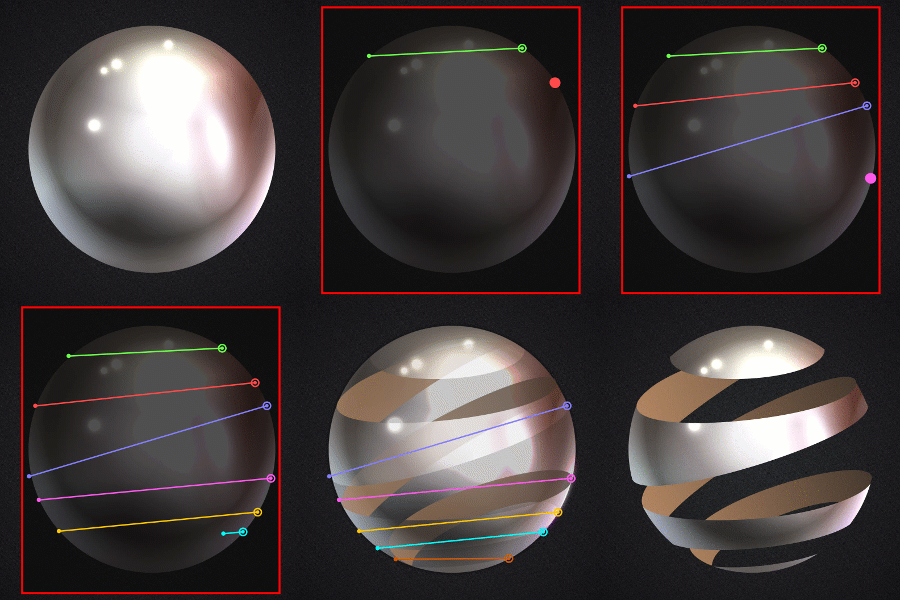
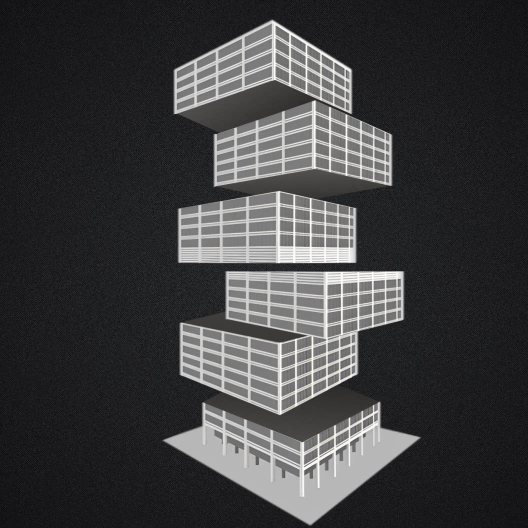
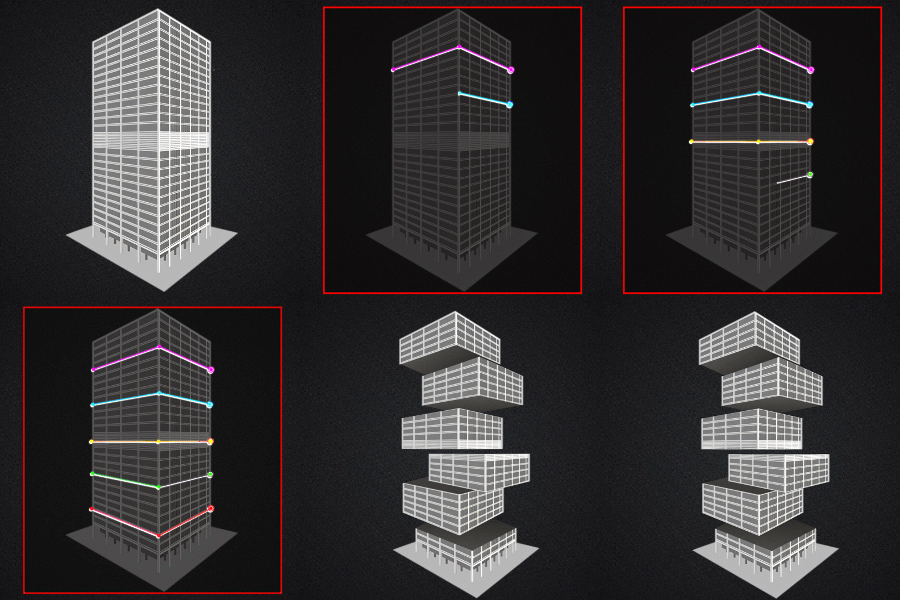
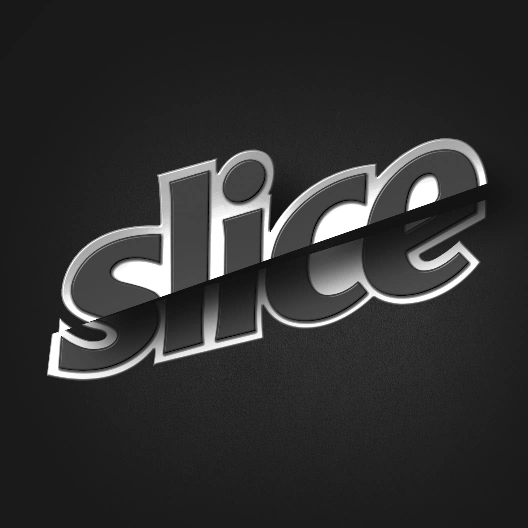
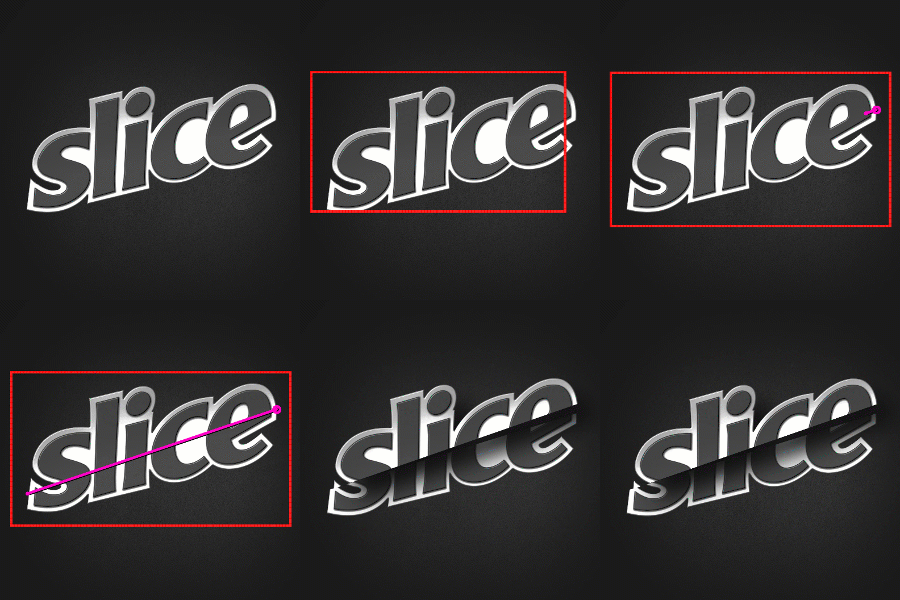
- When slicing the layer, you can set the thickness for the slices.
- This amount can be for all slices, or set a custom value for each slice.
- Using the thickness synchronization feature, you can enter the maximum thickness to set the appropriate thickness for each slice based on the position of the masks.
- After slicing you can change the thickness of the components (in groups or individually) and animate them in 3D.
Thickness:
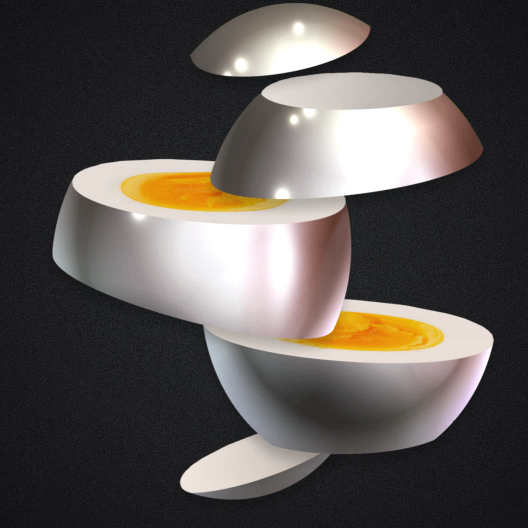
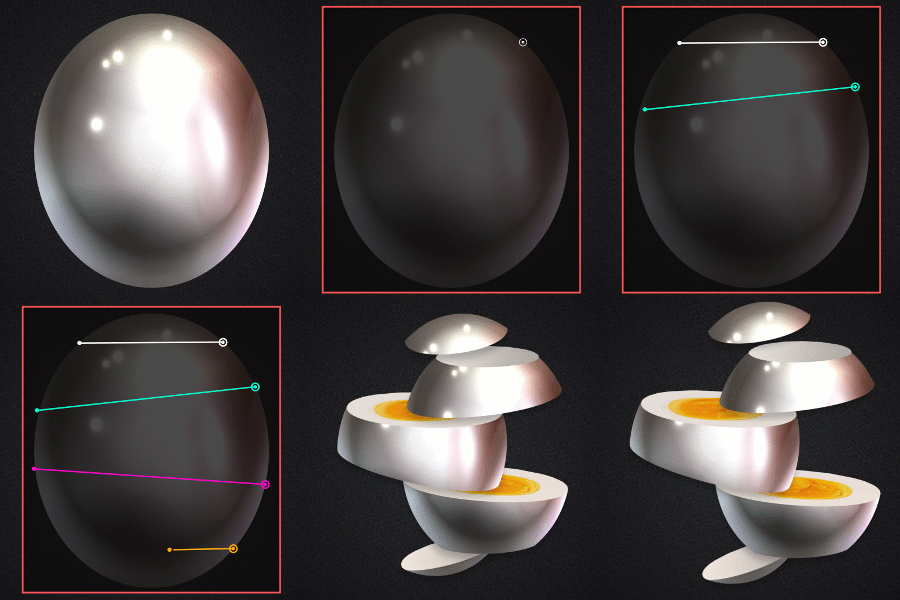
- By default, it creates a texture precomp for all slices.
- Use the unique texture button for each slice to generate a unique precomp texture for each slice.
- Easily import your texture into the timeline and place it in the appropriate position
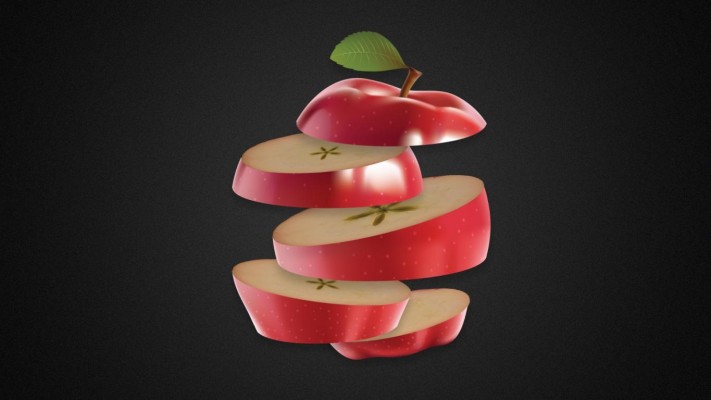
- Textures will be placed on the cross-sections in a completely realistic way.
Textured Slice:
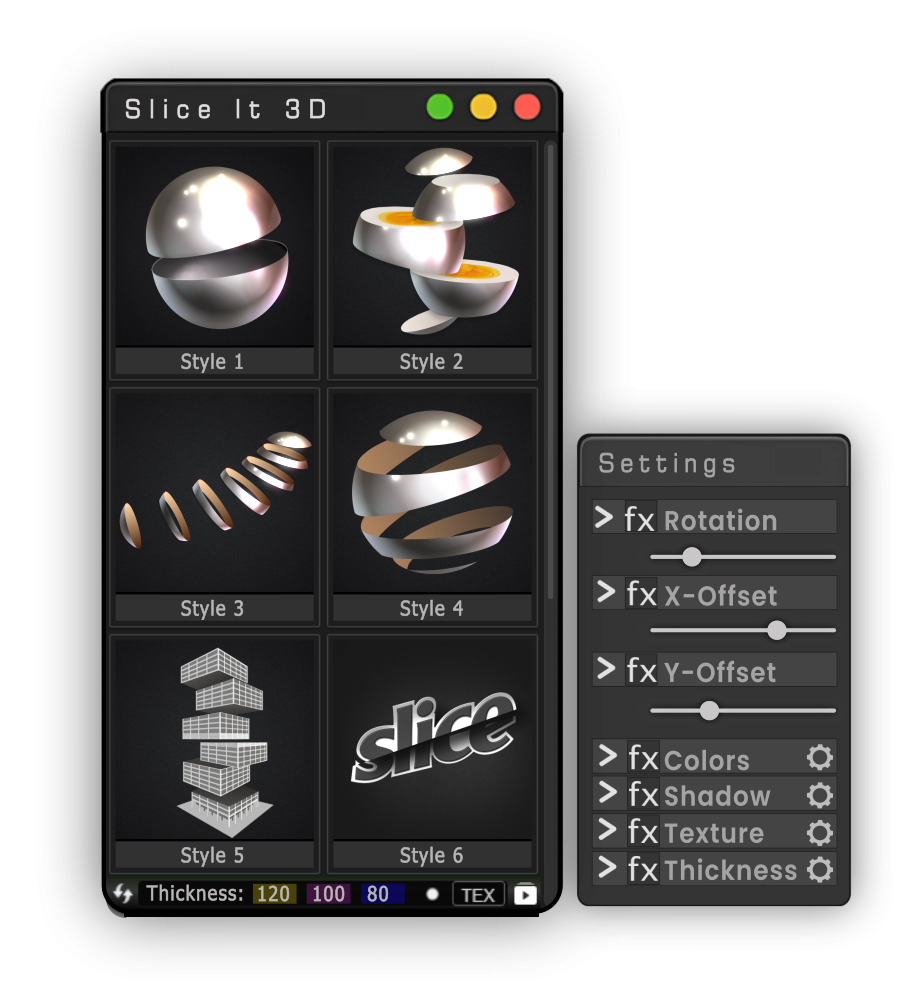
- Easy to use UI.
- Simple controllers to customize the slices.
- The slicing method is the same in all slicing modes.
- Easy to use: Just precomp your layer. Draw a main rectangle mask and simple linear masks.
- Currently there are 6 cutting modes with more to be added in future free updates.
- Try it for free now and enjoy!
Slice It 3d:












| After Effects | 2024, 2023, 2022, 2021, 2020, CC 2019, CC 2018, CC 2017 |
|---|
1.1.2 (Current version) - Oct 7, 2023
-
- Compatibility After Effects
skinAnchor
Style Up! Pimp your workspace while effortlessly adjusting your Anchor Points across your timeline, ensuring your animations are spot-on with minimal fuss.Add to Cart -
- Compatibility After Effects
AlignLayers
Aligns the selected layers along the x, y or z axis.Add to Cart -
- Compatibility After Effects
Layer Selector Toolbar
A compact toolbar to quickly select layers by property.Add to Cart -

-
- Compatibility After Effects
Fit2Frame
Fits selected layers proportionally to fill the Comp frame by giving you the choice of either cropping or letterboxing.Add to Cart$9.99 -

- Compatibility After Effects
SoloLock
Lock or unlock all non-selected layers or masks with one click.Add to Cart
-

- Compatibility After Effects
Matte Tool 2
Add to Cart20 tools that make it easier to work with mattes and layers in After Effects. New: 4 new tools, new responsive UI and many more tweaks and fixes!
$24.00 -

- Compatibility After Effects
Farabi ligature type animation tool
Add to CartFarabi is a collection of beautifully designed and animated typefaces for Farsi-Arabi language.
$29.00 -

- Compatibility After Effects
Save Actions
Add to CartSave and recall actions in After Effects. A practical and easy tool for storing layers with the ability to save the properties of layers in general or selectively with live preview.
$29.00 -
- Compatibility After Effects
Break It!
Add to CartA simple-to-use tool to shatter and break objects in After Effects.
$19.00 -

- Compatibility After Effects
Dupli-Kit
Duplicate layers using a pattern in After Effects with many options:Add to Cartcontrollable duplication, randomize properties, anchor point management, layers coloring, layers arrangement, and more.
$24.00 -

- Compatibility After Effects
Ae Voice Recorder
Add to CartQuickly and easily record voice and audio directly in after effects.
Perfect for VO's, scratch tracks, notes and client commentsCurrently only supports Windows. macOS support coming soon.
$24.00