
Ae Voice Recorder
-
Compatibility After Effects Please check exact version compatibility under the "COMPATIBILITY" tab below
 Adding to cart...
 Is a fun , simple and easy to use audio and voice recorder directly in after effects
- Ae Voice Recorder is a simple audio recorder that lets you record any sound directly in after effects
- The Ae Voice Recorder interface is simple but very effective.
- You'll have the record button, which you can press to start or stop recording..
- Ae Voice Recorder is a recording tool as easy as it is useful.
- It offers exactly what any good voice recorder should: the ability to quickly record audio at any time.
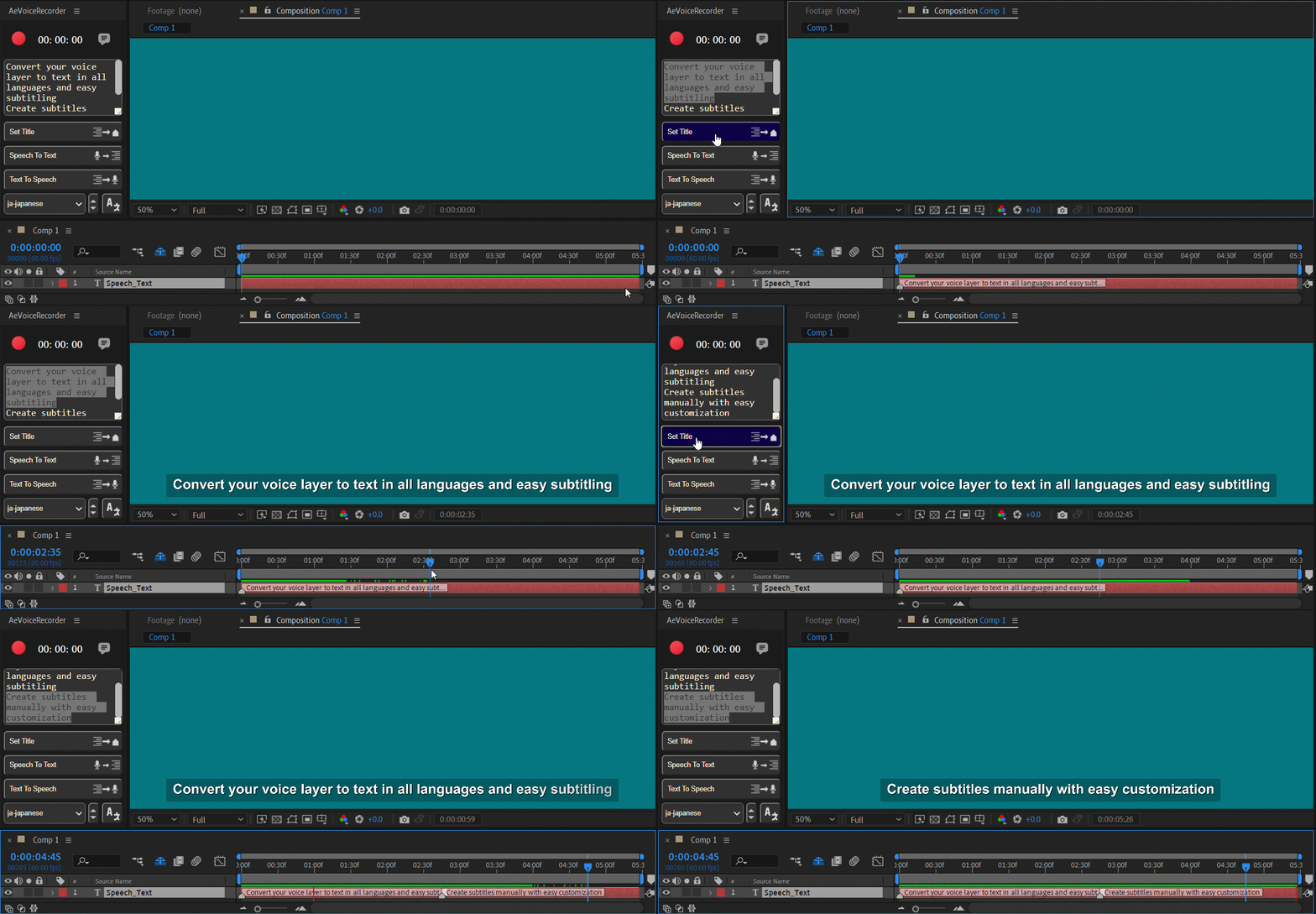
- Speech To Text: Convert the audio layer to text in all languages, for use in subtitles.
- Set Subtitle: Create subtitles from text (extracted from the Voice layer or entered manually).
- Text To Speech: Convert text to speech from all languages.
- Text Translator: Easy translation of texts (converted from Voice layers or entered manually), for use in subtitles.
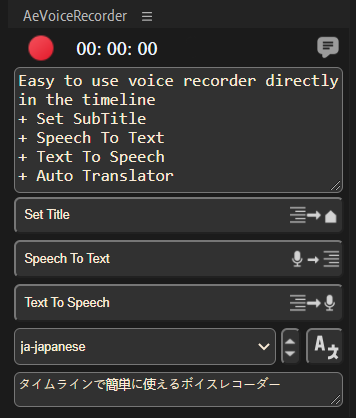
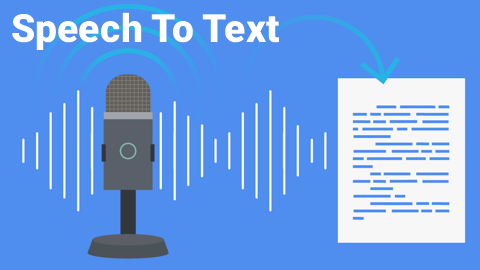
1. Speech To Text:
Convert the audio layer to text in all languages, for use in subtitles.
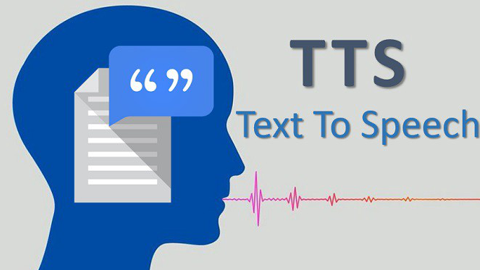
2. Text To Speech:
Convert text to speech from all languages.
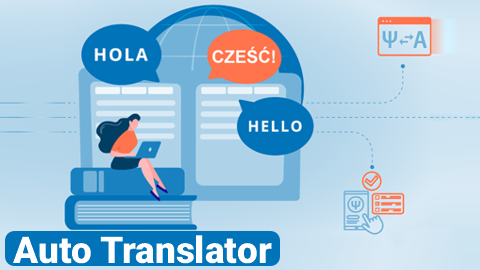
3. Auto Translator:
Easy translation of texts (converted from Voice layers or entered manually), for use in subtitles.
High quality voice recorder for Ae
Record anywhere with Ae voice recorder
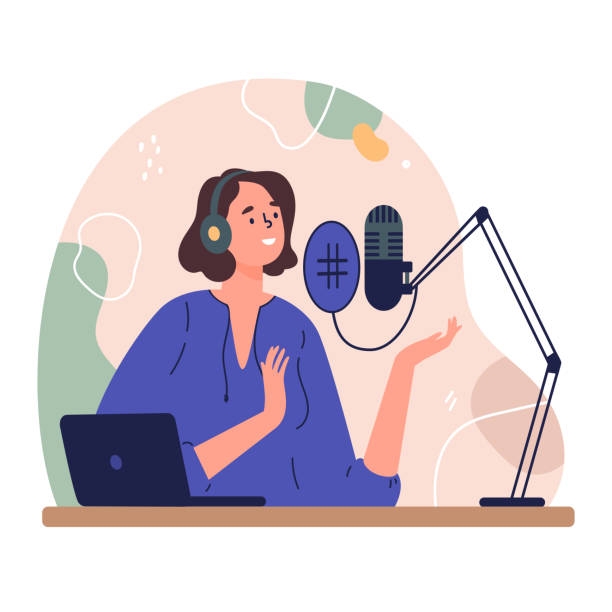
Create voice memos, video voice overs or even get the audio for your podcast. Ae voice recorder lets you record yourself from your timeline, using your computer’s microphone, a webcam mic or a headset/external microphone.
Perfect for:
➤VO's
➤ Scratch tracks
➤ Notes
➤ Client comments
Super Easy To Use
You don’t need any previous recording experience in order to use this recorder successfully. Our voice recorder interface is intuitive and easy to understand, so you can use our tool to make recordings in minutes without having to waste time on lengthy tutorials and guides.
➤ Simply set where you want to start recording in the timeline.
➤ And click record
➤ The preview will be played and you can record live.
Limitations:
This extension is not yet compatible with macOS.
Wait for the update to use on the Mac operating system.
| After Effects | 2024, 2023, 2022, 2021, 2020, CC 2019, CC 2018, CC 2017 |
|---|
1.2.0 (Current version) - Apr 20, 2023
1.1.2 - Feb 28, 2023
-
- Compatibility Premiere
Silence Remover
Add to CartNew remove the silence directly feature and more. Isolates any silence gaps in your footage in Adobe Premiere Pro. Automate the most annoying part of your editing workflow!
-
- Compatibility After Effects
AudioAmpToVideoSpeed
Allows you to speed up or slow down a video according to an Audio Amplitude layer.Add to Cart -

- Compatibility After Effects
Beatnik
Add to CartUnlock a new level of audio-driven edits, speed ramps, retimings & more with just 1 click.
-

- Compatibility After Effects
Auto Audio Mixer
Add to CartMixes all audio layers of the active composition
-
- Compatibility After Effects
- Compatibility Premiere
Essential Sound Effects V2
Add to CartThis product has been discontinued. You can now purchase all Mister Horse products through a single subscription plan. -
- Compatibility After Effects
AudioToMarkers
Add to CartAdds markers, splits a layer or adds a new text layer with incrementing numbers based on audio intensity.
-

- Compatibility After Effects
Save Actions
Add to CartSave and recall actions in After Effects. A practical and easy tool for storing layers with the ability to save the properties of layers in general or selectively with live preview.
$29.00 -
- Compatibility After Effects
TypoKit
Add to CartTypoKit is a collection of beautifully designed and animated typefaces. 10+ clean, modern animated styles.
$29.00 -

- Compatibility After Effects
3D Modeler
Add to CartCreate 3D models by extruding solid, shape, text and transparent layers, applying textures, and manipulating surfaces using masks.
$29.00 -

- Compatibility After Effects
Farabi ligature type animation tool
Add to CartFarabi is a collection of beautifully designed and animated typefaces for Farsi-Arabi language.
$29.00 -
- Compatibility After Effects
Dupli-Kit
Duplicate layers using a pattern in After Effects with many options:Add to Cartcontrollable duplication, randomize properties, anchor point management, layers coloring, layers arrangement, and more.
$24.00 -

- Compatibility After Effects
Flatten Layers 2
Add to CartGroup and flatten layers without pre-rendering! The selected layers will be flattened to a single layer in the background without any quality loss or rendering. Easily switch between the flattened and unflattened layers
$29.00