
3D Modeler
-
Compatibility After Effects Please check exact version compatibility under the "COMPATIBILITY" tab below
 Adding to cart...
 Create 3D Models in After Effects
- Extrude solid, shape, text and transparent layers.
- Create 3D cubes, origami shapes, and other geometric forms.
- Generate all kinds of complete and incomplete pyramids.
- Carving and surface changes created by masking.
- Apply textures to the 3D models you create.
- Simplified controls for customizing: color, depth, rotation angle and more.
- Use masks to selectively extrude or manipulate specific surfaces.
- Perform beveling, chamfering, and other modifications.
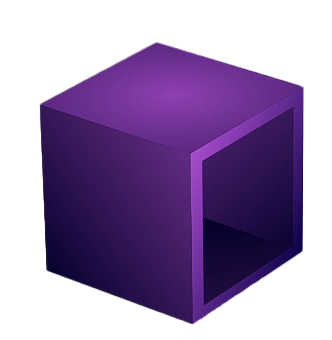
Extrude anything by one click
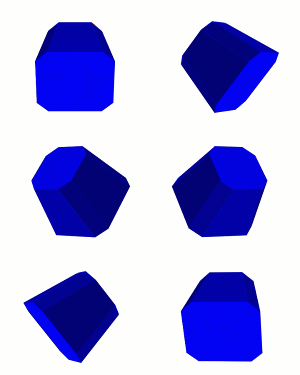
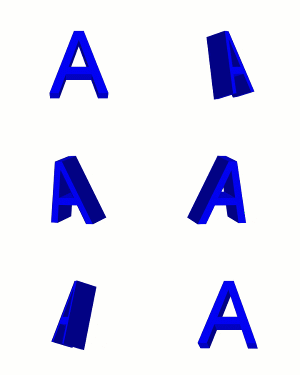
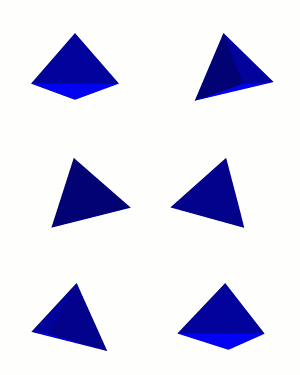
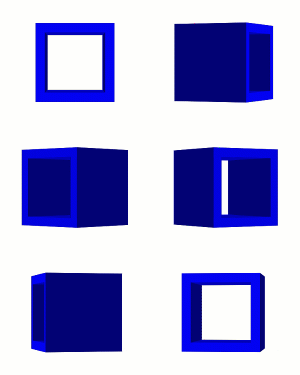
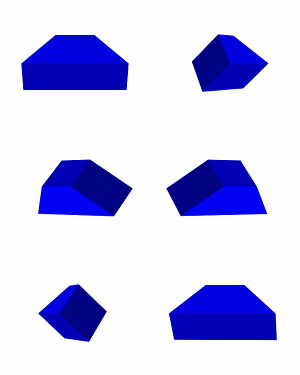
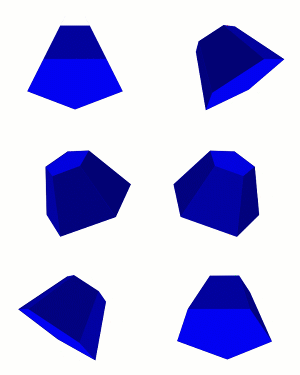
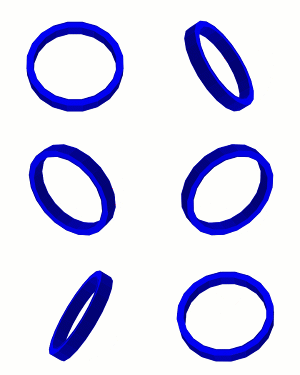
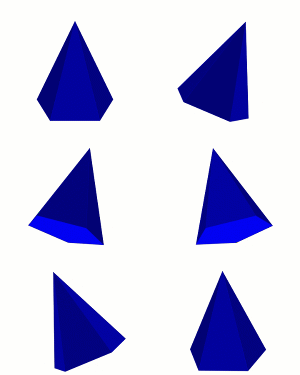
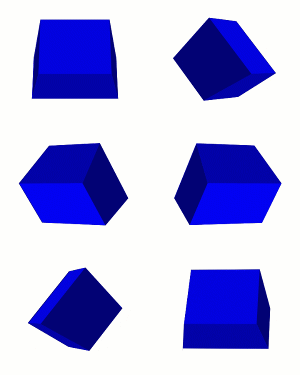
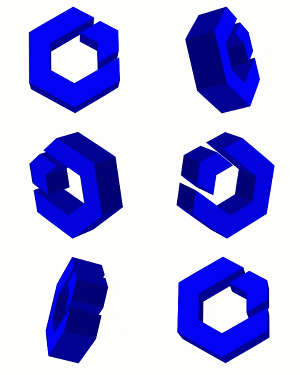
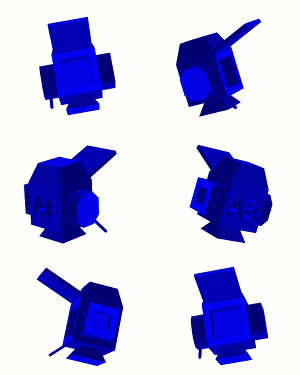
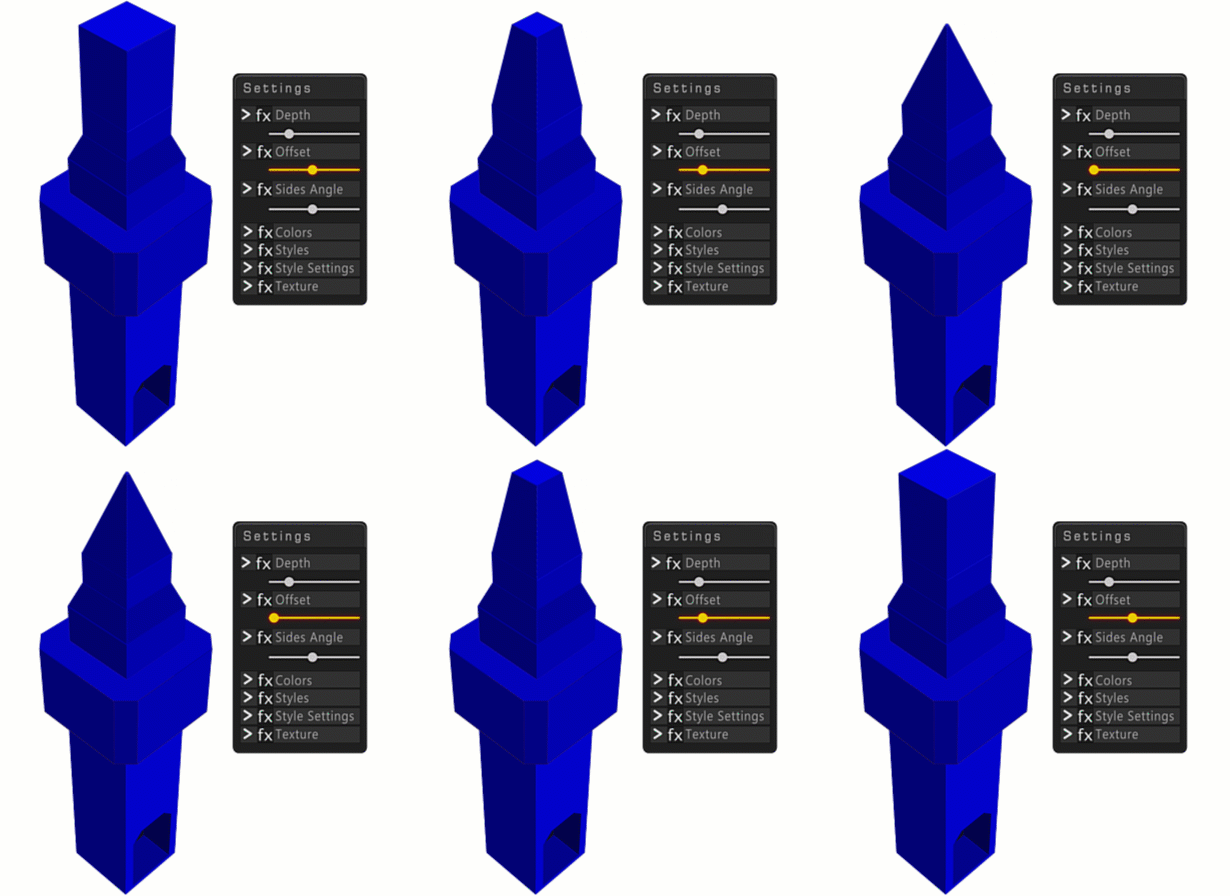
Extrude Offset Types
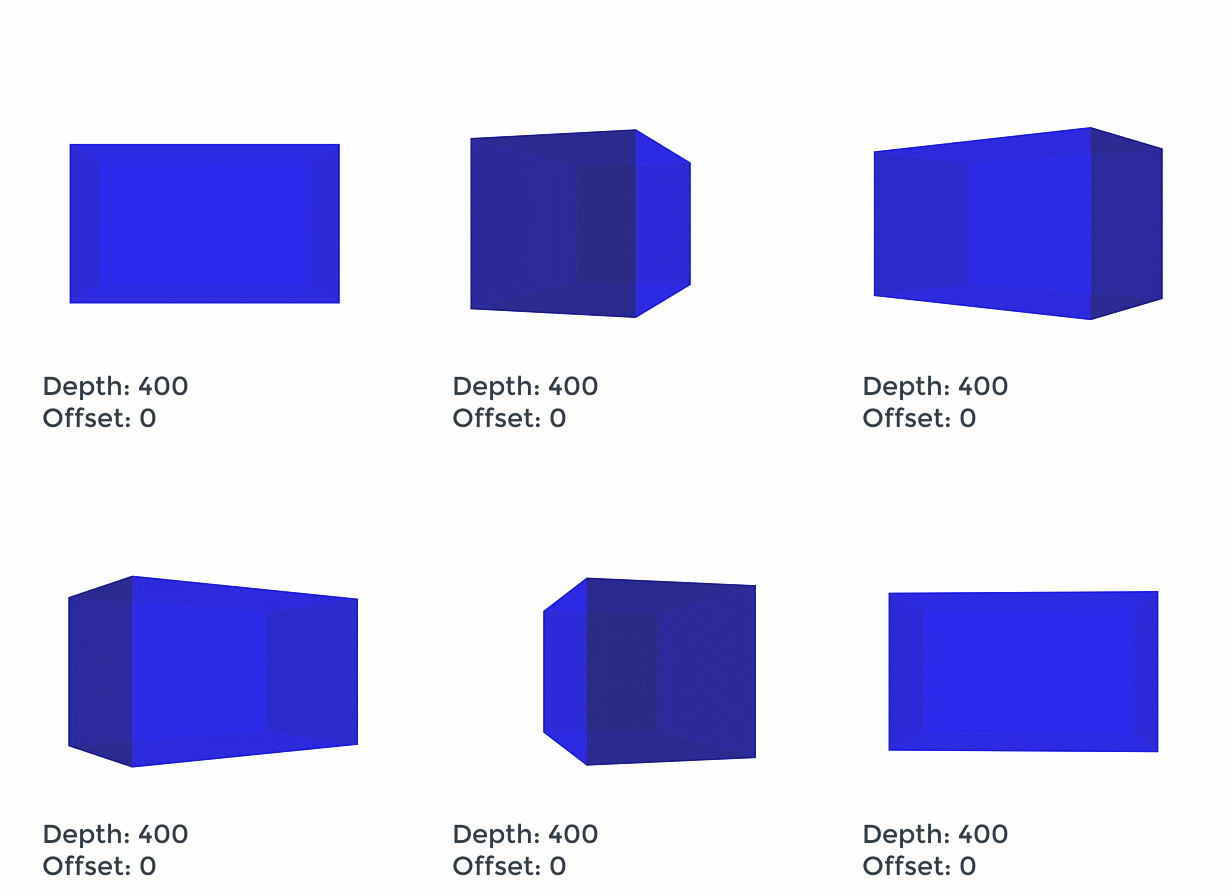
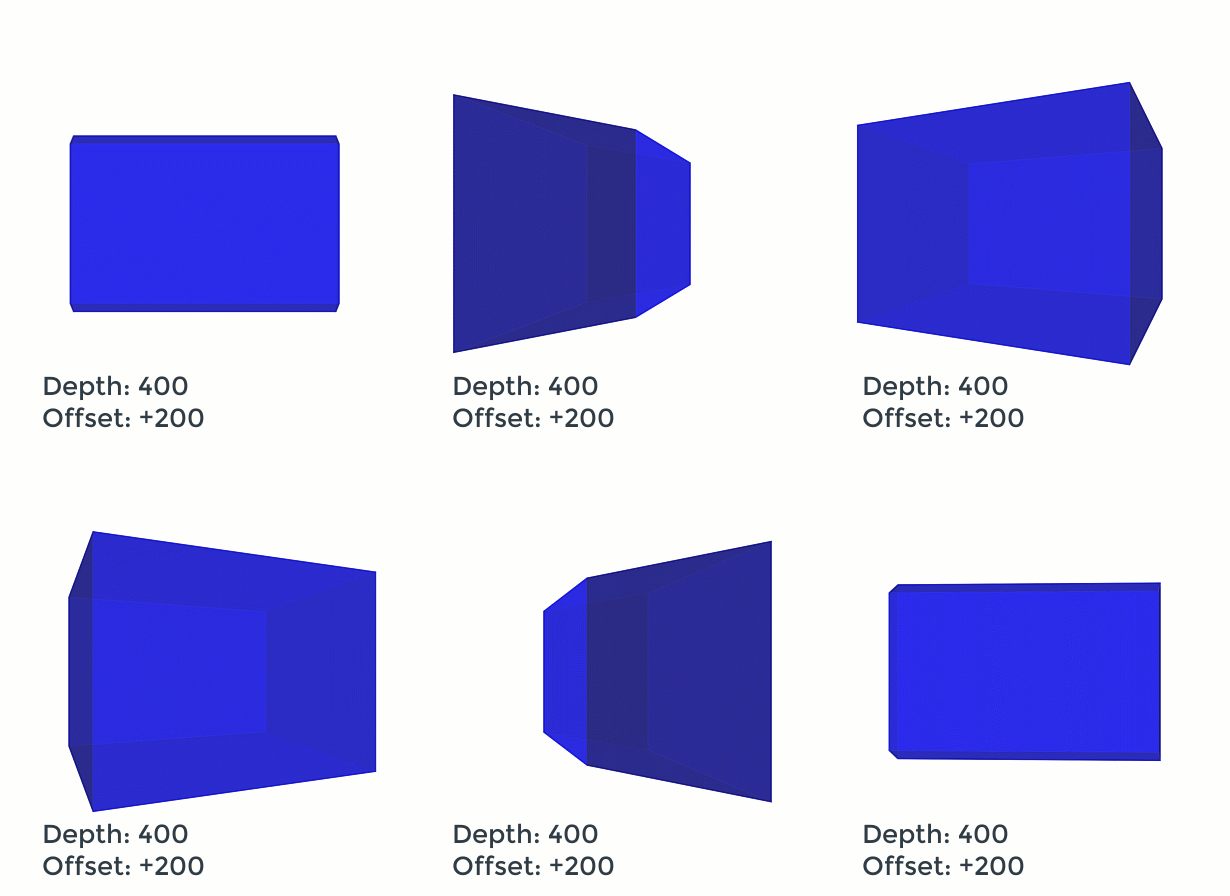
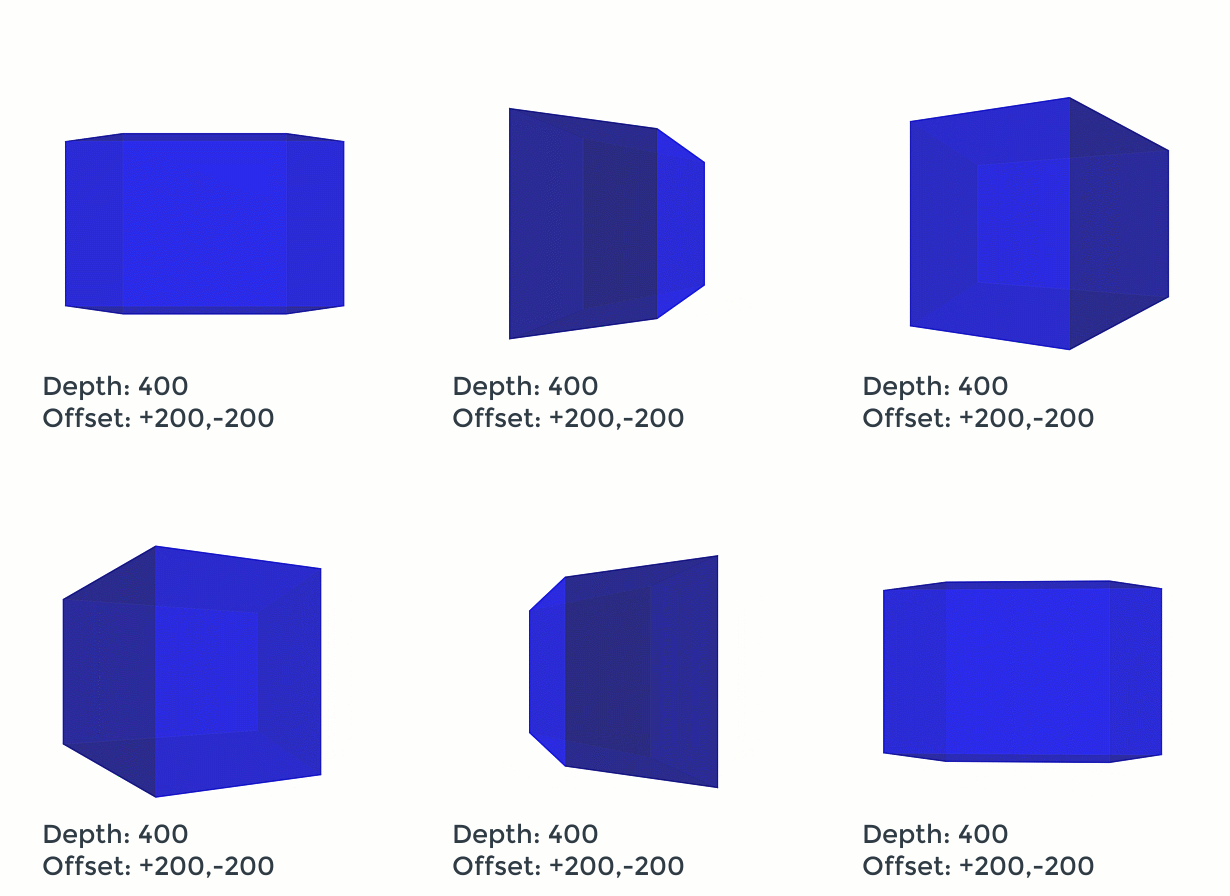
Modeling
- You can easily convert any polygon in the form of solid, shape, text and transparency layers into 3D volumes.
- After that, you can extrude any of the created surfaces. Select the desired surface, confirm the depth and offset value and click the generate button again.
- Also, with the "Change in surface" button, you can make your changes with the mask and then extrude it (inner or outer).
- After the modeling process, you can texture the created surface in groups or individually

Texturing
- After the modeling process, you can easily texture the created surfaces.
- Texturing of created surfaces can be done individually and in groups.
- Select the desired surface and click on the texturing button.
- The corresponding surface will be precomped and an area for texturing will appear for you.
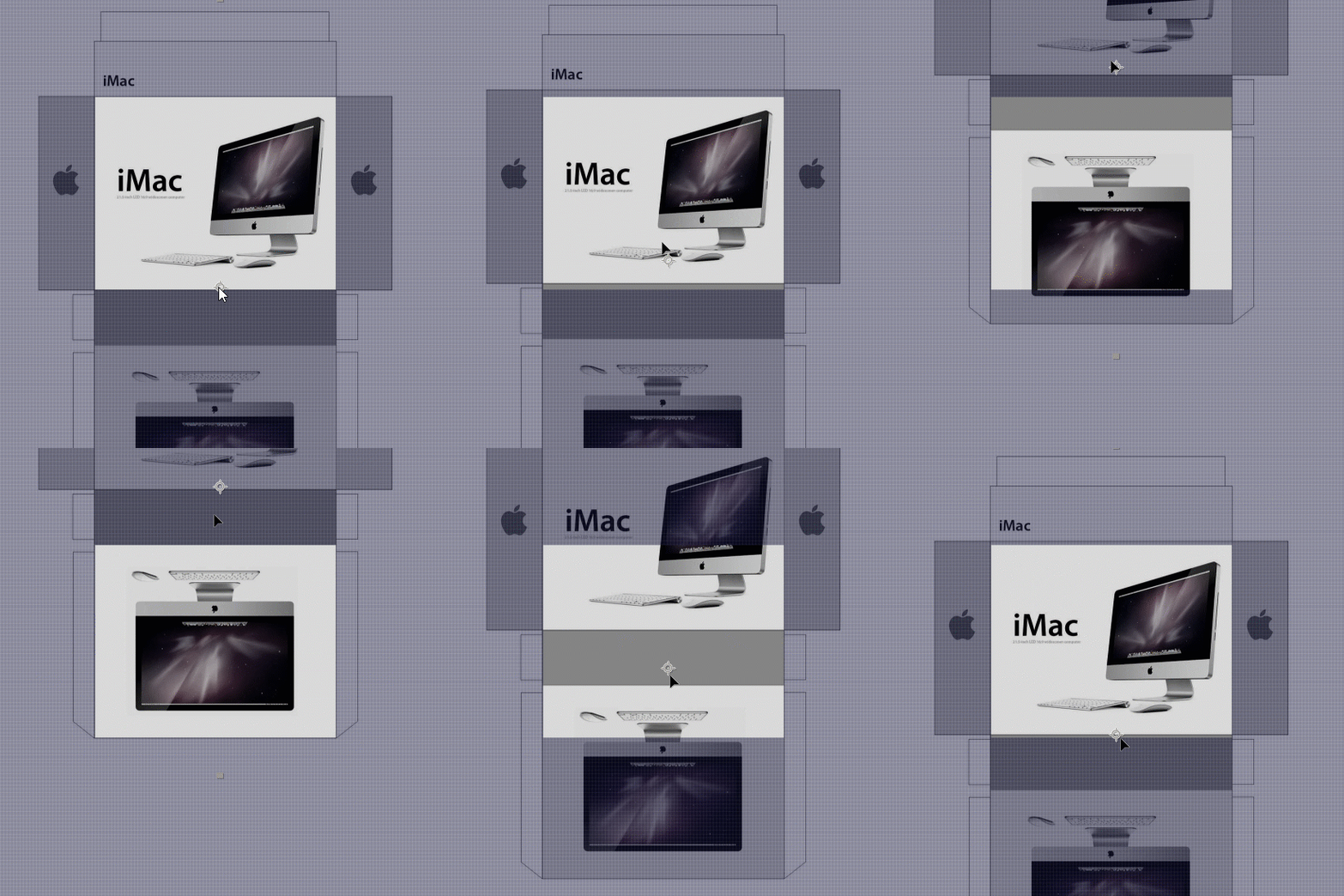
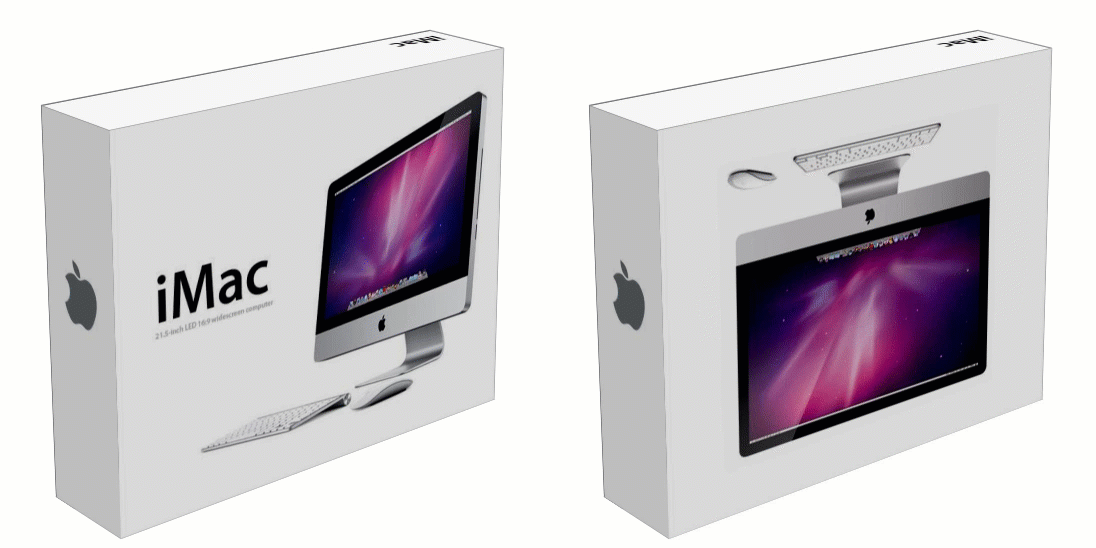
Use Cut-Out Templates
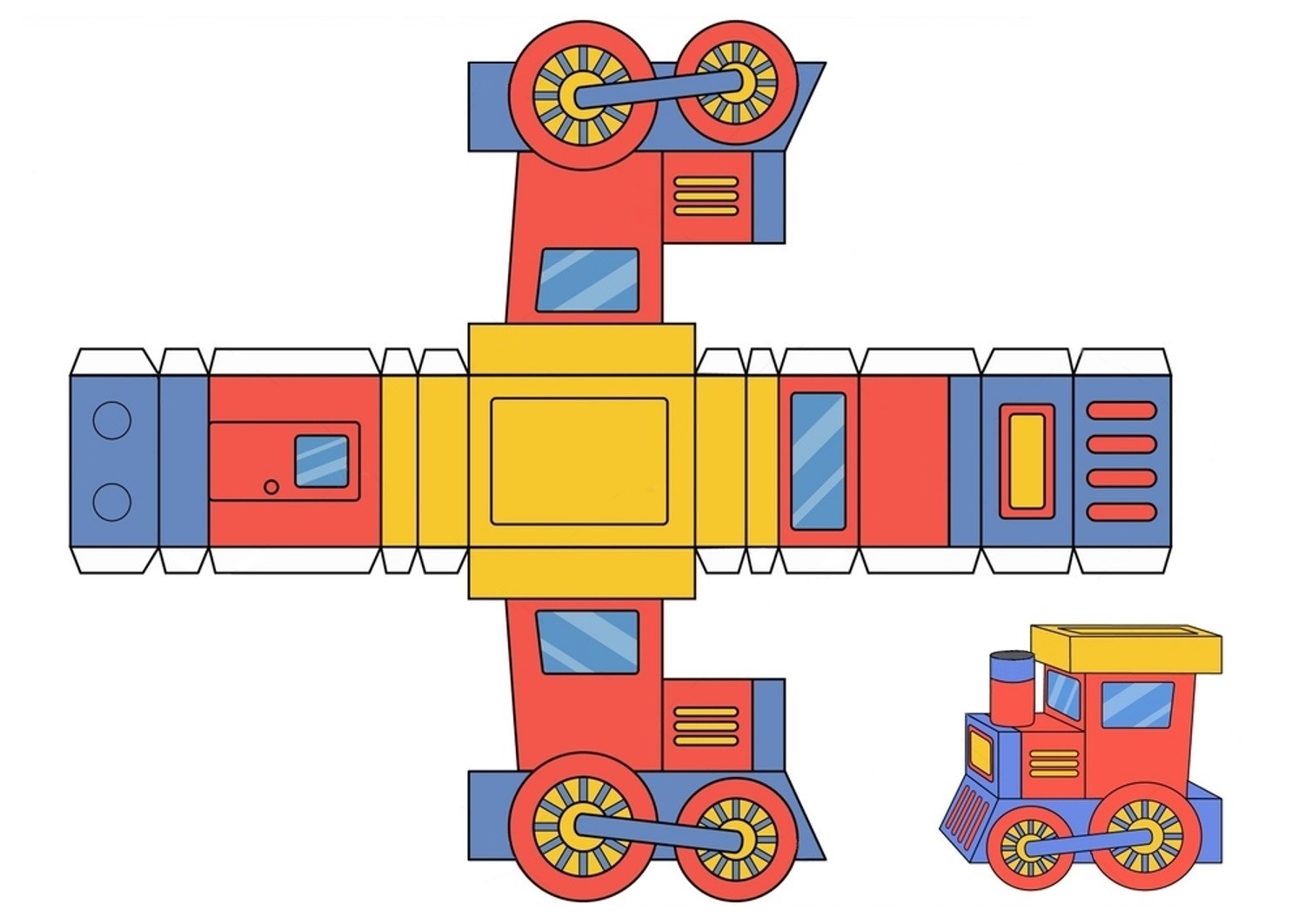
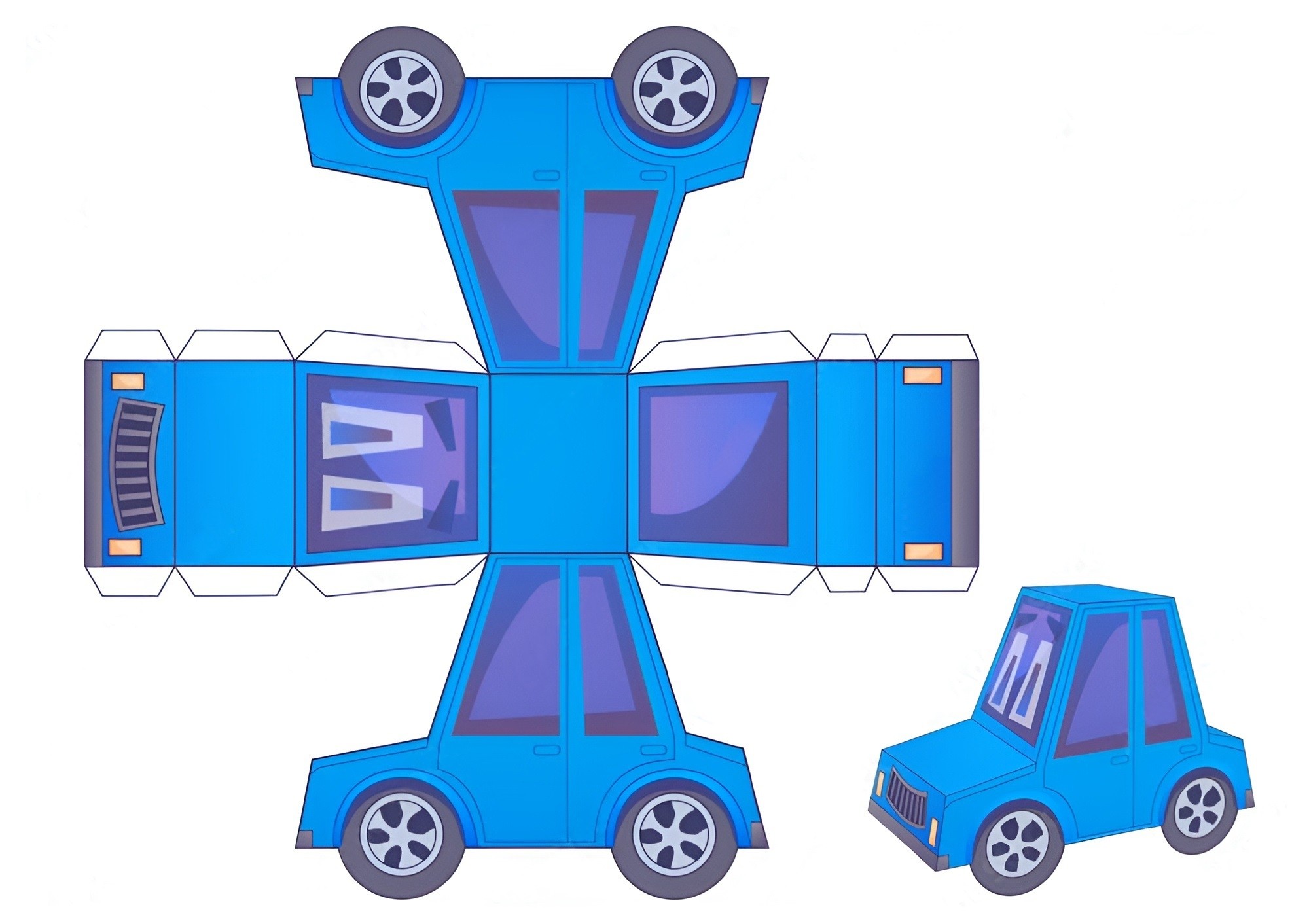
Samples
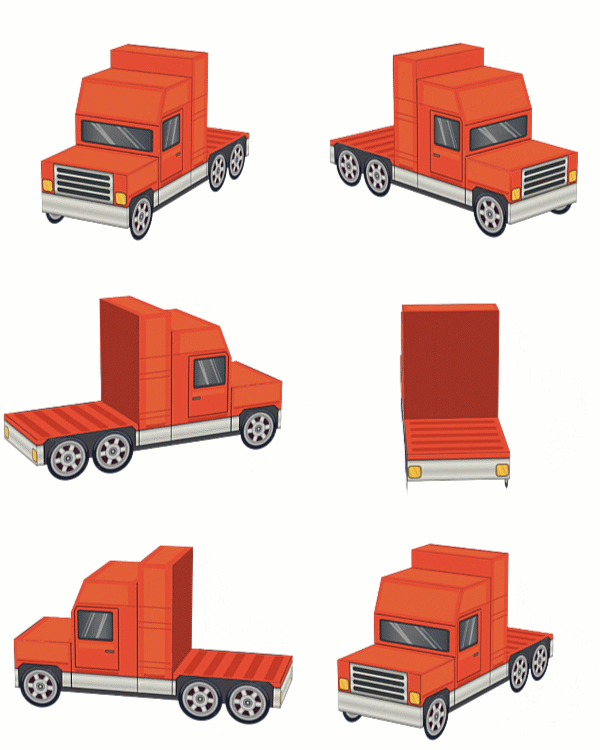
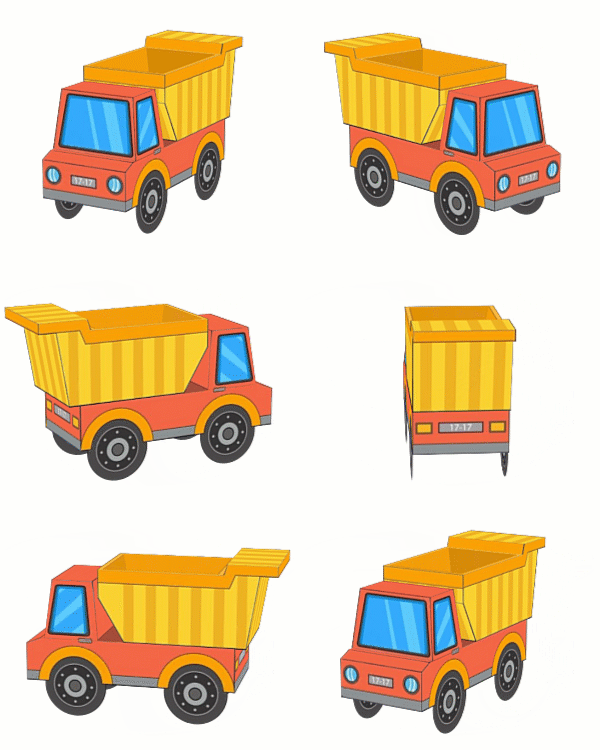
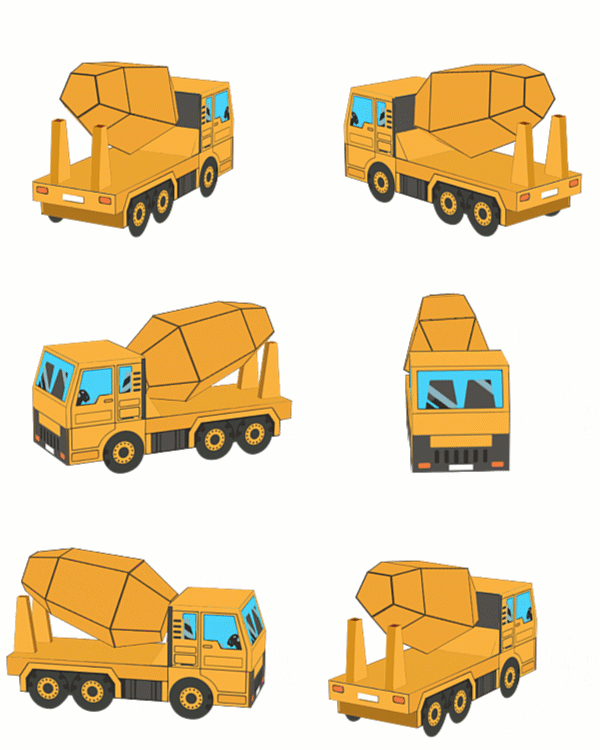
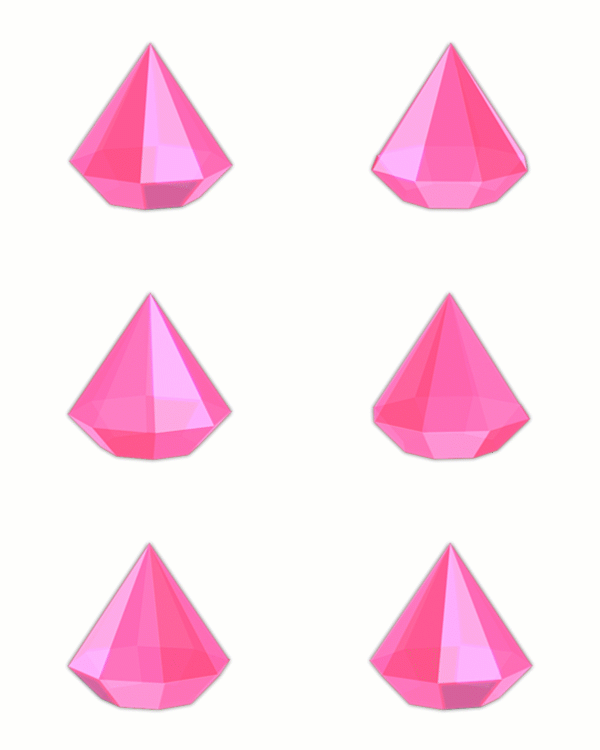
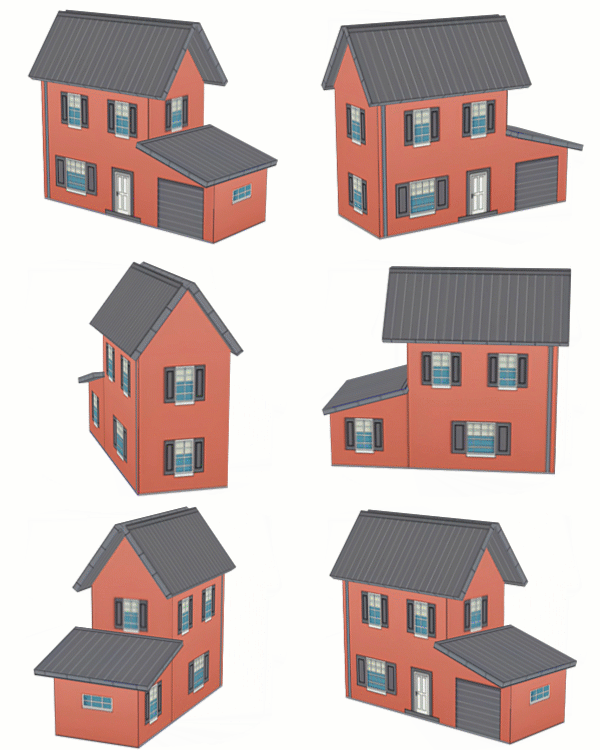
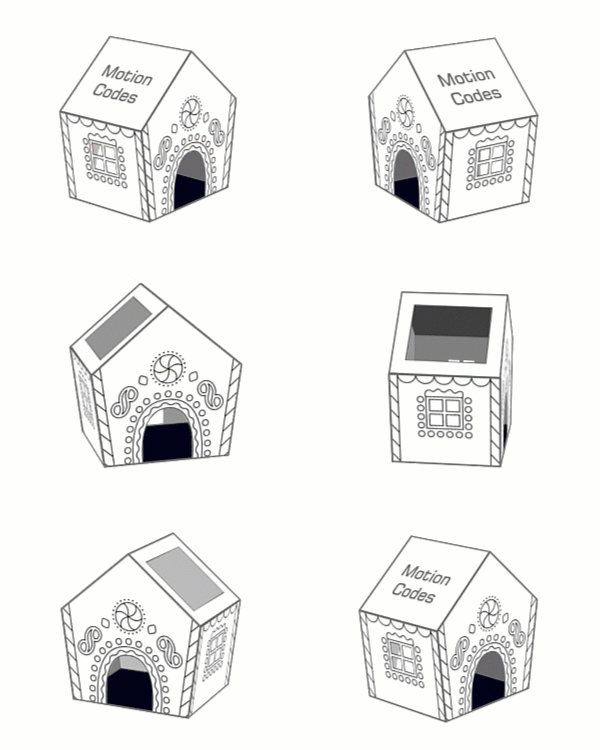
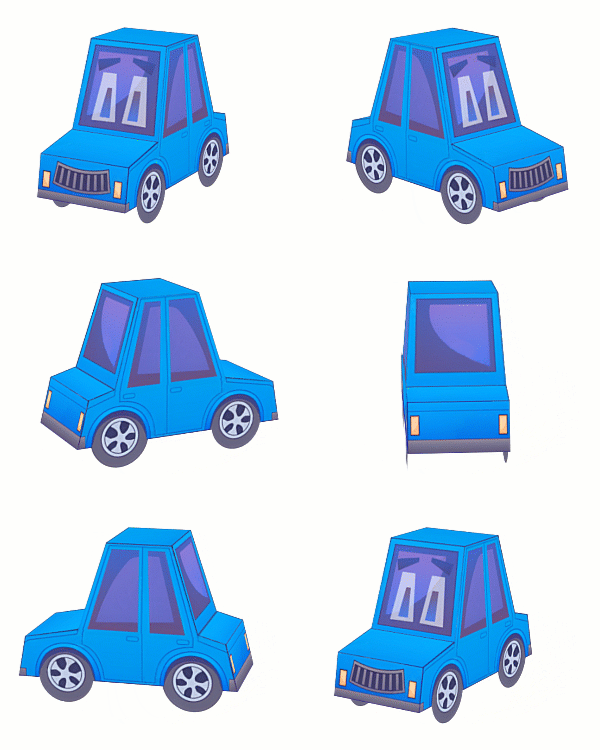
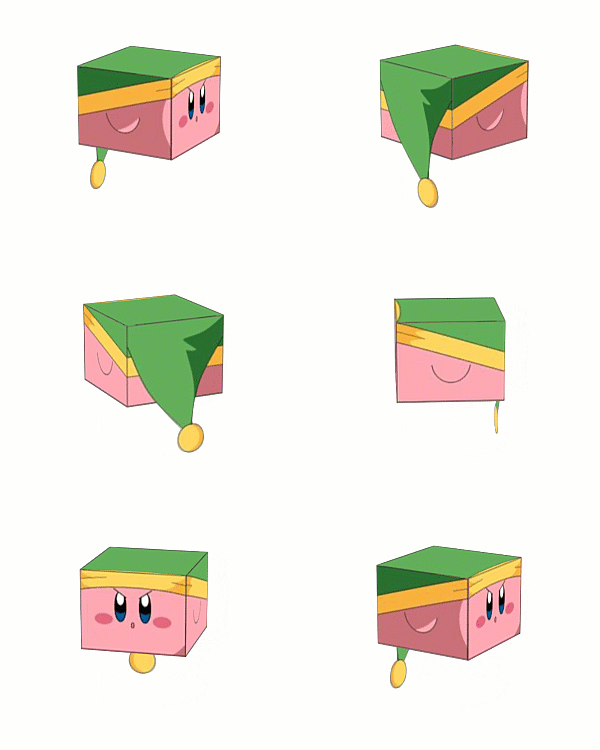
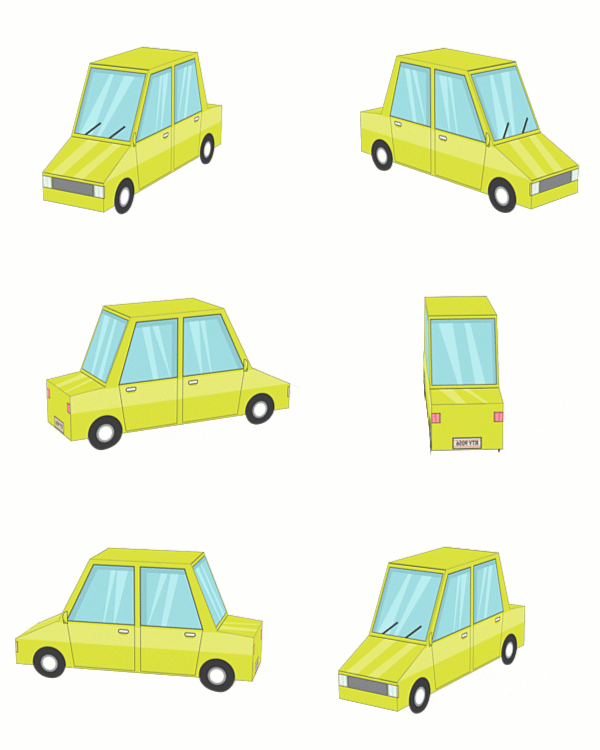
Some Other Features
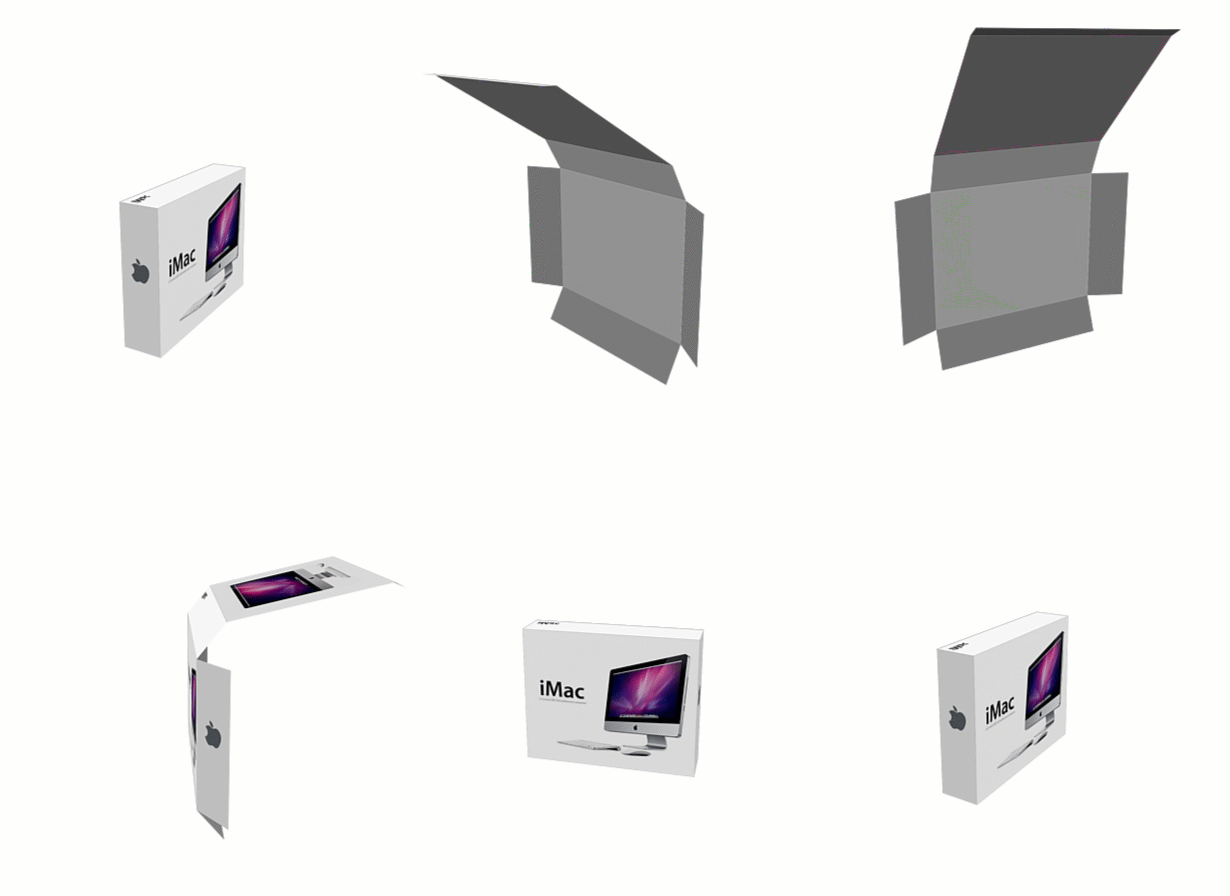
- Origami style for the made boxes.
- Adjust the opening amount of the box with the controller
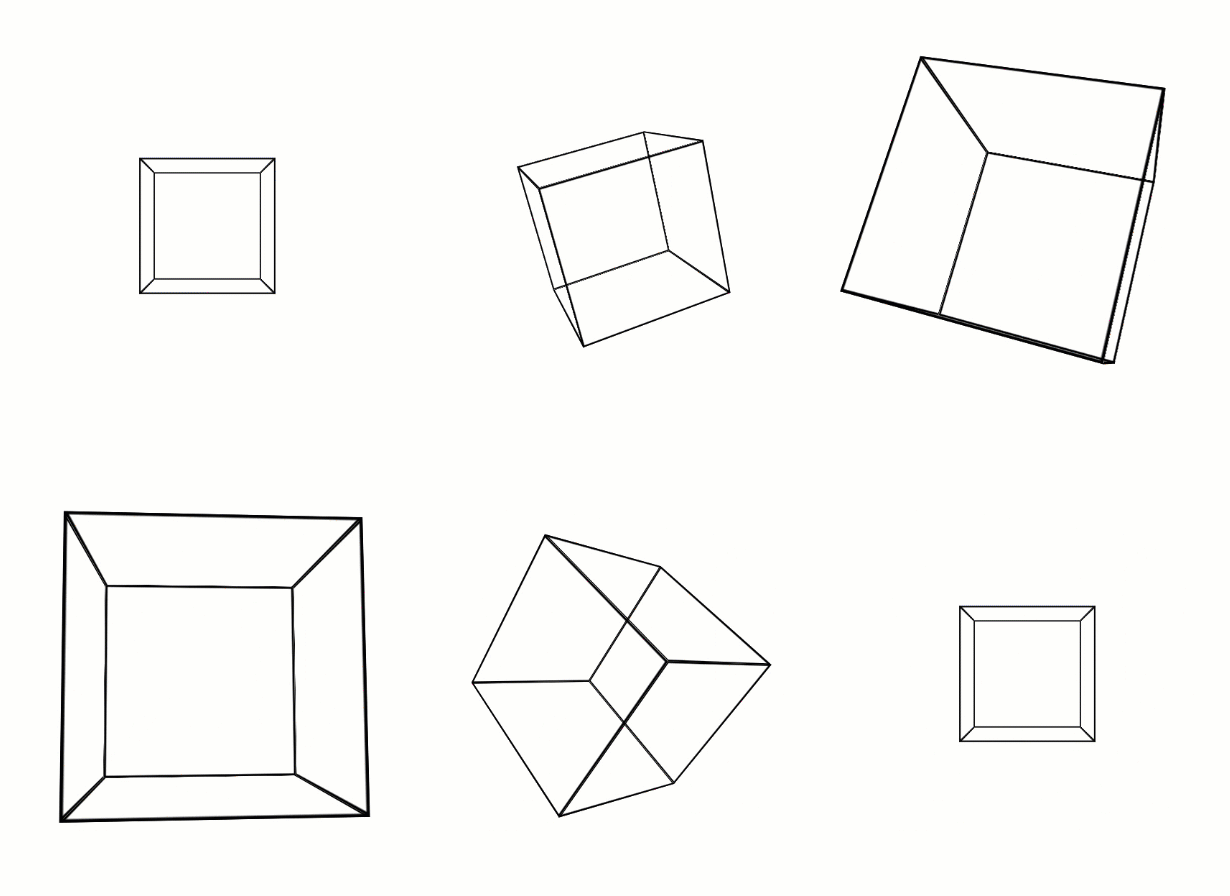
- Create 3D objects with wired mode.
- A controller for wired mode settings will be added
Origami Cube:
Wired Mode:
| After Effects | 2024, 2023, 2022, 2021, 2020, CC 2019, CC 2018, CC 2017 |
|---|
1.1.0 (Current version) - May 31, 2024
-

- Compatibility After Effects
Taxon
Add to CartManage your comp by controlling layers with shared attributes: Type, Name, Label Color, and more!
-
- Compatibility Premiere
Looper Pro
Free TrialAdd to CartLoop animations in Premiere Pro! With looping types you love: • cycle • pingpong • offset
-
- Compatibility After Effects
- Compatibility Premiere
Mettle Super Suite
Add to CartGet all the Mettle plugins and save: Mettle Flux, Mantra V2 and Freeform Pro
Suite price: $499 Bought separately: $657 Save $158
-

- Compatibility After Effects
Marker Batch Editor
Batch edit all marker attributes. Now supports comp markers and marker duration. Also has an option to export the marker to a text file.Add to Cart -
- Compatibility After Effects
TimeMarker
Add to CartA smarter way to add custom markers to comps and layers in After Effects. Adjust the color, add a comment, set a duration, and protect a range of keyframes from being time-stretched.
-
- Compatibility After Effects
Extrude
Bring live text layers, shapes & masks to life in a single click with Extrude. Features 2D Directional, Vanishing, or Full 3D extrusions modes.Add to Cart
-
- Compatibility After Effects
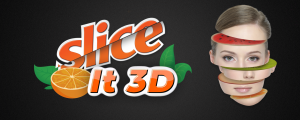
Slice It 3D
Add to CartSlice layers in 3D using 2D masks into slices with simulated 3D depth. Includes 6 awesome slicing styles
$29.00 -
- Compatibility After Effects
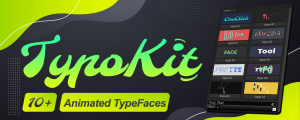
TypoKit
Add to CartTypoKit is a collection of beautifully designed and animated typefaces. 10+ clean, modern animated styles.
$29.00 -

- Compatibility After Effects
Ae Voice Recorder
Add to CartQuickly and easily record voice and audio directly in after effects.
Perfect for VO's, scratch tracks, notes and client commentsCurrently only supports Windows. macOS support coming soon.
$24.00 -

- Compatibility After Effects
Dupli-Kit
Duplicate layers using a pattern in After Effects with many options:Add to Cartcontrollable duplication, randomize properties, anchor point management, layers coloring, layers arrangement, and more.
$24.00 -
- Compatibility After Effects
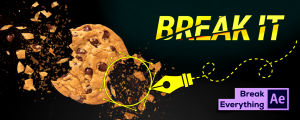
Break It!
Add to CartA simple-to-use tool to shatter and break objects in After Effects.
$19.00 -

- Compatibility After Effects
Matte Tool 2
Add to Cart20 tools that make it easier to work with mattes and layers in After Effects. New: 4 new tools, new responsive UI and many more tweaks and fixes!
$24.00