
Auto Audio Mixer
-
Compatibility After Effects Please check exact version compatibility under the "COMPATIBILITY" tab below
 Adding to cart...
UI Preview

Features
- Handles Audio layer/comps in and out points
- 2 Audio Layer Mixing Options
- 2 Duration Mix types: Composition or work area duration
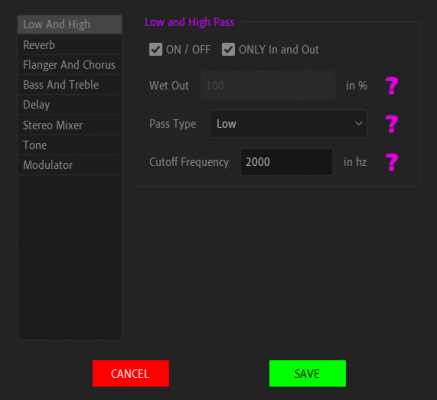
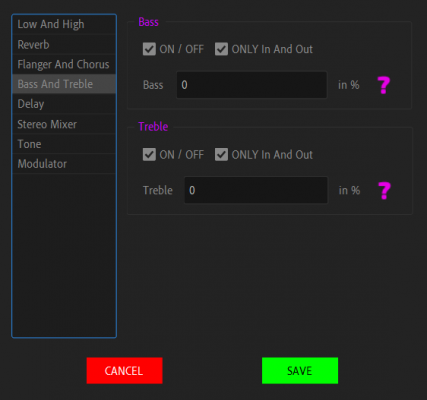
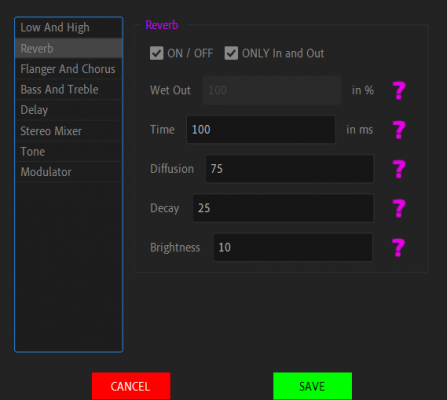
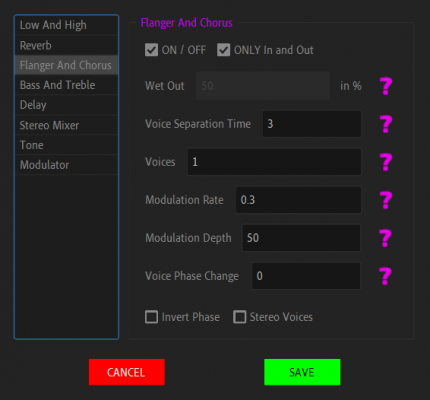
- 9 After Effects audio effects are included: "High & Low pass", "reverb", "Bass & Treble", "Flanger and Chorus" and many more
- Works on compositions recursively
- Stretch audio leftovers to mix with the next layer or fill duration
- Disable interfering audio
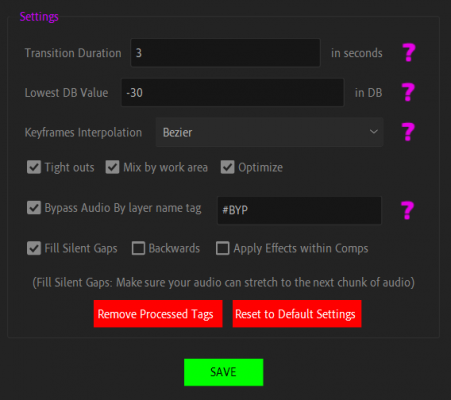
- Bypass audio layer by Tag
- Hotkeys
- Keyframes interpolation (Easy Ease, Bezier or linear)
- Optimization
- Transition between layers
- Minimum volume control
- Responsive UI
- Persistent Values
Tutorial
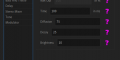
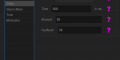
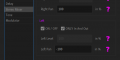
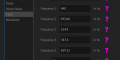
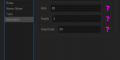
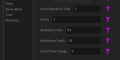
Settings and Effects preview
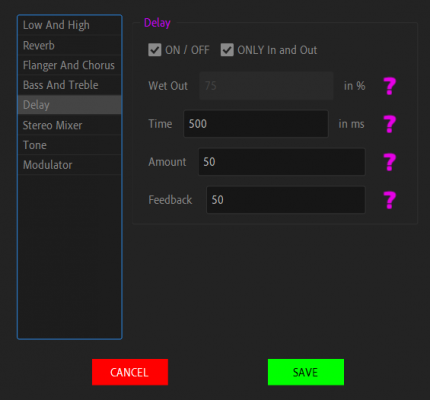
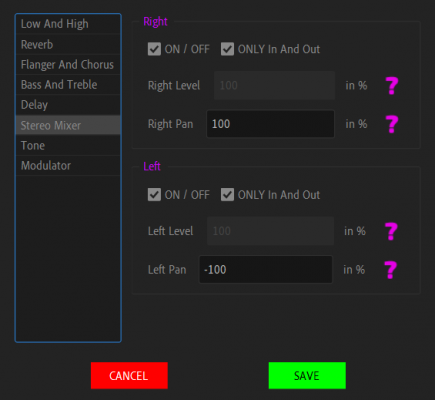
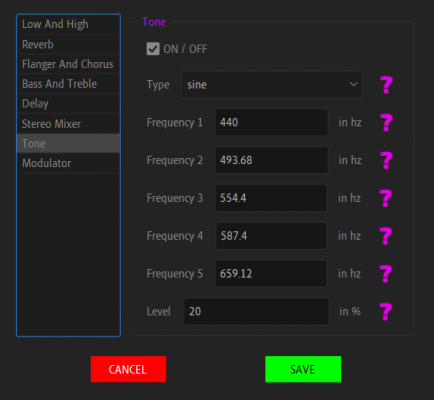
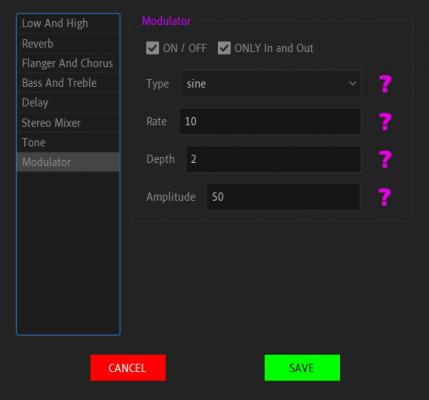
| After Effects | 2023, 2022, 2021, 2020, CC 2019, CC 2018, CC 2017, CC 2015.3, CC 2015, CC 2014, CC, CS6, CS5.5, CS5, CS4, CS3 |
|---|
1.0.5 (Current version) - May 5, 2023
► Enter or Escape or Space keys Close Dialog windows
1.0.4 - Oct 8, 2022
► Added Easy Ease
► Changed Default Apply Effects Within Compositions to enabled by default.
► Added Hotkeys for "Build" (Space), "FX" (a), "Settings" (s) and "Help" (d)
► Updated Documentation
► Fixed Button's Text for Mac
1.0.1 - Jun 30, 2022
-
- Compatibility After Effects
Simple Text
Add to CartSimple Text simplifies text animation in After Effects making it fast and intuitive.
-
- Compatibility After Effects
AudioAmpToVideoSpeed
Allows you to speed up or slow down a video according to an Audio Amplitude layer.Add to Cart -

- Compatibility Cinema 4d
Terrain Builder Cinema 3
Add to CartTerrain Builder Cinema is the easiest way to create a 3D Map from anywhere on the planet Earth in Cinema 4D.
New in v3.5: New Map Object Syste, New Route System, New Scatter System, New Mouse interaction System and more. -

- Compatibility Premiere
Editing Essentials Bundle
Add to CartThree indispensable tools for your Adobe Premiere Pro editing workflow: BeatEdit 2, QuickImporter and Still Exporter.
-

-

- Compatibility After Effects
CropROI
Crop your precomps to the Region of Interest, without shifting the layer position.Add to Cart

-

- Compatibility After Effects
Pixel Pusher
Add to CartPush selected layer(s) by your defined pixels amount (Includes Z position, multiplier and lots of settable keyboard shortcuts!)
$5.00 -

- Compatibility After Effects
Stacker
Add to CartOrganizes layers to the bottom, top, left, or right sides while providing options for layer alignment, fixed starting position, Keyframes, and more. Try it for free and experience the benefits of efficient layer management in your workflow.
$7.99 -

- Compatibility After Effects
Reverse Text
Add to CartReverses text layer source text In After Effects. Great For RTL Languages. Try it for free!
$4.99 -

- Compatibility After Effects
Ticker
Add to CartCreate Ticker or Crawl in 2 clicks in After effects! Use starter templates formatted in CSV, TSV or JSON. Has full RTL Support! Try 5 lines for Free!
$9.99 -

- Compatibility After Effects
Credits Roller
Add to CartCreate credit rolls and pages in 3 clicks in After effects! Use starter templates formatted in CSV, TSV or JSON. Has full RTL Support!
$39.99