
Stacker
-
Compatibility After Effects Please check exact version compatibility under the "COMPATIBILITY" tab below
 Adding to cart...
Features:
- Alignment Options
- Anchor points are calculated
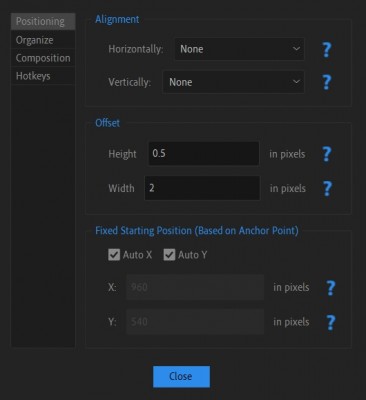
- Pixel perfect placing
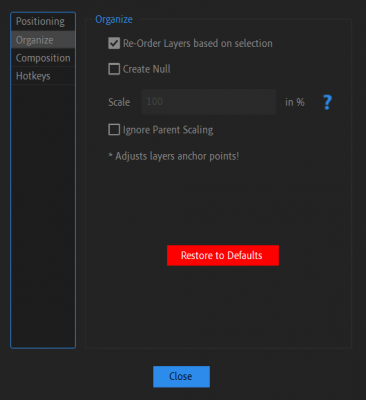
- Supports custom starting point
- Custom offsets between layers
- Connects all layers to a controller
- Re-orders layers (OR NOT)
- Supports Multiple keyframes
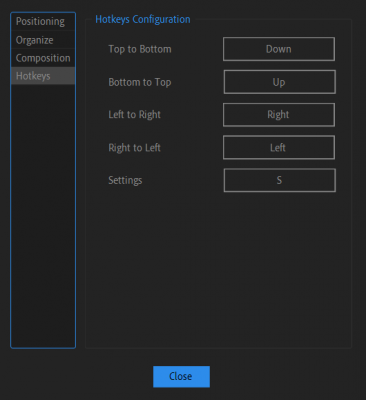
- Loaded with hotkeys
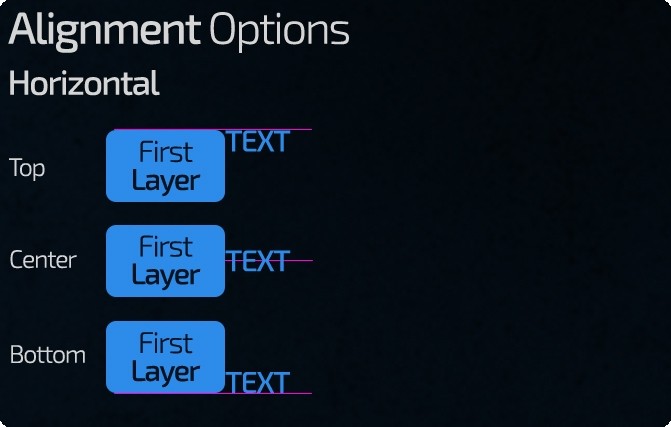
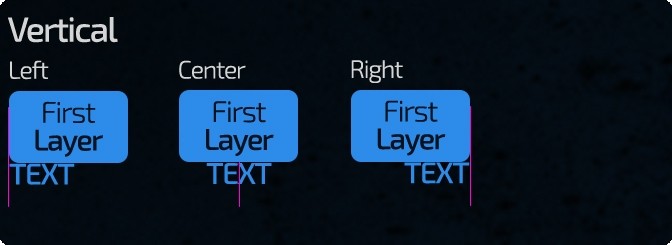
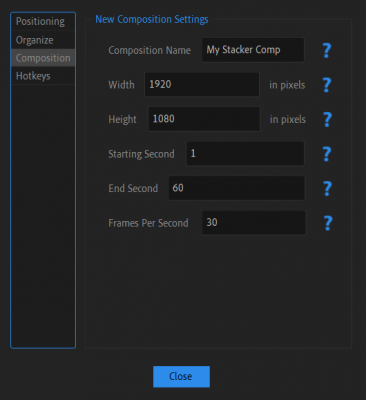
UI Preview
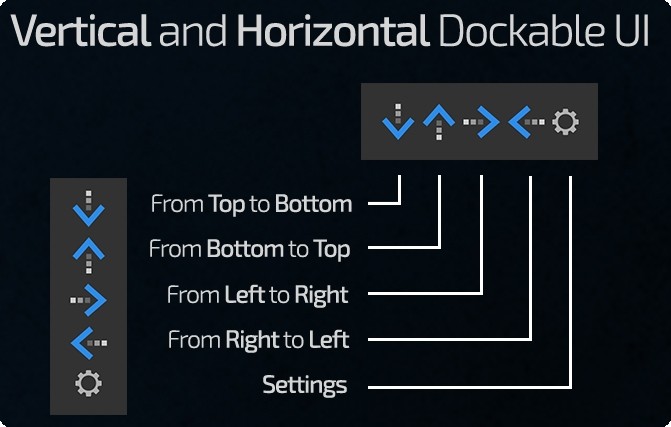
Tutorial




| After Effects | 2023, 2022, 2021, 2020, CC 2019, CC 2018, CC 2017, CC 2015.3, CC 2015, CC 2014, CC, CS6, CS5.5, CS5, CS4, CS3 |
|---|
1.0.6 (Current version) - Jun 24, 2023
- Keyframes CTI Feature:
+ When no keyframes are selected:
* Current Time Indicator matches keyframe's time: Stacker will adjust Position and select keyframe.
* Current Time Indicator DOESN'T match the keyframe's time: Stacker will warn that no keyframes are selected.
- FIX: Fixed Position for shape layers (Bottom to Top And Top To Bottom)
1.0.5 - Jun 17, 2023
- Hotkeys within Settings dialog - Positioning (A), Organize (S), Composition (D), Hotkeys (F)
- Added "H" Hotkey for help within the main stacker window.
- Updated Documentation
- Fixes And Optimization
1.0.0 - May 25, 2023
-
- Compatibility After Effects
Extrudalizer
Add to CartExtrudalizer allows you to extrude any 2D shape layer into virtual 3D space, control its depth, position, rotation, and scale. You can set up appearance, animation, and even manipulate the original 2D path with the Extrudalized shape repeating this manipulation. The script is 100% Lottie compatible for web use (bake expressions to keyframes for mobile app use) and can be exported using the Bodymovin plugin.
-
- Compatibility After Effects
Malcolm in the center
Place any object in the complete center of two points in 3D spaceAdd to Cart -

-
- Compatibility After Effects
Super 3D
Add to CartEnhance your 3D capabilities in After Effects with Super 3D.
-
- Compatibility After Effects
- Compatibility Photoshop
- Compatibility Illustrator
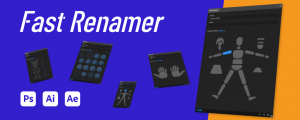
Fast Renamer
Add to CartQuickly rename layers in Photoshop, Illustrator and After Effects. Available in 5 languages: English, Spanish, French, Italian and Chinese. One license for all 3 platforms!
-

- Compatibility After Effects
MoBar 2
Add to CartMoBar is a collection of time-saving tools in one place that help you create your projects quickly and easily in Adobe After Effects.
-
- Compatibility After Effects
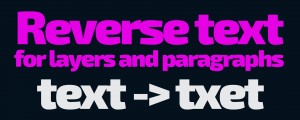
Reverse Text
Add to CartReverses text layer source text In After Effects. Great For RTL Languages. Try it for free!
$4.99 -
- Compatibility After Effects
Pixel Pusher
Add to CartPush selected layer(s) by your defined pixels amount (Includes Z position, multiplier and lots of settable keyboard shortcuts!)
$5.00 -
- Compatibility After Effects
Ticker
Add to CartCreate Ticker or Crawl in 2 clicks in After effects! Use starter templates formatted in CSV, TSV or JSON. Has full RTL Support! Try 5 lines for Free!
$9.99 -

- Compatibility After Effects
Credits Roller
Add to CartCreate credit rolls and pages in 3 clicks in After effects! Use starter templates formatted in CSV, TSV or JSON. Has full RTL Support!
$39.99 -
- Compatibility After Effects
Auto Audio Mixer
Add to CartMixes all audio layers of the active composition
$14.99