
TweiNa
-
Compatibility After Effects Please check exact version compatibility under the "COMPATIBILITY" tab below
-
Compatibility Photoshop Please check exact version compatibility under the "COMPATIBILITY" tab below
-
Compatibility Illustrator Please check exact version compatibility under the "COMPATIBILITY" tab below
 Adding to cart...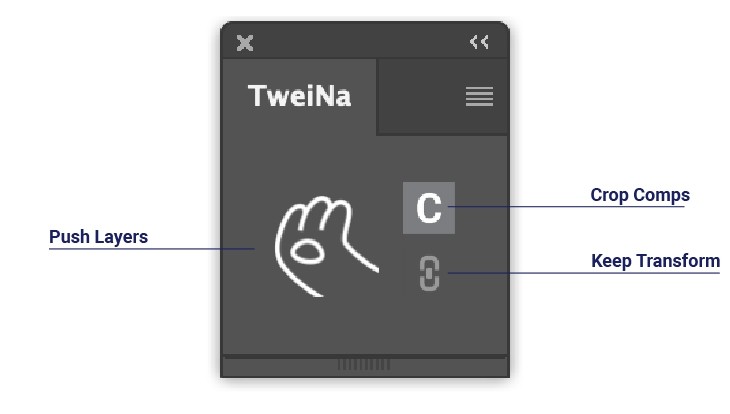

Click this button to push your selected Photoshop layers to After Effects.

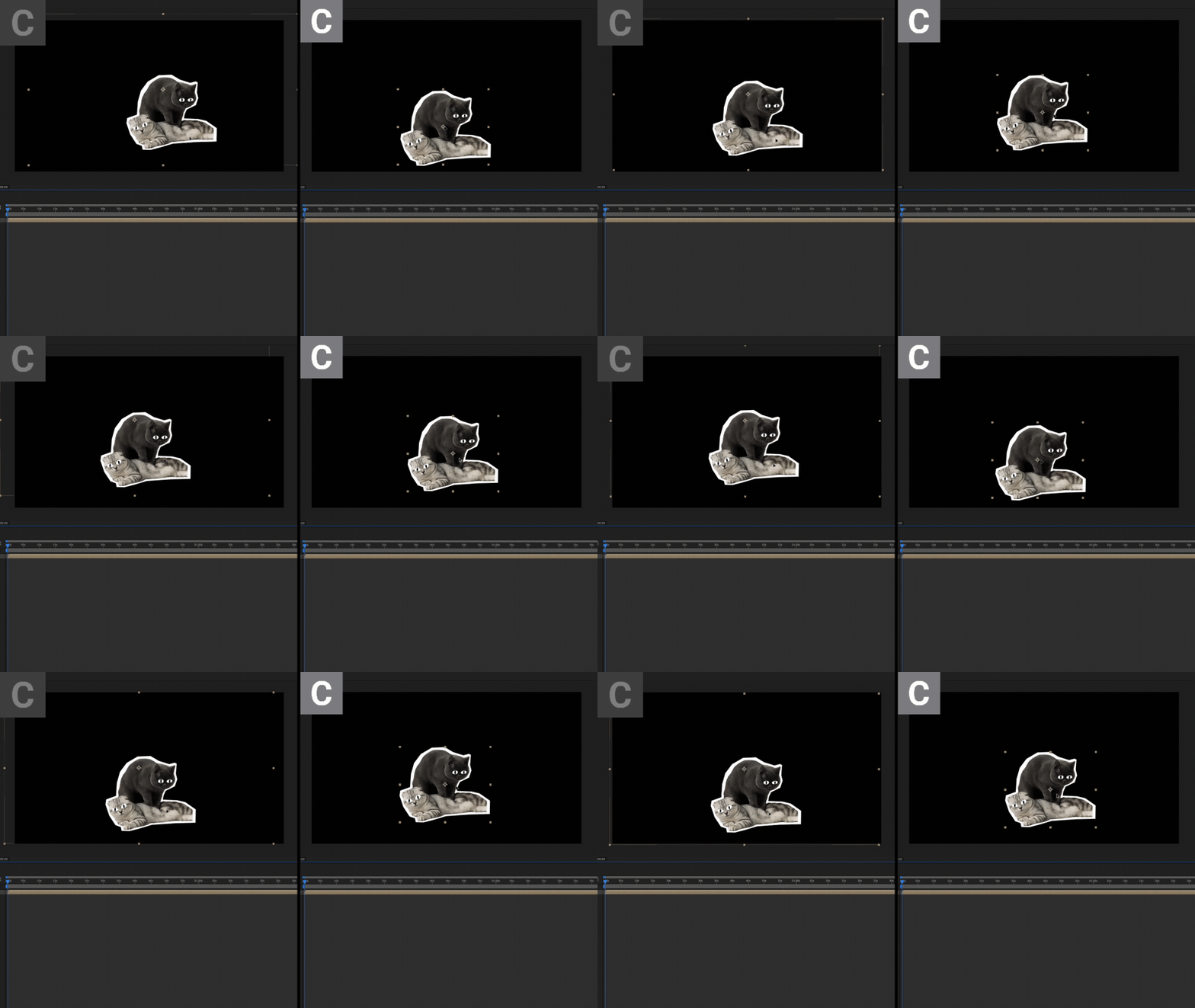

Toggle this button to enable crop for comps that generated from layer groups.

Toggle this button to keep your smart object's transformation in After Effects.

Editable shapes
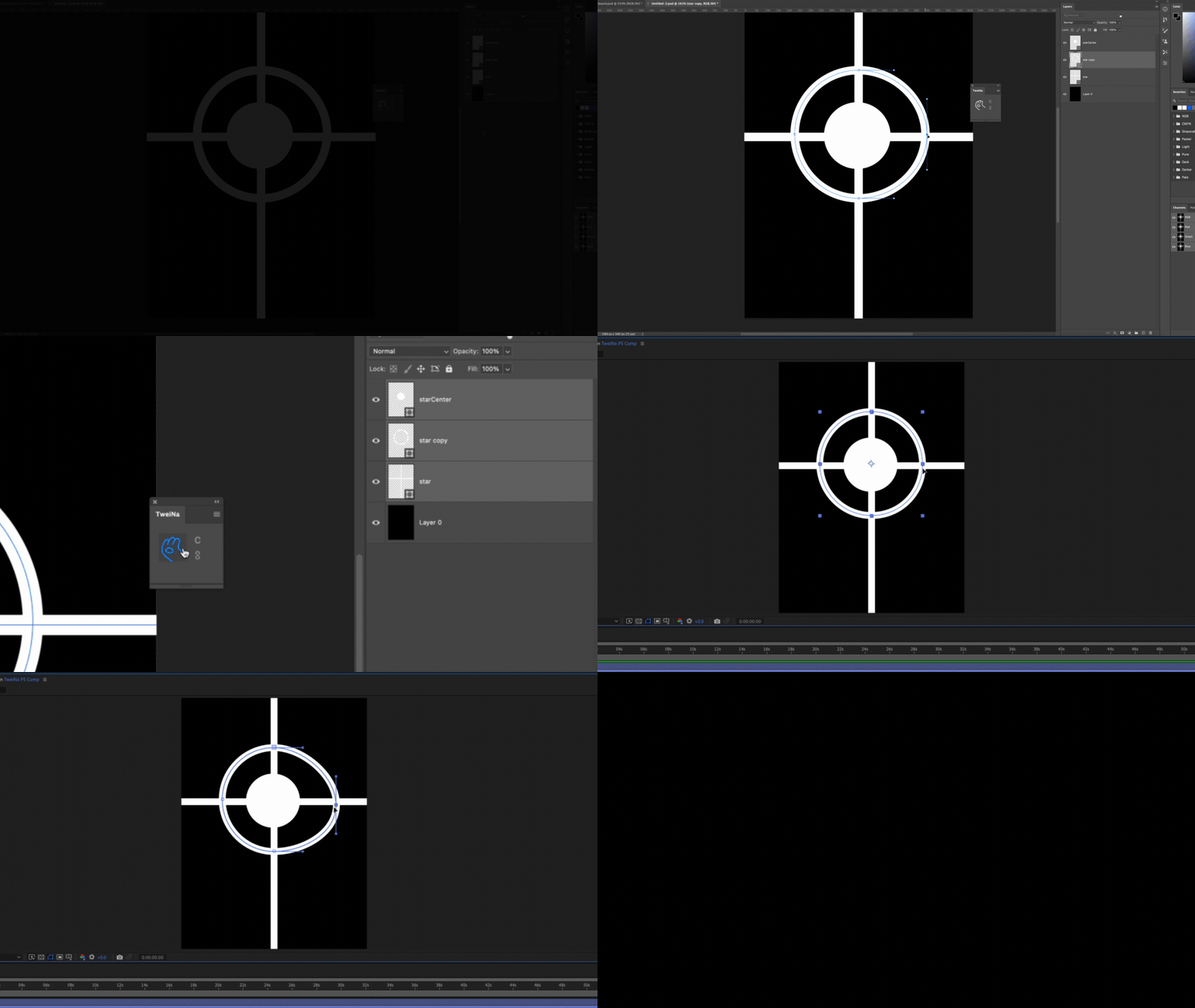
And texts

Features
- Import arbitrary amount of layers from Photoshop to After Effects
- Keep smart object’s transformation including position, scale and rotation
- Auto crop imported comps to fit content
- Photoshop Vector layer convert to After Effects shape layer
- Photoshop text layer to After Effects editable text
Constraints
- Smart objects will be converted to link layers, which means it will missing link if the linked file lost.
- Deformation methods other than position, scale and rotation will make the appearance of the layer look different in PS than in AE ( perspective, liquify, warp, etc.)
- Multiple artboards will be considered as one big comp
- Layer masks are not editable in After Effects
- Smart filter cannot imported
- Root level group's clip mask and layer style can't be imported
Addiotonally, you can also push Illustrator layer to After Effects...
Please note that TweiNa imports based on layer, so multiple objects selected in the same layer will be considered as one single layer.

Best Practices
TweiNa uses After Effects's native import mechanism, so each import will trigger After Effects to check whether the layers are updated one by one, After Effects will freeze during the update. To reduce waiting time, you can try to follow the following principles:
- Keep your layers as few as possible
- Convert groups into smart objects
- Delete unused PS assets in AE
- For different layers that are essentially the same, push one of them and reuse it after precomp in After Effects
| After Effects | 2023, 2022, 2021, 2020, CC 2019, CC 2018, CC 2017 |
|---|---|
| Illustrator | 2023, 2022, 2021, 2020, CC 2019, CC 2018, CC 2017, CC 2015.3, CC 2015, CC 2014 |
| Photoshop | 2023, 2022, 2021, 2020, CC 2019, CC 2018, CC 2017 |
1.2.1 (Current version) - Apr 11, 2024
1.2 - Apr 14, 2023
1.1 - Mar 24, 2023
• Photoshop’s fill layers are no longer regarded as shape layer.
• Add After Effects panel, now you can pull layers from Photoshop and Illustrator directly in After Effects.
• UI improvement : now buttons’s highlight related to Photoshop is blue, buttons’s highlight related to Illustrator is orange.
1.0 - Feb 23, 2023
1.0 - Feb 13, 2023
-

- Compatibility After Effects
3D Paper Jam
Add to CartCreate an animated 3D Paper Jam effect with full controls.
-

- Compatibility After Effects
TimeMarker
Add to CartA smarter way to add custom markers to comps and layers in After Effects. Adjust the color, add a comment, set a duration, and protect a range of keyframes from being time-stretched.
-
- Compatibility After Effects
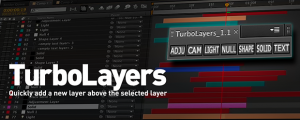
TurboLayers
Create new layers above the currently selected layer in the composition.Add to Cart -

- Compatibility After Effects
Lazy 2
Add to CartLazy 2 brings two new dimensions of easing to After Effects. Easily distribute your layers and keyframes across your After Effects timeline along an adjustable bezier curve!
-

- Compatibility After Effects
HyperImport
Add to CartHyperImport enables cloud-based assets import, automated assets switching, offers customisable libraries and shortcut keys.
-

- Compatibility After Effects
- Compatibility Premiere
Pro IO
Add to CartImporting & Exporting: Automated. Pro IO for After Effects and Premiere Pro is a one-stop solution for getting media in and out of your application with ease.