
Zercon - Animated Typeface
-
Compatibility After Effects Please check exact version compatibility under the "COMPATIBILITY" tab below
 Adding to cart...
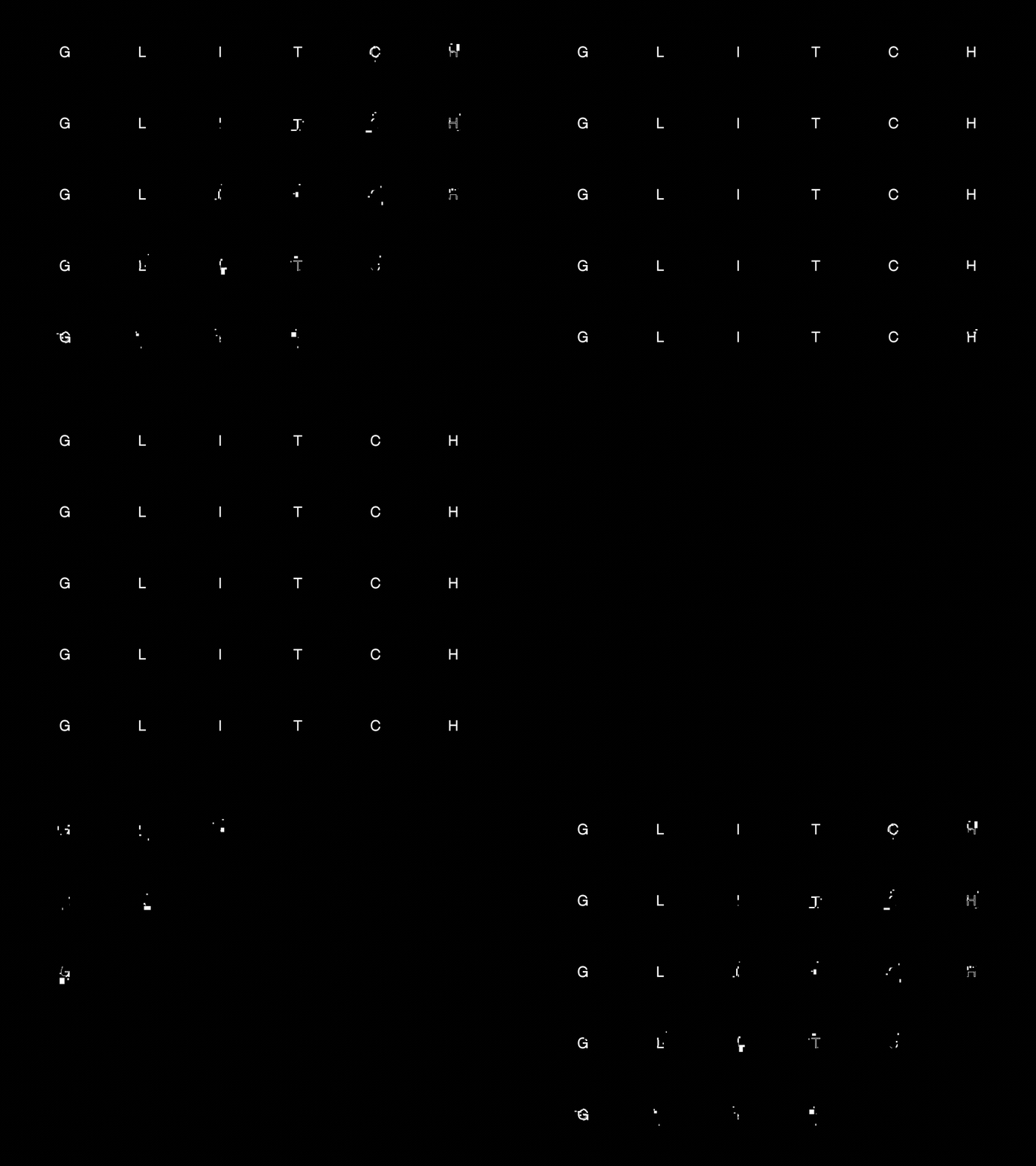
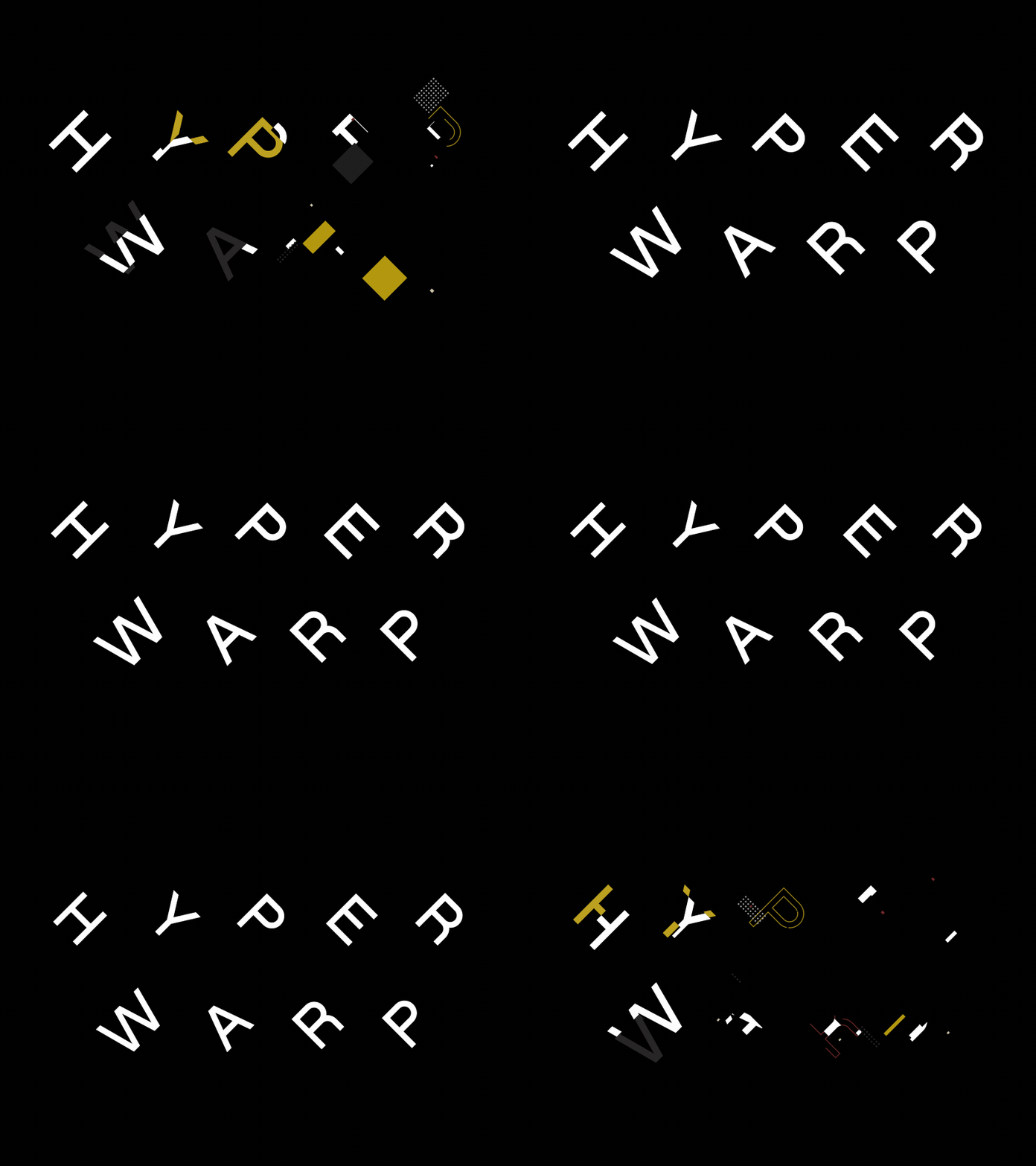
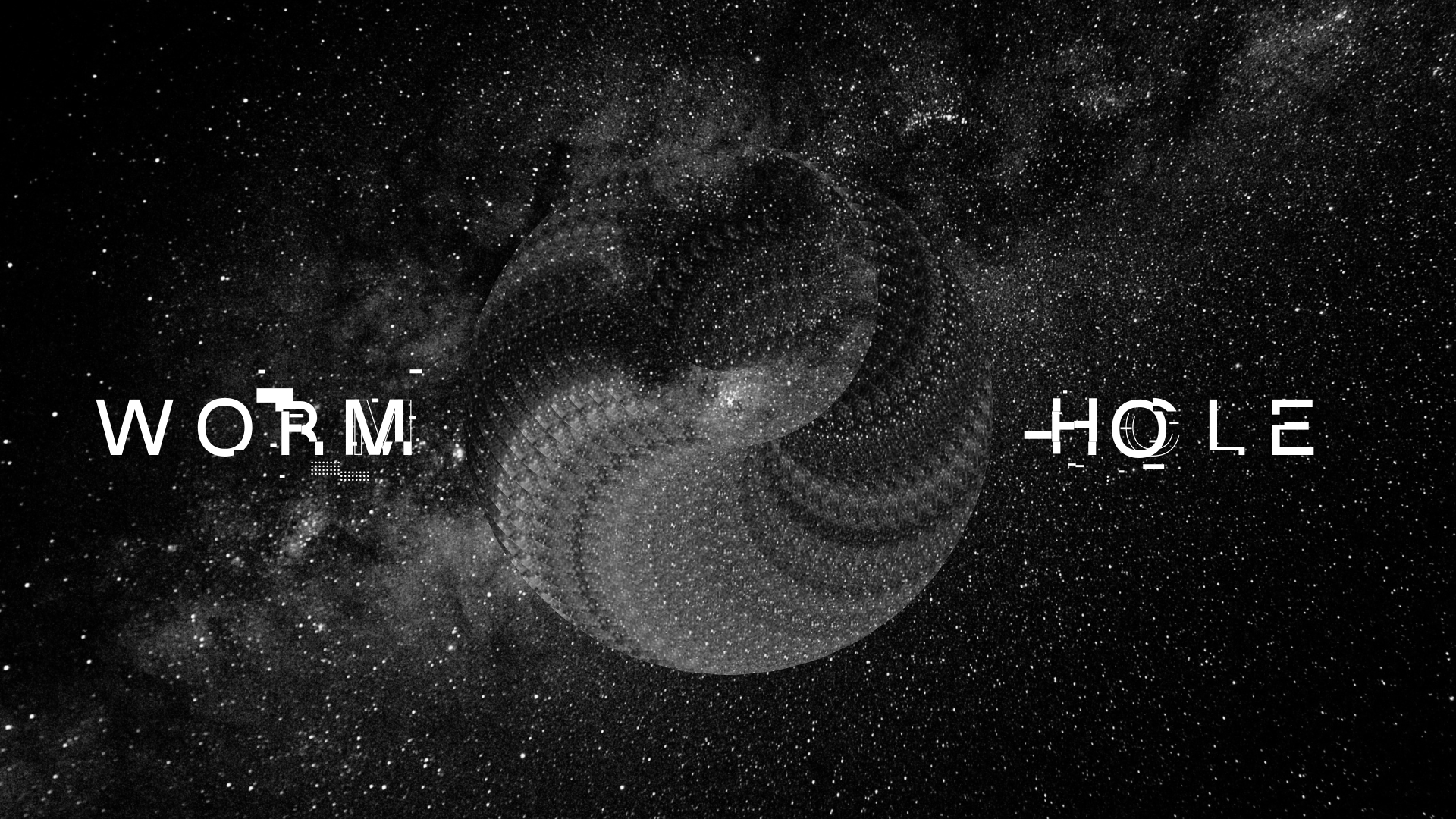
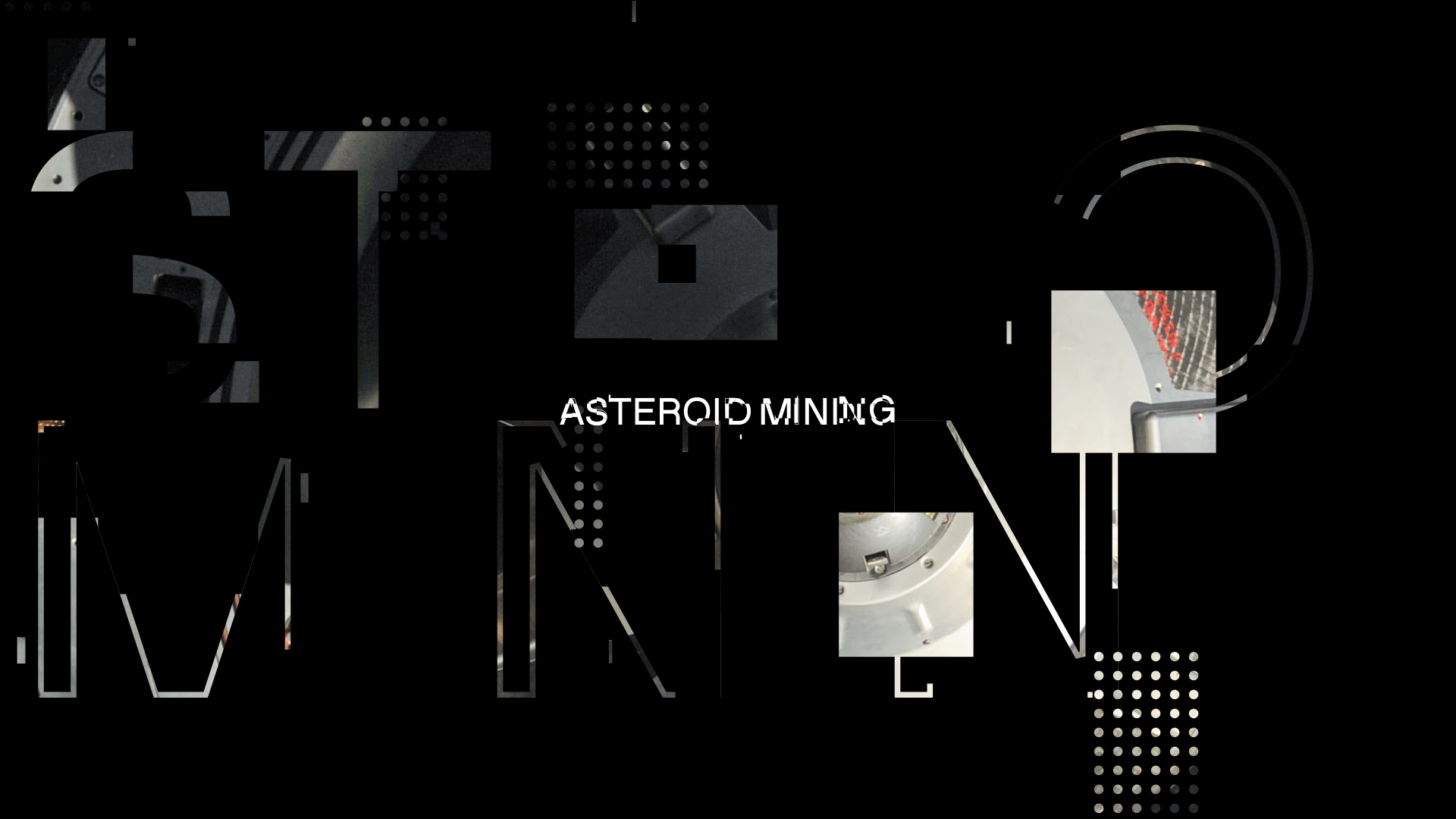
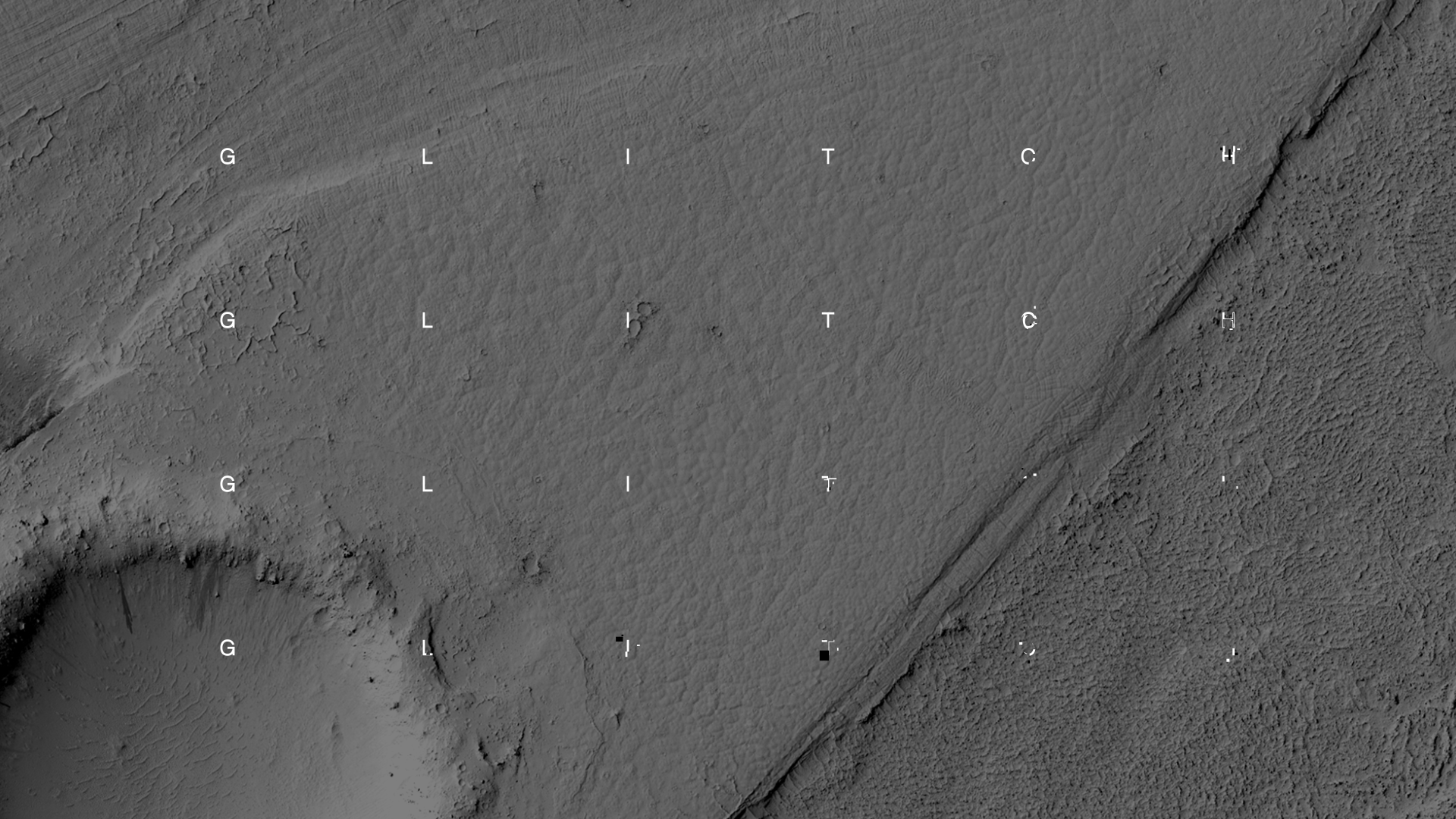
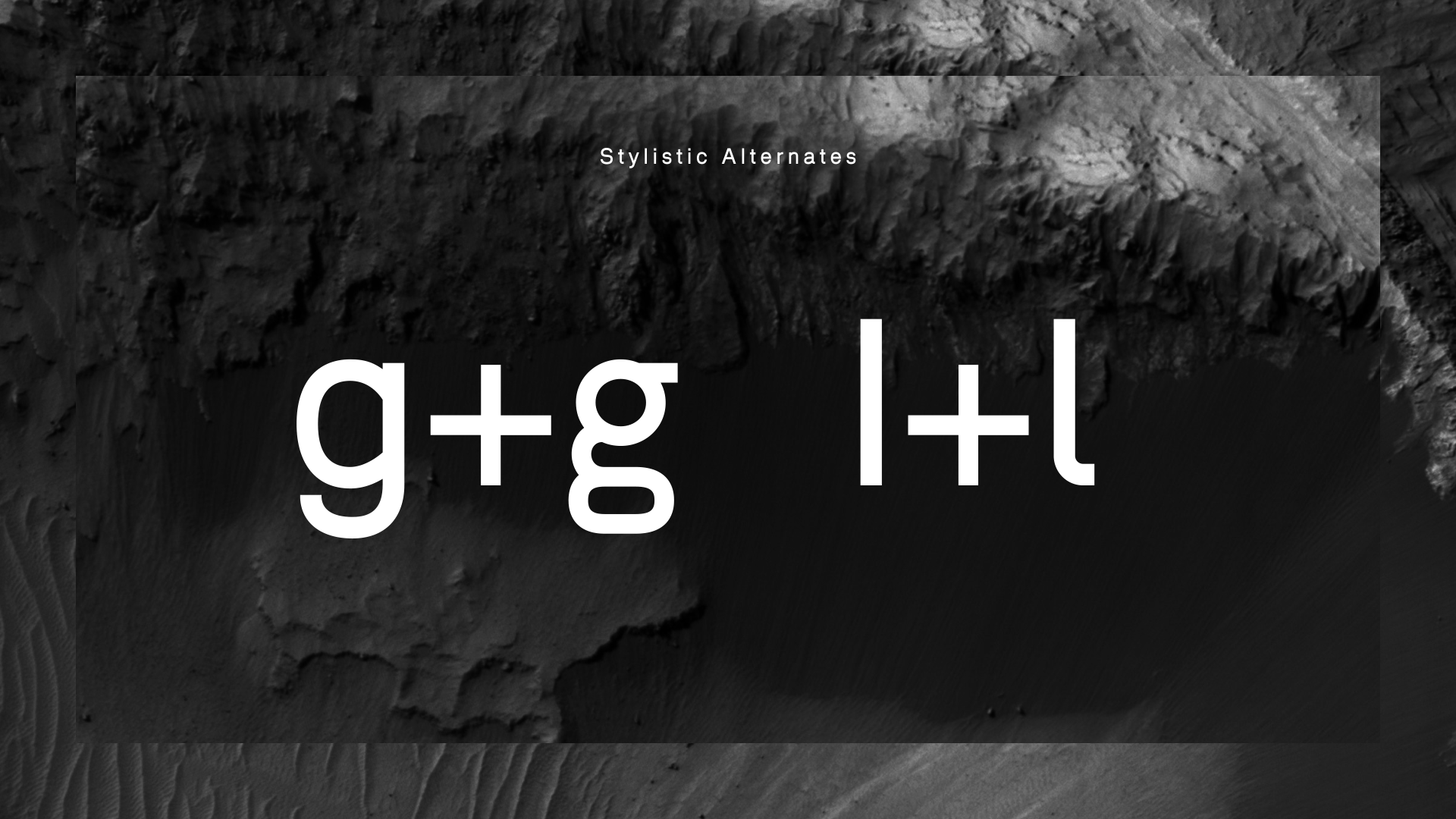
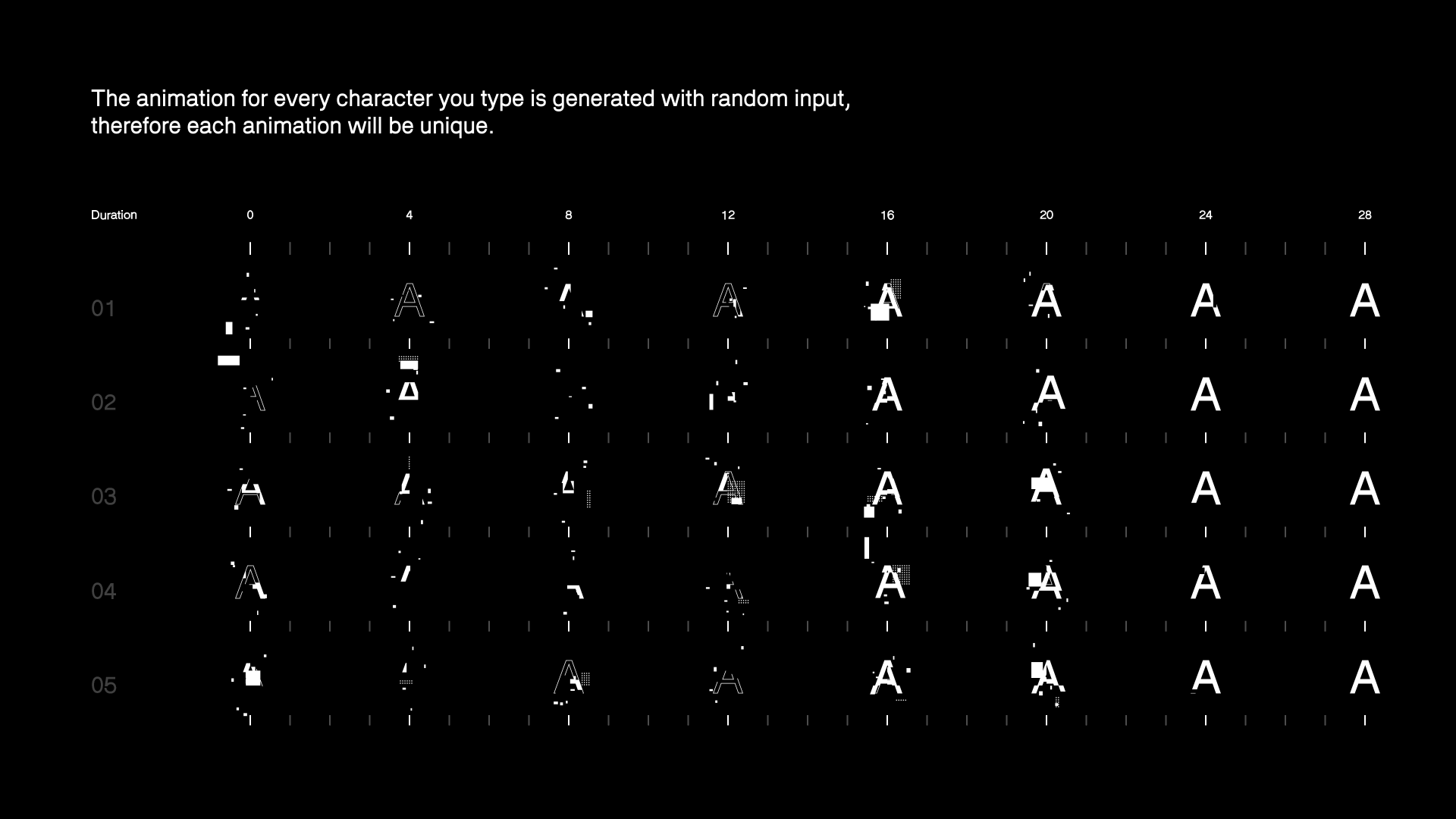
Zercon is a highly customizable animated glitch typeface. The animation for each character is generated with random input, so no two animations are the same. Customize color, duration, stroke width, particle count, offset, random seed and many other parameters with 31 convenient controls. The design is a single weight, single style typeface with no linear modulation, by Hanken Co. The animated version has a full latin character set and the static version comes with a latin extended character set.
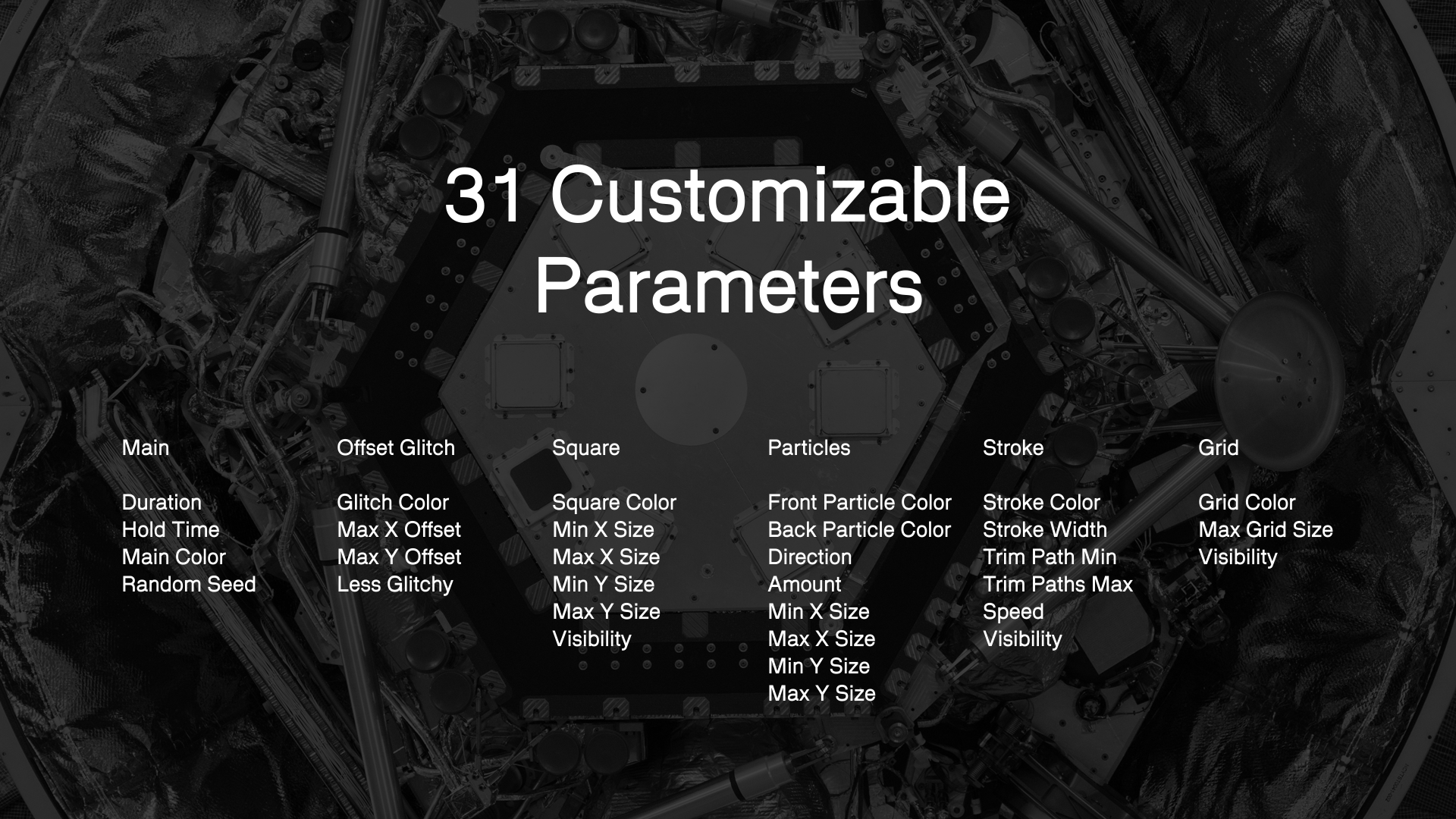
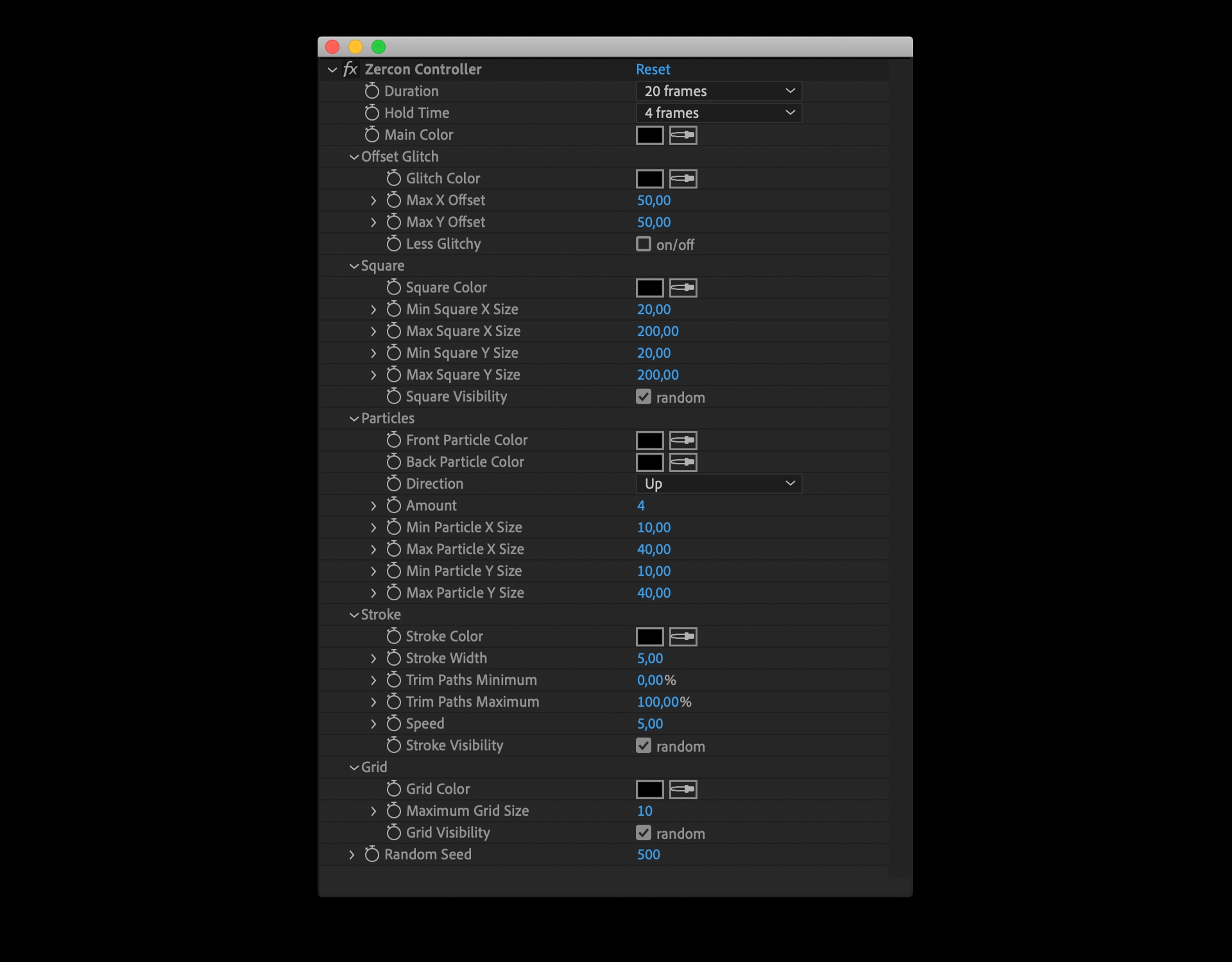
Customizable Features
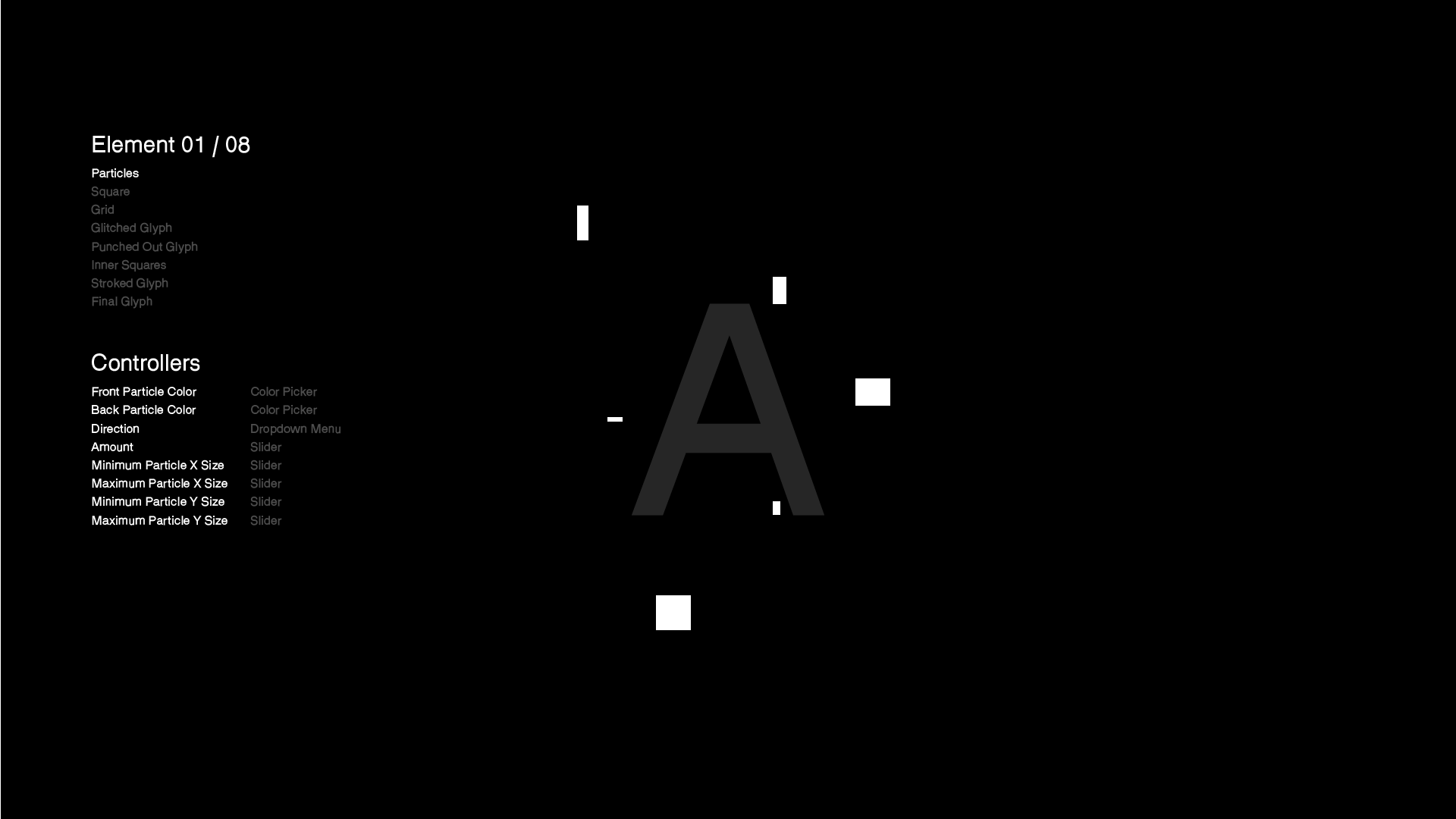
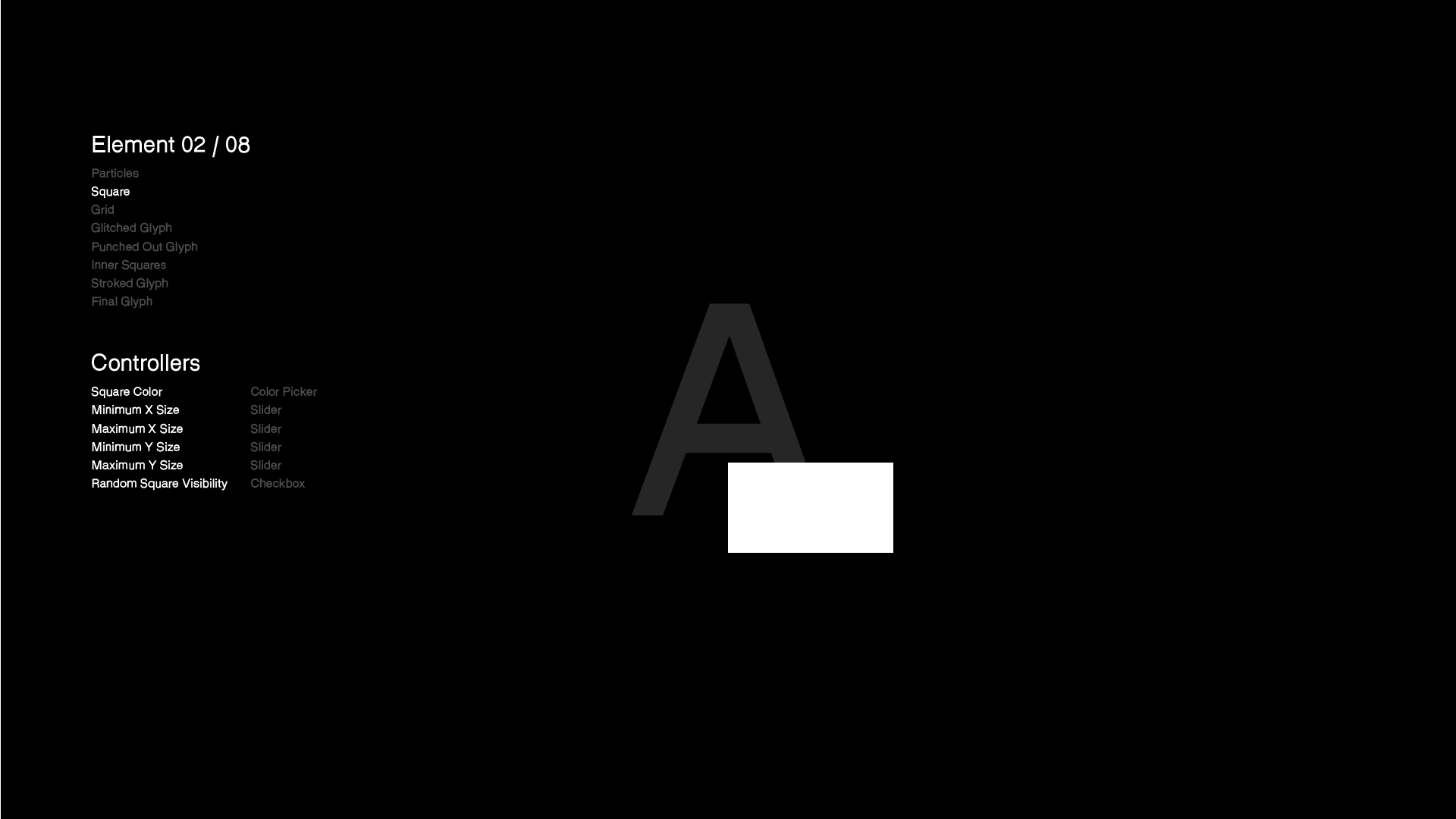
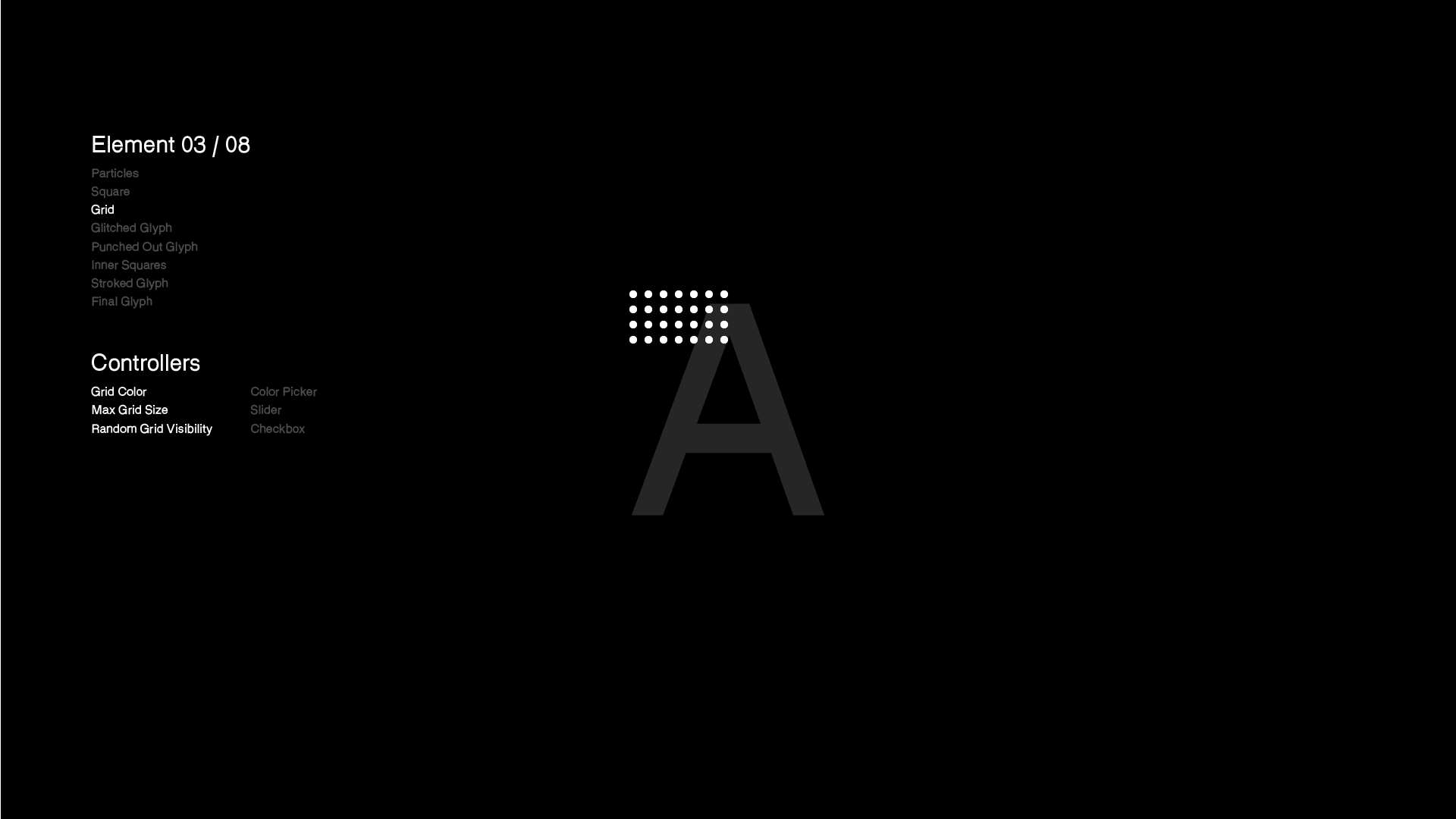
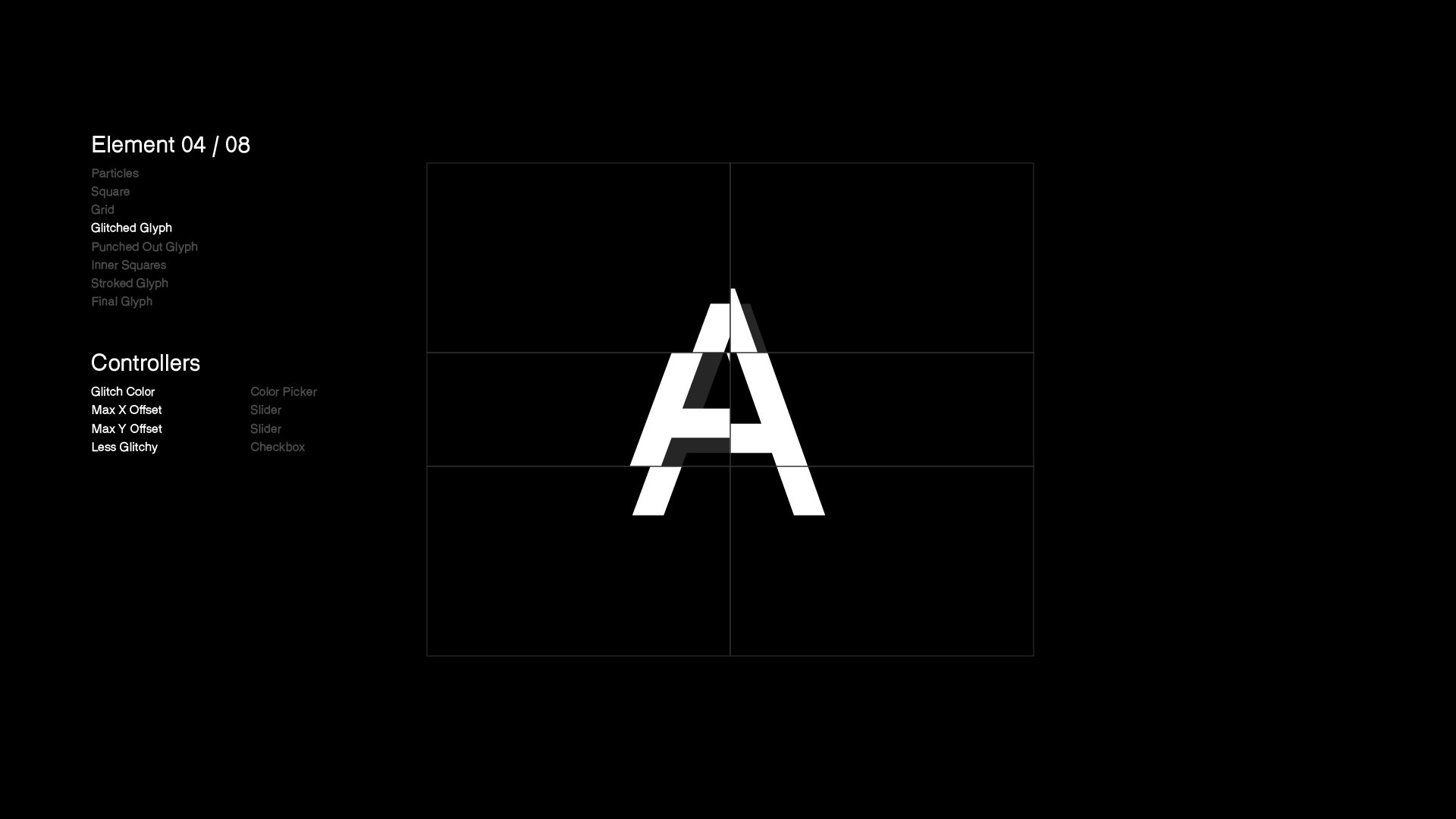
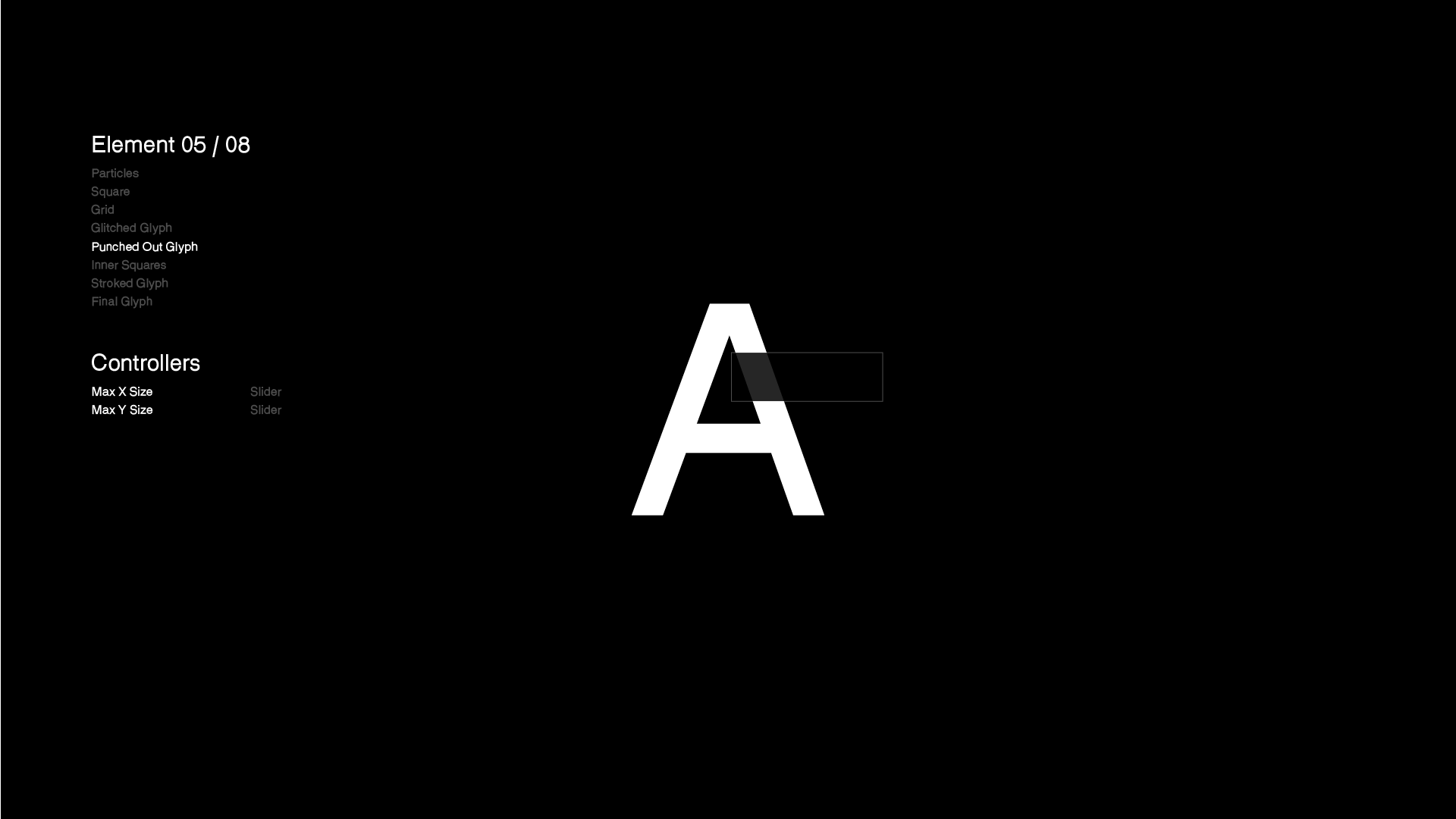
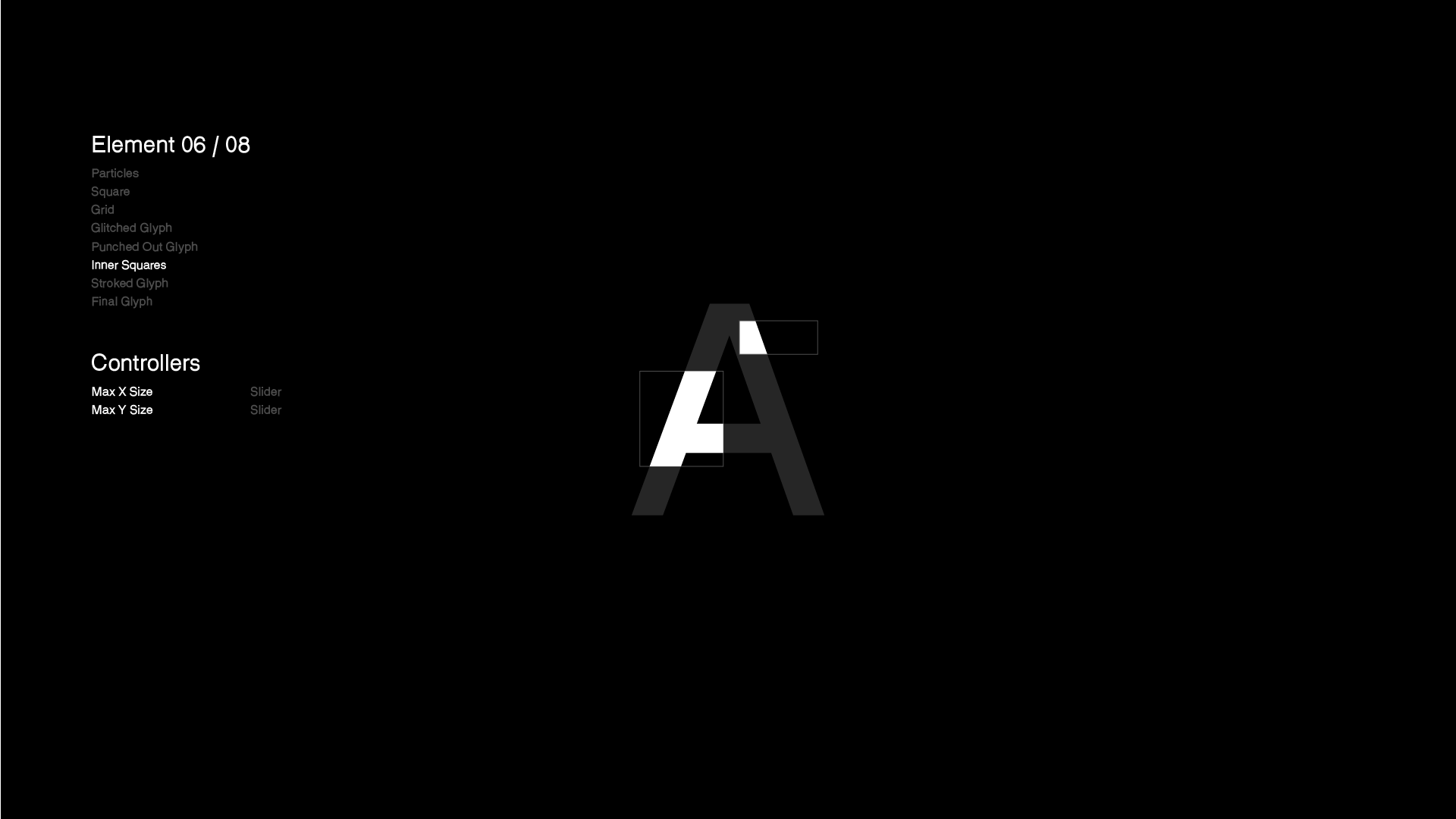
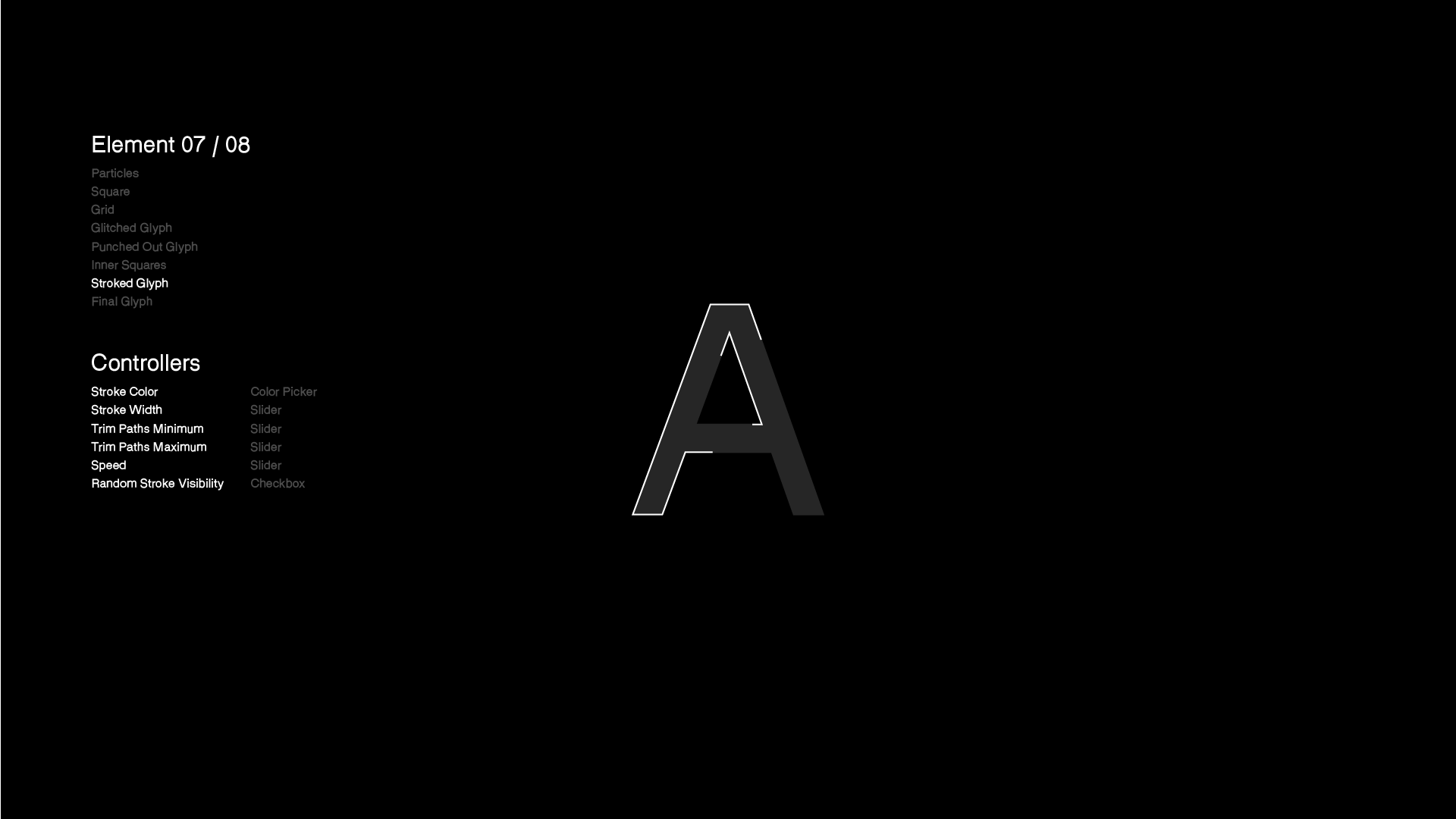
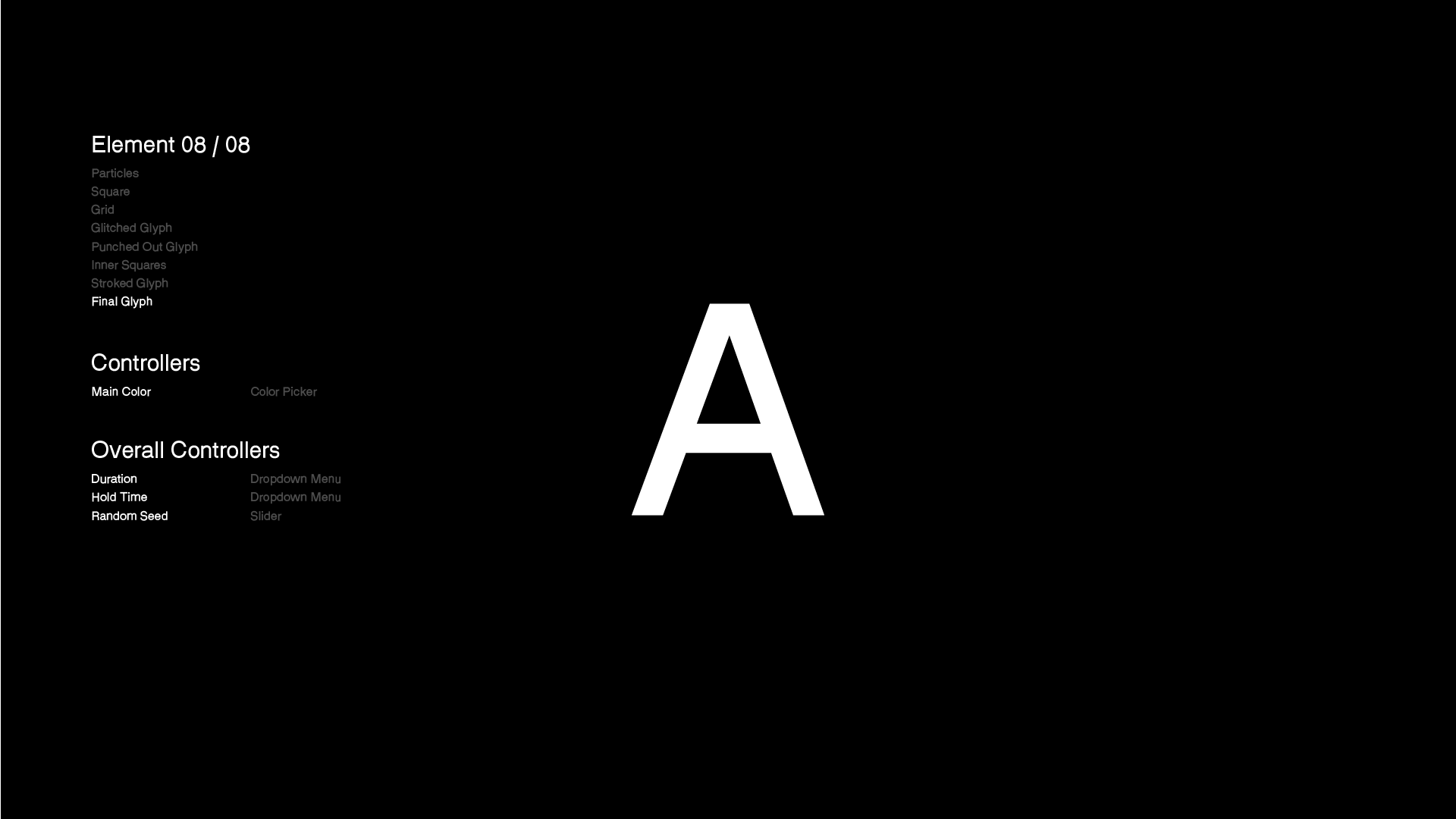
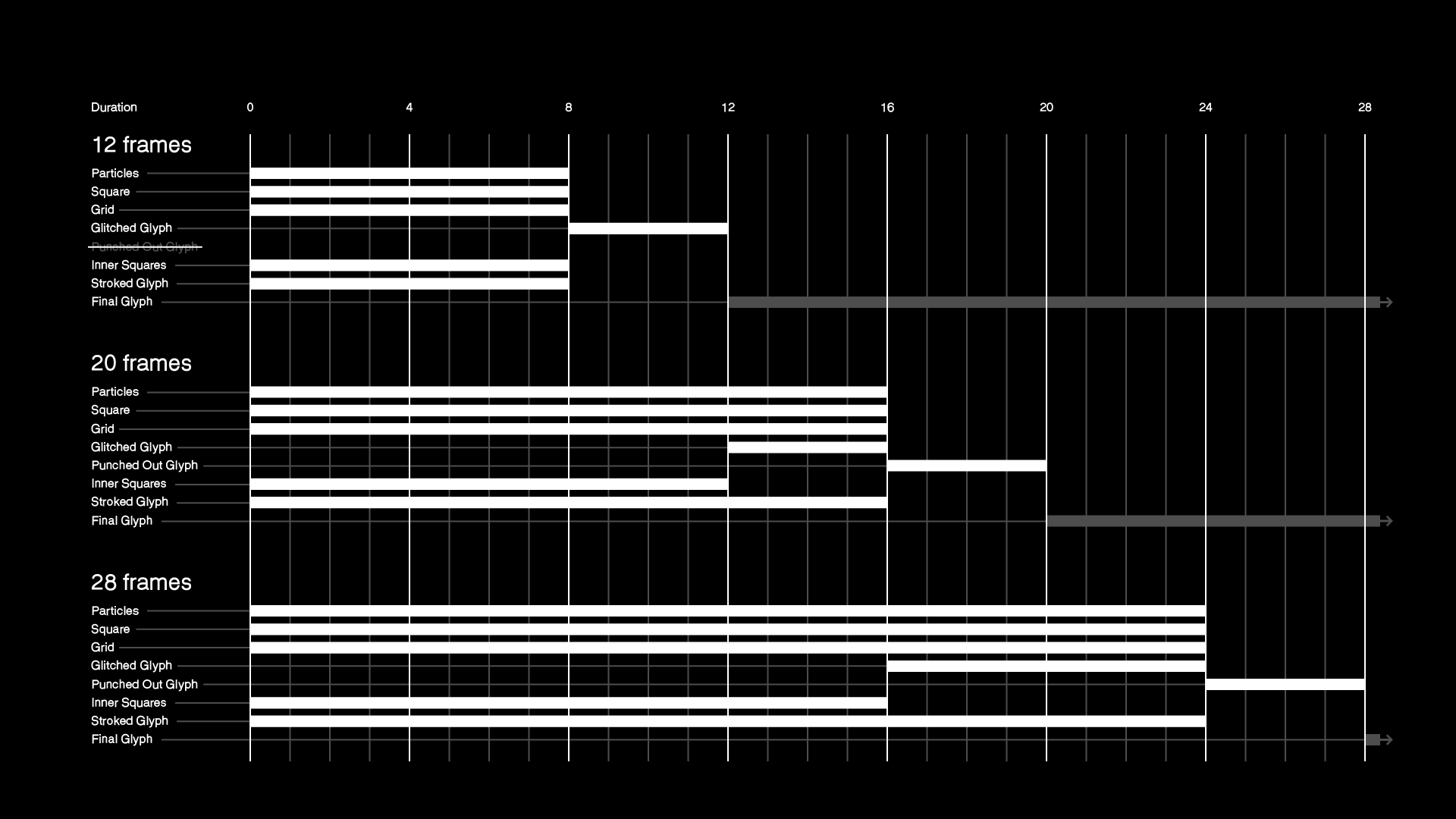
An overview of all 31 customizable parameters can be found in the images below.
See Zercon In Action
• Connect, by John Flores
• Unbearable, by Brian Neon San
• All This Future, by Animography
Is your work missing from this list? Let us know.
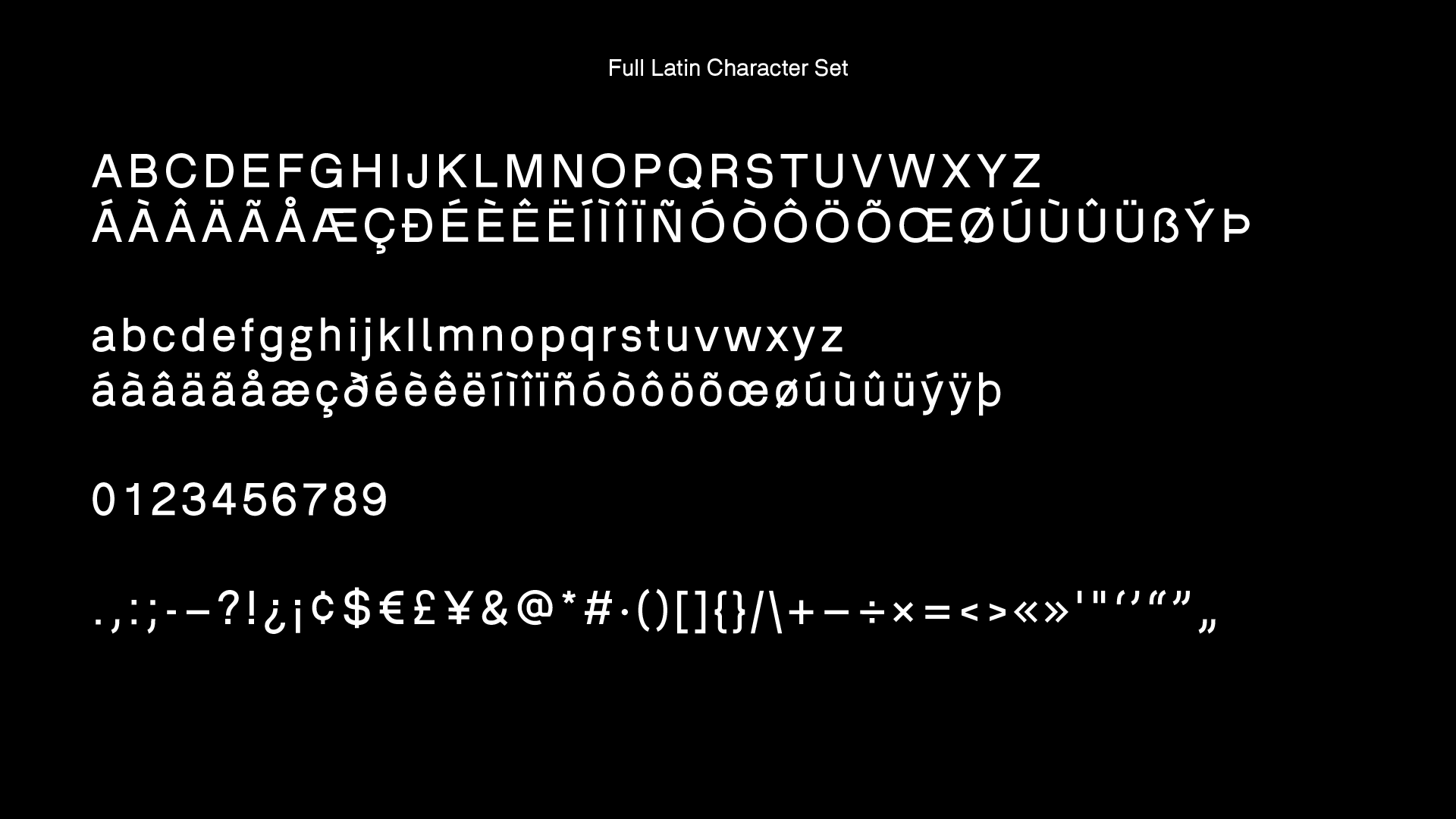
Available Characters
ABCDEFGHIJKLMNOPQRSTUVWXYZ
ÀÁÂÃÄÅÆÇÈÉÊËÌÍÎÏÐÑÒÓÔÕÖØŒÙÚÛÜÝÞß
abcdefghijklmnopqrstuvwxyz
àáâãäåæçèéêëìíîïðñòóôõöøœùúûüýÿþ
0123456789
! ¡ ? ¿ . , : ; ' " ‘ ’ “ ” „ * «» · –
# % & @ ( ) [ ] { } / \ + - × ÷ = < >
$ € ¥ £ ¢
Includes JSX Version
JSX typefaces are a fantastic light-weight format for animated typefaces that seamlessly integrate with Font Manager. Besides the the JSX format you'll also get a neatly organized .aep-file that includes all the animated characters.
Free Trial
This allows you to check out the A, B and C of the animated typeface for 7 days. Click on the green TRY button above for a free trial version (Requires Font Manager to use which also has a free trial available).
Type design: Hanken Co.
Animation: Jeroen Krielaars
Optimize Your Workflow
Zercon is fully prepped to work with Font Manager and Animography Controller. Use Font Manager to simply type with Zercon, and set things like size, tracking, line spacing, text alignment and time offset. Font Manager will automatically create a controller to customize Zercon's settings.
Or use the free tool Animography Controller to simply drag characters to your comp, and parent the controller settings with the click of a button.
Easy To Follow Tutorials
Click on the VIDEOS-tab above or check out this playlist on Youtube to quickly learn the basics of working with animated typefaces.
Static Version
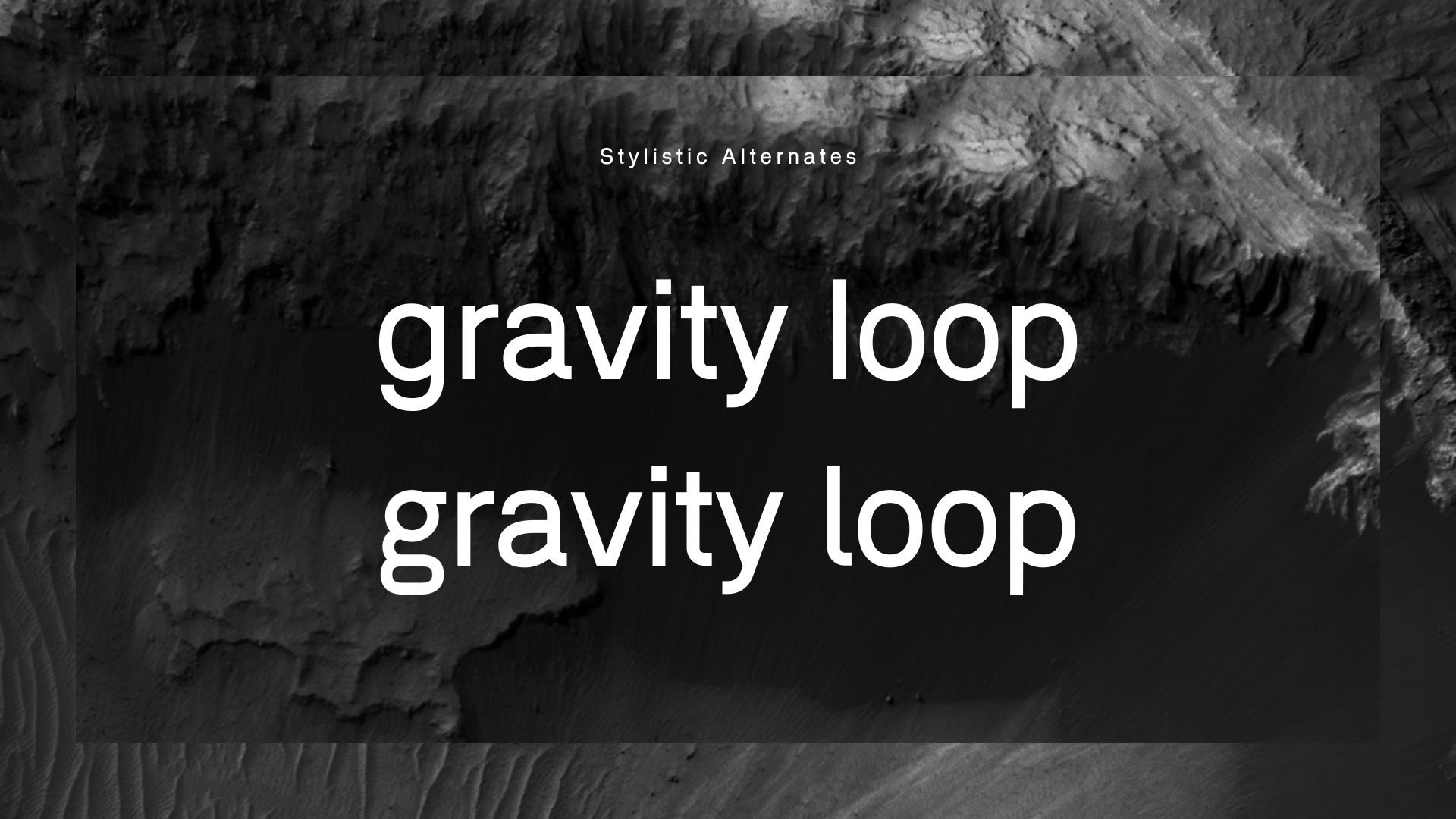
The static version sports a latin extended character set. Get it at Hanken.co
Create Your Own Animated Typefaces
Learn how to create your own animated typefaces like this one, in our 4-hour online course. Check out the full curriculum on Motion Design School.
| After Effects | 2024, 2023, 2022, 2021, 2020 |
|---|
1.1.3 (Current version) - Aug 26, 2019
- Fixed a bug in the lowercase y
1.1.2 - Jun 28, 2019
1.1.1 - Feb 22, 2019
- Fixed expressions in the numerals for compatibility with Javascript expressions engine
1.1 - Feb 7, 2019
1.0 - Jun 7, 2018
-
- Compatibility After Effects
Ease and Wizz
Add to CartEase and Wizz is a plugin for After Effects that gives you more ways to interpolate between values. The obvious use is in motion, but it can be used on animated properties of any kind. They're applied with an After Effects-ish palette that can be docked, so it's very easy to use.
-
- Compatibility After Effects
EditMonkey
Add to CartThe most powerful and versatile Monkey we've ever made. Save hours or even days of work by batch animating and sequencing dozens of text, video or graphics instantly. The After Effects Killer Ape!
-
- Compatibility After Effects
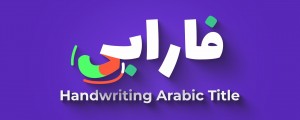
Farabi ligature type animation tool
Add to CartFarabi is a collection of beautifully designed and animated typefaces for Farsi-Arabi language.
-
- Compatibility After Effects
Motioneer Lite
Add to CartIt's a motion engine. Copy animations (and also save with the full version), then attach or apply them to layers retaining comp / layer ratios.
-
- Compatibility After Effects
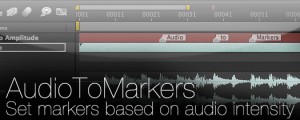
AudioToMarkers
Add to CartAdds markers, splits a layer or adds a new text layer with incrementing numbers based on audio intensity.
-
- Compatibility After Effects
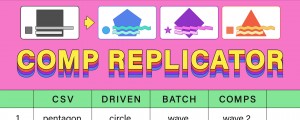
Comp Replicator: CSV Driven Batch Comps
Add to Cart25% Off until July 20. Streamlines the process of generating multiple versions of graphics or animations from a single template composition, each tailored with different content from a spreadsheet.
-
- Compatibility After Effects
Typogami - Animated Typeface
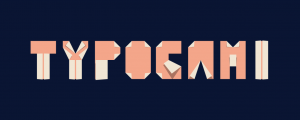
Add to CartTypography + origami + kirigami = Typogami. Typogami is a unique display-typeface with 2.5D functionality. Each glyph starts out as a rectangular piece of paper before folding to its final form.
Order 4 or more Animography Typefaces and save 25%.From: $11.00
-

- Compatibility After Effects
Explodots - Animated Typeface
Add to CartAn animated typeface with a straight forward design and explosive motion. Each character has a unique in- and out-animation that is driven by a tiny dot.
Order 4 or more Animography Typefaces and save 25%From: $16.00
-
- Compatibility After Effects
Hypernova - Animated Typeface
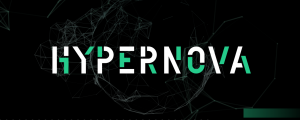
Add to CartA high-octane display typeface. Each glyph has two colors that can be set from a two color palette, or with the flick of a switch, can be randomly chosen from a six color palette. Order 4 or more Animography Typefaces and save an additional 25%
$37.00 -
- Compatibility After Effects
Morganite - Animated Typeface
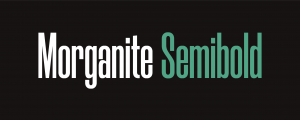
Add to CartMorganite is a practical compressed typeface with great legibility. With a sleek urban style often found in movie posters and high-end fashion, it's great for branding, posters, titles, and headlines. Its compressed design helps you fit more text into limited spaces.
Order 4 or more Animography Typefaces and save 25%.$39.00 -
- Compatibility After Effects
Chubs - Animated Typeface
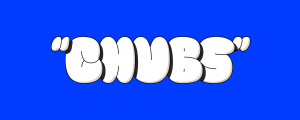
Add to CartBring your designs to life with the playful charm of Chubs, a typeface that seamlessly merges graffiti throw-up style with bubbly motion. Its playful curves create a vibrant and energetic visual impact without sacrificing legibility.
Order 4 or more Animography Typefaces and save 25%.From: $32.00
-
- Compatibility After Effects
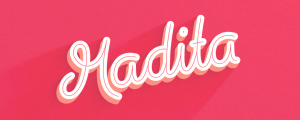
Madita - Animated Typeface
Add to CartMadita is something else. A super customizable animated script typeface. Each character seamlessly flows into the next, creating a continuous flow in design as well as in animation. Order 4 or more Animography Animated Typefaces and save 25%
$40.00