
Bad TV
-
Compatibility After Effects Please check exact version compatibility under the "COMPATIBILITY" tab below
-
Compatibility Premiere Please check exact version compatibility under the "COMPATIBILITY" tab below
 Adding to cart...
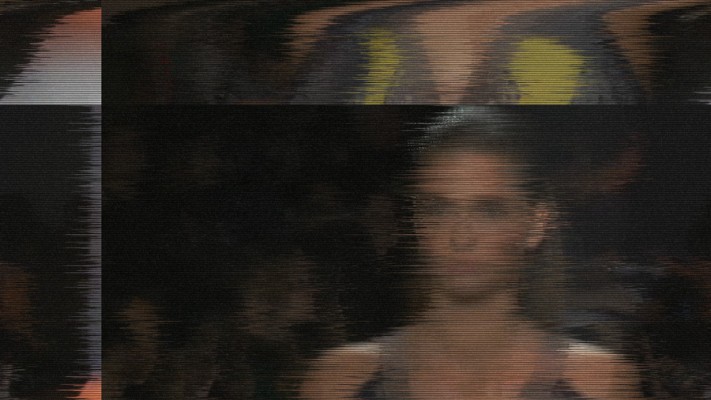
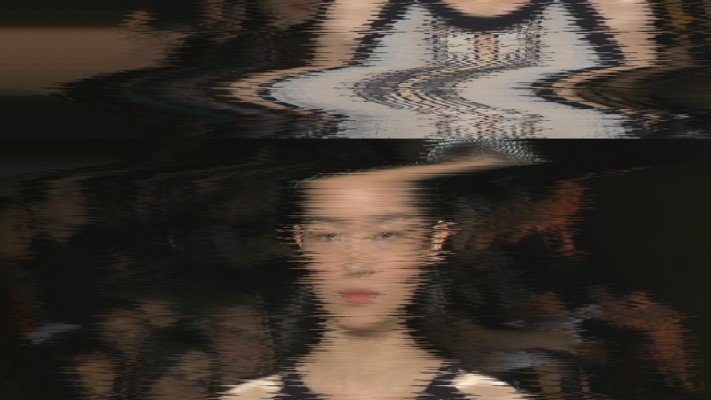
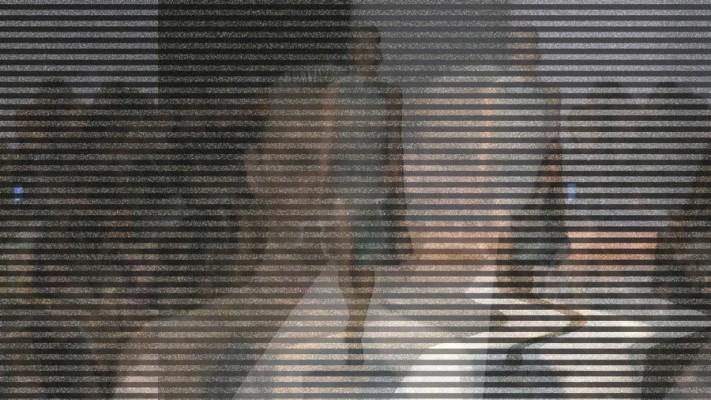
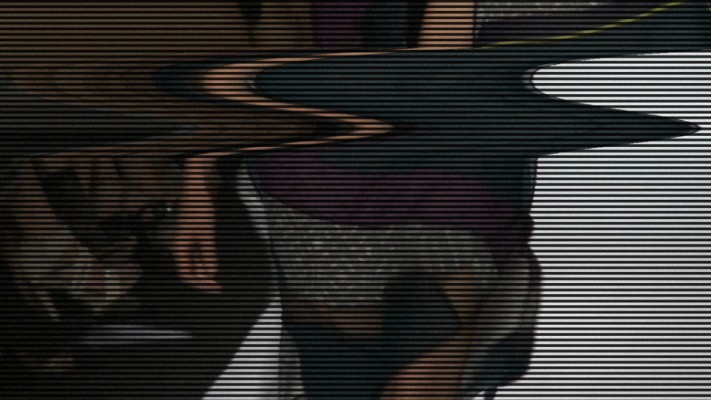
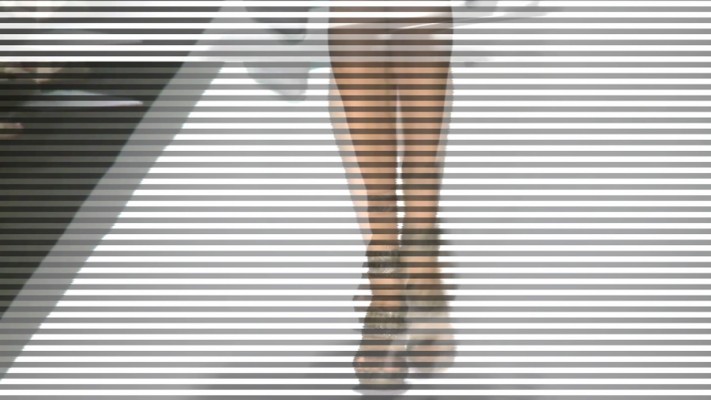
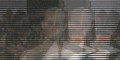
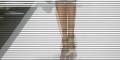
An After Effects and Premiere Pro native plugin designed to create Realistic Bad TV Distortion based on the algorithm written by Memo Atken. Compatible only with Win/Mac.
Features:
- New in v2.1: Huge performance update for both Premiere Pro & After Effects.
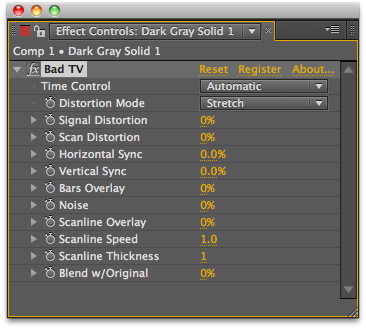
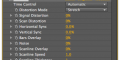
- Automatically creates distortion based on the input parameters.
- No displacement maps are required.
- Creates Vertical Sync offset which causes the jumpy effect seen in Old TVs.
- Creates scan lines of varied thickness to give a DV Tape effect.
- Compatible with After Effects Premiere Pro (CS5 and above).
- Manual Time Control.
- Horizontal Sync Control.
Upgrade and License options
Floating licenses are available for purchase separately by selecting them from the "License Type" pulldown above the price. Please note that Floating Licenses only work in conjunction with the Floating License Server.
Render Only licenses are available for purchase separately here.
Upgrade notice: BadTV v2 switched to being a licensed plugin. The upgrade is FREE but to receive your license you need to add the new version to the cart and checkout. Make sure you login (or create a new account) with the same email address that was used for the original purchase.
Please Note: Starting with v2.0, this plug-in is no longer compatible with Flash or Photoshop.
| After Effects | 2024, 2023, 2022, 2021, 2020, CC 2019, CC 2018, CC 2017, CC 2015.3, CC 2015, CC 2014, CC, CS6 |
|---|---|
| Premiere | 2020, CC 2019, CC 2018, CC 2017, CC 2015.3, CC 2015, CC 2014, CC, CS6 |
2.7.3 (Current version) - Mar 29, 2024
2.7.2 - Dec 23, 2021
2.7.1 - Aug 5, 2021
- Apple Silicon support for Premiere.
2.6.0 - Jun 8, 2021
- Linking version to TV Distortion Bundle version
2.1.7b - Mar 15, 2021
2.1.7 - Jun 2, 2020
2.1.6b - Nov 5, 2019
2.1.6 - Sep 21, 2019
2.1.5 - Dec 3, 2018
2.1.4 - Dec 3, 2018
2.1.3b - Oct 22, 2018
2.1.3a - Oct 23, 2017
2.1.3 - Mar 17, 2017
2.1.2b - Jan 3, 2017
2.1.2a - Jun 23, 2016
2.1.2 - Aug 10, 2015
2.1.1 - Jun 16, 2015
2.1a - Jun 22, 2014
- 2.1 - Huge performance increase - Jan 2014
- 2.0d - Added CC compatible installer - June 2013
- 2.0 - Feb 2012
- Compatible with After Effects/Premiere Pro (32bit support in AE).
- Added Manual Time Control.
- New Horizontal Sync feature.
- 1.3 Now has software rendering by default with optional GPU rendering, much better error reporting and some bug fixes - Oct 2010
- 1.2 64-bit version for CS5 - May 2010
- 1.1 Release native AE version - Apr 2010
- 1.0 Initial Release - Dec 2009
-
- Compatibility Premiere
Textyle Premiere
Add to CartAnimate text with an easy to use interface that includes many presets and styles in Premiere Pro
-
- Compatibility Premiere
Ultimate Titles
Add to CartGenerate title animation procedurally or edit and use pre-generated presets
-
-
- Compatibility Premiere
PowerSearch 3
Add to CartFind everything, anywhere. A search engine for Premiere Pro. It works like Google for your Premiere Project!
-
- Compatibility After Effects
Odometer
Add to CartBeautifully animate numbers, text and symbols. Count anything with Odometer.
-
- Compatibility After Effects
QuickDraw
A quick way to animate "write-on" reveal mattes in After Effects.Add to Cart
-
- Compatibility After Effects
Separate RGB Render Only
Add to CartSeparate RGB Render Only License. This license can only be used on headless render machines using the command line renderer and you must own at least 1 full license of Separate RGB in order to purchase them. You can purchase a normal full Separate RGB license here.
$9.99 -
- Compatibility After Effects
Buena Depth Cue
Add to CartControl the Worlds Between 2D and 3D - Includes the World Renowned Camera Mapper. Buena Depth Cue is a collection of plugins that are designed to handle a variety of factors surrounding common sense manipulation of the critical half-dimension.
$99.99 -
- Compatibility After Effects
- Compatibility Premiere
TV Distortion Bundle
Add to CartNew lower price! All the Rowbyte distortion plugins: Data Glitch, Bad TV, TVPixel, Dot Pixels and Separate RGB in a single bundle and save $110 (52%) off the normal price. These plugins help you to create Analog Distortion, Digital Image & Satellite Distortion, Digital Pixel Simulation and Chromatic Aberration with ease.
$99.00 -

- Compatibility After Effects
TVPixel Render Only
Add to CartTVPixel Render Only License. This license can only be used on headless render machines using the command line renderer and you must own at least 1 full license of TVPixel in order to purchase them. You can purchase a normal full TVPixel license here.
$9.99 -
- Compatibility After Effects
Fast Bokeh Pro Render Only
Add to CartFast Bokeh Pro Only License. This license can only be used on headless render machines using the command line renderer and you must own at least 1 full license of Fast Bokeh Pro in order to purchase them. You can purchase a normal full Fast Bokeh Pro license here.
$12.50 -
- Compatibility After Effects
- Compatibility Premiere
Aura Render Only
Add to CartAura Render Only License. This license can only be used on headless render machines using the command line renderer and you must own at least 1 full license of Aura in order to purchase them. You can purchase a normal full Aura license here.
$25.00