
Blend
-
Compatibility After Effects Please check exact version compatibility under the "COMPATIBILITY" tab below
 Adding to cart...
Blend
Blend is a tool for After Effects which allows the user to define two states for a desired number of objects to blend between.
The basic blend system creates a start and end controller which both support position, rotation, scale and opacity. The user can also include additional properties such as trim paths or fill and stroke colours by using the add property button.
The tool supports parented and 3d layers and provides the user with an easy-to-use delay system, which when combined with additional properties creates unique results.
Blend is easy to use, removes complexity and allows the user to focus on crafting beautiful animations.
Notes:
You may need to ensure that the anchor points are centered on your artwork layers before creating a blend system.
The trial version is limited, you'll only be able to use a basic blend system, additional properties can only be added to a licensed system. If you purchase a license, you will need to recreate any existing systems in order to unlock the full functionality of the script.
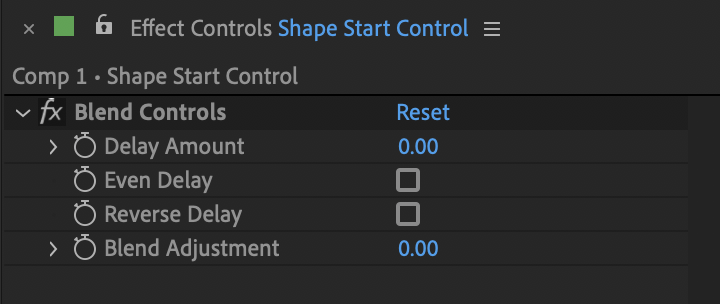
Blend Controls
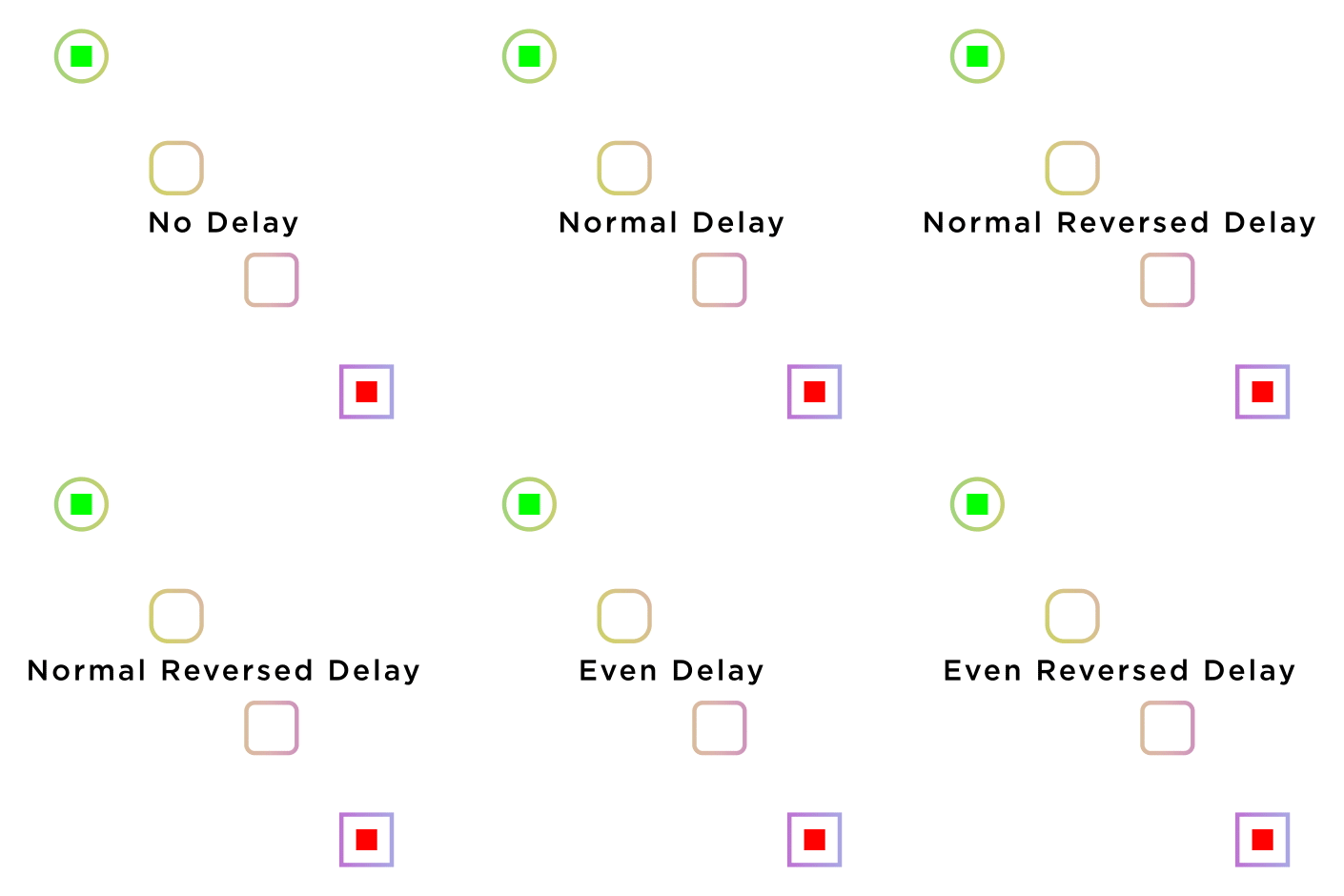
The Blend Controls Effect allows the user to add delay to the blend system and control how the delay is applied to the blend using the Even and Reserve Delay checkboxes.
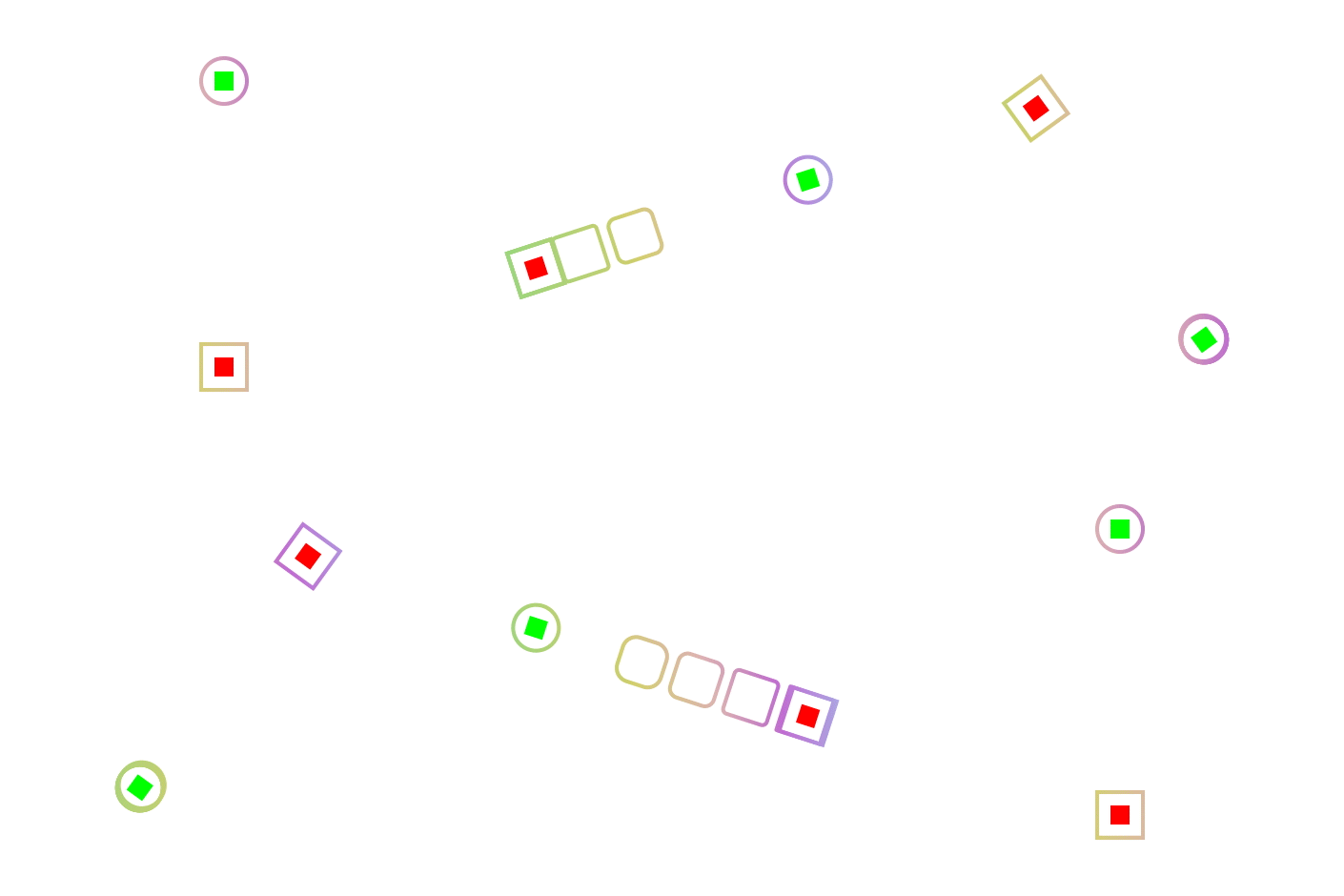
Blend Adjustment allows the user to adjust the positioning of the blend objects.
Controlling the Delay
Add delay to any animation using the Blend Controls Effect. Activate the Even and Reverse Delay checkboxes to change the way the delay effects the animation.
Blend Adjustment
The Blend Adjustment slider allows the user to move the blended objects to either the start or end controllers, allowing the user to animate the blend depending on their needs.
Adding and Removing
Adding and removing objects to and from the blend system is easy! Simply use CMD + D (Mac) or Control + D (Windows) to increase the amount of objects included in the blend and simply delete objects to remove them.
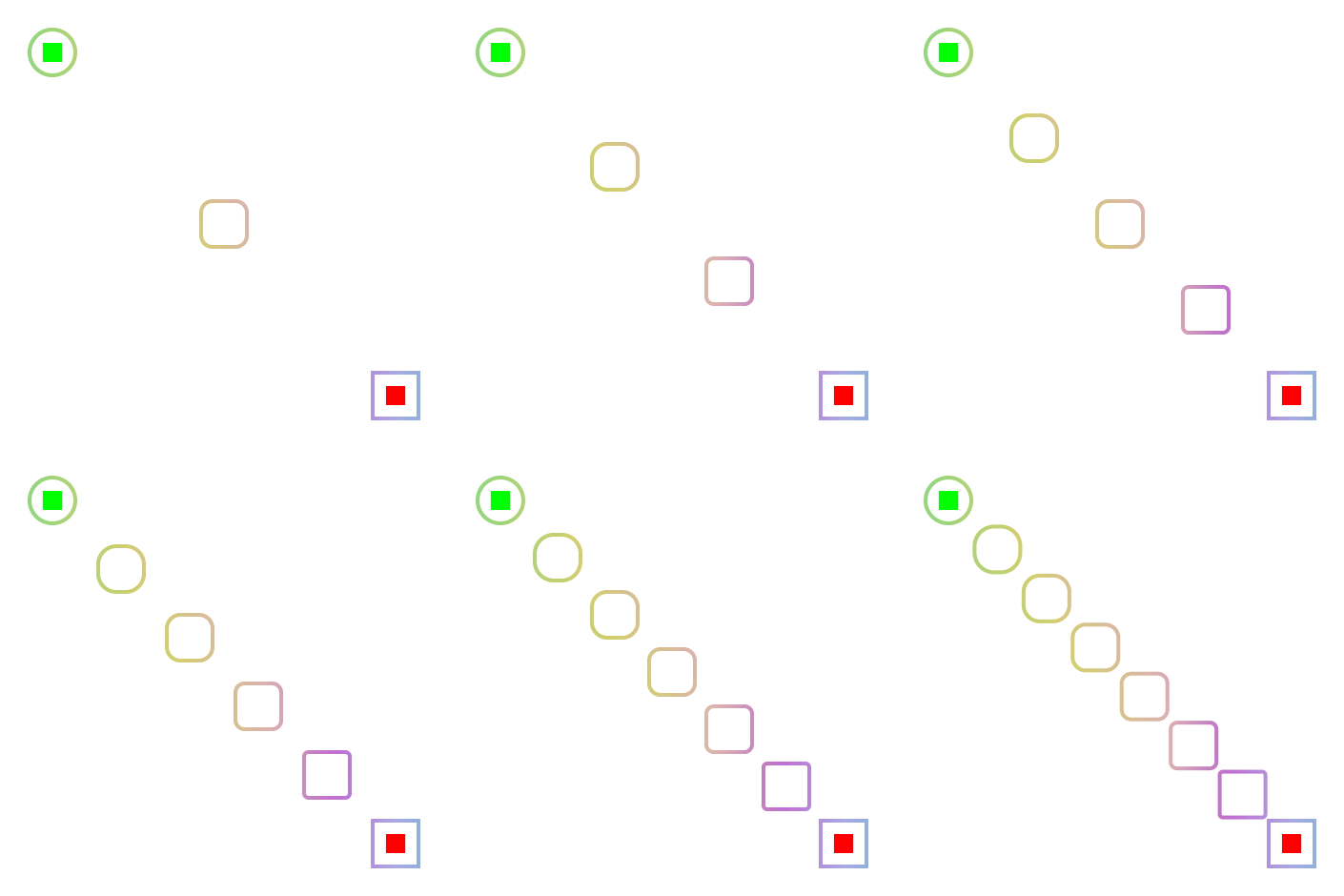
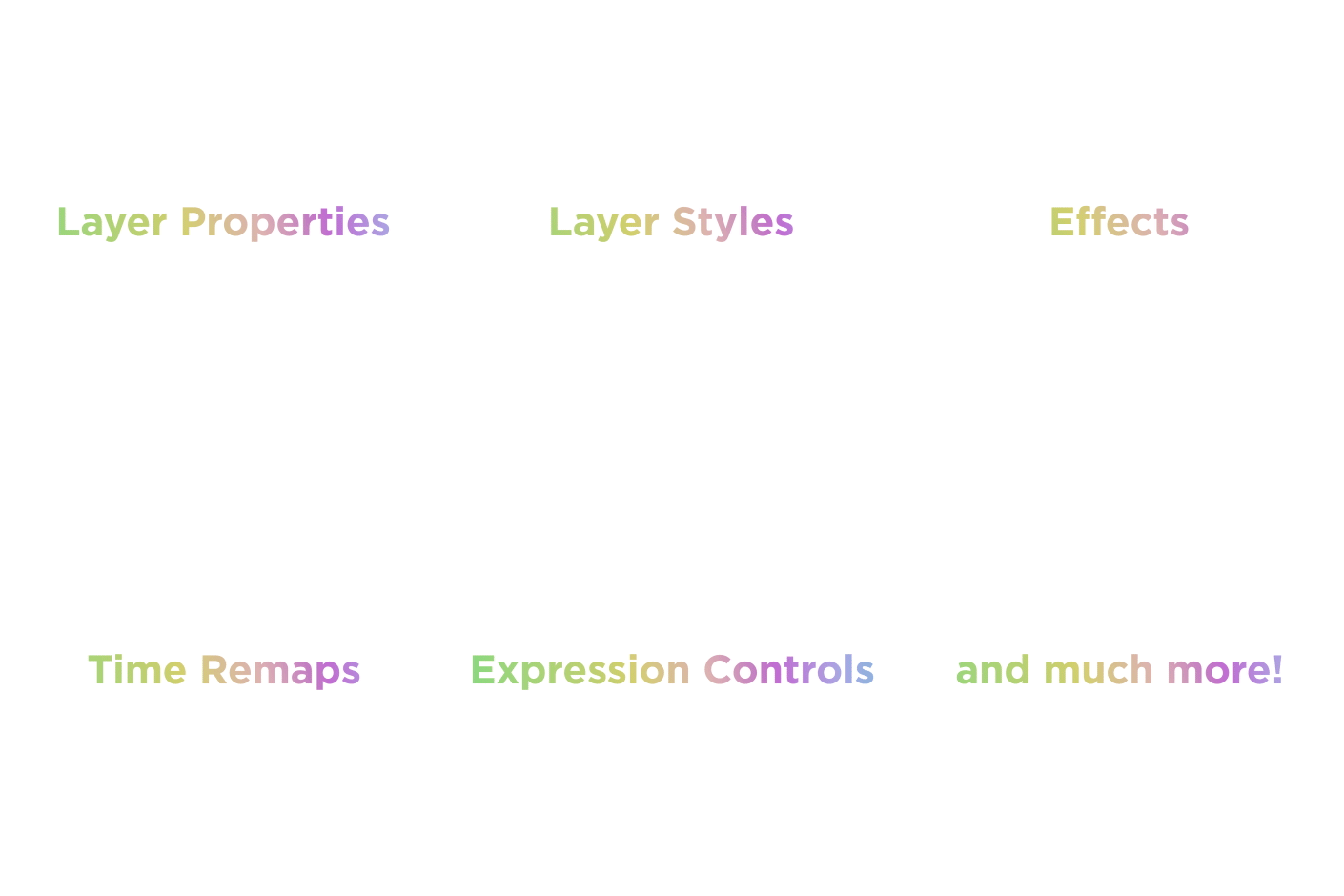
Add any Keyframeable Property to a Blend system!
If the property can be animated it can be added to a Blend system, which gives the user thousands of opportunities to creatively use the tool.
Consistent Stroke Widths
Maintaining stroke widths with Blend is as simple as ticking a box, literally, a checkbox will do all of the heavy lifting for you.
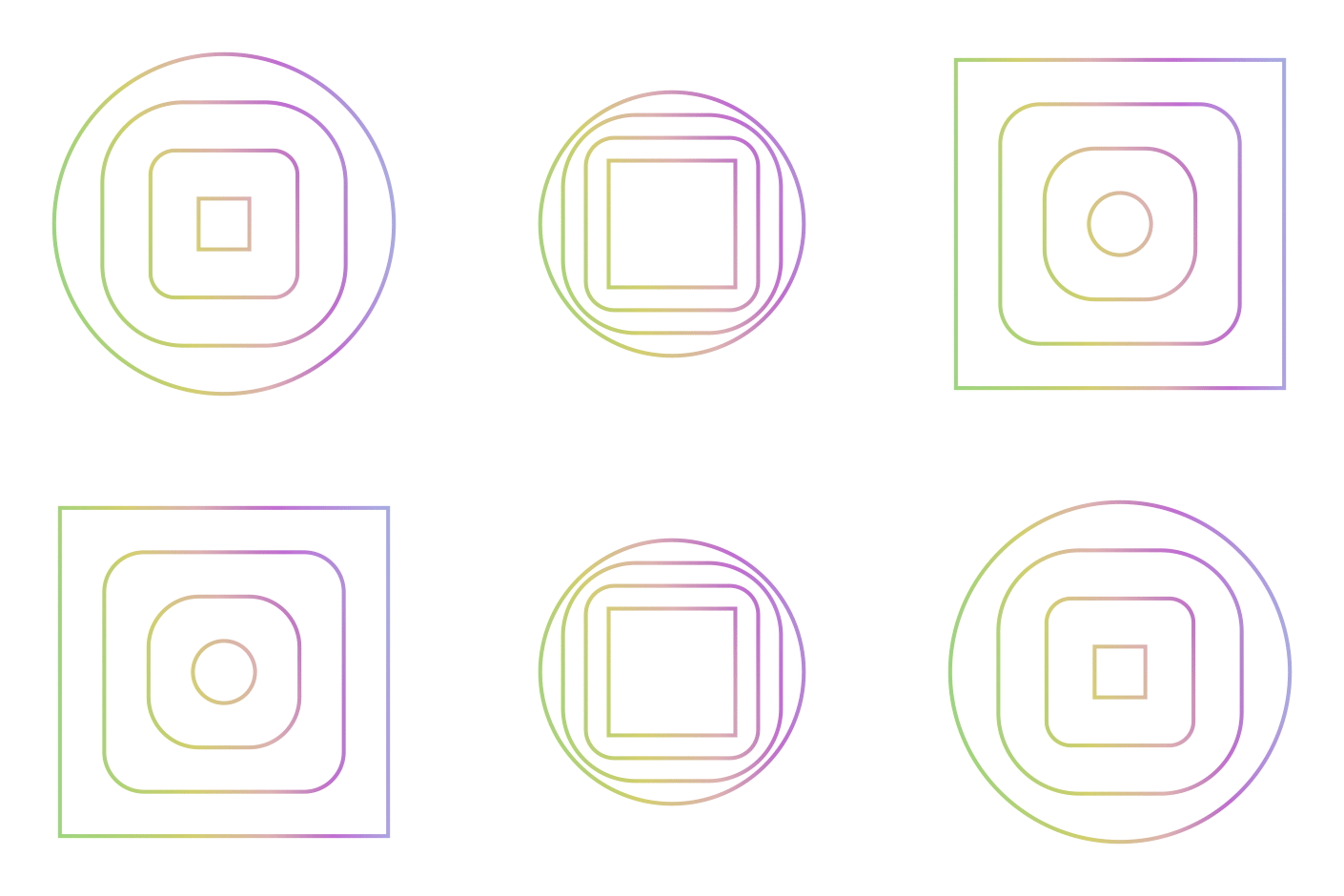

Become a Blend Master
Make good use of precomps, master properties and expressions to expertly extend the possibilities of the Blend system.
| After Effects | 2024, 2023, 2022, 2021, 2020, CC 2019 |
|---|
1.2 (Current version) - Jun 5, 2024
1.1 - Aug 11, 2020
1.0 - Jun 7, 2020
-

- Compatibility After Effects
- Compatibility Premiere
LetsMotion Bundle
Add to CartSave 25% on LetsMotion Bundle, featuring bestsellers and our latest & greatest: Subtitle Pro, Stock Search Pro, and Particle Pro
-
- Compatibility After Effects
Automate to Sequence
Mimics the Premiere Pro tool of the same name in After Effects. It shifts or sets the in point and out point of selected layers to markers set on a marker layer.Add to Cart -

- Compatibility After Effects
Staircase
Add to CartQuickly stagger, sequence and randomise blocks of layers.
-
- Compatibility After Effects
MotionMonkey
Add to CartThe easiest way to animate your layered art. One layer or one hundred at a time. Great for all levels - from novice to expert.
-

- Compatibility After Effects
Trigger
Add to CartQuickly setup and retime animations by triggering animations inside a precomp using layer markers. Easily create Trigger comps, add markers, and trigger animations from inside a precomp . Turn your linear workflow into an automated event based workflow, allowing you to non-destructively retime complex animations, easily test out multiple versions of an animation, and sequence together multiple animation events easily from your global composition.
-
- Compatibility After Effects
LayerGenerators
Add to CartA collection of 3 tools for After Effects to automate the creation of layers.
LayerGenerator is discounted 50% for students and faculty.
More info here.
-
- Compatibility After Effects
Easy Clones 2
Add to CartEasy Clones is a cloning system built for 2D artwork, including Bitmap Layers, Vector Layers, Shape Layers and Precomps.
$35.00