
Easy Clones 2
-
Compatibility After Effects Please check exact version compatibility under the "COMPATIBILITY" tab below
 Adding to cart...
Easy Clones
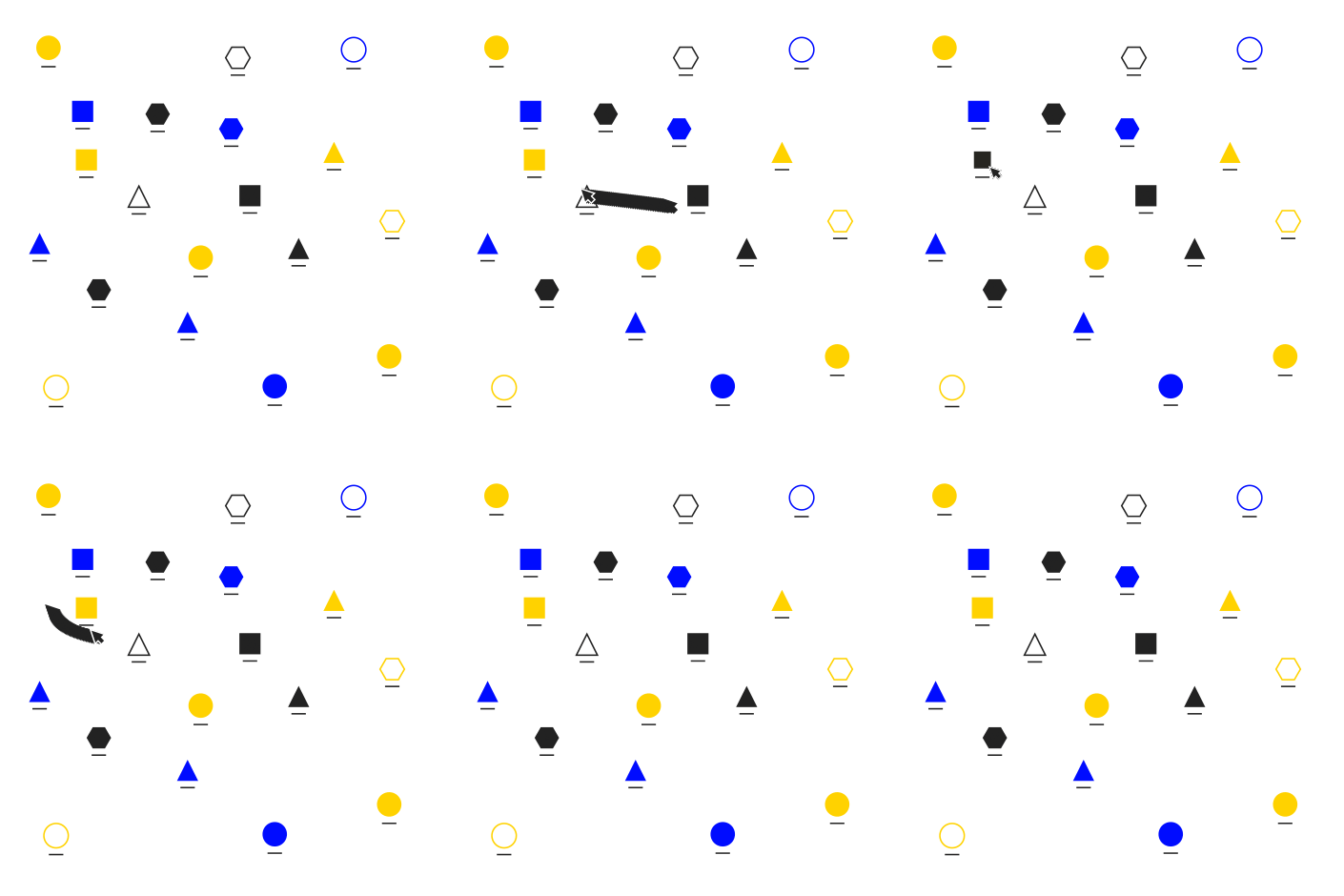
A cloning system built for 2D artwork, including Bitmap Layers, Vector Layers, Shape Layers and Precomps.
Easy Clones creates a flexible clone system that allows you to quickly and easily apply line and grid position spacing, add randomness to position, scale, rotation and opacity properties, add random colours, loopable wiggles, maintain stroke widths and an inbuilt delay system to your animations. Although the tool is built for 2D artwork, 3D Layers are also supported.
How it works: Easy Clones creates a Clone Control Layer that controls basic properties (position, scale, rotation and opacity) that can be modified further using the controllers within the Easy Clones Effect. Artwork layers are transformed into Clones that reference the Control Layer whilst remaining completely controllable, allowing you to fine-tune and tailor your animations.
Notes:
Please make sure the anchorpoints are centred on your artwork layers before creating a clone system.
The trial version is limited, you'll only be able to use Delay, X and Y position. If you purchase a license, you will need to recreate any existing systems in order to unlock the full functionality of the script.
Easy Clones 2.0 New Features Overview
New features include
Line and grid spacing
Improved delay controls
Delay applied to Clone Layer transformations
Loopable wiggles
Consistent stroke widths
Ability to change number of random colours
Improved expression management for faster previews and renders

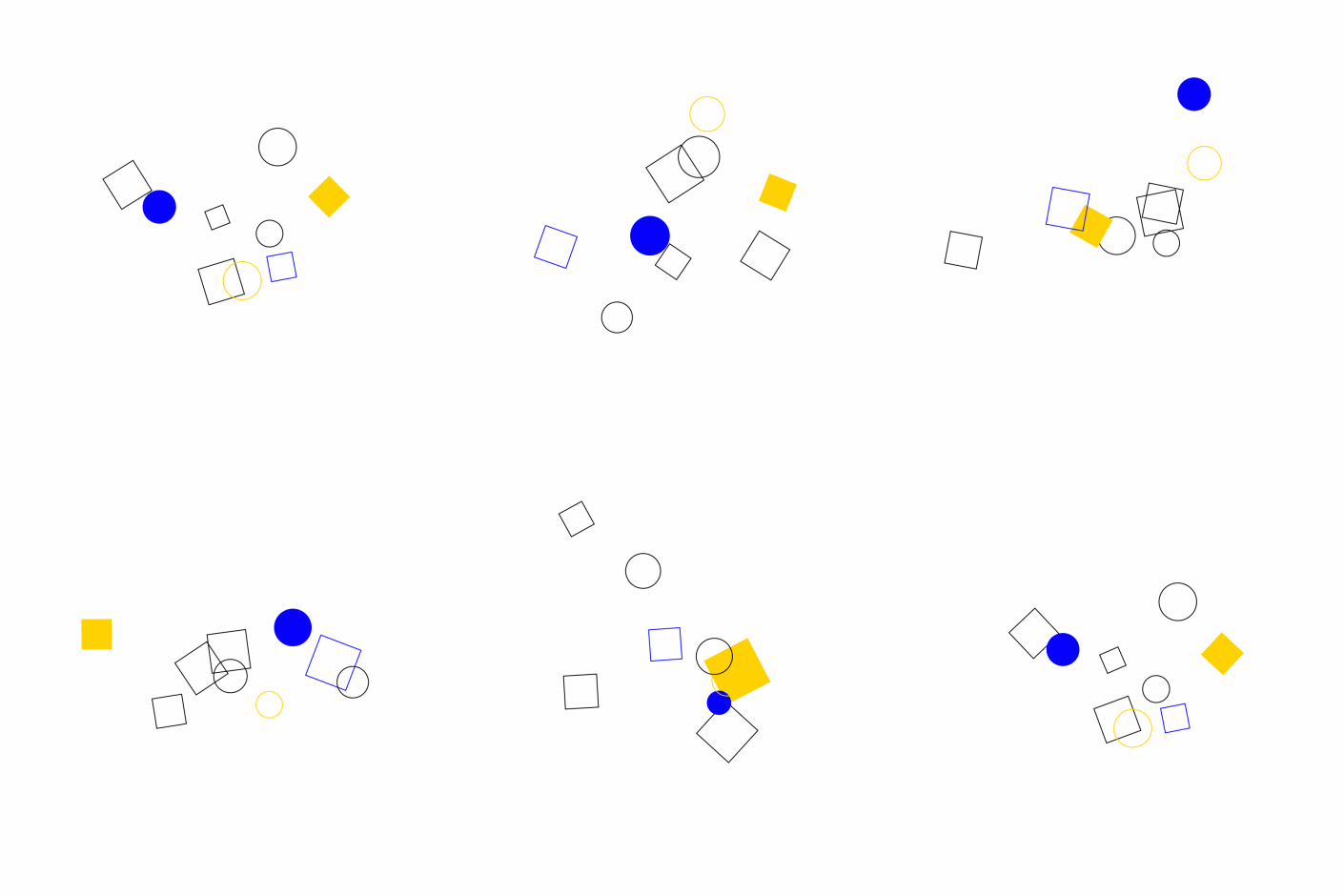
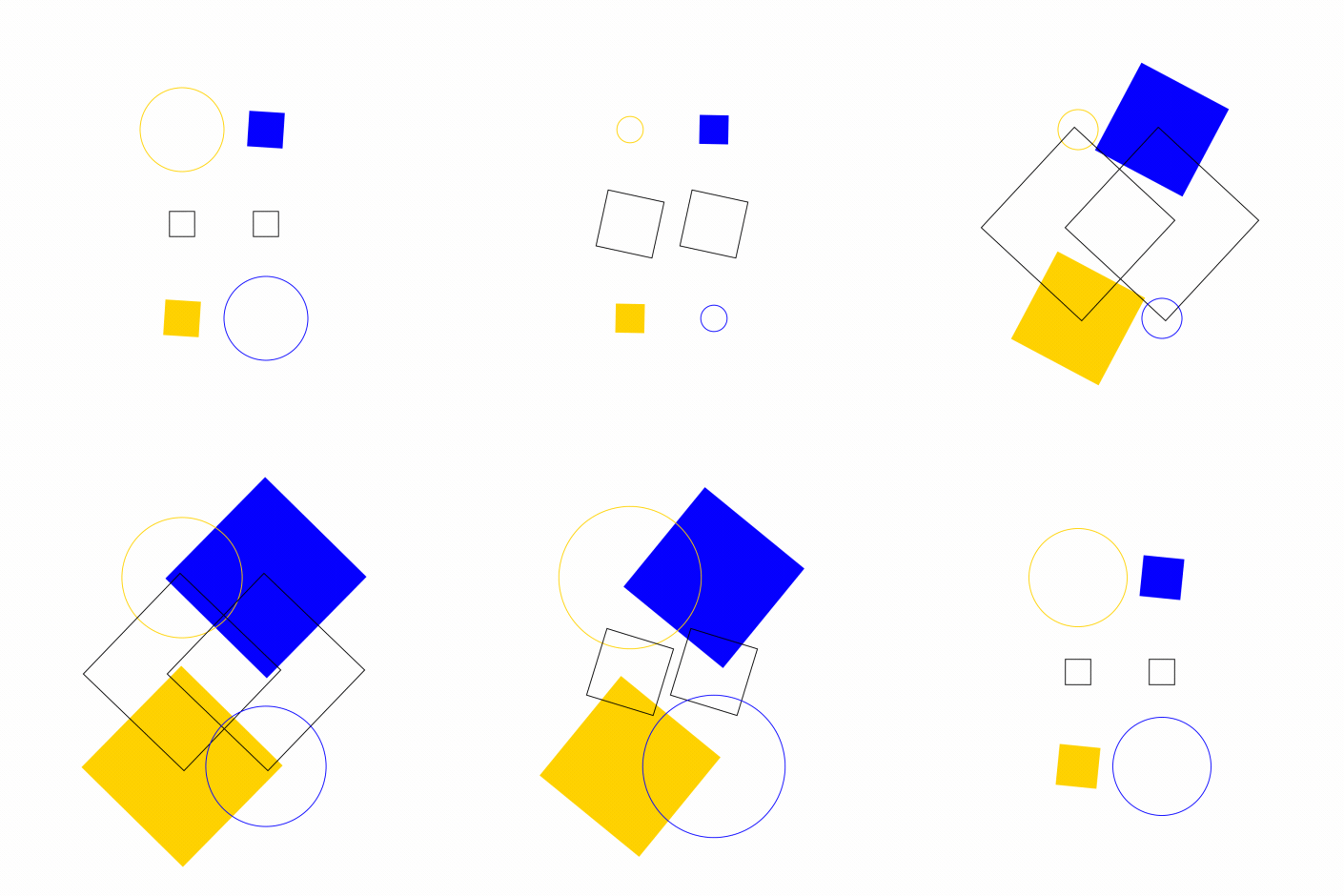
Quickly and easily add randomness to your animations with easy-to-use controllers
Easily create glitch effects by animating the seed controllers
Easily build flexible stagger animations without the need to adjust keyframes
Create Environmental Effects
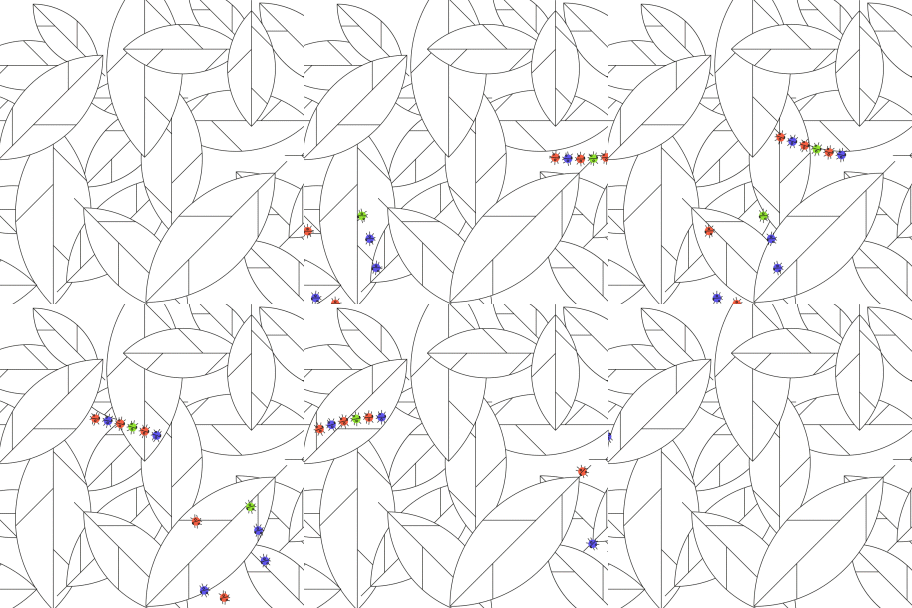
Easily build dust and smoke effects using Delay, Random and Wiggle controllers
Delay Expressions
Easily add delay expressions to any property, expanding the limits of the tool. Path, stroke width, trim paths or any keyframeable property can be added to a clone system, all being controlled by one Control Layer - adding unlimited possibilities to the tool.
No More Echo
Create trail effects using a small delay, giving you more control and quicker renders than the in-built Echo Effect.
Get Creative
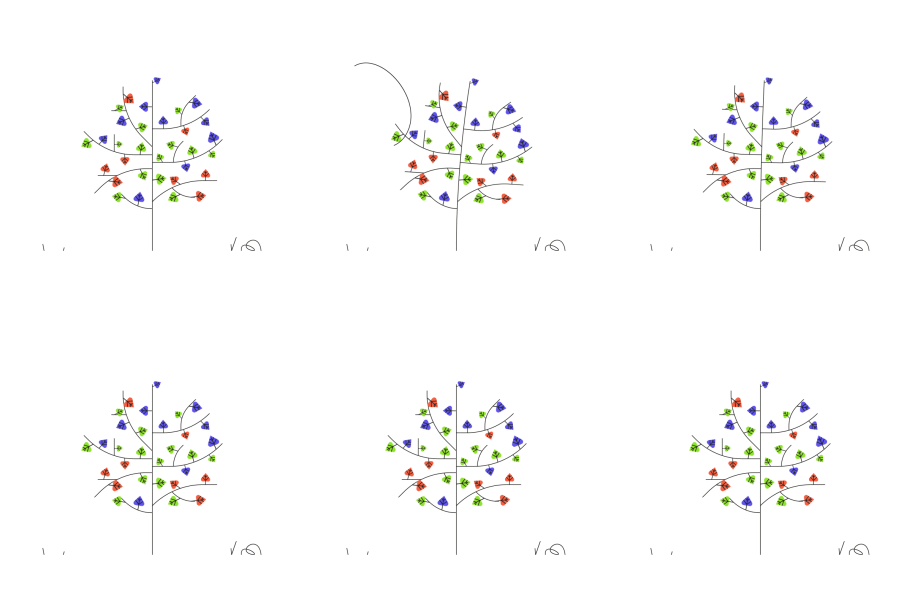
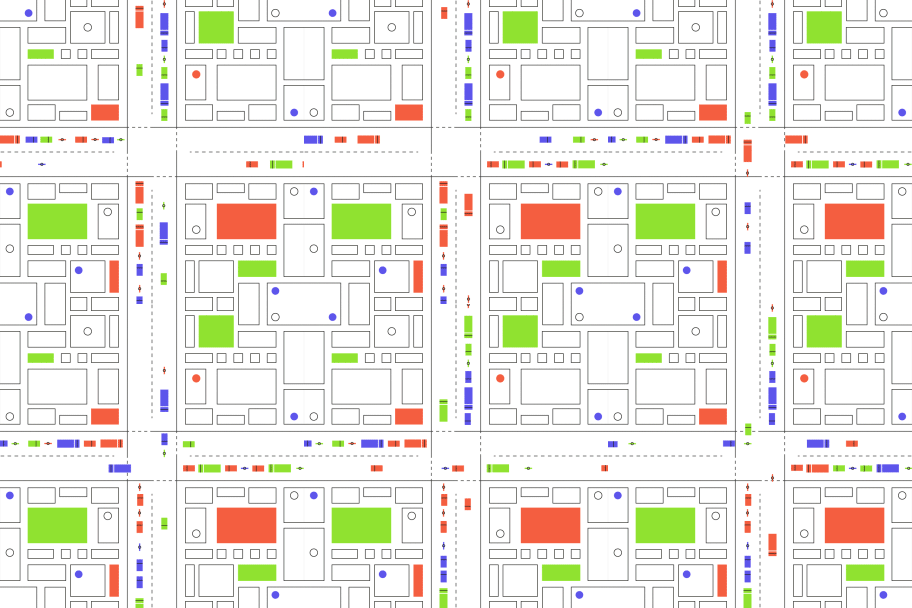
Easy Clones creates a flexible system that encourages the user to get creative. Use parenting, expressions, effects and more in combination with Easy Clones to create truly unique animations.
| After Effects | 2024, 2023, 2022, 2021, 2020, CC 2019 |
|---|
2.1 (Current version) - Jan 2, 2024
New Feature list:
Huge performance boost
Scale Limiting
New Slider and Checkbox controllers for additional properties added to the clone system
Bugs fixed:
Values doubling when enabling position wiggle
Added delay to the colour controllers
2.0 - Nov 25, 2020
New Features include:
- Line and grid spacing
- Improved delay controls
- Delay applied to Clone - - Layer transformations
- Loopable wiggles
- Consistent stroke widths
- Ability to change number of random colours
- Improved expression management for faster previews and renders
1.1 - Nov 28, 2019
1.0 - Nov 13, 2019
-

- Compatibility After Effects
Gridder 2
Add to CartGridder arranges layers into a customizable grid in many ways - rectangle, 3d, circular or spiral.
-
- Compatibility After Effects
Primitives
Add to CartYOU CAN NOW FIND THIS TOOL HERE.
These are the create shape buttons from Ouroboros for KBar. Easily add a primitive in your comp as a parametric- or Bezier shape.
$5.00 -

- Compatibility After Effects
Smart Selector
Add to CartPoint, click, and select any layer you can see. Smart Selector sees through bounding boxes, adjustment layers, precomps and layer transparency to find the select layers using the most advanced layer selection algorithm. Welcome to the new way of working in After Effects.
-
- Compatibility After Effects
Limber
Add to CartCharacter animation for After Effects
easy to learn • powerful • versatile -
- Compatibility After Effects
EditMonkey
Add to CartThe most powerful and versatile Monkey we've ever made. Save hours or even days of work by batch animating and sequencing dozens of text, video or graphics instantly. The After Effects Killer Ape!
-

-
- Compatibility After Effects
Blend
Add to CartBlend allows users to define property states on start and end controllers. The system will blend the difference between the two states across a desired number of objects.
$15.00