
KEYboard
-
Compatibility After Effects Please check exact version compatibility under the "COMPATIBILITY" tab below
 Adding to cart...
 After Effects 17.7 Legacy UI Issue:
If you have preference error after updated to After Effects 17.7,please check the link above to fix it.
macOS 10.15 Catalina Notice:
If you have an issue with licensing after updated to macOS 10.15 Catalina,please download the latest version of KEYboard. (v1.2.7)
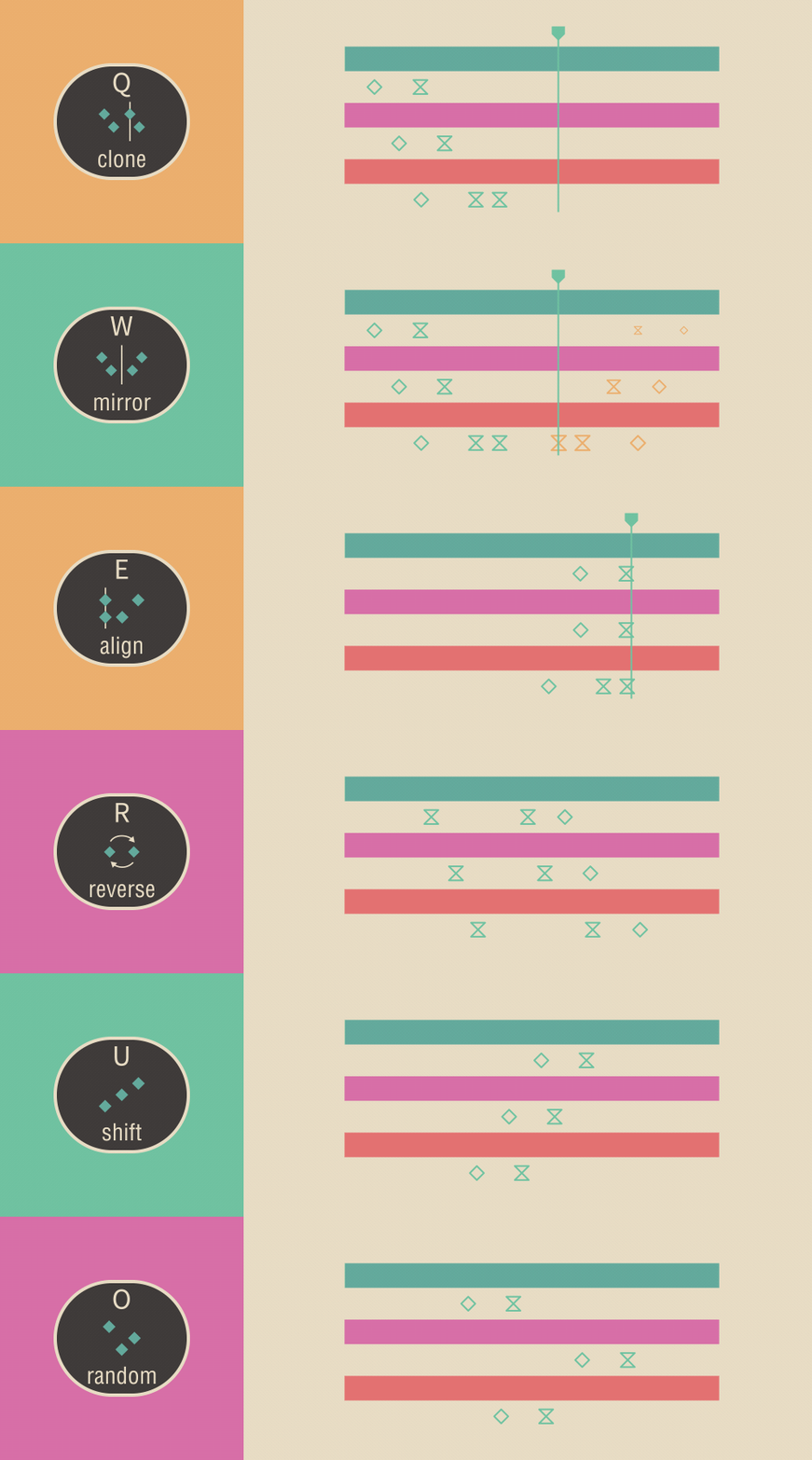
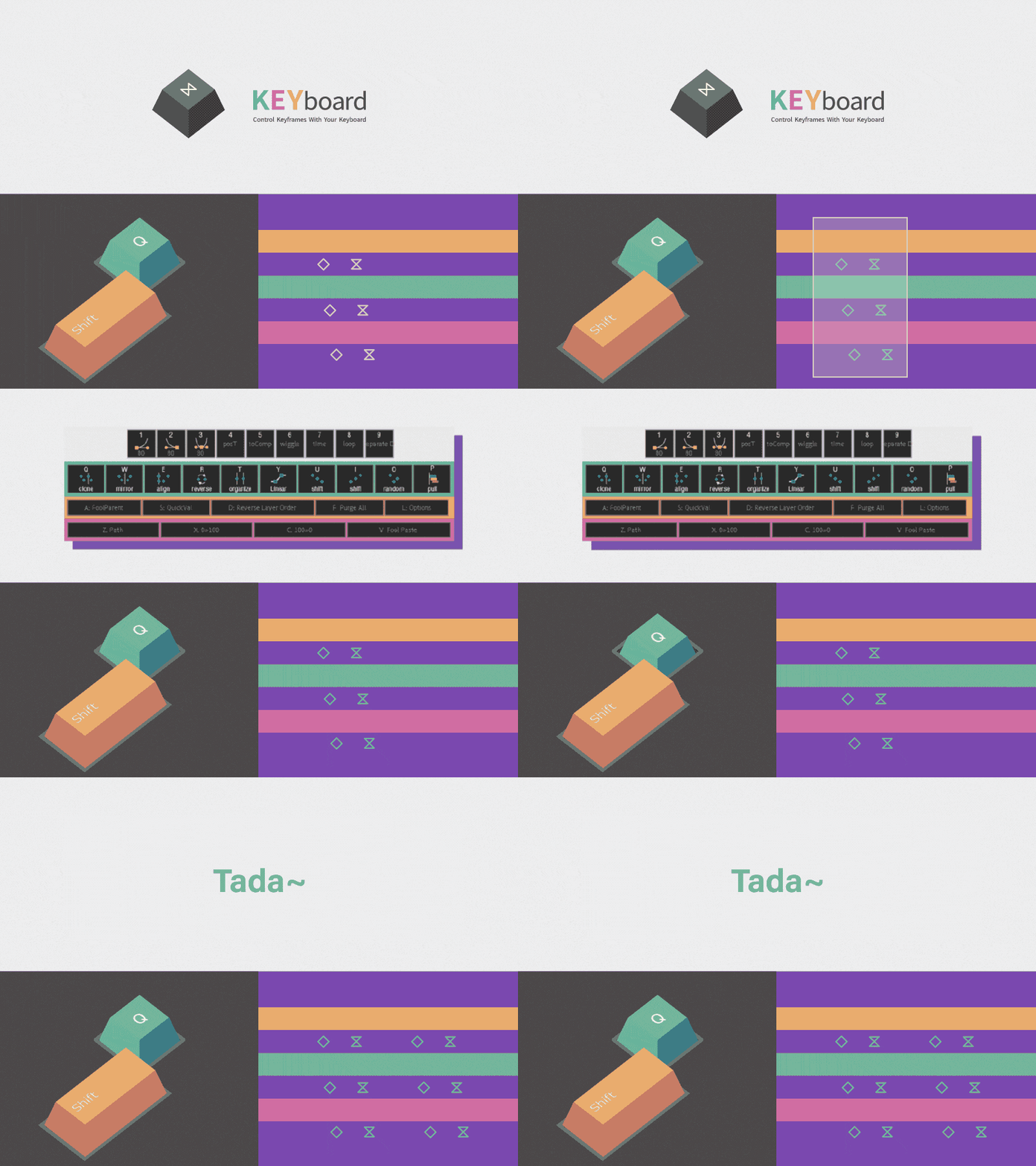
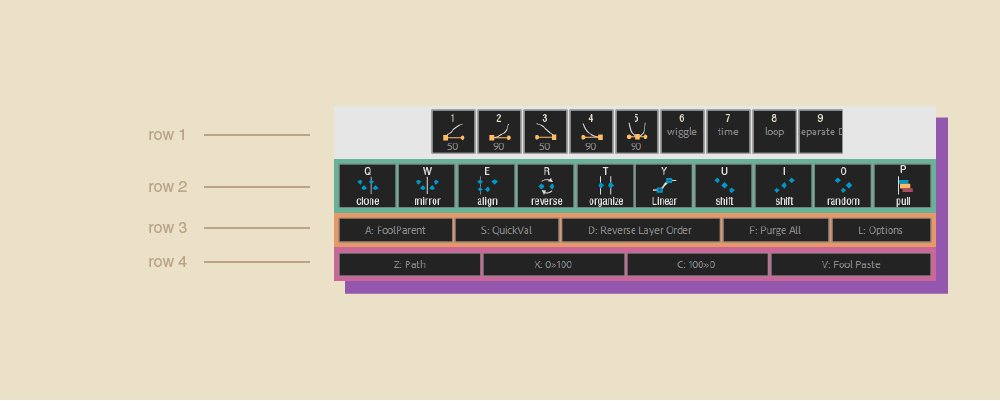
KEYboard provides a series of function for keyframes in After Effects. Those functions are small but can be used frequently, such as setting keyframe Ease, cloning keys, mirroring keys, shifting keys or randomizing keys. The most important is you can do those through keyboard shortcuts.
With KEYboard, animators can do things more quickly and would not be interrupted by those repetitive tasks.
For more information about all features, please see the guide /中文使用說明
new feature: KEYboard window will appear in the last closed position

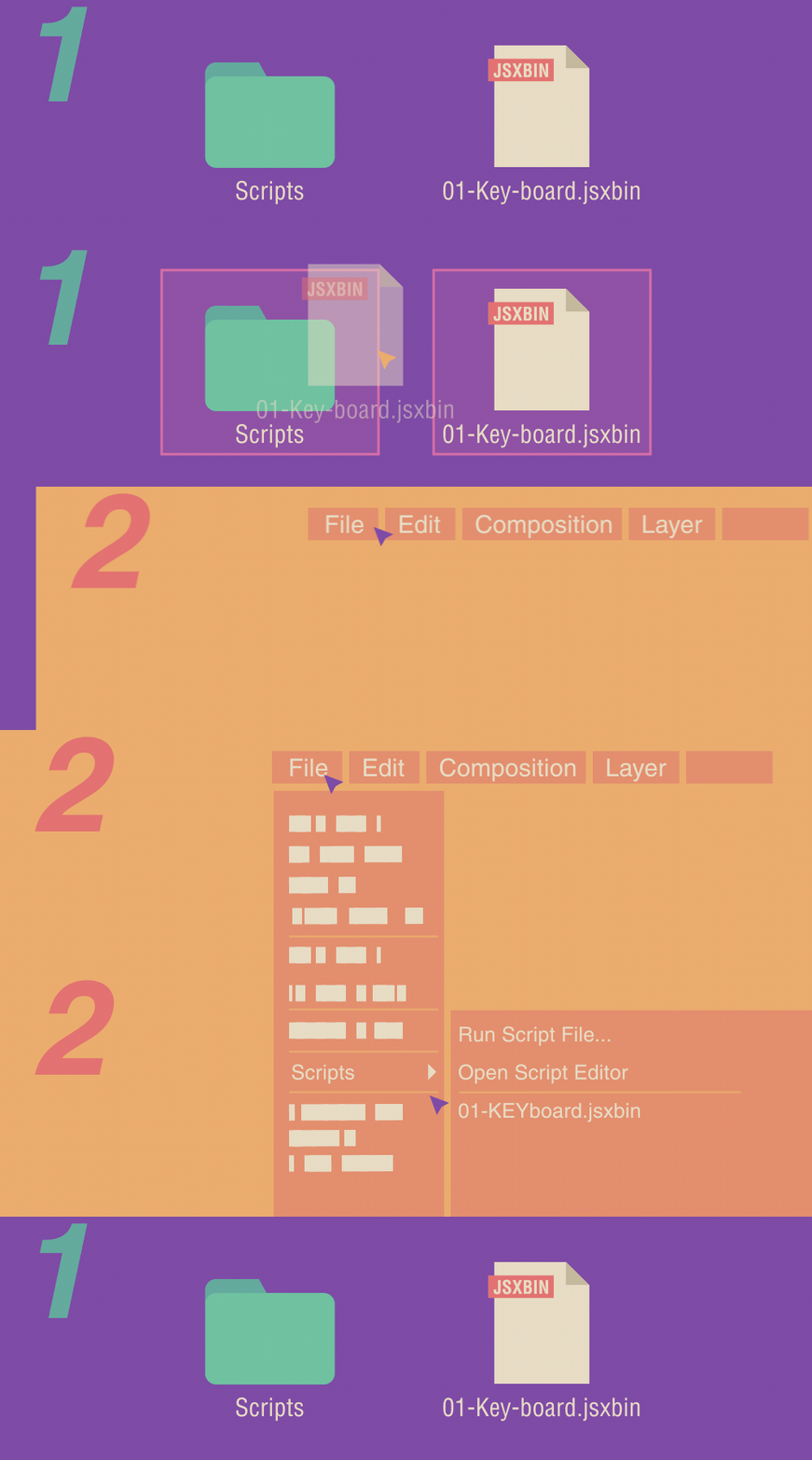
The installation method of KEYboard is a bit different from the general script.
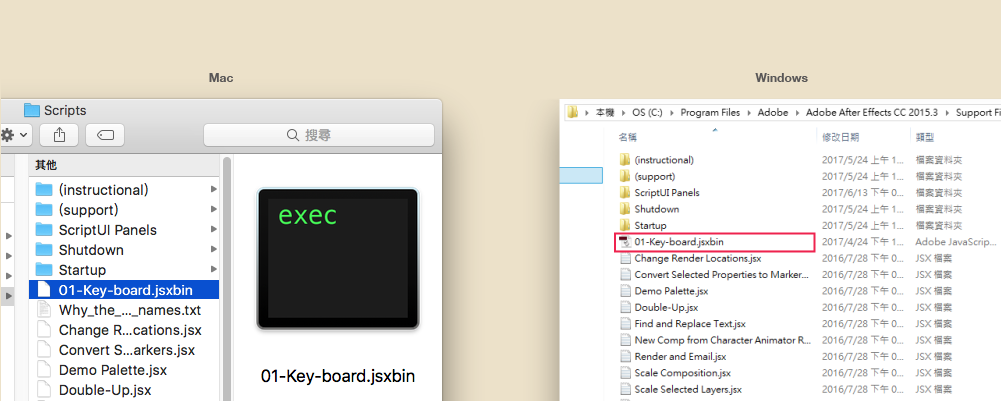
For CC2018 users:
please update to the newest version of KEYboard and set shortcut with Visual Keyboard Shortcut Editor. Enter"KEY-board" in search-bar and set shortcut which you want.
If KEYboard doesn't works...
There is a bug on Mac for using shortcut. If you are using AE cc2017 and KEYboard can't work after setting shortcut, please try to modify shortcut manually. Open the shortcuts file and set the shortcut in ExecuteScriptMenuItem02 instead of ExecuteScriptMenuItem01.
| After Effects | 2023, 2022, 2021, 2020, CC 2019, CC 2018, CC 2017, CC 2015.3, CC 2015, CC 2014 |
|---|
1.2.7 (Current version) - Jul 25, 2020
1.2.6 - Apr 21, 2020
2. Fix slow startup speed
1.2.5 - Mar 30, 2020
And the complete KEYboard introduction can be found in the guide page.
1. KEYboard window will appear in last opened position if option is enabled.
2. Clone Keys or Mirror Keys can select the newly copied Keyframes if option is enabled.
3. QuickVal add Constrain Proportions mode.
4. Custom EaseInOut in number row can type 2 different values for incoming and outgoing velocity.
1.2.2 - Mar 24, 2020
1.2.2 - Nov 14, 2019
1.2.1 - Oct 9, 2019
1.2 - Jul 7, 2018
- redesign foolPaste UI
- add alert window after using Shift / Random Keys with lots of layers
1.1.3 - Feb 8, 2018
1.1.3 - Feb 7, 2018
1.1 - Nov 28, 2017
" [ " move layers: move selected layers to current comp's time and keep layer timing
" v " fool-paste: select layer and move before/after the target layer in two steps. Same logic as fool-parent.
1.0.4 - Oct 20, 2017
1.0.3 - Jul 5, 2017
1.0.2 - May 7, 2017
-Fixed installation failed in non-english AE versions
-Fixed "Reverse Keys" didn't work in non-english AE versions
1.0.1 - May 6, 2017
1.0 - May 2, 2017
1.0 - May 1, 2017
-

- Compatibility After Effects
MarKey
Quickly preview your keyframes using markers without wasting space on the timeline!Add to Cart -

- Compatibility After Effects
Get-Sh*t-Done
Helps speeding up the workflow and lets you work more intuitively with Adobe AfterEffects. The basic idea is to compress a sequence of frequently performed steps into one single step.Add to Cart -

- Compatibility After Effects
Good Parents
Control parenting with keyframes. Finally. Now with 3D layers support!Add to Cart -
- Compatibility After Effects
Paste Multiple Keyframes 2
Add to CartSmart copy and paste keyframes from multiple layers at the same time. Now with loop support.
-

- Compatibility After Effects
animationPATTERNSpro
animationPATTERNSpro is a keyframe based easing assistant that allows you to edit and create new easing typesAdd to Cart -
- Compatibility After Effects
Flip Animation
Add to CartAn extension for creating various types of mirrors and scales on animation (Position keyframes)