
Potok
-
Compatibility After Effects Please check exact version compatibility under the "COMPATIBILITY" tab below
 Adding to cart...
Potok
Potok is a fluid gradients plugin for After Effects. It generates noise and colorizes it with a gradient ramp. Gradients can be set from UI Gradient Control or from any Layer. Noise can be masked with any layer.
Gradient from custom Layer for this sample.
Features
Noise
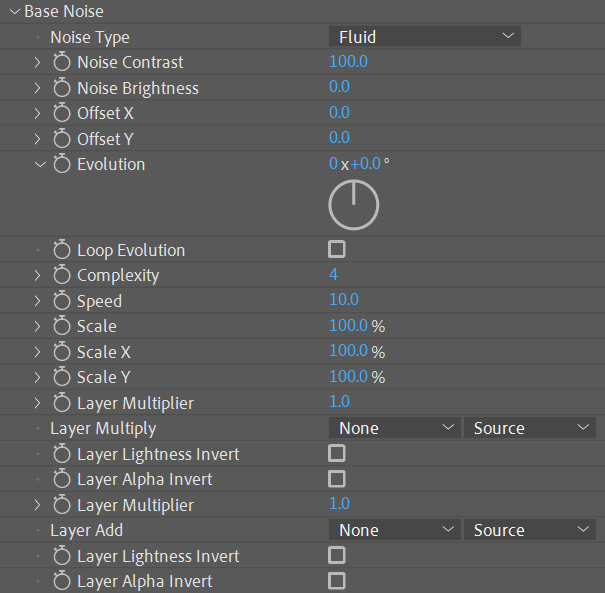
Potok plugin has a built-in noise generator with four noise types. Noise animation can be seamlessly looped. Also, noise can be multiplied with any layer to be masked or layer can be added to noise for precise control.
Gradient
The gradient ramp allows you to set any color control points and three interpolation modes. Gradients can be set from any layer which allows for unlimited animation and transparency possibilities. The gradient can be also be offset, scaled, and looped.
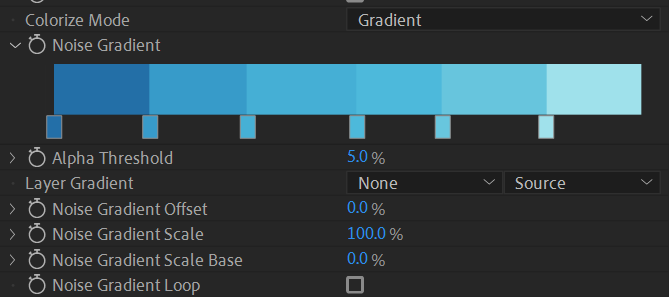

Color points interpolation: Linear, Sine, and Hard.
Colorize Mode
There are four Colorize Modes: Gradient, Gradient from Layer, Reflection from Layer and Refraction from Layer.
Gradient
Gradient from Layer
Refraction from Layer
Reflection from Layer
Lines
Draws isolines over generated noise as height with given steps, gradient with many randomizing and animation features.
Lines Alpha Noise
Make contours open by Noise Threshold. Noise can be randomized for each isoline.
Randomize
Randomize Lines Width, Offset, and Gradient.
Layers Maps
Gradient from LayerPotok can map gradient over noise from any layer or composition. This allows for complex gradients driven by animation or alpha channel.
Fluid Noise
 Gradient from Layer
Result
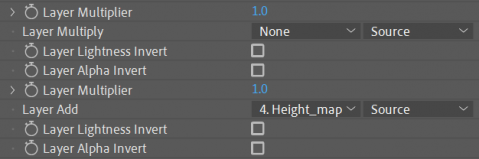
Potok provides two layers to affect base noise. First layer multiples with noise in each pixel. Second layer adds to noise in each pixel.
Fluid Gradient
 Height_map (Layer Add)
Result with island
Layer Add
In this mode gradient maps over noise using normals in each pixel. It converts Base Noise brightness to Normal Map and then uses these normals as vectors pointing to sphere projects colors from Spherical Map.
 Layer Add, Noise Contrast 0
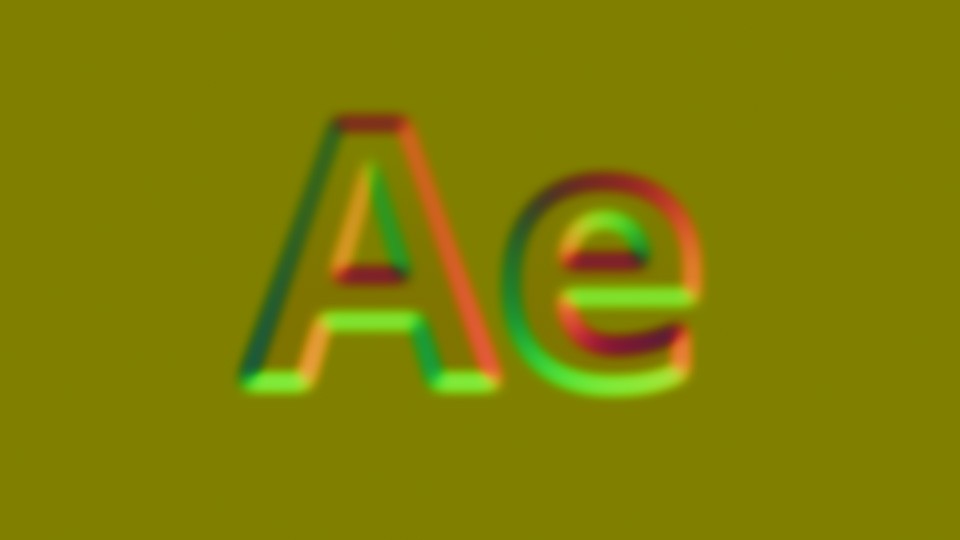 Normal map (Reflection from Layer
mode with no layer selected)
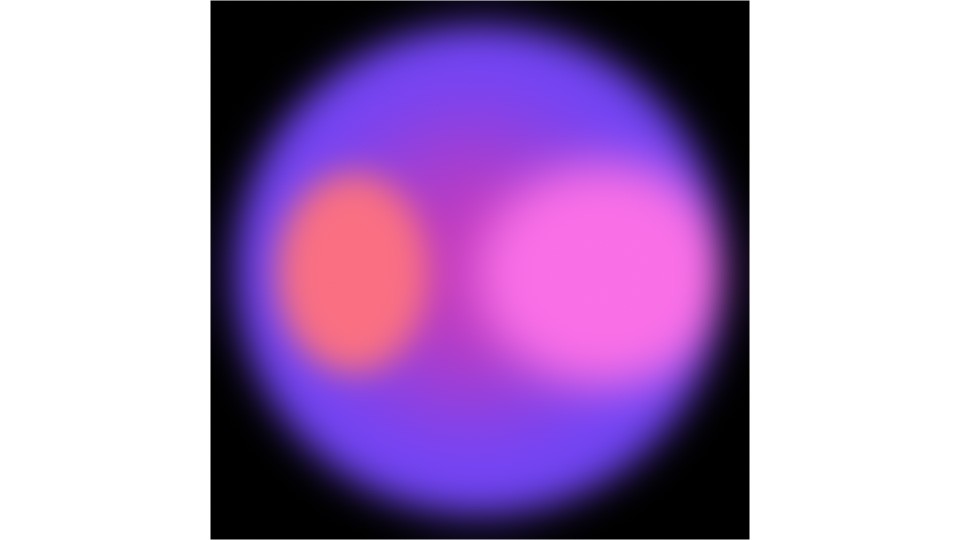 Spherical Map.
Layer for reflection
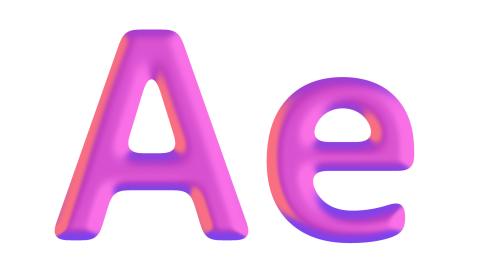
Result
In this mode Potok displace pixels from a map using noise brightness as a distance to displace. Displaced maps can be looped.
Layer Add, Noise Contrast 0
Layer for reflection
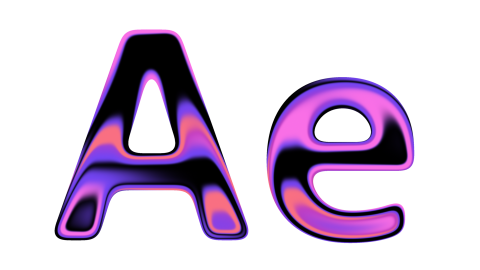
Result
User's Guide
Potok user interface description and samples are available here: irrealix.com/documentation.
| After Effects | 2024, 2023, 2022, 2021, 2020, CC 2019, CC 2018, CC 2017, CC 2015.3, CC 2015, CC 2014 |
|---|
1.1.4 (Current version) - Aug 16, 2022
1.1.3 - Apr 29, 2022
1.1.2 - Apr 4, 2022
1.1.1 - Mar 14, 2022
- Fixed 16 bit lines alpha blending issue
1.1 - Jan 28, 2022
- Added Lines Cut by noise height.
- Fixed lines blending problem
1.0 - Jan 17, 2022
-
- Compatibility After Effects
pt_EffectSearch 3
Add to CartSearch for effects, find missing or third party, turn effects on or off.
-
- Compatibility After Effects
Stardust
Add to CartIntroducing Volume Rendering! Create beautiful and captivating smoke effects from any particle system setup. Stardust is a modular 3D particle system for After Effects. It has an easy to use node-based user interface and ships with a ton of presets to create stunning effects quickly and easily. Stardust available for MacOS and Windows.
Note: Stardust works in AE 2024, please use the aescripts + aeplugins manager app to install it.
-

- Compatibility After Effects
Utility Buddy
Add to CartThis is a useful tool that helps you find and update your fonts, expressions and effects inside your project. NEW: Color search!
-
- Compatibility After Effects
FX Gradient
Add to CartThe most user-friendly way to create advanced gradient ramps in After Effects! Easily create and edit linear, radial, angular and reflected ramps with the click of a button, and colorize them with one of the 30 trendy and useful color presets. Even add some special FX options like tiling, grain and turbulence !
-

- Compatibility After Effects
- Compatibility Premiere
Block Swap
Add to CartRandomly shuffles image blocks with the ability to filter out certain areas or include frames from other times.
Great for randomly recomposing scenes, clean-looking noise effects, blocky glitches, or transitions. -
- Compatibility After Effects
Thicc Stroke
Add to CartThicc Stroke is a fully-featured, free, variable-width stroke plugin.
-
- Compatibility After Effects
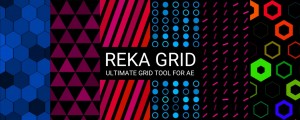
Reka Grid
Add to CartReka Grid is a powerful grid plugin with a lot of features to customize and animate.
$49.00 -
- Compatibility After Effects
Nebulosity
Add to CartNebulosity is a GPU-accelerated After Effects plugin. It generates volumes with help of Noise, Layers and Ramps that can be colorized with different techniques. Creates nebulas, galaxies, clouds, smoke and more.
$49.00 -
- Compatibility After Effects
freeGradient
Add to CartAdvanced gradient tool for After Effects
$24.99 -
- Compatibility After Effects
Stretch
Stretch images with two masks Along or Across Masks.Add to Cart$49.00 -

- Compatibility After Effects
loopFlow
Add to CartloopFlow is an After Effects plugin that allows animating still images into looped videos, otherwise known as Cinemagraphs or Plotagraphs
$49.00 -
- Compatibility After Effects
Gaussian Splatting
Add to CartImport, manipulate and render 3D Gaussian Splatting (.ply) files inside After Effects in real-time with GPU.
$49.00