Santa's Little Credit Helper
-
Compatibility After Effects Please check exact version compatibility under the "COMPATIBILITY" tab below
 Adding to cart...
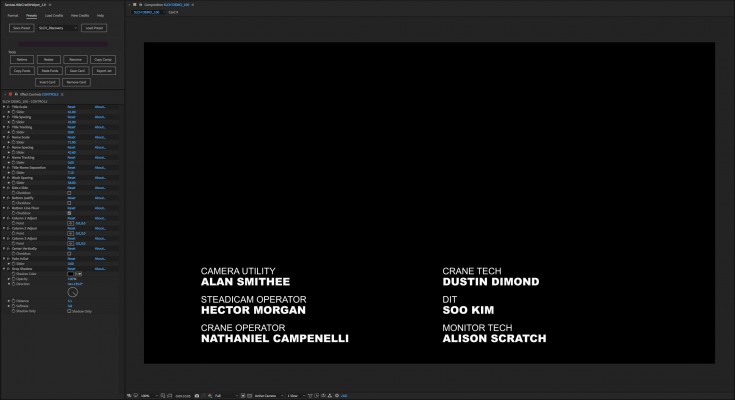
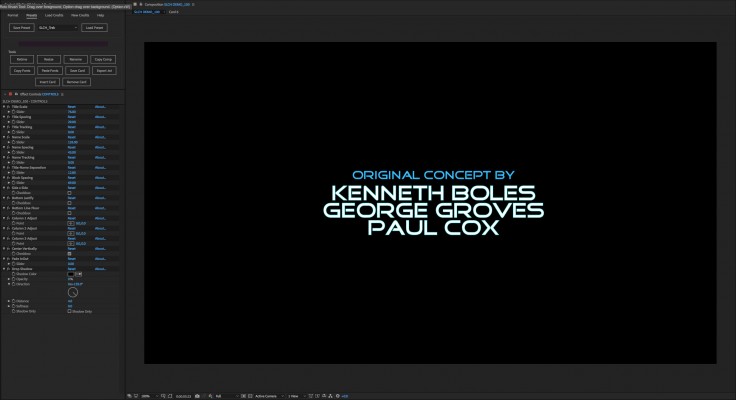
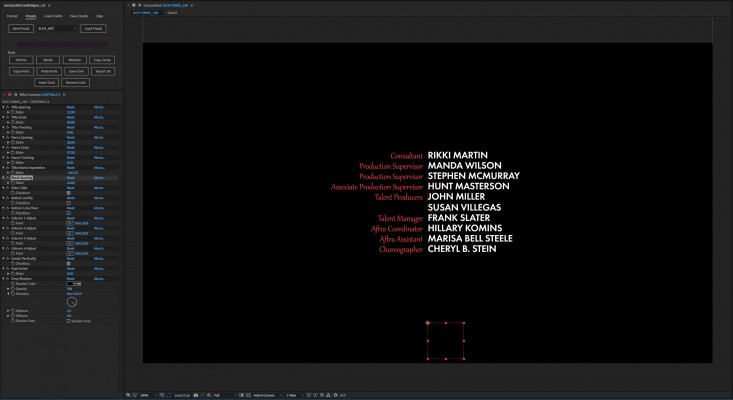
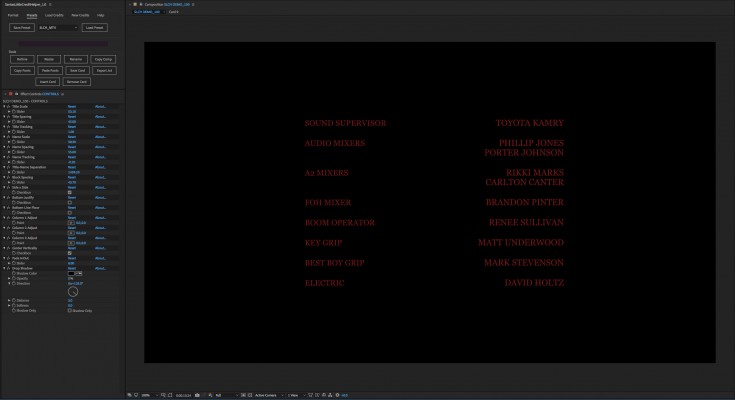
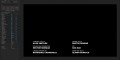
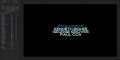
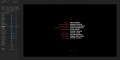
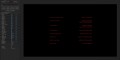
Easy to use tools to create card style credits for web, television, or film projects in After Effects.
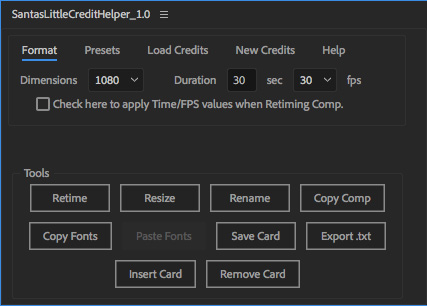
Key Features
• Google Doc Templates provided to share with your production team for entering text and timing information. Credits can then be loaded
directly into After Effects without re-typing errors.
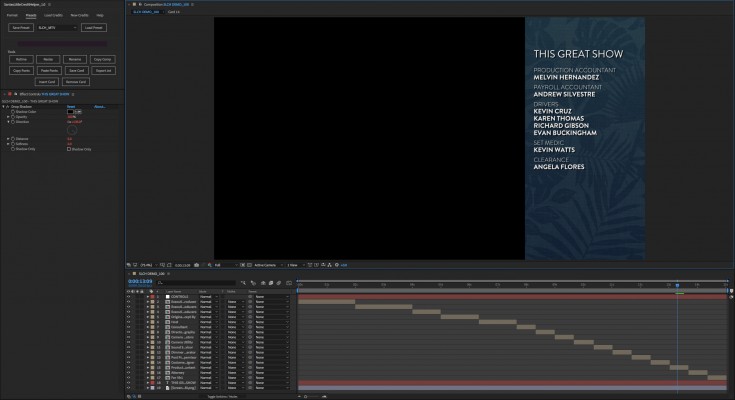
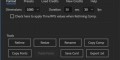
• Layout, Scale, Spacing, Tracking, Shadows, Centering control from a single Null that updates all cards simultaneously and keeps everything in perfect alignment.
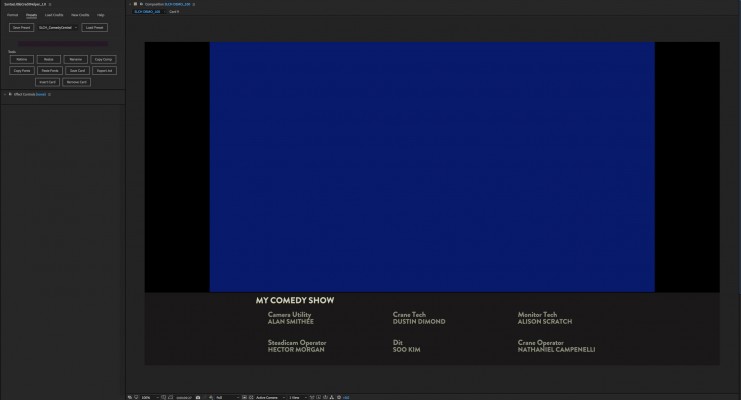
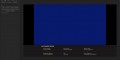
• Multiple Controls can be used to switch between larger full-screen cards and smaller banner cards within a single comp.
• Copy & Paste Fonts, Color, and Stroke to change the look of your credits easily.
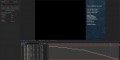
• Changes update instantly, and playback with no delay.
• Set and adjust timing information for the entire credit sequence, or per card based on absolute or weighted lengths. One click automatically recalculates
and retimes your credits.
• Resize your credits quickly with Reformat Tools. Switch between HD 720, HD 1080, UHD and 4K instantly.
• Edit text, add or remove names, or move names between columns and cards - Layout stays in alignment automatically.
• Insert or Remove Cards easily. Credits retime automatically.
• Save & Load Presets to audition several styles quickly, or save approved looks for use again and again. Some Common Network Presets included. More to come soon!
• Export changes to credits back to tab delimited .txt file for error checking and archive.
• Final credit compositions are self-contained and can be passed off and rendered without Santa's Little Credit Helper needing to be installed.
Tutorial
| After Effects | 2020, CC 2019, CC 2018, CC 2017, CC 2015.3, CC 2015, CC 2014 |
|---|
1.5 (Current version) - Mar 15, 2020
1.4 - Apr 15, 2019
Added code to remove extraneous quotation marks that get created when loading .txt credits from Excel.
Fixed bug where google docs link didn't open properly on MacOS.
1.3 - Mar 6, 2019
1.2 - Nov 26, 2018
1.1 - Sep 14, 2018
Fixed Windows Compatibility Issue with Google Doc Templates Link.
Fixed Windows Compatibility issue with file masking when browsing for credit .txt or .tsv files.
Fixed Expression errors that resulted from renaming or copying a Credit Comp that includes Saved Cards.
Added Link to Tutorial Video on Product page in the Help Tab.
1.0 - Aug 24, 2018
-

- Compatibility After Effects
Karton
Add to Cart25% Off until Aug 10. The most intuitive and easy way to create dynamic text boxes.
-
- Compatibility After Effects
Easy Clones 2
Add to CartEasy Clones is a cloning system built for 2D artwork, including Bitmap Layers, Vector Layers, Shape Layers and Precomps.
-

- Compatibility Premiere
Random Wiggler
Free TrialAdd to Cart
RANDOM() and WIGGLE() Expressions in Premiere Pro! -

- Compatibility After Effects
Easy Bounce Free & Pro
Add to CartDownload FREE version. Create bouncing animations the easy way! Just roughly keyframe the motion path you'd like, and let Easy Bounce take care of the rest.
-
-