
Tilda
-
Compatibility After Effects Please check exact version compatibility under the "COMPATIBILITY" tab below
 Adding to cart...
How It Works
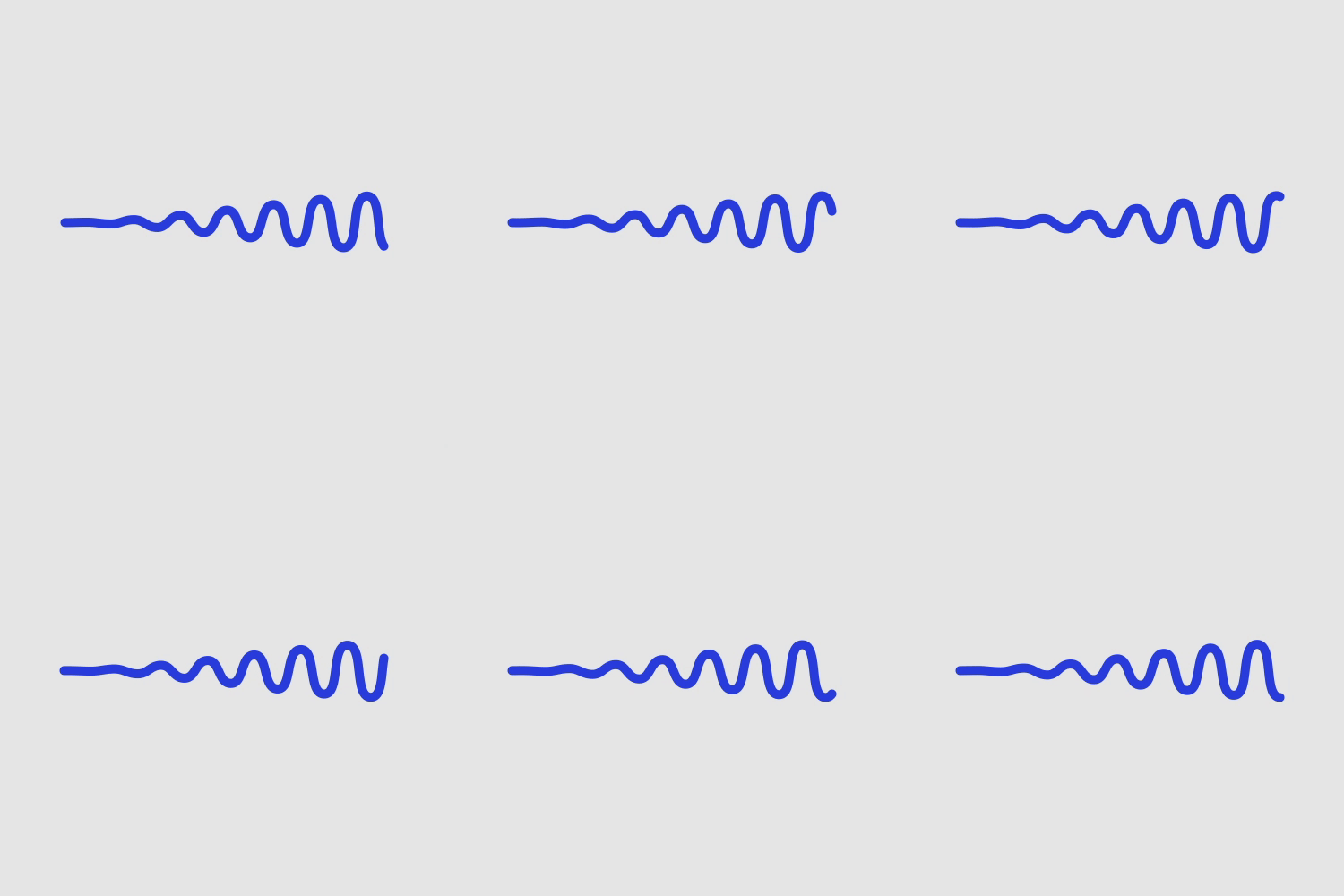
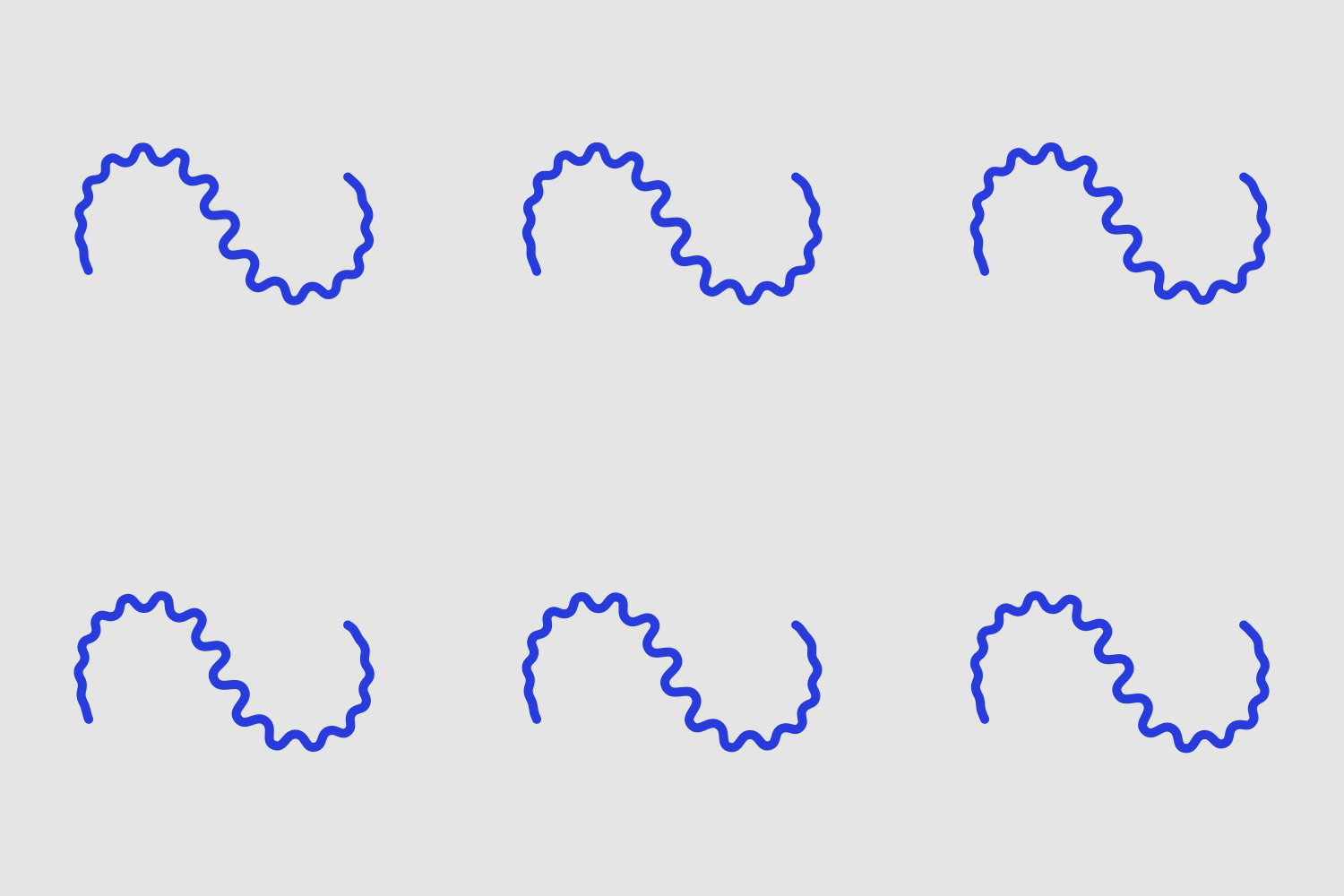
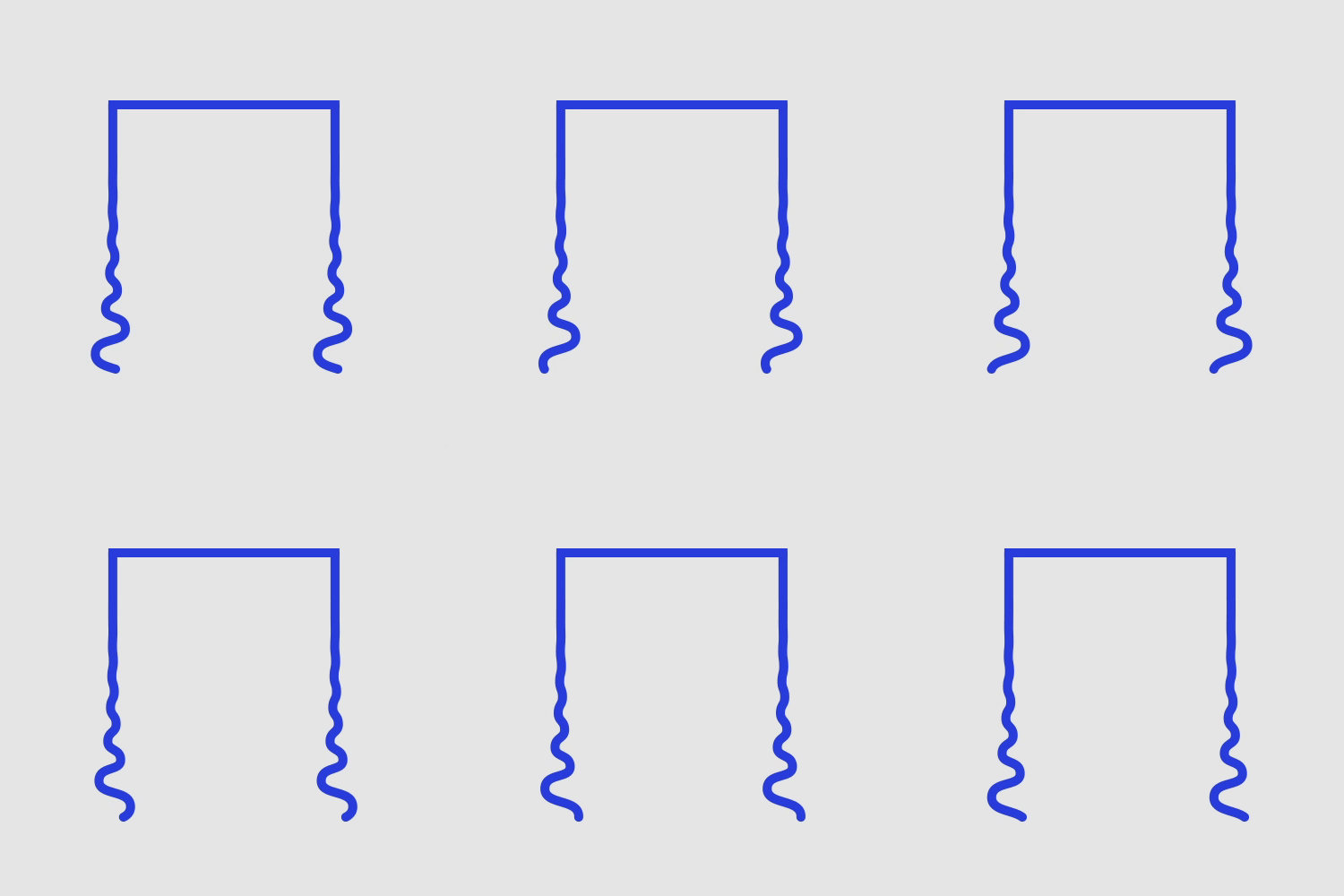
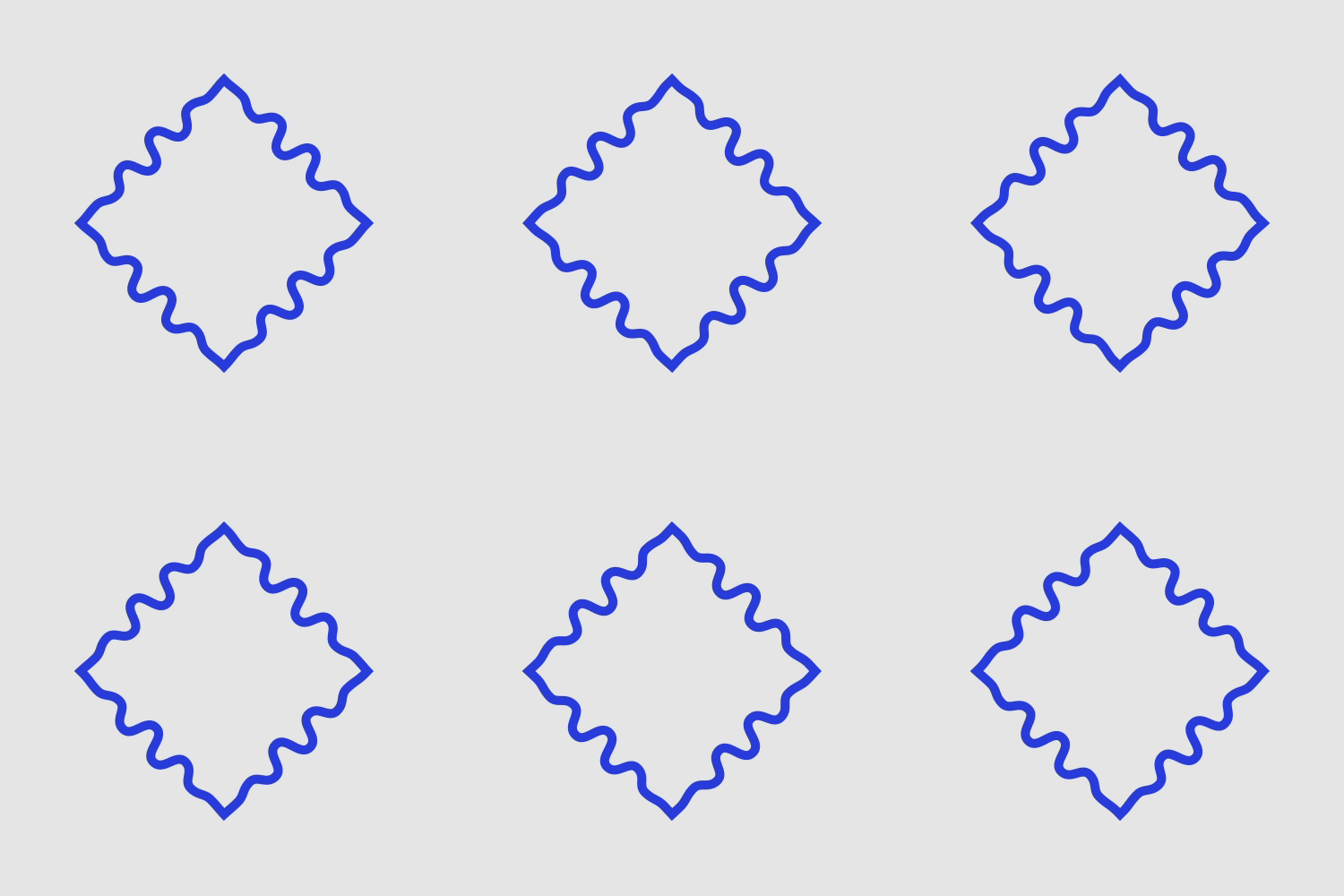
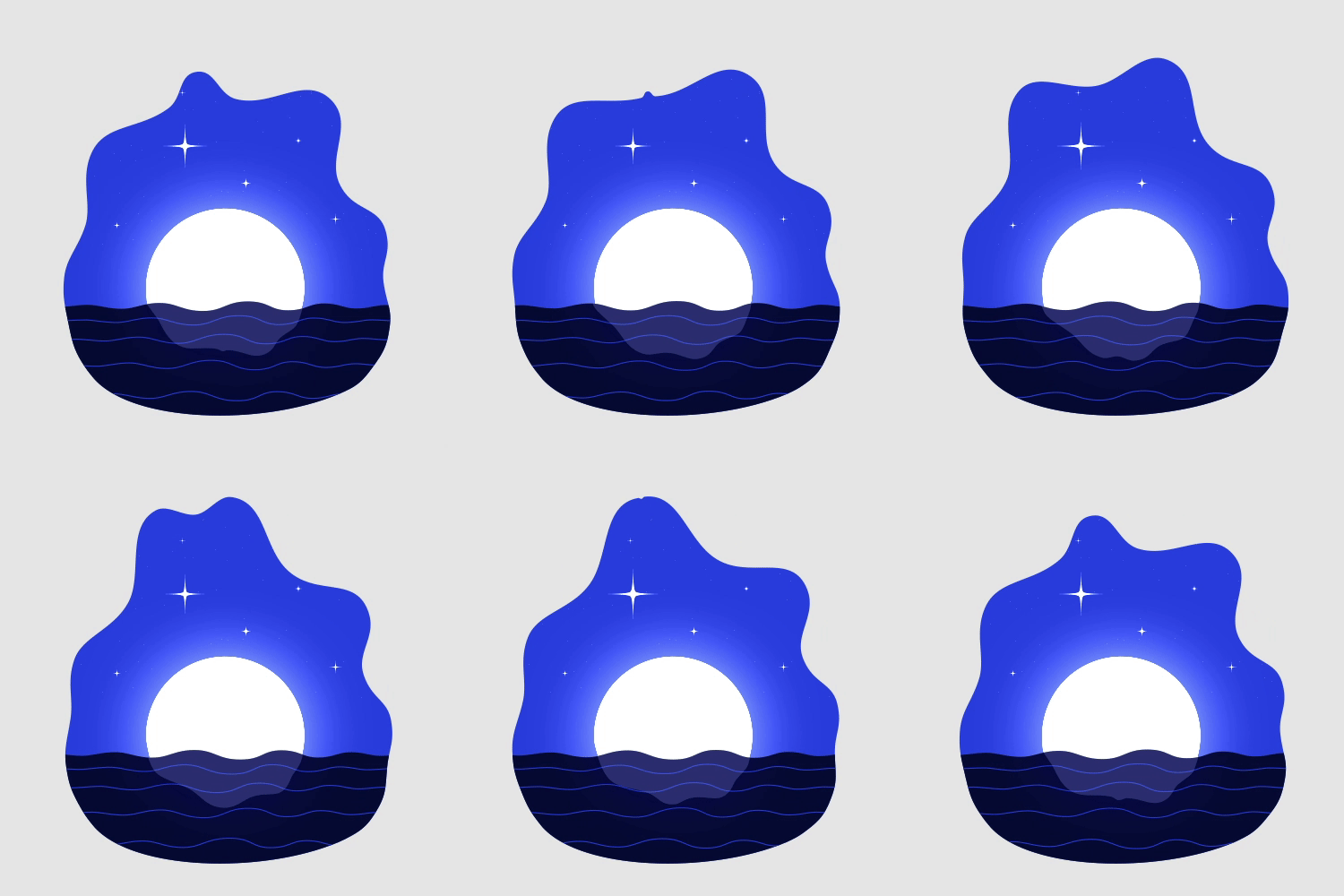
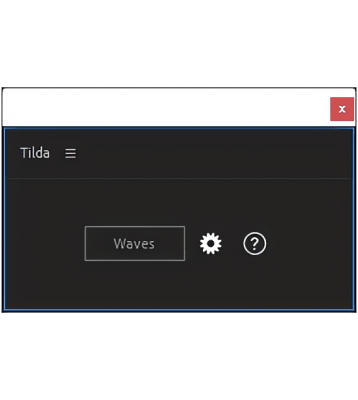
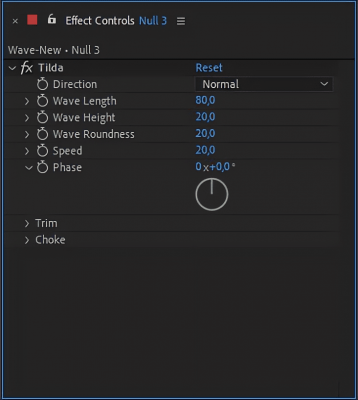
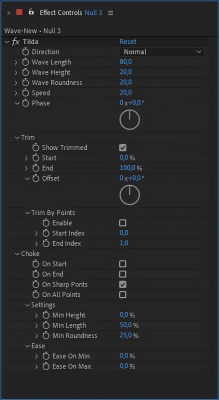
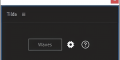
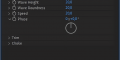
At its core, Tilda is just one expression and a controller effect. Just select a shape path and press the «Waves» button. Your shape will be turned into waves and you'll be able to control lots of its different parameters, like width, height, speed, etc. Watch the video below for some basic examples.
For more info see the «How To Use» section of the Wiki
Gallery
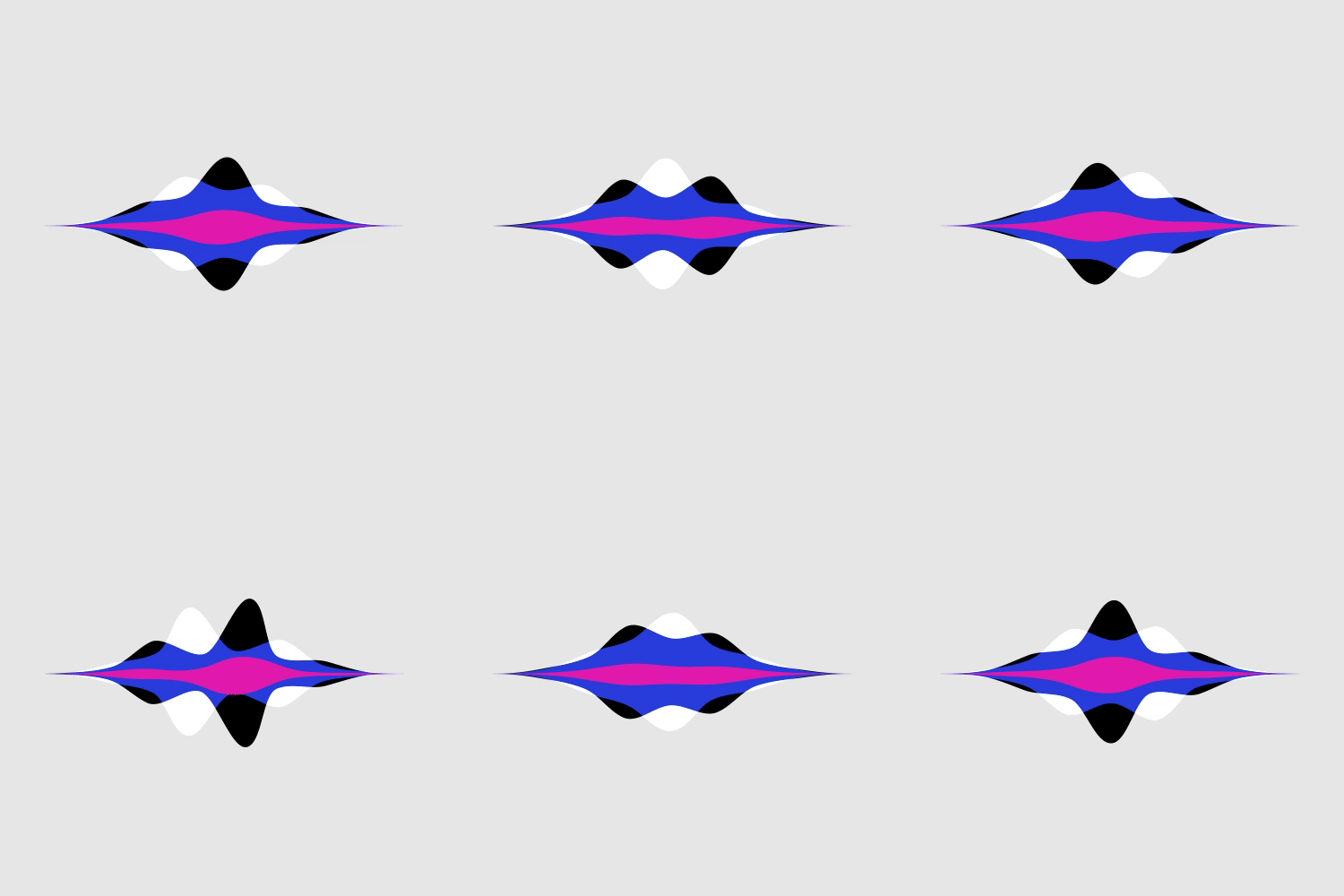
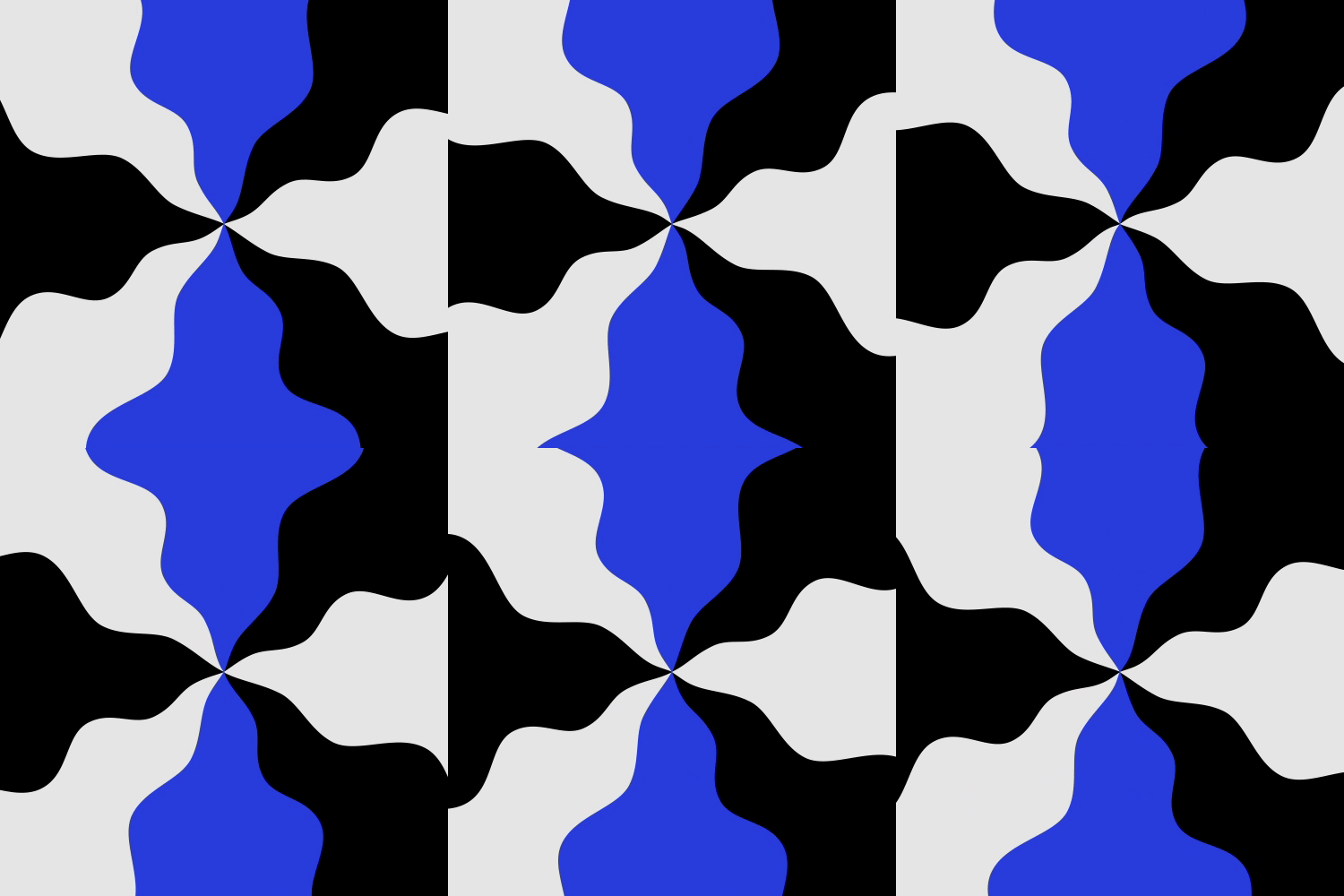
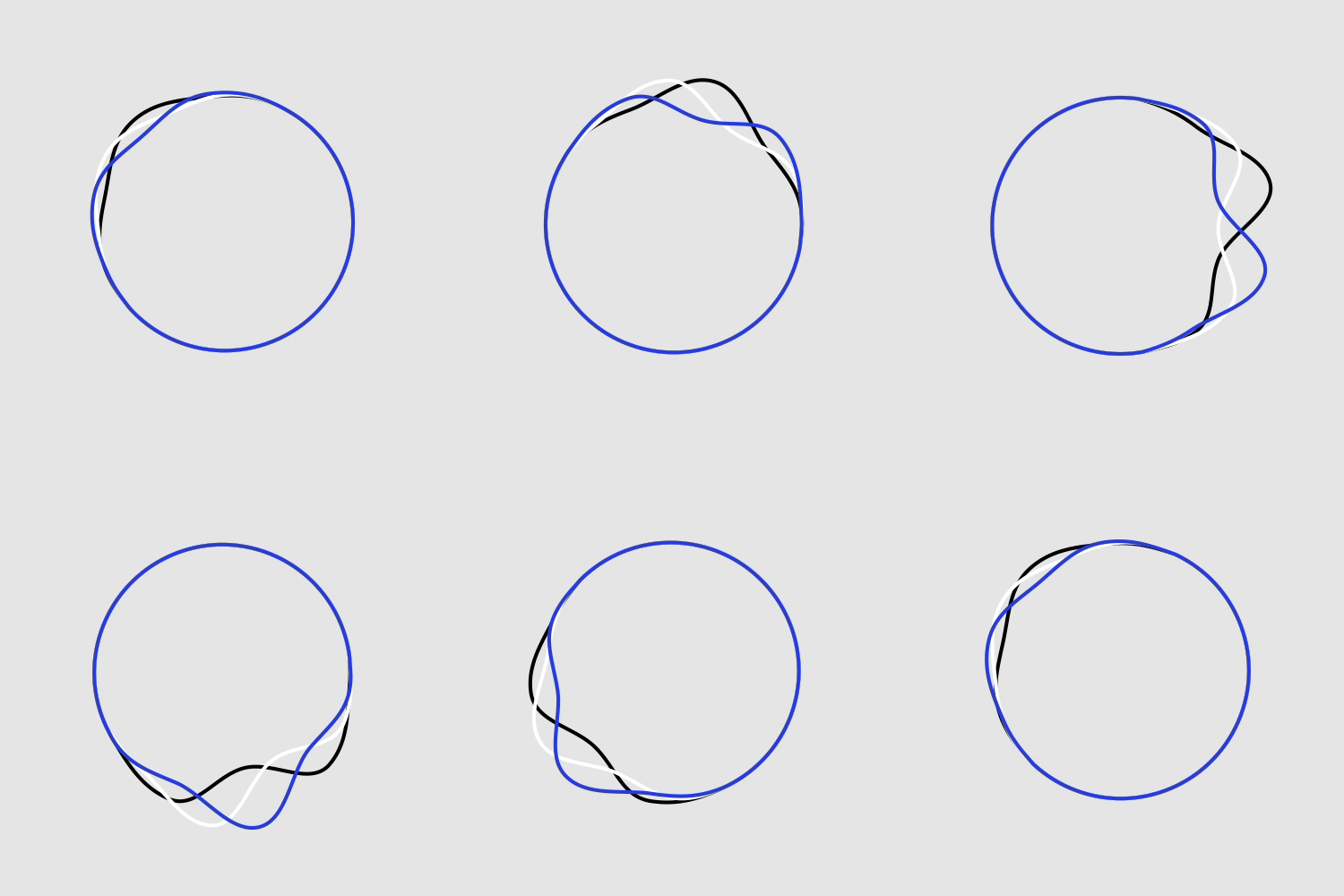
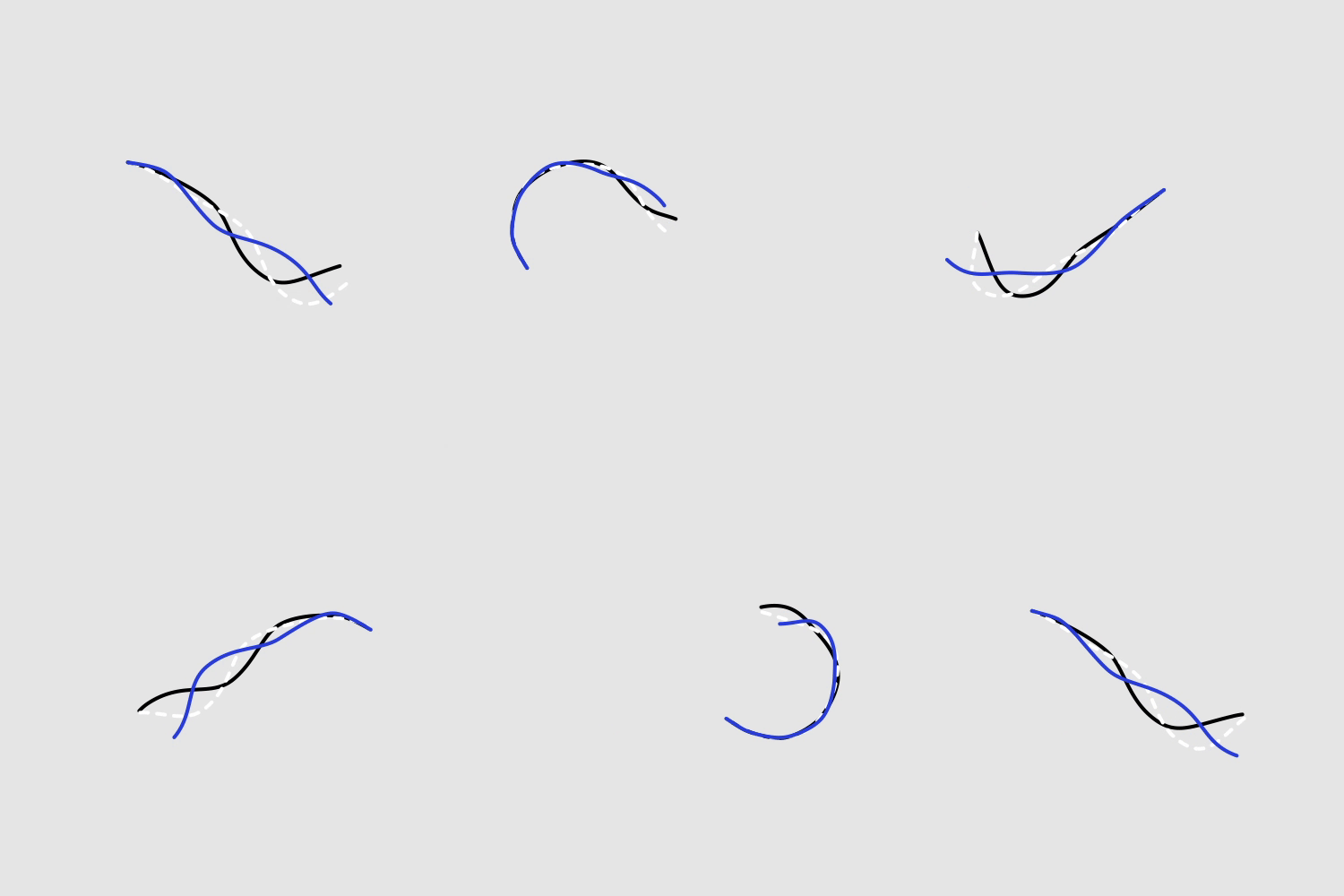
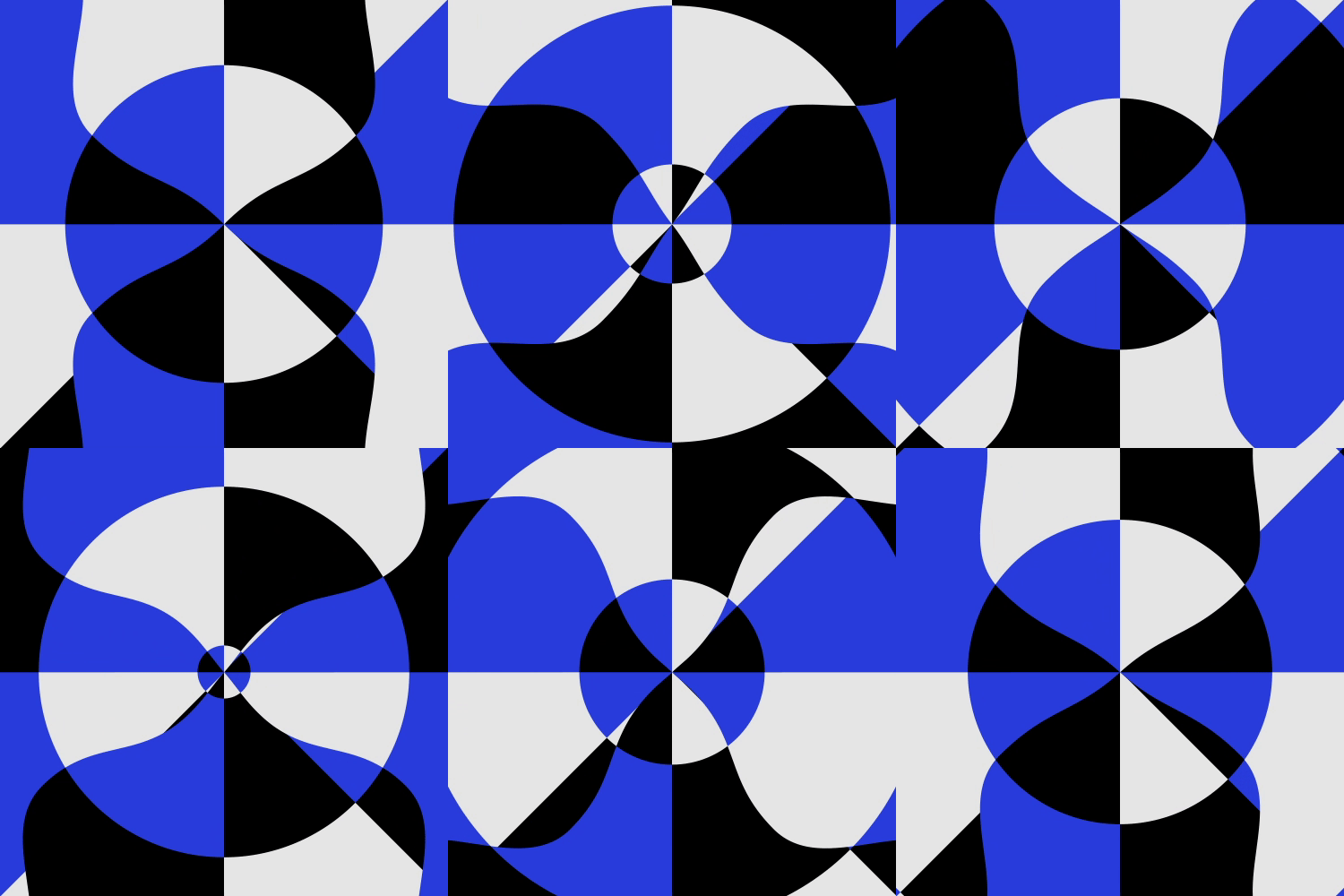

Requires: After Effects 2020 or higher.
Expressions Engine: Javascript.
| After Effects | 2024, 2023, 2022, 2021, 2020, CC 2019 |
|---|
1.3 (Current version) - Mar 20, 2023
with Tilda without converting it to a Bézier path.
1.2.1 - Feb 16, 2023
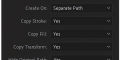
- When "Create on: Same Path" setting is enabled, the Tilda expression on a path will now always correctly reference itself, even if the path was duplicated.
1.2 - Feb 8, 2023
- Bug fix: The wave speed is now independent of the wave length. Previously, when you changed the wave length, the wave’s actual speed also changed. Now the speed is expressed in px/sec. and depends only on the “Speed” parameter.
- Added support for older versions of After Effects down to CC 2019 (16.0).
1.1 - Dec 14, 2022
- Fixed a bug when creating waves on 2 or more paths with same names. Previously Tilda copied the path only from the first one, now it will add an index to the repeating names to make each one unique.
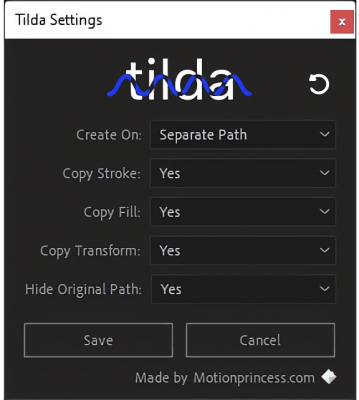
- Tilda now uses the Setting object inside After Effects to store its settings, instead of writing them to a local file.
- When Tilda panel is selected, you can press "~" (Shift + `) to create waves.
1.0 - Nov 16, 2022
-
- Compatibility After Effects
Mobo Super Suite
Add to CartThe ultimate software suite for motion designers and creative professionals. Mobo Super Suite brings together the best tools from Motion Boutique to offer you a limitless creative experience. Get Newton 4 + Connect Layers PRO + Pastiche 2 + Plotter + Mobo_Utils + AutoStereogram + LayerGenerators at an amazing price!
Regular Price: $538.05
Special Price: $399.99
-
- Compatibility After Effects
mazeFX
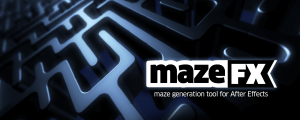
Add to CartMaze algorithm is now much faster with cleaner path results. Create random vector mazes (labyrinths) in After Effects. mazeFX can also generate a unique solution with effect controls to fully control the appearance of the maze. Finally, it can use masks to control each maze's shape and place all of the needed parts in a single shape layer or create separate shape layers for each part of the maze.
-
- Compatibility After Effects
BAO Distortion Selector 2
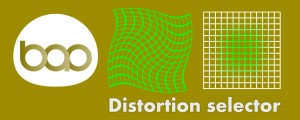
Get unprecedented control over distortion effects, including the puppet tool and liquify... you can define the area the distortion is applied to with definable smoothness.Add to Cart -
- Compatibility After Effects
Extrude
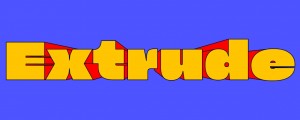
Bring live text layers, shapes & masks to life in a single click with Extrude. Features 2D Directional, Vanishing, or Full 3D extrusions modes.Add to Cart -
- Compatibility After Effects
Easy Rounder
Add to CartName Your Own Price!
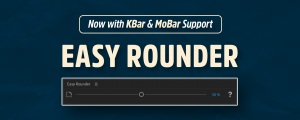
Now with KBar & MoBar Support! Dynamically round corners in percentages instead of pixels. -
- Compatibility After Effects
Shape Library
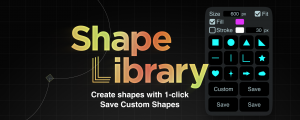
Add to CartSave and create custom shapes in Shape Library! Easy to use!