
VectorBox
-
Compatibility After Effects Please check exact version compatibility under the "COMPATIBILITY" tab below
 Adding to cart...
What is VectorBox?
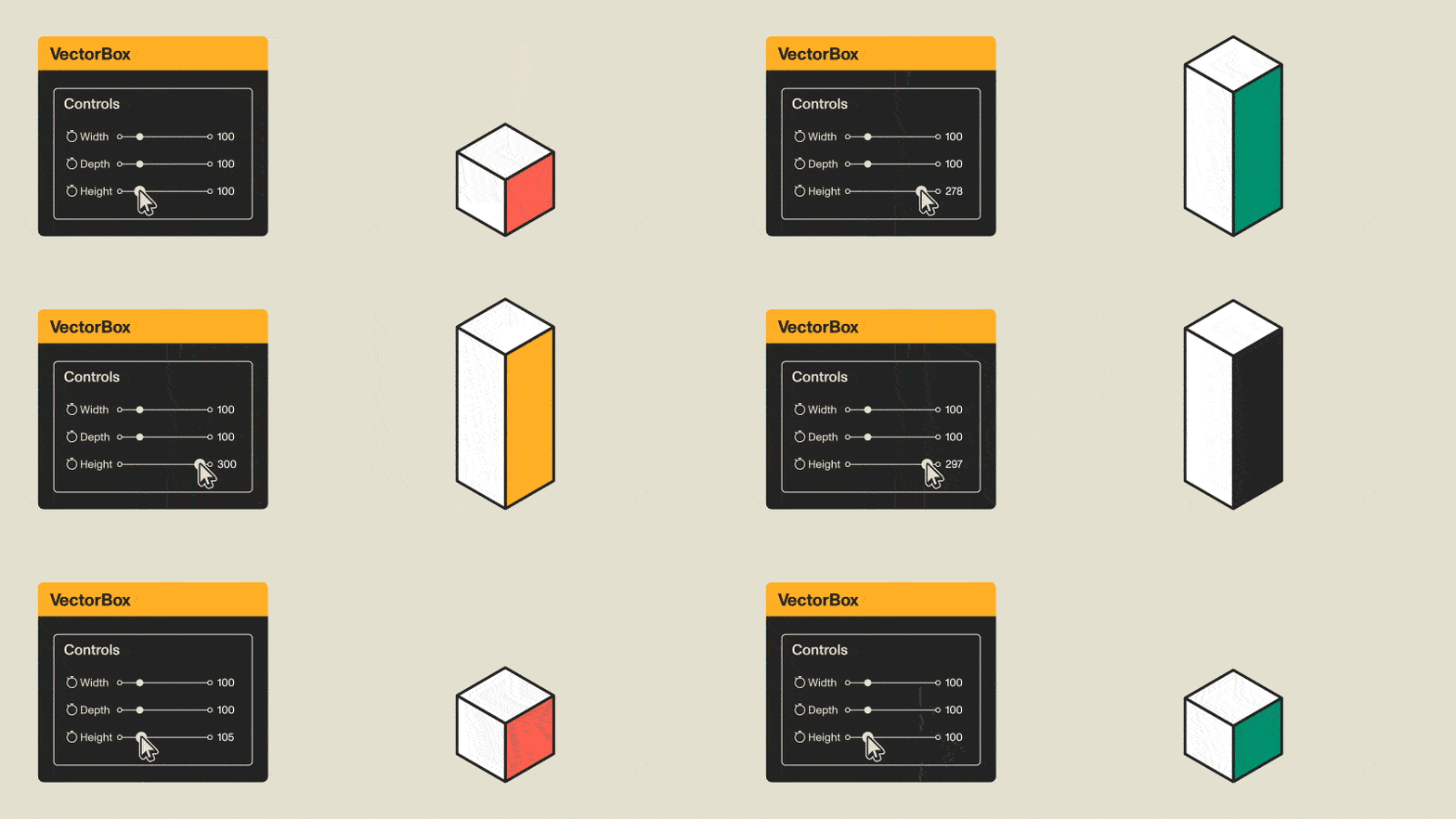
VectorBox lets you build colourful, unique, 3D boxes that retain their stroke size - no matter the dimensions. Hit the box-looking button in the script panel and, voila, a box is dropped into your composition. The box layer will have the pseudo-effect titled VectorBox.
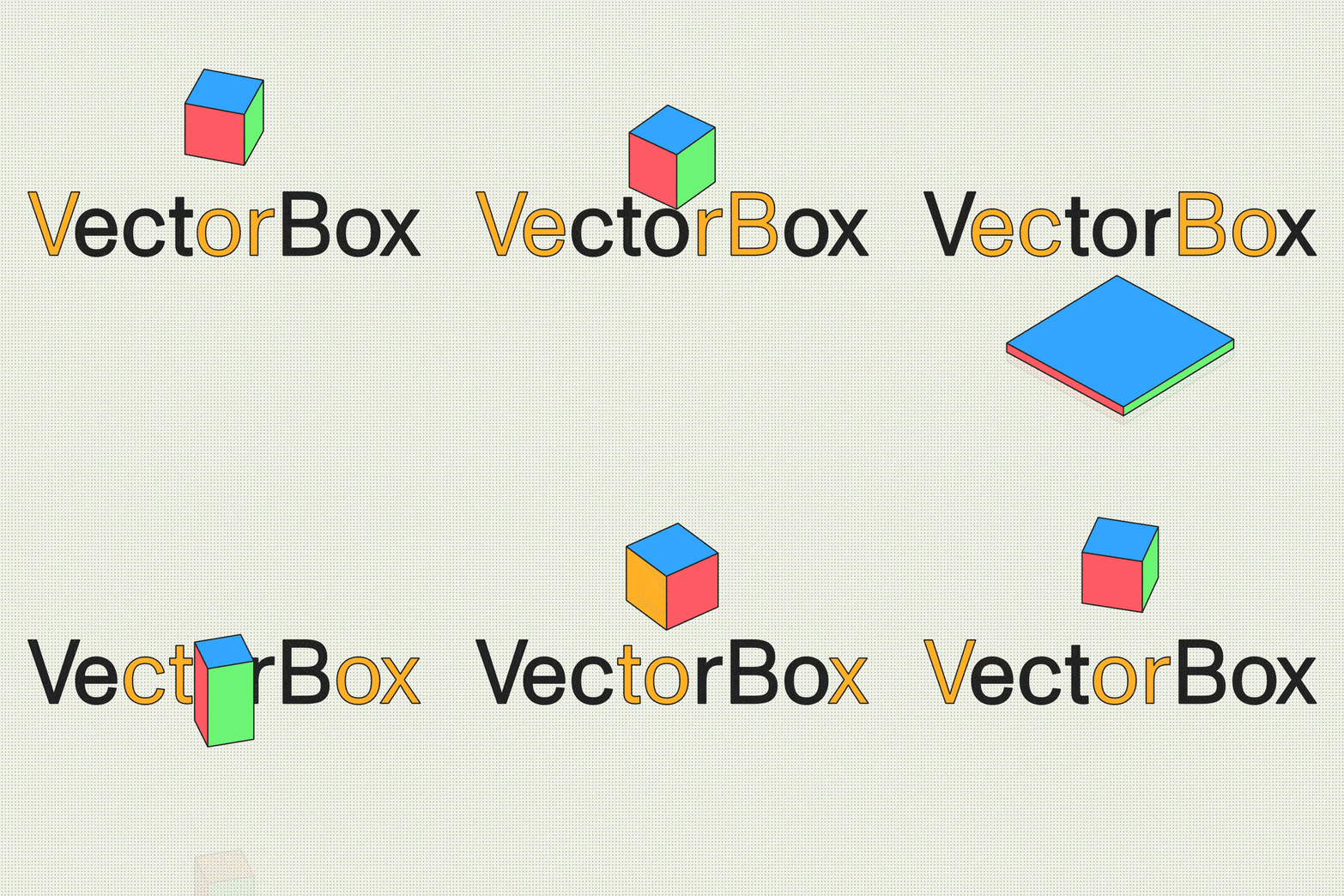
Controls you have in the Effect Controls panel:
- Box dimensions
- Stroke size
- Stroke colour
- Colour of each face
- Wireframe mode (turns faces off, only leaving strokes visible)
- Squash & Stretch (interpolate between 2 sets of box dimensions)
Tutorial
| After Effects | 2022, 2021, 2020, CC 2019, CC 2018, CC 2017, CC 2015.3, CC 2015, CC 2014, CC, CS6 |
|---|
1.1 (Current version) - Sep 14, 2022
1.0 - Sep 8, 2022
-
- Compatibility After Effects
Power Sphere
Add to CartA 3D Sphere plugin with power controls! Elliptic distortion, unfolding, rich shading, self shadowing, reflections, DOF and comp lights and camera.
-

- Compatibility After Effects
- Compatibility Premiere
Mantra V2
Add to CartStep into AR Content Creation in After Effects and Premiere Pro. Includes 360/VR VFX to stlylize footage
-
- Compatibility After Effects
Matrix
Takes a layer in your comp and breaks it into pieces. You choose the size of the pieces, whether to animate in order or random, and how long you want the transition to take.Add to Cart$14.99 As low as: $11.99 -
- Compatibility After Effects
TypeMonkey3D
Add to CartConvert TypeMonkey to stunning 3D in seconds. TypeMonkey & AE 2024 required.
-
- Compatibility After Effects
- Compatibility Cinema 4d
- Compatibility Blender
Lockdown 3 for After Effects
Add to CartNew FREE version of Lockdown which allows 1 and 2 point tracking. Lockdown is the original and best plug-in that allows you to track warping surfaces inside After Effects. Lockdown 3 lets you give your mesh 3D depth. Easily send the mesh to Cinema 4D, Blender, and other 3D apps to attach objects, digitally re-light, and more!
Click the TRY button above to download the free version.
-

- Compatibility After Effects
Crazy Shapes
Add to CartWith Crazy Shapes, you can expand the possibilities of Path work in After Effects. Make rigs, add cool animations in a few clicks, and use extra tools to make your work easy and fun.