
YY_ShockRing
-
Compatibility After Effects Please check exact version compatibility under the "COMPATIBILITY" tab below
 Adding to cart...
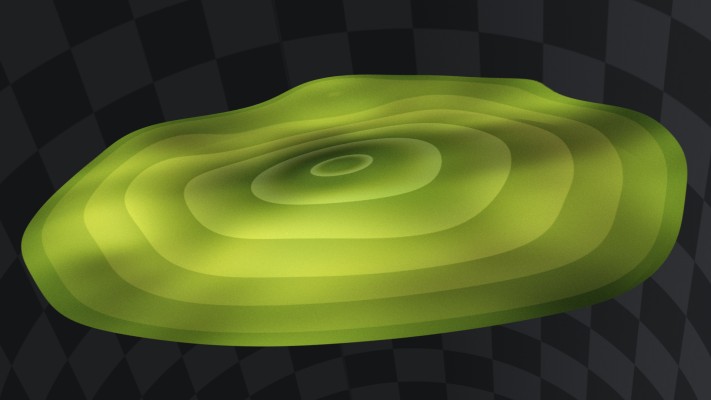
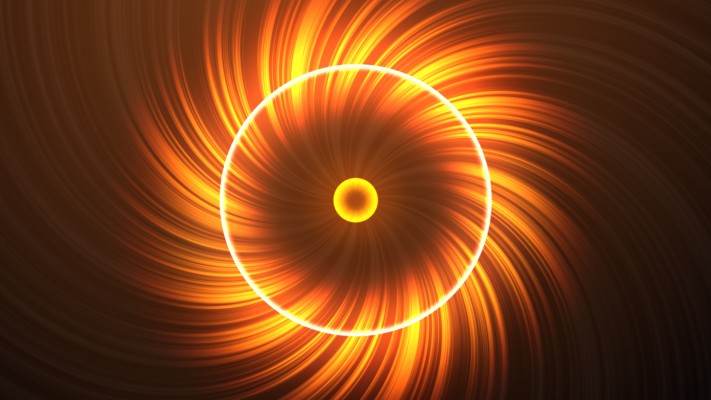
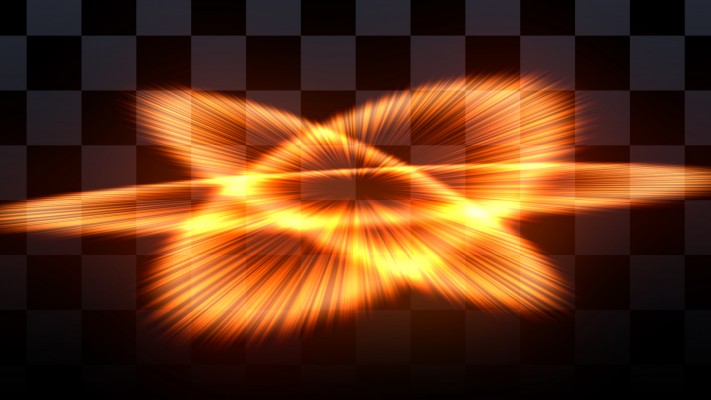
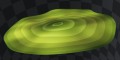
 YY_ShockRing makes rings. Kind of like how the circle effect makes circles, or how the ramp effect makes ramps, YY_ShockRing was designed to be a feature-complete plugin for making rings. Use it for shockwaves, motion graphics, or anywhere else you need rings.
New features
- Multi-Frame Rendering (MFR)
- Native Apple Silicon support
- Improved speed
- Scatter parameter
Parameters:
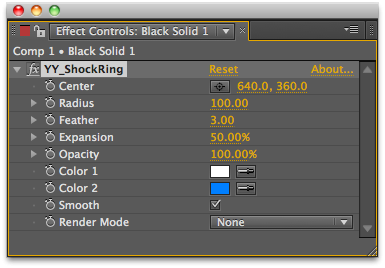
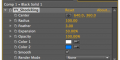
- Center: Center point for the ring
- Radius: Radius of the ring
- Feather: Softness of the ring's outer edge
- Expansion: Thickness of the ring
- Opacity: Opacity of the ring
- Scatter: Adds noise to the ring (CS5+ only)
- Color 1: Color near the outside
- Color 2: Color near the inside
- Smooth: Smooth interpolation (as opposed to linear)
Render Mode:
- None: Render on transparent
- Normal: Render on background
- Add: Additive blending on background
- (Stencil) Multiply: Reveals the background, kind of like stencil alpha, composited on black
- (Stencil) Multiply+Alpha: Same as above, but on composited on transparent






| After Effects | 2024, 2023, 2022, 2021, 2020, CC 2019, CC 2018, CC 2017, CC 2015.3, CC 2015, CC 2014, CC, CS6, CS5.5, CS5, CS4 |
|---|
2.1 (Current version) - Mar 12, 2022
- Support for MFR
- Fix slowdown bug
2.0.1 - Nov 9, 2019
2.0 - Aug 17, 2012
- Improved speed
- Fixed blend mode issues with 32-bit
- Added scatter parameter (CS5+)
- 2.0 - aug 2012
- Added support for CS6
- Improved speed
- Fixed blend mode issues with 32-bit
- Added scatter parameter (CS5+)
- 1.0 - Initial release - Dec 2010
-

- Compatibility After Effects
circuitFX
Add to CartcircuitFX is a tool for After Effects designed to create graphical circuit boards. The circuit pattern is generated randomly with every button press. Apart from the circuit lines and circles, circuitFX also creates, chips, resistors, and capacitors. It has the ability to put all of the needed parts in a single shape layer or create separate shape layers for each part of the board. Its ideal for technology or sci-fi related projects, animated backgrounds, HUDs, etc.
-
- Compatibility Photoshop
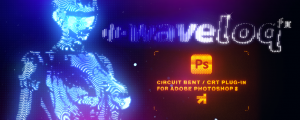
Waveloq Photoshop Plugin
Infinite possibilities for creating Circuit Bent and other CRT distorted glitch effects in PhotoshopAdd to Cart -

- Compatibility After Effects
Carousel XPress
Add to CartCreate a Carousel inside After Effects with one click. There are 5 types of Carousel: Linear, Circular 2D, Circular 3D, Exponential and Path.
-

-

-

- Compatibility After Effects
Matte-Kit
Add to CartCreate and manage mattes between multiple layers with FX and track-mattes - without the confusion...
-
- Compatibility After Effects
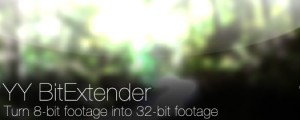
YY_BitExtender
Add to CartThis plugin turns 8 bpc footage into 32 bpc footage, and lets you very easily tweak the results based on your needs.
Please note that this plugin is not compatible with CS6 or above
$24.99 -
- Compatibility After Effects
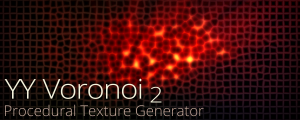
YY_Voronoi 2
Add to CartNow with Apple Silicon and MFR support. YY_Voronoi is a procedural texture generator which can be used as all sorts of textures, from terrain maps to water caustics to abstract backgrounds. By layering different Voronoi patterns, variations in complexity can be achieved.
$29.99 -

- Compatibility After Effects
YY_HexTex
YY_HexTex generates tiled hexagon textures, with extra options such as rotation, edge thickness, etc. Everything can be animated right in the comp, without need to deal with messy nested precomps.Add to Cart$29.99 -
- Compatibility After Effects
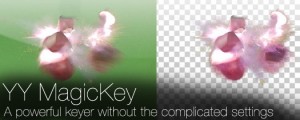
YY_MagicKey
Add to CartA powerful keyer without the complicated settings.
$34.99 -
- Compatibility After Effects
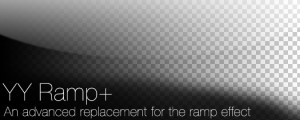
YY_Ramp+
A more full featured ramp effect, with more parameters such as opacity and blend modes.Add to Cart$39.99