
Matte-Kit
-
Compatibility After Effects Please check exact version compatibility under the "COMPATIBILITY" tab below
 Adding to cart...
Matte Kit takes the confusion and frustration out of creating and combining mattes between multiple layers, and removes the unpredictable results that can often occur with raster and vector layers when using the native matte effects.
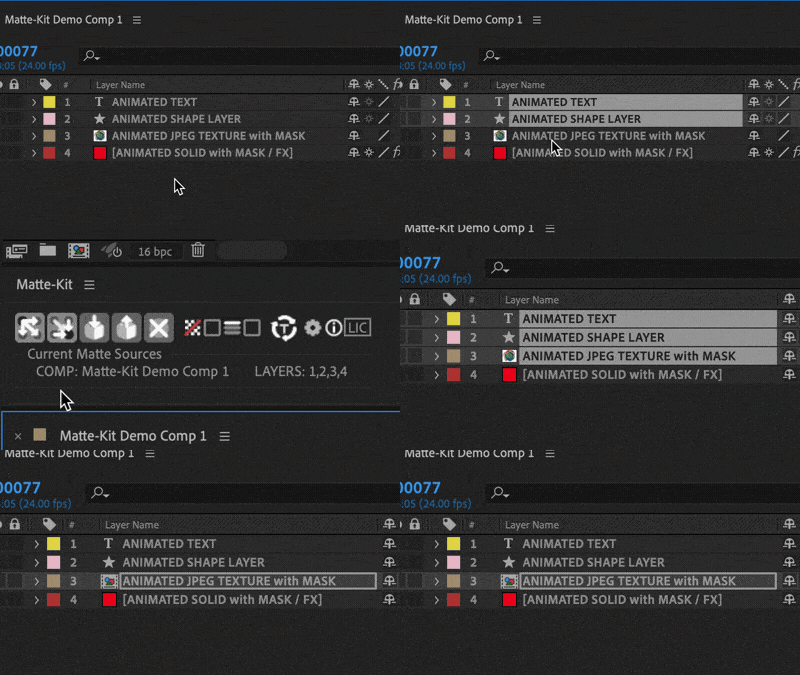
Multiple matte source layers can be stored in the panel, and then applied to as many layers as you like in one click.
Allows you to choose between using native matte effects or track-mattes, and multiple sources can be combined in single track matte layers with expression linking.
Uses native effects to avoid plugin dependencies when transferring projects.
Apply sources to multiple targets with one click
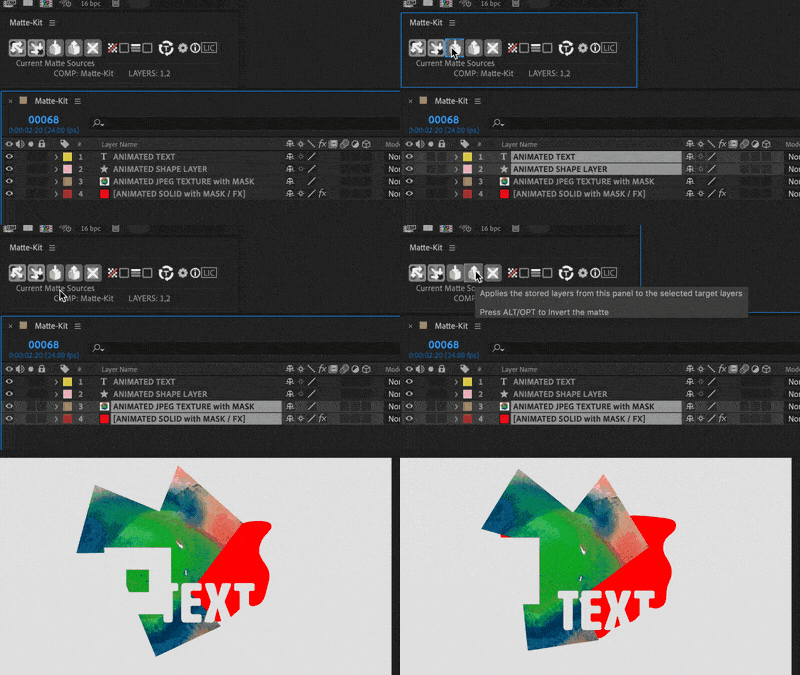
Hold ALT/OPT to invert the resulting matte
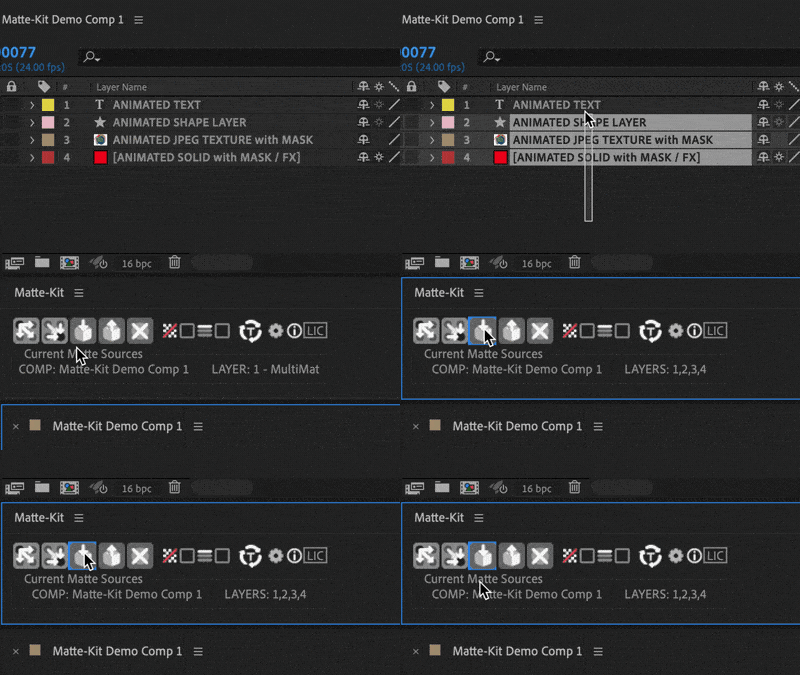
Store sources in the panel to be applied later
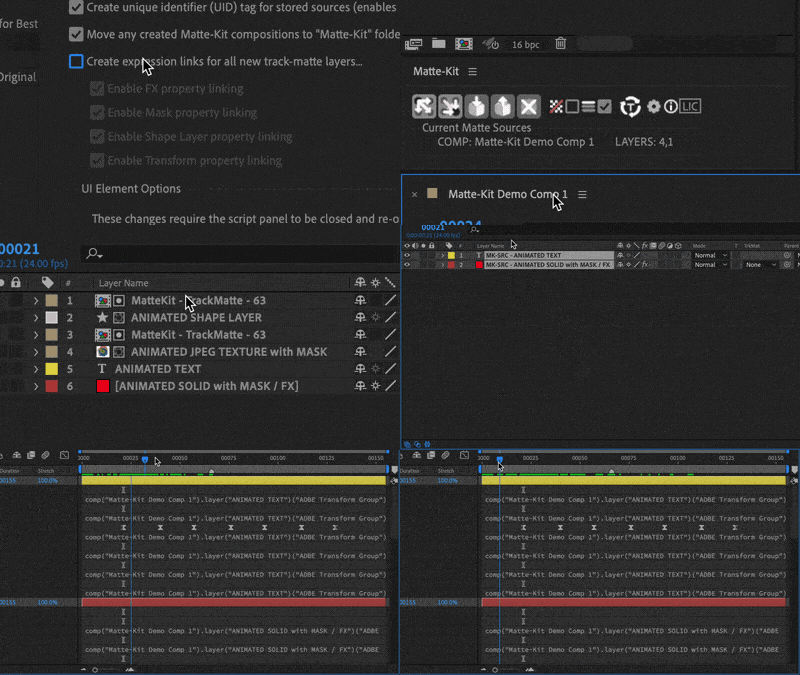
Optional automatic expression linking for track-mattes
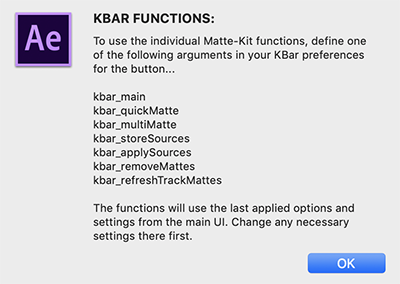
Fully K-Bar integrated
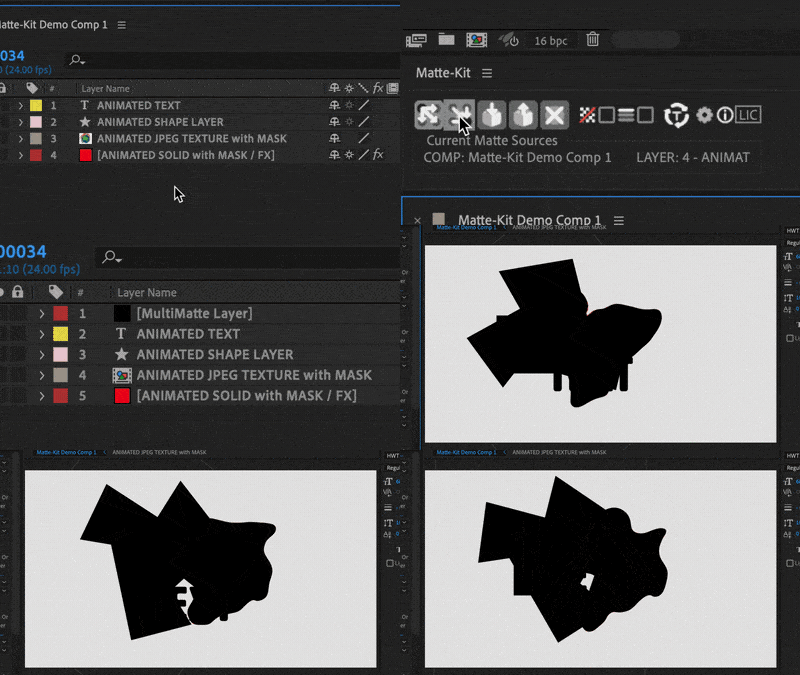
Create separate Multi-Matte layers from multiple sources
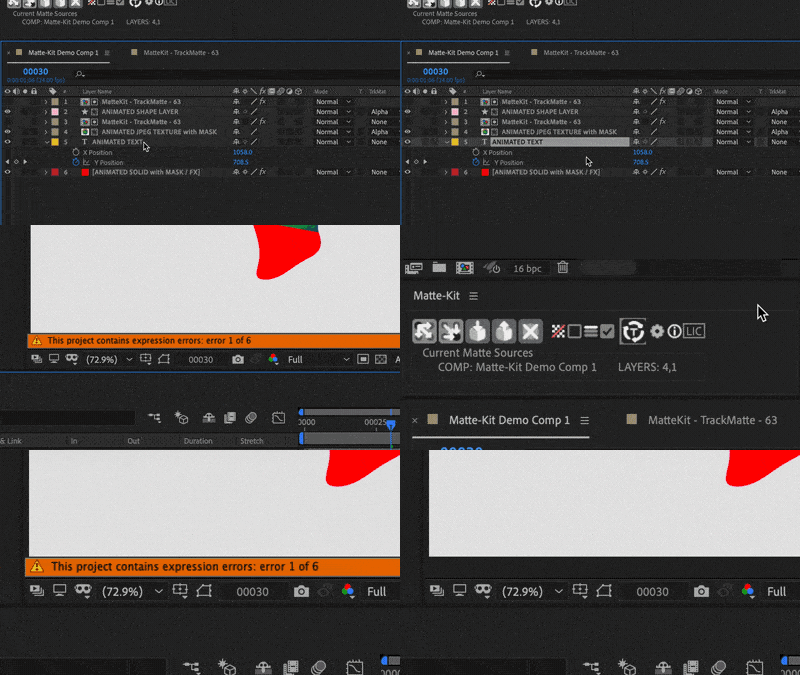
Fix expression errors across linked track-mattes
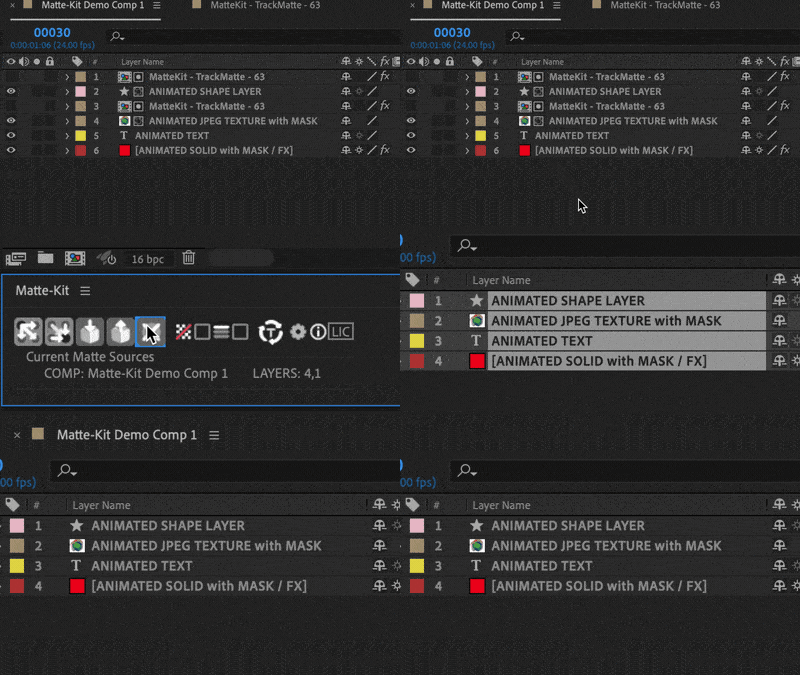
Remove all Matte-Kit effects and track-mattes with one click
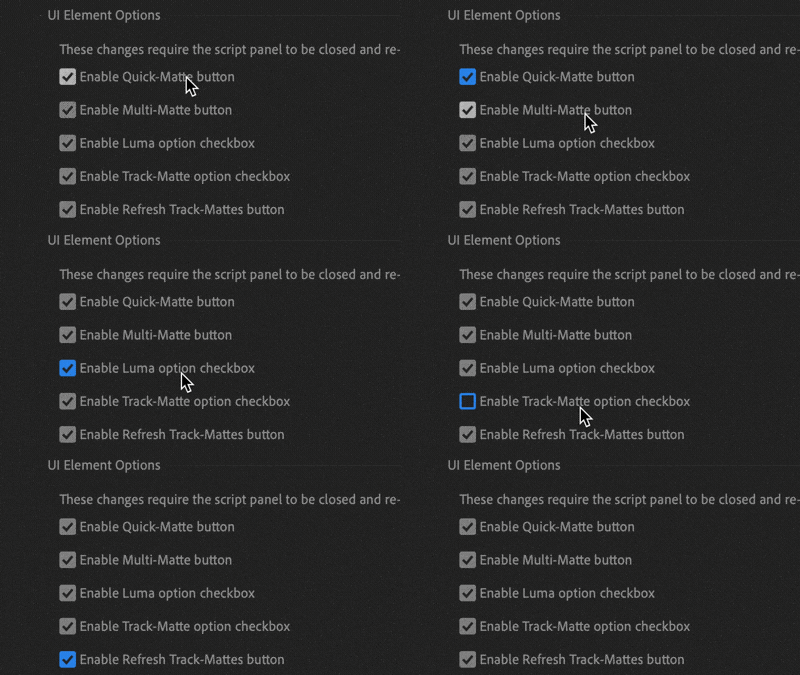
Customize the UI to your preference
OTHER FEATURES
- Auto pre-comping & project cleanup in the background
- Predictable results with raster and vector layers
- Persistent preferences and UI layout between sessions
- Uses native effects - No plugin dependencies
| After Effects | 2021, 2020, CC 2019 |
|---|
1.0 (Current version) - Mar 31, 2020
-

- Compatibility After Effects
- Compatibility Cinema 4d
- Compatibility Blender
Lockdown 3 for After Effects
Add to CartNew FREE version of Lockdown which allows 1 and 2 point tracking. Lockdown is the original and best plug-in that allows you to track warping surfaces inside After Effects. Lockdown 3 lets you give your mesh 3D depth. Easily send the mesh to Cinema 4D, Blender, and other 3D apps to attach objects, digitally re-light, and more!
Click the TRY button above to download the free version.
-
- Compatibility After Effects
CornerPinner
Add, convert, matte, round and rotate corner pins.Add to Cart -

- Compatibility After Effects
Composite Brush
Add to CartComposite Brush is an accurate and easy to use color selector and modifier for After Effects. Create a selection with just a few strokes, and modify colors or pull a key with the effect.
-

- Compatibility After Effects
Pixelfan
Add to CartBend and stretch layers along paths to create unique distortion effects, glitch effects, and more.
-

- Compatibility After Effects
- Compatibility Premiere
- Compatibility Final Cut Pro
- Compatibility Cinema 4d
- Compatibility Nuke
PQ Art Parts
Add to CartPQ Art Parts is a library of handmade transitions, a lot of frames for customizing the look of any layer, plus some useful elements like edges, individual brush strokes, bubbles and some lower thirds. Each Art-Part was lovingly painted, inked or sketched in multiples, shot in VERY high resolution, cleaned, then sequenced at either 12FPS or 24FPS. They're designed to bring arty character to any layer in After Effects.
-
- Compatibility After Effects
AutoMatte
Add to CartAutoMatte batch pre-composes RGB multimattes, into individual pre-comps with a transparent background.
-

- Compatibility After Effects
Smart Posterizer
Add to CartAutomatically detects visual change in animation and uses it to control time posterization on other properties.
$24.99