
YY_BitExtender
-
Compatibility After Effects Please check exact version compatibility under the "COMPATIBILITY" tab below
 Adding to cart...
 This plugin turns 8 bpc footage into 32 bpc footage, and lets you very easily tweak the results based on your needs.
To install it, simply drop the pbg file into your plugins folder, and start After Effects. (sorry CS3 users, but pixel bender plugins don't work with anything under CS4)
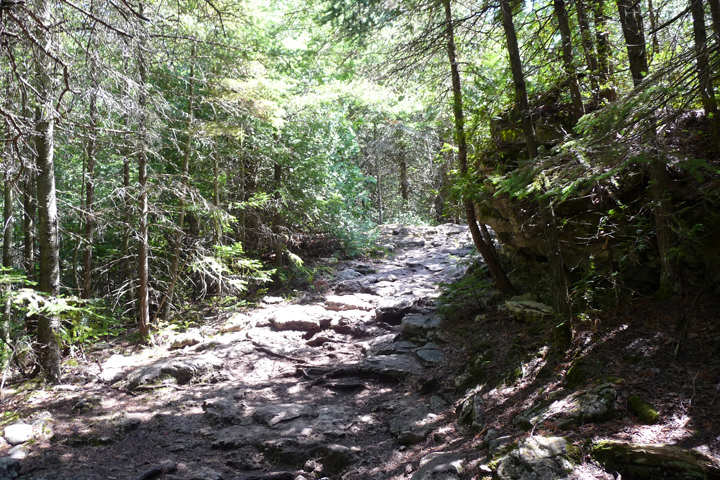
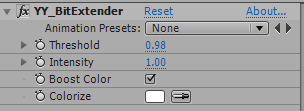
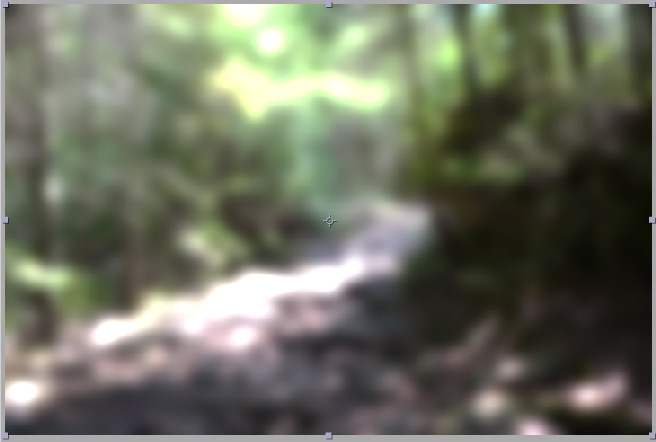
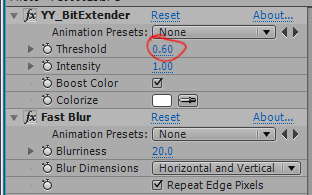
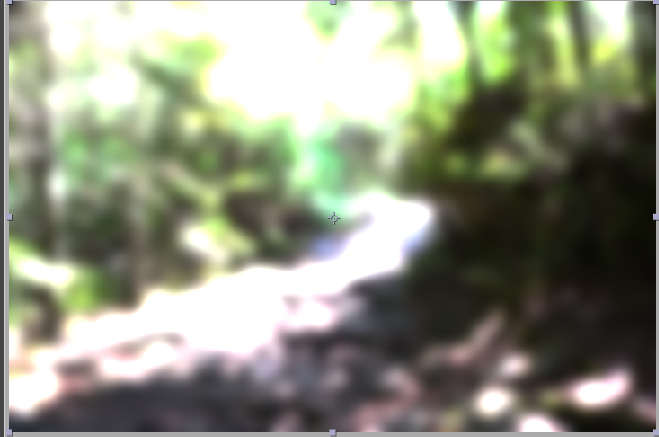
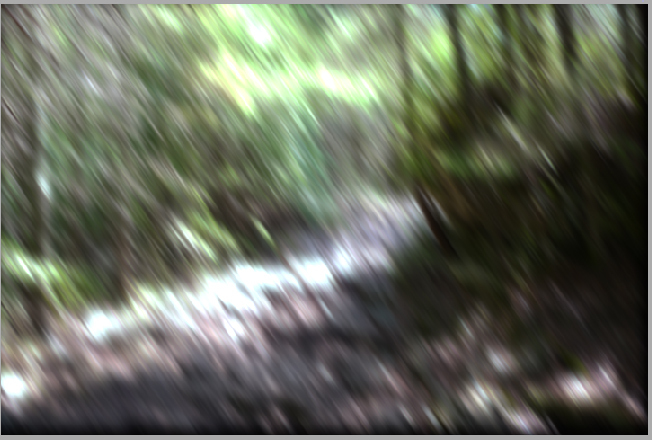
As you can see, with the threshold lower, the blobs of light become bigger.
The next parameter is Intensity. It determines how much brighter the "superbright" areas should be. Generally, leaving it at 1 is ok, though sometimes you want a more subtle effect. (sorry, no picture)
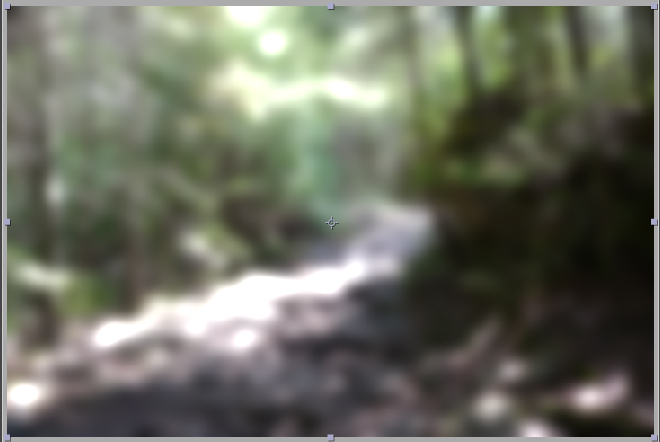
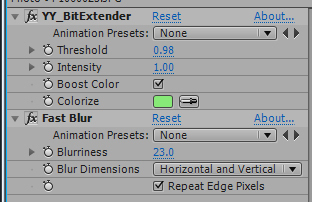
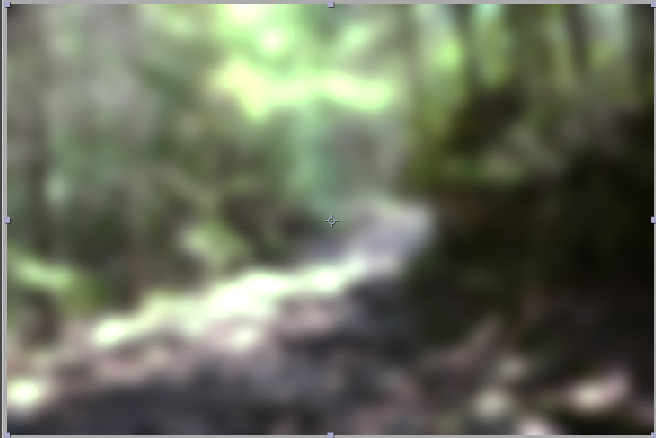
This is a very useful feature if you have bright lights in a shot, and you would prefer to give the lights a color. It can also achieve some nice, stylistic effects.
| After Effects | CS5.5, CS5, CS4 |
|---|
2.0 - Initial release on aescripts.com - Nov 2010
-

- Compatibility After Effects
Loopy
Add to CartThe handy panel for looping keyframes, paths, pre-comps and footage.
-
- Compatibility After Effects
3D to 2D ScreenSpace
Takes a 3D position and creates an animated 2D null in it's relative 2D screen-space. Select a 3D Layer and press 'Link' to tie a new null to the 3D point with an expression or press 'Bake' to convert the expression to keyframes straight away.Add to Cart -

- Compatibility After Effects
The LoopMaker
Loops any layers, footage or comps with one click™Add to Cart -

- Compatibility After Effects
Pointers
Snap any position property to any layer. No matter if it is 3D, 2D or parented. Pointers does all the complicated math for you.Add to Cart -

- Compatibility After Effects
qp_ChromaSubsample
Add to CartSimulates chroma subsampling in order to make CG slightly less than perfect. This plugin has been designed to simulate the chroma subsampling process to help better integrate perfect CG renders into video backplates.
Please note that this plugin is not compatible with CS6 or above
$29.99 -
- Compatibility After Effects
- Compatibility Premiere
- Compatibility Final Cut Pro
- Compatibility Nuke
8mm Distress Kit 4K CLASSIC
Add to CartLight leaks, light sweeps, flashes and colors. Damage, dust, hairs, dots, dirt, scratches, grain, sprocket holes,splotches. 32 top quality scans from vintage 8mm cine film at stunning 3840 x 2160 4K resolution. Overlay on your footage and transitions to add a sexy flourish, a touch of grunge or get that totally messed-up look!
-
- Compatibility After Effects
YY_Voronoi 2
Add to CartNow with Apple Silicon and MFR support. YY_Voronoi is a procedural texture generator which can be used as all sorts of textures, from terrain maps to water caustics to abstract backgrounds. By layering different Voronoi patterns, variations in complexity can be achieved.
$29.99 -
- Compatibility After Effects
YY_Ramp+
A more full featured ramp effect, with more parameters such as opacity and blend modes.Add to Cart$39.99 -

- Compatibility After Effects
YY_HexTex
YY_HexTex generates tiled hexagon textures, with extra options such as rotation, edge thickness, etc. Everything can be animated right in the comp, without need to deal with messy nested precomps.Add to Cart$29.99 -

- Compatibility After Effects
YY_ShockRing
Add to CartYY_ShockRing was designed to be a feature-complete plugin for making rings. Blend modes, thickness, feathering, opacity; YY_ShockRing has it all. Use it for shockwaves, motion graphics, or anywhere else you need rings.
$24.99 -
- Compatibility After Effects
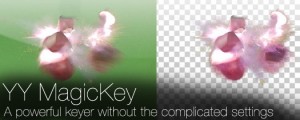
YY_MagicKey
Add to CartA powerful keyer without the complicated settings.
$34.99