
Magnus - Animated Typeface
-
Compatibility After Effects Please check exact version compatibility under the "COMPATIBILITY" tab below
 Adding to cart...
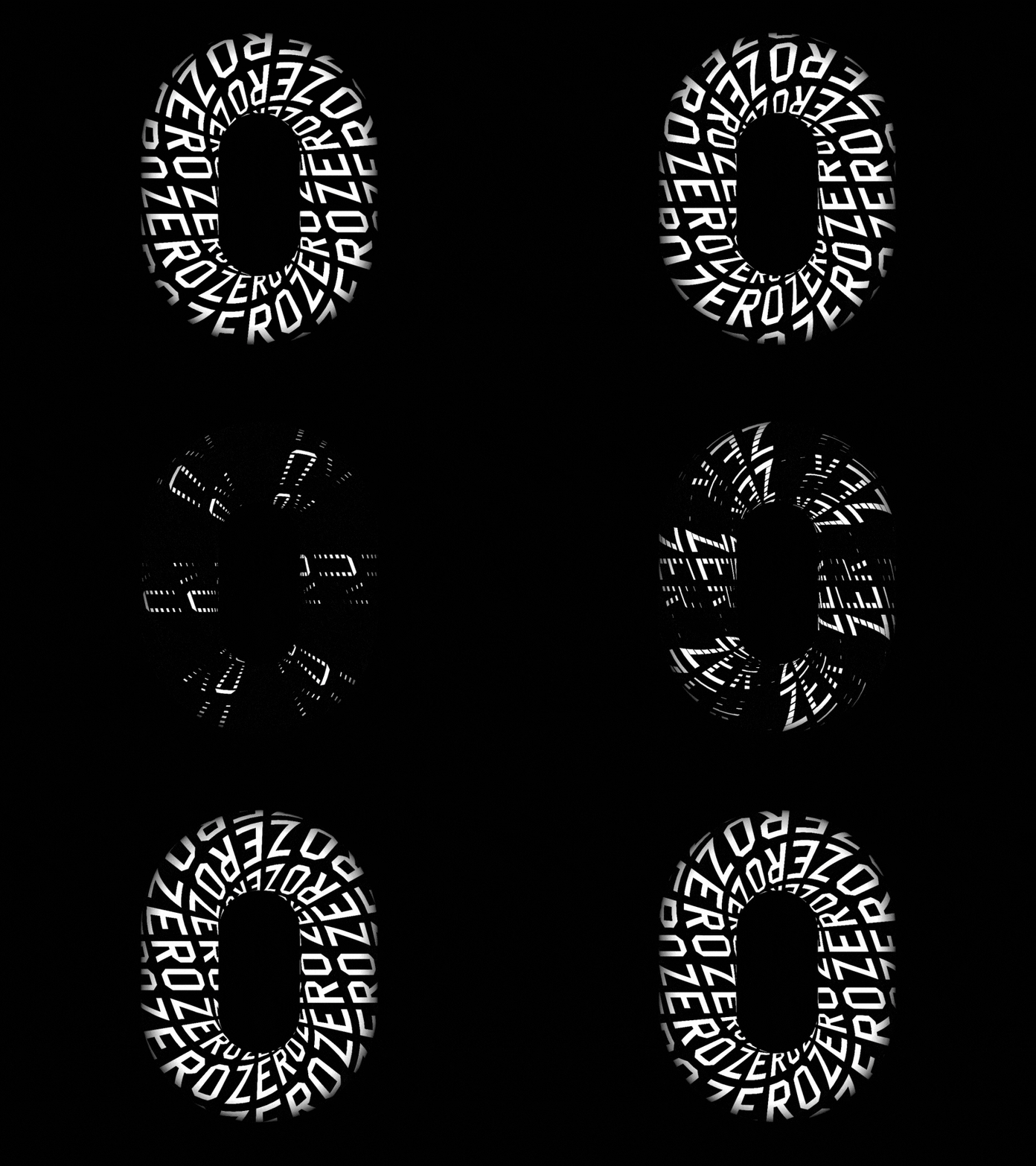
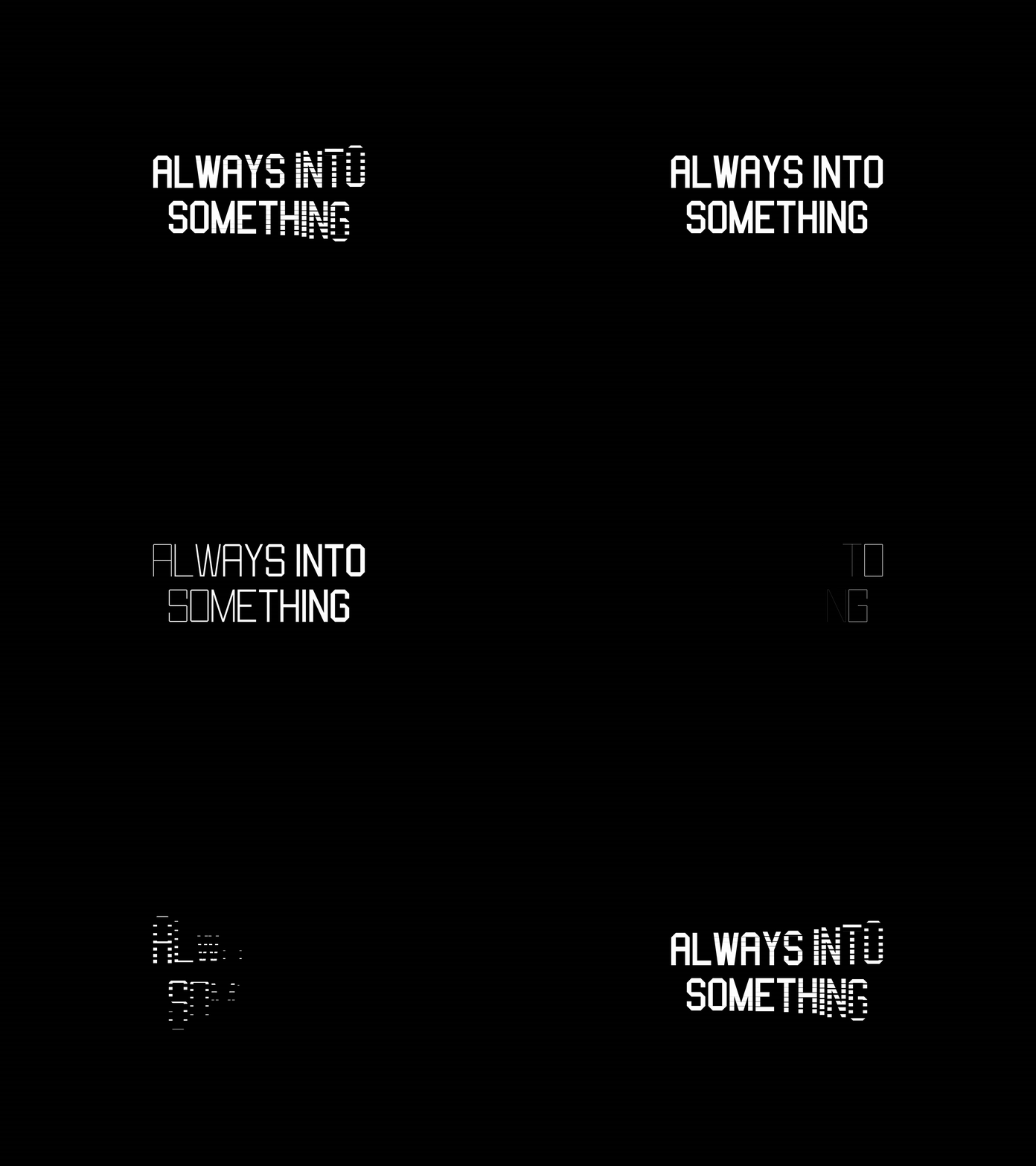
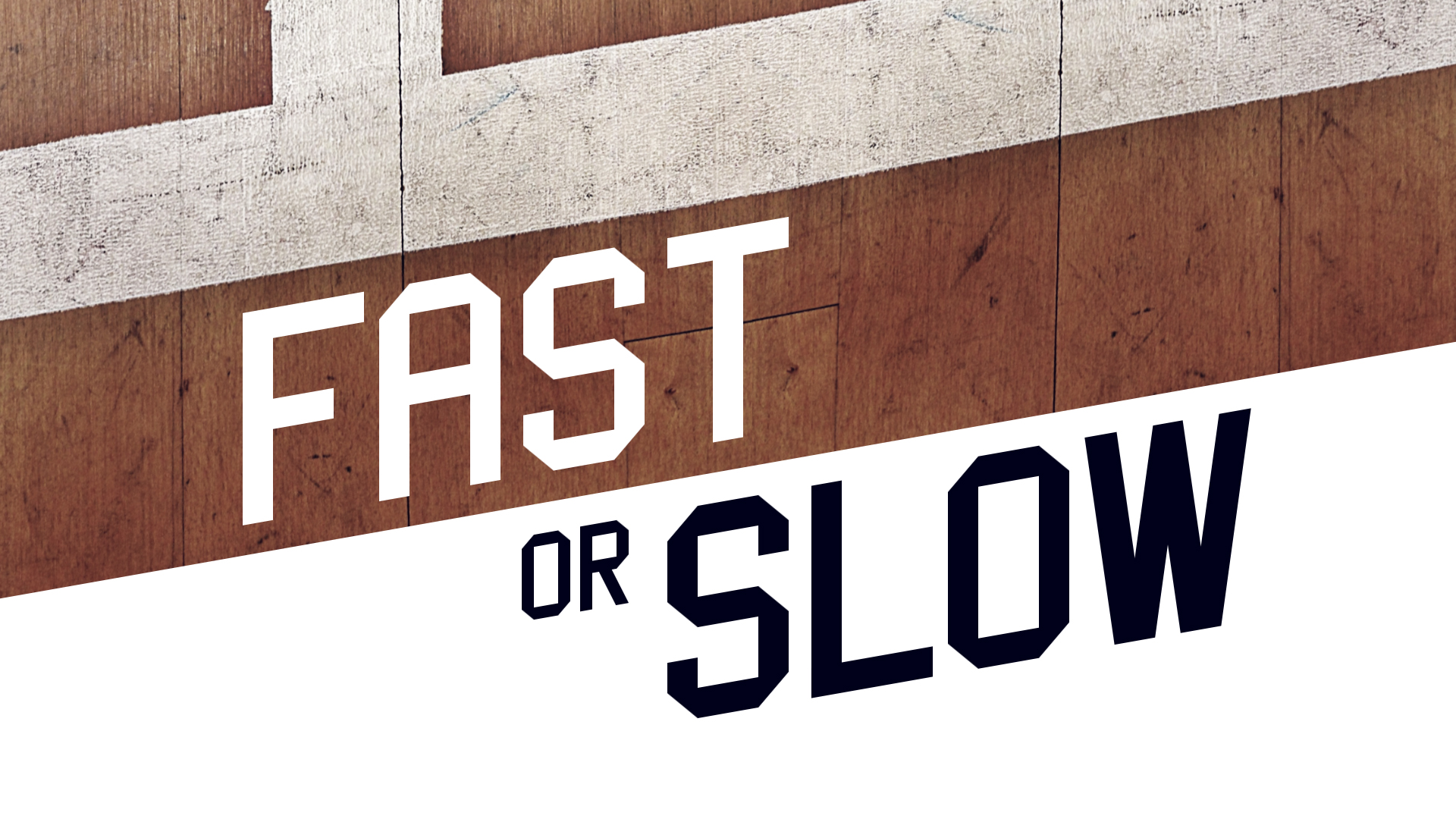
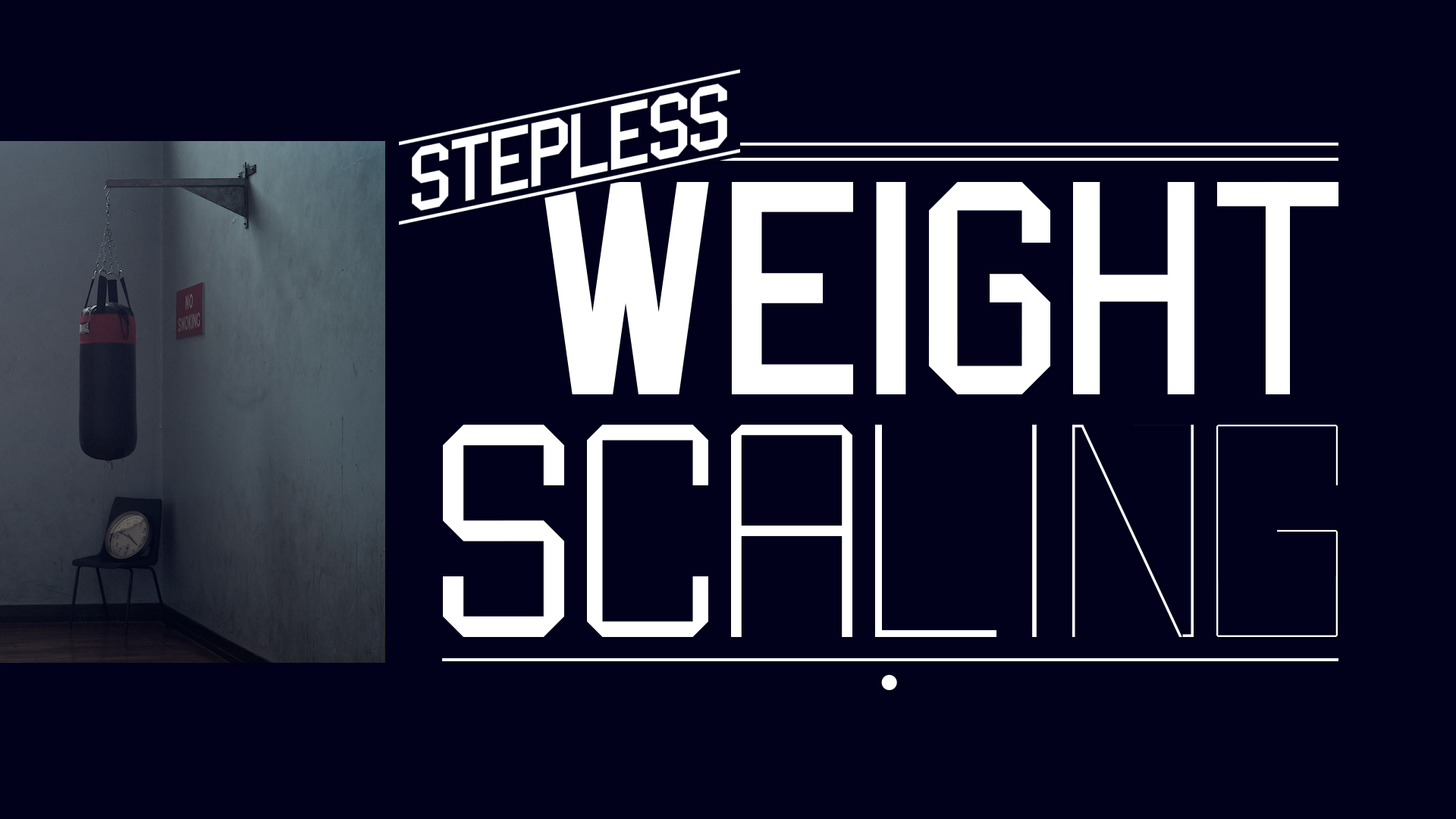
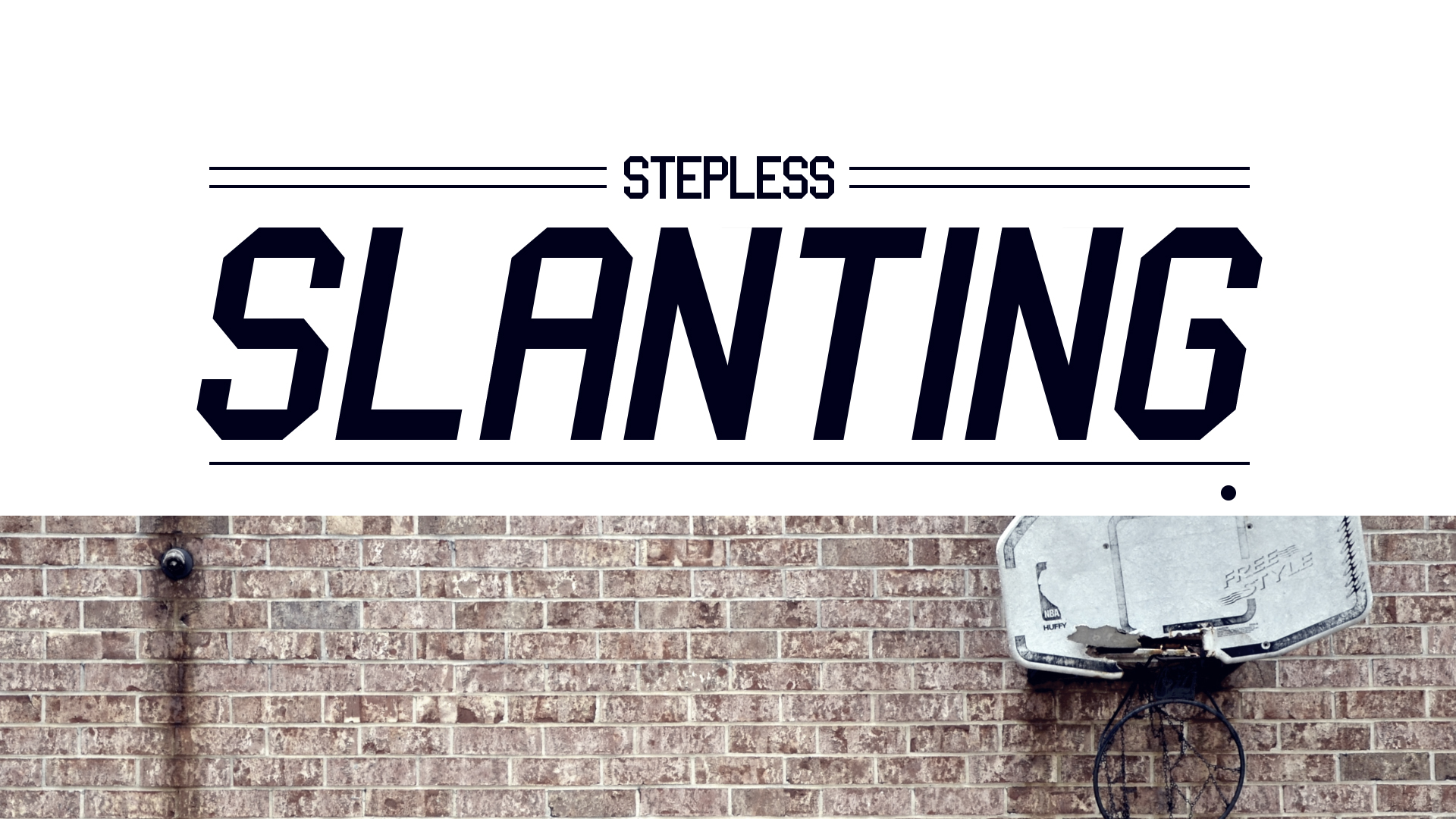
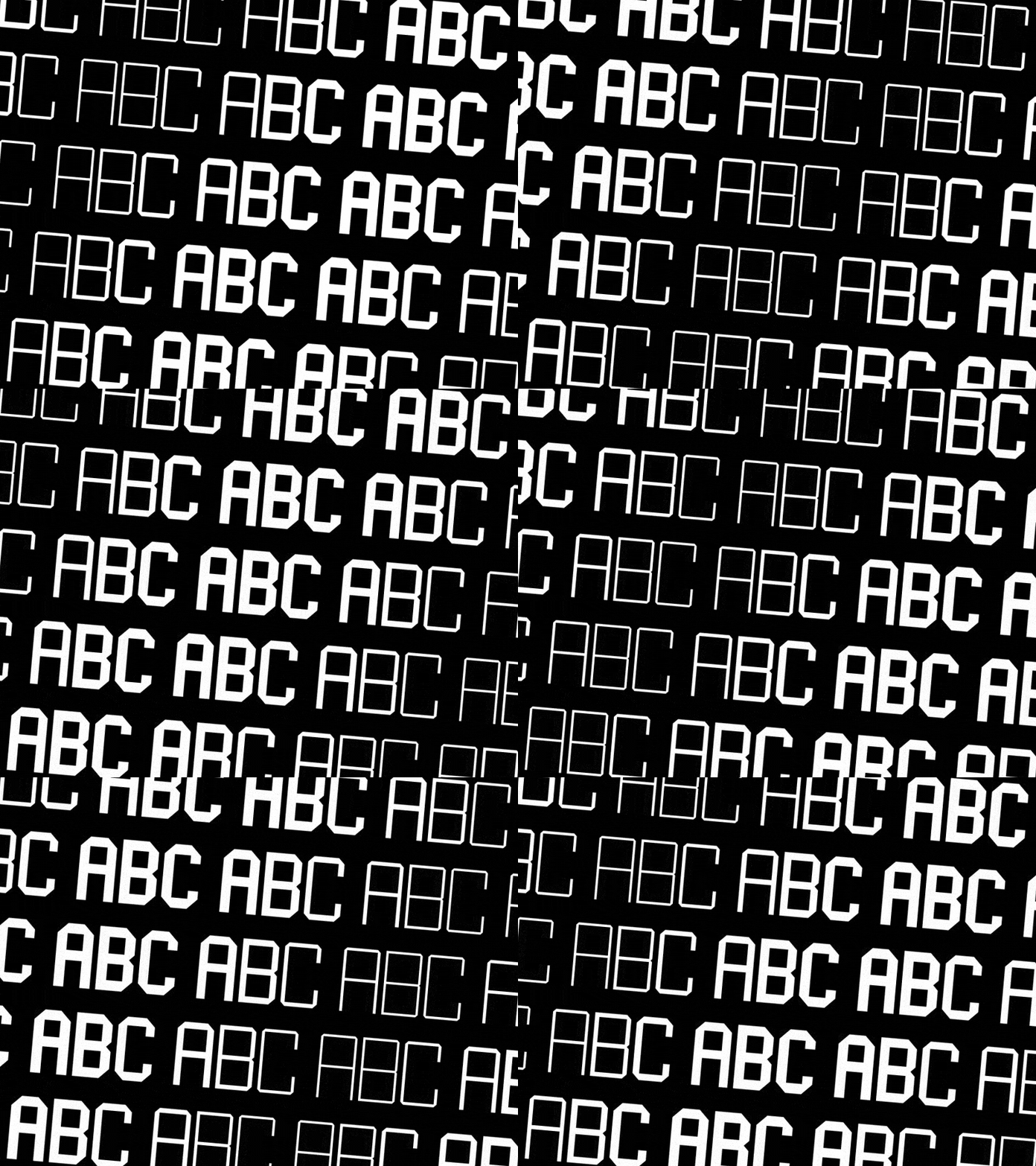
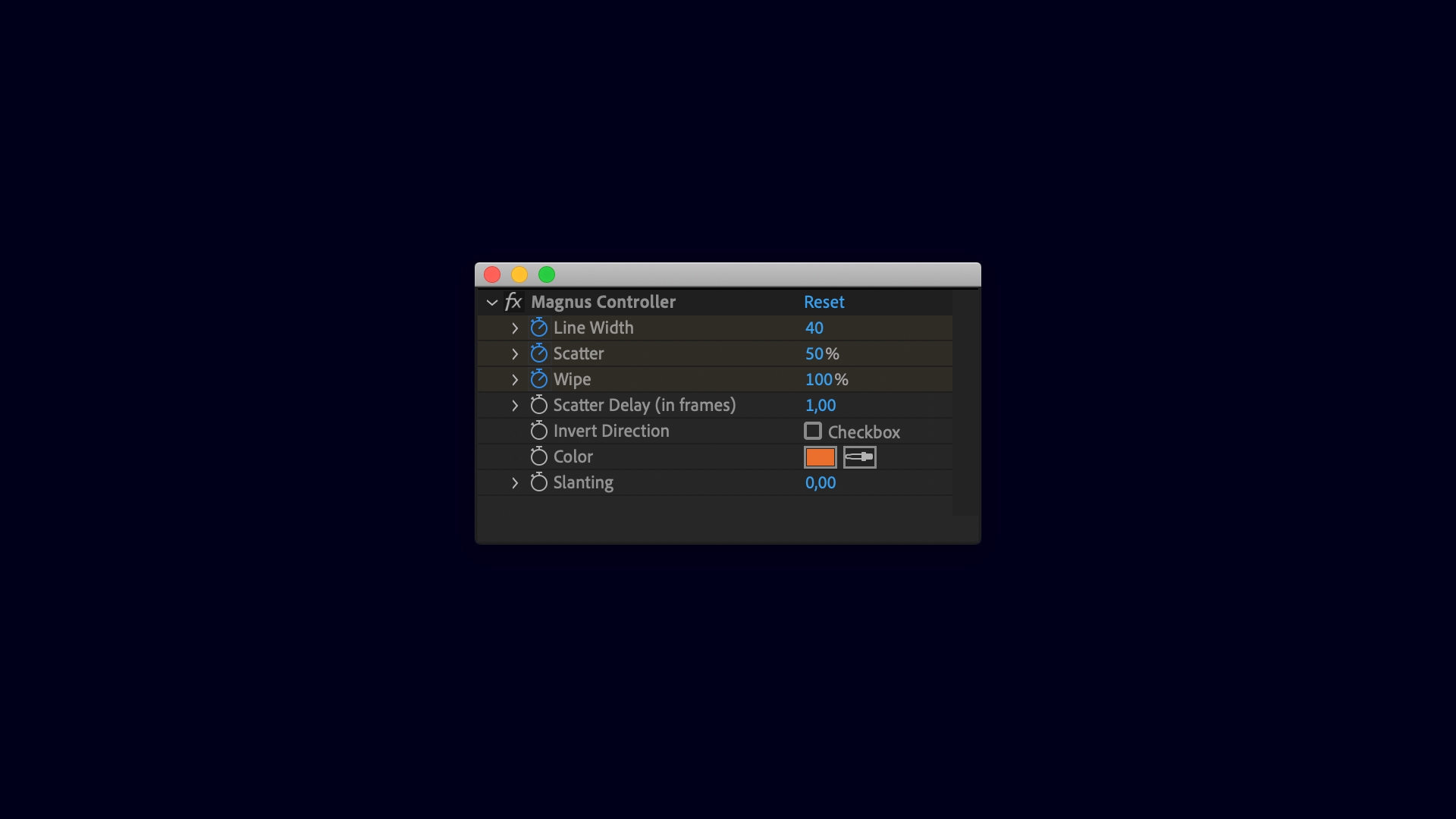
Magnus is a sports inspired, geometric typeface. It's uppercase only but does feature numbers and some punctuation. With a slider you can set the line width or weight of the typeface. This scales inwards, leaving the width of the characters intact. Timing can be customized by setting the time it takes for segments to move in place, and setting the time between the segments. The easing can be switched on or off with a checkbox. Another checkbox let's you choose if the segments should move in from above or below.
Customizable Features
• color
• weight (slider)
• slanting (slider)
• duration per segment
• stagger per segment
• easing
• direction
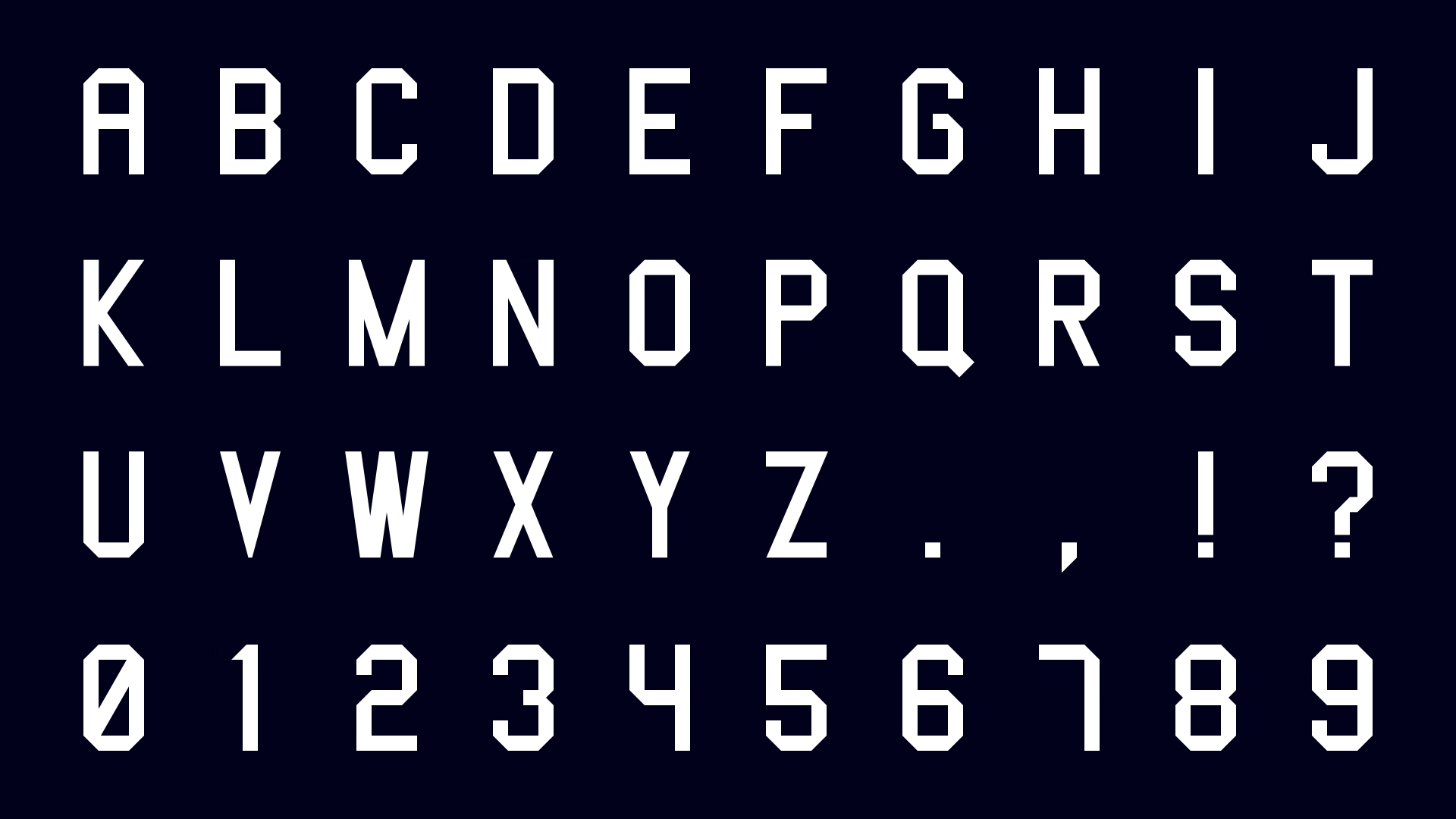
Available Characters
ABCDEFGHIJKLMNOPQRSTUVWXYZ
0123456789
! ? , .
Includes JSX Version
JSX typefaces are a fantastic light-weight format for animated typefaces that seamlessly integrate with Font Manager. Besides the the JSX format you'll also get a neatly organized .aep-file that includes all the animated characters.
Free Trial
This allows you to check out the A, B and C of the animated typeface for 7 days. Click on the green TRY button above for a free trial version (Requires Font Manager to use which also has a free trial available).
Design & animation: Jeroen Krielaars
Optimize Your Workflow
Magnus is fully prepped to work with Font Manager and Animography Controller. Use Font Manager to simply type with Magnus, and set things like size, tracking, line spacing, text alignment and time offset. Font Manager will automatically create a controller to customize Magnus's settings.
Or use the free tool Animography Controller to simply drag characters to your comp, and parent the controller settings with the click of a button.
Easy To Follow Tutorials
Click on the VIDEOS-tab above or check out this playlist on Youtube to quickly learn the basics of working with animated typefaces.
Create Your Own Animated Typefaces
Learn how to create your own animated typefaces like this one, in our 4-hour online course. Check out the full curriculum on Motion Design School.

| After Effects | 2024, 2023, 2022, 2021, 2020 |
|---|
1.4.1 (Current version) - Mar 12, 2019
1.4 - Feb 7, 2019
1.3 - Nov 12, 2017
- Added JSX Format
1.2 - Sep 19, 2017
1.1 - May 30, 2017
- Optimized setup
- Added pseudo controls
- Added stagger delay function
1.0 - Apr 2, 2015
-
- Compatibility After Effects
TinkerType
Break up animations, and have full control. All in just one text layer.Add to Cart -
- Compatibility After Effects
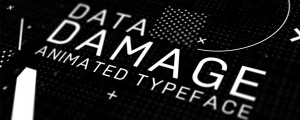
Data Damage Animated Typeface
Digital noised, grained, glitched, error-ed, pixelated and damaged. 55 unique font characters including all uppercase letters, numbers, and 19 common symbols.Add to Cart -
-
- Compatibility After Effects
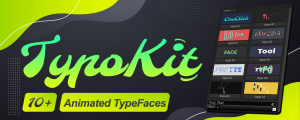
TypoKit
Add to CartTypoKit is a collection of beautifully designed and animated typefaces. 10+ clean, modern animated styles.
-

- Compatibility After Effects
- Compatibility Photoshop
- Compatibility Premiere
- Compatibility Illustrator
Stock Search Pro
Add to CartSearch and download unlimited free stock assets directly from any Creative Cloud application.
-
- Compatibility After Effects
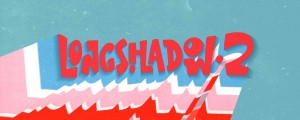
LongShadow 2
Add to CartLongShadow 2 is a full-featured shadow plugin for After Effects. Control every shadow aspect and make outstanding images!
-
- Compatibility After Effects
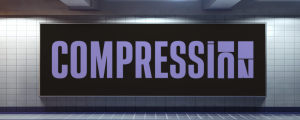
Compression - Animated Typeface
Add to CartCompression is a high impact condensed typeface for headlines and titles. The animation is controlled by a simple slider that moves from 0 to 400.
Order 4 or more Animography Typefaces and save 25%From: $13.00
-
- Compatibility After Effects
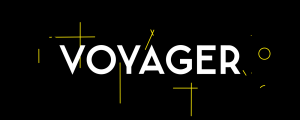
Voyager - Animated Typeface
Add to CartA modern day sans serif typeface, inspired by the Swiss style of typography.
Order 4 or more Animography Typefaces and save 25%.From: $21.00
-
- Compatibility After Effects
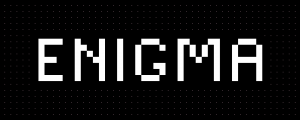
Enigma - Animated Typeface
Add to CartEnigma is a pixel-typeface with simple and clean animation-style. The in- and out-animations slightly differ in style giving it some nice variety.
Order 4 or more Animography Typefaces and save 25%.From: $11.00
-
- Compatibility After Effects
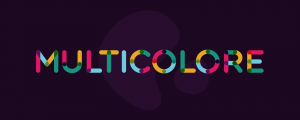
Multicolore - Animated Typeface
Add to CartLike the name already reveals, Multicolore is a vibrant multi-colored typeface. It's based on a rounded modular design system. The lively animations perfectly compliment the multitude of colors. Order 4 or more Animography Typefaces and save an additional 25%
$41.00 -
- Compatibility After Effects
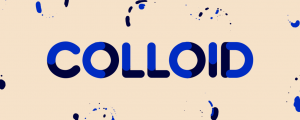
Colloid - Animated Typeface
Add to CartCarefully crafted frame-by-frame animations are at the core of Colloid. Each character is formed from a dance between two colored liquids. This animated typeface is an instant eye-catcher that is guaranteed to inject an impressive liquid flow to your projects. Order 4 or more Animography Typefaces and save an additional 25%
$44.00 -
- Compatibility After Effects
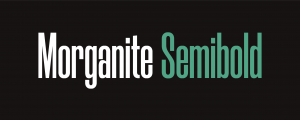
Morganite - Animated Typeface
Add to CartMorganite is a practical compressed typeface with great legibility. With a sleek urban style often found in movie posters and high-end fashion, it's great for branding, posters, titles, and headlines. Its compressed design helps you fit more text into limited spaces.
Order 4 or more Animography Typefaces and save 25%.$39.00