
Automated Video Editing for Premiere Pro
-
Compatibility Premiere Please check exact version compatibility under the "COMPATIBILITY" tab below
 Adding to cart...
What is it
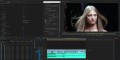
Automated Video Editing allows you to automate the whole video editing process according to the music and other rules you apply.
Import a bunch of video clips and music, make some simple settings and get a fully edited video synced to the music that can be easily adjusted if necessary.
Save time on manual video editing: Promos, Parties, VJ Videos, Wedding and much more.
Features
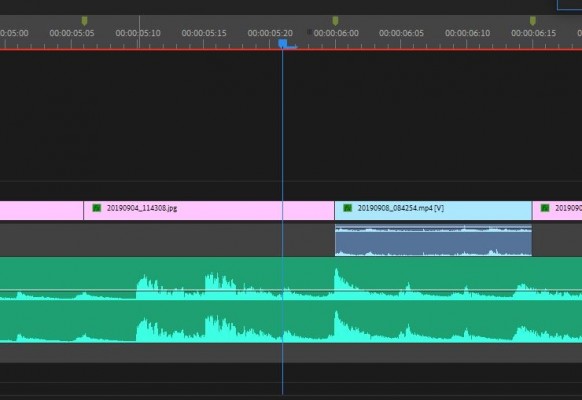
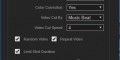
- Automatic Video Editing by volume threshold of the music (with sensitivity controller) or by constant duration between each cut.
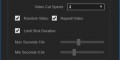
- Random Video footage option.
- Repeat Video option.
- Limit Shot Duration option (Minimum shot duration, Maximum shot duration).
- Sequence Size & Frame Rate adjust.
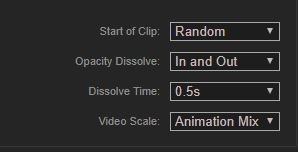
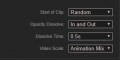
- Start of each clip (Random or Beginning).
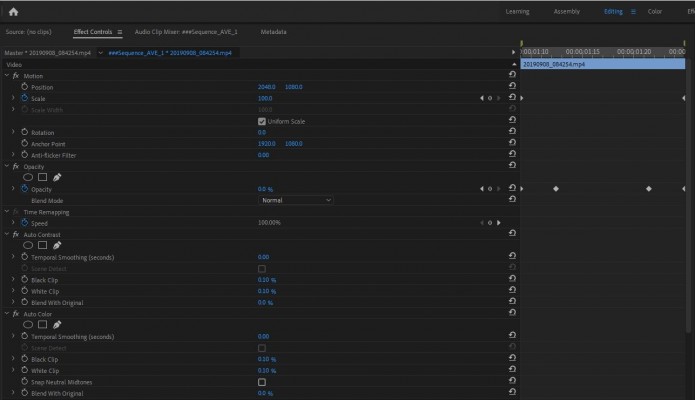
- Opacity Dissolve Control (also include the length of each dissolve).
- Scale Option to all layers in the comp (reframe and scale animation).
- Color Correction.
- Support long duration video footage (for example: GoPro footage) and regular short duration video files.
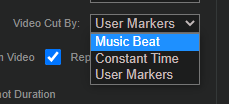
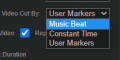
- Three different options to edit the video: 'Music Beat', 'Constat Time', 'User Markers'.
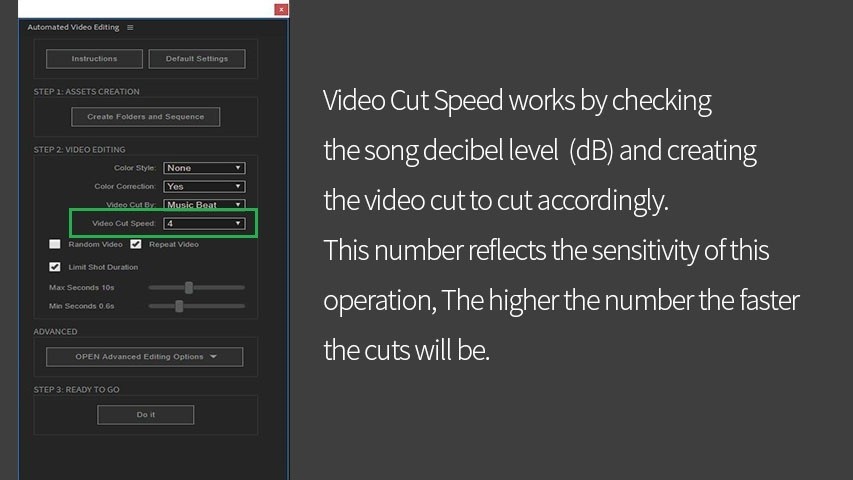
Workflow
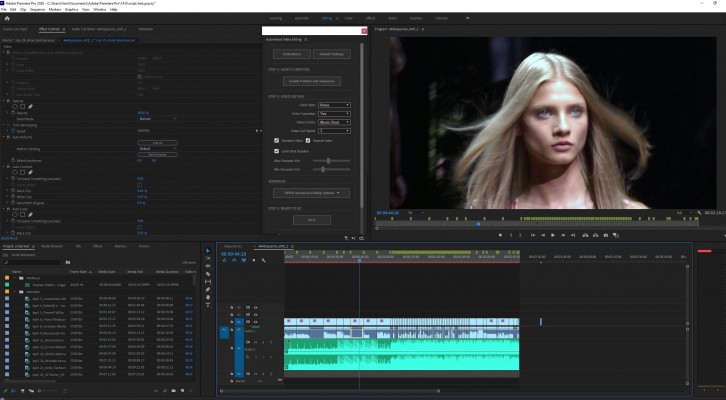
Press on 'Create Folders and Sequence', one sequence and two folders will be created (one folder for music, one folder for videos). Import video files into the video folder and import 1 music file into the music folder.
Tweak the video editing setting in the UI as you wish and press 'Do It'. it will take a bit to finish the operation depending on the length of your edit, your computer speed and the settings you chose.
Tutorial
A short tutorial on how to use Automated Video Editing for Premiere Pro and how to combine the power of the script with the new feature of Adobe 'Automatic Scene Detection'
Trial Version
The 1-week free trial version can be downloaded above and is limited to 10 video clips.
| Premiere | 2022, 2021, 2020 |
|---|
1.0.4 (Current version) - Mar 10, 2023
1.0.3 - Aug 10, 2021
*. Support for Premiere 2021 version.
1.0.2 - Dec 28, 2020
1.0.1 - Nov 10, 2020
1.0.0 - Aug 14, 2020
-

- Compatibility After Effects
Rapid Reel Composer
Add to CartQuickly generate social media reels, short videos, or tutorials with just a few clicks. Forget about manually trimming or splitting long footage. Instead, place markers by pressing the asterisk (*) key where you want to split the footage, and this tool will divide the selected layer into multiple short clips. Use the In-Out button to specify the in and out points of your clips. Alternatively, you can use the 'Lazy' button for automatic cuts with your desired clip length.
-
- Compatibility After Effects
pt_SSAKaraokeAnimator
Create animated karaoke text subtitles from Substation Alpha (.ssa/.ass) or KaraFun (.kfn) file formatsAdd to Cart$29.99 As low as: $19.99 -
- Compatibility After Effects
MonkeyWords
Add to CartThe quickest & easiest way to animate text with callouts. Create dozens of text animations with one click.
-
- Compatibility After Effects
MotionMonkey
Add to CartThe easiest way to animate your layered art. One layer or one hundred at a time. Great for all levels - from novice to expert.
-
- Compatibility After Effects
Get-Sh*t-Done
Helps speeding up the workflow and lets you work more intuitively with Adobe AfterEffects. The basic idea is to compress a sequence of frequently performed steps into one single step.Add to Cart -

- Compatibility After Effects
Batch Search-n-Replace Paths
Batch process folders of After Effects project and search and replace file paths. This can come in handy if you are moving a project to a different folder structure like a new server. You can also use it to batch replace files in many projects at once.Add to Cart
-
- Compatibility After Effects
Automated Video Editing for After Effects
Add to CartAutomated Video Editing automates the whole video editing process synced to music in After Effects.
$44.99 -
- Compatibility After Effects
Text Split and Animate
Instantly create multiple text layers with animation.Add to Cart$24.99