
C4D Viewport Colors
-
Compatibility Cinema 4d Please check exact version compatibility under the "COMPATIBILITY" tab below
 Adding to cart...
Viewport Colors
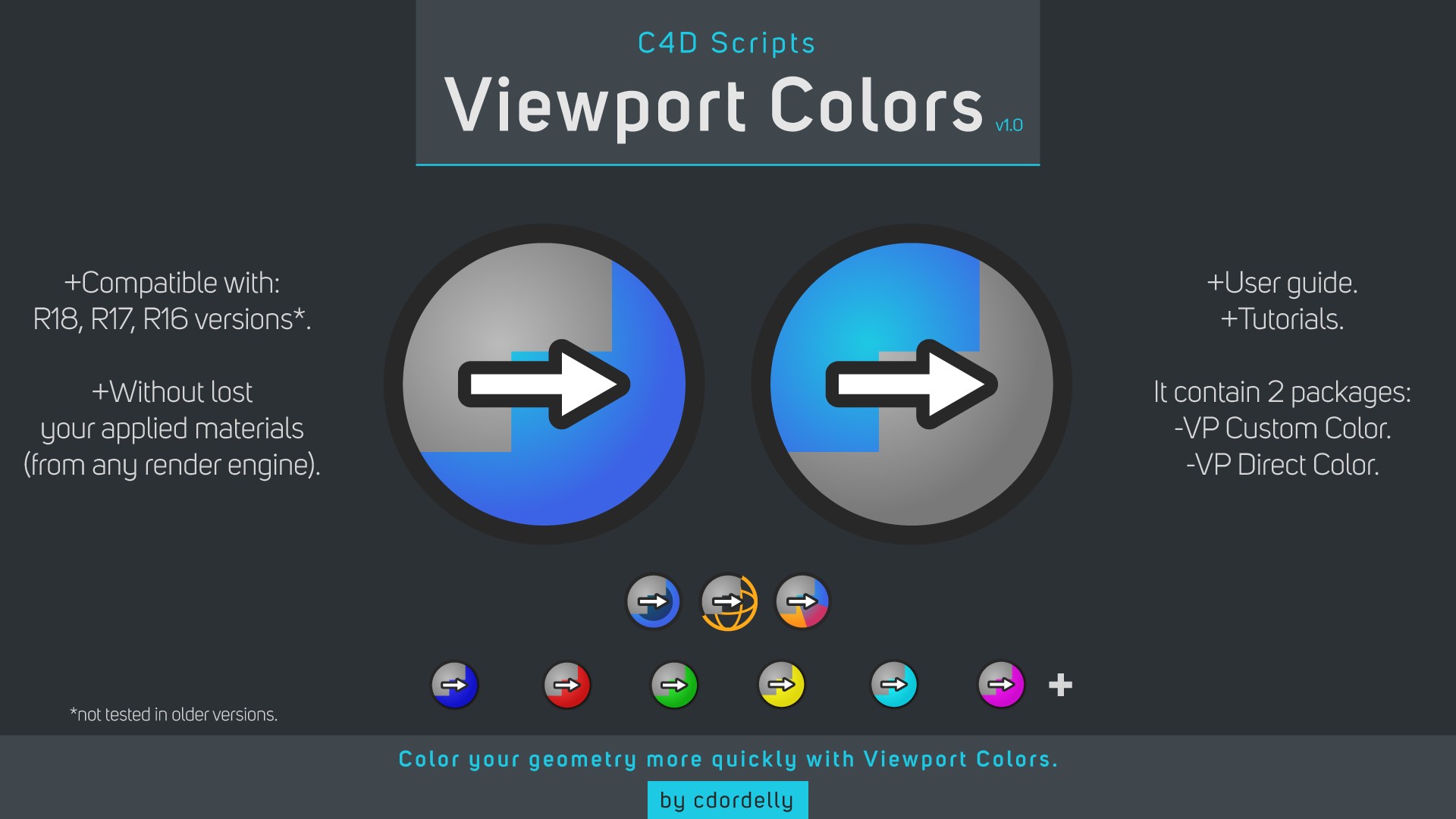
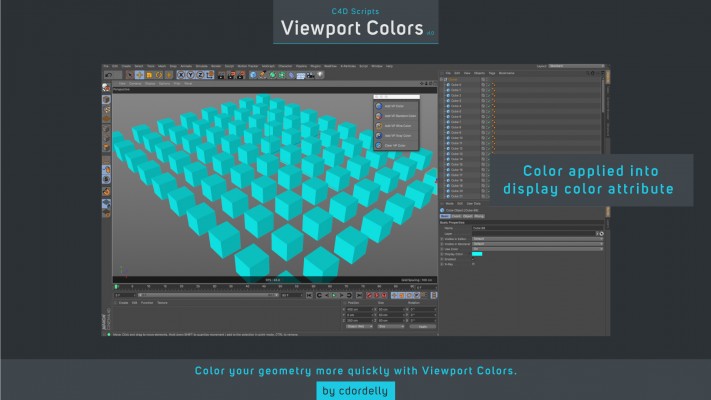
Viewport Colors is a scripts package for C4D to improve your viewport workflow. With these scripts you can quickly apply different type of colors to your objects in the viewport for reference purposes without losing your C4D materials or 3rd party render engine materials.

Features:
-You can use it to have a color reference of the scene and avoid wasting time in correctly viewing the materials in the viewport.
-You can add a color to one or more selected objects (supports one or multiple objects as well as parent objects).
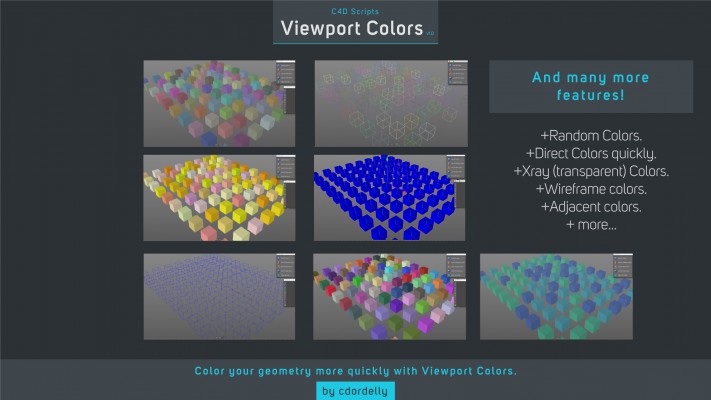
-You can add a solid color, Xray/Transparent color, wireframe color and random colors.
-You can create 2 types of color variations from your key color: random variation and adjacent colors variation.
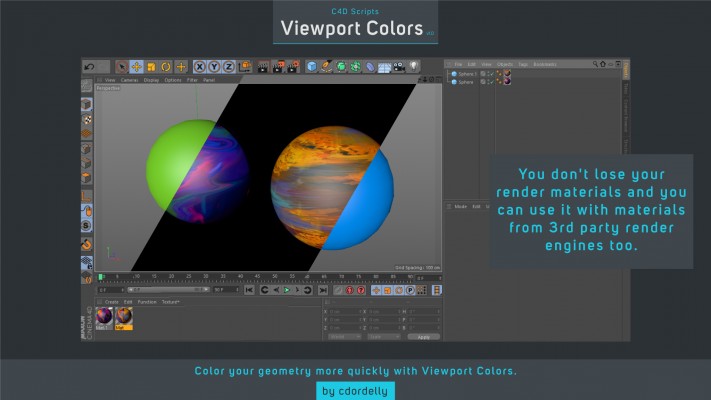
-Don't worry! You do not lose your render materials and you can use it with materials from 3rd party render engines too just like Octane Render, Arnold Renderer, Redshift, etc.
The package include:
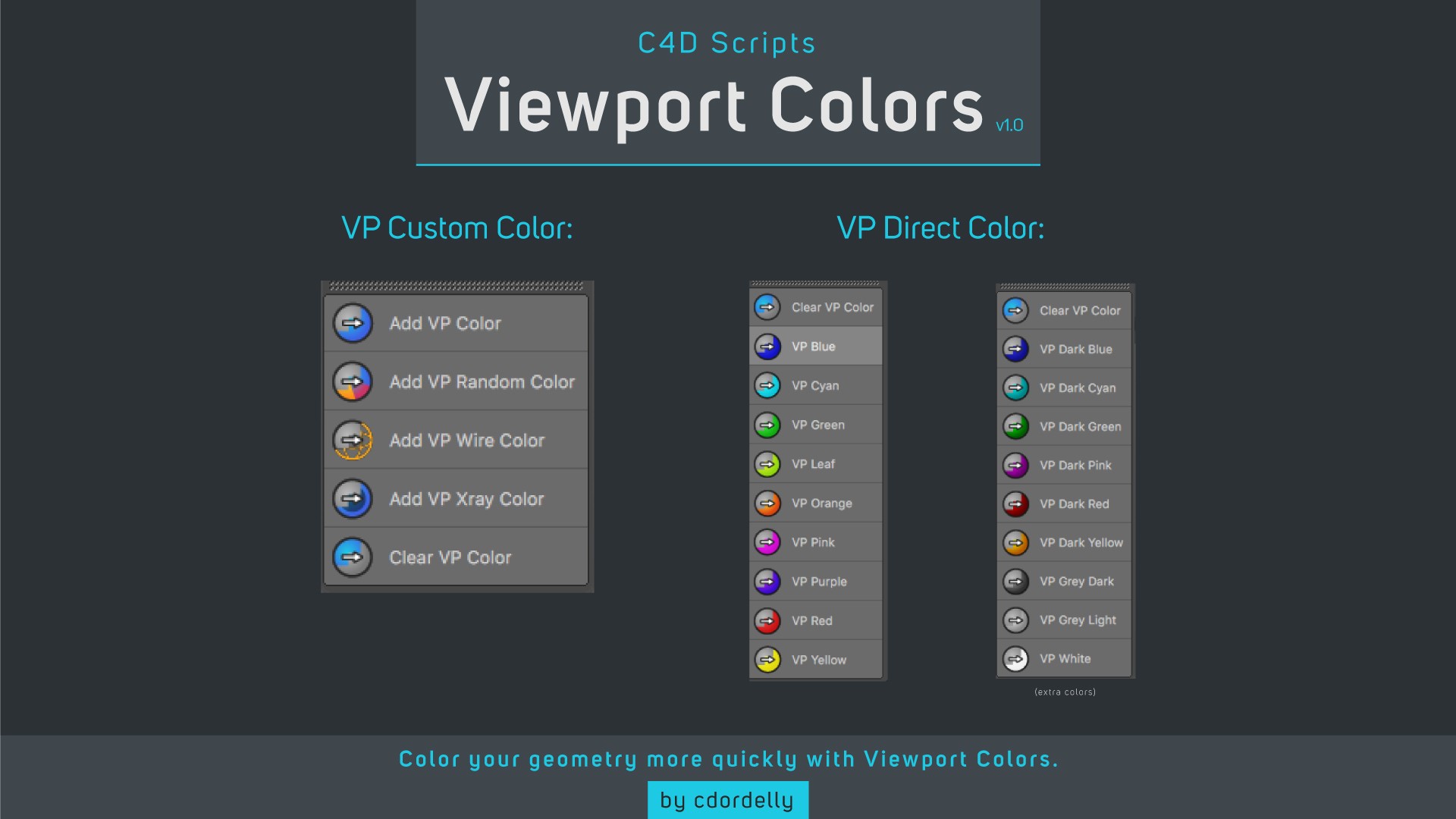
-VP Custom Color scripts.
-VP Direct Color scripts.
-User guide for both scripts packages.
-7 explainer tutorials.
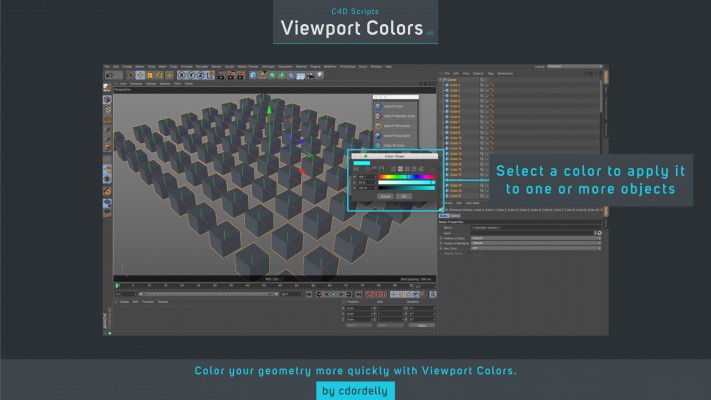
Scripts package inside Cinema 4D
VP Custom Color
With VP Custom Color you can add a custom color that you prefer to one or more selected objects (support one object, multiple objects and type of objects with they childrens too).
VP Direct Color
The VP Direct Color is for a more quickly and direct workflow, you can apply one color from a preset color library to one or more selected objects (support one object, multiple objects and type of objects with they childrens too).
Limitations
You can't have a children solid/transparent inside of a wireframe parent because c4d doesn't support different type of visualizations from children objects when the parent have a display tag.
Install Guide
To install the script package you need to copy the VP Color folder from “03_Scripts Folder” to c4d scripts folder:
WIN: ./C4D RXX root folder / library / scripts
OSX: ./C4D RXX root folder / library / scripts
Compatible with: R18, R17, R16 versions (not tested in older versions, maybe works fine)





| Cinema 4D | R19, R18, R17, R16 |
|---|
1.0 (Current version) - Aug 18, 2017
-

- Compatibility Cinema 4d
VariText for Cinema 4D
Add to CartCreate stunning typographic effects with variable fonts inside Cinema 4D!
-
- Compatibility After Effects
- Compatibility Cinema 4d
AEC4D PRO
Add to CartNow supporting Redshift. The most advanced C4D -> AE Importer
-

- Compatibility Cinema 4d
Auto Handwriting Rig for Cinema 4D
Add to CartEasy Realistic Handwriting/Drawing animations in Cinema 4D
-

- Compatibility Cinema 4d
Line Connection for Cinema 4D
Add to CartGenerate connection lines between selected objects in Cinema 4D.
-

- Compatibility Cinema 4d
Realmagazine for Cinema 4D
Add to CartMagazine preset for Cinema 4D (requires Mograph). Creates a magazine, newspaper or exercise book with all the pages you need, adjust the size, set the starting and ending configuration for the animation, flip through pages one at a time manually or automatically and much more.
-

- Compatibility Cinema 4d
Genome
Genome is a modified cloner object that allows users to dynamically manipulate every property of each individual cloned object.Add to Cart