
Deekay Tool
-
Compatibility After Effects Please check exact version compatibility under the "COMPATIBILITY" tab below
 Adding to cart...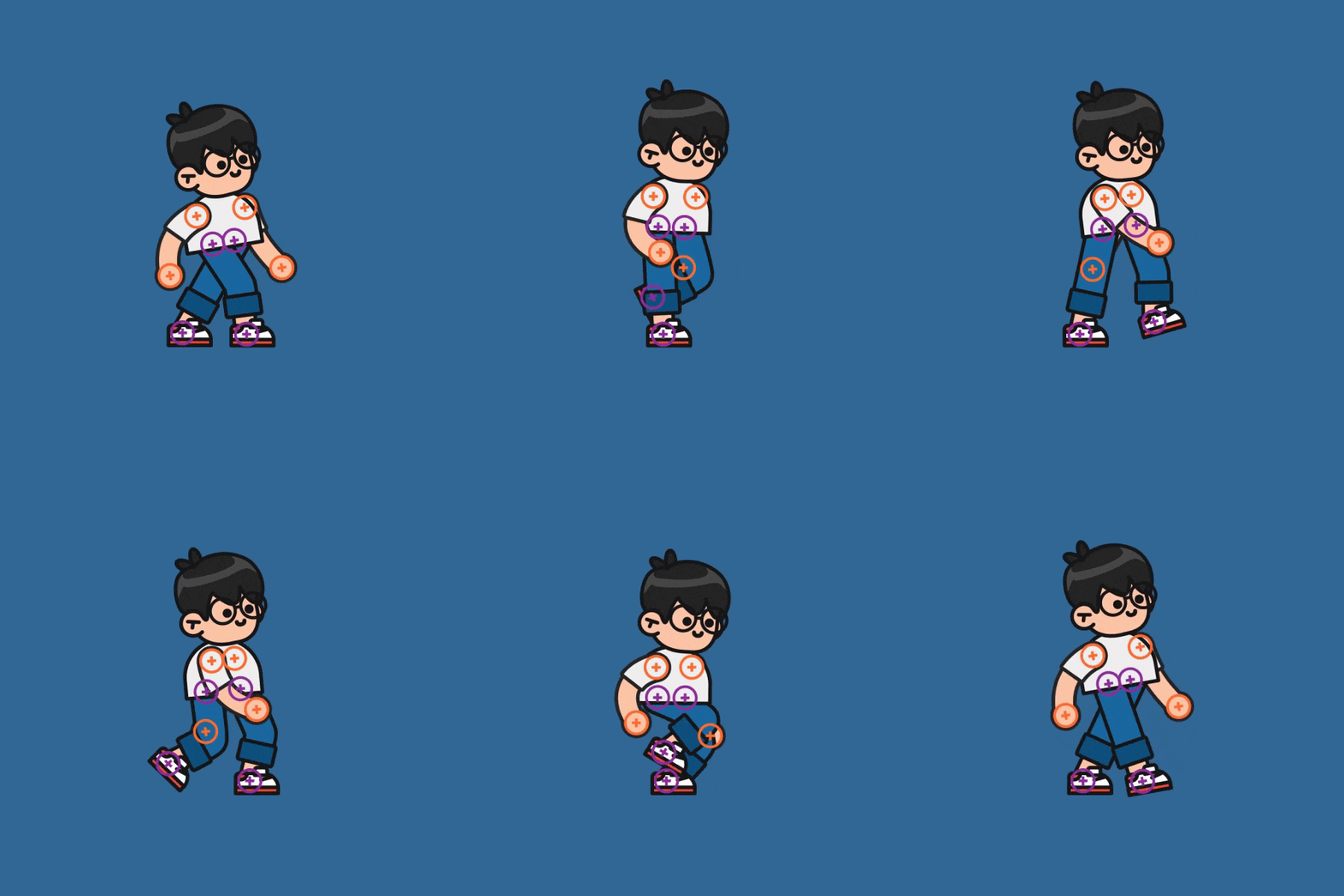
Deekay Tool is a game-changing extension for character animators in After Effects. Create and save characters in just one click.
The New Animate feature gives you the possibility to create and customize your animations with intuitive controls.
We’ve listened to all animators to make it the most flexible tool for rigging in After Effects.
Improve your workflow with the fastest optimization. The game-changing features will make your animations stand out.
Deekay Tool was developed by Motion Design School in Collaboration with Deekay
Promo video made using Deekay Tool
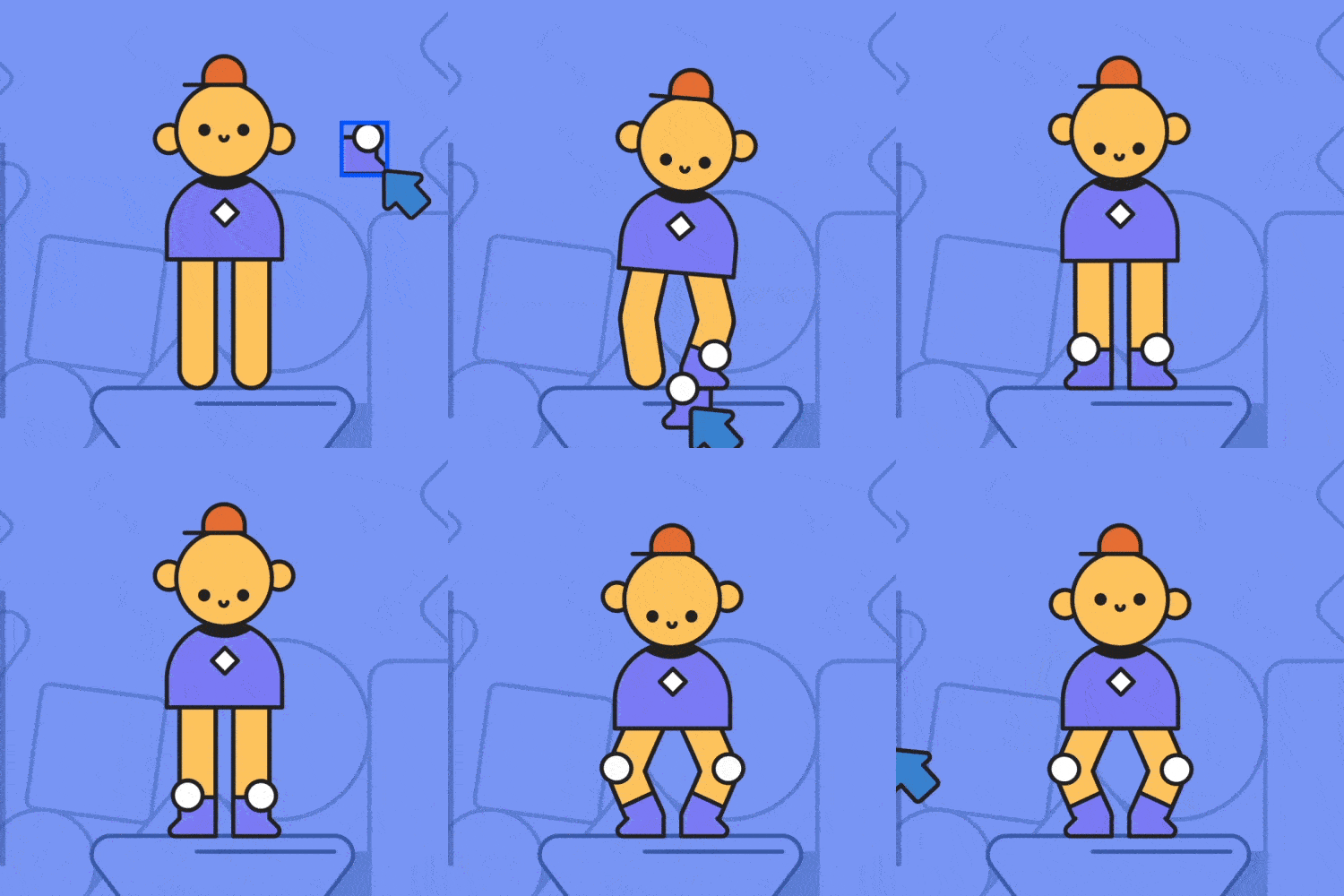
Rigging System
Completely new way to approach character rigging. We’ve listened to all animators and especially Deekay to make it the most flexible tool for rigging in After Effects. Besides that, we’ve made optimized limbs to work faster than ever!
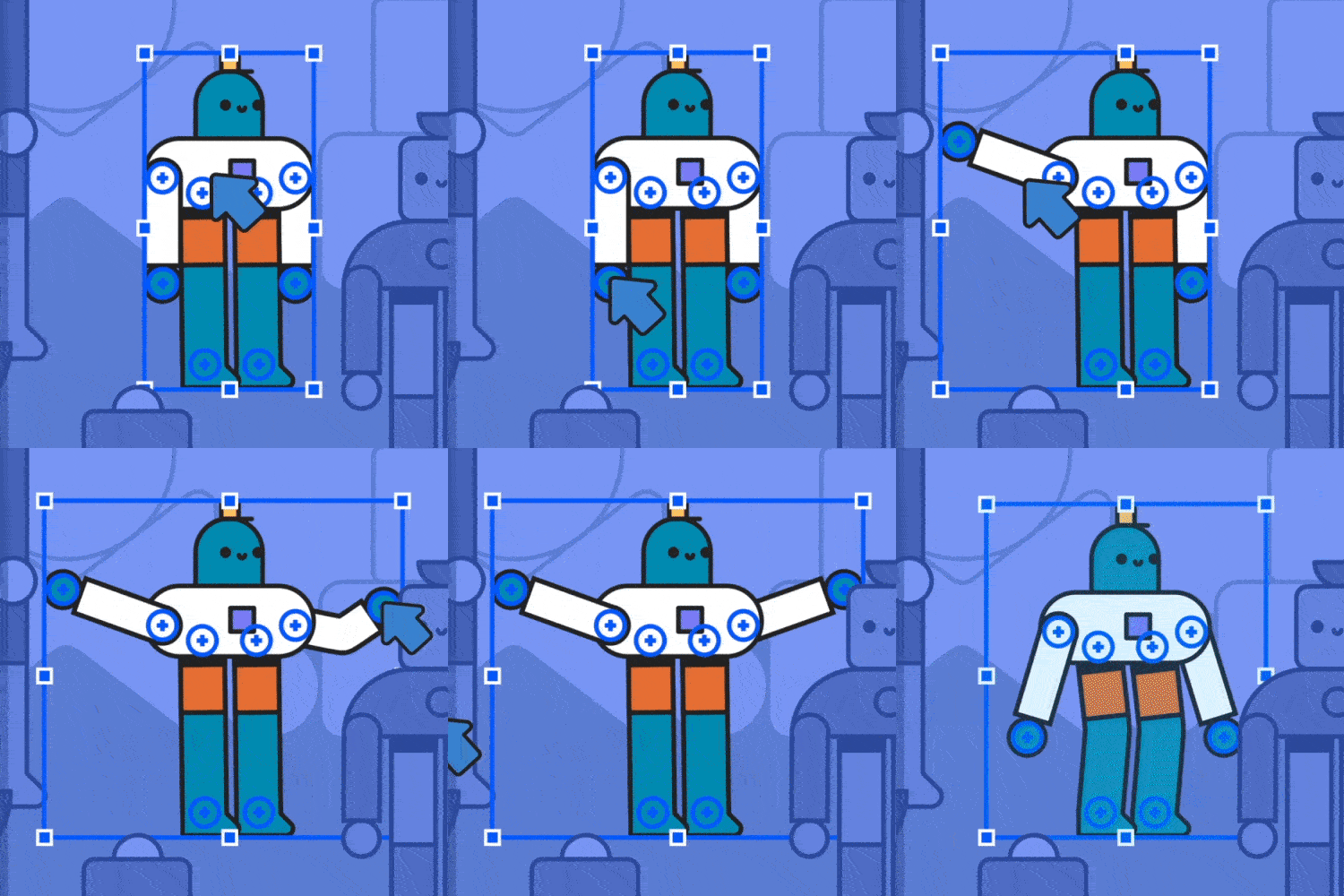
Assist
This panel is made to improve your workflow and cover the most common tasks when you are working with shapes and animations.
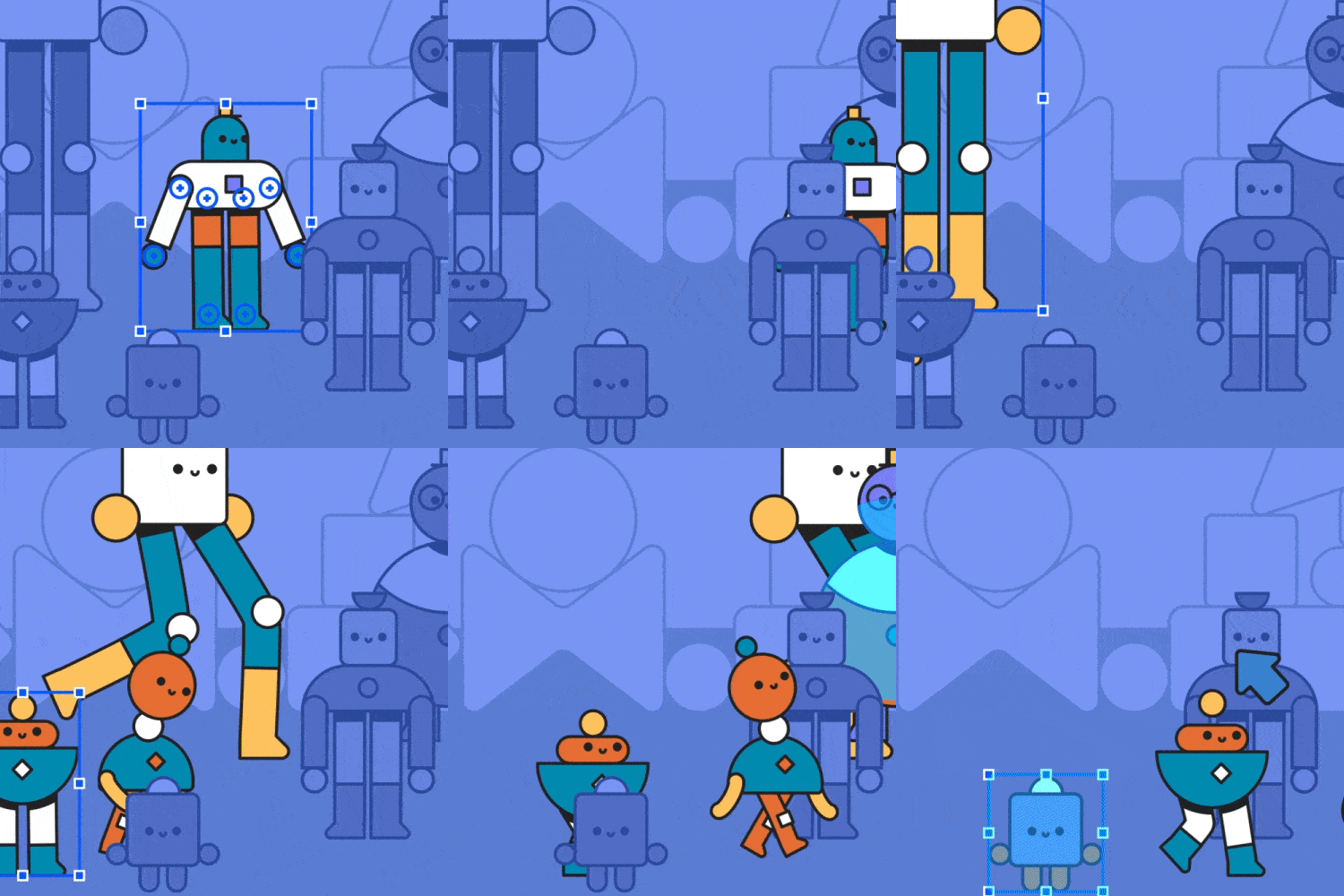
Animate
This game changing feature will make your animations stand out! Make your characters walk, run, dance, jump, swim, fly, or anything you can imagine.
Character Tool Offer
If you own Character Tool you can purchase Deekay Tool for the discounted price of $45. Simply login to the same account you purchased Character Tool with and the discounted price will be automatically displayed. If you need assistance please open a support ticket.
| After Effects | 2025, 2024, 2023, 2022, 2021, 2020, CC 2019, CC 2018 |
|---|
1.1.8 (Current version) - Feb 24, 2024
- Fix appearance of the limb settings in styles
1.1.7 - Jan 16, 2024
1.1.6 - Dec 26, 2023
- Added a new installation path for systems with limited permissions
- Fixed the issue of an empty page appearing after downloading presets
- Fixed Separate Dimensions issues
- Updated the tooltip and shortcuts on the Create Limb button
1.1.6 - Dec 26, 2023
- Added a new installation path for systems with limited permissions
- Fixed the issue of an empty page appearing after downloading presets
- Fixed Separate Dimensions issues
- Updated the tooltip and shortcuts on the Create Limb button
1.1.4a - Sep 1, 2022
- Updated license framework to v4.01.000
1.1.4 - Nov 1, 2021
Fixed issue, when duplicating limb with autoflop, and new limb was affected by the original autoflom instead it's own
1.1.3 - Oct 6, 2021
1.1.2 - Sep 27, 2021
1.1.1 - Aug 23, 2021
1) No errors when renaming limb with type change and with autorotate layer
2) Limb gets proper name when creates with "Create" button
1.1.0 - Aug 19, 2021
1) Added Scale Styles Width button.
It scales width of limb styles if the controllers of the limb was scaled
2) Added Create Bone button.
It allows to add IK expressions to any three selected layers
Fixed issues:
1) Wrong caps when added new style with different caps
2) Uggly angles on Square caps
3) Controllers not always created right above pins
4) Controllers created only for one pins mesh group
5) It is possible now to adjust the style of the limb when creating new one
6) Removed prefixes
1.0.4 - Aug 13, 2021
1) Downloads are working again
2) Changed Alt+Click on the Character zones at the Animate tab. Now it automatically links points with correct names with Rig control layer, and parents them to it, if they don't already have parent.
1.0.3 - Aug 7, 2021
1) Trial version now will work properly
2) Assistant image is adding to composition correctly now;
3) Assistant image was changed;
1.0.2 - Aug 4, 2021
1) downloading of animations are available again. It wasn't work because of change of the main server;
2) Update works properly;
3) Duplicate works properly
4) When adding new style, the caps option became disabled, when outline or taper option are selected
1.0.1 - Jul 23, 2021
1) Animations and presets downloading;
Now it is available from the Gallery with the arrow button.
2) Taper notification;
Now taper is enable scinse After Effects v 17.1, from which it was added to After Effects
1.0 - Jul 19, 2021
1 - Jul 19, 2021
-
- Compatibility After Effects
Meshed - Animated Typeface
Add to CartMeshed Display is a rational serif typeface featuring a distinctive vertical contrast, with robust vertical stems and delicate horizontal hairlines.Order 4 or more Animography Typefaces and save an additional 25%
-
- Compatibility After Effects
MonkeyBars
Add to CartThe quickest, easiest way to create animated lower 1/3s. This Monkey is a workhorse.
-
- Compatibility After Effects
Head to Line
Add to CartAdd a variety of animated arrowheads to your lines with just one click! -
- Compatibility After Effects
Set Parent To Structure
Auto parent-child linking of layers to character skeletonAdd to Cart -
- Compatibility After Effects
voodoo
Add to CartAnimate pins easier. Period. Solution for the puppeteering woes of the digital age: The Seamless Puppet Tool puts the "fun" in function, as it effortlessly unlocks creative freedom with its refreshingly unpretentious pin tracking and conjuring controller abilities. Prepare to be enchanted!
-
- Compatibility After Effects
PQ Mo•Bits
Add to CartPQ Mo•Bits is a big fat library of obvious everyday icons that a motion designer needs to keep handy. They're all pre-animated and customizable. Just search or browse the dockable inside After Effects and pop them into your project, use the controllers to tweak lots of parameters and BOOM: Massive time save.
-
- Compatibility After Effects
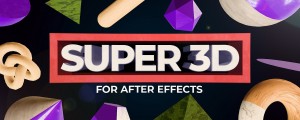
Super 3D
Add to CartEnhance your 3D capabilities in After Effects with Super 3D.
$45.00 -
- Compatibility After Effects
Super Morphings
Add to CartEasiest Shape Morphing in After Effects!
$45.00 -
- Compatibility After Effects
Crazy Shapes
Add to CartWith Crazy Shapes, you can expand the possibilities of Path work in After Effects. Make rigs, add cool animations in a few clicks, and use extra tools to make your work easy and fun.
$45.00 -
- Compatibility After Effects
Super Lines
Add to CartSuper lines lets you create and experiment with different lines animations with ease.
$35.00 -
- Compatibility After Effects
Swiss Knife
Add to CartSwiss Knife is a group of 20 tools that can be combined in thousands of variations.
$40.00 -
- Compatibility After Effects
YaroFlasher Super Bundle
Add to CartGet two awesome tools for making trail animations and save 30%!
Regular Price: $70.00
Special Price: $50.00