
Isomatic FX
-
Compatibility After Effects Please check exact version compatibility under the "COMPATIBILITY" tab below
 Adding to cart...
 Who doesn't know (and like) isometric graphics ?
This famous kind of perspective, recognizable by its absence of vanishing point (lines appear parallel to each other), can be seen almost everywhere.
Even if you think it's just one more trendy style, you might be right, but, as a motion designer, you just can't ignore this pretty stylish and efficient style !
Okay but... How could you achieve this "isometric" look within your favorite animation software ?
Introducing... Isomatic FX, the first tool that allows you to create isometric graphics, right inside After Effects !
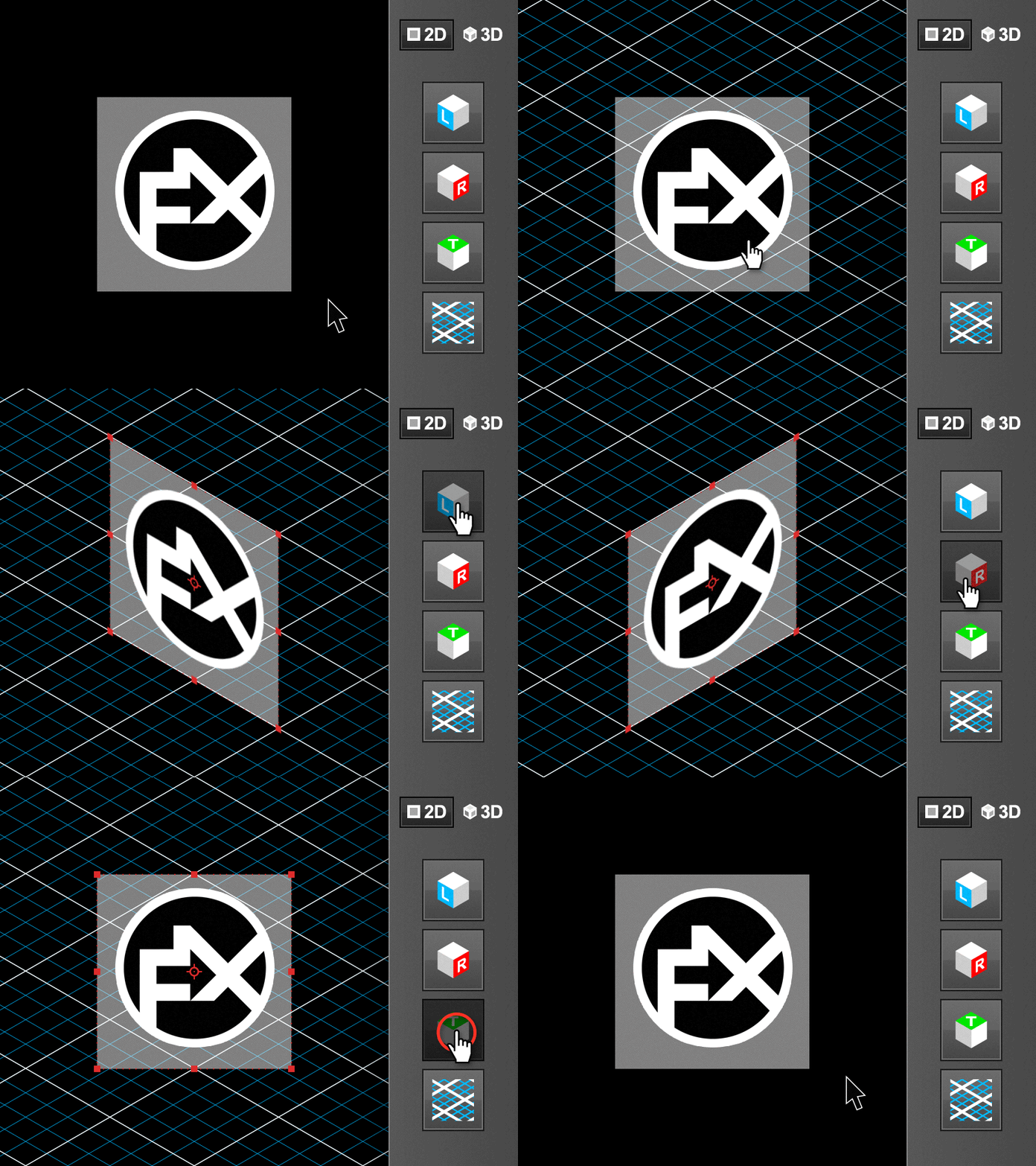
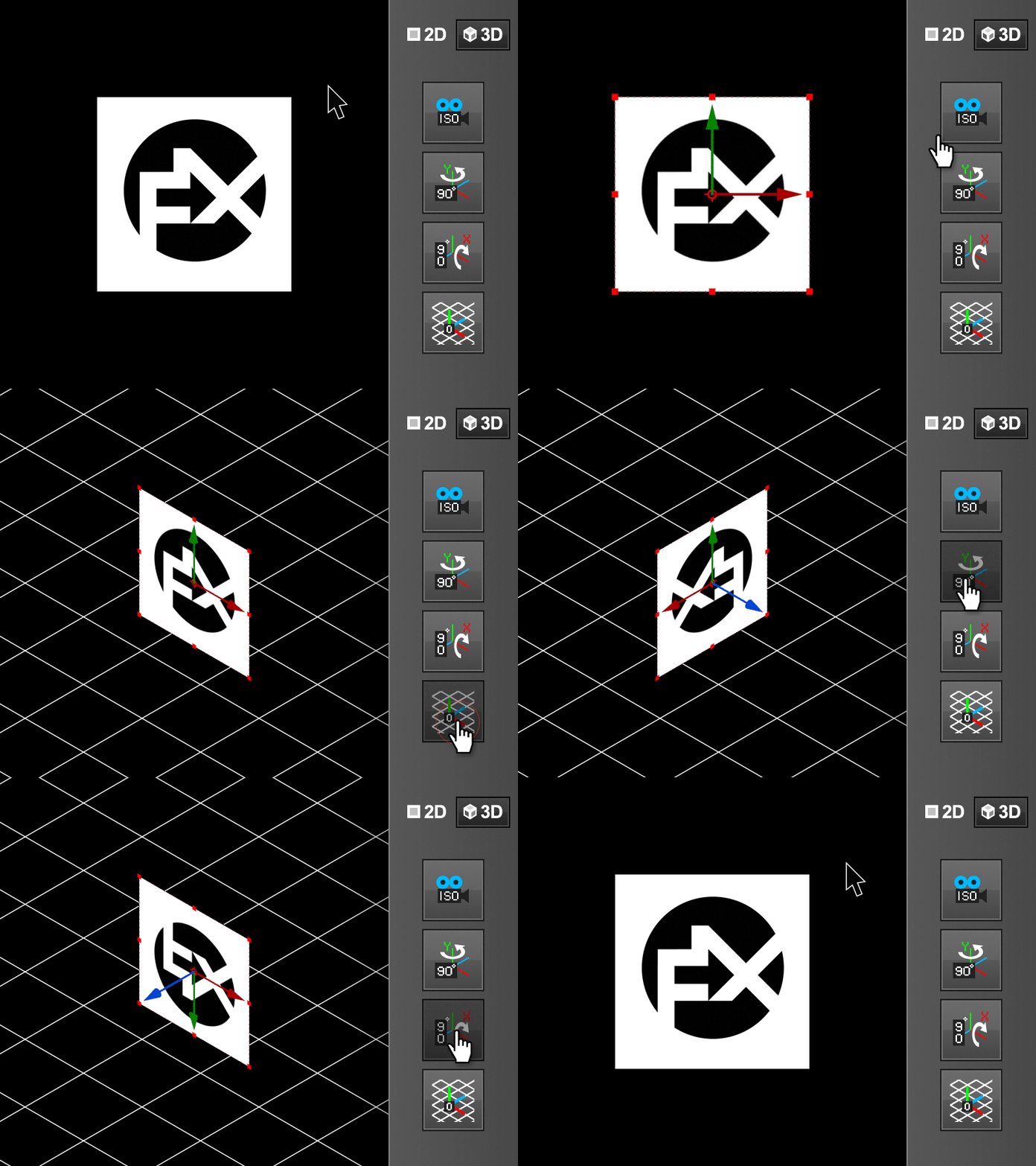
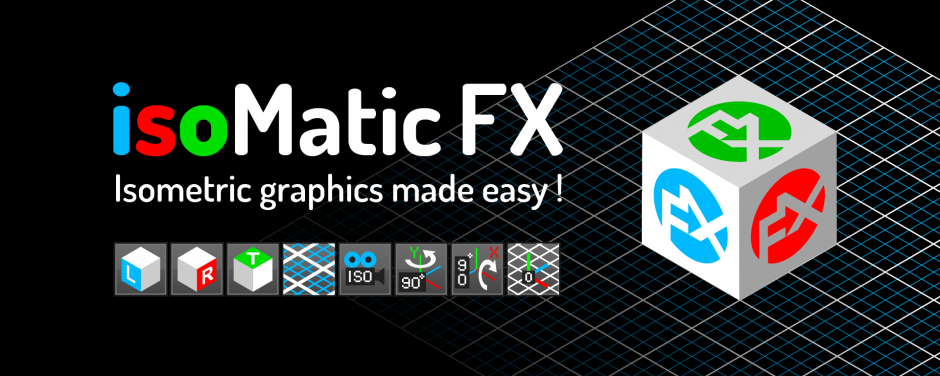
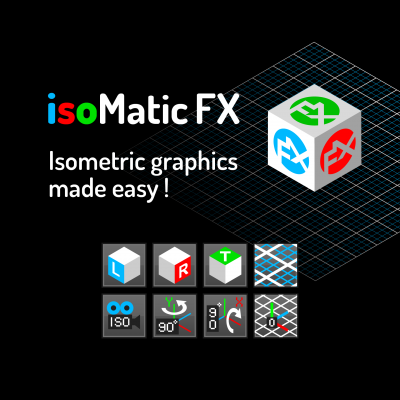
Isomatic FX comes with a little yet efficient UI, that let's you toggle from a "2D" mode to a "3D" mode (just click on the corresponding button).
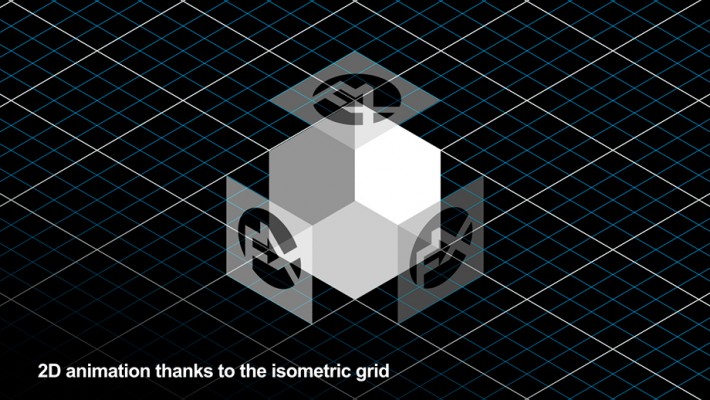
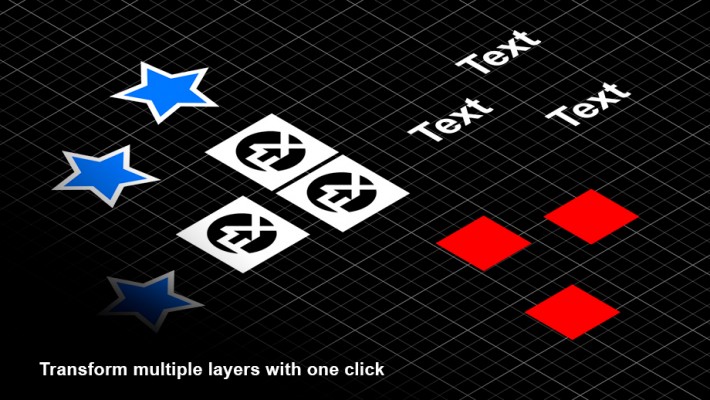
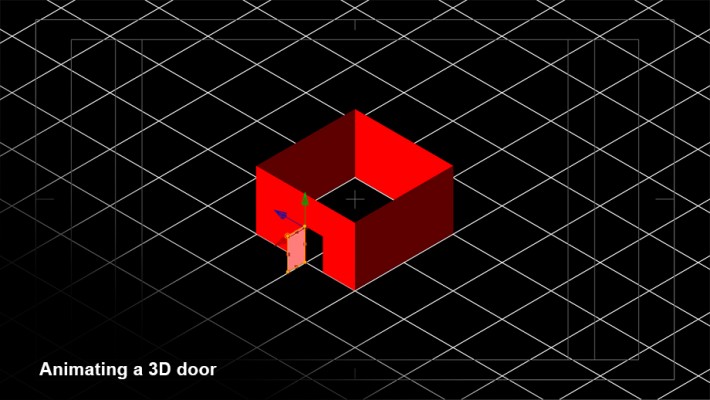
The 2D mode's tools will allow you to fake isometric style on any kind of 2D layer (work with solids, precompositions, footages, text layers and shape layers), while the 3D mode's tools are made to be used with real 3D layers (with a real 3D camera that mimics almost perfectly a true isometric camera).
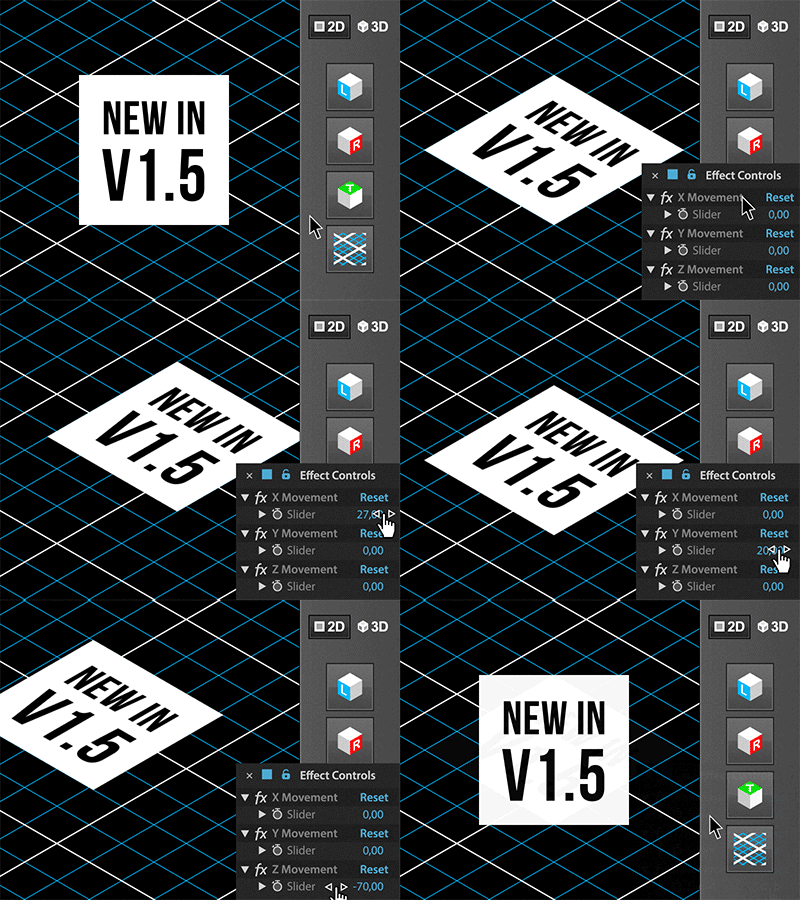
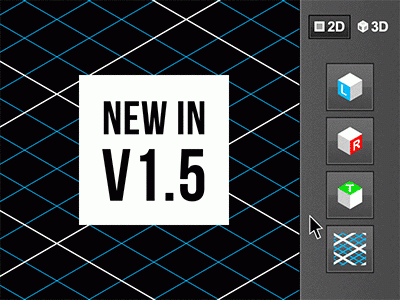
New feature in V1.5
While creating some faked isometry with IsomaticFX by clicking on its "2D Left isometry", "2D Right isometry" or "2D Top isometry" buttons, some new expressions are now applied to the 2D layer's transform position, that are linked to 3 useful sliders in the Effects panel (one slider per axis, called respectively "X Movement", "Y Movement" and "Z Movement", for each 2D layer).
These 3 sliders will then allow you to easily animate the movement of your 2D layers while constraining them along isometric axis, like if they were in a real 3D isometric space, which is way more convenient to animate your 2D isometric design, than animating their position manually !
Here are the two different modes in actions (please note that the vertical layout you see below doesn't exist ; the buttons will only be aligned horizontally) :
The 2D mode's tools |
The 3D mode's tools
From top to bottom :
|


While dealing with 3D scenes, there is one more great addition with the isometric camera button :
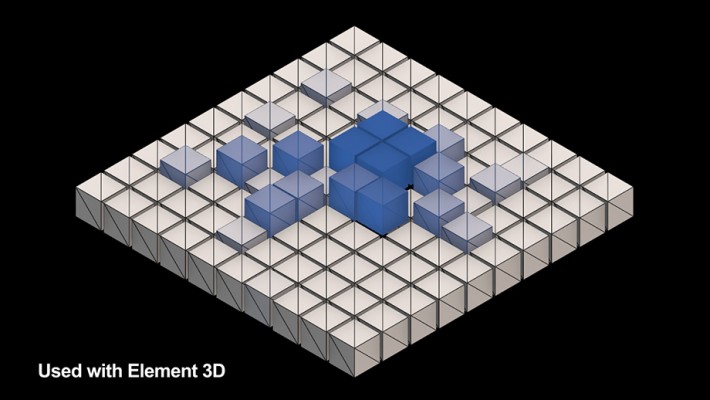
Indeed, if you had already created an Element 3D scene in the comp in which you are about to create an isometric camera, the script will instantly find each Element 3D effect's instances, and set up the "Camera Cut off" options correctly for you, after having clicked on the IsoCamera button (otherwise, the default values in Element's "Camera Near Plane" and "Camera Far Plane" would be far to small to allow you to see your Element 3D scene with the isometric camera, which has a really high focal distance and zoom amount.). So, in order to make the Isomatic FX camera work in conjunction with Element 3D, it is better to create your scenes and animations with Element 3D and a more standard camera first, then to create the isometric camera with the tool afterward.
Please note that other 3D plugins like Trapcode Particular/Form or Plexus would not work correctly with this isometric camera due to their "camera cut off" limitations.
Installation :
Just copy and paste the .jsx file into your Adobe After Effects' Scripts > ScriptsUI Panels folder.
Works on PC and MAC, and is compatible with After Effects CS6 and CC.





| After Effects | 2024, 2023, 2022, 2021, 2020, CC 2019, CC 2018, CC 2017, CC 2015.3, CC 2015, CC 2014, CC, CS6 |
|---|
1.8.2 (Current version) - Jul 5, 2024
1.8 - Jul 3, 2024
1.6.2 - Sep 2, 2019
- Added support for macOS 10.15 in the licensing framework
1.6 - Nov 16, 2018
So, if you apply one of these 3 faked isometry appearance on a layer, re-clicking for the second time on the same button (L, R or T) will remove the isometric effect BUT NOT the 3 constraints sliders nor the corresponding expression on the layer's position.
May sound like a small update but it will be now way more efficient to constraint and animate any kind of layer (and isometric illustrations as well) at any time while being able to enable or disable the faked isometry on them
- Also fully compatible with the CC2019 new javascript engine
1.5 - Jun 4, 2017
While creating some faked 2D isometry with the help of the 2D "Left", "Right" or "Top" isomatic FX buttons, some expressions are now applied to the 2D layer's position, that are linked to 3 useful sliders in the Effects panel (one slider called "X/Y/Z Movement" per axis).
These sliders will then allow you to easily animate the movement of your 2D layers while constraining them along isometric axis, like if they were in a real 3D isometric space.
1.0 - Feb 27, 2017
1.0 - Feb 26, 2017
-
- Compatibility After Effects
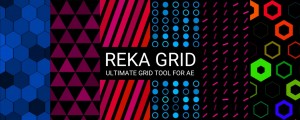
Reka Grid
Add to CartReka Grid is a powerful grid plugin with a lot of features to customize and animate.
-

- Compatibility After Effects
DistributeLayers
Allows you to distribute the selected layers in 3D space.Add to Cart -

- Compatibility After Effects
Pencil Park Bundle
Add to CartGet Reach: AEsstential Kit + Volume n' Tricks 2 + Tweaks together, and save 33%.
A unique workflow improvement offering with a huge discount. -
- Compatibility After Effects
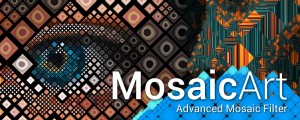
MosaicArt
Add to CartAdvanced mosaic and tile filter for After Effects.
-

- Compatibility After Effects
Relativity
Arrange layers horizontally and vertically in rows, columns, grids, and circles, based on their relationship to other layers and the composition.Add to Cart -

- Compatibility After Effects
mazeFX
Add to CartMaze algorithm is now much faster with cleaner path results. Create random vector mazes (labyrinths) in After Effects. mazeFX can also generate a unique solution with effect controls to fully control the appearance of the maze. Finally, it can use masks to control each maze's shape and place all of the needed parts in a single shape layer or create separate shape layers for each part of the maze.
-
- Compatibility After Effects
FX TextFlow
Add to CartMake your After Effects text flow over multi-columns paragraph blocs, just like inside Indesign ! Fill them with "LoremIpsum...", "QuickBrownFox...", or even some procedural text instantiated with its powerful SampleText Generator, and auto-align them thanks to a useful Anchor Point feature !
$29.00 -

- Compatibility After Effects
FX MagiCoin
Add to CartCreate and animate stylish spinning coins within native After Effects Shape Layers (without any plugins !)
$19.00 -

- Compatibility After Effects
Moglyph FX 3
Add to CartGenerate and animate glyph clones procedurally, just like in Cinema 4D's Mograph module. You won't believe what you gonna create within one text layer! New "Moglyph-PixelMatrix" font + new shortcuts to change default Formula and Delay Effector animation, and the Random Seed stays now truly identical for Multiple layers that have a Random Effectors in Wiggle mode
$39.99 -

- Compatibility After Effects
easyShape FX
Add to CartA simple yet useful tool for After Effects that allows you to apply cool effects to your selected shape layer with the click of a button
$19.00 -
- Compatibility After Effects
FX Gradient
Add to CartThe most user-friendly way to create advanced gradient ramps in After Effects! Easily create and edit linear, radial, angular and reflected ramps with the click of a button, and colorize them with one of the 30 trendy and useful color presets. Even add some special FX options like tiling, grain and turbulence !
$19.00 -
- Compatibility After Effects
Springy FX
Add to CartA cool toolset that allows you to easily create some fun secondary motion, based on your keyframed transform properties ! Whether you want a stylish cartoon look or to add some subtle overlapping actions on your animations, you'll certainly find the tool you need among the 9 tools available in the set !
$39.99