
Move To
-
Compatibility After Effects Please check exact version compatibility under the "COMPATIBILITY" tab below
 Adding to cart...
Using Move To, you can easily and quickly move layers on the timeline in the layer area
User interface:
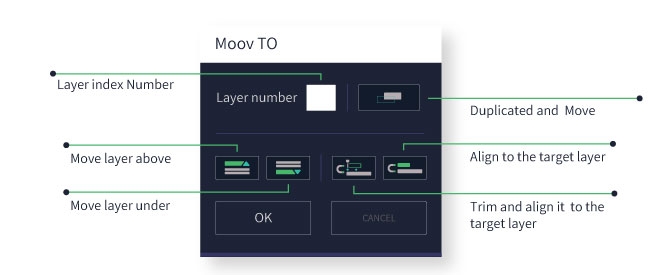
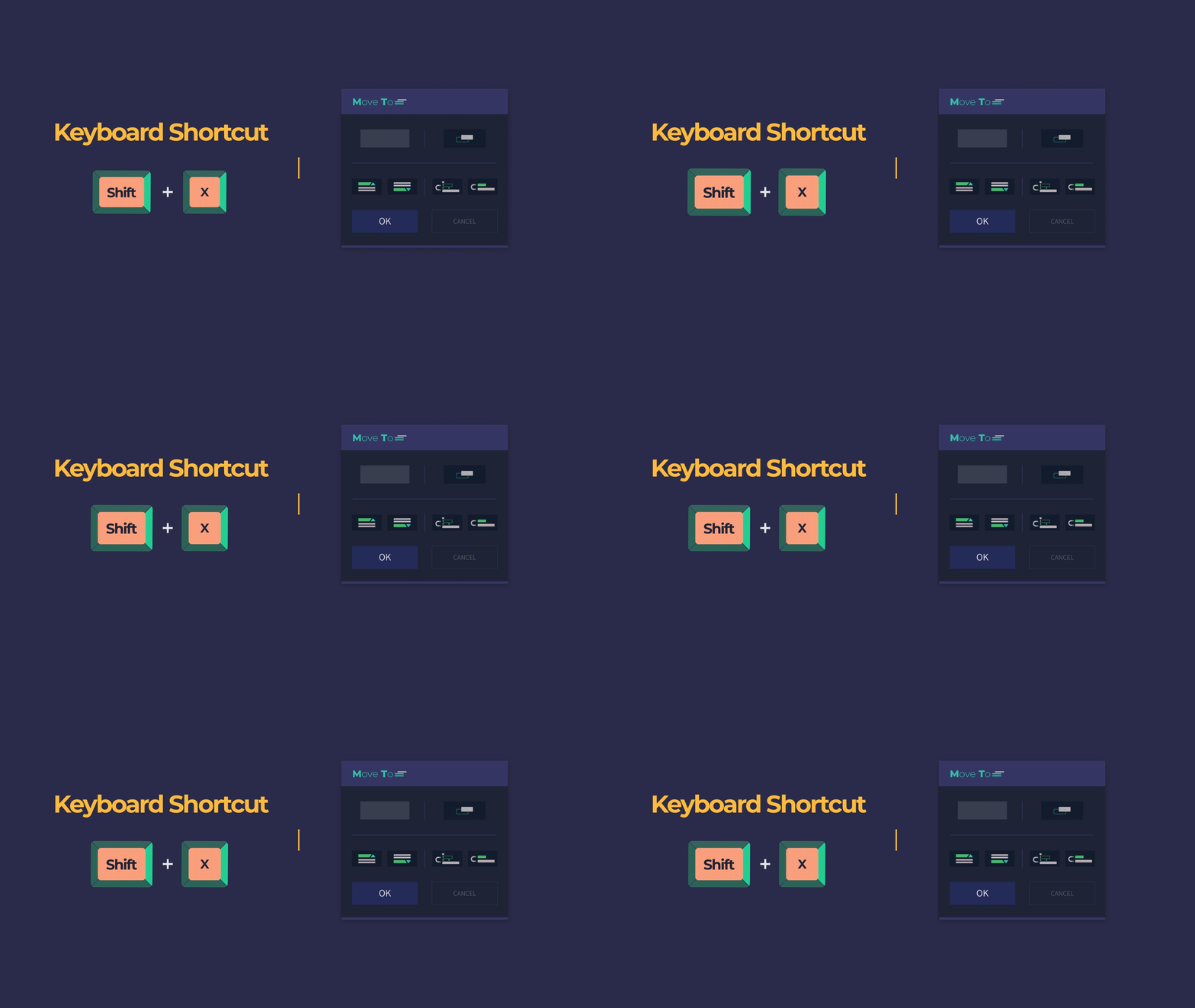
Open Move To with the simple shortcut
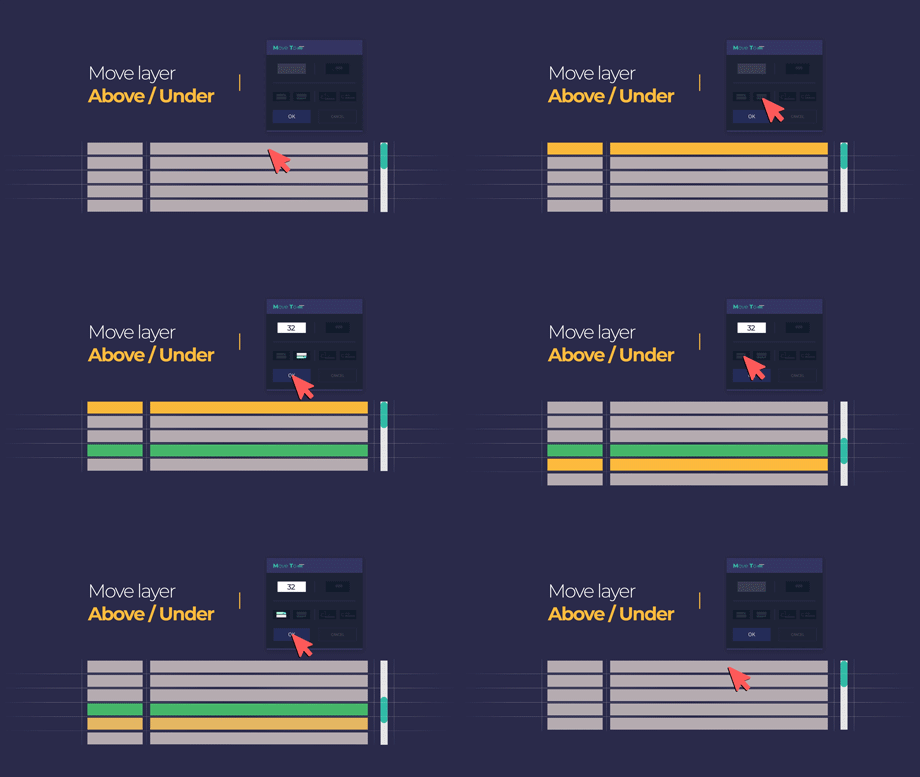
Move the selected layer above or below the target layer
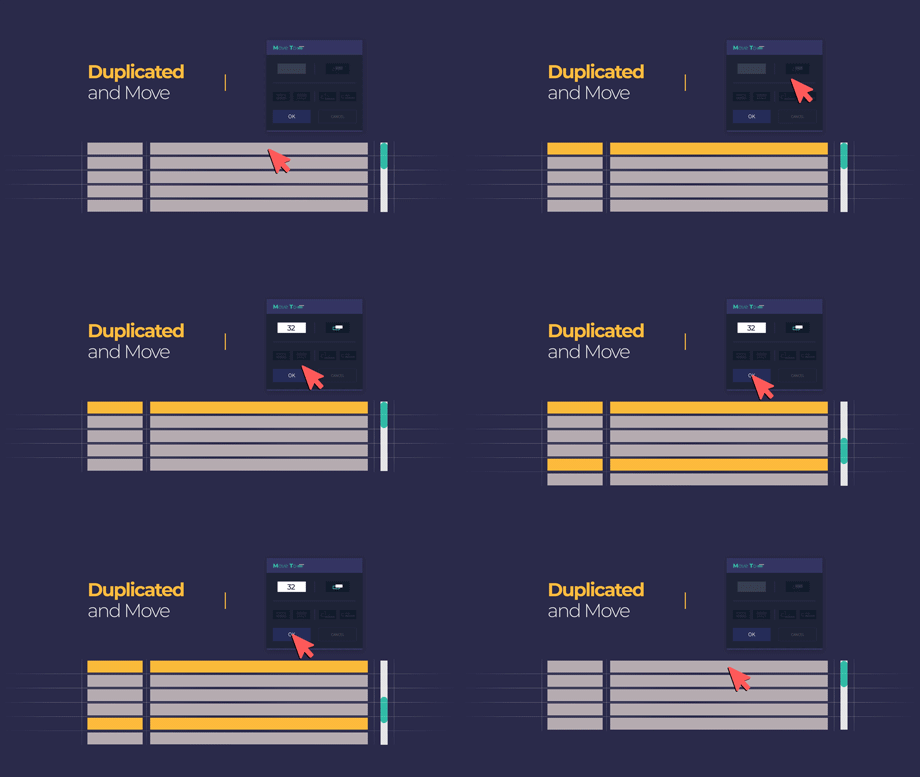
Duplicate and move the selected layer
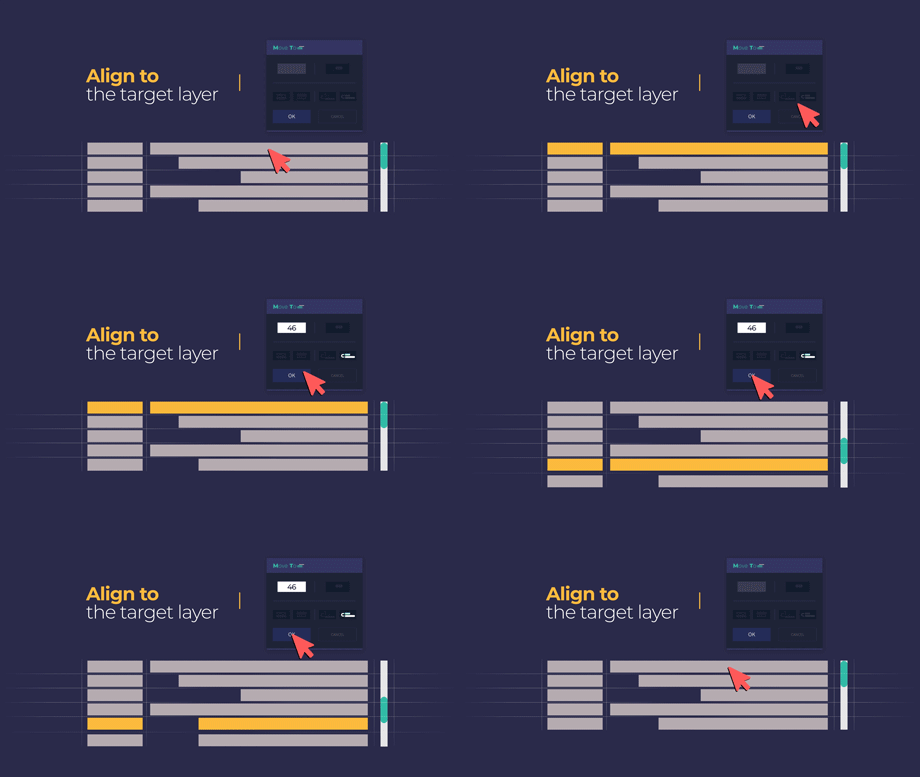
Align and move the selected layer to the target layer
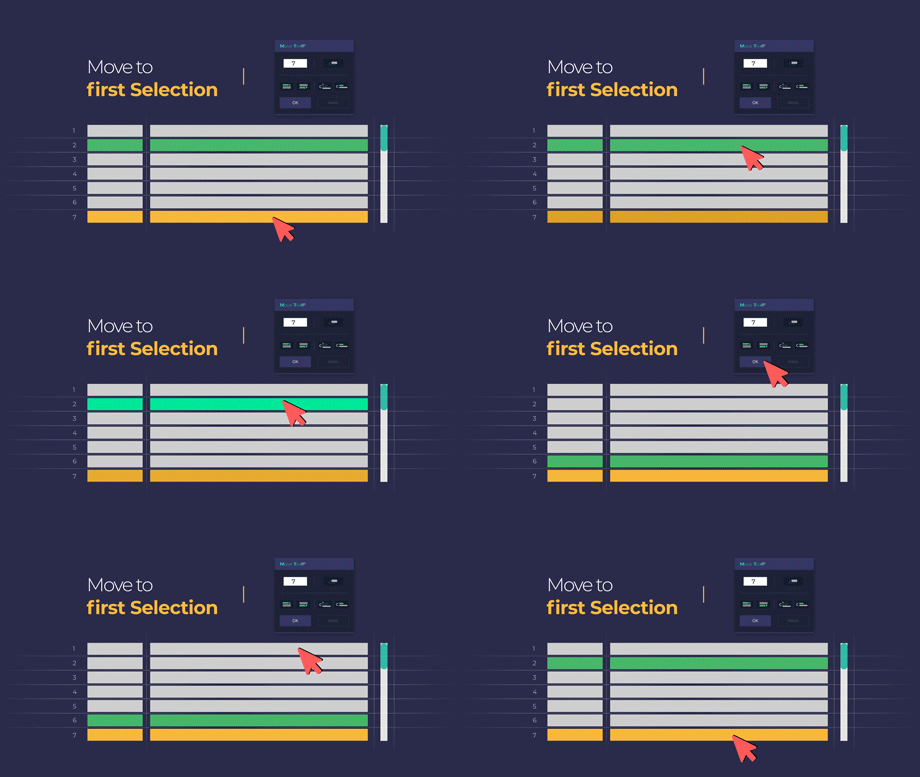
Move layers to the first selected layer
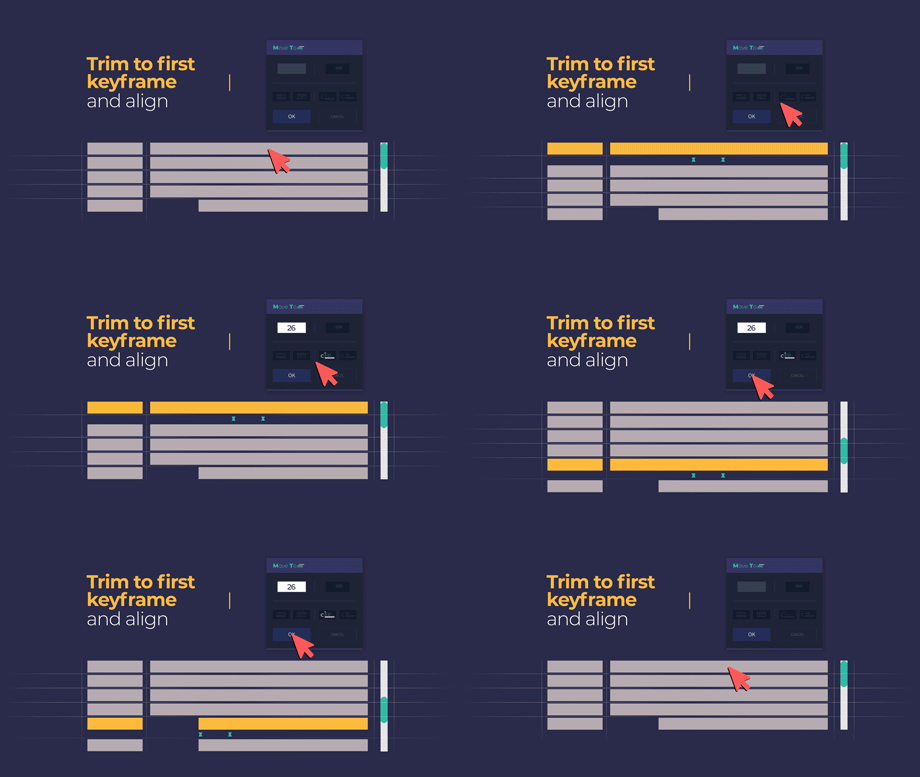
Move the selected layer and trim it to the keyframes
Features:
- Supports Mac and Windows
- After Effects CC and higher.
Request:
- After Effects (CC and higher) installed.
- Internet connection (for license system).
| After Effects | 2024, 2023, 2022, 2021, 2020, CC 2019, CC 2018, CC 2017, CC 2015.3, CC 2015, CC 2014, CC |
|---|
1.2 (Current version) - Dec 31, 2022
1.1 - Feb 19, 2022
1.0 - Feb 12, 2022
-
- Compatibility After Effects
Align3D
"Align3D" is the simple 3D space align and distribute script that can be used intuitively. In addition to "Align", Z-Axis & Other Transform, Range Option.Add to Cart -

- Compatibility After Effects
Shadow Studio 3
Cast gorgeous raytraced shadows & light with the ultimate shadow plugin for After Effects. Please note the presets are currently only compatible with CC 2021 and above.Add to Cart -

- Compatibility After Effects
Smart Selector
Add to CartPoint, click, and select any layer you can see. Smart Selector sees through bounding boxes, adjustment layers, precomps and layer transparency to find the select layers using the most advanced layer selection algorithm. Welcome to the new way of working in After Effects.
-

- Compatibility After Effects
Dupli-Kit
Duplicate layers using a pattern in After Effects with many options:Add to Cartcontrollable duplication, randomize properties, anchor point management, layers coloring, layers arrangement, and more.
-
- Compatibility After Effects
Layer Sitter
Add to CartLayer Sitter makes managing parented layers easy. Quickly parent selected layers using a filterable list, by creating new customized nulls, or using Quick Parents.
$8.00 -

-

- Compatibility After Effects
SF Caddy
Add to CartNow lip-sync using markers. SF-Caddy is a quick assets replacement tool for After Effects. Super handy for character animation and lip-sync.
$27.00 As low as: $17.50 -
- Compatibility After Effects
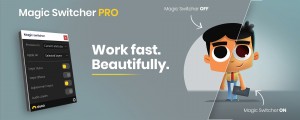
Magic Switcher PRO
Add to CartThe Magic Switcher Pro lets you turn On and Off Layer Styles, Effects, and Adjustment Layers with a single click across your entire project! Also available for free!
$12.00