
Project Notes
-
Compatibility After Effects Please check exact version compatibility under the "COMPATIBILITY" tab below
 Adding to cart...
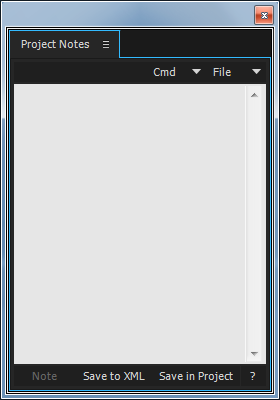
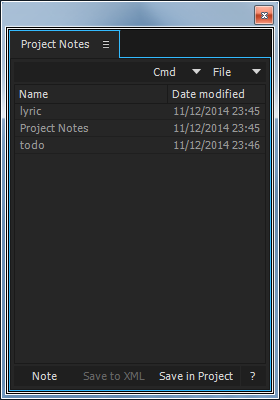
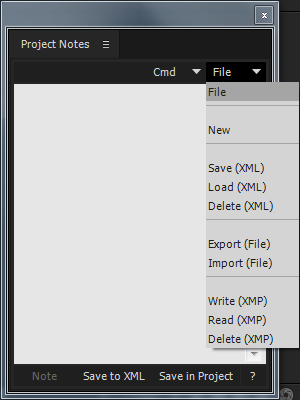
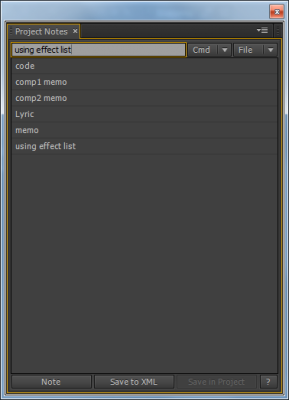
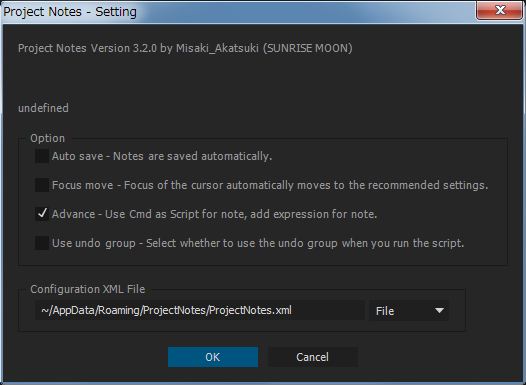
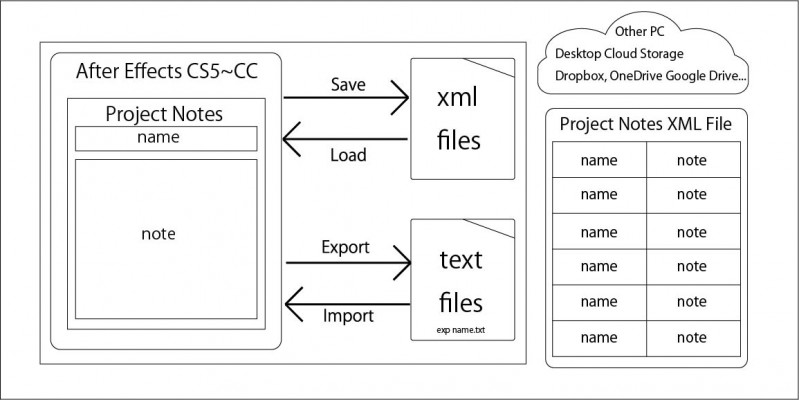
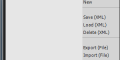
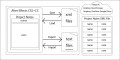
 Project Notes is a convenient place to store text notes or small code snippets within your After Effects workspace. Notes are saved to an external XML file that can be easily shared.
You can also save the XML file on Dropbox, OneDrive, Google Drive or any cloud drive to have sync'd notes across many devices.
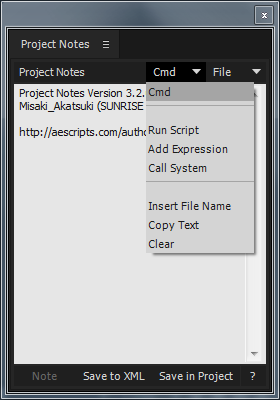
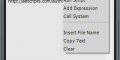
There is also an advanced "Cmd" menu that adds the option to be able to run code snippets as either After Effects scripts or command line commands on the operating system (OS X or Windows). You can also easily add expressions to selected properties in the timeline.

| After Effects | 2020, CC 2019, CC 2018, CC 2017, CC 2015.3, CC 2015, CC 2014 |
|---|
3.3.0 (Current version) - Feb 19, 2020
Added support jsxinc, obj, json.
Change support version.
3.2.0 - Nov 12, 2014
Add "Copy Text" Command.
Low listitems height.
Fixed UI.
Optimization at After Effects CC 2014.1.
Add shortcut.
("Save to XML" button)
Ctrl(Command)+Click save note to XML.
Shift+Click delete note to XML.
("Save in Project" button)
Ctrl(Command)+Click save current note to XMP.
Shift+Click delete current note to XMP.
(XML & XMP list)
Ctrl(Command)+DoubleClick save selected note to XMP.
Shift+DoubleClick delete selected note to XMP.
3.1.0 - Aug 23, 2014
Fixed UI and setting dialog.
Optimization for After Effects CC 2014.
- 3.0.0 Initial release on aescripts.com - Mar 2014
-
- Compatibility After Effects
Plexus 3
Add to CartNow with Multi-Frame Rendering (MFR) Support! Rowbyte Plexus is a next-gen particle engine for After Effects that lets you create, manipulate and visualize data in a procedural manner. Not only you can render the particles, but also create all sorts of interesting relationships between them based on various parameters.
$249.99 As low as: $199.99 -
- Compatibility After Effects
TypeMonkey Arabic Text Modifier
This "Text Mod" allows you to use Arabic text in TypeMonkey, pt_ImportSubtitles, pt_OpenSesame and pt_OpenSesame Server. Please note that you need to own one of those products in order to use this add on.Add to Cart$19.99 As low as: $15.99 -

- Compatibility After Effects
Style Bandit
Name Your Own Price!Add to CartCopy font and paragraph settings between Text Layers.
-
- Compatibility After Effects
Paragraph on a Path
Add to CartAuto-orient paragraph lines on a motion path.
-
- Compatibility After Effects
ASCII Generator
Turn any text layer into retro ASCII art!Add to Cart$9.99 -

- Compatibility After Effects
pt_SearchAndEditBundle 2
Get three awesome tools for the price of two. pt_EffectSearch 3, pt_ExpressEdit 2 & pt_TextEdit 2Add to Cart$79.99
-
- Compatibility After Effects
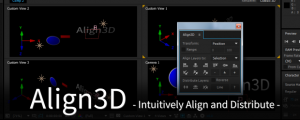
Align3D
"Align3D" is the simple 3D space align and distribute script that can be used intuitively. In addition to "Align", Z-Axis & Other Transform, Range Option.Add to Cart$29.99 -

-
- Compatibility After Effects
Anchor Point Gravity
Add to CartReposition the anchor point based on depth and gravity.
$19.99 -
- Compatibility After Effects
Marker Conductor 3
Add to CartMarker conductor automatically places markers at specified intervals of time or bpm.
$19.99 -

- Compatibility After Effects
Scene Clip
Easily catalog the scenes in your comp with thumbnails and comments, then navigate between them with one click. Export and import the list for easy collaboration.Add to Cart$24.99