
Burst Box
-
Compatibility After Effects Please check exact version compatibility under the "COMPATIBILITY" tab below
 Adding to cart...
Create burst & pop animations in After Effects with 1 click!
Ahoy, me hearties!
Set sail for BurstBox, the swashbucklin' script for Adobe After Effects that'll make burst animations like treasures from a plundered chest!
With BurstBox, ye can add a touch o' magic to yer logos, titles, and motion graphics.
Select any burst animation from the treasure trove and watch it come to life with just one click.
Arrr, it couldn't be simpler!
A library of customizable bursts! ✨
With 30 customizable burst animations, these explosions of visual delight will make yer projects shine brighter than a ship's lantern on a moonless night!
Ye can customize and change the colors of yer bursts with the flick of a hook. Tailor 'em to match yer style and make 'em stand out on the high seas of creativity.
Yer imagination knows no bounds with BurstBox!
What Arr ye waiting for?
So, me hearties, if ye be seekin' an adventure in animation, hoist the Jolly Roger and set yer course for BurstBox.
It be the tool that'll make yer animations the envy of all ye scallywags.
Get ready to rule the seven seas of After Effects with bursts of glory!
Examples
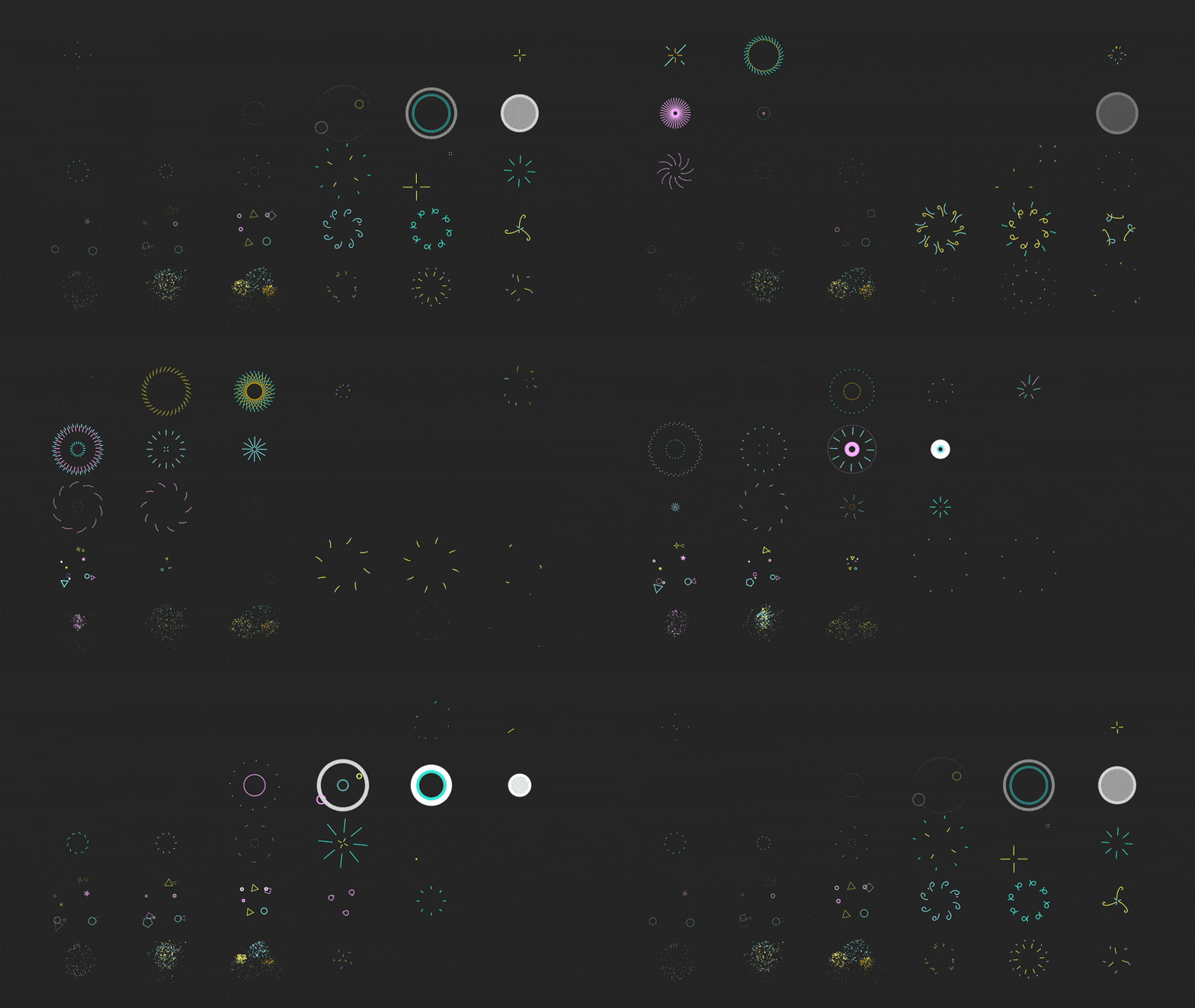
BurstBox comes with 30 poppin' animations.
Each one is easy to customize!
(watch all 30 animations here)
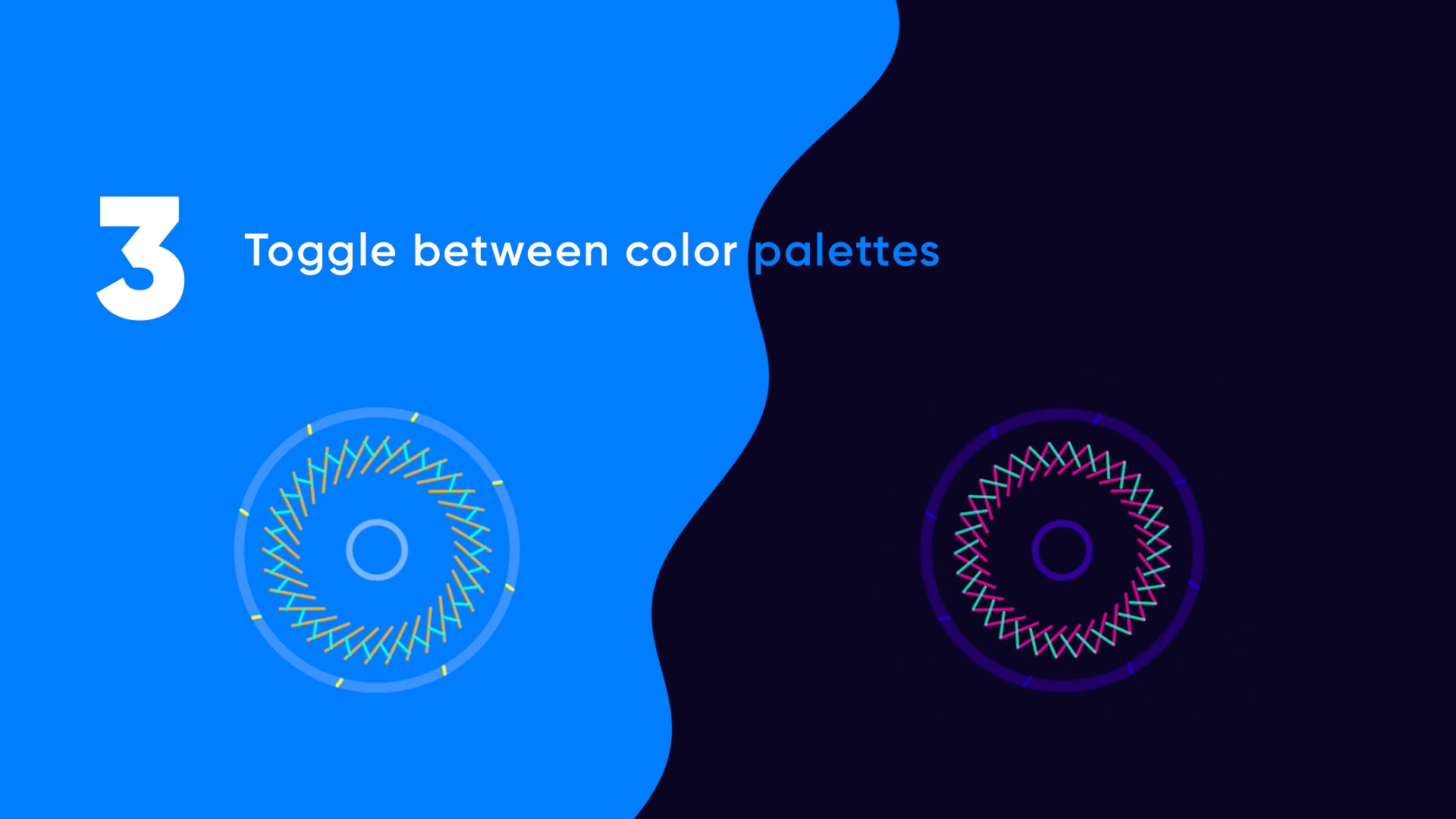
Update your entire color palette
BurstBox comes with several color palettes.
Each one is easy to customize! Swap out palettes with 1 click.

Animate Quickly
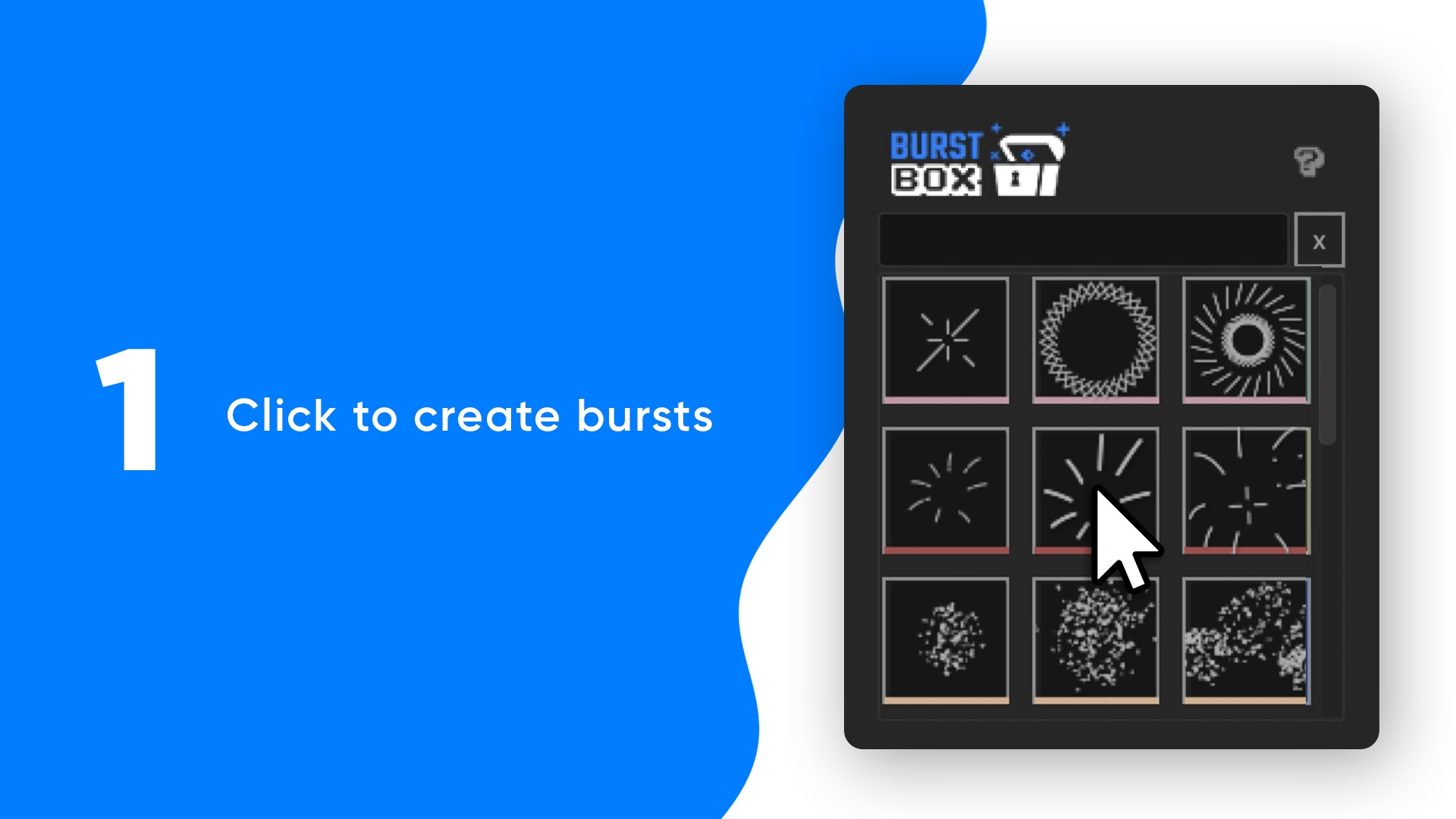
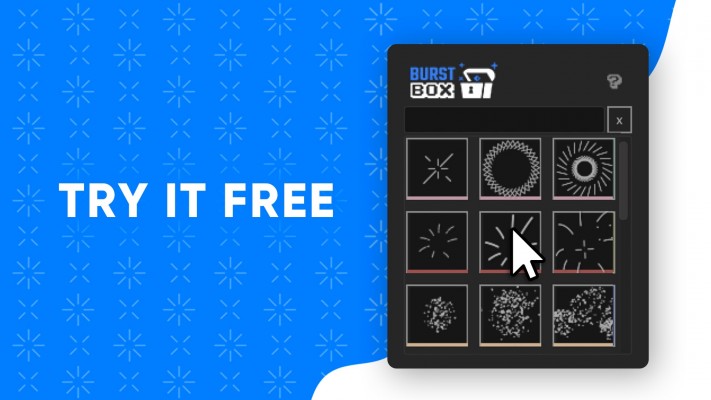
One click makes a burst precomp. Use the search bar to find your favorites.
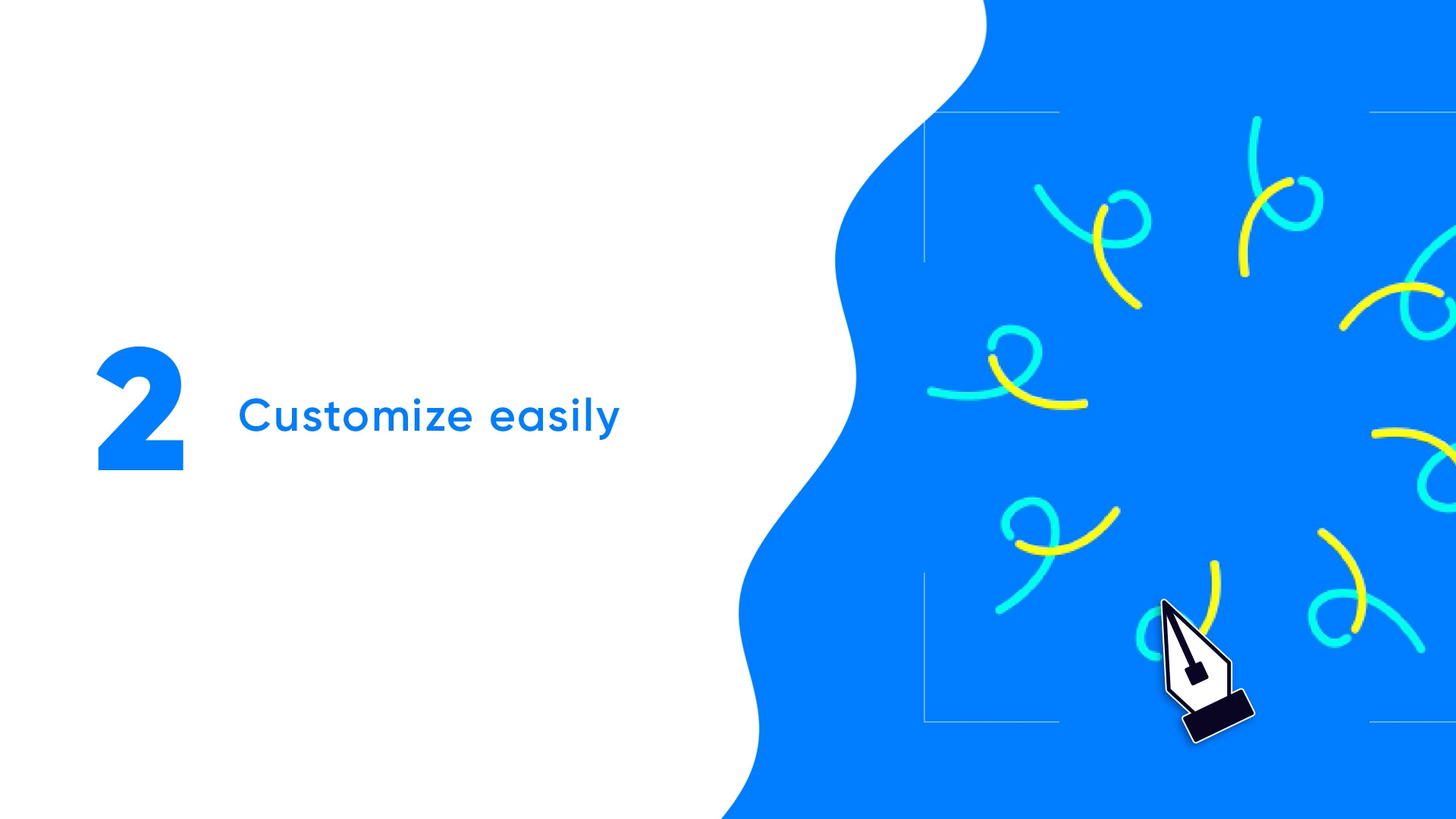
Edit Your Burst
BurstBox makes it easy & intuitive!
Simply edit one path & your change will update all paths around your burst circle.
(The burst pictured below is a path that is copied & distributed around in a circle.)
Create more (or less) copies of your burst path.
Update Colors
Change colors and update all your bursts at once!
BurstBox also includes a button that allows you to switch between several burst color palettes
(All of which are easy to customize)
FAQ
Can I Edit Bursts?
Yes. BurstBox makes it very easy to customize each burst animation after it's created.
BurstBox makes each burst animation a precomp. Simply open it up and change contents easily.
Can I Add My Own Bursts?
Unfortunately not. But you can easily customize the animations after BurstBox makes them.
You can also contact me on LinkedIn or Twitter about possibly including your burst in the next release of BurstBox.
Can I Try It?
Yes! Use BurstBox for 7 days.
No end of trial period payment traps :)
Try it out for free & add some extra pop to your next project!
Is BurstBox Worth It?
BurstBox is a great tool for adding production value quickly.
Before BurstBox, the time it took to create bursts often wasn't worth the bang for buck.
It's nice to add pop animations in a second when I want them.
And of course, it's extremely useful on projects like the promo video shown above ;)
If you're unsure if BurstBox is for you, give it try for free!
Ready to ship it?
Create After Effects burst animations with just one click!
Give BurstBox a try :)

Thank you!



| After Effects | 2024, 2023, 2022, 2021, 2020, CC 2019 |
|---|
1.1 (Current version) - Feb 6, 2022
- Fix potential expression errors
- Expressions updated to work in multiple languages
Thanks for using BurstBox :)
1.0 - Jan 16, 2022
-

- Compatibility After Effects
Outlined Style Pack for Animation Composer
Add to CartThis product has been discontinued. You can now purchase all Mister Horse products through a single subscription plan. -
- Compatibility After Effects
Shape Transitions for Animation Composer
Add to CartThis product has been discontinued. You can now purchase all Mister Horse products through a single subscription plan. -

- Compatibility After Effects
- Compatibility Photoshop
- Compatibility Premiere
- Compatibility Cinema 4d
- Compatibility Nuke
Set Matte Texture Pack 02
Add to CartHigh-quality moving textures designed for animation.
-

- Compatibility After Effects
- Compatibility Premiere
- Compatibility Final Cut Pro
- Compatibility Cinema 4d
- Compatibility Nuke
PQ Art Parts
Add to CartPQ Art Parts is a library of handmade transitions, a lot of frames for customizing the look of any layer, plus some useful elements like edges, individual brush strokes, bubbles and some lower thirds. Each Art-Part was lovingly painted, inked or sketched in multiples, shot in VERY high resolution, cleaned, then sequenced at either 12FPS or 24FPS. They're designed to bring arty character to any layer in After Effects.
-

- Compatibility After Effects
- Compatibility Photoshop
- Compatibility Premiere
- Compatibility Cinema 4d
- Compatibility Nuke
Set Matte Texture Pack 01
Add to CartHigh-quality moving textures designed for animation.
-
- Compatibility After Effects
- Compatibility Premiere
Shape Elements Pack
Add to CartThis product has been discontinued. You can now purchase all Mister Horse products through a single subscription plan.
-
- Compatibility After Effects
RasterFast
Add to CartContinuously rasterize entire project with a click.
$4.99 -

- Compatibility After Effects
Social Beam
Add to Cart Social Beam makes posting fun!
After Effects to Instagram In 3 clicks — Try it free(now compatible with M1 Mac)
$39.99 -

-

- Compatibility After Effects
KeyFast
Add to CartYour Motion Design Copilot!
Auto eased keyframes, 1-click animations, and more.
Try it free!$34.99 -
- Compatibility After Effects
EmojiKit
Add to CartAnimated Emojis in After Effects!

Searchable | Loopable | Lottie compatible
Make animated or still emojis with 1 click$39.00
