
Compound Matte 2
-
Compatibility After Effects Please check exact version compatibility under the "COMPATIBILITY" tab below
 Adding to cart...
A Full Matte Operator
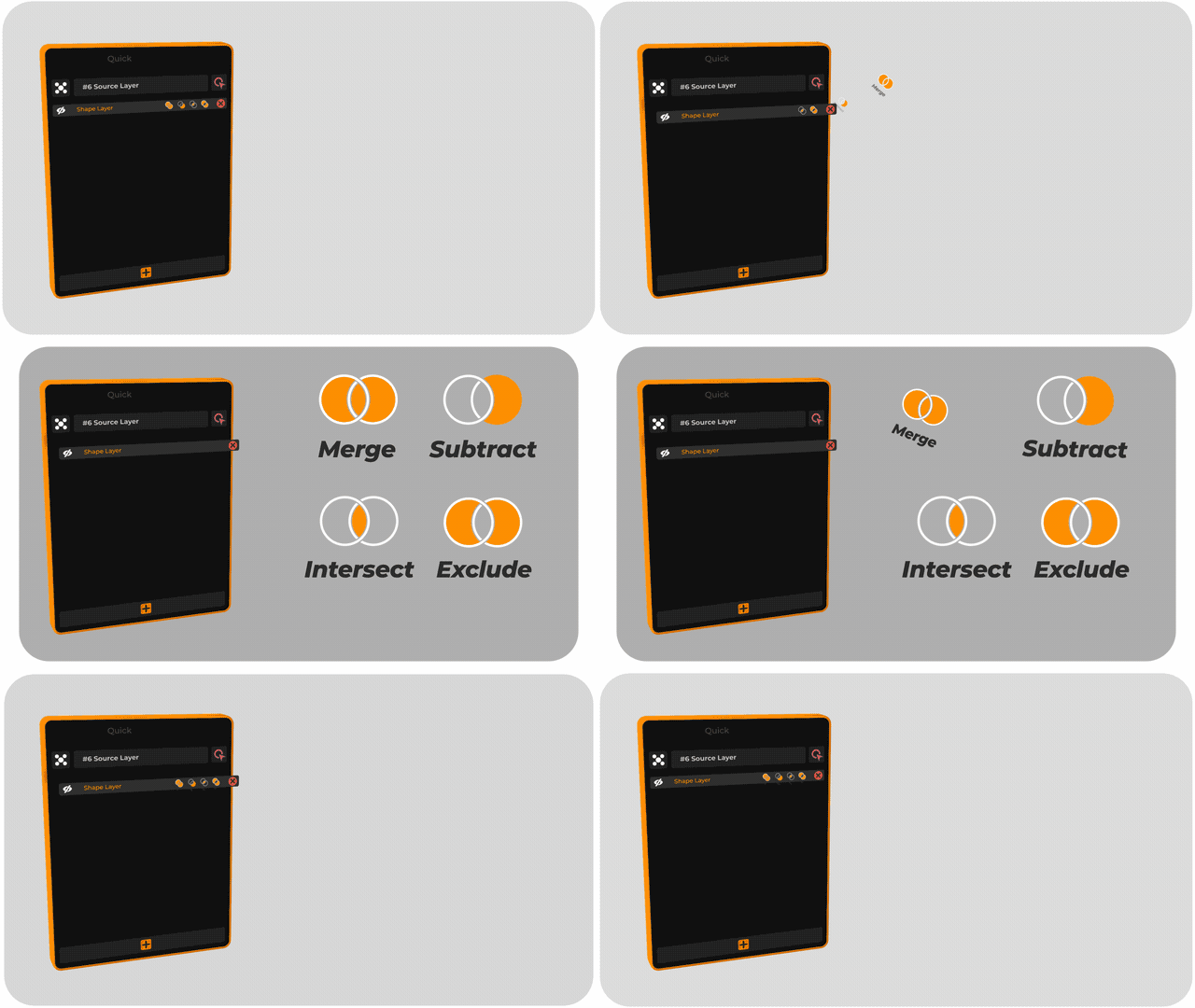
You can have multiple matte layers on one layer and control each one with 4 modes:
- Merge
- Subtract
- Intersect
- Exclude
All in a super easy to use drag interface!
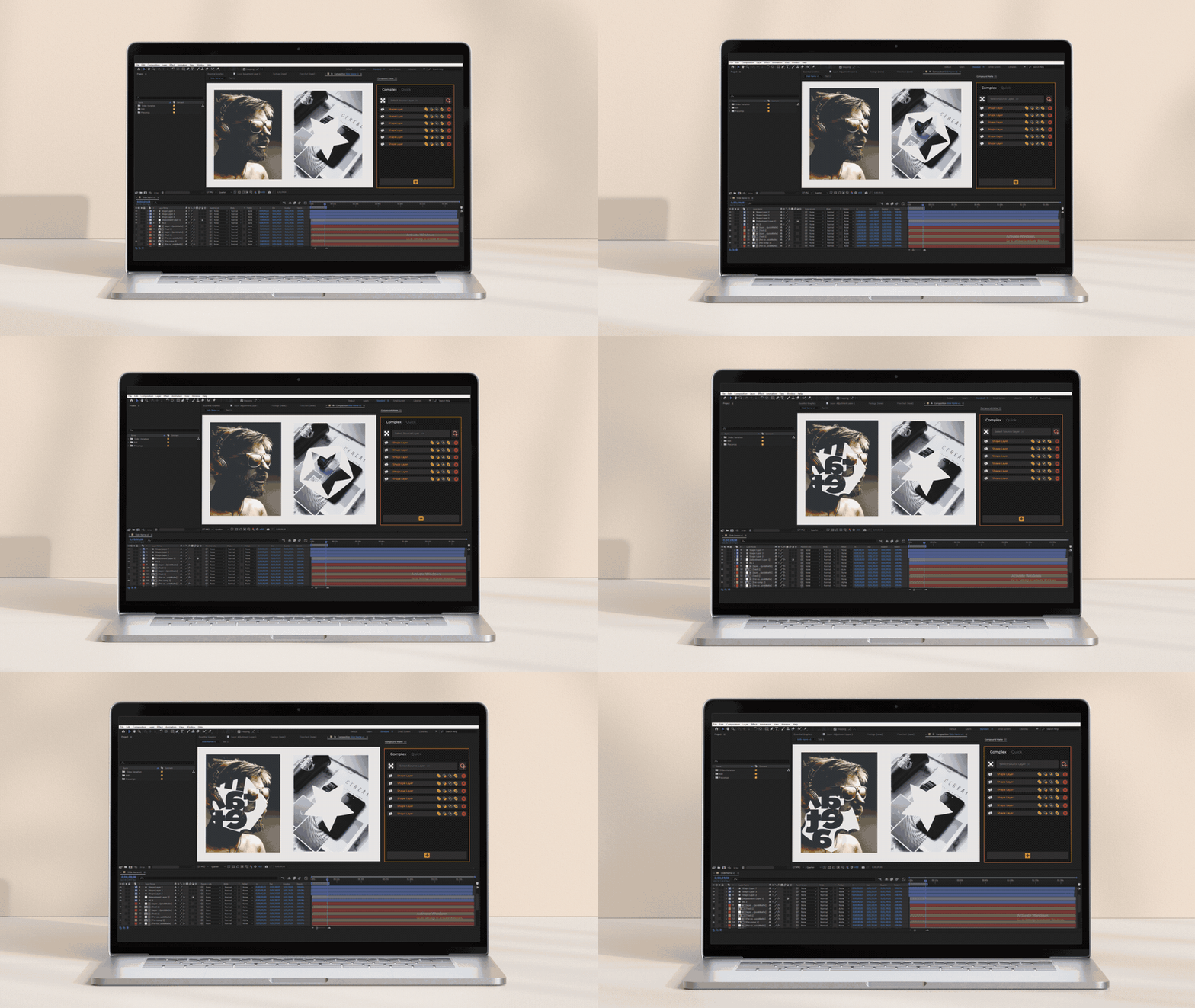
Create infinite matte layers that are easy to see and control.
Note: that our tool does not use the Set Matte effect.and in many cases eliminates the need to use After Effects internal track matte.
Features
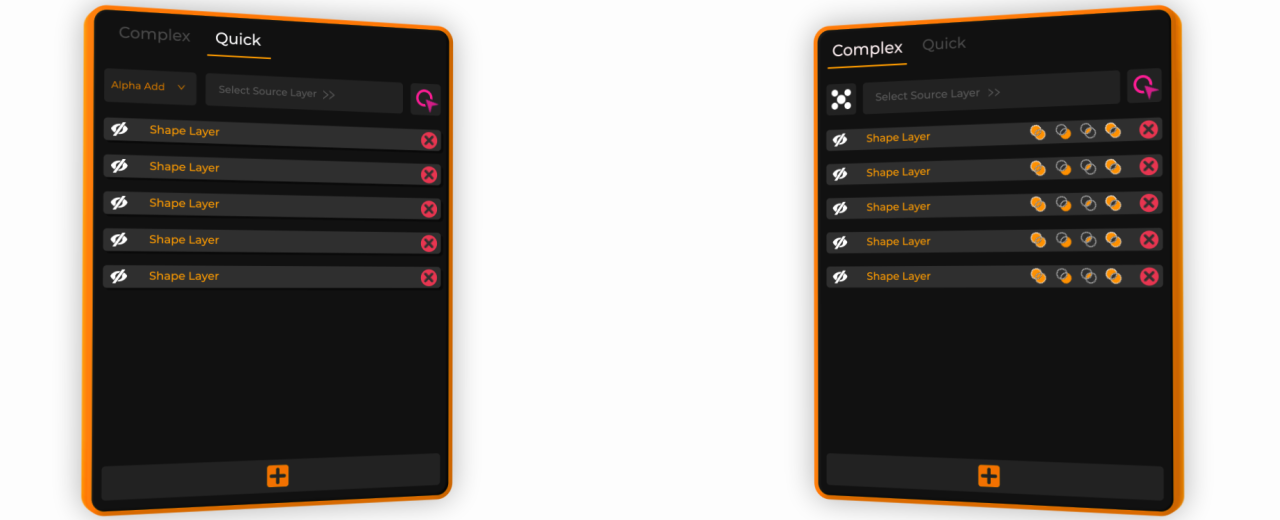
- 2 engines (Quick engine and Complex engine) - Work faster and easier in the Quick engine
- Create complex mattes in the Complex engine
- Set multi matte layers to each source layer easily
- Create and manage unlimited mattes
- Works on everything
- Responsive UI
v2 New Features:
- Added a new engine (Quick engine)
- Automatic detection of used engine and smart switch
- Layer opacity works
- Works with layer effects
- Intelligence in reading layers and specifying the number of uses in different mattes
- Now it's faster!
- Better UI/UX
Upgrade Notice
If you purchased v1 after July 1, 2022 you can get Compound Matte 2 for free, if you purchased it before the upgrade price is $12.00. To get the upgrade pricing please login to the same account that you purchased Compound Matte with. If you need assistance please open a support request.
| After Effects | 2022, 2021, 2020, CC 2019 |
|---|
2.0 (Current version) - Aug 25, 2022
* Automatic detection of used engine and smart switch
* More intelligence in reading layers and specifying the number of uses in different mattes to avoid interference
* Layer opacity works
* Rewriting extension codes
* Work faster and easier in the Quick engine
* Create complex mattes in the Complex engine
* Improved stability
* Better UX
* Fixed a lot of bugs
-

- Compatibility After Effects
Parenter
Add to CartQuickly reposition layers without affecting their animation!
-
- Compatibility Premiere
Storyboard Maker Premiere
Add to CartStoryboard Maker is an extension that lets you create storyboards directly in Premiere Pro. Now you can Draw in Premiere Pro
-

- Compatibility After Effects
Ustav — Text layouts editor
Add to CartNEW: Simple selection tool. Quickly create and edit text layouts.
Headers text • Paragraph text • Numbered text list • Bulleted text list • To-Do text list • Quote text • Divider • Callout text -

- Compatibility After Effects
Fresh Trim
Add to CartNEW: Five new trim modes. Fresh Trim is designed to help keep your timeline organized by trimming layers quickly according to a variety of attributes.
-

- Compatibility After Effects
- Compatibility Photoshop
Paint Link
Add to CartPaint Link offers a revolutionary new workflow for frame-by-frame animation. Create a dynamic connection between After Effects and Photoshop to unlock the best of both tools.
-

- Compatibility After Effects
Save Objects
Save compositions, layers and properties with live preview.Add to CartPresets, Fonts, Masks, Markers, Keyframes interpolation, Expressions and JSX code can also be saved with the ability to change all values
+ All files viewer
-

- Compatibility After Effects
Zone Below
Add to CartDynamically reveal any part of the layer below using zone masks
$14.00 -

- Compatibility After Effects
Titles Factory
Add to Cart25% Off until July 20. An impressive title animation extension with customizable entry and exit animations
$32.00 -

- Compatibility After Effects
Items and Tags
Create and manage tags and sub-tags in an advanced drag and drop UI. Visually and intelligently filter your layers with 4 modes for selecting and displayingAdd to Cart$32.00 -

- Compatibility Premiere
Textyle Premiere
Add to CartAnimate text with an easy to use interface that includes many presets and styles in Premiere Pro
$32.00 -

- Compatibility After Effects
Textyle Studio
Add to CartAnimate text with an easy to use interface that includes many presets and styles
$34.00 -
- Compatibility After Effects
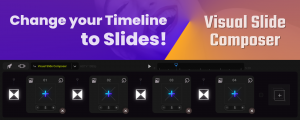
Visual Slide Composer
Add to CartVisual Slide Composer lets you instantly create complete videos using slides - with just a few clicks. An attractive and useful solution to work more efficiently instead of the timeline in After Effects. Includes tons of instant pre-made slides and transitions in trendy styles. Work faster and easier in After Effects.
$89.00