
Cuttana Illustrator
-
Compatibility Illustrator Please check exact version compatibility under the "COMPATIBILITY" tab below
 Adding to cart...
What is Cuttana Illustrator?
Cuttana Illustrator is a tool for cutting outlined text!
Features
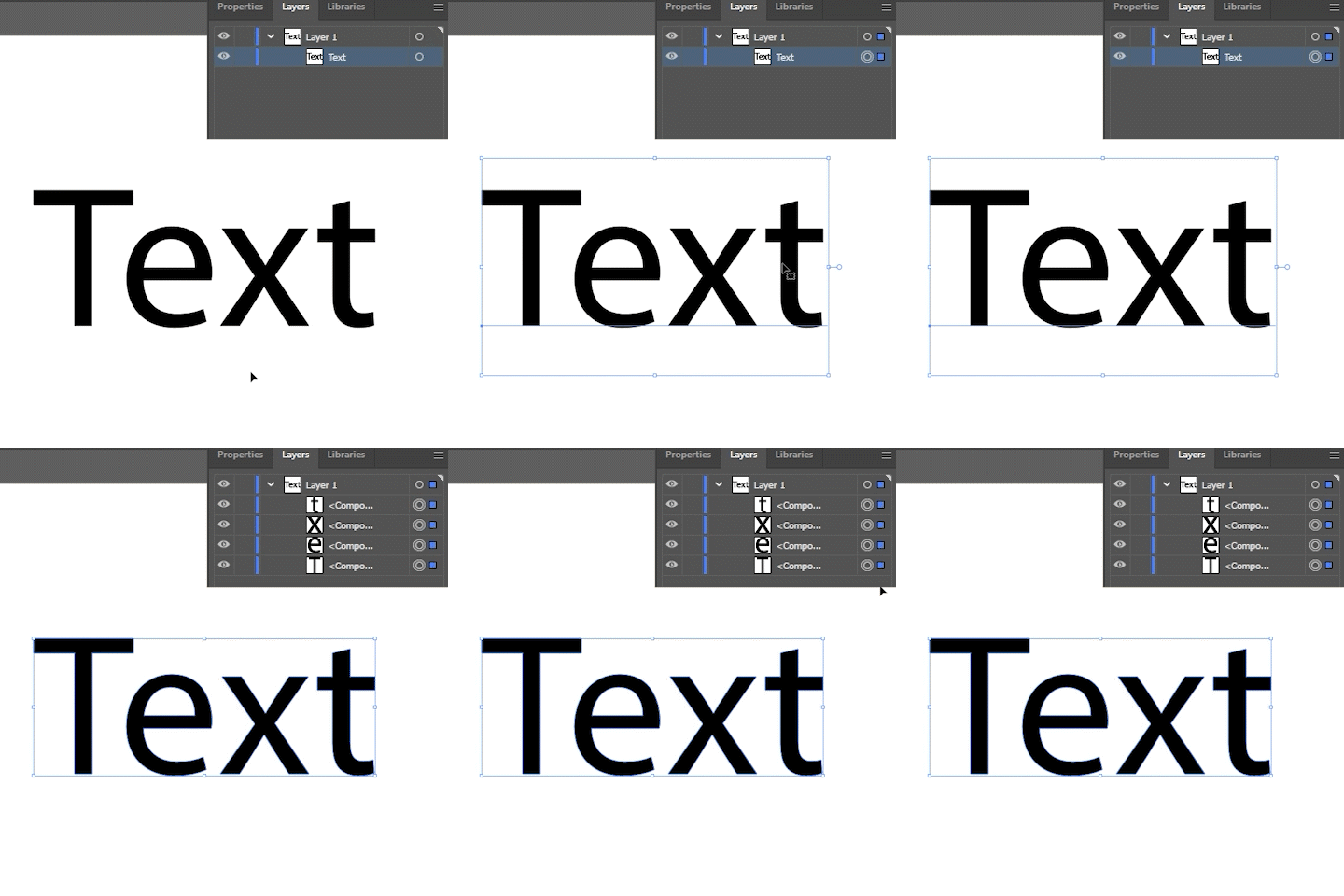
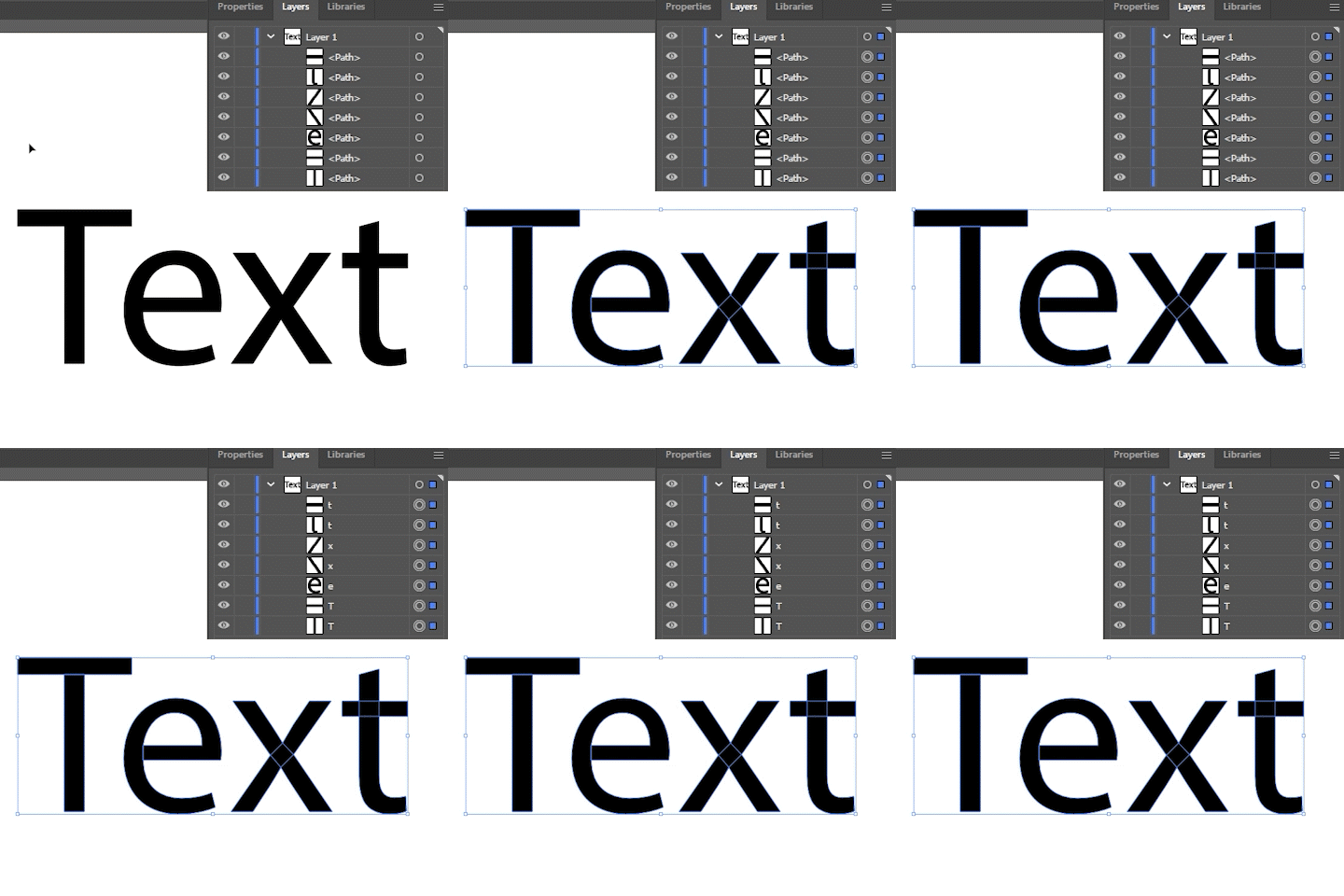
"Text to Outlines”
Unlike the default function, it stores character information in each compound path.
This allows you to rename it later.
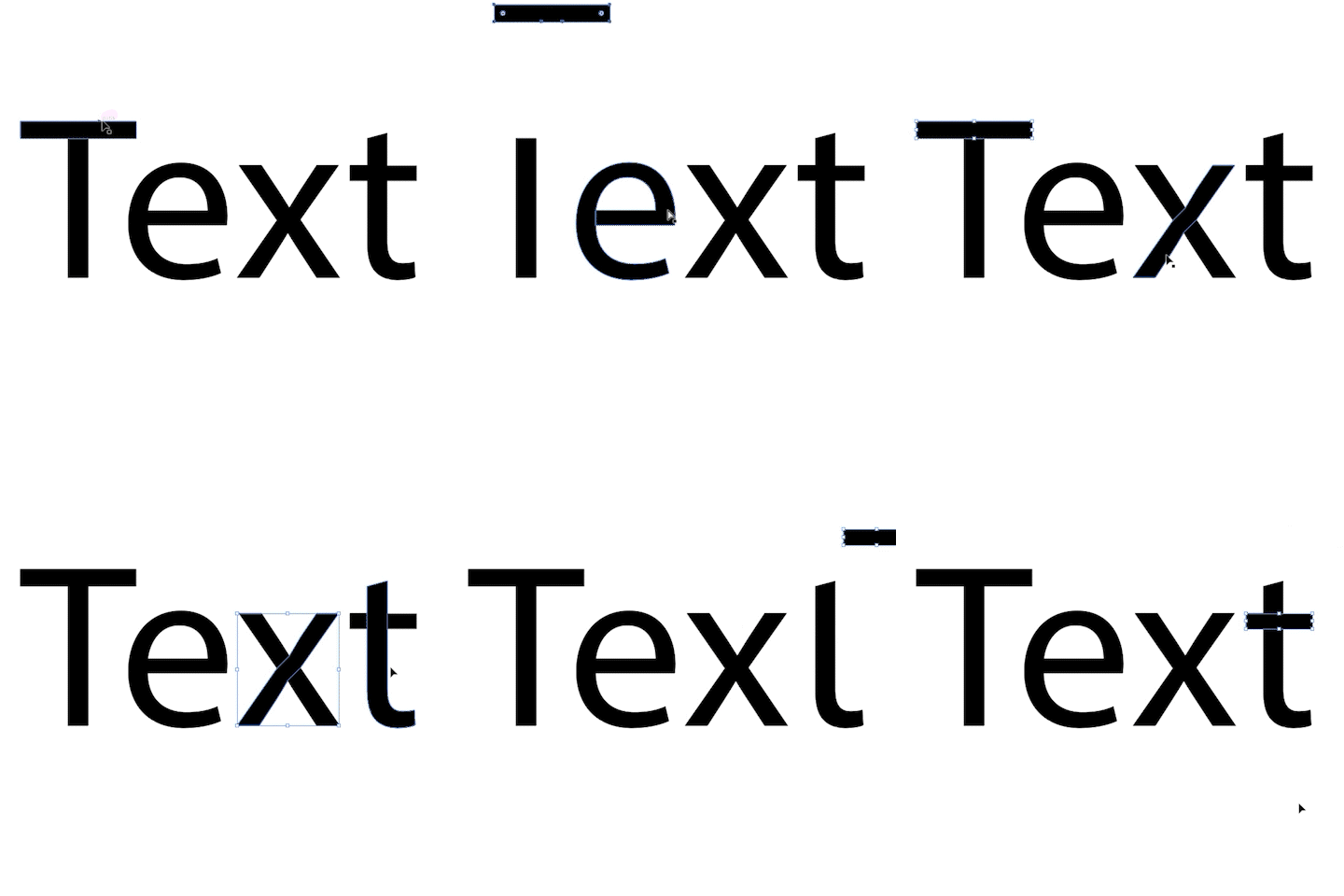
"Cutting & Slicing a path”
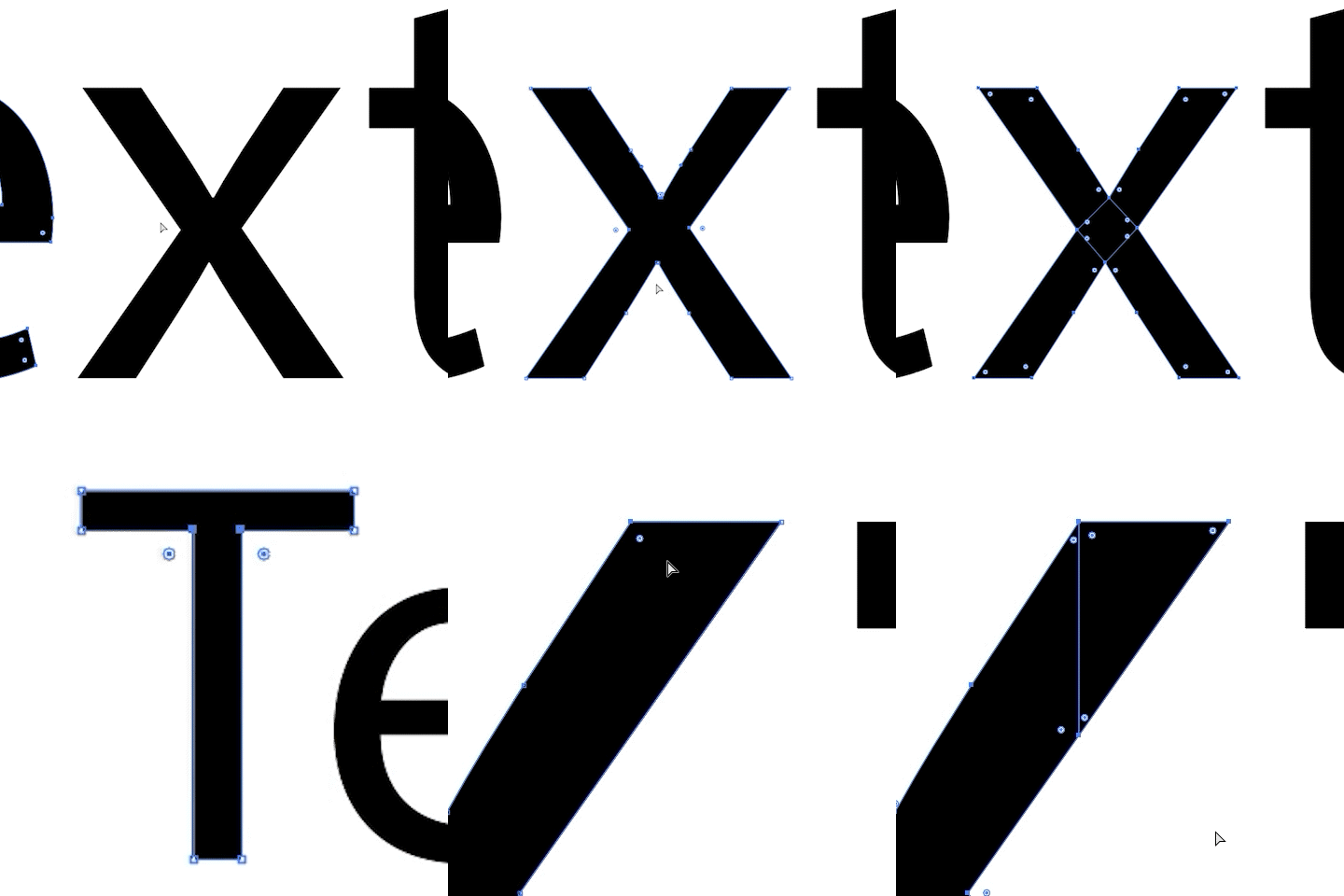
The cross-section can be divided into a horizontal "-" or vertical "|" shape by simply selecting four points on the path.
Of course, it is also possible to only choose two points.
You can also select one point and slice the path in either the up, down, left, or right direction.
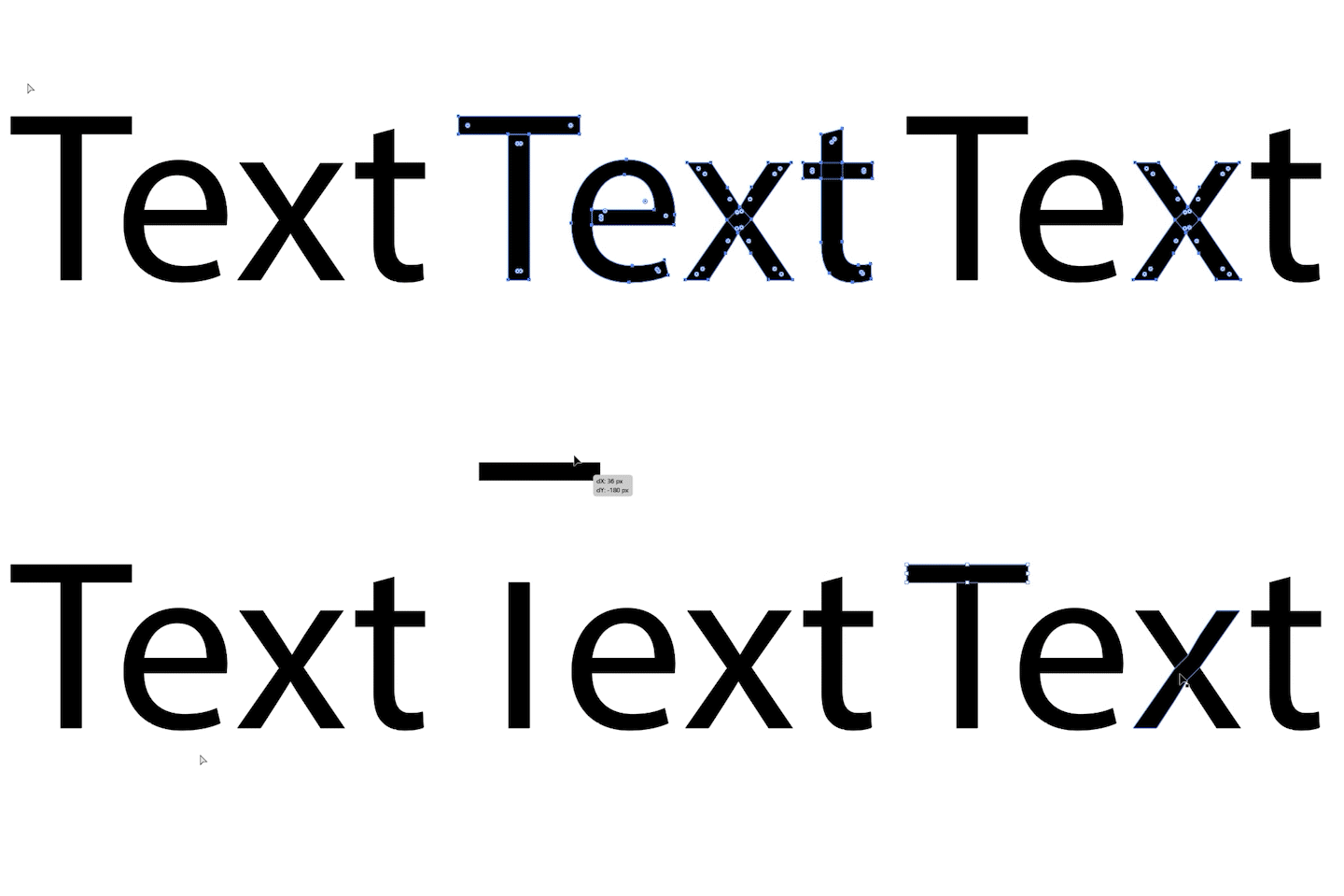
“Compound Paths to Paths”
It split the Compound paths into paths.
If a compound path has a hole path and a fill path, these paths are automatically combined into one compound path.
“Rename”
Renames the layer based on the information provided by the path or compound path.
If you have used a function other than Cuttana, the renaming may not work (e.g. Pathfinder).
Trial
The trial version is limited to 3 characters that can be outlined.
| Illustrator | 2024, 2023, 2022 |
|---|
1.0.2 (Current version) - Aug 18, 2022
1.0.1 - Mar 30, 2022
1.0 - Mar 22, 2022
-
- Compatibility After Effects
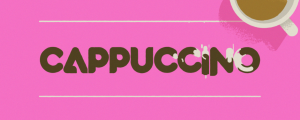
Cappuccino - Animated Typeface
Add to CartFun, bold and energetic. Cappuccino is an animated display typeface with geometric animations that feel almost liquid. But still foamy, like a good cappuccino is supposed to be. Order 4 or more Animography Animated Typefaces and save 25%
$22.00 -
- Compatibility After Effects
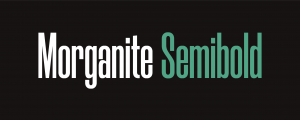
Morganite - Animated Typeface
Add to CartMorganite is a practical compressed typeface with great legibility. With a sleek urban style often found in movie posters and high-end fashion, it's great for branding, posters, titles, and headlines. Its compressed design helps you fit more text into limited spaces.
Order 4 or more Animography Typefaces and save 25%. -
- Compatibility After Effects
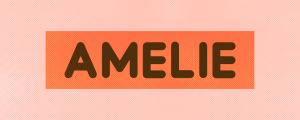
Amelie Typeface
Add to CartAmelie is fresh and vibrant typeface. The monolinear type design is very neutral, making it a perfect companion for lots of projects. By setting the line width you can easily change the weight of the typeface to your liking.
Order 4 or more Animography Animated Typefaces and save 25% -

- Compatibility After Effects
Akuto - Animated Typeface
Add to CartAkuto is a captivating humanist typeface that merges playfulness with geometric precision. With a delightful dance of frame-by-frame motion, Akuto will bring a dynamic touch to your design projects. Order 4 or more Animography Typefaces and save an additional 25%
-
- Compatibility After Effects
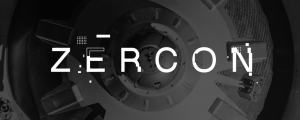
Zercon - Animated Typeface
Add to CartA highly customizable animated typeface for Adobe After Effects. The animation for each character is generated with random input, so no two animations are the same. Control color, duration, stroke width, particle count, offset, random seed and many other parameters with 31 convenient controls.Order 4 or more Animography Typefaces and save an additional 25%
-
- Compatibility After Effects
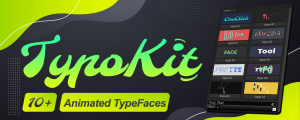
TypoKit
Add to CartTypoKit is a collection of beautifully designed and animated typefaces. 10+ clean, modern animated styles.
-

- Compatibility After Effects
BtnHook
Add to CartTool to create shortcuts from UI script buttons
$9.99 -
- Compatibility After Effects
CuttanaNir2
Add to CartToolkit for creating write-on animations. Featuring 5 exciting new features.
$39.99 -
- Compatibility After Effects
WQ Pro
Add to CartDetect double-click on layers and execute a script!
$39.99 -
- Compatibility After Effects
Exte
Add to CartA tool for extending paths. You can create an extended line from a shape with an animation. All you have to do to get the extended line is to pick two points on the path.
$24.99