
Fast Camera Lens Blur
-
Compatibility After Effects Please check exact version compatibility under the "COMPATIBILITY" tab below
-
Compatibility Premiere Please check exact version compatibility under the "COMPATIBILITY" tab below
 Adding to cart...
Fast and Beautiful Realistic Camera Lens Blur
Renders realistic camera lens blur just like the native "Camera Lens Blur" effect of Adobe After Effects but faster, way faster!
In addition, it can also render glow that is generally expressed by combining several layers of blur.
Works in Premiere Pro
Fast Camera Lens Blur renders as fast as the built-in Lens Blur effect in Premiere Pro implemented by Box Blur but with much more beautiful and realistic results. Finally you can have a fast and realistic camera blur directly in your timeline!
Blur Shapes
Fast Camera Lens Blur supports 4 types of blurring: regular hexagon, regular octagon, 12-gon and 16-gon.

Hexagon

Octagon

12-gon
Comparison with AE Native Camera Lens Blur
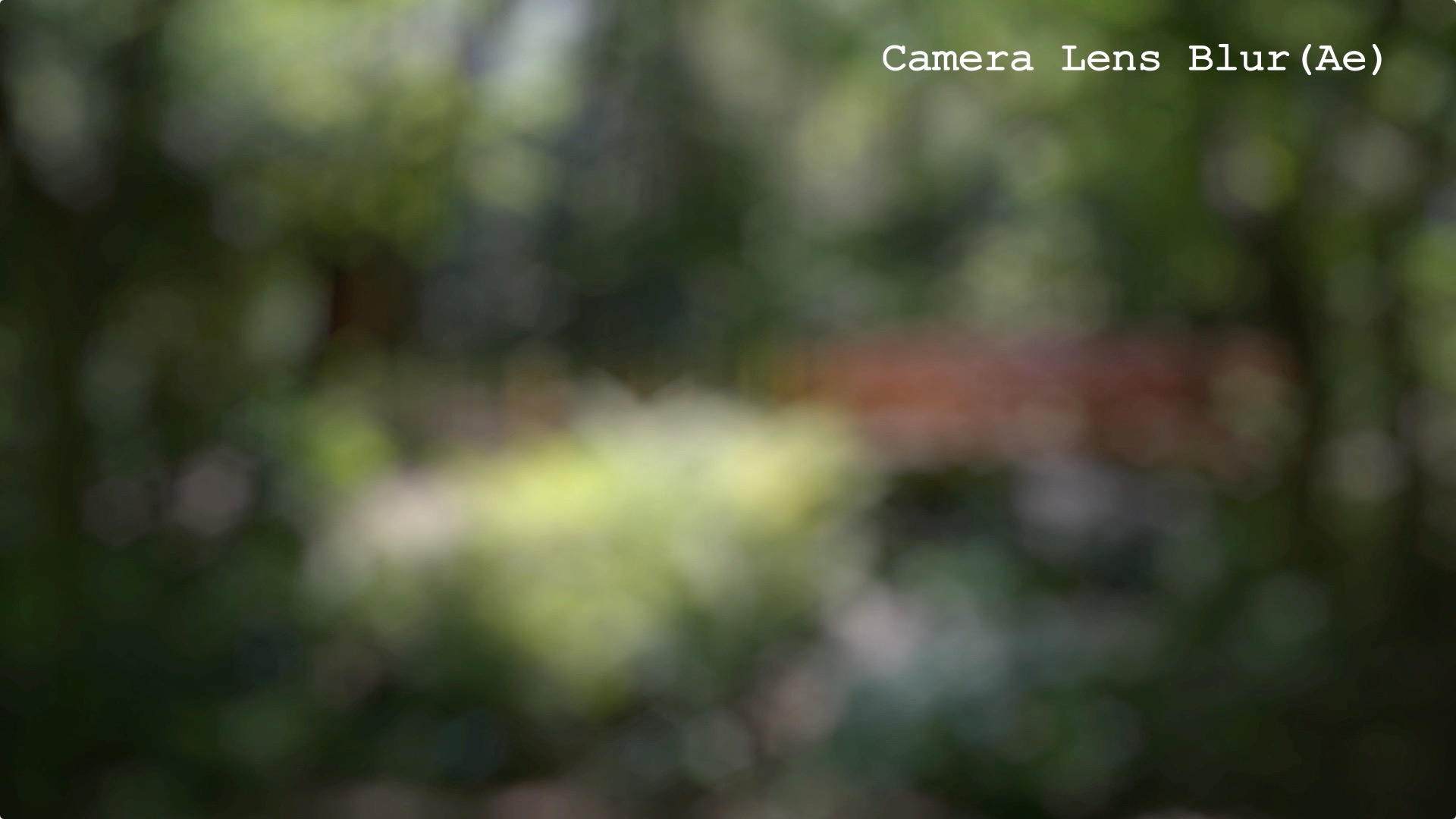
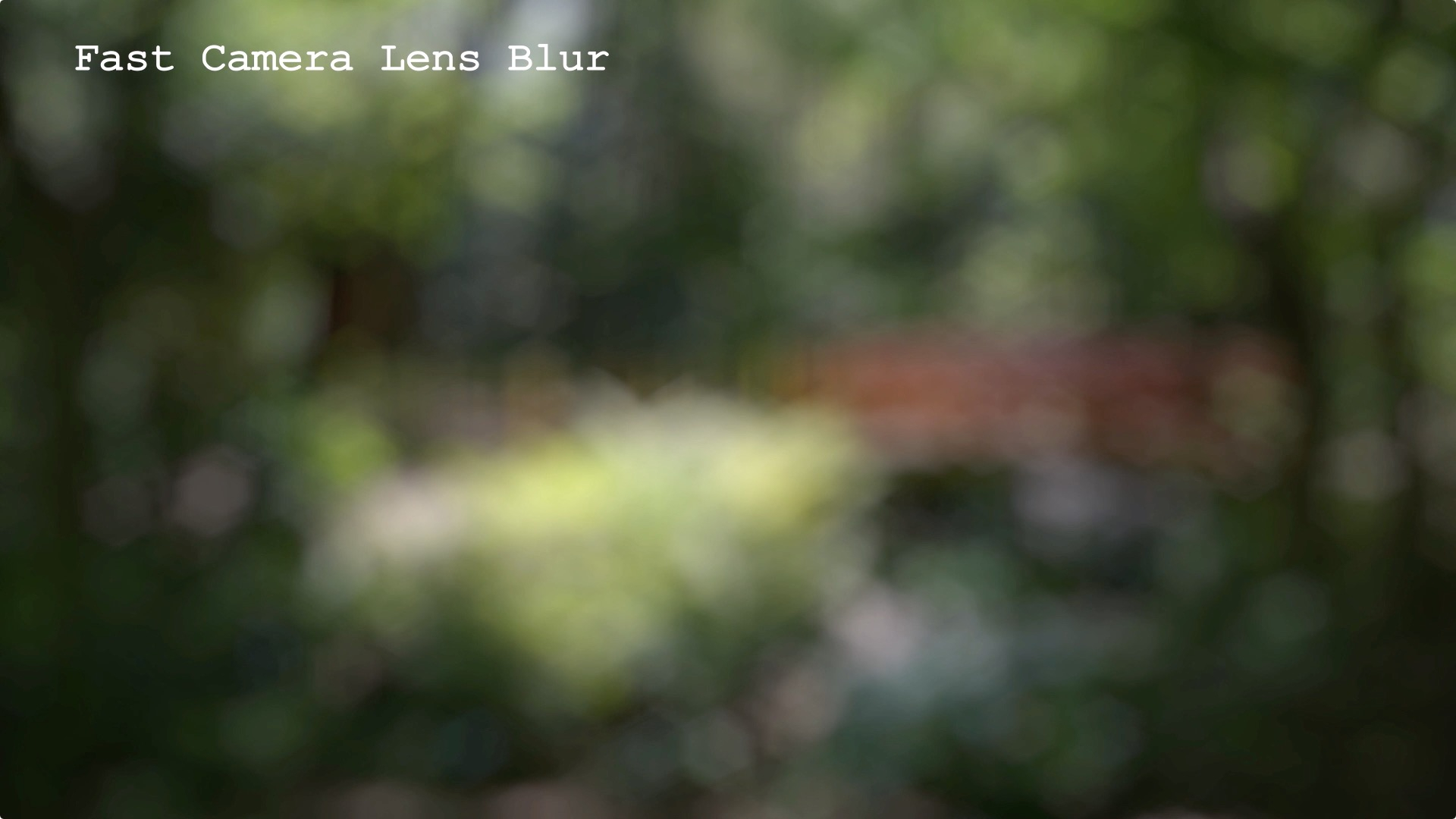
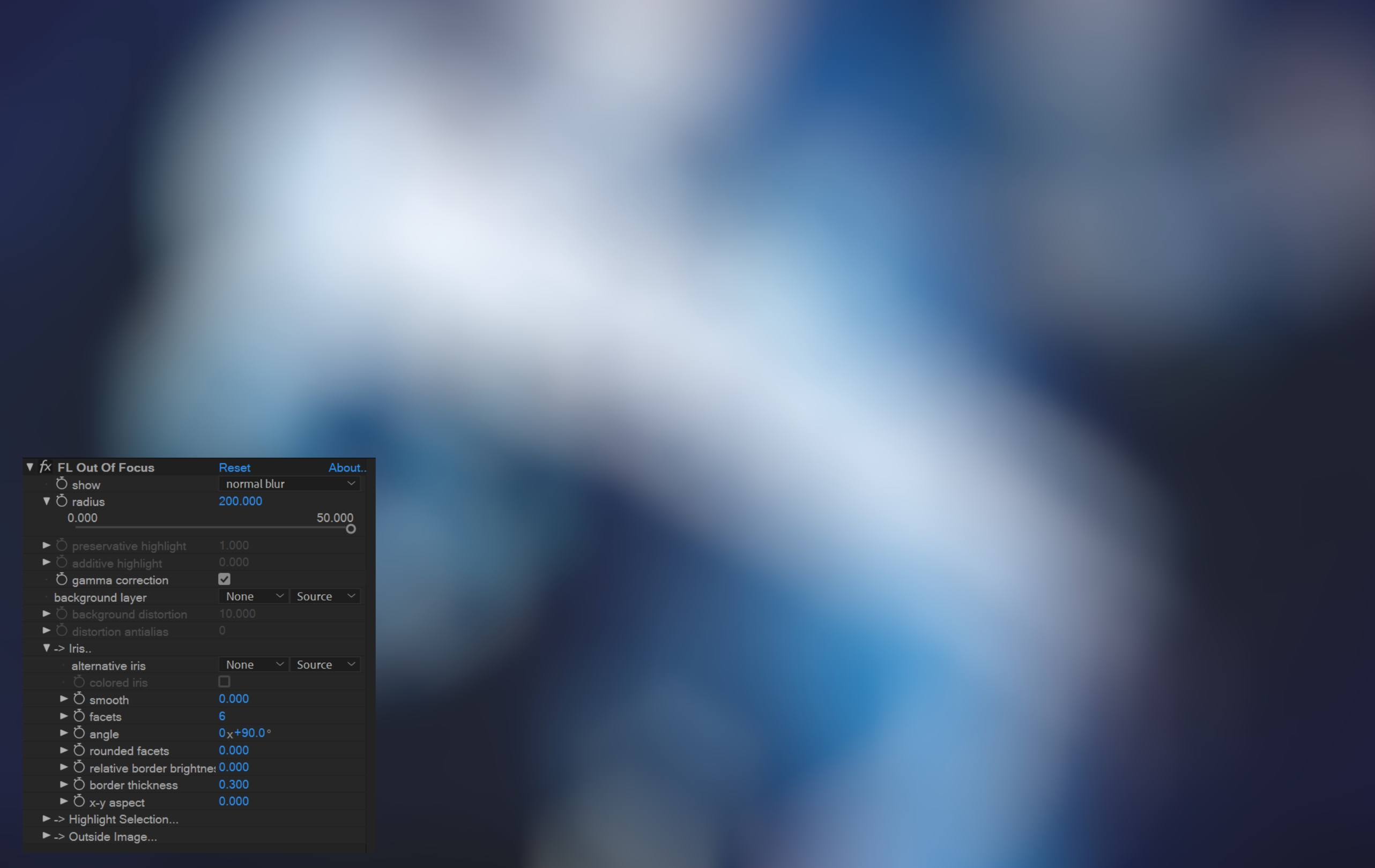
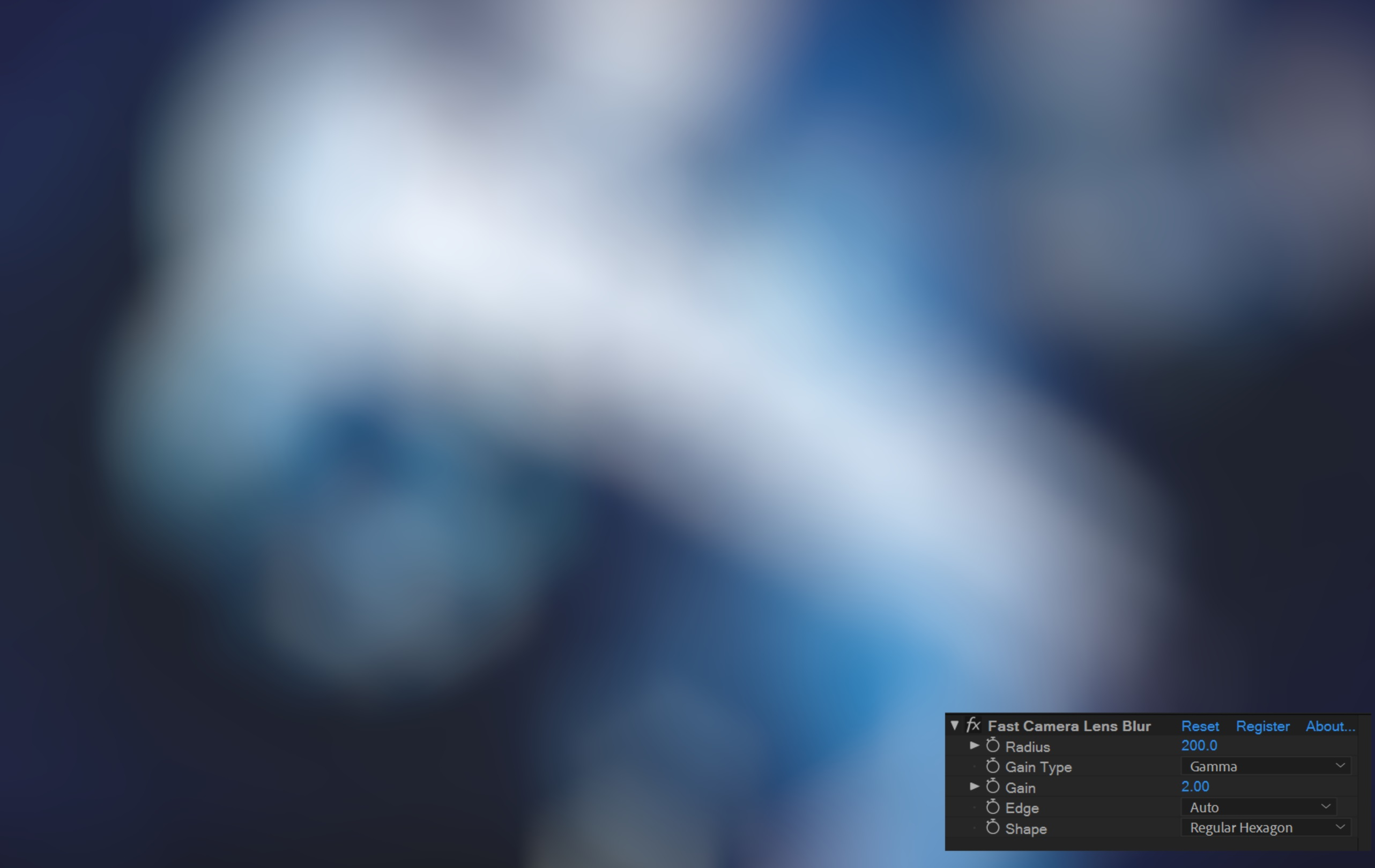
Comparison with Lenscare "FL Out Of Focus" Hexagonal Shape
| After Effects | 2024, 2023, 2022, 2021, 2020, CC 2019, CC 2018, CC 2017, CC 2015.3, CC 2015, CC 2014, CC, CS6 |
|---|---|
| Premiere | 2024, 2023, 2022, 2021, 2020, CC 2019, CC 2018, CC 2017, CC 2015.3, CC 2015, CC 2014, CC, CS6 |
5.2.1 (Current version) - Aug 15, 2022
5.2.0a - Aug 15, 2022
5.2.0 - Jul 8, 2022
- Update aescripts licensing system
5.1.0a - May 18, 2022
5.1.0 - Jan 8, 2022
5.0.2 - Nov 21, 2019
[Update] Even faster. Especially 12-gon is remarkable.
[New] Added 16-gon shape.
[Fix] Fixed a bug that it doesn't work with CPUs before Ivy Bridge.
5.0.2w - Nov 21, 2019
[Update] Even faster. Especially 12-gon is remarkable.
[New] Added 16-gon shape.
[Fix] Fixed a bug that it doesn't work with CPUs before Ivy Bridge. (Windows)
5.0.1 - Nov 20, 2019
[Update] Even faster. Especially 12-gon is remarkable.
[New] Added 16-gon shape.
4.1.3 - Mar 29, 2019
4.1.2 - Feb 8, 2019
4.1.1 - Feb 1, 2019
4.1.0 - Jan 23, 2019
Add octagonal shape and 12-gon shape.
[Update]
Add rendering precision (Auto / 32 bit float / 32 bit int / 64 bit double).
So far, when the radius is small, the problem that the gain did not work much has been corrected.
At the time of updating, there are cases where the operation different from the conventional rendering is performed. Legacy precision considering compatibility with the past was added.
[Fix]
Fixed the problem that the picture was broken at 32 bit composition
3.12.0 - Sep 14, 2018
Fixed an incompatibility between Win version project and Mac version project due to incorrect plug-in identification key for Mac version.
For compatibility with old Mac project, Legacy version was bundled.
But since the next time I do not plan to update the Legacy version, please do not use it in a new project.
3.11.0 - Jul 28, 2018
Fixed problem that could not be activated in Premiere Pro
[Windows]
Fixed problem that did not work on some environments (Sandy Bridge-E such as Intel Core i7-3930K)
3.10.0 - Jul 17, 2018
-

- Compatibility Final Cut Pro
Prism & Hues for Final Cut Pro X
Add to CartWith “Prism & Hues” you can now blur the prism effect, change the hue, adjust the opacity and the saturation… all independently. Take control of your prism effect inside FCPX.
-

- Compatibility After Effects
- Compatibility Premiere
Blace - AI Face Detection & Blurring
Add to CartArtificial Intelligence-based plugin for face detection and blurring.
Please check full compatibility details below.
-
- Compatibility After Effects
Quick Chromatic Aberration 3
Add to CartAdd RGB shift & distortion to emulate chromatic aberration from real lenses. And it's Free!
-

- Compatibility Davinci Resolve
FlexiMist - Diffusion Plugin For DaVinci Resolve (DCTL)
Add to CartWith FlexiMist, achieving the perfect diffusion effect is now super simple. Whether you’re a professional filmmaker or an aspiring content creator, this GPU-accelerated DCTL plugin delivers stunning results in no time.
Want the beautiful Misty, glowing, dreamy look like that of Wong Kar Wai? Check out this plugin.
Experience the timeless allure of classic diffusion filters without the hassle of physical gear or complex editing techniques. Whether you’re working on commercials, music videos, or narrative films, our plugin delivers that coveted filmic quality that captivates audiences.
-

- Compatibility After Effects
Crossphere Bokeh
Add to CartA Lens Blur plugin that allows full parametric control of Bokeh shape with beautiful tonal mapping and HDR highlights.
-

- Compatibility After Effects
Fast Bokeh Pro v2
Add to CartNew: Custom Image Bokeh Shapes, Zone Control and optimized GPU Acceleration. Fast Bokeh Pro v2 is a plug-in for After Effects that creates a smooth Depth of Field bokeh blur using a Depth Map. It's very fast, handles edges properly and easy to use.