
Move Anchor Point 4
-
Compatibility After Effects Please check exact version compatibility under the "COMPATIBILITY" tab below
 Adding to cart...
 Advanced control, simple interface.
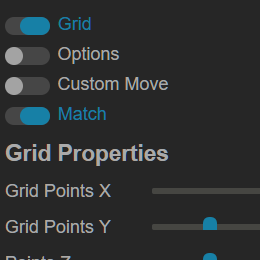
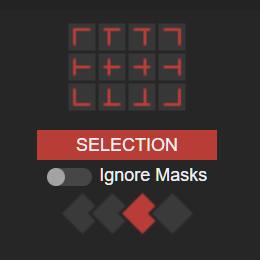
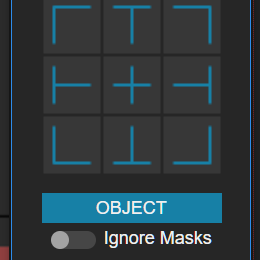
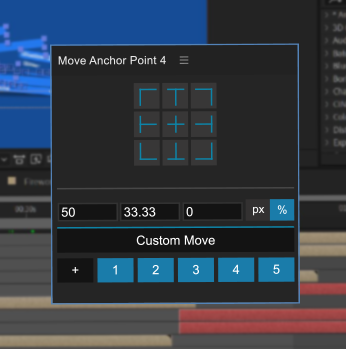
Use a simple grid to control your anchor points. Customize the grid for even more flexibility.
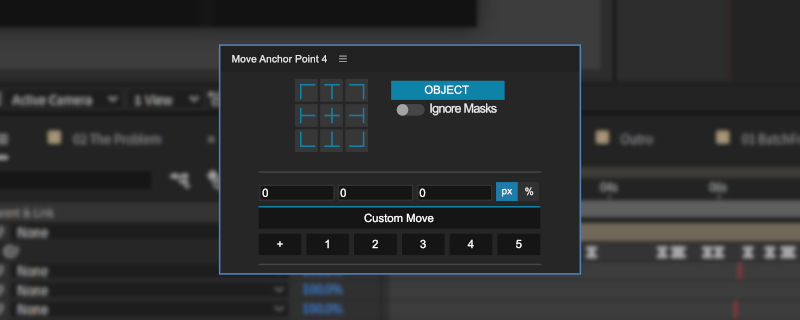
Work your way.
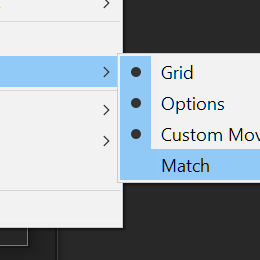
- Use the modular interface to see only what you need.
- Find the setup that works best for your project
- Quickly make changes with just a few clicks.
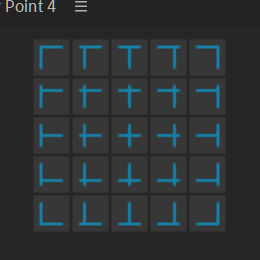
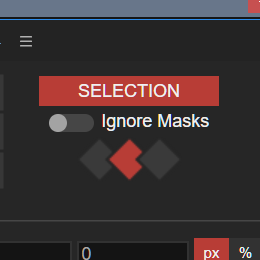
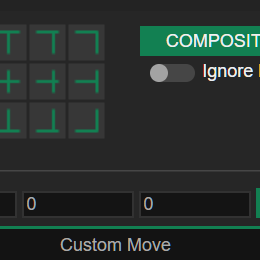
Reduce tedious tasks.
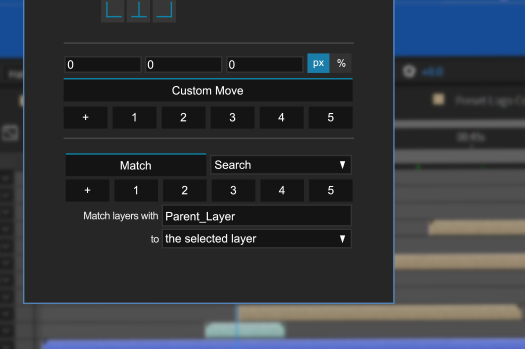
Create custom presets to reuse anchor point positions and settings.
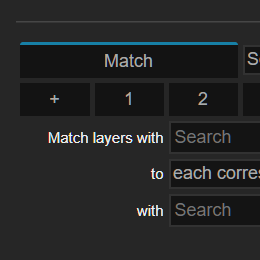
Use search-matching to move anchor points based on layer names.
See it in action.
Trial Version
The trial version of this tool is completely unlocked for 10 days. There are no limitations during the 10 day trial period, it is the same as the full version (minus being prompted to purchase a license). After the 10 day trial has expired, the tool will be completely locked.
Please try before you buy to make sure it works for your workflow.
| After Effects | 2024, 2023, 2022, 2021, 2020, CC 2019, CC 2018, CC 2017, CC 2015.3, CC 2015, CC 2014 |
|---|
4.1.2 (Current version) - Mar 4, 2024
4.1.1 - Jan 12, 2023
- Licensing system upgrade
4.1.0 - Jun 29, 2021
-

- Compatibility After Effects
Easy Rounder
Add to CartName Your Own Price!
Now with KBar & MoBar Support! Dynamically round corners in percentages instead of pixels. -
- Compatibility After Effects
Time Offset Animation
Create animations based upon a time offset with ease! Save time setting up complicated animations and leave it all to a few options and the click of a button!Add to Cart -

- Compatibility After Effects
Swiss Knife
Add to CartSwiss Knife is a group of 20 tools that can be combined in thousands of variations.
-
- Compatibility After Effects
Layer Random Shifter
Randomly shifts the selected layers in time within user defined range.Add to Cart$9.99 -

- Compatibility After Effects
DuplicateLayers-n-UpdateExpressions
Duplicates the selected layers and if any of the layers have expressions referencing any of the layers being duplicated it will update the expressions to point to the newly duplicated layers. Might make more sense if you watch the demo :-)Add to Cart -

- Compatibility After Effects
Anchor SNIPER
Add to CartTake full control of After Effects' Anchor Point and much more! A complete set of tools that allow you to quickly and accurately set the anchor point's location.
-

- Compatibility After Effects
Un-PreCompose
Add to CartNative Apple Silicon Support. Un-PreCompose allows you to quickly and easily extract all of the layers out of a nested composition and place them into the parent composition while maintaining all the effects and other properties.
$29.99 -

- Compatibility After Effects
Pseudo Effect Maker 3
Add to CartThe simplest way to create custom effect controls in After Effects
$17.99 -

- Compatibility After Effects
Auto Crop 3
Add to CartInstantly crop compositions to fit their contents. Now a native After Effects plugin!
$9.99