Shape Layer Toolbar
-
Compatibility After Effects Please check exact version compatibility under the "COMPATIBILITY" tab below
 Adding to cart...
 |
Shape Layer Toolbar |
||||||||||||||||
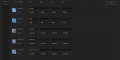
Features:
|
|
|||||||||||||||
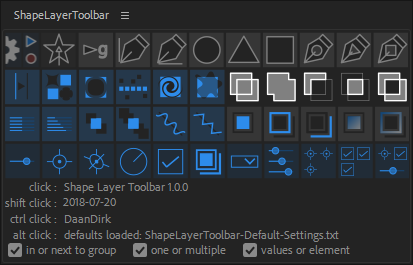
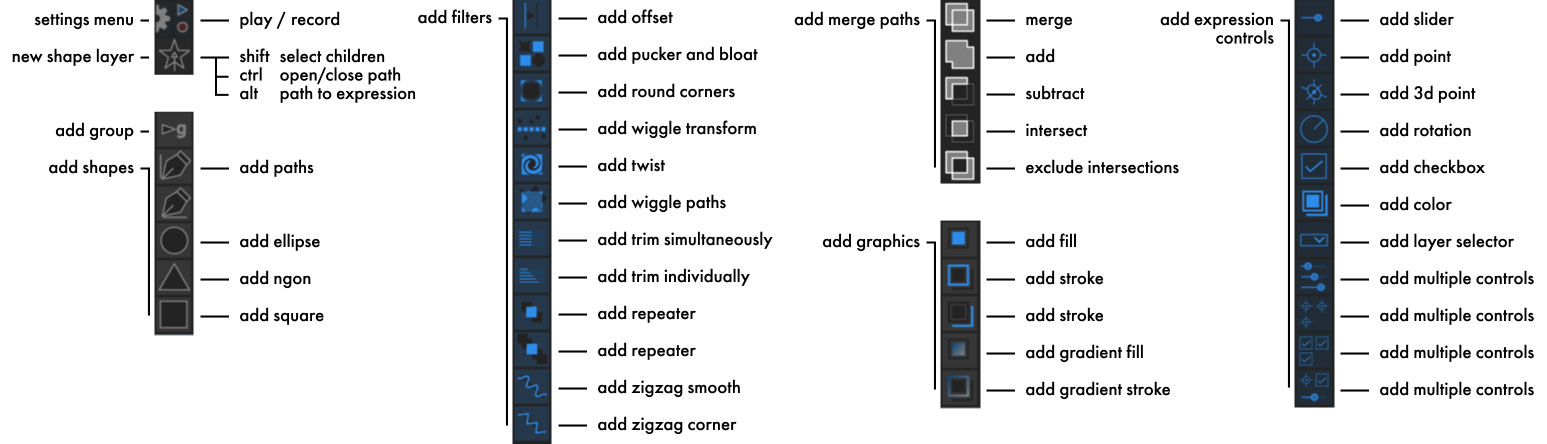
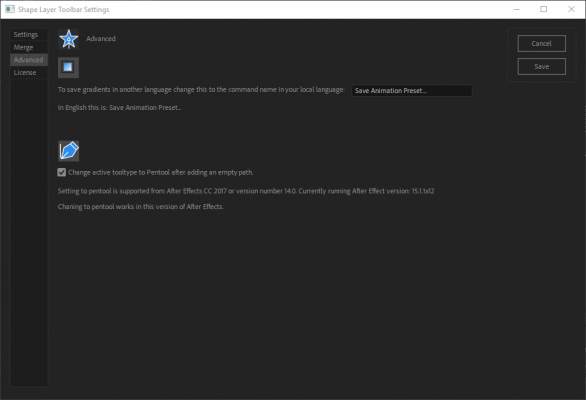
Gradients are supported from CC 2014 (13.0) onwards.
The empty shape autosetting the tool to pentool is supported from CC 2016 (14.0) onwards.
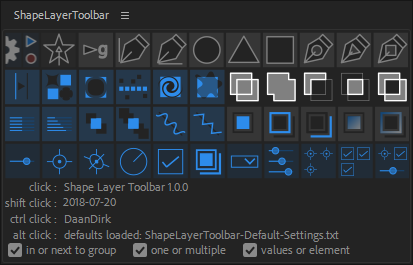
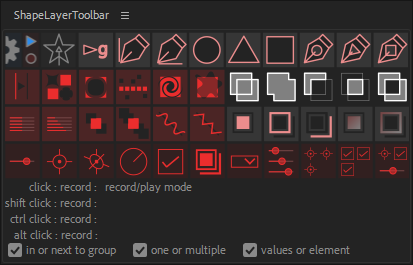
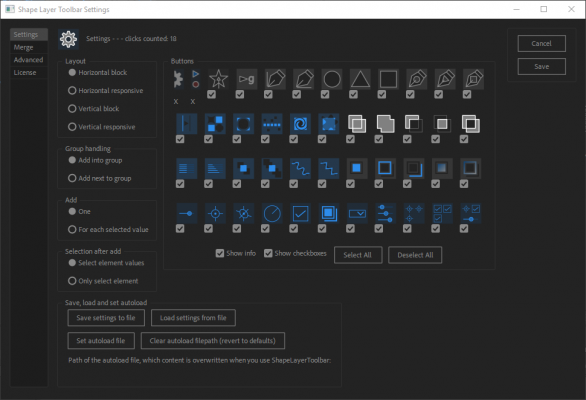
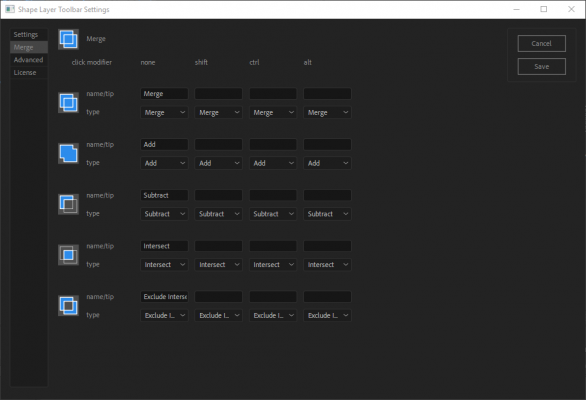
| After Effects | 2023, 2022, 2021, 2020, CC 2019, CC 2018, CC 2017, CC 2015.3, CC 2015, CC 2014, CC |
|---|
1.1.0 (Current version) - Mar 20, 2022
added keyframes support
added taper and wave support
added dropdown expression control support
added function to auto select all groups when making a selection
updated the path to expression function; array is now ordered as: point, inTangent, outTangent
added taper and wave support
added dropdown expression control support
added function to auto select all groups when making a selection
updated the path to expression function; array is now ordered as: point, inTangent, outTangent
1.0.4 - Sep 13, 2019
icons will now show up in CS6, gradients are now backward compatible to CS6
panel preference settings can be overwritten with a text file
icons can be correctly scaled when the display has a different display scaling
vertical layout fixed
compatibility fix for Mac OS Catalina
panel preference settings can be overwritten with a text file
icons can be correctly scaled when the display has a different display scaling
vertical layout fixed
compatibility fix for Mac OS Catalina
1.0.3 - Oct 30, 2018
A bug fix.
Updated documentation.
Updated documentation.
1.0.2 - Sep 9, 2018
Fixed command key for mac
1.0.1 - Sep 6, 2018
Fixed trail mode
1.0 - Sep 6, 2018
Initial Release
-

- Compatibility After Effects
Fraction
Add to CartFraction adds a regular star polygon shape layer. It is very easy and requires no mathematical knowledge.
-

- Compatibility After Effects
TrackerViz
Provides a tool box for visualizing positional data. Indispensable if you do any kind of serious tracking in After EffectsAdd to Cart -
- Compatibility After Effects
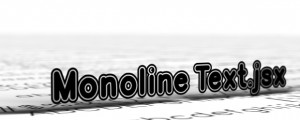
Monoline Text
Monoline Text creates text from a single stroke vector set as mask on solids, shape layers or motionpaths. You can have all on one single layer, separate it by line or have every character as an individual layer.Add to Cart -
- Compatibility After Effects
Geometrize!
Add to CartGeometrize! Recreates images as abstract arrangements of shapes.
-

- Compatibility After Effects
Tool Launcher
Add to CartRun scripts, menu commands and apply expressions, from a searchable list or custom toolbars. Open script interfaces from anywhere in pre-docked panels.
-