
Smart Key Reverse 2
-
Compatibility After Effects Please check exact version compatibility under the "COMPATIBILITY" tab below
 Adding to cart...
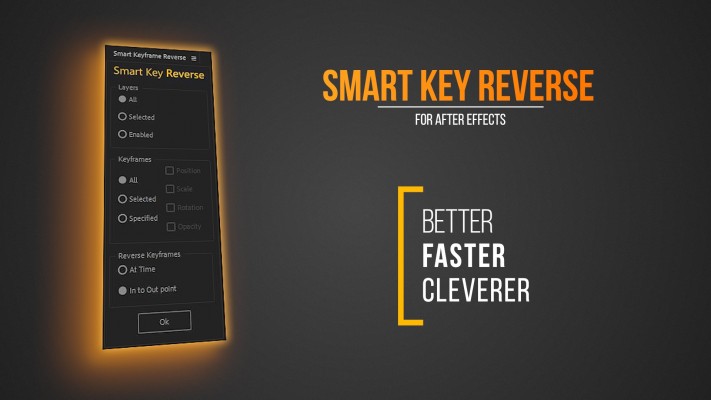
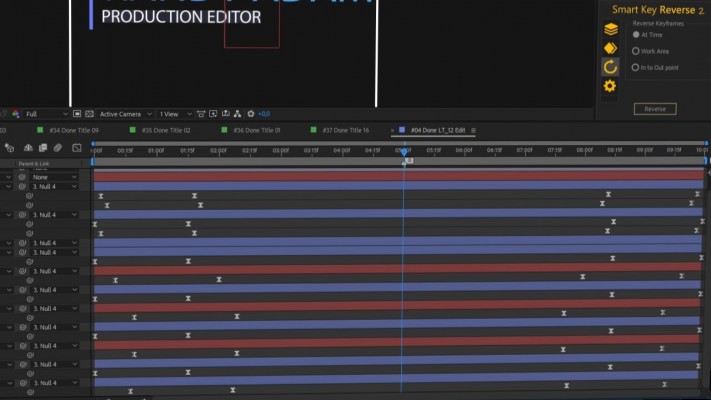
With Smart Key Reverse, you can instantly reverse keyframes for multiple layers and preserve its relative time pattern.
No need to do repetitive actions to create fade out animation. Just use Smart Key Reverse. If you want to work more efficiently, this is very useful tool to reverse any kind of animation in After Effects.
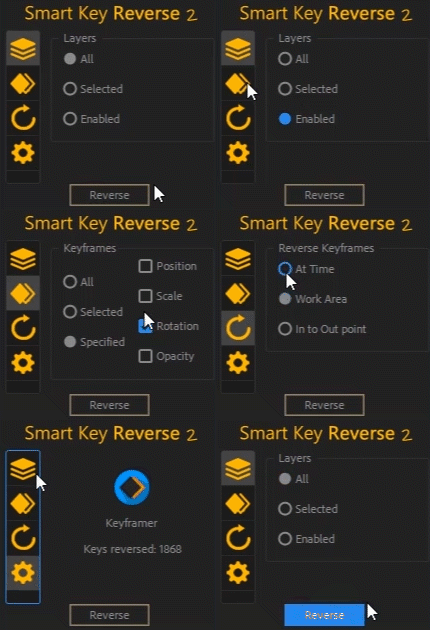
A new compact UI design
Key Features:
Compact and intuitive design
Flexible settings
Different types of reverse
Reverse all or specified propreties
Keyframe counter
Flip complex animation in one click
Full support of Kbar2 extension
Keyboard shortcuts
Reverse all keyframes
Easily flip all keyframes of your complex animation in one click.
You can reverse at time selector, flip keyframes in to out point of each layer to create fade in and fade out animation. To control all step of animation building reverse keyframes in frames of work area.
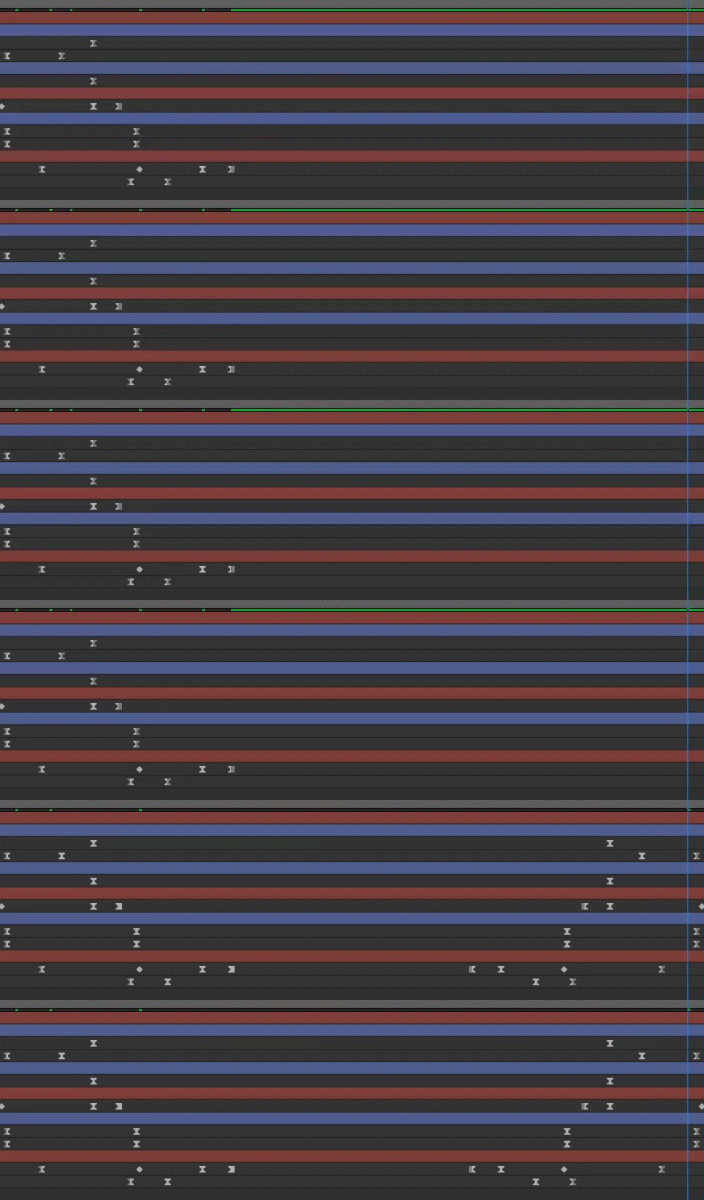
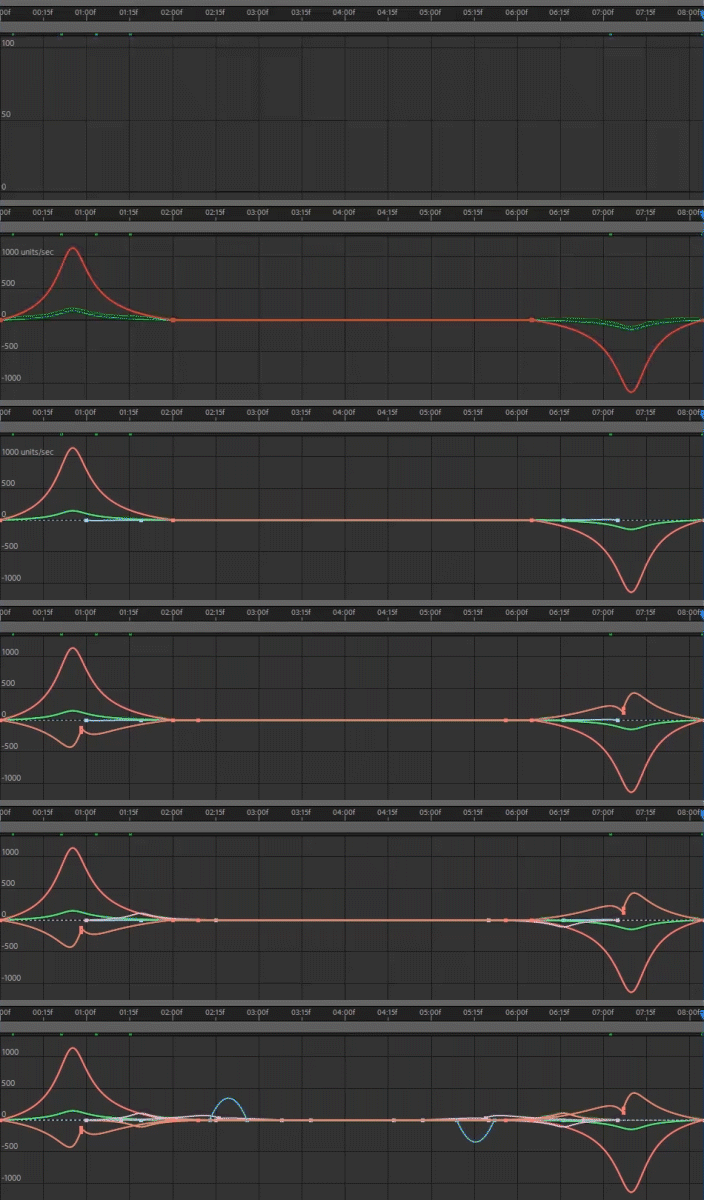
Full keyframe interpolation control
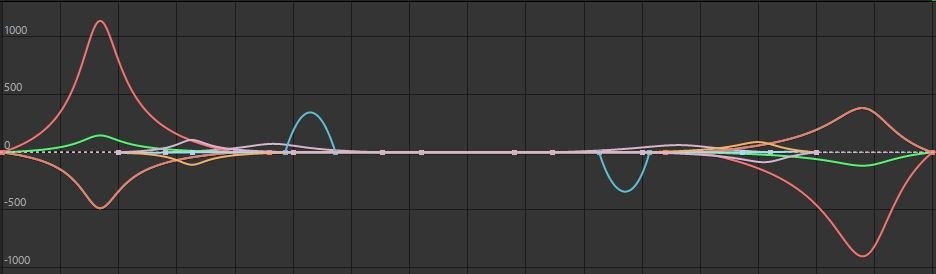
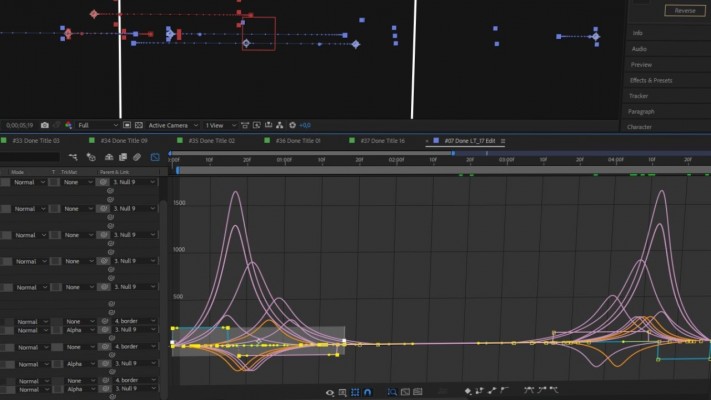
Get reversed animation with precise keyframe interpolation that is fully the same to forward fade in animation. Don't worry about roving keyframes. So you can eaisly create all types of animations
Smart Key Reverse supports all types of keyframes and its interpolation as well as roving keyframes. Add a button to your lovely KBar toolbar to get quick access of the Smart Key Reverse functions
Find easy to use the following types of reverse

At Time Reverse
Reverse your keyframes at current time of the time selector. This is the best way to get more flexibility and to get more control of reverse.

Work Area Reverse
Reverse your keyframes using work area. Find it useful for more specific tasks to make things easier

In to Out Point Reverse
Flip your animation from In point to Out point of layer. It is easy to reverse with complex animation of multiple layers composition with dozens of keyframes
Main Features:
Reverse Types
- Reverse at Time
- Reverse with Work Area
- Reverse In point to Out point
Layers
- All
- Selected
- Enabled
Properties
- All
- Selected
- Specified
Use hotkeys to boost up your creative workflow in After Effects
Use keyboard shortcuts in Smart Key Reverse for all of available features. Just hit 'shift + key' to call corresponding function and quickly reverse necessary keyframes. You can always change your favourite key button in settings between 'SHIFT', 'ALT' or 'CTRL'.
Why do I need to use Smart Key Reverse?
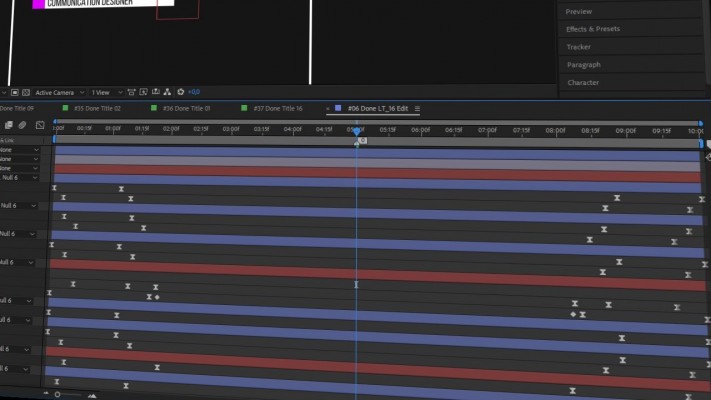
If you work with complex animation whether title, shape or character animation it's rather time consuming process to backward animatioon that contains dozens of keyframes in different layers. Then you immediately realize how many hours you need to waste. But with Smart Key Reverse you can reverse complex animation in one click just in second.
Still in doubt?
Try it on your project right now, and if you don't like it, don't buy it. There is no risk. 100% sure you will like it.
Select manually keyframes you want to reverse

Reverse only selected keyframes
If you need to get more flexibility in your creative workflow you can easily reverse only selected keyframes. Reverse it even if they are located in diffrerent propreties and layers.
Smart Key Reverse will make your life easier!
Try it for free and let Smart Key Reverse to do your boring animation stuff
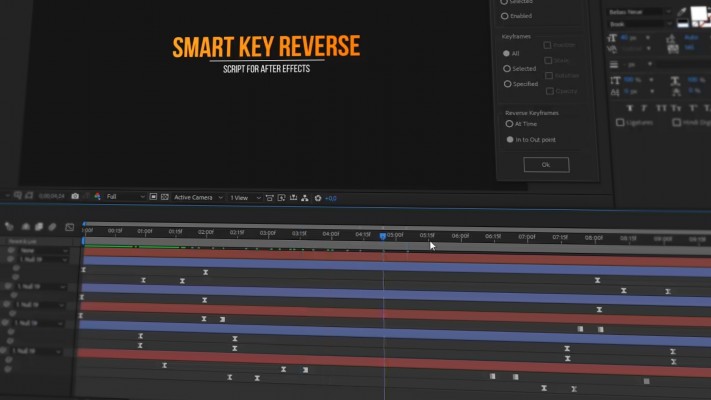
| After Effects | 2021, 2020, CC 2019, CC 2018, CC 2017, CC 2015.3, CC 2015, CC 2014, CC, CS6 |
|---|
2.1.6 (Current version) - Oct 30, 2021
Enhanced stability
Added better compatibility with AE 2021
2.1.5 - Apr 12, 2021
2.1 - Mar 10, 2021
- Fixed tab settings
- Minor changes
2.0.5 - Jan 18, 2021
-Minimal AE version check
-Minor changes
2.0 - Jan 11, 2021
- Work area reverse support
- Kbar support
- Badge level system
- High precise interpolation
- Minor bugs fixed
1.2 - Dec 17, 2020
2. Added roving keyframe support
3. Added check for exceptions
1.1 - Dec 10, 2020
2) Fixed dockable UI
3) Minor improvements
1.0 - Dec 3, 2020
-
- Compatibility After Effects
Newton 4
Add to CartUnleash realistic physics in After Effects with Newton4, transforming 2D layers into authentic simulations of real-world objects.
The trial version is fully functional but export is restricted to 25 frames.
Newton is discounted 50% for students and faculty. More info here. -
- Compatibility After Effects
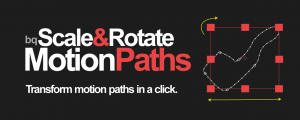
bq_Scale & Rotate Motion Paths 2
Scale and rotate animated motion paths in a couple of clicks.Add to Cart -
- Compatibility After Effects
Squash & Stretch Pro
Add to CartCreate animations in no time with Squash & Stretch, featuring a vast range of ready to use behaviors, carefully handcrafted by professionals and controlled by an intelligent system. This Pro version includes over 60 extra behaviors and 350 extra sound effects and can also be extended with additional behavior bundles.
-

- Compatibility After Effects
Parrot
Add to CartParrot is an animation system for dynamically connecting and offsetting animations. Extremely useful for motion graphics work.
-
- Compatibility After Effects
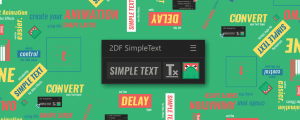
Simple Text
Add to CartSimple Text simplifies text animation in After Effects making it fast and intuitive.
-
- Compatibility After Effects
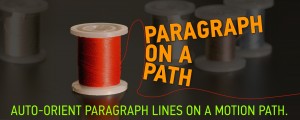
Paragraph on a Path
Add to CartAuto-orient paragraph lines on a motion path.
-

- Compatibility Premiere
Ultimate Titles
Add to CartGenerate title animation procedurally or edit and use pre-generated presets
$44.00 -

- Compatibility After Effects
Express Table
Add to CartNow with improved Table Template functionality and free Table Templates. Generate animated tables from csv data in After Effects with Express Table
$29.90