Local Diffusion
-
Compatibility After Effects Please check exact version compatibility under the "COMPATIBILITY" tab below
 Adding to cart...
 Local Diffusion
Local Diffusion is a Stable Diffusion based image generator and interpolator running locally and native inside AE.
 prompt interpolation example using the latest interactive model
Features
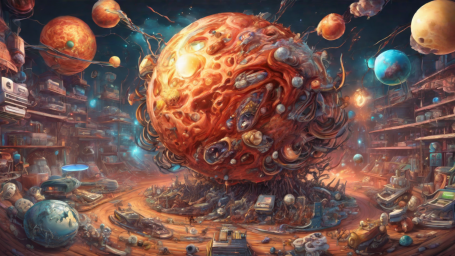
New: Stable Diffusion XL
Versatile prompting

dreamy forest, spring, fairytale vibes, narnia, mystical world, peaceful setting, a calm river, mountains in the background, matte painting panorama, detailed
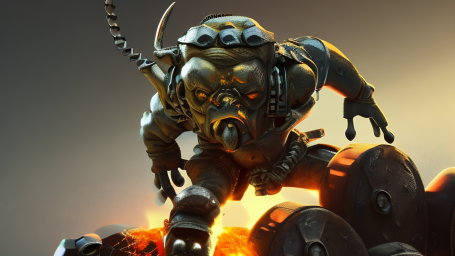
mechanical orc made of metal parts on the battlefield, trending on artstation, dramatic lighting, firesparks

futuristic gigantic city, highly detailed, cinematic, photorealistic rendering, digital skyscrapers, flying cars and spaceships
Interpolate prompts
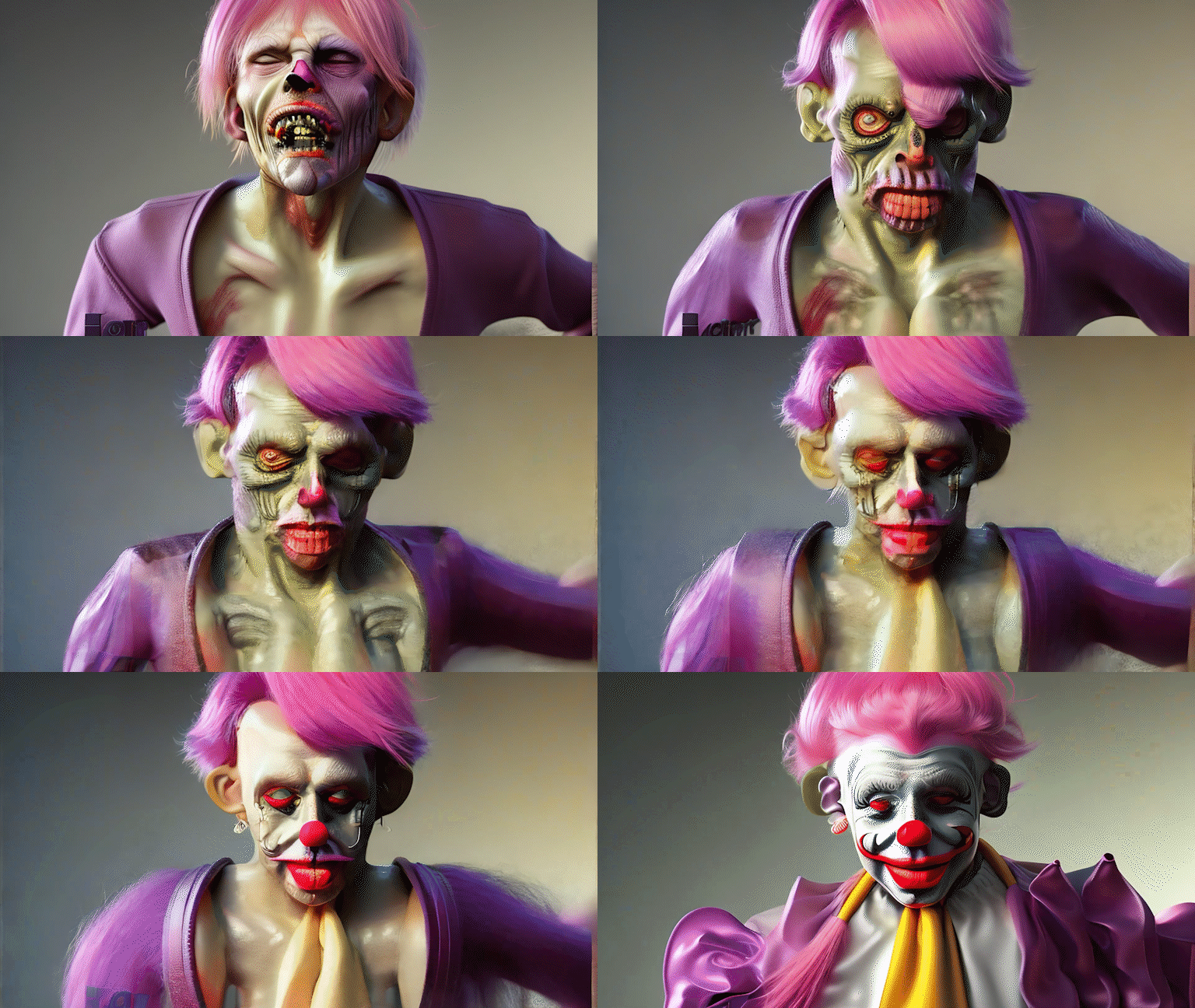 "a zombie" -> "a clown"
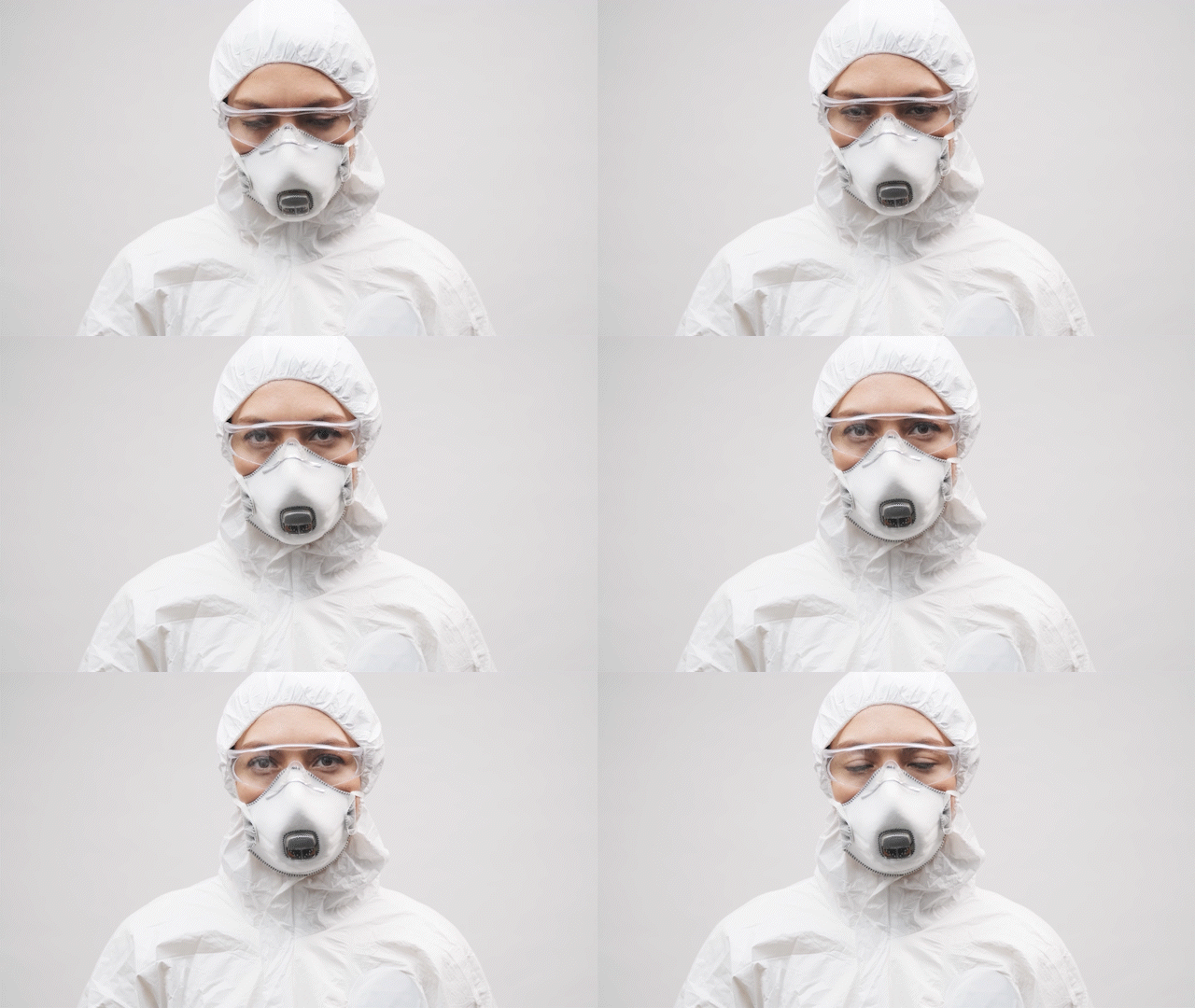
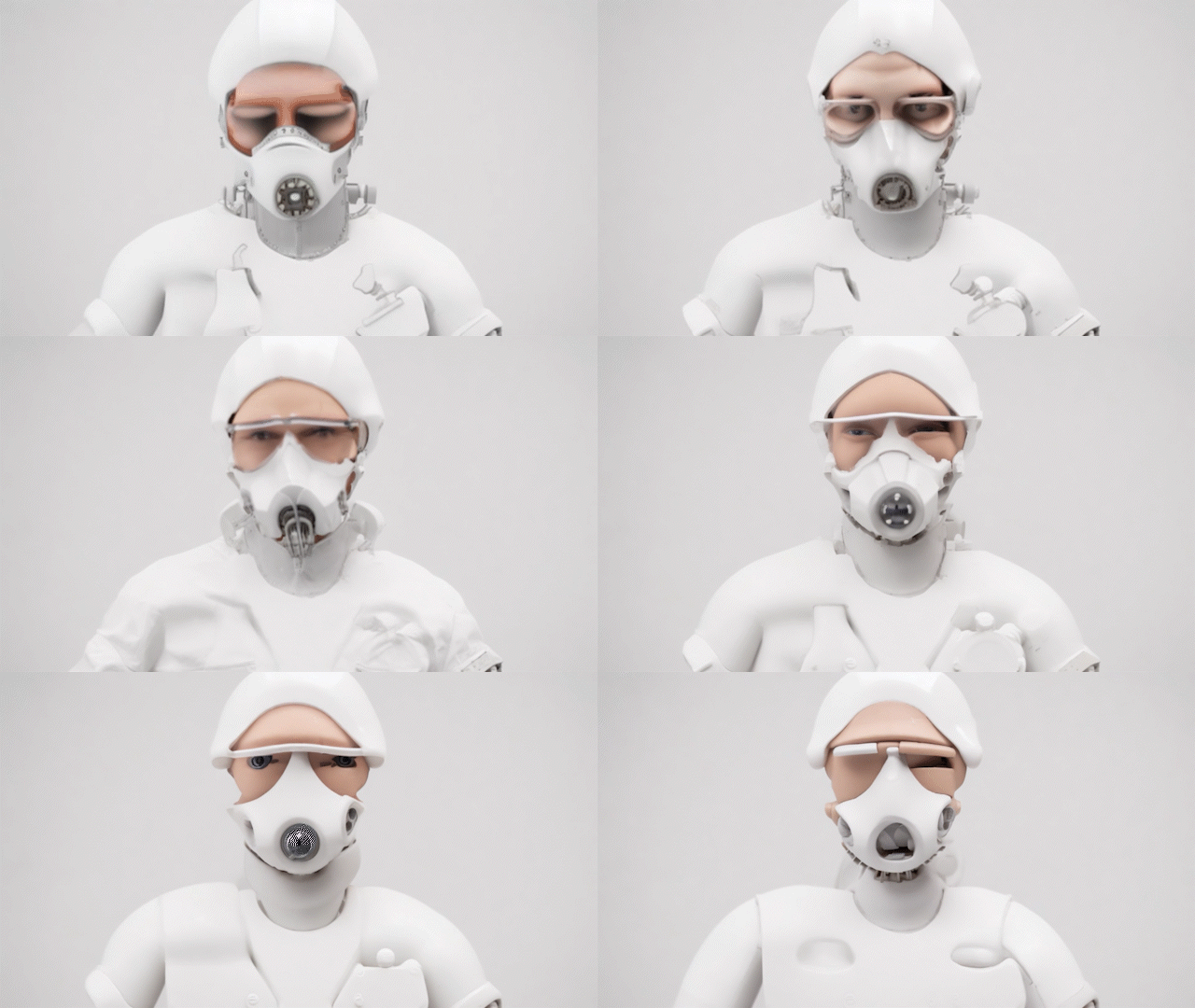
Guide creation by source layer
<- "industrial robot" to "person made of clay"
Full control over generation exposed!
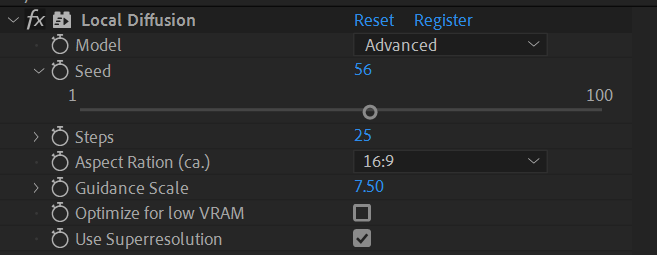
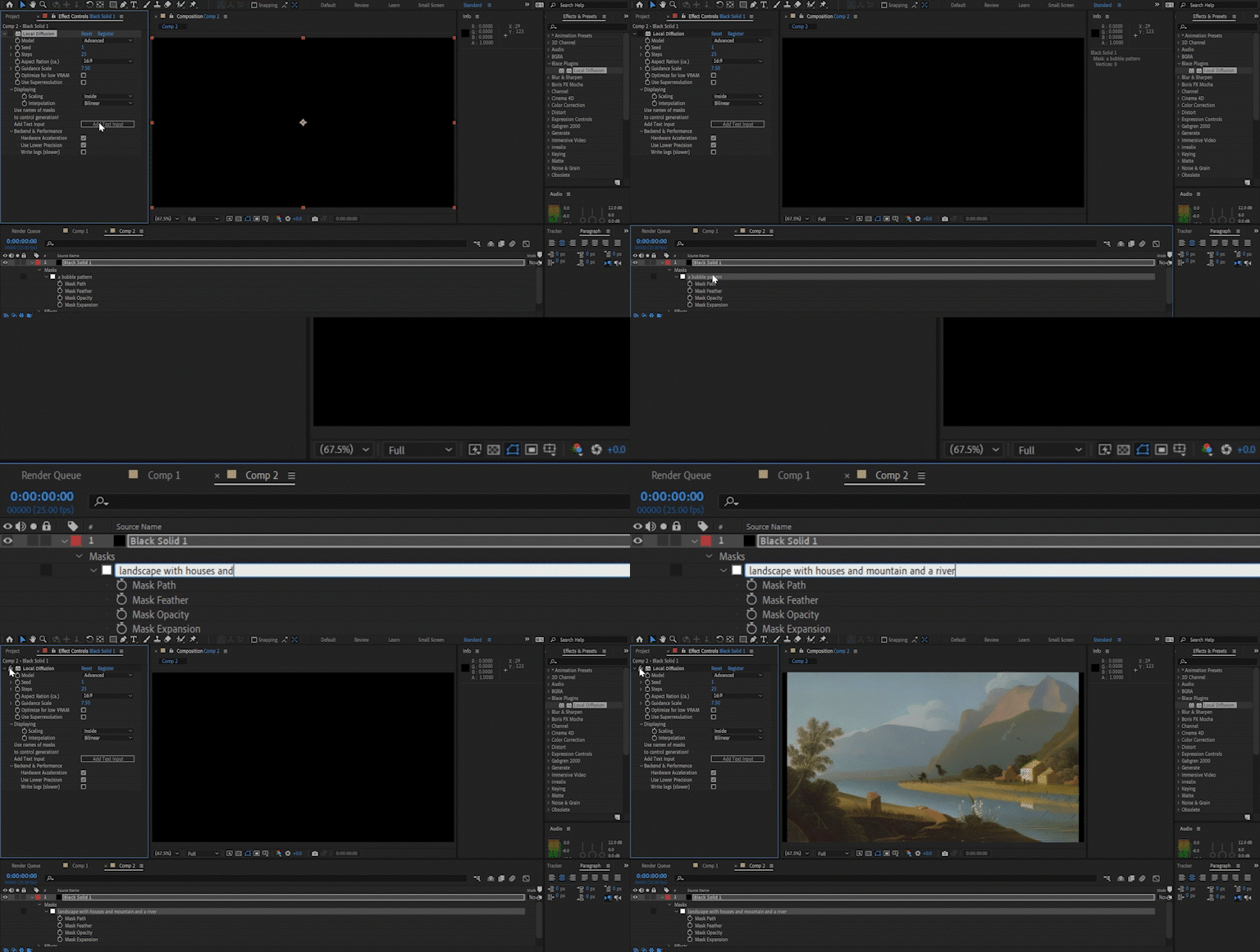
Easy to use and performant
Integrated Superresolution


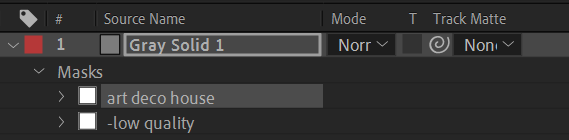
Negative prompts
More features to come...
Hardware support
| cpu mode | hardware acceleration | |
| Windows with NVIDIA GPU | ✅ | ✅ |
| Windows with other GPU | ✅ | ❌ | MacOS ≥ 12.3 (M1/M2 or Intel with AMD GPU) | ✅ | ✅ | MacOS ≥ 11.5 | ✅ | ❌ |
Hardware acceleration will run orders of magnitude faster than the cpu mode.
Tutorials & Documentation
Documentation
Additional Infos
Compatibility
It runs on AE 2022 and above. Please test your configuration using the free trial before purchasing.
Limitations
GPU mode may be not as stable as cpu mode.
On Windows an Nvidia graphics card is needed for gpu version of the plugin.
Trial version
The trial is fully functional with a blue cross watermark which is removed once a valid license is entered.
Credits
Based on research and implementation of Stability Ai.
Social Media

| After Effects | 2024, 2023, 2022 |
|---|
Local Diffusion for Windows
2.1.6 (Current version) - Jul 1, 2024
- ensure proper error logging if startup fails
2.1.6 - Jul 1, 2024
- ensure proper error logging if startup fails
2.1.3 - Apr 29, 2024
- fixed model loading bug
2.0.12 - Mar 11, 2024
2.0.9 - Feb 29, 2024
2.0.7 - Feb 27, 2024
2.0.6 - Feb 16, 2024
2.0.5 - Feb 9, 2024
- better error logging
2.0.2 - Feb 7, 2024
2.0.0 - Jan 4, 2024
- added switch for decoding quality, this setting it to "Preview" will give another speedup
- introduction of a component manager. this allows for flexible installation of older models (https://docs.blaceplugins.com/installation.html#components).
1.6.14 - Nov 28, 2023
1.6.13 - Nov 22, 2023
1.6.9 - Nov 16, 2023
1.6.6 - Nov 7, 2023
1.6.5 - Oct 31, 2023
1.6.4 - Oct 17, 2023
1.6.1 - Oct 16, 2023
1.6.0 - Oct 9, 2023
1.5.6 - Oct 5, 2023
1.5.5 - Oct 5, 2023
1.5.4 - Sep 21, 2023
1.5.3 - Sep 19, 2023
1.5.2 - Sep 12, 2023
1.4.5 - Aug 30, 2023
1.4.3 - Aug 22, 2023
1.4.3 - Aug 22, 2023
1.3.2 - Jul 7, 2023
1.3.0 - May 30, 2023
- fixed bug in base model, This may lead to slightly different outputs than in the last version and therefore breaks backwards compatibility for the "base" model
1.2.0 - May 23, 2023
1.1.0 - May 5, 2023
1.0.0 - May 5, 2023
Local Diffusion for macOS
2.1.6 (Current version) - Jul 1, 2024
- ensure proper error logging if startup fails
2.1.6 - Jul 1, 2024
- ensure proper error logging if startup fails
2.1.3 - Apr 29, 2024
- fixed model loading bug
2.0.9 - Feb 29, 2024
2.0.7 - Feb 27, 2024
2.0.6 - Feb 16, 2024
2.0.5 - Feb 9, 2024
- better error logging
2.0.3 - Feb 7, 2024
2.0.2 - Feb 7, 2024
2.0.0 - Jan 4, 2024
- added switch for decoding quality, this setting it to "Preview" will give another speedup
- introduction of a component manager. this allows for flexible installation of older models (https://docs.blaceplugins.com/installation.html#components).
1.6.14 - Nov 28, 2023
1.6.13 - Nov 22, 2023
1.6.9 - Nov 16, 2023
1.6.6 - Nov 7, 2023
1.6.5 - Oct 31, 2023
1.6.1 - Oct 16, 2023
1.6.0 - Oct 9, 2023
1.5.6 - Oct 5, 2023
1.5.5 - Oct 5, 2023
1.5.4 - Sep 21, 2023
1.5.3 - Sep 19, 2023
1.5.2 - Sep 12, 2023
1.4.9 - Sep 1, 2023
1.4.6 - Sep 1, 2023
1.4.3 - Aug 21, 2023
1.4.3 - Aug 21, 2023
1.3.0 - May 30, 2023
- fixed bug in base model, This may lead to slightly different outputs than in the last version and therefore breaks backwards compatibility for the "base" model
1.2.0 - May 23, 2023
1.1.0 - May 5, 2023
- improve installer
1.0.0 - May 5, 2023
-
- Compatibility After Effects
Slice it Up 2
Procedural and non-destructive way to slice your footage in After Effects. Buy it with the AI or C4D version for a 10% discount or all 3 for a 20% discount.Add to Cart -

- Compatibility After Effects
Concept Buddy
Concept Buddy is a new design workflow that helps you achieve your vision by interacting with AI.Add to CartImportant: It is only available for Windows currently. A macOS version is planned in the future.
-
- Compatibility After Effects
- Compatibility Premiere
ScaleUp
Add to CartEnlarge footage up to 10 times for better quality with A.I. technology.
-

- Compatibility After Effects
Fixel DeLightIT 2
Add to CartFixel DeLightIT is a color correction plugin optimized for correcting the colors in the highlights regions. The result is an image with optimized colors and revealed details in the bright regions. DeLightIT is fast effective and simple to use.
Owners of previous versions of Fixel DeLightIT are entitled to 50% discount..
-
- Compatibility After Effects
- Compatibility Premiere
- Compatibility Final Cut Pro
- Compatibility Nuke
Spectra
Add to CartSpectral light leak & bokeh footage. Buy all 3 for $25. Or get them FREE when you buy Spectra Collection One. You must add them to the shopping cart at the same time as Spectra Collection One. Discount automatically applied in shopping cart.
From: $10.00
-

- Compatibility After Effects
Klutz GPT
Add to CartChat GPT for After Effects. The most unreliable way to write scripts and expressions for After Effects.
-
- Compatibility After Effects
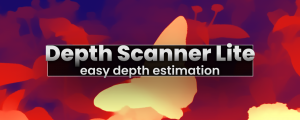
Depth Scanner Lite
Add to CartNow with Depth Anything v2! Artificial Intelligence-based plugin for automatic easy depth estimation. Depth Scanner Lite is a slim variant of our Depth Scanner. It creates depth maps easily.
$49.99 -

- Compatibility After Effects
- Compatibility Premiere
Neural Enhancement Suite
Add to CartNow available for macOS (>11.5) and Windows! Neural Enhancement Suite is an A.I. powered toolset for AI-based video enhancement to achieve results not previously possible in After Effects.
https://blaceplugins.com/product/neural-enhancement-suite/
$79.99 -

- Compatibility After Effects
Depth Scanner
Add to CartNow includes Depth Anything v2. Artificial Intelligence-based plugin for automatic depth estimation. Available for macOS (>11.5) and Windows!
$99.99 -

- Compatibility After Effects
- Compatibility Premiere
Color Grade Prompter
Add to CartA.I. based plugin for easy and fast color grading based on (multiple) textual inputs or image layers with support for LUT export.
$49.99 -
- Compatibility After Effects
- Compatibility Premiere
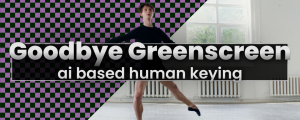
Goodbye Greenscreen
Add to CartNow available for macOS (>11.5) and Windows! Artificial Intelligence-based plugin for automatic human matting.
$79.99 -