Goodbye Greenscreen
-
Compatibility After Effects Please check exact version compatibility under the "COMPATIBILITY" tab below
-
Compatibility Premiere Please check exact version compatibility under the "COMPATIBILITY" tab below
 Adding to cart...
 Now for macOS too!
Goodbye Greenscreen
Hardware support
| cpu mode | hardware acceleration | |
| Windows with NVIDIA GPU | ✅ | ✅ |
| Windows with other GPU | ✅ | ❌ | MacOS ≥ 12.3 (M1/M2 or Intel with AMD GPU) | ✅ | ✅ | MacOS ≥ 11.5 | ✅ | ❌ |
Hardware acceleration will run orders of magnitude faster than the cpu mode.
Features
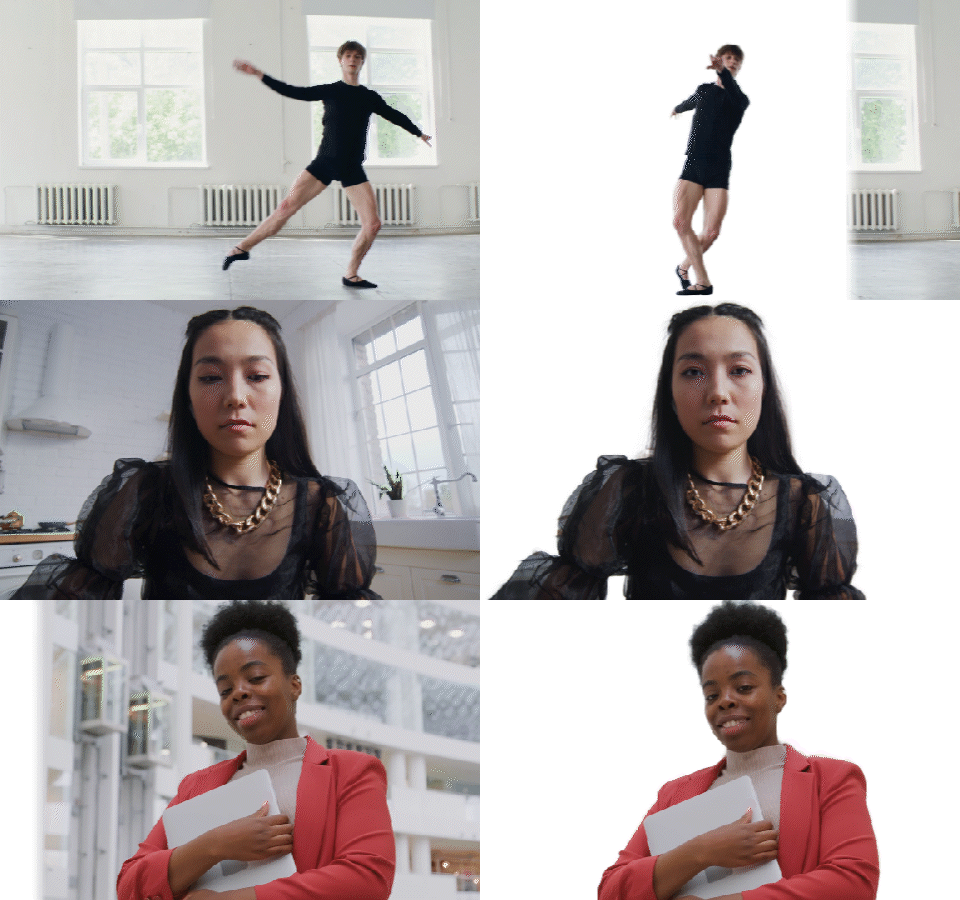
New! Latest model for human based keying.
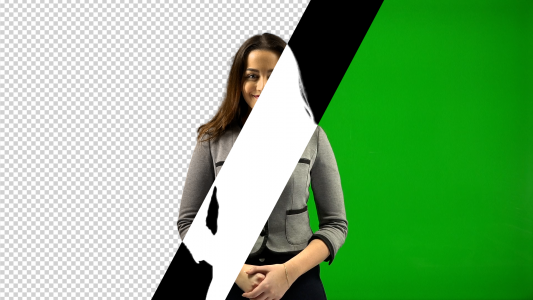
Automasking
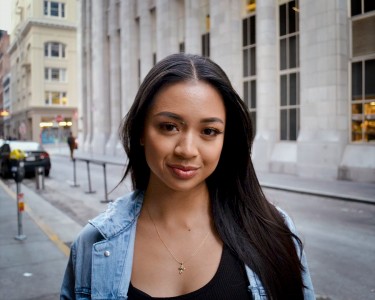
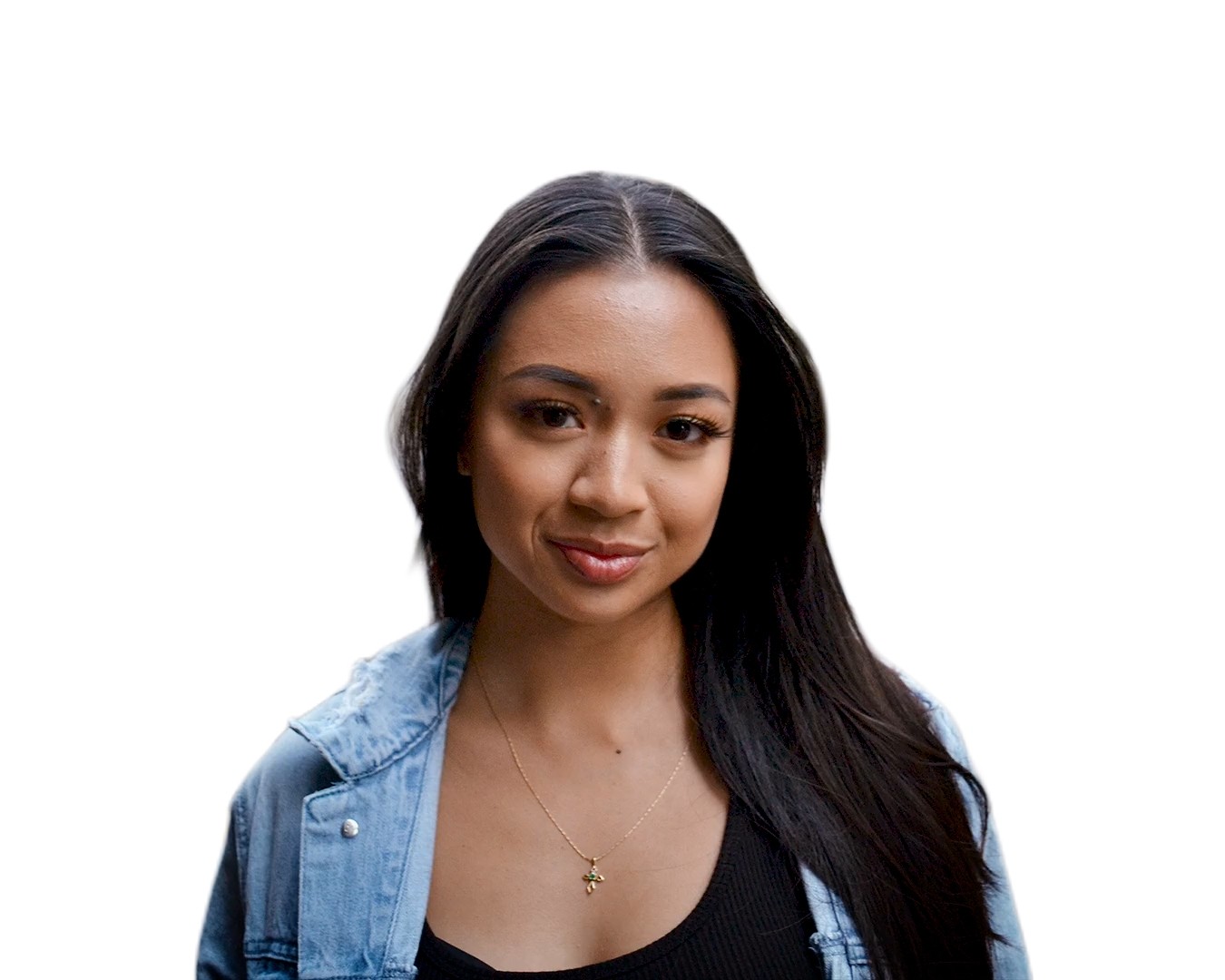
Clean Plate Matting
 Foreground
 Clean Plate
 Resulting matte
Color keying
People are using it
https://t.co/2IjM2xd8Ug
— Yuya Shiroto (@estwire) February 3, 2021
ここにある素材でやってみました。パラメーター調整なし(というか、ほぼパラメーターがない)でこんな感じでした。ちなみに、現状16bitだとアーティファクトが出るので、8bitオンリーです。手軽っちゃー手軽なので、そこまでの精度を求めないYouTube番組とかで...。 pic.twitter.com/C8hVWXlZaN
Goodbye Greenscreenという
— JEROスタ / 映像職人 JERONI毛 郷古哲哉 (@jerotter) February 14, 2021
AEのプラグインをご購入
これがすこぶるスゴかった!!
デフォルトでここまでヌケるってネ申!!!!
※YouTUbeで確認できます。https://t.co/CJMz95FgMv#GoodbyeGreenscreen#AfterEffects#AE #Plugin#JERO#映像職人JERONI毛 pic.twitter.com/sHA3CVDqXL
背景+被写体の前景と、背景のみの後景から被写体のマットを生成するAIベースのAfter Effectsプラグイン、Goodbye Greenscreenの販売を開始しました。2月12日(金)まで30%オフで提供、この機会にご検討ください。なお対応OSはWindowsのみ、After Effects2020でご利用頂けます。https://t.co/j2Fy1GWaH7 pic.twitter.com/rbjmwYOI6g
— Flashback Japan (@flashbackj) February 5, 2021
Tutorials & Documentation
Documentation
Additional Infos
Compatibility
Please test your configuration using the free trial before purchasing.
Limitations
GPU mode may be not as stable as cpu mode.
On Windows an Nvidia graphics card is needed for gpu version of the plugin.
Trial version
The trial is fully functional with a blue cross watermark which is removed once a valid license is entered.
Credits
Based on research and implementation of https://grail.cs.washington.edu/projects/background-matting-v2/#/, https://arxiv.org/abs/2011.11961 and https://arxiv.org/abs/2203.03041.
Social Media

| After Effects | 2024, 2023, 2022 |
|---|---|
| Premiere | 2024, 2023, 2022 |
Goodbye Greenscreen for macOS
1.13.7 (Current version) - Jul 1, 2024
- ensure proper error logging if startup fails
1.13.7 - Jul 1, 2024
- ensure proper error logging if startup fails
1.13.3 - Apr 29, 2024
- fixed model loading bug
1.12.1 - Mar 7, 2024
1.11.21 - Feb 27, 2024
1.11.19 - Feb 27, 2024
1.11.18 - Feb 16, 2024
1.11.17 - Feb 9, 2024
- better error logging
1.11.15 - Feb 7, 2024
1.11.14 - Feb 7, 2024
1.11.13 - Nov 22, 2023
1.11.8 - Nov 16, 2023
1.11.5 - Oct 31, 2023
1.11.1 - Oct 16, 2023
1.11.0 - Oct 9, 2023
1.10.16 - Oct 5, 2023
1.10.15 - Oct 4, 2023
1.10.14 - Sep 21, 2023
1.10.13 - Sep 19, 2023
1.10.12 - Sep 14, 2023
1.10.11 - Sep 11, 2023
1.10.10 - Sep 1, 2023
1.10.7 - Sep 1, 2023
1.10.3 - Aug 21, 2023
1.9.9 - Jun 5, 2023
1.9.8 - May 29, 2023
1.9.7 - May 10, 2023
1.9.6 - Apr 5, 2023
1.9.5 - Feb 28, 2023
1.9.4 - Feb 3, 2023
1.9.3 - Feb 1, 2023
1.9.2 - Jan 31, 2023
1.9.1 - Jan 24, 2023
1.9.0 - Jan 24, 2023
1.8.8 - Nov 28, 2022
1.8.7 - Nov 25, 2022
1.8.6 - Nov 24, 2022
1.8.4 - Nov 1, 2022
1.8.3 - Oct 28, 2022
1.8.1 - Oct 25, 2022
Goodbye Greenscreen for Windows
1.13.7 (Current version) - Jul 1, 2024
- ensure proper error logging if startup fails
1.13.7 - Jul 1, 2024
- ensure proper error logging if startup fails
1.13.3 - Apr 29, 2024
- fixed model loading bug
1.12.4 - Mar 11, 2024
1.12.1 - Mar 7, 2024
1.11.21 - Feb 27, 2024
1.11.19 - Feb 27, 2024
1.11.18 - Feb 16, 2024
1.11.17 - Feb 9, 2024
- better error logging
1.11.14 - Feb 7, 2024
1.11.13 - Nov 22, 2023
1.11.8 - Nov 16, 2023
1.11.5 - Oct 31, 2023
1.11.4 - Oct 17, 2023
1.11.1 - Oct 16, 2023
1.11.0 - Oct 9, 2023
1.10.16 - Oct 5, 2023
1.10.15 - Oct 4, 2023
1.10.14 - Sep 21, 2023
1.10.13 - Sep 19, 2023
1.10.12 - Sep 14, 2023
1.10.11 - Sep 11, 2023
1.10.5 - Aug 30, 2023
1.10.3 - Aug 21, 2023
1.9.9 - Jun 14, 2023
1.9.8 - May 29, 2023
1.9.7 - Apr 17, 2023
1.9.6 - Apr 5, 2023
1.9.5 - Feb 28, 2023
1.9.4 - Feb 3, 2023
1.9.3 - Feb 1, 2023
1.9.2 - Jan 31, 2023
1.9.1 - Sep 9, 2022
1.9.0 - Sep 9, 2022
1.8.0 - Sep 9, 2022
1.7.6 - Sep 7, 2022
1.7.5 - Sep 7, 2022
1.7.4 - Sep 6, 2022
1.7.3 - Aug 27, 2022
- fix parameter display
1.7.2 - Aug 24, 2022
- make logging optional
- bugfixes and performance improvements
1.7.1 - Jul 13, 2022
1.7.0 - Jul 12, 2022
1.6.4 - Jun 23, 2022
1.6.3 - Jun 9, 2022
1.6.1 - Apr 24, 2022
stability
- better multisampling behaviour
1.6.1 - Apr 24, 2022
stability
- better multisampling behaviour
1.6.0 - Feb 16, 2022
- added multisampling
- improved stability and performance
1.5.1 - Dec 7, 2021
1.5.0 - Dec 7, 2021
- improve memory consumption and performance with mode "half"
- added uninstaller
1.4.0 - Nov 1, 2021
- Improved support for Geforce RTX 30xx cards
- Separated GPU version
1.3.0 - Nov 1, 2021
- premiere pro support for color and automask keying
- improved memory consumption on gpu
- installer bugfix
1.2.0 - Feb 5, 2021
- visualization of detected matchpoints
1.1.0 - Feb 5, 2021
- experimental gpu support
- bug fixes
1.1.0 - Feb 5, 2021
- experimental gpu support
- bug fixes
1.1.0 - Feb 5, 2021
- experimental gpu support
- bug fixes
1.0.1 - Feb 2, 2021
- bug fixes
1.0.0 - Feb 1, 2021
-

- Compatibility After Effects
MP4 + Alpha Converter
Add to CartConvert videos with alpha channel to MP4/h264, keeping the background transparent, just with one click.
-
- Compatibility After Effects
Ray Dynamic Color 2
Add to CartThe industry leading Color Palette for After Effects.
$29.99 -
- Compatibility After Effects
Textor
Add to CartCreate stunning text animations in seconds with sliders! Then save and apply them on any text layer!
-
- Compatibility After Effects
Templater Pro Subscription Annual Recurring
Templater Pro extends Templater Rig by offering desktop automation, allowing you to render or replicate batches of versioned compositions using your data source. Monthy Recurring as well as1, 3, 6, or 12 month licenses are also available.Add to Cart$2,250.00 As low as: $1,350.00 -

- Compatibility After Effects
- Compatibility Cinema 4d
- Compatibility Blender
Lockdown 3 for After Effects
Add to CartNew FREE version of Lockdown which allows 1 and 2 point tracking. Lockdown is the original and best plug-in that allows you to track warping surfaces inside After Effects. Lockdown 3 lets you give your mesh 3D depth. Easily send the mesh to Cinema 4D, Blender, and other 3D apps to attach objects, digitally re-light, and more!
Click the TRY button above to download the free version.
-

- Compatibility After Effects
Mobo Super Suite
Add to CartThe ultimate software suite for motion designers and creative professionals. Mobo Super Suite brings together the best tools from Motion Boutique to offer you a limitless creative experience. Get Newton 4 + Connect Layers PRO + Pastiche 2 + Plotter + Mobo_Utils + AutoStereogram + LayerGenerators at an amazing price!
Regular Price: $538.05
Special Price: $399.99
-

- Compatibility After Effects
- Compatibility Premiere
Neural Enhancement Suite
Add to CartNow available for macOS (>11.5) and Windows! Neural Enhancement Suite is an A.I. powered toolset for AI-based video enhancement to achieve results not previously possible in After Effects.
https://blaceplugins.com/product/neural-enhancement-suite/
$79.99 -
- Compatibility After Effects
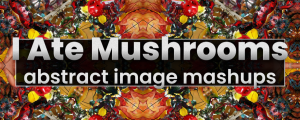
I Ate Mushrooms
Add to CartNow with Text-to-Image mode! Available for macOS (>11.5) and Windows! ! A neural network based image and noise generator.
$49.99 -
- Compatibility After Effects
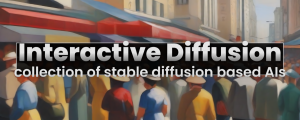
Local Diffusion
Add to CartText-to-image generator based on Stable Diffusion.
$49.99 -

- Compatibility After Effects
- Compatibility Premiere
Color Grade Prompter
Add to CartA.I. based plugin for easy and fast color grading based on (multiple) textual inputs or image layers with support for LUT export.
$49.99 -

- Compatibility After Effects
Depth Scanner Lite
Add to CartNow with Depth Anything v2! Artificial Intelligence-based plugin for automatic easy depth estimation. Depth Scanner Lite is a slim variant of our Depth Scanner. It creates depth maps easily.
$49.99 -