
Multi Parent Rigging
-
Compatibility After Effects Please check exact version compatibility under the "COMPATIBILITY" tab below
 Adding to cart...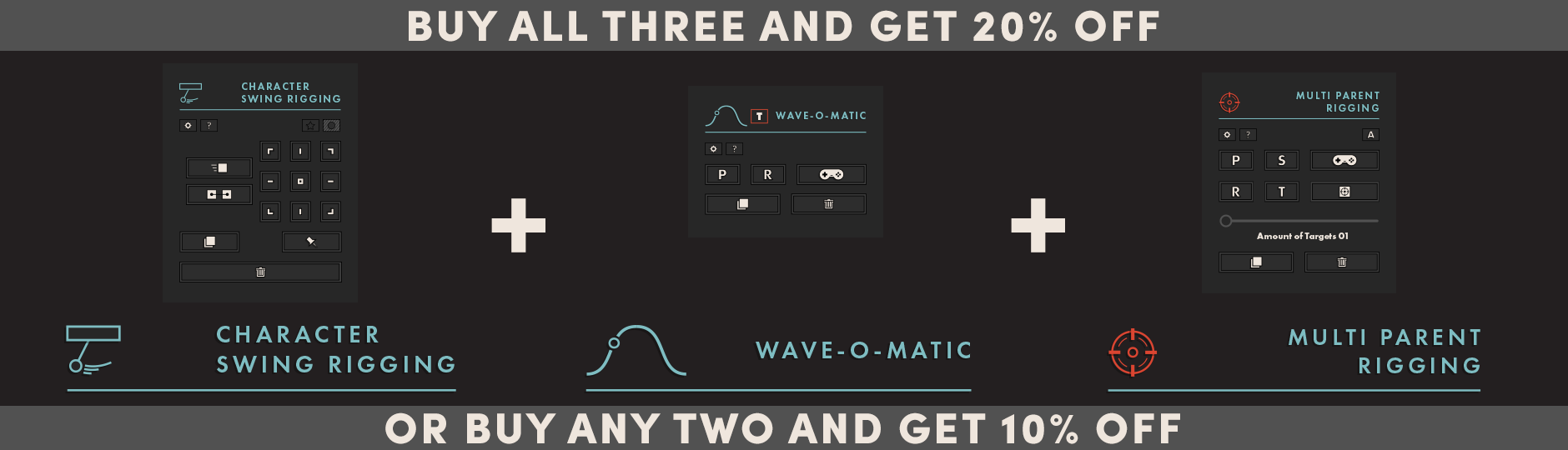
Character Swing Rigging + Wave-o-Matic + Multi Parent Rigging
Discount is automatically added in the shopping cart. Volume licenses do not qualify.
What is Multi Parent Rigging?
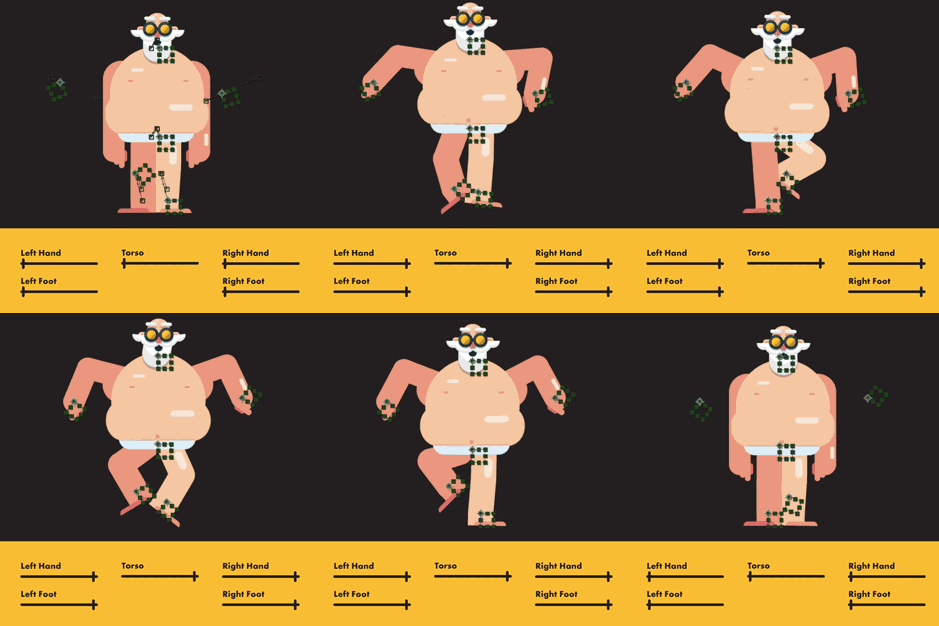
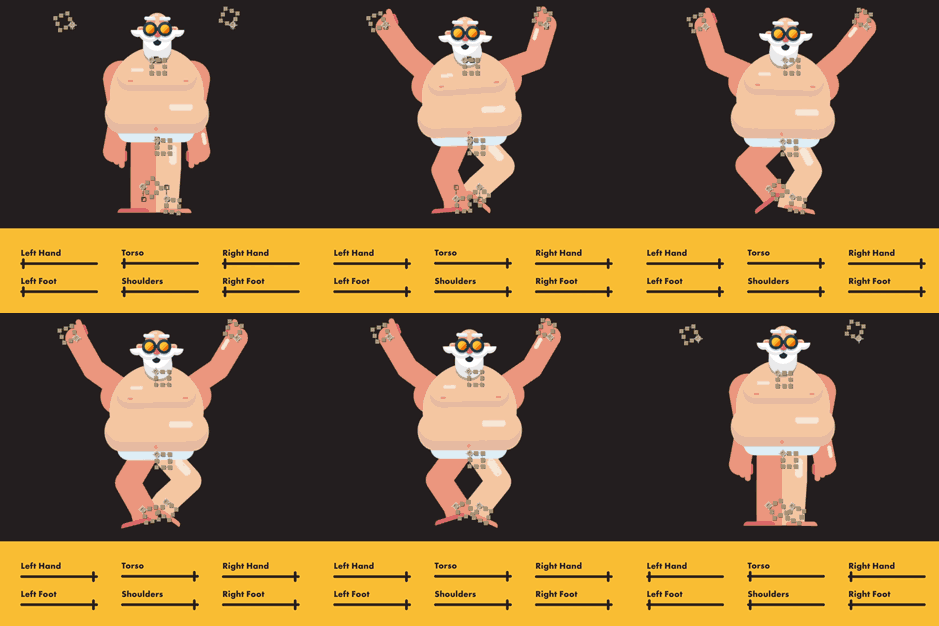
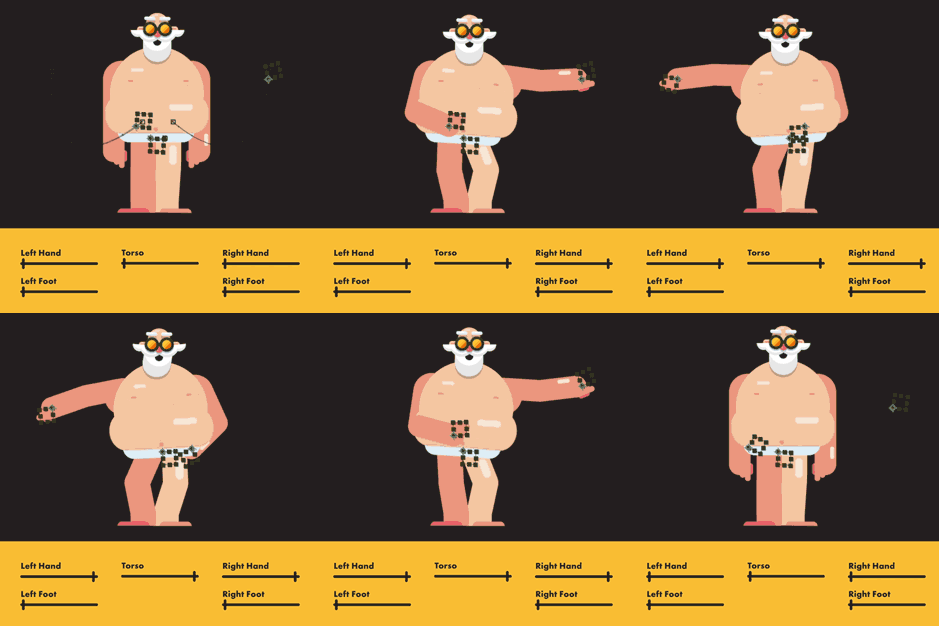
Multi Parent Rigging brings modular animation to after effects. It allows you to create additional Parented transform properties ( position, rotation, scale, opacity ) that connect to any other layer. With a global slider to control all properties or individual sliders in the advanced settings you are able to Parent each property smoothly to that of another layer, no matter if its 2D, 3D, hidden, locked, parented, or even a child. It’s easy to set up, easy to use and allows you to combine different parented properties from different layers, or the same layer at different times, or at the same time. Give it a spin, this is something you won't regret.
What is modular animation?
Modular animation is what it sounds like. Animation, that is modular. Modular is the term in which something can be added to something else, most times to improve its capabilities. Currently, animations are made using keyframes set on the properties of that layer. This means trying to create smooth transitions from walk cycles to jumps, becomes a very time consuming, very fiddly, and ever so annoying thing to create. Not, only that but once you’ve created the jump and run it’s almost impossible to re-use what you just made.
Modular animations change all of that. Instead of creating the keyframes on the main layers, you instead create them on null objects. In which you can then use one of the sliders to connect your rig to that layer at any time. Meaning if you wanted your character to jump, you simply animate null objects to make your character jump, and at the time you want it to happen you use the slider to connect your character to the nulls. And BOOM your character jumps.
Another example is when you want your character to grab something. Holding something with keyframes is… a pain at best. Having to double the number of keyframes needed, not only on the moving object but the arms about to hold it. Well, all that stops now! You simply animate your moving object and use a slider to connect your arms to it. And hey presto… you're done.
This is not limited to just character animation. But, all animation in general. Allow your layers to be controller by parented properties.
Works with Parented layers
Doesn’t matter if your layer is parented or your target layer is parented, either way, it will always work. If you have keyframes on your current layer, as the slider starts to move, it’ll start to ignore them.
Fed up with the Parenting tool?
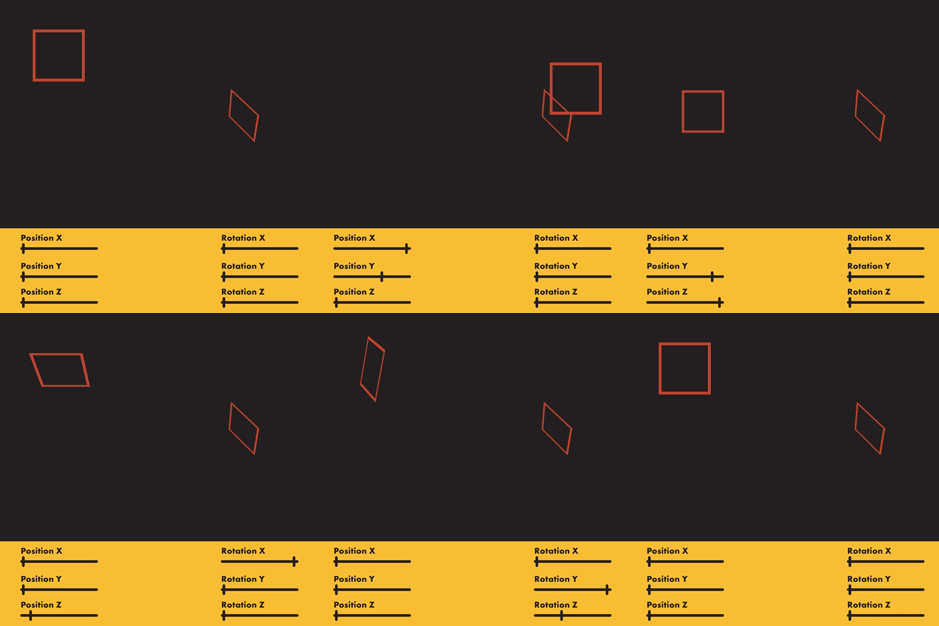
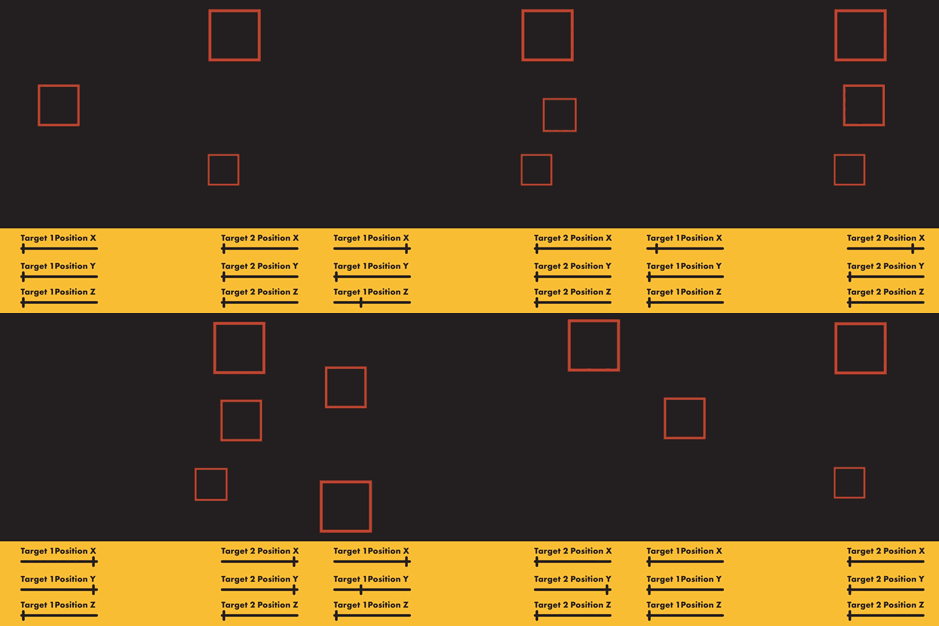
Ever wanted to tie 1 part of a property to something else? Tried parenting it to a layer and having it do everything you didn’t want? Well, now that can all be solved. By using Multi parent Rigging, you are able to set up to 10 parents in which you can use any part of their properties smoothly and easily. Even down to constraining itself to it’s Parents X position only, or if you are feeling crazy you can even Parent to the opposite rotation of Y.
With simple to use settings, you are able to speed up your entire animation workflow. Grab it now, and let's see what you can create!
Connect anything
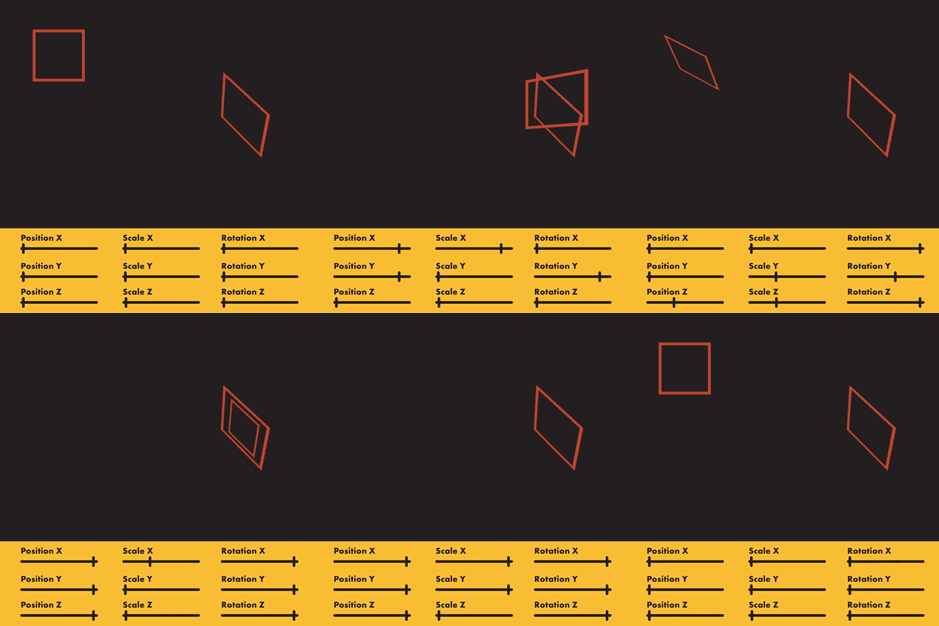
Use all the sliders available to create interesting and dynamic animations. Play with what you want to follow and what you don’t. It’s all down to you.
Features
- Add up to 10 additional parents to any layer
- Globally control position, rotation, scale, opacity with 1 slider
- Have individual control over the position X, Y, and Z
- Have individual control over the rotation X, Y and Z & invert
- Have individual control over the scale X, Y and Z & invert
- Have individual control over the opacity & invert
- Works with layers that already have expressions
- Can create a controller layer
- Works in 3D automatically
- Auto-generate targets to be used as Parents
- Works with already parented layers
- Works even if it is parented
- Works without keyframes
- Works with keyframes
Trial Restrictions
Trial mode limits the maximum allowed Parents to 2. It also limits the properties to only the position and opacity. It also limits you to the non-advance settings.
| After Effects | 2020, CC 2019, CC 2018, CC 2017, CC 2015.3, CC 2015, CC 2014, CC, CS6 |
|---|
1.4.5 (Current version) - Aug 27, 2020
1.4.4 - Jan 9, 2020
1.4.3 - Nov 1, 2019
1.4.2 - Jan 25, 2019
1.4.1 - Dec 3, 2018
1.4 - Dec 3, 2018
1.2 - Oct 27, 2018
Added the ability to change the name of the Parent within the Effects Panel:
Naming convention is as follows - "something_Parent 1"
or
"something_something_Parent 1"
Add any name you like to the start of the Parent effect. However, make sure to use an _ ( underscore ) for any spaces in the name, also make sure you keep the "Parent *" at the end
1.0 - Aug 13, 2018
-

- Compatibility After Effects
CursorKit
Add to CartCursorKit is a tool to create cursor elements with animation for your UI video prototypes. Free your time of repetitive actions!!
-
- Compatibility After Effects
Fresh Trim
Add to CartNEW: Five new trim modes. Fresh Trim is designed to help keep your timeline organized by trimming layers quickly according to a variety of attributes.
-

-

- Compatibility After Effects
Morganite - Animated Typeface
Add to CartMorganite is a practical compressed typeface with great legibility. With a sleek urban style often found in movie posters and high-end fashion, it's great for branding, posters, titles, and headlines. Its compressed design helps you fit more text into limited spaces.
Order 4 or more Animography Typefaces and save 25%. -

- Compatibility After Effects
Volume n' Tricks 2
Add to CartCraft Breathtaking Animations in Faux-3D, compatible with Lottie Files.
Isometric Extrusion on Multiple Layers at Once.
Isometric Projection., Grid and moves.
Parented Isometric Shadows.
Pivot/Rotation Feature.
And more! -
- Compatibility After Effects
TinkerType
Break up animations, and have full control. All in just one text layer.Add to Cart
-
- Compatibility After Effects
Character Swing Rigging
Add to CartCreate quick and easy advanced secondary character animations for, hair, clothes, fur, ears, tongues, + many more
$29.99 -
- Compatibility After Effects
Wave-o-Matic
Add to CartCreate quick, and easy advance wave based motion on any layer in 2D or 3D. For, anything that needs to move.
$24.99 -
- Compatibility After Effects
RIGOMATOR
Add to CartBuild, Save, and Share custom animation templates extracted from your characters to be used with any character regardless of size or dimensions. Open the door to the future because this is it
$39.99